
Best 4K Monitors for Movies in 2026: A Buying Guide
Disclosure: We may earn a commission when you buy through links on this page, at no extra cost to you. As an Amazon Associate I earn from qualifying purchases. Learn more
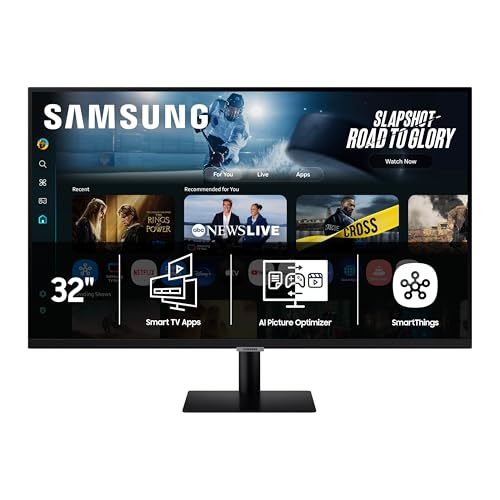
Compare the best 4k monitors for movies by panel, HDR, size and sound, with clear guidance on ports, viewing distance and setup for your room and budget.
A movie can look flat on a monitor that was chosen only for sharpness. Dark scenes lose detail, faces shift color from the side, and quiet dialogue gets lost in weak speakers. The best 4k monitors for movies fix those problems with strong contrast, accurate color and a size that suits your seating. Use the product table below to check panel type, HDR support and ports.
This guide is built around how films are actually watched, from dark rooms to shared seating and small desks. It explains which specs change the picture and which matter less, with choices and checks rather than product reviews.
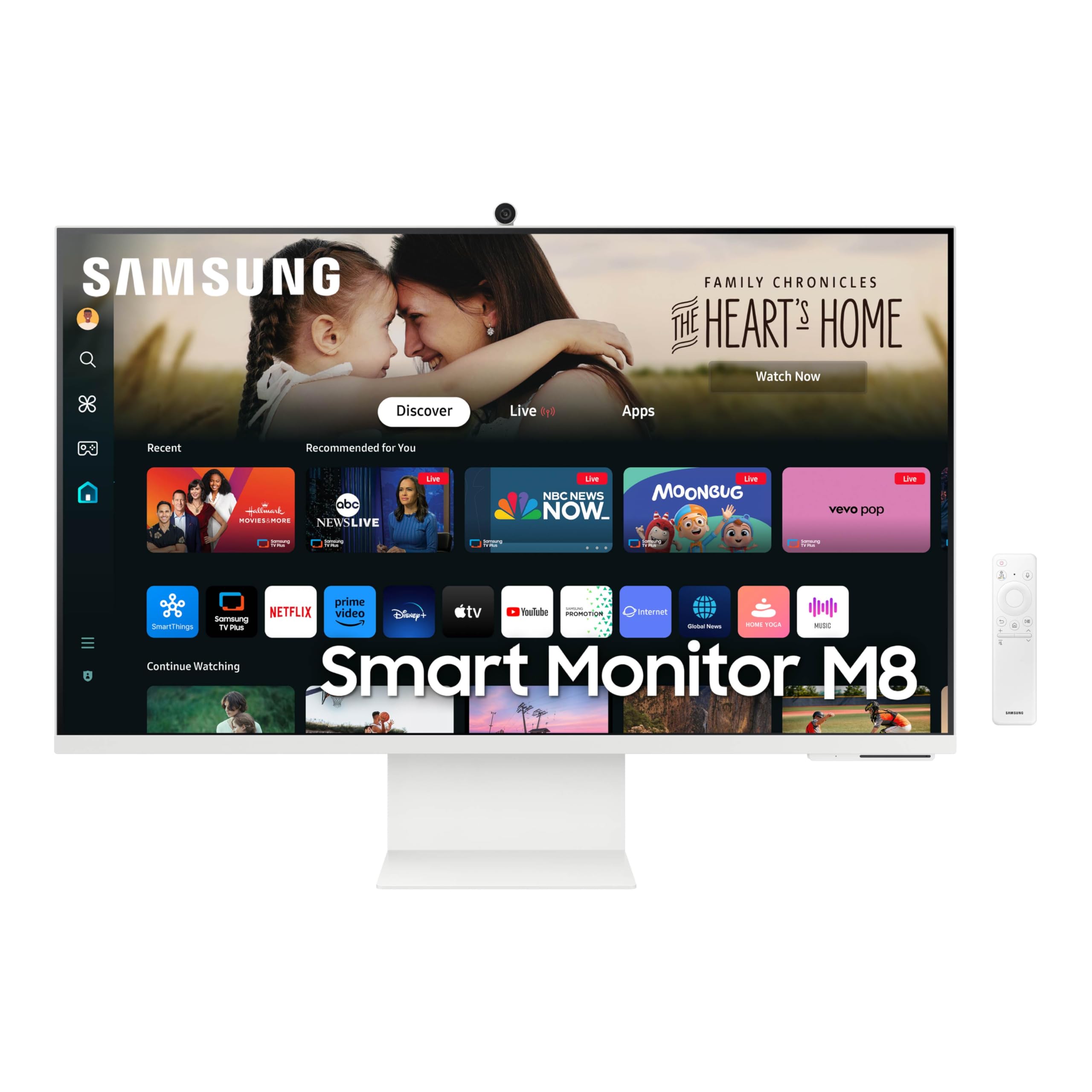
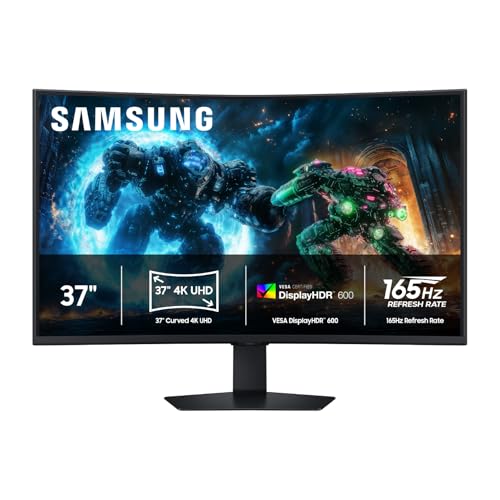
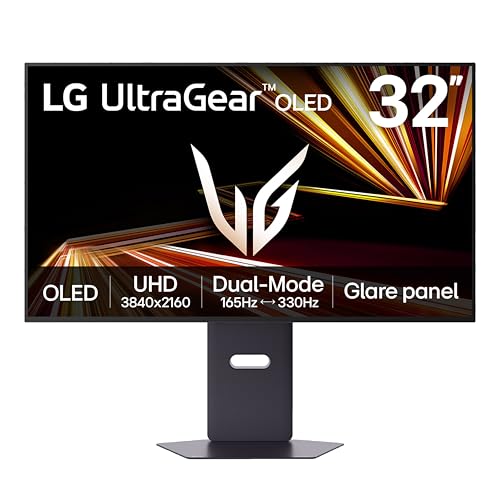
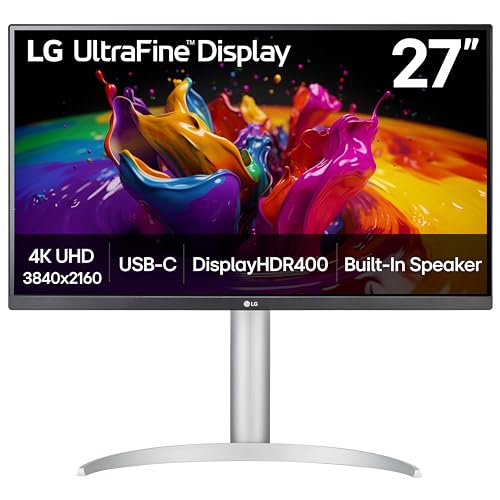
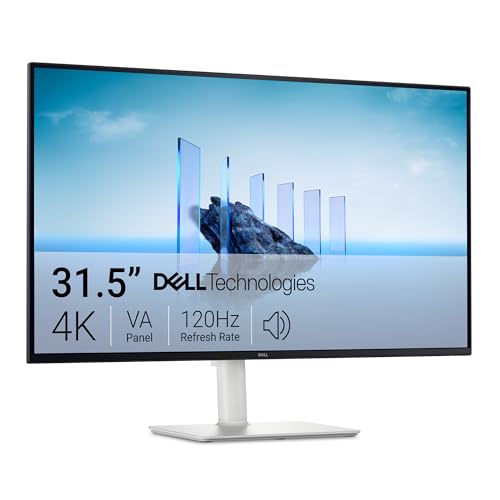

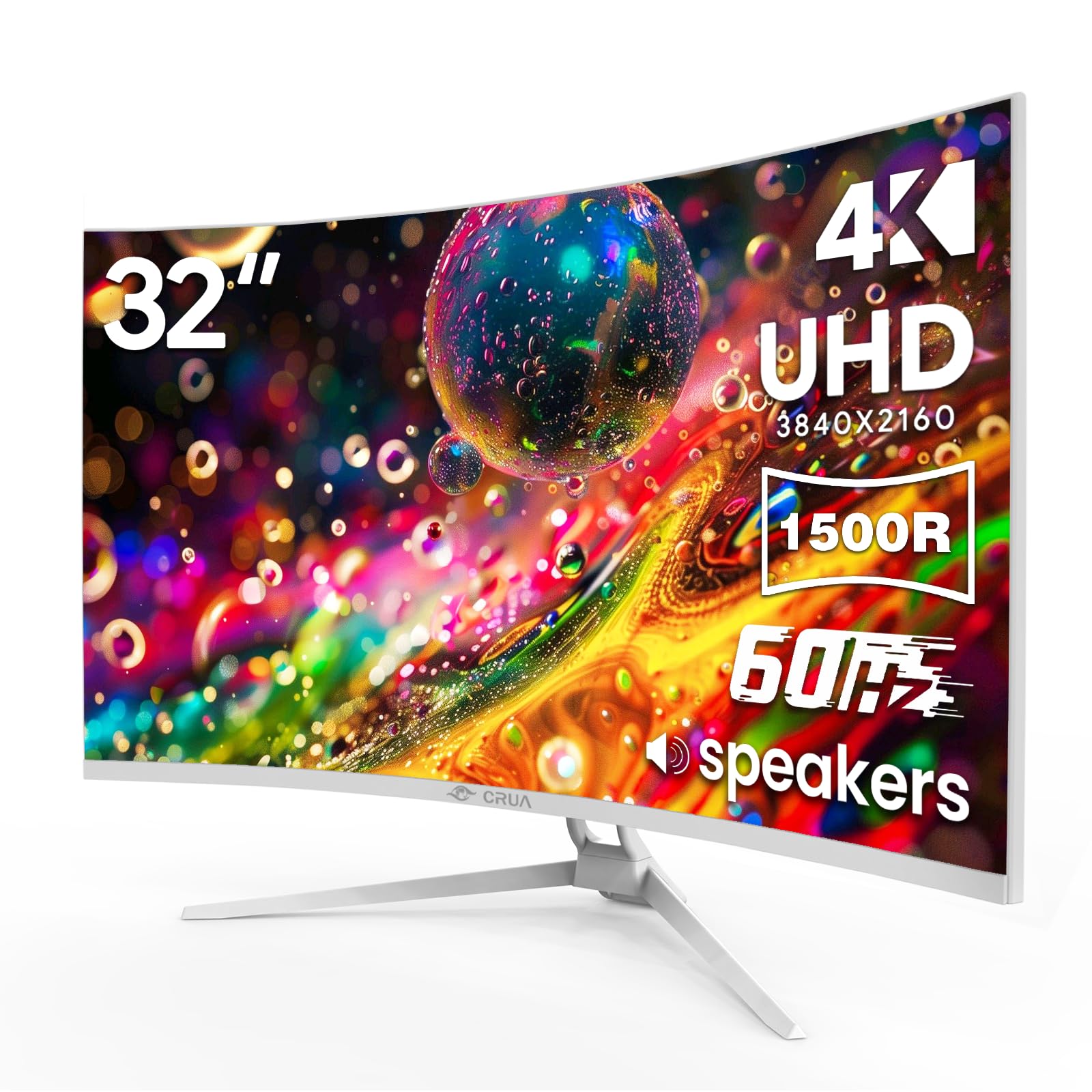
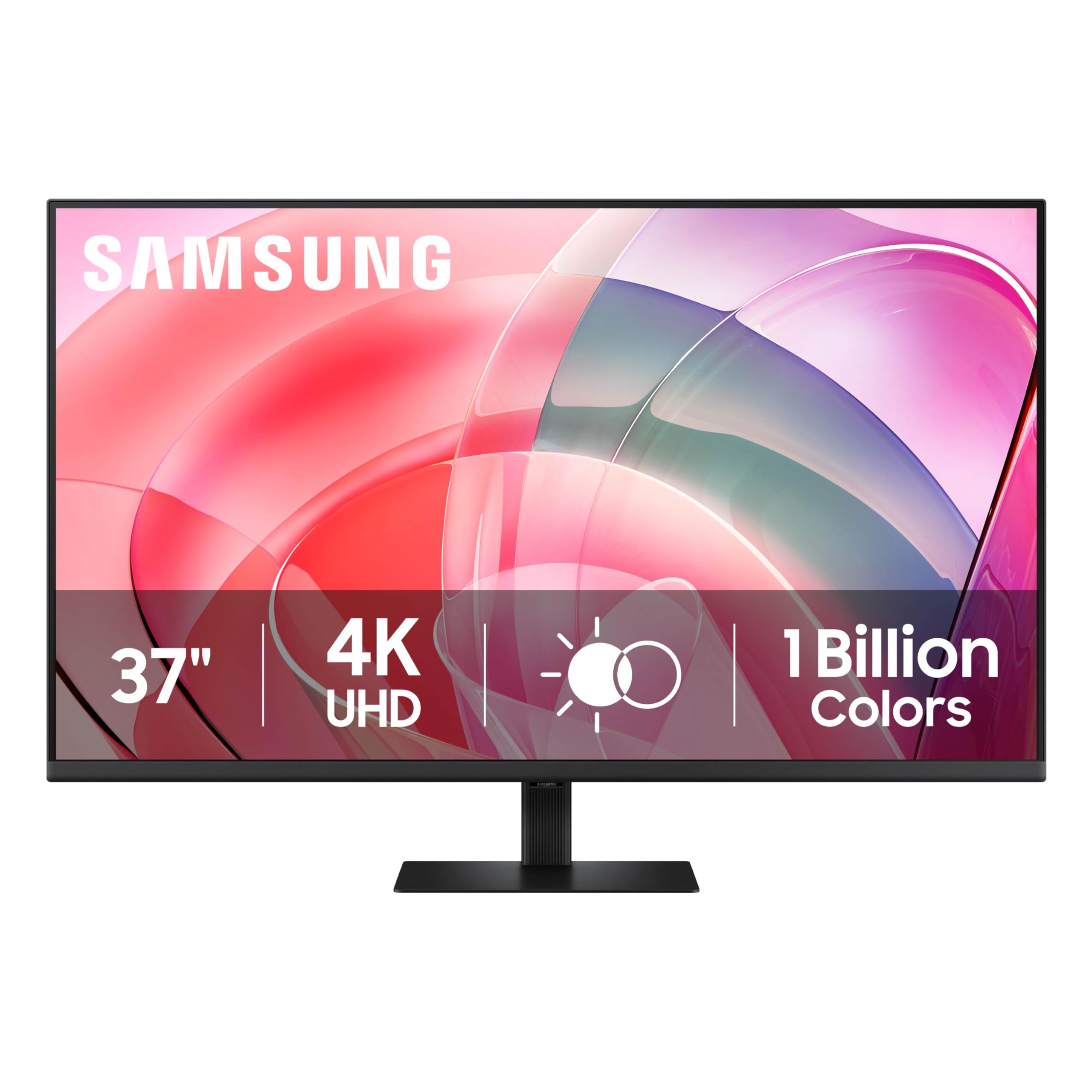
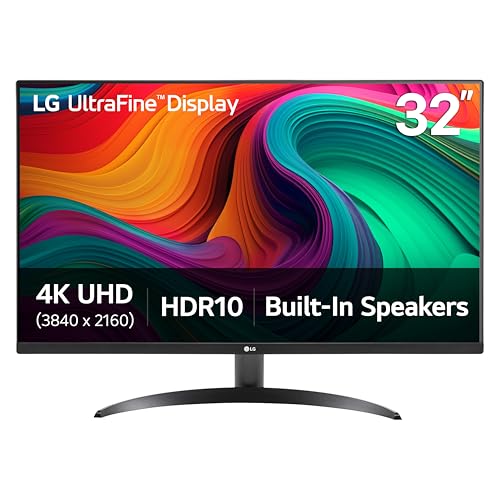
Who Should Buy a 4K Monitor for Movies?
Choose by room and seating first, because the same screen can feel perfect at a desk and too small from a couch.
Dark Room Film Lovers Who Value Deep Blacks
You watch with the lights low and you notice gray blacks in night scenes. Put contrast at the top of your list and favor OLED or a VA panel with strong local dimming. Plan on a soundbar, because thin speakers rarely carry a full soundtrack.
Groups Watching Movies From a Couch or Bed
You share the screen, so nobody sits in the exact center for the whole film. Choose a wide viewing angle panel, such as IPS or OLED, so color holds up from the side seats. If distance makes fine 4K detail hard to see, see our guide to the best monitors for movies for a broader look at screen choices beyond 4K.
Desk Viewers in Small Rooms and Dorms
You watch at a desk in a bedroom, dorm or small apartment, often from about two to four feet away. A screen of 27 to 32 inches gives a large picture without forcing you to turn your head. If the same desk serves work and films, see our guide to the best 4k pc monitors for desk options.
Key Features to Compare
When you shop for the best 4k monitors for movies, start with contrast and HDR, then check size, motion, sound and connections in that order.
Panel Technology and Contrast for Movie Scenes
Panel type sets the ceiling for movie quality. OLED pixels turn off on their own, so black bars and night skies can stay truly black. VA panels also give deep blacks, though color can shift more from the side. IPS panels hold color well for shared seating but often show lighter blacks. Mini LED backlights use many zones to lift brightness while keeping dark areas dimmer.
HDR, Peak Brightness and Color Range
A film with HDR carries more detail in bright windows, firelight and deep shadow than a standard picture. Look for support for the HDR formats your services and player actually send, such as HDR10 or Dolby Vision, and for a wide color range so colors stay rich without looking forced. Higher peak brightness helps in a lit room, while strong local dimming matters more in the dark.
Screen Size, Resolution and Viewing Distance
4K resolution packs four times as many pixels as 1080p, so faces and small subtitle text stay clean when you sit close. At a desk, 27 to 32 inches is the usual sweet spot, while 40 to 43 inches suits seating that sits farther back. Measure your viewing distance first, then choose the largest size that fits your space.
Refresh Rate and Motion Handling for Film
Most films run at 24 frames per second, so a movie monitor does not need game level speed. What matters is clean handling of that rate without judder or a smoothed look that makes film feel like live video. A 60 Hz screen suits pure movie use, while a 120 Hz screen can divide 24 evenly and often feels steadier. Turn motion smoothing down or off if faces look waxy.
Sound and Smart Features for Streaming Movies
Most monitors put picture first and sound second, so built in speakers often sound thin for dialogue. Check speaker output if you plan to rely on it, and look for a headphone jack or an HDMI port with eARC if you want to add a soundbar later. Few monitors carry a full smart TV platform, so most viewers stream from a laptop, a player or a streaming stick.
Hooking Up Players and Sound for Movie Nights
Count your sources, because a player, a laptop and a console can fill three HDMI ports quickly. HDMI 2.1 matters if you also want 4K at 120 Hz from a console, and USB C input keeps a laptop desk tidy. If your laptop is your main movie source, see our guide to the best 4k monitors for mac for single cable and scaling notes. Look for a VESA pattern of 100 by 100 mm for a wall mount or arm, plus tilt and height adjustment.
Types of 4K Monitors for Movie Watching
Each type below trades size, black levels and price in a different way.
Large Screen Options for a Living Room Feel
A screen of 40 to 43 inches can serve as a small TV substitute when you sit six to eight feet away. You gain cinematic scale and room for two viewers. The trade off is desk depth, because a large panel needs more distance to stay comfortable. Choose it if movies are the main use.
OLED Displays for Cinematic Black Levels
OLED gives the most film like picture in a dark room, with deep blacks and fast pixel response. Prices run higher, often about $700 to $1,200, and bright rooms reduce the advantage because peak brightness is lower than on many LED models. Choose OLED if you watch mostly at night.
Gaming Displays That Also Suit Movies
A gaming display with a 4K panel and a refresh rate of 120 Hz or more can double as a movie screen if it also offers good contrast and HDR. You may pay for speed you rarely use for films. Choose this type if one screen must serve a console, a PC and your movie nights.
Common Mistakes to Avoid
These errors cost picture quality that settings alone cannot fully fix later.
- Buying the largest screen for a short viewing distance makes wide shots tiring and pushes subtitles to the edge of your view.
- Judging HDR by a label alone leads to washed out dark scenes when the panel lacks local dimming.
- Placing shared seating far to the side of a VA panel makes color fade for half the group.
- Leaving motion smoothing on high makes film motion look artificial and adds a waxy look to faces.
- Relying on small built in speakers for a large room makes dialogue hard to follow during quiet scenes.
- Using an old HDMI cable with a new player can limit the picture to a lower resolution or rate.
Care and Maintenance for a 4K Movie Monitor
Start with the movie or cinema picture mode, then lower sharpness until edges look clean without a white outline. Turn off vivid processing that pushes color past the source, and set brightness for your room. If your model offers a pixel refresh or panel care cycle, let it run as the maker directs so image retention stays in check.
Clean the screen only when it is off and cool, using a dry microfiber cloth with light pressure. For a stubborn mark, dampen the cloth with plain water and wipe gently, and never spray liquid on the panel. Keep drinks back from the stand, dust the vents, and check cables for a loose fit that can cause dropouts.
FAQ
What features matter most in 4K monitors for movies?
Contrast and HDR handling matter most, ahead of raw sharpness. Check subtitle clarity at your normal distance, because small white text on a dark background exposes weak local dimming fast. Play a dark scene with dialogue before the return window closes and watch for glowing halos around the text. If halos distract, choose a panel with more dimming zones or OLED.
Is IPS or OLED better for watching movies on a 4K monitor?
OLED is better for movies in a dark room, while IPS is often better for bright rooms and wide shared seating. Screen finish also matters, because glossy OLED panels can mirror a window or lamp opposite the screen. If you cannot move that light source, an IPS model with a matte finish may look better in daytime even with lighter blacks.
Is 4K resolution worth it for watching movies on a monitor?
Yes, 4K is worth it when you sit close enough for the extra pixels to register. Streaming quality also decides the result, because a low bit rate stream can look soft on any screen. Choose a connection and a service plan that can deliver a full 4K stream, or the panel cannot show detail that never arrives.
What size 4K monitor should you get for movies in a small room?
For a small room, a 27 to 32 inch 4K monitor is usually the right size for movies. Allow space behind the screen for cables and airflow, and keep the panel a few inches from the wall if the vents face rearward. If your only spot forces you closer than about two feet, favor the smaller end so you can take in the full frame.
Does refresh rate matter for movies if you do not play games?
Refresh rate matters only a little for movies if you do not play games. A bigger gain is a screen that can match the source rate, so shows shot at other frame rates need no awkward conversion. Check the picture menu for a film or cinema mode that follows the source rate for older shows.
Our Verdict
For most viewers, contrast, HDR handling and the right size for your seating decide how good films look, far more than top refresh speed. Dark room viewers should put panel type first, shared rooms should put viewing angle first, and desk viewers should put size and stand fit first. Use the product table above to compare those points with price.
When you compare best 4k monitors for movies with your room, your seating and your sources in mind, the right choice becomes much clearer. Pick the screen that suits a normal night of viewing, and it will serve you well long after the first film.


