Best 34 Inch Gaming Monitors 2026: Which One Fits the Way You Use It?
Disclosure: We may earn a commission when you buy through links on this page, at no extra cost to you. As an Amazon Associate I earn from qualifying purchases. Learn more

Discover the best 34 inch gaming monitors for your needs. We match features to real use cases so you avoid overpaying and get the right fit the first time.
There is no single winner among the best 34 inch gaming monitors, because a screen built for fast shooters can be the wrong buy for story games or a desk that also handles work. At this size, the panel, the screen shape, and your graphics card matter as much as refresh rate.
Start with how you play and sit, then match the specs to that pattern instead of paying for numbers you will never use. The sections below cover the user groups and the features that matter, and you can check the main types in the comparison table below.
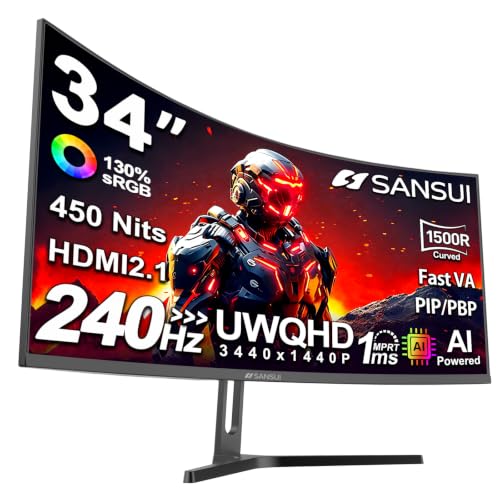
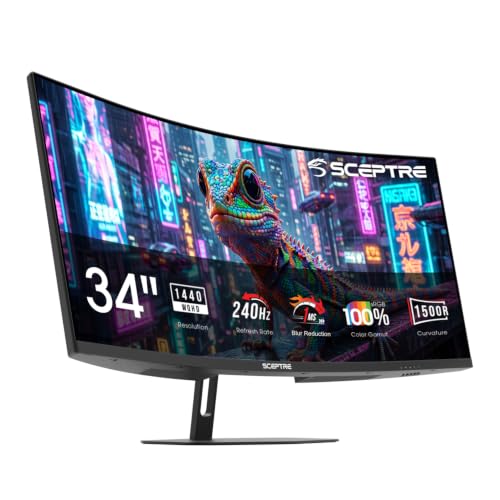

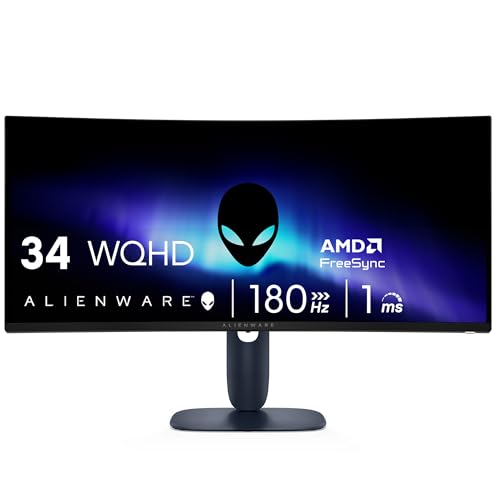
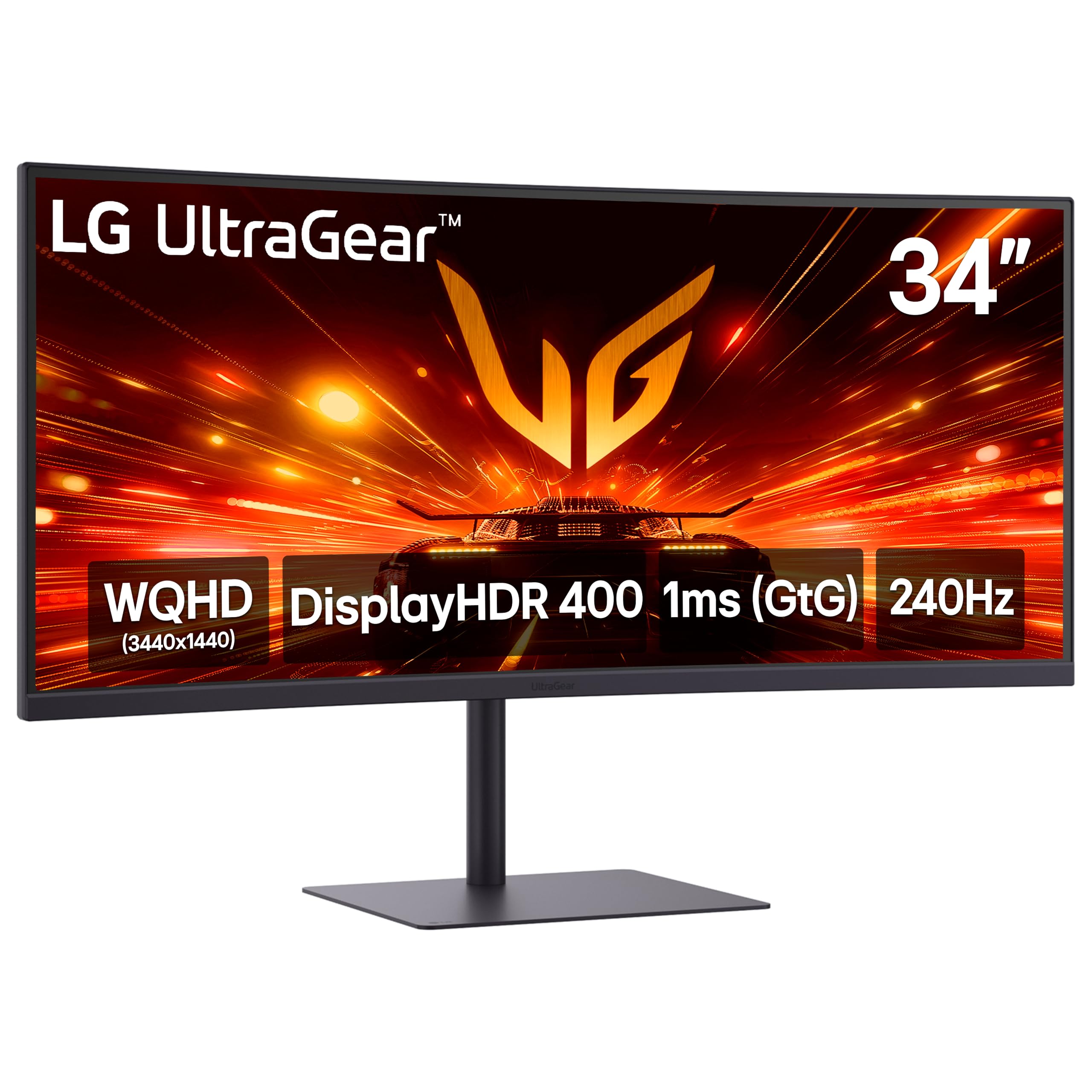

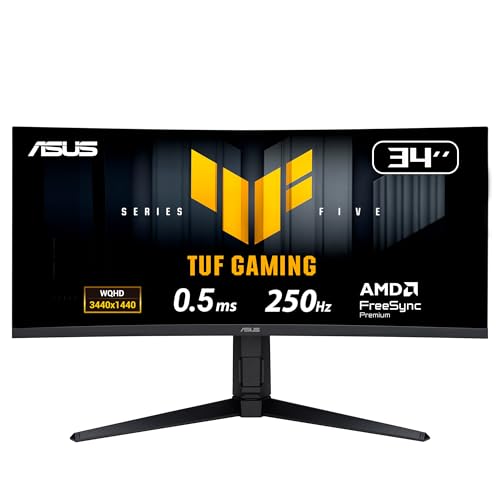

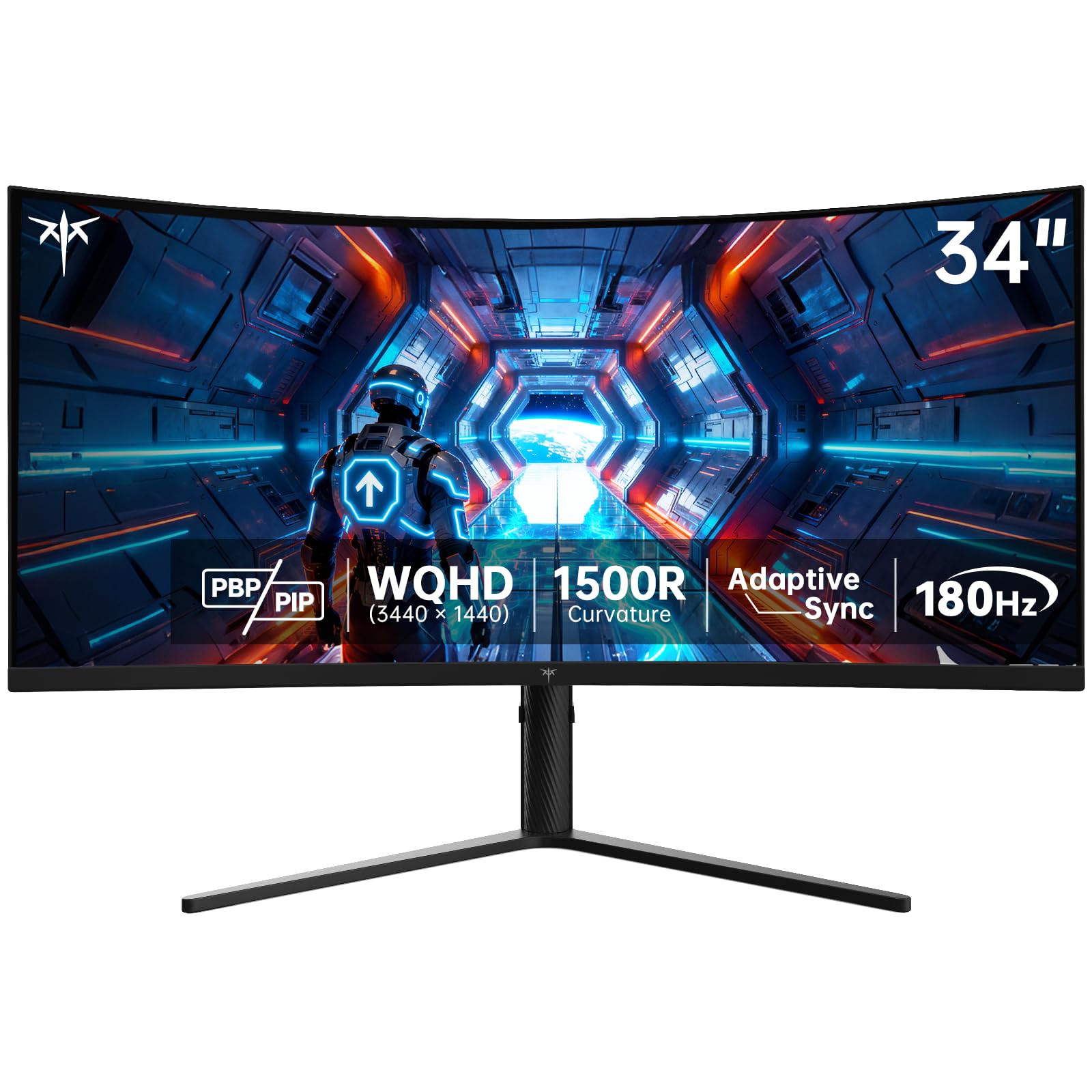
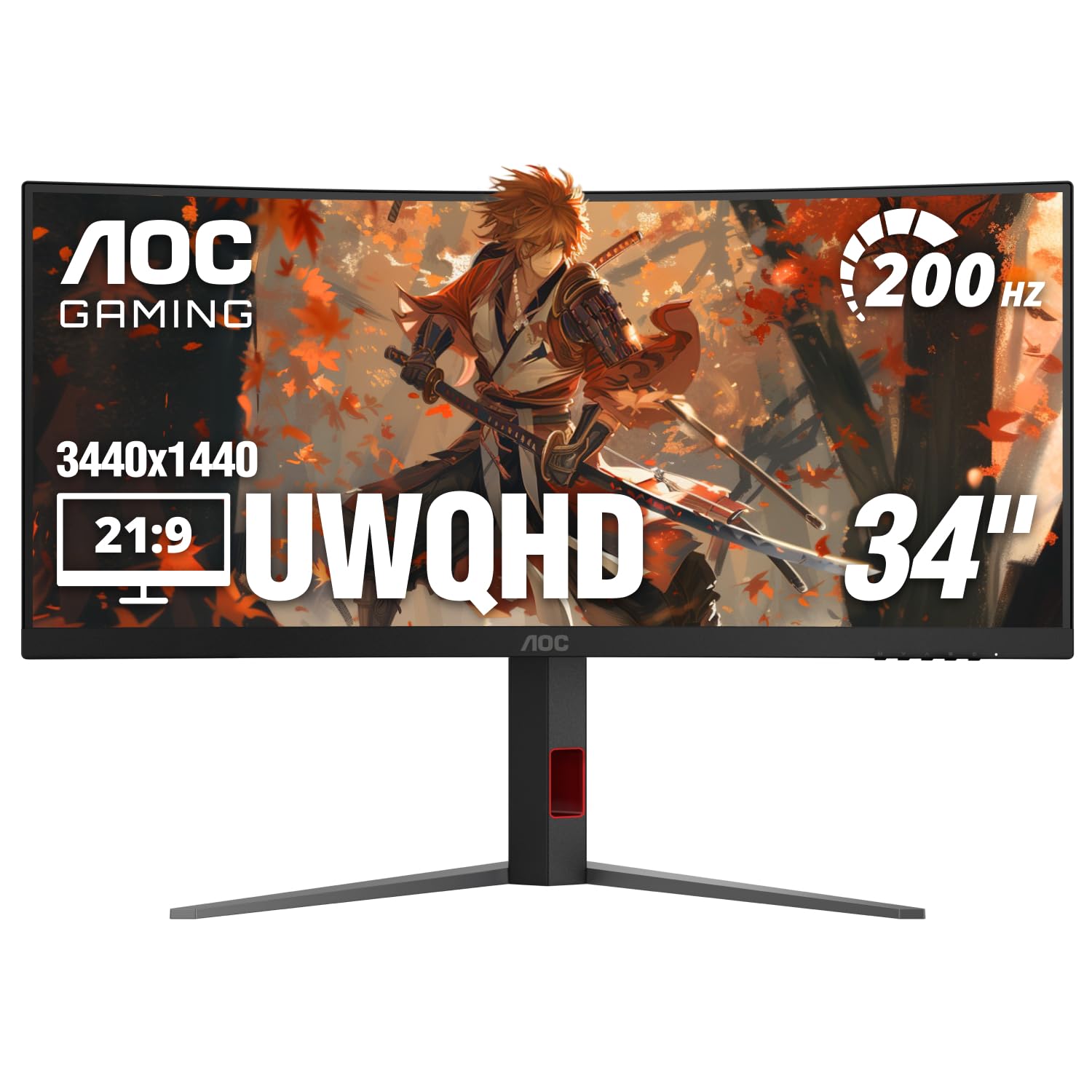

Who Should Buy Which 34 Inch Gaming Monitors?
The best 34 inch gaming monitors for one desk can disappoint at another, so begin with your main use. Each group below points to a different mix of panel, speed, and ports.
Competitive Players Who Chase Smooth Motion
You play ranked shooters and want motion you can track without blur. Put refresh rate and response time first, with panels rated at 165 Hz or higher. A flat or gently curved screen keeps geometry predictable for aiming. Match the panel to the frame rates your system already reaches.
Story Game and Racing Fans Who Want a Wide View
You play open world adventures and racing games where the edges of the scene pull you in. A curved ultrawide fills more of your side vision than a flat screen, and deep contrast makes night scenes and cockpit shadows easier to read. If that wraparound feel comes first, see our guide to the best 34 inch curved monitors. Strong HDR will do more for you than the very highest refresh rate.
Hybrid Workers and Creators Who Game After Work
Your monitor earns its place during the day, so text clarity and color accuracy share top billing with game speed. Choose the higher ultrawide resolution so documents stay sharp, and favor wide color coverage for photo and video work. One cable docking saves daily friction. Readers weighing this dual role can see our guide to the best computer monitors for gaming. A height adjustable stand protects your posture.
Console and PC Players Who Share One Screen
You switch between a PC and a console on the same desk, so connection support decides whether the pairing works well. Look for HDMI 2.1 inputs, variable refresh rate support on both machines, and clean handling of a 16 by 9 console image on a wider screen. Built in speakers help when the console has no audio out. Budget models here start at about $300 to $450, while OLED versions cost far more.
Key Features to Compare
Six factors explain almost every price gap at this size. Work through them in order, because an early choice such as resolution changes what the later ones can deliver.
Resolution and Pixel Density at 34 Inches
Two ultrawide resolutions dominate at this size. A 3440 by 1440 panel packs about 110 pixels per inch, close in sharpness to a 27 inch 1440p screen. A 2560 by 1080 panel spreads far fewer pixels over the same width, and fine detail turns soft. For more on the format itself, see our guide to the best 34 inch ultrawide monitors. Choose 3440 by 1440 unless your graphics card is modest.
Panel Choices Across a 34 Inch Ultrawide Gaming Screen
The panel sets contrast, color, and viewing angles. IPS gives stable colors when you sit off center and suits shared or work use. VA delivers deeper blacks for less money, though dark scenes can smear during fast pans on cheaper sets. OLED gives per pixel light control and near instant response, with burn in risk from static elements left in place for hours. Mini LED raises brightness and local contrast for bright rooms.
Refresh Rate and Response Time for Fast Play
Refresh rate shows how many new frames the screen can display each second, from 100 Hz on entry models up to 240 Hz on speed focused ones. The benefit appears only when your games render at those frame rates. Response time describes how fast pixels change color, and low figures reduce ghosting behind moving objects. Aggressive overdrive settings can add bright halos around edges.
Adaptive Sync, HDMI 2.1 and Variable Refresh
Adaptive sync times screen refreshes to the frames your system produces, removing tearing and stutter. FreeSync works with many cards, while G Sync support varies by model, so confirm your exact pairing before you buy. HDMI 2.1 carries the bandwidth consoles need for high refresh, and DisplayPort is the main PC connection at full resolution. Check that sync works over the input you plan to use.
HDR and Color for Dark and Bright Scenes
HDR expands the gap between the darkest and brightest parts of a scene, so a torchlit corridor can hold shadow detail while flames still glow. A basic HDR label guarantees little, because real HDR needs brightness and local dimming. OLED controls each pixel, Mini LED uses many dimming zones, and plain edge lit panels mostly raise the whole picture at once. Wide color coverage matters if you edit photos.
Stand Adjustment, VESA Mounting and Ports
The stand decides where your eyes land all day. Height and tilt adjustment set the top of the panel near eye level, and swivel helps when you share the view. A VESA pattern, commonly 100 by 100 mm, lets an arm replace the deep stock stand. Two HDMI inputs, DisplayPort, and USB C with power delivery cover most mixed desks. Tight on space? See our guide to the best gaming monitors 27 inch.
Make Room and Set Up Your 34 Inch Gaming Monitor
Measure before the box arrives. A 34 inch ultrawide is about 32 inches wide, and many stands run 9 to 12 inches deep, so a desk at least 28 inches deep keeps viewing distance near 28 to 40 inches. An arm or wall mount frees depth when the desk falls short.
Then set the screen up in software, because many monitors ship set below their top refresh rate. Select the highest refresh rate in your system display settings, and turn on adaptive sync in both the monitor menu and your graphics control panel. Pick the standard or sRGB picture mode for accurate color. Leave cable slack so height changes never strain a port.
Common Mistakes to Avoid When Buying a 34 Inch Gaming Monitor
- Choosing a 2560 by 1080 panel for a mixed work desk, then living with soft text every weekday.
- Paying for a 240 Hz screen your graphics card cannot feed past 80 frames per second.
- Skipping the desk depth check, then sitting so close that the wide edges force constant head turning.
- Trusting a basic HDR label on an edge lit panel, then finding dark scenes washed out and grey.
- Forgetting to confirm console support before buying a shared screen.
Care and Maintenance for a 34 Inch Gaming Monitor
Clean the panel with a dry microfiber cloth and light pressure, dampening the cloth with plain water only when a mark resists. Never spray liquid onto the screen, since drips can reach the electronics behind the lower edge. Keep glass cleaners away, since their solvents can cloud coated panels. Dust the rear vents so heat escapes freely.
If you choose OLED, let the built in pixel refresh cycle run when the screen asks, and leave the monitor connected to power after switch off so scheduled care can finish. Vary your on screen layout during long work stretches. Check yearly for firmware updates, which can fix sync or port issues.
FAQs About 34 Inch Gaming Monitors
Does refresh rate matter for non gaming use on a 34 inch gaming monitor?
Yes, a higher refresh rate still helps off the game screen, though the gains are smaller. Scrolling documents and dragging windows look smoother at 144 Hz than at 60 Hz. One limit is video: most streamed shows use low frame rates, so they gain nothing from the extra headroom. Buy the speed for games first.
How long does a 34 inch gaming monitor usually last?
A 34 inch gaming monitor usually lasts about five to eight years before the backlight dims or a newer connection standard leaves it behind. Panels rarely fail outright; a stuck pixel or worn port is the common ending. Read the warranty pixel policy first, because makers set different replacement thresholds. Keeping brightness below maximum during desk work slows backlight wear.
Is 4K resolution worth it on a 34 inch gaming monitor?
For most players, no, because very few 34 inch gaming screens are true 4K, and wider 5120 by 2160 models cost far more. That pixel count demands a strong graphics card, and text often needs scaling. The common 3440 by 1440 resolution is the smarter balance at this size. Spend the savings on panel quality or refresh rate instead.
Should you choose IPS or OLED for a 34 inch gaming monitor?
Choose based on room light and daily habits. OLED wins in a dim room, where its perfect blacks flatter night scenes. IPS is safer in a bright room, since its matte surface tames window reflections that can wash out a glossy OLED, and it shrugs off static toolbars during office hours. If your desk faces a window, view both types in person first.
What desk size does a 34 inch gaming monitor need?
Plan on a desk at least 48 inches wide and 28 inches deep for a comfortable single screen setup. The width leaves room for speakers beside the panel, while the depth keeps both edges in easy view. A monitor arm can rescue a narrower desk. Measure any keyboard tray too, since a tray pulls you closer.
Final Thoughts
Buy in this order: the resolution your graphics card can feed, the panel that suits your room and your games, then the sync and port support your machines need. Get those three right and the size becomes the easy part. Compare the best 34 inch gaming monitors in the product table above against the group you belong to.