Best 24 Inch Gaming Monitors: Our 2026 Checklist and Buying Guide
Disclosure: We may earn a commission when you buy through links on this page, at no extra cost to you. As an Amazon Associate I earn from qualifying purchases. Learn more
Pick the best 24 inch gaming monitors for a small desk, console or fast paced play by checking panel, refresh rate, sync and ports.
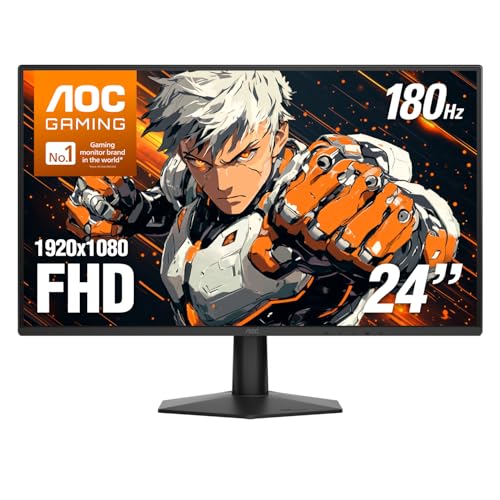
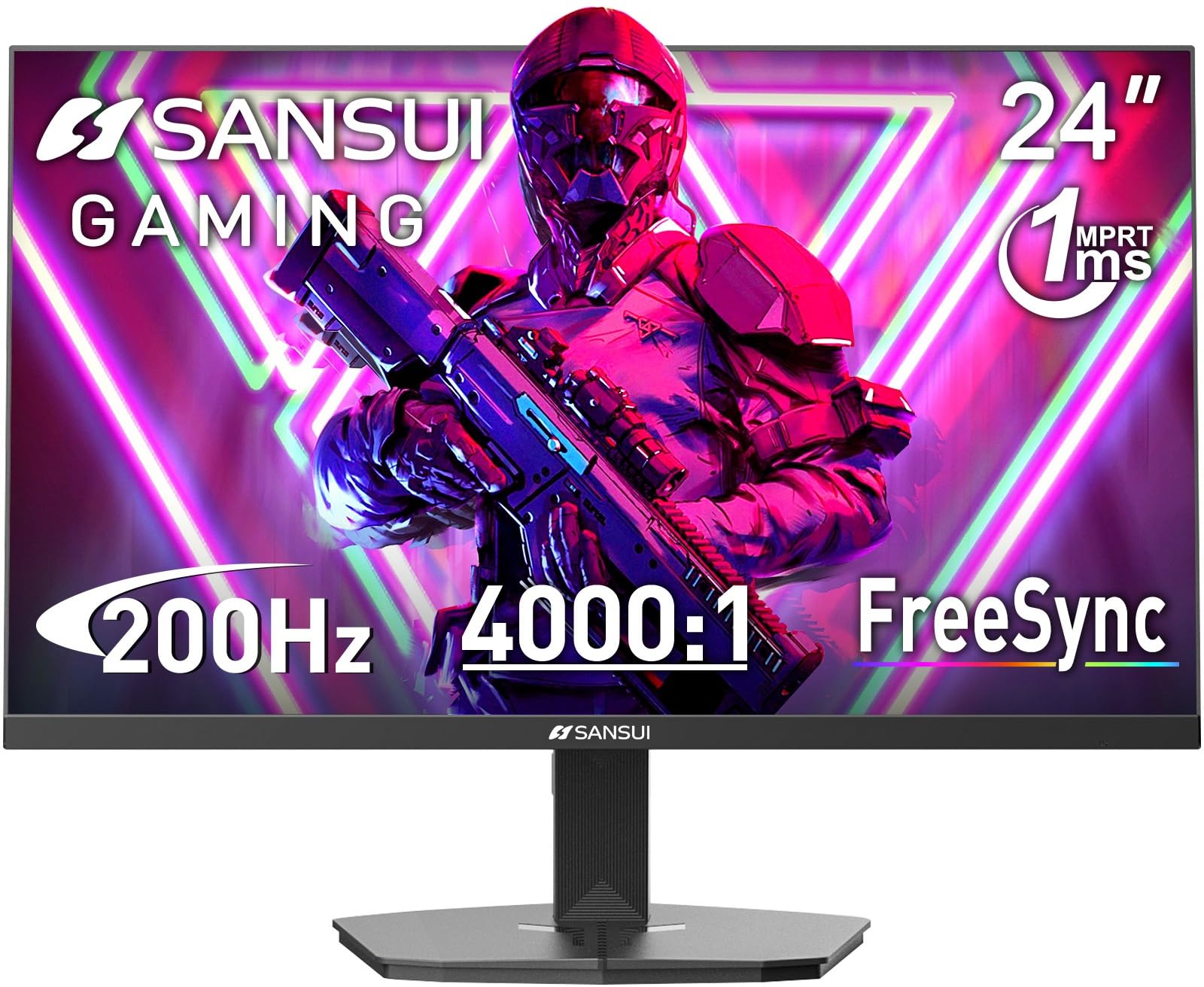
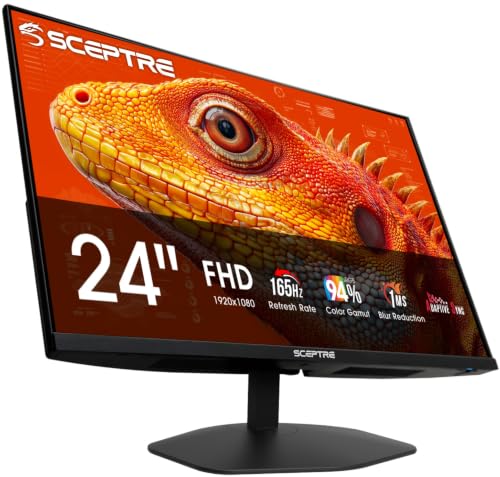
A 24 inch screen suits fast play because the whole image sits in your view without constant head turns. The best 24 inch gaming monitors pair that compact view with high refresh rates, quick response and sync that keeps motion clean. Use the checklist in this guide to judge the picks in the product table by panel, speed, resolution, ports and fit for your desk.
Size is the starting point, not the whole decision. Two monitors with the same diagonal can feel very different in a shooter, a racing game or a long work day that ends with play. Match each spec below to your games, your hardware and your space.
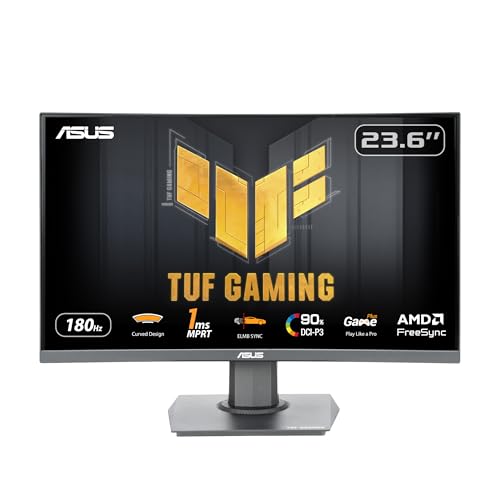
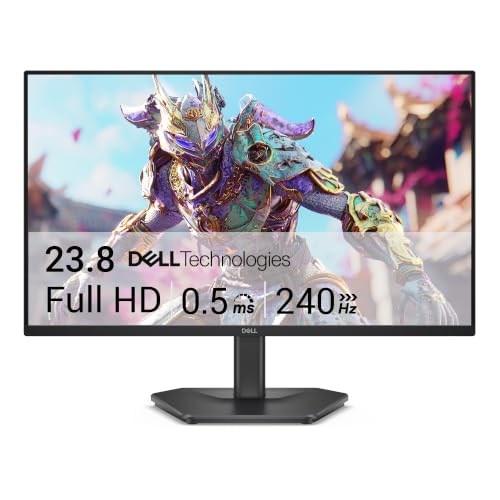
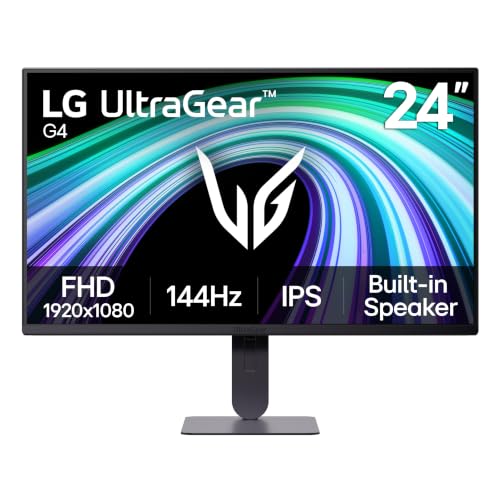


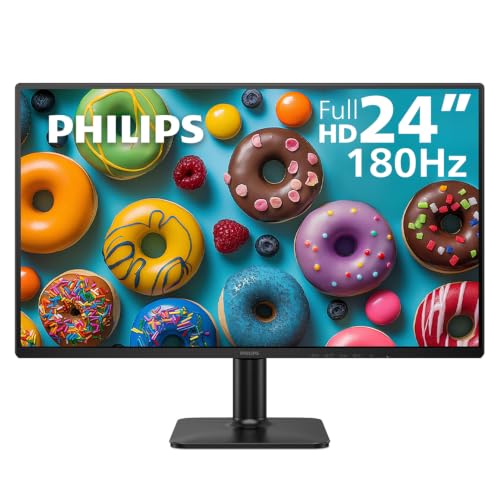

Who Should Buy a 24 Inch Gaming Monitor?
Start with how and where you play. If desk space is not a limit, see our guide to the best gaming monitors for other sizes and formats.
Competitive Players Who Sit Close
You play shooters and other fast games where spotting movement early matters more than a huge picture. Choose 1080p at 240Hz or higher if your graphics card can feed it, and sit about 20 to 28 inches away so the full frame stays easy to scan. A small stand footprint leaves depth for your keyboard and mouse.
Console Players on a Shared Desk
You switch between a console and a laptop or PC on the same desk. Look for two HDMI inputs, a headphone output and a 120Hz mode at 1080p, because many console games offer that option for smoother play. Built in speakers free you from a headset for casual sessions and video calls between games.
Students and Small Room Players
Your monitor also handles classes, work and streaming in a small room. Choose an IPS panel for shared viewing, and look for a USB C input if you swap a laptop in often. If the screen will do double duty, see our guide to the best 24 inch pc monitors for the work side of that balance.
Key Features to Compare
Compare each model in the same order, from panel to ports. That balance is why the best 24 inch gaming monitors feel fast and clear at once, not just quick on one headline number.
Panel Technology, Brightness and Color
Most models at this size use IPS, VA or TN panels, and each trades speed, contrast and viewing angle differently. IPS gives accurate color and wide viewing angles, which suits shared desks and mixed use. VA delivers deeper blacks but can smear in fast motion, while TN is very quick yet washed out off center. Most reach about 250 to 400 nits, plenty for a typical room but modest for HDR, and entry level HDR labels mean a screen accepts the signal rather than showing true highlights. Judge color by coverage instead, such as full sRGB for accurate game color, and skip vivid modes that push color past accuracy.
Refresh Rate and Response Time for Close Range Competitive Play
Refresh rate sets how many frames the screen can show each second, and common steps run from 144Hz to 165Hz, 240Hz and 360Hz. Higher rates help only when your hardware can produce those frame rates. Response time claims of 1 ms use ideal conditions, so treat them as a rough guide. A well tuned overdrive setting matters more in real play, because too much overdrive adds pale trails behind moving objects.
Resolution and Pixel Density at 24 Inches
At 24 inches, 1080p gives about 92 pixels per inch, which looks clean at desk distance and stays easy for mid range graphics cards to drive at high frame rates. A 1440p panel raises density to about 122 pixels per inch and sharpens text and fine detail, but it costs more and lowers frame rates. For most buyers at this size, frame rate beats resolution, because the screen is small enough that 1080p rarely looks coarse.
Adaptive Sync and Input Lag
Adaptive sync matches the screen refresh rate to the frame rate your hardware sends, which removes tearing without the stutter fixed sync can add. FreeSync works over DisplayPort and HDMI on many cards, while G Sync and G Sync compatible models serve NVIDIA cards. Check the sync range, often about 48Hz to the top rate, because sync cannot help below its floor. Input lag should be only a few milliseconds at the native rate, so aim and clicks feel direct.
Connectivity and Ports for PC and Console
DisplayPort is the safest path to the full refresh rate on a PC, and many models need it for 240Hz and above at 1080p. HDMI ports vary by version, and an older input can cap the rate below the panel limit, so check the cap for each port in the spec sheet. A USB hub, a headphone jack and USB C video input on some models reduce cable swaps on a shared desk.
Setting Up a 24 Inch Gaming Monitor on a Small Desk
Measure desk depth before you order, because the stand foot, not the screen, decides how close the panel sits. Aim for about 20 to 28 inches from your eyes to the screen, with room for a keyboard and mouse in front. If the foot pushes the screen too close, a monitor arm on the VESA mount moves it back and frees the surface below. Mounts are usually 100 by 100 mm, or 75 by 75 mm on some models.
Set height so your eyes meet the top third of the screen. A stand with height adjustment makes this easy, while a fixed stand may need an arm to reach the same position. If a bigger picture tempts you, compare with our guide to the best gaming monitors 27 inch for wider desks, or our guide to the best 32 inch gaming monitors for viewing from farther back.
Quick Buyer Checklist for a 24 Inch Gaming Monitor
Run through these checks against your desk setup, your graphics card and the games you play most often.
- Does the panel reach at least 144Hz at native resolution?
- Can your card or console feed that rate in your main games?
- Does the port you plan to use support the full rate?
- Does the sync type match your graphics card?
- Does the stand adjust for height, or is a VESA mount present?
- Does the screen fit your desk depth with keyboard room to spare?
- Does the price leave room for a cable or arm if needed?
Common Mistakes to Avoid
These errors cost money or comfort, and most are easy to spot before you order.
- Buying a 360Hz screen for a PC that reaches only 120 frames per second wastes money on frames you never see.
- Using an HDMI port without checking its cap can limit a fast panel to 60Hz or 120Hz despite the box promise.
- Choosing 4K at 24 inches raises price and hardware load while adding sharpness your eyes can barely use at desk distance.
- Ignoring stand height leaves you stacking books under the screen and sitting with a bent neck for every session.
- Leaving overdrive at its highest setting adds bright trails behind moving objects and makes motion look worse, not better.
Care and Maintenance for Your 24 Inch Gaming Monitor
Clean the screen only when it is off and cool, using a dry microfiber cloth and light pressure. For marks, dampen the cloth slightly with water, and never spray liquid on the panel or press hard enough to flex it. Keep drinks behind the screen line, because a splash on a powered panel can end its life.
Once a month, check that the monitor still runs at its full refresh rate in your display settings, because driver updates can reset it. For OLED models, run the built in pixel refresh when prompted and vary desktop content to lower burn in risk. Dust the vents with a soft brush so heat can escape.
FAQ
How long does a 24 inch gaming monitor usually last?
A 24 inch gaming monitor usually lasts about five to seven years of daily use before brightness fades enough to notice. The backlight ages fastest at full brightness, so lowering it for desk work extends life. Check the warranty length and the dead pixel policy before you buy, because those terms decide your options if a fault appears early.
Is a 24 inch gaming monitor big enough for a small desk?
Yes, a 24 inch gaming monitor is big enough for most small desks, and it is often the best fit. Its width of about 21 to 22 inches leaves room for speakers or a console beside it. On a desk under about 24 inches deep, choose a shallow stand foot or plan for an arm.
Does a high refresh rate matter for work on a 24 inch gaming monitor?
Yes, a high refresh rate still helps for work, even though the gain is smaller than in games. Text stays sharper while you scroll long pages, and the pointer moves with less blur. It also draws a little more power at 240Hz than at 60Hz, so some owners lower the rate for long writing days.
IPS or OLED: Which panel suits 24 inch gaming monitors best?
IPS suits most buyers at this size, while OLED suits players who prize contrast above cost and care needs. OLED shows perfect blacks and near instant response, but static game bars and desktop icons raise burn in risk over years of use. IPS costs less, stays bright without that worry, and remains the safer pick for mixed use.
Is 4K worth it on a 24 inch gaming monitor?
No, 4K is rarely worth it on a 24 inch gaming monitor, because the pixels sit so dense that games gain little sharpness. Your system must also scale text up to keep it readable, and some older games handle that scaling poorly. Money saved by choosing 1080p or 1440p usually buys a higher refresh rate, which changes how play feels far more.
Final Thoughts
Match the panel to your games first, the refresh rate to your hardware second, and the stand to your desk third. Use the product table to confirm ports, sync and size before you order. When the best 24 inch gaming monitors are judged by fit as well as speed, the right choice becomes clear.