Best 34 Inch Curved Monitors for 2026: Matching the Right Monitor to Your Routine
Disclosure: We may earn a commission when you buy through links on this page, at no extra cost to you. As an Amazon Associate I earn from qualifying purchases. Learn more

Compare the best 34 inch curved monitors by curve depth, resolution, panel type and ports, with price bands matched to work, study and play routines.
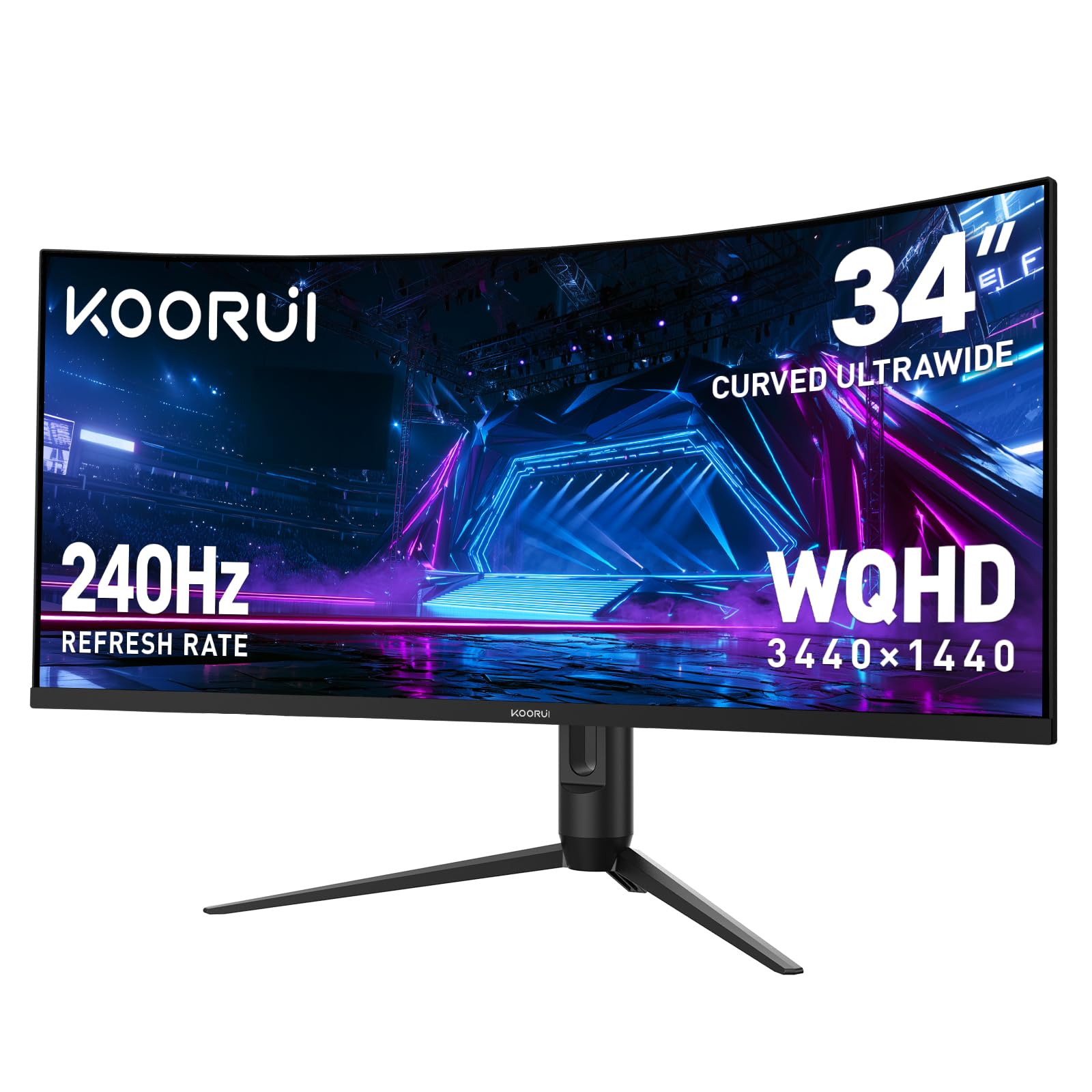
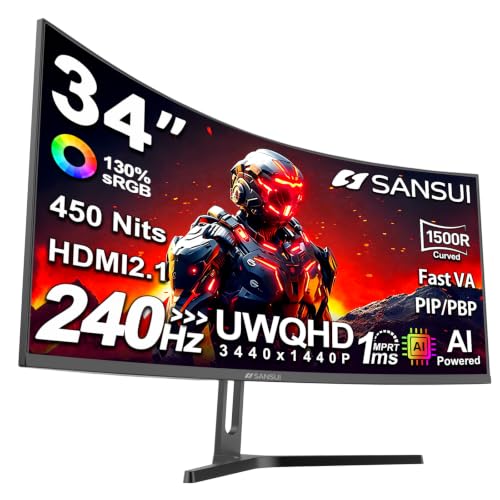
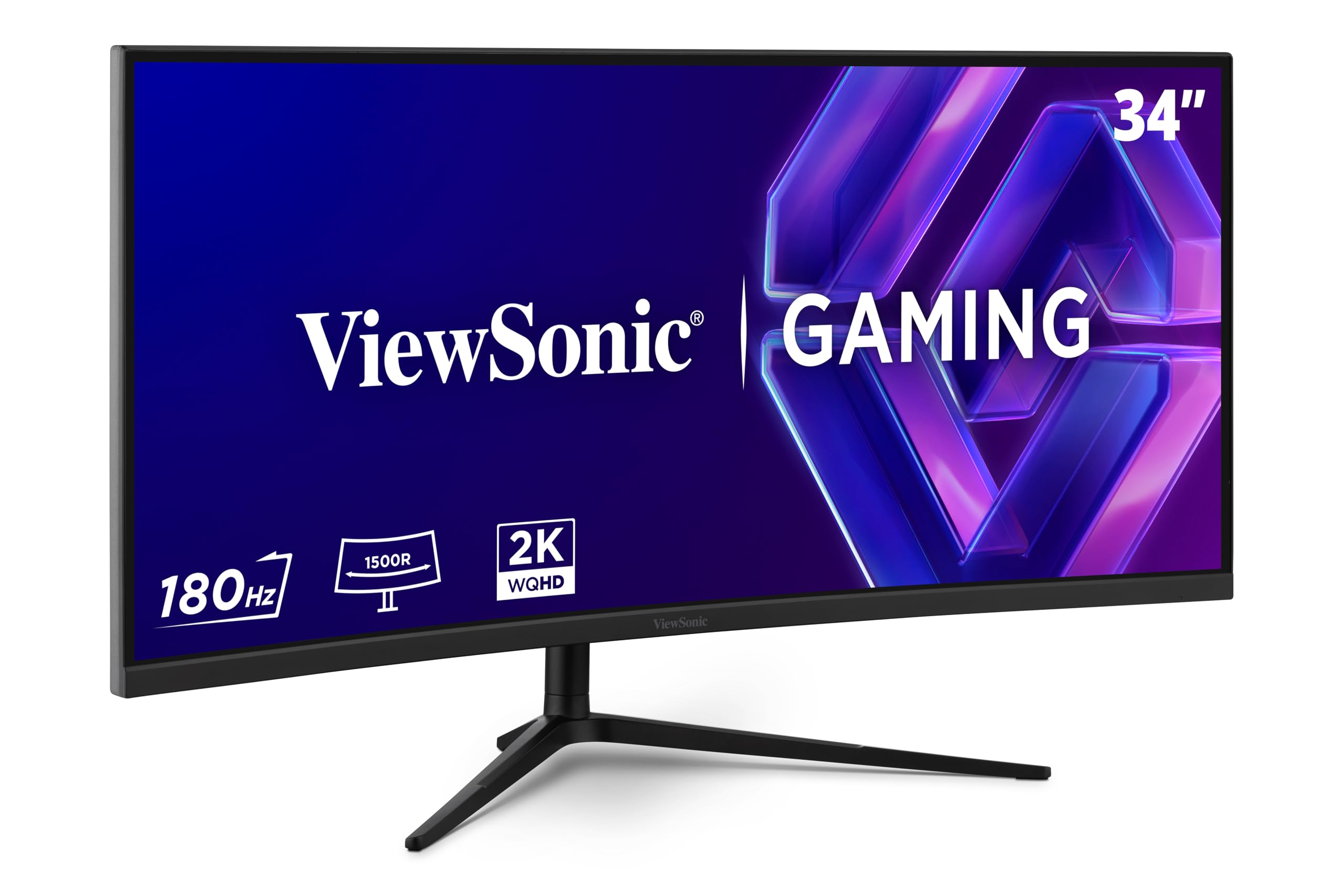
A 34 inch curved screen is a wide promise, and it keeps that promise very differently depending on the day you plan for it. A spreadsheet worker, a film fan and a competitive player can all sit in front of the same panel shape and need three different monitors. This guide compares the best 34 inch curved monitors by routine first, so the features that follow mean something for your desk. The product table gathers the current classes side by side.
Start with the shape itself. A curve is a desk geometry class, not a picture upgrade. The panel wraps the edges a little closer to your eyes, and at this size the curve serves one viewer centred on the screen. A second person sitting at the side sees the far edge at a shallow angle, so everything else in this guide hangs off that one fact about where you sit.





Who Should Buy Which 34 Inch Curved Monitor?
Match the class to the longest part of your day, not the rarest. A monitor bought for a weekly film but used for daily text will annoy you in the wrong direction. Read your own group first, and borrow from the others only where your week truly mixes tasks.
For Gamers and Competitive Players
Your routine is motion, so refresh rate, adaptive sync and response behaviour decide your class before panel type does. Look for a high refresh class with sync that matches your graphics card, and treat maker response figures as best case numbers rather than everyday ones. A deep curve helps here because racing and flight games fill your side vision. Players comparing the wider gaming shelf can also read our guide to the best 34 inch gaming monitors for the flat and curved gaming classes together.
For Remote Workers and Creators
Your routine is width. Two documents, a chat window and a spreadsheet can sit open at once without a second screen, and that is the whole reason this size exists. Prioritise sharp text at a normal viewing distance, a USB C port with enough power delivery to run your laptop, and colour behaviour you can trust for photo or design work. A matte surface matters more than glossy punch if your desk faces a window.
For Students and Everyday Users
Your routine is mixed and your budget is usually the firmest. A mid refresh VA or IPS class covers study, browsing and casual play without paying for speed you will never use. Built in speakers save desk space in a small room, and a stand that tilts is worth more than one that only looks slim. If your desk is shallow, the best 27 inch curved monitors keep the curve idea at a size that leaves room for books and a lamp.
For Movie Fans and Console Players
Your routine is contrast and shape. Films shot in a wide format fill this screen with small black bars or none, and a VA or OLED class gives the dark scenes real depth. Console play needs one honest warning: consoles output a standard wide picture, so on this screen the image sits in the middle with bars at the sides unless the game itself supports the wide format. Buy this class for films and PC play first, and treat console use as a bonus.
Key Features to Compare
Six factors decide most of the difference between classes. Read them in this order, because the first two are about your desk and your eyes, and no later feature can rescue a poor fit there.
Curve Shape and Viewing Distance
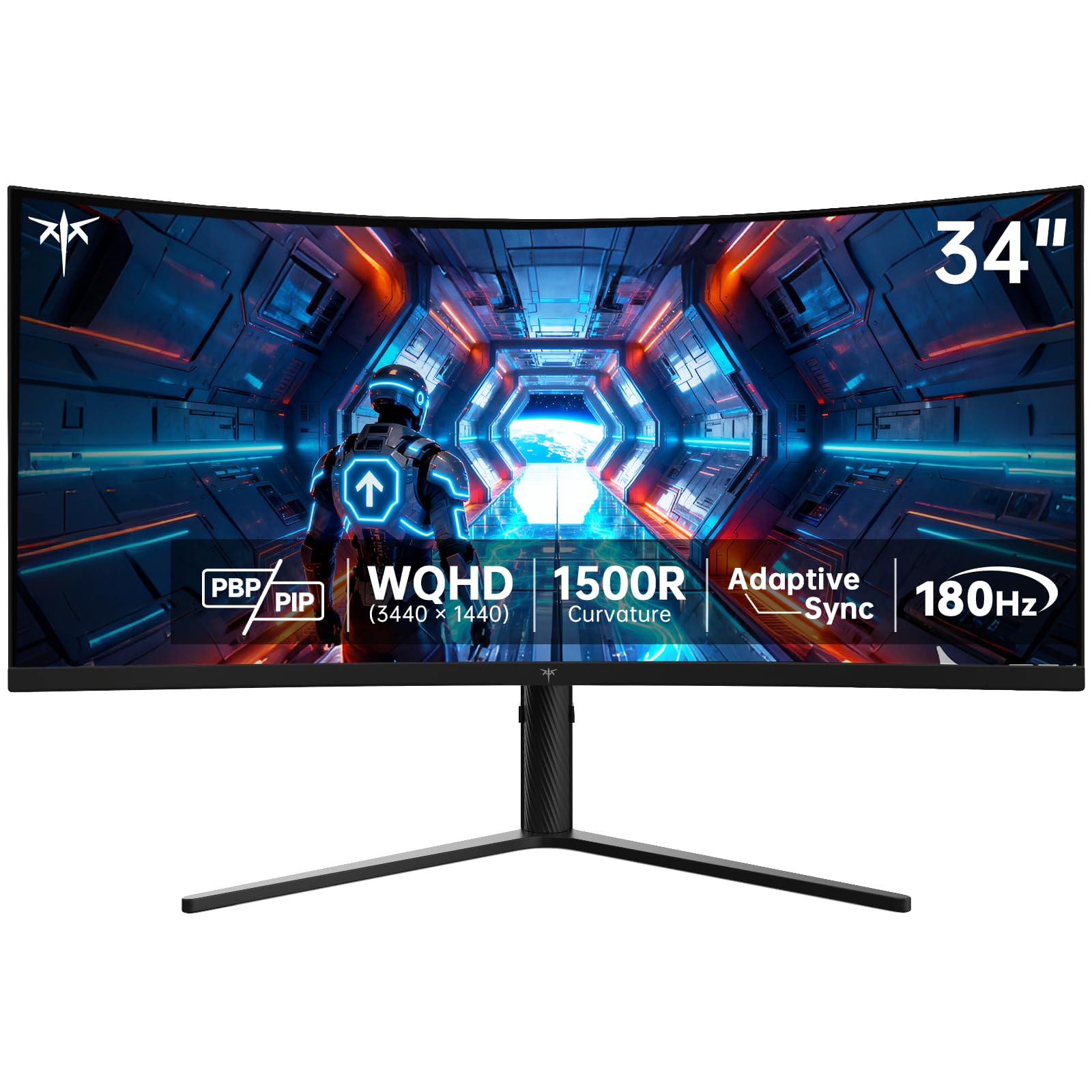
Curve depth is written as a radius figure such as 1500R, 1800R or 3800R, and a smaller number means a tighter wrap. At this size a moderate radius suits a single centred viewer at a normal desk distance of about two to three feet. Sit much closer and the edges can feel cramped; share the screen and the far edge washes out for the side viewer. The wider family in our guide to the best curved monitors shows how the same shape behaves at smaller and larger sizes.
Width, Resolution and Windows Side by Side
Ultrawide text work is width work. Most models in this class pair the wide shape with a 3440 by 1440 resolution, which gives you two comfortable document windows side by side with room for a third narrow one. Windows side by side are the product here, not a luxury extra.
Lower resolution wide panels stretch the same windows over fewer pixels, so text looks soft at close distance. Flat panels in the same footprint appear in our guide to the best 34 inch ultrawide monitors if you want the width without the wrap.
Panel Technology: VA, IPS, OLED and Mini LED
VA panels give strong contrast at moderate prices and suit films and mixed use, though their viewing angles are the narrowest of the group. IPS panels hold colour better from the side and render text cleanly, which suits shared desks and colour work. OLED panels give the deepest contrast and fastest response, but a desktop full of static windows is the pattern that wears this class unevenly over time. Mini LED backlights lift brightness and local contrast on IPS and VA panels at a higher price.
Refresh Rate, Response Time and Adaptive Sync
Refresh classes at this size run from basic office rates up to fast gaming rates, and the step from a basic rate to a mid rate is visible even in scrolling text and window dragging. Response time figures on the box are measured in a special maker mode, so read them as a class signal rather than a promise. Adaptive sync matters more in daily play, because it ties the screen rate to the graphics card output and stops tearing without adding delay.
Ports, USB C Power and Desk Setup
Count your inputs before you buy. A work desk usually needs one display input for a laptop, one for a second machine or console, and a USB C port whose power delivery figure can actually charge that laptop under load. A VESA mount point lets you swap the stand for an arm, which returns desk depth the wide stand feet would eat.
A shallower desk may fit the best 32 inch curved monitors with working room to spare, so measure the desktop before the diagonal tempts you. Cable length matters too, because a wide monitor often sits farther from a tower under the desk than a small screen does.
Eye Comfort Over Long Sessions
No monitor treats eye strain. Breaks, viewing distance and room light are the larger half of comfort, and a screen at arm length with light that does not reflect in the panel beats any comfort mode. Low flicker backlights and matte coatings help at the margins, and a warm colour setting in the evening is a small extra. If your eyes tire daily, fix the room and your break habit first, then let the panel class support that change.
What Each Price Band Changes
Price bands map cleanly onto panel and port classes, and the best 34 inch curved monitors for a given desk are rarely the dearest ones. Spend where your routine touches the screen, not where the box shouts loudest.
Under About $300: Sound Basics for Work and Study
This band buys a VA or basic IPS panel, a moderate refresh rate and a simple stand. Text is sharp, colours are honest, and gaming is casual. It is the right spend for study and office routines that need width more than speed.
About $300 to $550: The Balanced Middle
This band adds higher refresh rates, adaptive sync, USB C power delivery and better stands with height adjustment. Most mixed routines land here, because it covers workdays and evening play without paying the early adopter tax on new panel types.
About $550 to $900 and Above: OLED and High End Classes
This band buys OLED contrast, Mini LED brightness, the fastest refresh classes and fuller port sets. It rewards film fans, creators and serious players. It is poor value for plain text work, where the cheaper bands already do the job well.
Common Mistakes to Avoid
- Buying a curved screen for a desk where two people watch together, because the side viewer gets the washed out far edge.
- Skipping the desk depth measurement, because a wide stand on a shallow desk pushes the screen too close to your eyes.
- Trusting the box response time as an everyday figure, because that number comes from a maker mode you will never use.
- Assuming a console fills the whole wide screen, because standard console output leaves bars at the sides on this shape.
- Ignoring the USB C power figure, because a port that cannot charge your laptop under load is only a picture cable.
Care and Maintenance Tips
Clean the panel with a dry microfiber cloth and light pressure, and keep sprays off the screen itself. Turn off the vivid picture mode for colour work, because it pushes saturation past what your files actually hold. On OLED classes, run the built in pixel refresh when the screen prompts and let the panel rest rather than leaving one static window up all day. Check for firmware updates once or twice a year, route cables with slack so the wide panel does not strain its ports, and keep the vents at the back clear of dust.
Questions Answered About 34 Inch Curved Monitors
Does refresh rate matter if I never play games?
Yes, a mid refresh rate still improves everyday use. Scrolling pages, dragging windows and moving the cursor all look steadier than on a basic rate screen, which makes long reading sessions feel calmer. The gain fades above the mid classes for office work, so non gamers should buy the step up from basic and stop there. Spend the savings on a better stand or panel instead.
What desk depth suits a 34 inch curved monitor?
A desk about 24 to 30 inches deep suits most people at this size. That depth puts the screen near arm length, where the curve lines up with your view and text stays easy to read. On a shallower desk, a monitor arm mounted at the back edge wins back several inches. Measure with your keyboard and notebook in place, not on an empty desktop.
Is 4K worth it on a 34 inch curved monitor?
For most buyers, no. The common wide resolution at this size already gives sharp text, and true high pixel counts in this shape sit in a small, costly class that also demands a strong graphics card. Photo editors who crop heavily are the exception. Everyone else gets more from a better panel type or refresh class at the mainstream wide resolution.
IPS or OLED: which suits a bright room better?
IPS suits a bright room better for most desks. Its matte surfaces and steady brightness hold up against windows, while OLED panels can look dimmer in strong daylight and may mirror reflections on glossy finishes. OLED still wins for evening film use in a controlled room. Match the panel to the light you actually work in, not the light you wish you had.
How long does a 34 inch curved monitor last?
A typical monitor lasts about five to eight years of daily use before brightness fades or a fault appears. Warranty length varies by price band, and pixel policies differ, so read the dead pixel terms before ordering rather than after a fault. OLED classes add panel care routines to that lifespan picture. A surge protector and gentle cleaning cost little and protect the whole span.
Final Thoughts
Choose by routine first: width for work, contrast for films, speed for play. Let the curve serve one centred viewer, let the resolution serve your text, and let the ports serve the machines you already own. The product table above pulls the current classes together so you can compare those three points at a glance. Matched to your day rather than to a feature list, the best 34 inch curved monitors become a short list quickly, and the right one is the class your routine touches most.