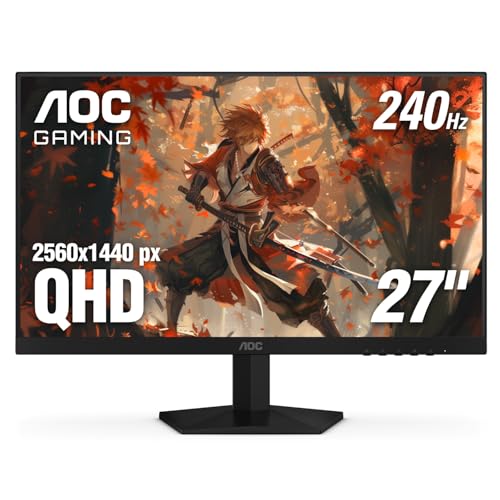
Best 27 Inch Monitors under 200 for 2026: A Budget Buying Guide
Disclosure: We may earn a commission when you buy through links on this page, at no extra cost to you. As an Amazon Associate I earn from qualifying purchases. Learn more
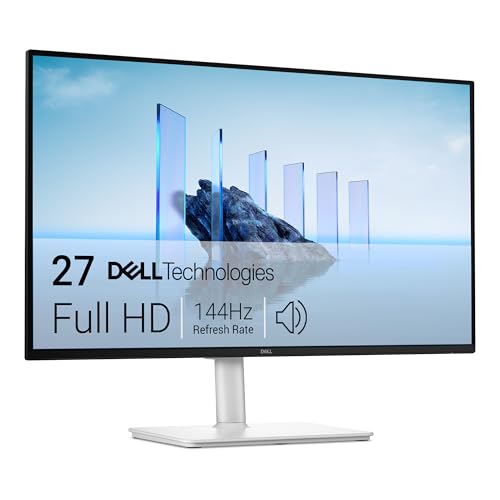
The best 27 inch monitors under 200 balance sharp panels, smooth refresh rates and useful ports for work, study and casual play.
A 27 inch screen gives you room for two documents, a wide spreadsheet and a video call without constant window shuffling. The best 27 inch monitors under 200 put money into the panel, the resolution and a usable stand, and you can judge every option quickly in the product table.
Start with how you sit and what you view most. Text work rewards sharpness and stable viewing angles, while games reward motion clarity and adaptive sync.
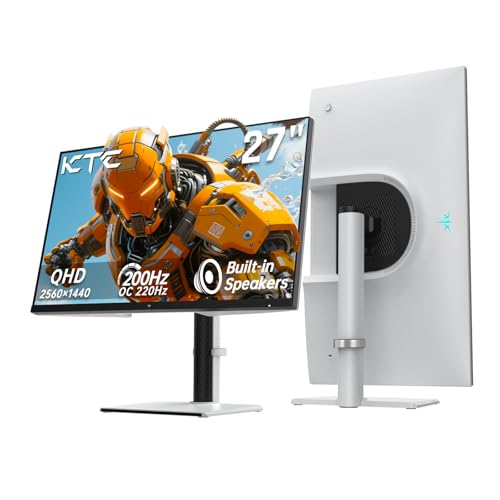
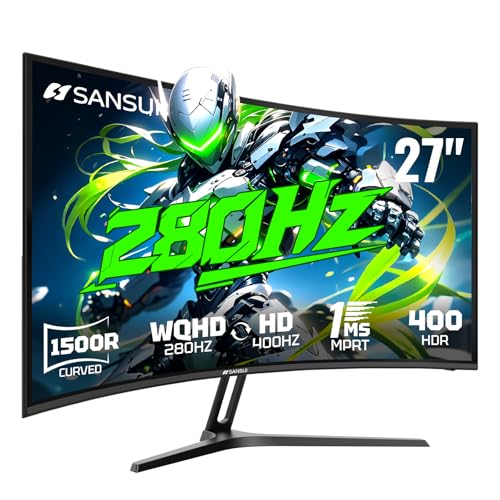
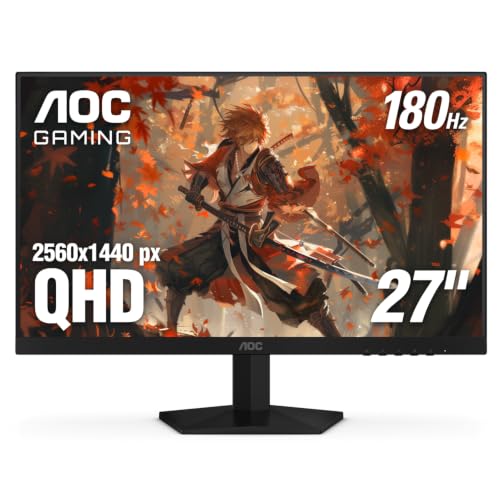
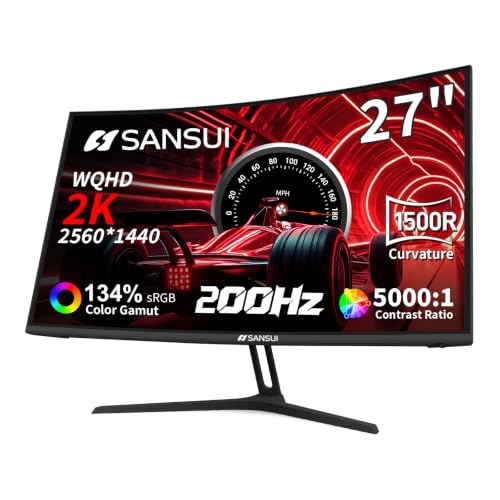
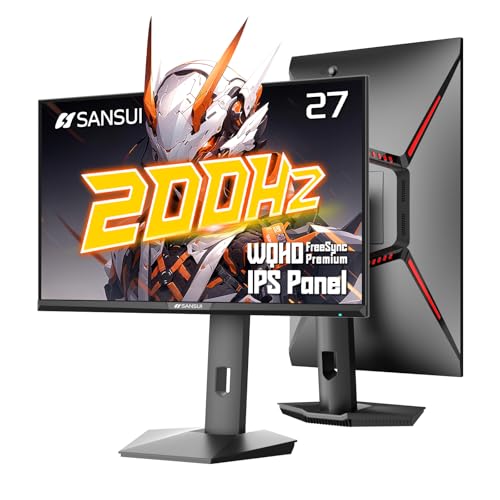
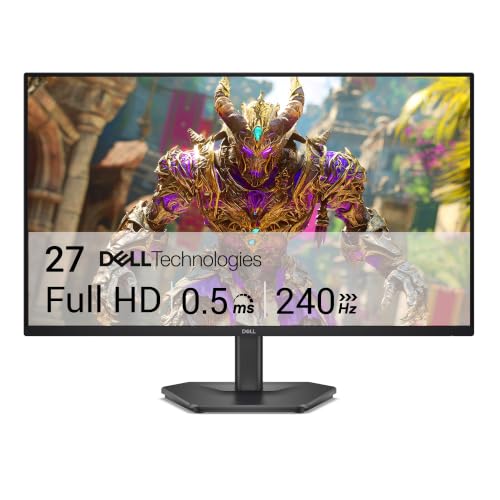

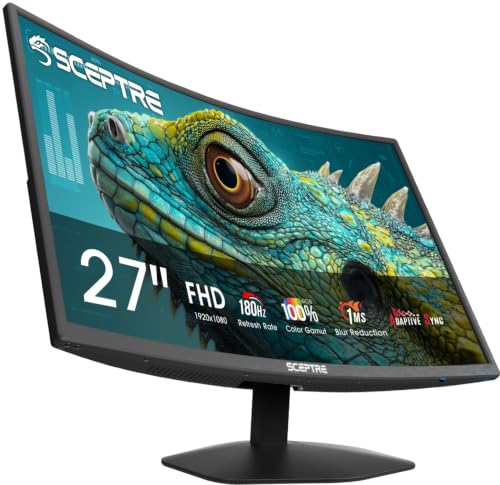

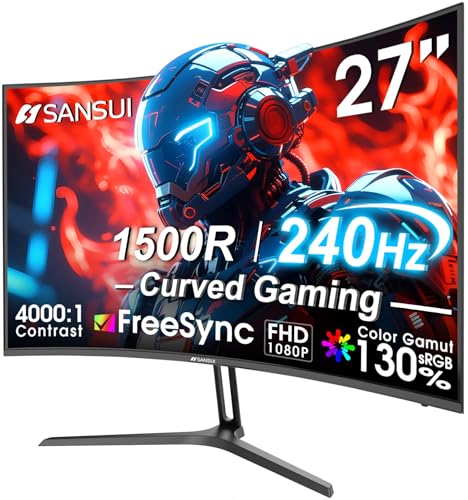

Who Should Buy the Best 27 Inch Monitors under 200?
This pairing suits buyers who want a clear step up from a laptop screen without paying for premium features.
Home Office and Study Users
You read, write and browse for hours, often with two windows open side by side. Choose an IPS panel with a matte finish and brightness you can lower for evening work. A larger screen lets you raise text size slightly and still fit more on screen.
Casual Gamers Who Play After Work
You play story games, sports titles and online matches, but you do not need elite competitive speed. Look for a refresh rate of at least 100 Hz where possible, adaptive sync, and a response time claim of 1 to 5 milliseconds, since blur and tearing show more on a large screen.
Shoppers Comparing 24 Inch and 27 Inch Screens
You want a larger view, but your desk may be shallow or shared. Plan to sit about 24 to 32 inches from the screen. If that distance feels too close, see our guide to the best 24 inch monitors under 200, since a smaller screen can suit a tight desk better.
Key Features to Compare
Compare panels in the same order each time, so a low price cannot hide weak sharpness, poor angles or a stand fixed at the wrong height.
What a Budget under $200 Can Realistically Buy
Expect a solid 1080p or, on sale, a 1440p IPS or VA panel, a refresh rate from 75 to 165 Hz, basic speakers and one or two video inputs. You will usually give up USB C docking and a fully adjustable stand. The best 27 inch monitors under 200 spend the budget on the image itself, so check the panel first, and compare other sizes in our guide to the best monitors under 200 if you are flexible.
Resolution and Sharpness at 27 Inches
Resolution matters more at this size because the pixels spread over a larger area. At 1080p, text looks large, but fine edges can look soft when you sit close. At 1440p, text looks crisper and you gain working space, though your computer must drive more pixels in games. If you read all day, 1440p is the sharper choice, and higher priced options appear in our guide to the best 27 inch monitors.
Panel Type, Color and Viewing Angles
IPS panels hold color well when you shift in your chair or share the screen, which suits office work. VA panels give deeper blacks and stronger contrast, which suits films and dark game scenes, but color can shift at an angle and dark motion can smear. Most budget models cover most of the sRGB color space, enough for everyday editing.
Motion Specs You Can Expect Under $200
Refresh rate counts how often the image redraws each second, and higher rates make scrolling and game motion look smoother. A move from 60 Hz to 100 Hz or 144 Hz is easy to feel. Adaptive sync, sold as FreeSync or as G Sync compatible support, matches the screen rate to your graphics card output and cuts tearing. Response time claims use ideal conditions, so treat small gaps with care.
Brightness, Contrast and Basic HDR
Most models in this range offer about 250 to 350 nits of brightness, enough for a typical room but not for direct sun. VA panels often reach higher contrast, so blacks look deeper at night, while IPS blacks can look gray in a dark room. Many boxes list HDR support, yet at this brightness the effect is mild. Judge the normal picture first and treat HDR as a small bonus.
Ports, Built In Sound and Stand Adjustments
Look for at least one HDMI port and one DisplayPort input, so a computer and a console can both stay connected. USB C input with power delivery is rare under $200, and built in speakers are fine for calls but weak for music. Many budget stands only tilt, so check for a VESA mount of 100 by 100 mm if you plan a monitor arm.
Types of 27 Inch Monitors Compared
Most budget models fall into three broad types, and naming your type first keeps you from paying for speed you never use.
Gaming Displays
Gaming models trade stand features and speaker quality for a high refresh rate, adaptive sync and gaming modes such as a visible crosshair. They suit players who want smooth motion on a big screen for under $200. For faster options, see our guide to the best gaming monitors 27 inch.
Productivity Displays
Productivity models favor an IPS panel, accurate sRGB color and eye comfort features such as flicker free backlight control and a low blue light mode. They suit writers, students and office workers who value calm, steady text over raw speed.
Simple Budget Displays for Daily Tasks
The simplest models pair a 1080p panel with a 75 Hz or 100 Hz rate, basic ports and a tilt only stand. They work well as a first external screen or a second monitor. You give up crispness at close range and fast gaming motion, but setup is easy and the price is the lowest here.
Choosing a 27 Inch Monitor for Your Situation
Two common questions sit just outside this budget, so it helps to name what extra money or a gaming focus actually changes.
Best 27 Inch Monitors under 500
Stepping up toward the best 27 inch monitors under 500 usually buys a sharper 1440p or 4K panel, stronger HDR brightness, USB C docking and a stand that adjusts for height and swivel. That step makes sense for color sensitive work. As a middle step, see our guide to the best 27 inch monitors under 300.
Best 27 Inch Gaming Monitors under 200
Within the best 27 inch gaming monitors under 200, the deciding factors are a refresh rate of 144 Hz or higher, adaptive sync that works with your graphics card, and low input lag. A VA panel adds contrast for night scenes, while IPS gives cleaner color in fast motion. Skip extras such as fancy rear lighting.
Common Mistakes to Avoid
These errors are common at this size, and each one is easy to prevent before you order.
- Buying 1080p for close text work leaves letters looking soft on a 27 inch screen all day.
- Ignoring desk depth places the screen too close, so you turn your head to read the corners.
- Chasing an HDR label on a dim panel pays for a badge while the normal picture stays flat.
- Forgetting to check VESA support can block the monitor arm you planned to fix a low stand.
- Assuming USB C is included can leave a laptop user buying a dock they did not budget for.
- Choosing speakers as a main feature disappoints, since budget monitor speakers sound thin.
Care and Maintenance Tips for a 27 Inch Monitor
Clean the screen only when it is off and cool, using a dry or slightly damp microfiber cloth with light pressure. Never spray liquid straight onto the panel, and avoid paper towels and household glass cleaners, since they can mark the surface coating.
Keep vents clear and give the back of the monitor air space, since heat builds up during long sessions. Set a short sleep timer so a static image does not sit for hours, and check cables for a snug fit if the picture flickers.
FAQ
Can you get a good 27 inch monitor for under $200 for work and study?
Yes, you can get a good 27 inch monitor for under $200 for daily work and study. Check the warranty length and the dead pixel policy before you buy, since those terms vary by brand and matter on a screen this large. A three year warranty is a safer sign than a slightly faster panel with weak support.
Is 1440p worth paying more for on a 27 inch monitor?
Yes, 1440p is worth paying more for if you sit at a normal desk distance and read or edit for hours. One point the product page hides is scaling, since your system can enlarge text while keeping its sharp edges, so you gain clarity without tiny menus.
Should you choose IPS or VA for a 27 inch budget monitor?
Choose IPS if you share the screen or work in a bright room, and choose VA if you mostly watch films alone at night. A useful check is your chair setup, since a reclined seat changes your viewing angle and can wash out a VA picture at the edges.
Does refresh rate matter for a 27 inch monitor if you rarely play games?
Yes, refresh rate matters a little even if you rarely play games, since scrolling, window dragging and pointer movement all look calmer above 60 Hz. The gain is comfort rather than speed, and it is most visible on a large screen where your eyes track motion across a wider area.
How long should a 27 inch budget monitor last with daily use?
A 27 inch budget monitor should last about five to seven years with daily use if the backlight and ports hold up. Longevity improves when the screen sleeps instead of showing a static desktop overnight, and when cables are not bent sharply behind a tight desk. Keep the box if you can, since safe packing makes a house move safer.
Final Thoughts
Match the panel and resolution to your main task first, then check refresh rate, ports and the stand or VESA mount. Use the product table to confirm size, resolution and price side by side.
When you compare best 27 inch monitors under 200 with those points in mind, the right choice is usually the screen that fits your desk and your work best. Buy for your daily routine, and the larger view will feel like a true upgrade.