Best 27 Inch Monitor with Speakers by Budget: A Practical Guide for 2026
Disclosure: We may earn a commission when you buy through links on this page, at no extra cost to you. As an Amazon Associate I earn from qualifying purchases. Learn more

Choose the best 27 inch monitor with speakers by budget, panel type, resolution and sound quality, with a checklist for ports and stands.
A 27 inch screen fits most desks well, but adding speakers changes the value math at every price. The best 27 inch monitor with speakers pairs a sharp panel with sound clear enough for calls, video and casual games. Prices run from about $130 to about $900, and the product table shows where each model lands.
This guide follows the money. You will see what each price tier usually includes, which upgrades repay their cost, and which ones you can skip. Speaker quality gets the same attention as resolution and panel type, because weak audio is the main reason buyers end up adding separate speakers anyway.



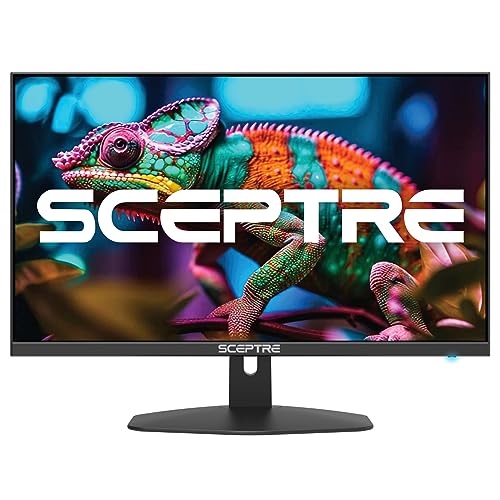


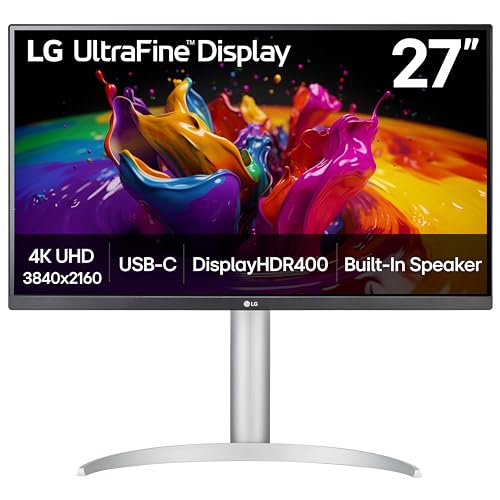
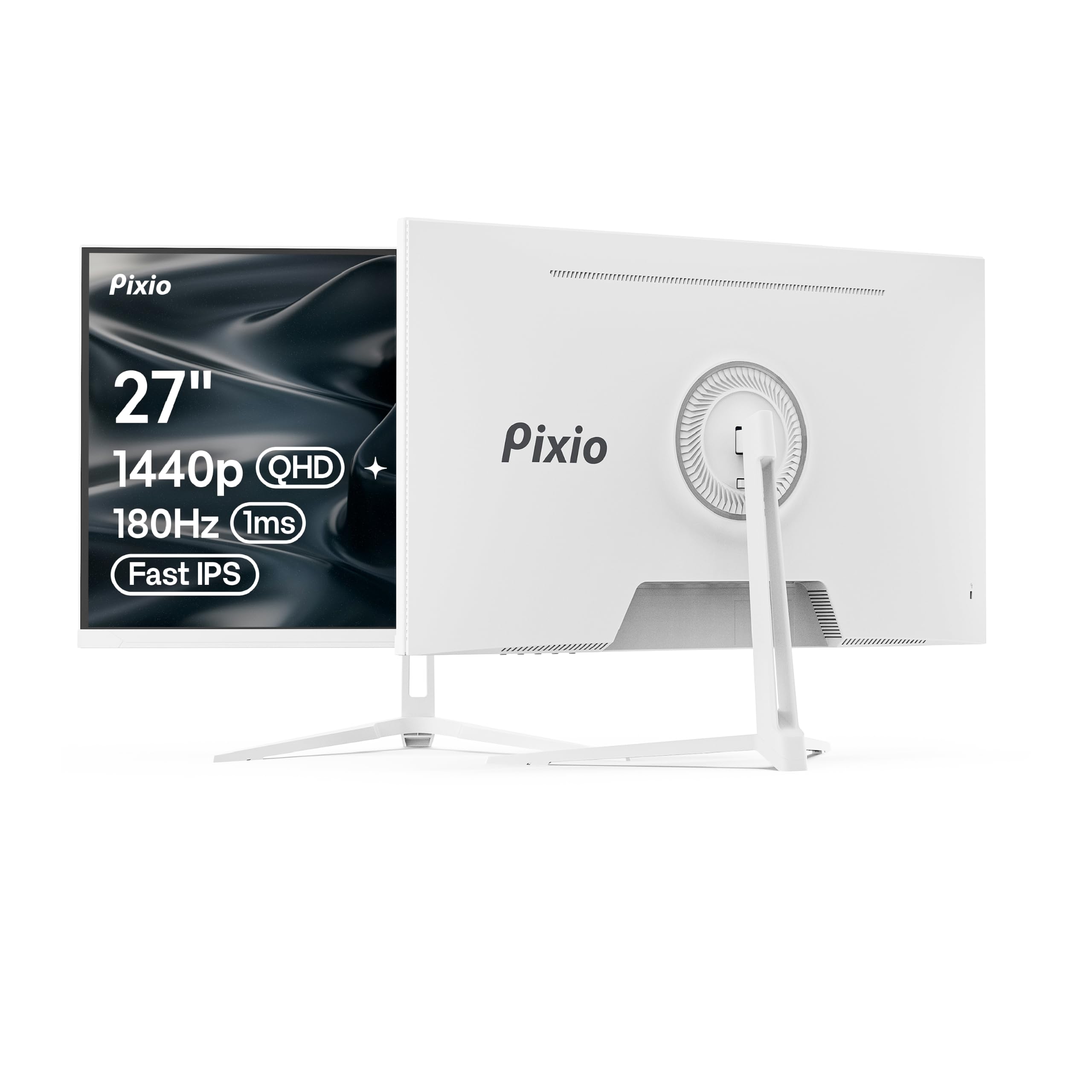
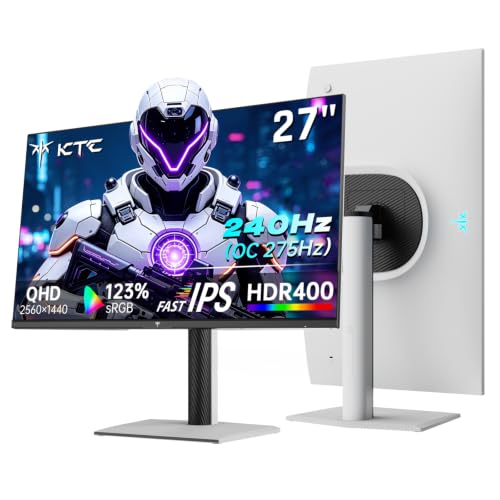
Who Should Buy a 27 Inch Monitor With Speakers?
The right choice depends on how you use sound during the day. Buyers who live in calls and shared rooms gain the most from built in audio, while video editors and loud gamers may still want separate speakers later.
Home Office Workers Who Want a Clear Desk
You take calls, watch training video and share your screen, so voices matter more than deep bass. A monitor with larger drivers keeps speech clear at low volume, and a USB C model with power delivery can also charge your laptop through the same cable. If your workday mixes documents and meetings, see our guide to the best 27 inch pc monitors.
Students and Renters in Small or Shared Rooms
You study, stream shows and join online classes in one room. Built in speakers save the cost and shelf space of a separate set, and they keep volume near the screen. Look for a headphone jack for late night listening and a stand that tilts, since shared room desks rarely sit at the ideal height.
Casual Gamers and Console Players
You play after work rather than chasing ranked ladders, and you want game sound without a headset every session. A faster panel with adaptive sync matters more here than raw speaker power. Console players should check for two HDMI ports, so a console and a laptop stay connected. Our guide to the best gaming monitors 27 inch covers faster models in more depth.
Key Features to Compare
Compare these five factors in order.
Resolution and Panel Type at 27 Inches
At 27 inches, 1080p gives about 82 pixels per inch, so text can look soft up close. A 1440p panel raises that to about 109 pixels per inch and suits most buyers, as our guide to the best 27 inch 1440p monitors explains. IPS panels hold color well from side angles, VA panels give deeper contrast for movies, and OLED panels deliver the strongest contrast with a small risk of burn in on static screens.
Built In Speakers: Power, Placement and Voice Clarity
Most built in speakers rate about 2 to 5 watts per channel, and placement matters as much as power. Drivers that face you sound fuller than tiny rear facing drivers, which can seem muffled against a wall. For calls and news, clear midrange matters most. For movies and games, small drivers lack deep bass, so treat built in audio as everyday sound, not a full speaker system. When you judge the best 27 inch monitor with speakers in a store or during a return window, play a spoken video first, because voices reveal weak drivers faster than music does.
Motion Specs on a 27 Inch Speaker Display: Refresh, Response and Sync
A 60 Hz panel is fine for documents and video, while 100 Hz or 144 Hz makes scrolling and games look smoother. Response time near 1 to 5 milliseconds limits blur, and adaptive sync through FreeSync or G Sync keeps motion steady when frame rates dip. HDMI 2.1 matters mainly for consoles that output high frame rates at 4K, while most 1440p gaming displays work well over DisplayPort.
Ports, USB C and an Audio Out for Later
Count ports before you buy, because a second HDMI input can save daily cable swaps. USB C with power delivery of about 65 watts can charge many laptops while it carries the picture, which removes one power brick. A 3.5 mm audio out or headphone jack is worth having, since it lets you add headphones or stronger speakers later without replacing the monitor.
Stand Adjustment, VESA Mounts and Desk Depth
A basic stand tilts only, while better stands add height, swivel and pivot for portrait documents. Height adjustment matters, because the top of a 27 inch screen should sit near eye level. Check the VESA pattern, usually 75 by 75 mm or 100 by 100 mm, if you plan a mount arm, and leave about 24 to 30 inches of desk depth.
What Each Price Band Buys on a 27 Inch Screen With Built In Sound
Prices overlap, so use these tiers as a map of trade offs rather than strict lines. If you want the wider view first, see our guide to the best 27 inch monitors for models with and without speakers.
Budget Tier, About $130 to $220: Clear Basics for Everyday Work
Expect a 1080p or basic 1440p IPS panel at 60 to 100 Hz, small 2 watt speakers and a tilt only stand. Sound suits calls and short video, and picture quality is fine for documents and web work. This tier fits a first home office or a second screen, as long as you accept softer text and sit fairly close to the center of the screen.
Midrange Tier, About $250 to $450: Sharper Text and Smoother Motion
Most buyers land well here. Typical models add a 1440p panel at 100 Hz or more, stronger 5 watt speakers, height adjustment and USB C on some versions. Text looks cleaner for long reading, motion feels smoother and voices carry more body. For work plus evening video, this tier usually removes the urge to upgrade soon.
Premium Tier, About $500 to $900: Fine Detail and Richer Sound
Premium models bring 4K or OLED panels, wide color for photo and video work, HDR highlights and speakers that can fill a small room. A 4K screen at this size gives about 163 pixels per inch, so interface text stays crisp even when scaled. Compare options in our guide to the best 27 inch 4k monitors if fine detail tops your list. Pay this much only when your work or games use the extra sharpness and color.
Common Mistakes to Avoid
Most regrets with this purchase come from a short list of avoidable errors.
- Buying 1080p at 27 inches for close desk work leaves text looking soft all day.
- Assuming every speaker model sounds alike leads to muffled calls, because driver size and placement vary widely.
- Skipping a headphone jack means late night viewing disturbs everyone else in the room.
- Ignoring stand height forces you to stack books under the monitor or accept a sore neck.
- Paying for 4K on a tight budget can starve the features you use daily, such as USB C and height adjustment.
- Placing rear facing speakers flush against a wall dulls the sound you paid for.
Care, Cleaning and Long Term Costs
Wipe the screen with a dry microfiber cloth, and dampen the cloth with plain water only for stubborn marks. Never spray liquid straight onto the panel, because drips can reach the speaker openings and lower edge. Dust the speaker grilles with a soft brush, and keep drinks behind the monitor line so a spill cannot run into the vents.
Long term costs stay modest. Budget about $20 to $40 for a longer cable or adapter, and about $50 to $120 if you add a VESA mount arm later. A monitor uses roughly 25 to 45 watts in normal use, so power cost is minor. A three year warranty beats a small discount, since panel faults can cost more than the monitor is worth.
FAQ
How long does a 27 inch monitor with speakers usually last?
A 27 inch monitor with speakers usually lasts about five to eight years. The backlight slowly dims over that time, while the speakers rarely wear out first. Lifespan depends more on heat and dust than on hours alone, so keep rear vents clear and avoid maximum brightness around the clock.
Is 4K worth it on a 27 inch monitor with speakers?
Yes, 4K is worth it on a 27 inch monitor if you edit photos, read fine detail or sit close to the screen. The gain is smaller for email and spreadsheets, where 1440p already looks clean. Your computer must scale text at 4K, because menus can appear tiny at the native setting. Older laptops may also limit 4K to 30 Hz over some HDMI cables.
What desk depth suits a 27 inch monitor with speakers?
A desk depth of about 24 to 30 inches suits most 27 inch monitors, leaving room for a keyboard. On a shallower desk, a VESA arm pulls the screen back and frees the area under the stand. Viewing distance matters too, since sitting about 20 to 28 inches away keeps the full width in easy view without constant head turns.
Does refresh rate matter for a 27 inch monitor used only for office work?
Refresh rate matters less for office work, but it is not wasted. A 100 Hz panel makes scrolling through long documents and moving windows feel calmer than 60 Hz, which many readers find easier during a full day. It does not sharpen text, though, so choose resolution first and treat extra refresh rate as a comfort bonus rather than a need.
Should you choose IPS or OLED for a 27 inch monitor with built in speakers?
Choose IPS for bright rooms, long days of static documents and a lower price, and choose OLED for movies and games where deep black levels matter most. OLED owners should vary content and use the built in pixel refresh tools, because static toolbars can leave marks over time. Speaker quality follows price more than panel type, so compare audio details separately on both kinds.
The Bottom Line
Start with resolution and seating distance, then judge the speakers with a spoken video, and only then compare extras such as USB C and HDR. Use the product table above to check price, panel and audio details side by side. When those basics line up, the best 27 inch monitor with speakers is simply the one that fits your desk, your budget and your daily sound.