Best 27 Inch PC Monitors in 2026: Which One Fits the Way You Use It?
Disclosure: We may earn a commission when you buy through links on this page, at no extra cost to you. As an Amazon Associate I earn from qualifying purchases. Learn more

Compare the best 27 inch pc monitors by fit: resolution, panel type, ports and desk space in plain terms, so you pick the right screen the first time.
A 27 inch screen is the size most PC desks end up with, yet two monitors with the same diagonal can feel completely different once you sit down. One makes text look soft, another makes games feel smooth, and a third crowds the desk so much that the keyboard barely fits. The best 27 inch pc monitors are simply the ones whose resolution, panel and stand match the way you actually spend your day, and this guide sorts that fit before anything else.
Instead of ranking models, the sections below walk through fit by day, fit by desk and fit by eye, then cover the features that change each one. Use the resolution table below to see how the main classes differ at a glance, and keep your own routine in mind as you read, because a screen that suits a night gamer can be the wrong buy for someone who reads documents all morning.
Start With the Shape of Your Day
The diagonal is fixed at 27 inches here, so the real differences show up in how the hours at the desk are spent. Pick the group closest to your routine first, because it decides which features deserve your money and which ones you can safely skip.
All Day Desk Work and Documents
Spreadsheets, email, writing and browser tabs reward steady clarity more than speed. A 1440p panel keeps small text crisp through a long shift, and a matte surface cuts the glare from windows and ceiling lights. Brightness around the middle of the range is plenty indoors, and an adjustable stand matters more than gaming extras because your neck notices a screen set too low by the second hour. Spend on resolution and ergonomics first, and treat high refresh rates as a bonus rather than a need.
Gaming Evenings on the Same Desk
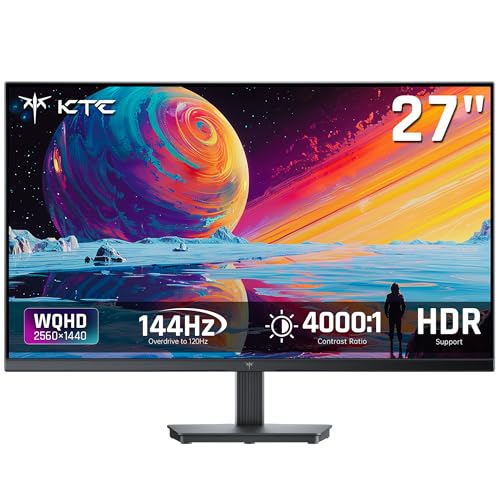
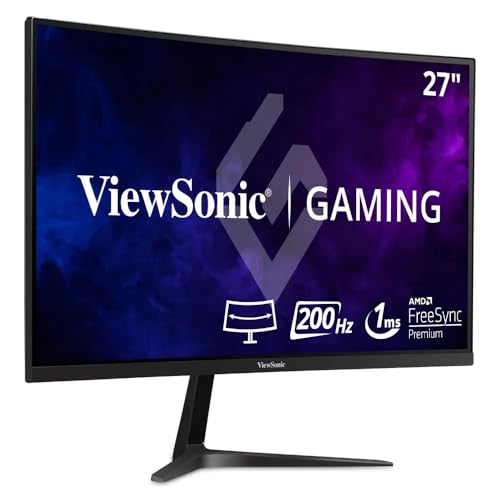
If the monitor becomes a game screen after dinner, motion handling moves to the top of the list. A refresh rate of 144 Hz or higher, paired with adaptive sync that matches your graphics card, keeps fast scenes smooth without tearing. The dedicated roundup of best gaming monitors 27 inch goes deeper on that side, but the short version is simple: at 27 inches, 1440p at a high refresh rate is the pairing most gaming PCs can drive well. Response time figures are maker figures measured in the best case, so treat small differences between brands as marketing rather than proof.
A Mixed Day of Work, Video and Play
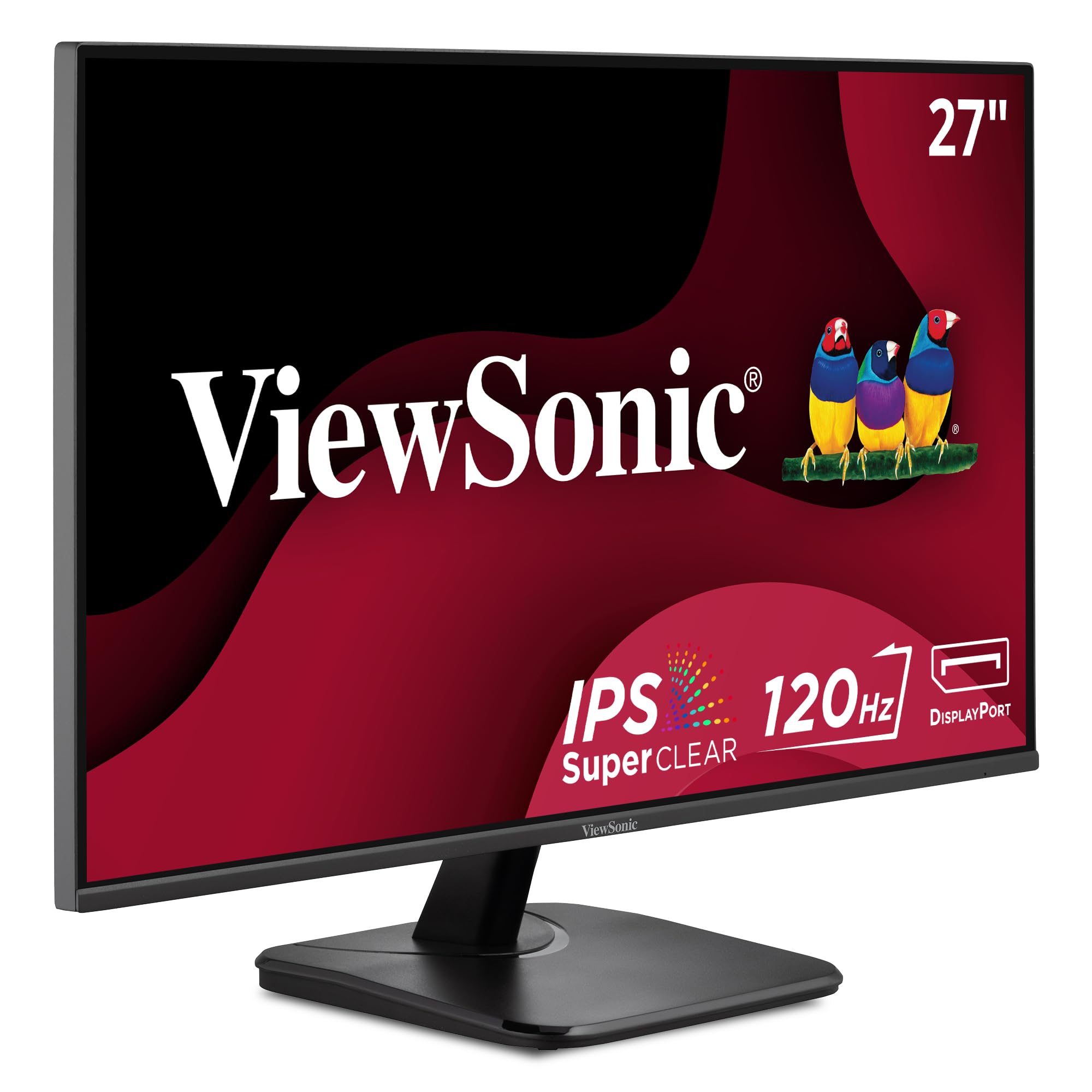
Many desks host a bit of everything, and the balanced choice is a 1440p IPS panel with a refresh rate above the basic 60 Hz class. Colours stay accurate enough for photo sorting, text stays sharp for documents, and casual games feel smoother than on a plain office panel. Wide viewing angles help when a second person pulls up a chair to watch a video with you. This middle class is where most mixed use buyers land, and it is rarely money wasted.
How to Choose the Best 27 Inch PC Monitors by Resolution
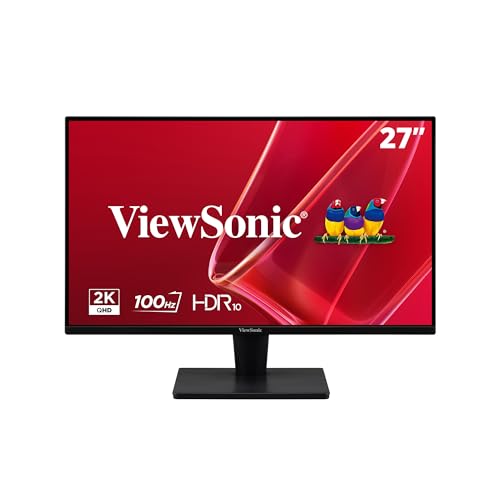
Sorting the best 27 inch pc monitors starts with one fork, because at this diagonal the pixel count changes how the screen feels more than any other spec. A 1080p panel spreads about 82 pixels across each inch, so at a normal desk distance the edges of letters look coarse and less of a document fits on screen at once. A 1440p panel raises that to about 109 pixels per inch, which is why it has become the desk standard class at this size.
A 4K panel reaches about 163 pixels per inch and suits close detail work, as the class covered in our guide to best 27 inch 4k monitors shows. Buyers who mostly work and play in the middle will find their ground in our guide to best 27 inch 1440p monitors.
| Resolution at 27 inches | Pixel density | Text at desk distance | Best fit |
|---|---|---|---|
| 1920 by 1080 | About 82 per inch | Coarse up close | Video, consoles, tight budgets |
| 2560 by 1440 | About 109 per inch | Sharp and roomy | Most desk work and gaming |
| 3840 by 2160 | About 163 per inch | Finest detail, usually scaled | Photo, video and design work |
Prices follow the fork. Entry 1080p models run about $130 to $200, the 1440p class runs about $200 to $400, and 4K models run about $350 to $650, with gaming and colour features pushing any class higher.
Features That Change How It Fits
Four features decide whether a screen that looked right on paper still feels right after a week. The broader roundup of best 27 inch monitors covers screens for every kind of setup; the notes below stay focused on PC use.
Panel Type in Plain Terms
IPS panels hold colour and brightness when you view from an angle, which suits shared desks and colour aware work. VA panels give deeper blacks for films in a dim room, though dark moving scenes can smear a little. OLED panels light each pixel on its own and deliver the strongest contrast, but they cost more and ask for simple habits, like letting the screen rest, when static windows sit open all day. None of these figures travel well between brands, because each maker measures its panels its own way.
Ports and Cable Fit
Count the devices before you count the pixels. A work laptop that charges over USB C can drive some monitors through one cable that carries picture and power, which clears the desk fast. Desktops usually rely on DisplayPort for the highest refresh rates and HDMI for a second machine or a console.
If two computers share the screen, two digital inputs save daily cable swapping. Check the port list against your real setup, including cable length, because a short included cable can force you to rearrange the whole desk.
Stand Footprint, Mounting and Desk Space
A wide stand can eat the front third of a shallow desk, and a stand that only tilts leaves your neck to do the adjusting. Height adjustment is the feature your body notices every hour, so it outranks most picture extras for desk workers. Most models in this class accept a VESA mount, commonly the 100 mm pattern, and a simple arm returns the whole footprint to you. Shallow desks sometimes fit the smaller class better, as our guide to best 24 inch pc monitors covers, but with about 30 inches of desk depth a 27 inch screen sits comfortably.
Refresh Rate and Motion Handling
A 60 Hz panel redraws the picture 60 times a second, which is fine for documents and video. The 144 Hz class and above makes scrolling, window dragging and games feel noticeably smoother, and once you work on one, a basic panel can feel sluggish. Adaptive sync ties the redraw rate to your graphics card so frames arrive without tearing. Maker response time claims are measured under ideal settings, so read them as a rough class label, not as a promise you can compare across brands.
Fit for Your Eyes: Text Size and Scaling
Viewing distance ties everything together. Most people sit about 24 to 36 inches from a 27 inch screen, roughly an arm and a half away, and at that range 1440p text is small but crisp while 1080p text is larger and softer. A 4K panel at this size is almost always run with scaling turned up, which keeps text at the same physical size as 1440p while drawing it with more pixels, so letters look smoother rather than smaller.
If you often lean in to read, choose density over raw size. If you sit back with a controller in the evening, the coarser classes stop mattering. Glare control and a stand that lets the top of the screen tilt slightly back do more for tired eyes than any blue light claim on the box.
Room light finishes the picture. A desk facing a bright window needs a panel from the brighter end of the class range to stay readable at midday, while a dim room rewards the opposite, since a screen run near full brightness in the dark is tiring to look at. Judge the brightness figures as class labels only, because every maker measures its own way.
Common Mistakes to Avoid
- Buying a 1080p panel for close document work, then spending the return window squinting at soft text.
- Ignoring stand depth, so the keyboard ends up pushed against the monitor base on a shallow desk.
- Assuming a single cable plan will work, without checking that your laptop port sends video as well as power.
- Paying for a 240 Hz class panel while your graphics card can only feed it far lower rates in the games you play.
- Skipping the warranty and return terms, even though panel faults such as dead pixels usually show up in the first weeks.
Keeping the Screen in Good Shape
Dust the panel with a dry microfiber cloth and use a cloth barely dampened with water for smudges, since household glass sprays can damage anti glare coatings. Turn off vivid picture modes for daily work, because accurate colour is easier on the eyes and more honest for photo tasks. OLED owners should run the pixel refresh the maker provides and vary what stays on screen through the day. Keep the vents clear, and when you move the monitor, hold it by the stand or the frame, never by the screen edges.
Frequently Asked Questions
Is 1080p sharp enough on a 27 inch monitor?
For video and games watched at a distance, yes, but for desk work it is the weakest fit at this size because text edges look coarse at arm length. Motion hides softness, which is why a screen that seems fine for films can disappoint the moment a spreadsheet opens. If you already own one, moving it a few inches farther back is a free improvement that makes the pixels harder to pick out.
Is 4K worth it on a 27 inch PC monitor?
It is worth it if your work is full of fine detail, such as photo editing, design or dense data at close range. Remember that scaling means you gain smoothness rather than extra workspace, since apps are drawn larger to stay readable. Gamers should also count the cost on the graphics card, because driving 4K in modern games takes far more power than driving 1440p at the same settings.
How far should I sit from a 27 inch monitor?
About 24 to 36 inches suits most people, close to the length of an outstretched arm. The simple check is whether you can read the smallest text you use daily without leaning forward. If you wear progressive lenses, a slightly lower screen position helps, because you view the screen through the middle of the lens rather than tipping your head back to find the reading zone.
Can one 27 inch monitor handle both work and gaming?
Yes, and the 1440p class with a high refresh rate and adaptive sync is the usual answer, since it keeps text sharp all day and motion smooth at night. Check that the port you plan to use can carry the full rate, because older HDMI ports on some machines cap the refresh rate below what the panel can show. A second input for a console or a work laptop makes the same screen easier to share.
How long does a 27 inch monitor usually last?
The panel itself often runs for many years of daily use, and the backlight usually dims slowly long before anything fails outright. In practice, ports and standards age out first, which is why a monitor with both DisplayPort and HDMI stays useful longer than one with a single input. Keeping the firmware updated where the maker offers it can also fix small handshake faults with newer computers.
Final Thoughts
Fit beats spec sheets: match the resolution to your distance, the refresh rate to your evenings, and the stand to your desk, and the screen will feel right long after the box is recycled. The resolution table above lays the main classes side by side, so compare your shortlist against your routine before you spend. Chosen that way, the best 27 inch pc monitors stop being a gamble and become the part of the desk you never have to think about again.