Best 24 Inch Monitors for Photo Editing: Our 2026 Checklist for Accurate Color
Disclosure: We may earn a commission when you buy through links on this page, at no extra cost to you. As an Amazon Associate I earn from qualifying purchases. Learn more

Small desk, serious color work? Check gamut, resolution, panel type and calibration to choose the best 24 inch monitors for photo editing.
A 24 inch screen can show a photo clearly and still render its colors wrong, so size and price alone are not enough for editing work. The best 24 inch monitors for photo editing earn that label through accurate color, even brightness and controls that let you correct drift over time. Use this checklist as you scan the product table.
Start with how you share your work. Images for screens need faithful sRGB color, while images for print need wider coverage and a closer match to paper. Desk depth and room lighting then narrow the field.


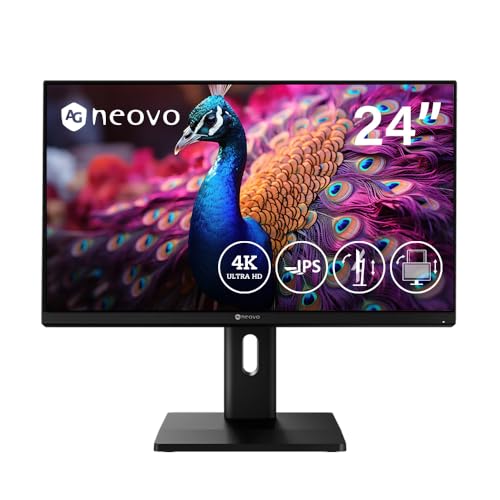
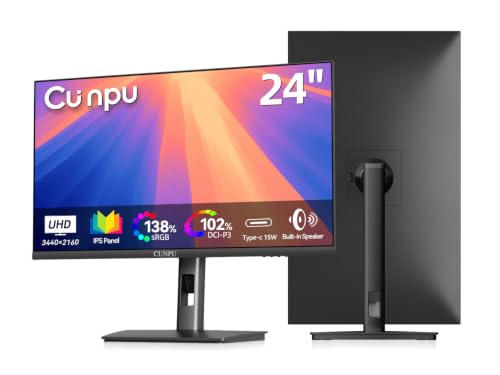

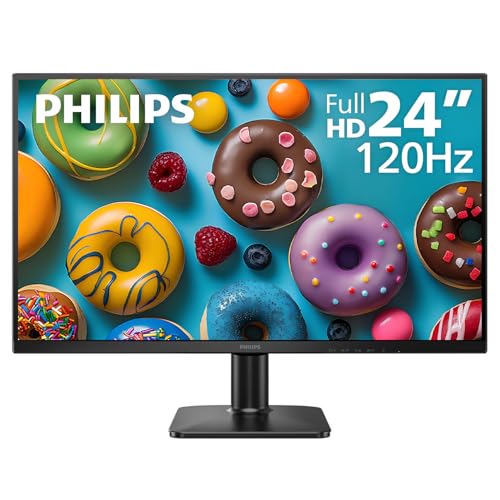
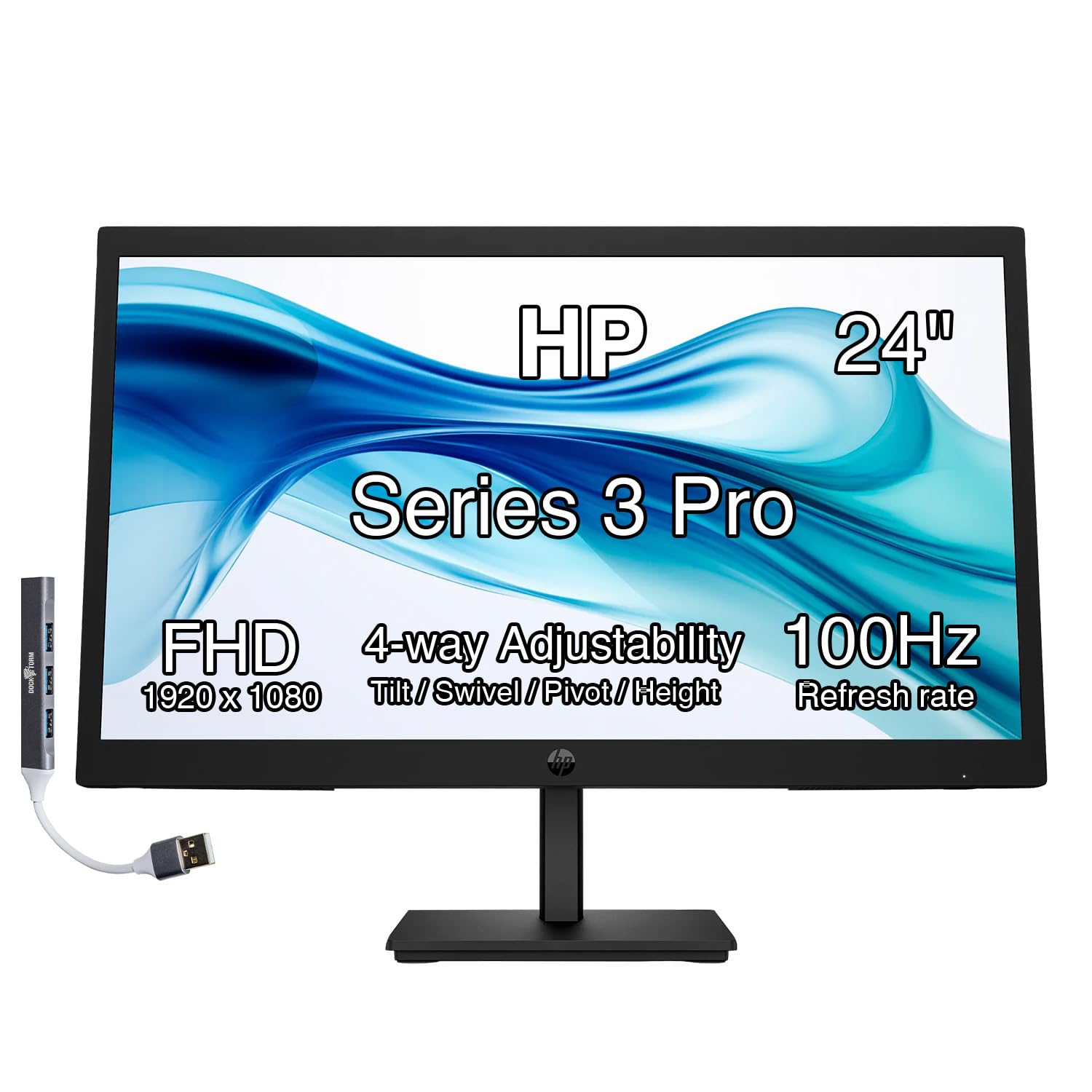
Who Should Buy a 24 Inch Monitor for Photo Editing?
This size suits editors who sit close and want detail without turning their head across a wide screen all day.
Home Editors With a Small Desk
You edit in a corner or on a shared table where a larger screen would crowd your keyboard and drives. A 24 inch panel leaves room for a notebook and card reader while still showing tool panels beside your image. Measure desk depth first, because a deep stand can force an awkward distance.
Print Focused Photographers
You prepare files for albums and wall prints, so small shifts in reds and greens matter to you. Look for wide gamut coverage and a calibration report in the box, and compare the screen against a sample print early. For larger displays, see our guide to the best 27 inch monitors for photo editing for the extra canvas that size offers.
Editors Who Also Do Office Work on One Screen
You switch between photo software, email and documents in the same day, so the screen must handle text and images with equal ease. A sharp resolution, matte surface and adjustable stand serve both tasks well. For shared desk options, see our guide to the best 24 inch pc monitors and compare their stands and ports with the editing needs here.
Key Features to Compare
Work through these factors in order, because color comes first and comfort only helps once the image is trustworthy. Note that the best 24 inch monitors for photo editing tend to spend their budget on the panel and its controls, not on extras you will rarely touch.
Color Gamut and Color Accuracy
Gamut is the range of colors a screen can show, and accuracy is how closely it shows each one. For screen only work, look for coverage close to the full sRGB range. For print work, look for high Adobe RGB coverage, while a stated DCI P3 figure helps for mixed work. A Delta E value of about 2 or lower in the factory report suggests colors arrive close to correct.
Panel Technology for Photo Editing
IPS panels are the common choice at this size because colors stay steady when you shift in your chair. VA panels offer deeper blacks, but color can shift more off center and mislead you near the edges of a photo. OLED panels give superb contrast, yet 24 inch models are rare and costly, and static toolbars raise a long term retention concern.
Resolution and Pixel Density at 24 Inches
Resolution controls how much fine detail you can judge without zooming. At 24 inches, 1920 by 1080 looks coarse for careful retouching, 2560 by 1440 is a clear step up for most editors, and 3840 by 2160, often called 4K, shows the finest texture from camera files. Higher density makes text smaller, so check software scaling at your sitting distance of about 20 to 28 inches.
Brightness, Contrast and Screen Uniformity
Most editors work well at about 250 to 350 nits in a normal room, with lower settings suiting a dim studio. Uniformity matters more than a peak figure, because a bright center and dull corners can hide shadow detail at the edges. HDR labels matter less for still photos, since most editing uses standard range, so treat HDR as a bonus.
Calibration Tools and Color Controls
A good editing screen lets you adjust brightness, contrast, color temperature and separate red, green and blue gains through a clear menu. Better models also work with an external colorimeter and store the correction inside the monitor, keeping color consistent across computers. Preset sRGB and Adobe RGB modes help when you switch between web and print work.
Stand, Mounting and Ports for a Photo Desk
A stand with height, tilt and swivel adjustment lets you center the screen at eye level, and a pivot to portrait helps with vertical shots. The common VESA pattern at this size is 100 by 100 mm, which lets you move the panel to an arm and free desk space. DisplayPort and HDMI cover most computers, while USB C can charge a laptop through one cable.
Which Type of 24 Inch Monitor Fits Your Editing Work?
Match the screen type to the work you do most, not strengths you will seldom use.
Standard IPS Monitors for Everyday Editing
This is the sensible default for family photos, travel images and web galleries, with steady color and a fair price. If your budget is tight, see our guide to the best affordable monitors for photo editing and apply the gamut and uniformity checks above before you choose on price alone.
Wide Gamut Monitors for Print Work
Choose this type when prints, books or client proofs are your final product. The wider Adobe RGB range helps you predict how saturated colors will land on paper. Pair it with a colorimeter from the start, because a wide range only helps when the screen is set correctly.
High Resolution Monitors for Detail Work
Choose a 1440p or 4K panel when you retouch skin, fabric or product texture and need to judge fine detail at normal zoom. For a wider view beyond this size, see our guide to the best monitors for photo editing and weigh that extra space against your desk depth.
Photo Editing Checklist: What to Verify Before You Order
Answer each question before you order, and treat any no as a reason to keep looking.
- Does the listing state gamut coverage for sRGB and, for print work, Adobe RGB?
- Is a factory calibration report with a low Delta E value included or described?
- Does the resolution suit your camera files and your normal sitting distance?
- Can the stand adjust for height and tilt, or does the panel offer a VESA mount?
- Do the ports match your computer without adapters you would need every day?
- Does the screen work with the colorimeter or software you plan to use?
- Does the full stand footprint fit your desk with room for your keyboard?
Common Mistakes to Avoid
- Buying on brightness or HDR labels alone leaves you with vivid color that does not match your prints.
- Choosing 1080p for detailed retouching forces constant zooming and slows careful cleanup work.
- Ignoring uniformity means corners can hide shadow or highlight detail that the center shows clearly.
- Skipping calibration for months lets small color drift grow until older edits no longer match newer ones.
- Placing the screen beside a bright window washes out dark tones and leads you to overbrighten images.
- Forgetting to measure stand depth can push the screen too close and strain your neck and eyes.
How to Make Your 24 Inch Monitor Last Longer
Use a standard or custom picture mode rather than a vivid mode, because vivid settings push color beyond accurate levels and can age the backlight faster. Recheck color with a colorimeter about once a month if you edit often, and sooner if prints drift from what you see. Keep brightness at the lowest level that still shows shadow detail.
Clean the screen only with a dry or slightly damp microfiber cloth, and never spray liquid directly onto the panel. Dust the back vents gently, keep drinks away from the stand, and switch the screen off when you finish for the day.
FAQ
Does refresh rate matter for a 24 inch monitor used only for photo editing?
No, refresh rate matters very little for still photo editing, and a standard 60 Hz screen is fully sufficient. A higher rate mainly makes cursor movement and scrolling feel smoother during long culling sessions. Adaptive sync and response time figures aimed at fast motion add cost without improving color judgment.
Is 4K worth it on a 24 inch monitor for photo editing?
Yes, 4K can be worth it on a 24 inch monitor if you retouch fine detail and your camera files carry that resolution. The added density lets you judge sharpness with less zooming. Interface text becomes small at full scale, though, so confirm that your software offers scaling you find comfortable before you commit.
Is IPS or OLED better for a 24 inch monitor for photo editing?
IPS is the safer choice for most editors at this size because it is widely available, costs less and holds color steady across the screen. OLED wins on contrast and black depth, which helps with night scenes. Photo software keeps menus and toolbars in fixed places for hours, though, and that static layout is exactly the pattern that raises retention risk on OLED over time.
How long does a 24 inch monitor for photo editing last?
A 24 inch editing monitor often stays in service for about five to eight years of daily use. The panel rarely fails outright then, but backlight output falls gradually and color can drift beyond what calibration can fully correct. Plan a replacement when repeated calibration no longer brings your prints and screen into agreement.
Is a 24 inch monitor large enough for photo editing on a small desk?
Yes, a 24 inch monitor is large enough for most photo editing when you sit about 20 to 28 inches away. You can keep the image and main tool panels visible without crowding, though editors with many panels open may add a second screen later. On a shallow desk, a VESA arm helps by moving the panel back.
Final Thoughts
Put color accuracy first, then resolution, then stand and ports. A screen that covers your gamut, stays even from center to corner and accepts regular calibration will serve your photos better than one chosen for headline extras. Compare your shortlist against the product table above.
Chosen with those checks, the best 24 inch monitors for photo editing give a small desk careful color control, and your prints and web images will agree far more often.