Best 4K Monitors for Photo Editing for 2026: The Buyer Checklist
Disclosure: We may earn a commission when you buy through links on this page, at no extra cost to you. As an Amazon Associate I earn from qualifying purchases. Learn more

Use this checklist to compare the best 4k monitors for photo editing, covering color gamut, panel type, hardware calibration, uniformity, and honest pricing.
Photo editing exposes every weakness in a display, because a screen that shifts color at the edges or crushes shadow detail quietly changes the pictures you deliver. The best 4k monitors for photo editing are not the brightest or the fastest; they are the ones whose color stays accurate and even across the whole panel. This checklist approach scores each candidate on the criteria that matter for still images.
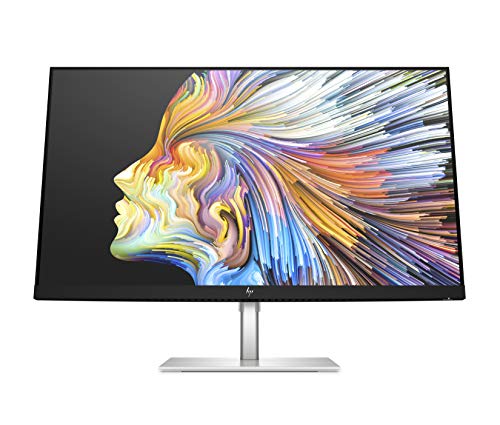
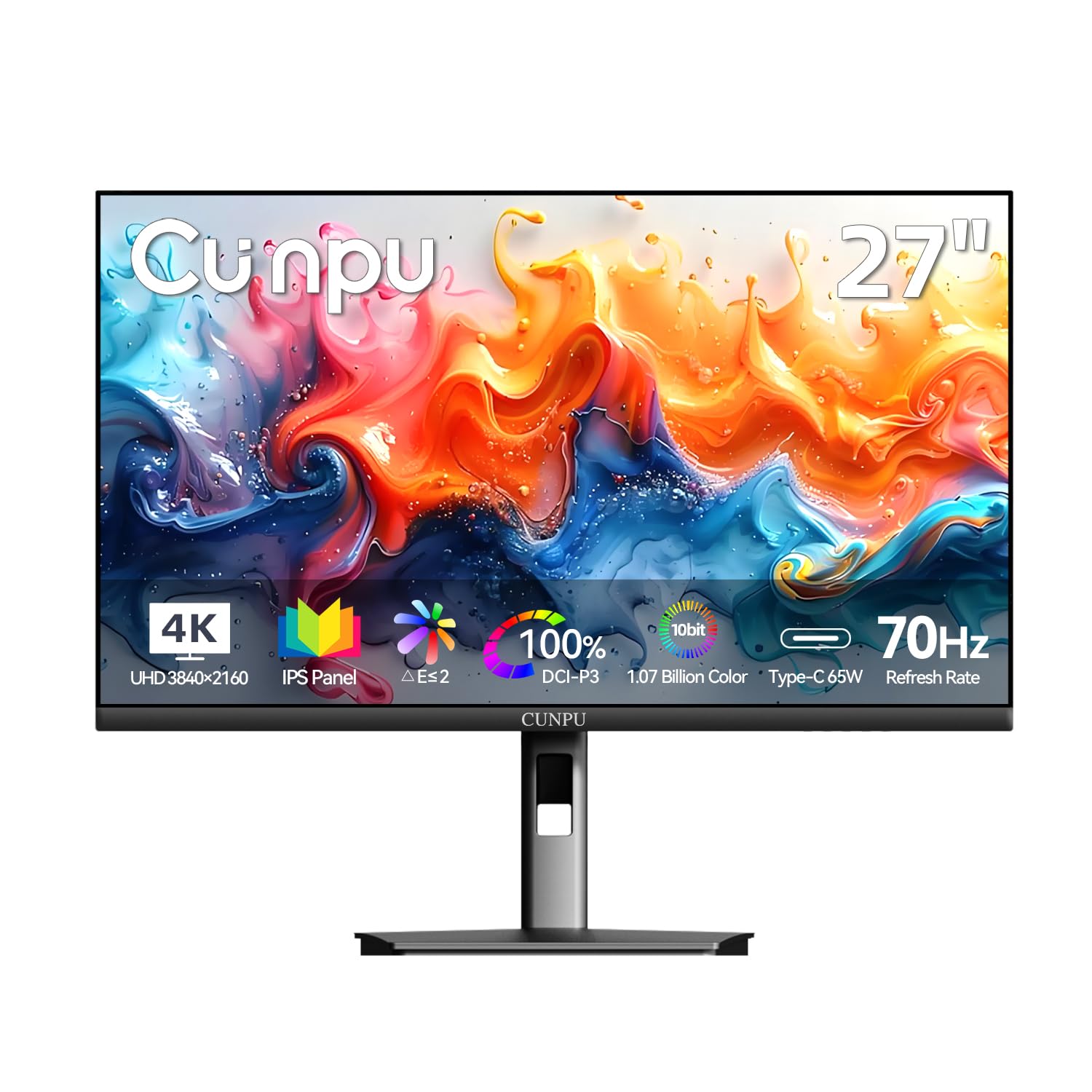
Work through the feature checks, note the red flags, and use the budget tiers to see what the best 4k monitors for photo editing should include at each price level. The product table gathers the current candidates in one place.


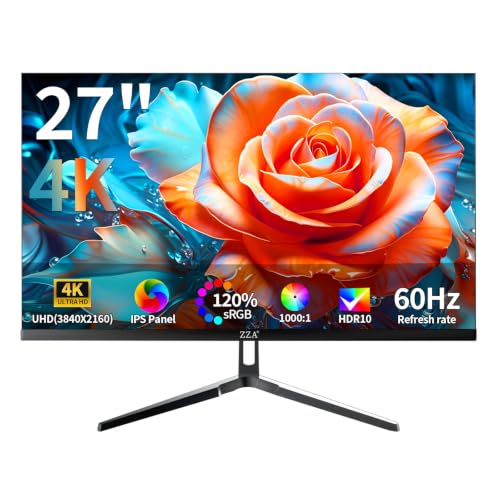


Best 4K Monitors for Photo Editing: Key Features to Compare
Features That Matter for Photo Editing
Still photography lives on color accuracy, so start with gamut coverage and measured error. A serious editing screen should cover 100 percent of sRGB and at least 95 percent of DCI P3, with average Delta E values under 2 from the factory calibration report. Wide gamut models that also cover most of Adobe RGB help print work. Our broader guide to the best monitors for photo editing explains how these figures translate across resolutions, not just 4K.
Panel Technology: IPS, VA, OLED, and Mini LED
IPS remains the editing standard because color and brightness hold steady at wide viewing angles, which matters when you lean in to inspect a corner. VA panels offer deeper contrast but shift color off axis, a real drawback for judging tones. OLED delivers perfect blacks and per pixel light control, yet risks burn in from static editing toolbars during long sessions. Mini LED backlights on IPS panels add strong local dimming for HDR previews while keeping the stable angles editors rely on.
Color Accuracy and Hardware Calibration
Hardware calibration stores corrections inside the monitor itself, so colors stay right no matter which computer you connect. Look for support for a common colorimeter, a uniformity compensation mode that evens out brightness across the panel, and a factory report in the box. Software only calibration still helps, but it lives in your computer profile and can be lost when you switch machines. Recheck calibration every month or two, since backlights drift slowly as they age.
Brightness, Uniformity, and HDR
For print matching, most editors work at about 100 to 160 nits in a dim room, so peak brightness matters less than even brightness. Uniformity is the quiet deal breaker: a screen that is bright in the center and dull at the corners misleads every vignette and sky gradient. HDR labels such as HDR400 add little for stills, while true high brightness Mini LED models help only if you also deliver HDR content. A matte anti glare finish keeps room reflections from faking contrast.
Refresh Rate and Response Time
Refresh rate barely affects photo work, because still images do not move. A standard 60 hertz panel is perfectly adequate, and money spent chasing 144 hertz buys nothing an editor can see in a raw converter. Response time figures matter for video playback smoothness, not for judging sharpness in a photograph. Photographers who also cut video or game after hours are the exception, and the hybrid options among the best monitors for gaming and photo editing balance both jobs.
Connectivity and Ports
DisplayPort and HDMI both carry a full 4K signal, while USB C with power delivery of about 65 to 90 watts lets a laptop drive the screen and charge over one cable. A built in USB hub keeps card readers and backup drives connected to the monitor instead of the laptop, which speeds up ingest at the start of every session. Two inputs are worth having if a desktop and a laptop share the same editing desk.
What Each Budget Tier Should Include
Entry Tier: Honest sRGB Coverage
At about $300 to $450, expect a 27 inch IPS panel with full sRGB coverage, decent factory calibration, and a height adjustable stand. Wide gamut and hardware calibration usually wait for the next tier, so software calibration with a borrowed colorimeter may be needed. Shoppers watching costs can compare the entry picks among the best affordable monitors for photo editing before stretching the budget.
Mid Tier: Wide Gamut and Hardware Calibration
Between about $450 and $800, monitors add 95 percent or wider DCI P3 coverage, hardware calibration support, and uniformity compensation. This is the tier most working photographers should target, because it removes the common accuracy compromises without reference monitor pricing. USB C charging and a proper hub usually appear here as well. For many studios, a mid tier screen plus a colorimeter costs less than one premium panel and performs nearly as well.
Premium Tier: Reference Level Accuracy
Above about $800 and up to around $1,500, premium models chase reference accuracy with tighter uniformity, wider Adobe RGB coverage, built in calibration sensors on some models, and shading hoods in the box. These screens suit print studios and retouchers whose clients pay for exact color. The gains over the mid tier are real but narrow, showing up mainly in shadow separation and edge to edge consistency on critical work.
Quick Buyer Checklist
- Does the panel cover 100 percent of sRGB and at least 95 percent of DCI P3?
- Is the average Delta E listed as under 2 on the factory report?
- Does it support hardware calibration with a standard colorimeter?
- Is there a uniformity mode to even out brightness across the screen?
- Does USB C deliver about 65 watts or more to charge your laptop?
- Is the finish matte, and does the stand adjust for height?
- Is the warranty at least three years, including the panel?
Red Flags to Watch For
- Gamut claims with no standard named, such as a percentage of an unnamed color space.
- No factory calibration report and no way to load a hardware calibration.
- Gaming headline specs leading the listing while viewing angles go unmentioned.
- A glossy screen sold for editing in bright rooms, where reflections fake contrast.
- A one year warranty on a panel you plan to trust for paid client work.
Setup and Care Tips
Set the picture mode to the standard or custom preset rather than a vivid mode, then calibrate at the brightness you actually edit at. Keep screen volume moderate if your monitor has speakers, since small drivers distort early. Wipe the panel only with a dry microfiber cloth, and let an OLED panel run its pixel refresh cycle when prompted. If eye strain, headaches, or vision changes persist after sensible brightness, breaks, and viewing distance, talk with an eye care professional.
Frequently Asked Questions
What features matter most in a 4K monitor for photo editing?
Color gamut, calibration support, and uniformity matter most for photo editing. Full sRGB coverage with at least 95 percent DCI P3, average Delta E under 2, and hardware calibration keep colors honest across computers. Uniformity compensation prevents bright centers and dull corners from misleading your edits. Size, ports, and refresh rate all rank below those three, because a pretty interface cannot fix a screen that renders the wrong red in the first place.
What size 4K monitor is best for photo editing?
A 27 inch monitor is the best size for most photo editors, pairing full 4K detail with comfortable text at typical desk distances. It leaves room for tool panels beside the image without shrinking the photograph too far. A 32 inch screen helps when you review group shots or retouch at a distance, while 24 inch 4K models crowd the interface. Editors who also grade video may prefer the wider shapes among the best 4k monitors for editing.
Does refresh rate matter for photo editing?
Refresh rate does not matter for photo editing in any practical way. Editing software shows still images, and a 60 hertz panel redraws them exactly as smoothly as a 240 hertz gaming screen. The money a high refresh panel costs is better spent on wider gamut coverage or a colorimeter. Refresh rate only enters the decision if the same screen doubles as your gaming or video editing display after work.
How long do 4K photo editing monitors last?
A quality 4K editing monitor lasts about five to eight years before backlight dimming and color drift outrun calibration. You can compensate for gradual drift with regular recalibration, which is why hardware calibration support extends a panel useful life. OLED models may need earlier replacement in heavy static interface use because of burn in risk. Budget screens with weak power supplies and fixed stands usually wear out their welcome sooner.
Is 4K resolution worth it for photo editing?
Yes, 4K resolution is worth it for photo editing because modern cameras record far more detail than a 1080p screen can show. At 4K you judge sharpness, noise, and fine retouching at or near 100 percent magnification without constant zooming and panning. The benefit is largest on 27 inch and bigger panels, where the extra pixels spread out enough to stay comfortable through a full day of editing work.
IPS or OLED: which panel is better for photo editing?
IPS is the safer choice for most photo editing because it holds color at wide angles and has no burn in risk from static toolbars. OLED wins on black depth and per pixel contrast, which flatters night and event photography previews. The trade off is long sessions with fixed interface elements, plus higher prices at editing friendly sizes. Studios doing critical print work still lean toward high end IPS panels with uniformity compensation.
Final Thoughts
Judge every candidate against the same three checks: measured color accuracy, uniformity across the panel, and calibration you can maintain over the years. The product table shows how the current models stack up on those points at each price. Pick the tier that passes all three, and the best 4k monitors for photo editing for your desk will keep every edit honest.