
Best 1440p Ultrawide Monitors: Everything to Know Before Your First Purchase for 2026
Disclosure: We may earn a commission when you buy through links on this page, at no extra cost to you. As an Amazon Associate I earn from qualifying purchases. Learn more

Shopping for the best 1440p ultrawide monitors for the first time? Learn the terms, compare options, and avoid rookie mistakes with this easy guide.
Buying your first ultrawide monitor can feel confusing because listings mix screen size, panel names, port labels, and refresh numbers into one long spec sheet. This guide slows that process down and explains each term in plain language before you spend anything. By the end you will know how to judge best 1440p ultrawide monitors for your own desk and computer.
You do not need any background in display technology to follow along. Start with the basics below, then use the comparison table below to see how real models differ once the vocabulary makes sense.
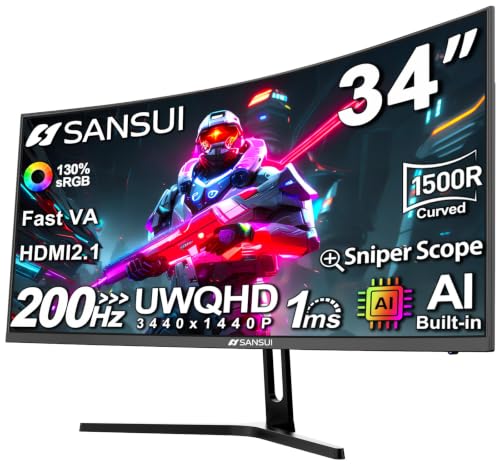
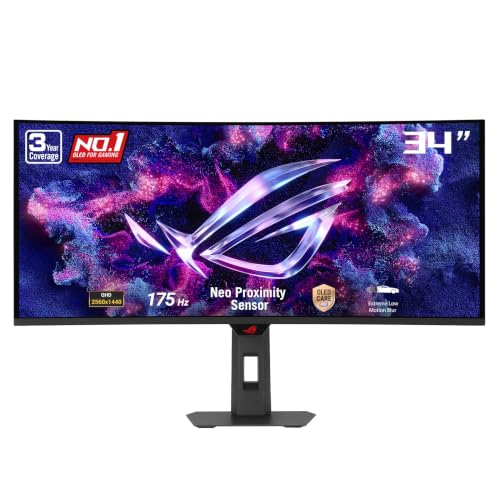


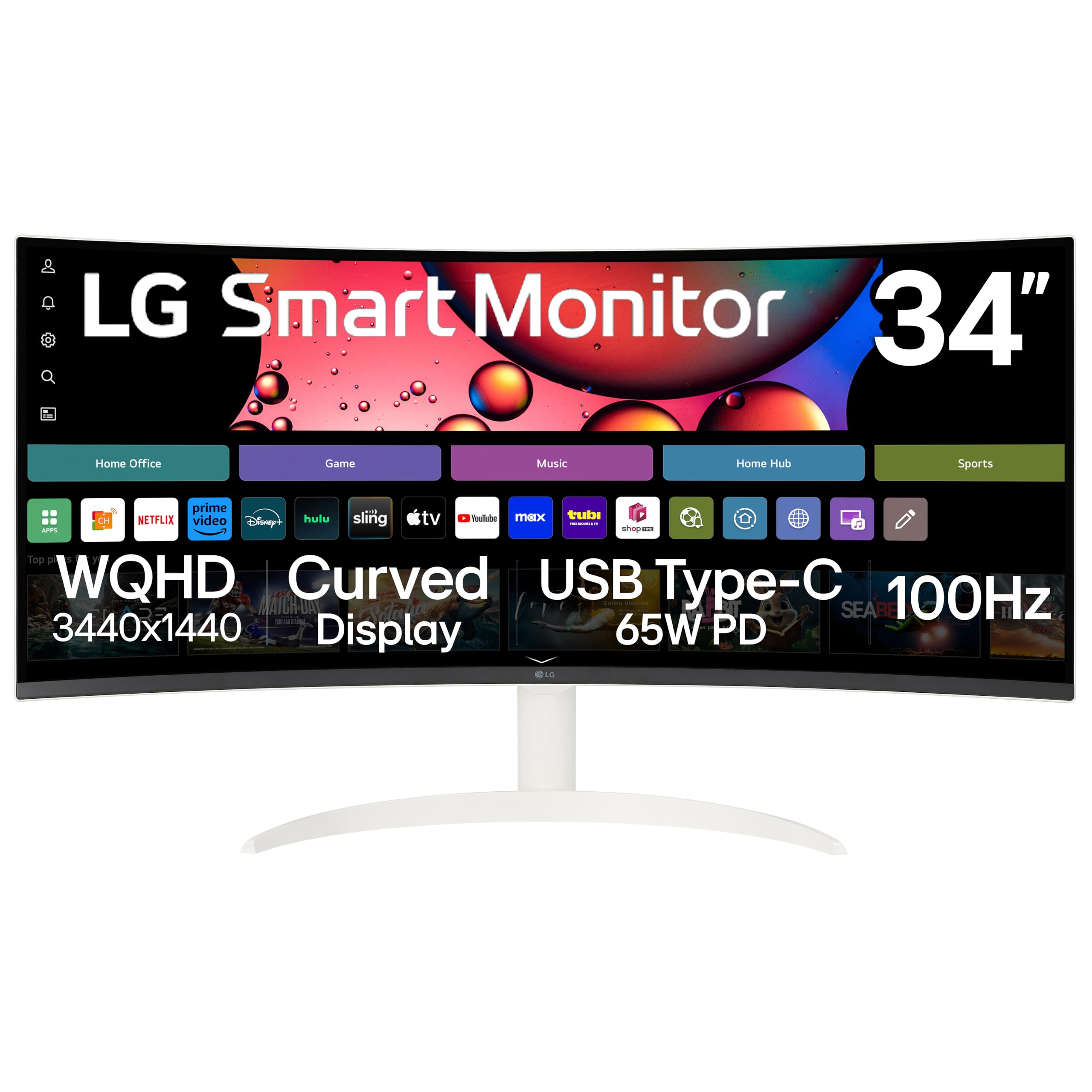


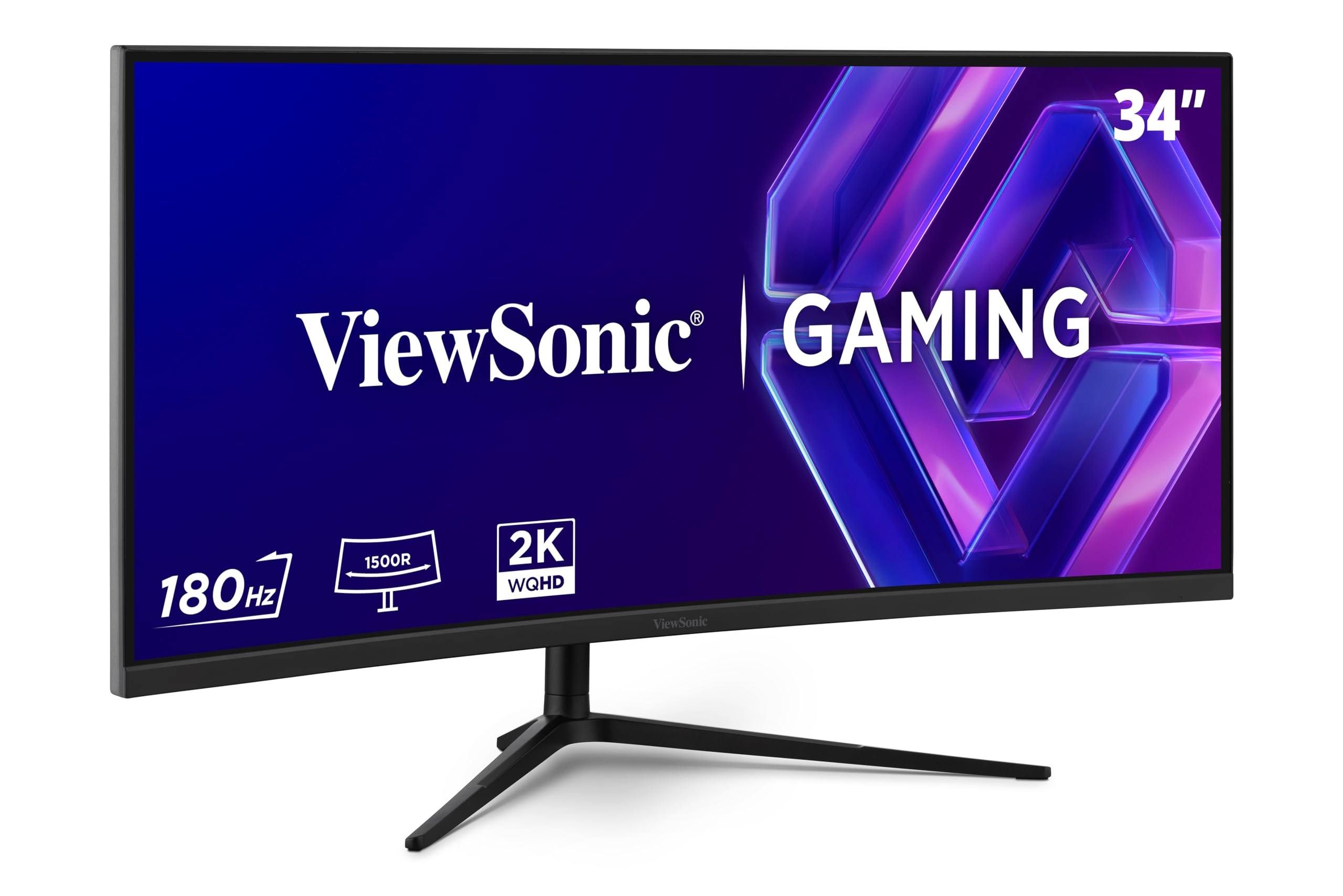
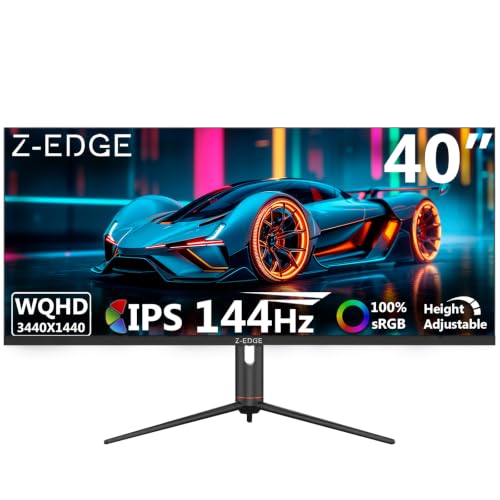

1440p Ultrawide Monitors 101: The Basics for New Buyers
An ultrawide monitor is much wider than a standard monitor, with a shape described as 21 to 9 instead of the usual 16 to 9. At 1440p resolution that wide shape usually carries 3440 by 1440 pixels, so you gain a large amount of horizontal room while text and images stay sharp. Most models measure 34 inches diagonally, and many curve gently so the far edges sit at a more natural angle to your eyes.
That width changes how a desk feels day to day. You can keep a document and a spreadsheet open side by side, stretch an editing timeline across the panel, or let a game fill more of your view with no bezel in the middle. Shoppers who want to weigh every wide format can see our guide to the best ultrawide monitors for the full category picture. Just note that some older games and apps fill only the center of the screen, and your graphics card must push more pixels than a standard 1440p display demands.
Who Should Buy a First Ultrawide Monitor
The best 1440p ultrawide monitors suit people whose daily tasks genuinely run wide, and the three groups below cover most first time buyers. Note which specs your group points to, because those are the ones to prioritize later.
Home Office Workers Who Juggle Many Windows
If your day is a constant shuffle of email, chat, documents, and browser tabs, the wide canvas is the whole appeal. You can pin a reference page on one side and write on the other, or join a video call while your notes stay visible. Prioritize a USB C port with enough power delivery to run your laptop from one cable, plus a stand that raises the screen to eye level. Text clarity matters more than raw speed, so a sharp IPS panel at a moderate refresh rate is the sensible target.
Players Who Want More Immersive Games
Racing, flight, and open world games feel noticeably broader on an ultrawide, because scenery wraps further into your peripheral view. You will care most about refresh rate, adaptive sync, and response time, and your graphics card needs the muscle to feed the extra pixels. Readers comparing wider gaming displays in general can see our guide to the best gaming monitors for context beyond this format. Competitive players sometimes prefer a smaller standard screen, since the action stays closer to the center of their vision.
Creators Who Edit Video, Photos, and Audio
Long timelines are the reason many editors switch, because a video or audio project can show far more of its tracks at once. Color accuracy and wide color coverage matter most for you, along with a matte surface that keeps reflections off your work. Check that the panel covers the color space your projects use, and favor high coverage figures. A curved screen can slightly bend straight lines at the edges, so design work that demands perfect geometry may fit a flat panel better.
Key Specs Explained in Plain English
Each spec below explains what the term means, what it changes in daily use, and the level a first time buyer should aim for. Use your buyer group above to decide where your money counts.
Panel Technology: IPS, VA, OLED, and Mini LED
The panel is the layer that makes the picture, and it decides contrast, color behavior, and motion clarity. IPS panels give accurate colors that stay consistent from the side, which suits work and shared viewing. VA panels deliver deeper blacks and stronger contrast, though fast motion can smear slightly. OLED makes each pixel produce its own light, so blacks are truly black and motion looks exceptionally clean, but it costs more and needs care against burn in. Mini LED pairs a standard panel with many small backlight zones, lifting brightness and contrast without the burn in concern.
Resolution and Screen Size
Resolution counts the pixels, and the figure to look for is 3440 by 1440, which keeps text crisp at the common 34 inch size. Cheaper ultrawides sometimes use 2560 by 1080 at the same size, and that lower count makes letters look soft once you sit close. Larger 38 and 49 inch models exist, but they demand a deeper desk and a bigger budget. If you end up preferring a taller shape instead, see our guide to the best 1440p monitors to compare the standard format. Plan to sit roughly 24 to 36 inches from the screen so the edges stay comfortable to scan.
Stand, Mounting, and Ergonomics
A monitor this wide is heavy and broad, so the stand does more work than most buyers expect. Look for height adjustment first, because the top of the screen should sit near eye level to keep your neck relaxed through a long day. Tilt helps with glare, and a wide stable base matters because a narrow foot lets a large panel wobble when the desk shakes. The VESA pattern on the back, usually 75 or 100 millimeters, tells you whether the monitor fits a desk arm or wall mount, so check the arm weight rating before you buy one.
Smart Features and Sound
Unlike TVs, most ultrawide monitors carry no smart platform, so there is no app store and no built in streaming. Everything you watch or play comes from the computer, console, or streaming stick you connect, and a few models add a remote only for switching inputs. Built in speakers follow the same pattern, meaning they handle calls and casual clips but sound thin for films and music. Budget displays often include just two small speakers or none at all, so plan on headphones or a compact soundbar if sound matters to you.
Connectivity and Ports
Ports decide whether the monitor reaches its full speed with your gear. DisplayPort is the safest choice for a PC because it usually unlocks the highest refresh rate the panel offers. HDMI varies by version, and HDMI 2.1 handles high refresh gaming from consoles and newer graphics cards more comfortably than older versions. A USB C port that carries video and delivers about 65 to 90 watts can run and charge a laptop through one cable. Players weighing flat gaming displays as well can see our guide to the best gaming monitors 1440p for that comparison.
HDR and Brightness
Brightness is measured in nits, and most ultrawide monitors sit near 300 to 400 nits, which is plenty for a typical room. HDR promises brighter highlights and richer contrast in supported movies and games, but the label alone guarantees little. A basic HDR400 badge often changes the picture only slightly, while stronger local dimming on Mini LED models, or the per pixel control of OLED, makes HDR genuinely visible. Dolby Vision appears on TVs far more often than on monitors, so HDR10 support is the realistic box to tick here. In a bright room, a matte surface matters more than any HDR badge.
Rookie Mistakes to Avoid
Most first purchase regrets come from a short list of avoidable errors rather than from a bad panel, so skim these before you order.
- Ignoring your graphics card: buying the screen before checking that your computer can run 3440 by 1440 smoothly leads to blurry scaling or choppy play.
- Measuring only the desk width: forgetting desk depth leaves the screen too close to your face, which causes head turning and eye strain.
- Chasing the highest refresh rate alone: paying for speed your hardware cannot reach wastes money better spent on color or ports.
- Assuming every game and app fills the screen: expecting full width from older titles and some streaming services leads to surprise black bars at the sides.
- Skipping the VESA and weight check: ordering a desk arm that does not match the mount pattern or cannot hold the panel leaves you with hardware you cannot use.
- Trusting the HDR badge by itself: treating a basic HDR label as proof of a better picture leads to disappointment when the image barely changes.
Getting Started: Setup and First Use
Set aside about half an hour and a clear desk for the unboxing, because a 34 inch curved panel is awkward to lift alone. Ask a second person to help, keep the protective film on the screen until the monitor stands on its base, and attach the stand neck before you lift the panel upright. Connect DisplayPort for a PC or HDMI for a console, then run the power cable with some slack so the stand can still move through its full range.
Your first settings pass matters more than any later tweak. Open your computer display settings and confirm the resolution reads 3440 by 1440 and the refresh rate matches the figure on the box, since systems often start lower by default. Switch the picture mode away from the vivid preset, which oversaturates color, and pick the standard or sRGB mode for a natural starting point. Then learn your window snapping shortcuts, because dividing the screen into tidy zones makes the format pay off daily.
Two habits in the first week protect the panel for the long term. Owners of OLED models should run the pixel refresh cycle the menu prompts for and let it finish, since that routine evens out pixel wear. Everyone should wipe the screen only with a dry or barely damp microfiber cloth and no household cleaners, which can damage the surface coating. Keep the shipping box through the return window, because repacking a curved ultrawide without it is difficult.
Frequently Asked Questions
Is 4K Worth Choosing Over a 1440p Ultrawide Monitor?
For most first time buyers, no, because 4K gains sharpness but gives up the wide shape that makes this format special. A 4K screen in the standard shape suits photo work and console play where fine detail matters more than width, and it asks more of your graphics card at high refresh rates. A 34 inch ultrawide also often fits a desk more easily than a large 4K screen, so measure your space first.
IPS or OLED: Which Panel Is Better for a 1440p Ultrawide Monitor?
Neither panel wins for everyone, because IPS suits bright rooms and long work days while OLED suits dark rooms and fast games. OLED delivers perfect blacks and near instant response, but it costs more and asks you to vary your content to limit burn in risk. IPS costs less, stays bright, and needs no such care. Consider your room lighting honestly, since glare on a glossy OLED in a sunny room can undo much of its contrast advantage.
How Long Does a 1440p Ultrawide Monitor Usually Last?
A 1440p ultrawide monitor usually serves for many years, because the panel rarely wears out before the rest of a desk setup changes. Backlights dim slowly with age, and stand hinges tend to fail before the picture does. Before you buy, check the warranty length and the dead pixel policy, since those terms decide how painless a defect claim will be.
Does Refresh Rate Matter on a 1440p Ultrawide Monitor if You Rarely Game?
Yes, refresh rate still matters a little, because a screen at 100 Hz or higher makes scrolling, window dragging, and cursor movement feel smoother during ordinary work. The jump from 60 Hz is easy to notice, while steps beyond about 144 Hz mostly reward players. Anyone curious about gaming first models can see our guide to the best ultrawide monitors for gaming for that side of the market. For office use alone, put the savings toward ports and ergonomics instead.
What Size 1440p Ultrawide Monitor Fits a Typical Home Desk?
The 34 inch size fits a typical home desk best, because it gives the full wide experience while leaving room for speakers or a laptop beside it. Your desk should be at least about 24 inches deep so the screen can sit at a comfortable viewing distance. The 49 inch models need a much deeper and wider desk and can crowd out everything else. Measure the stand footprint too, since some bases reach surprisingly far forward on shallow desks.
Final Thoughts
A first ultrawide purchase goes well when you work in order: confirm the 3440 by 1440 resolution, pick the panel that matches your room and habits, then check ports, stand, and VESA fit against your desk and computer. Use the product table above to apply that order to real models, and you will find that the best 1440p ultrawide monitors for you are simply the ones whose tradeoffs match your day. Prices and availability can change, so check the product page before ordering.


