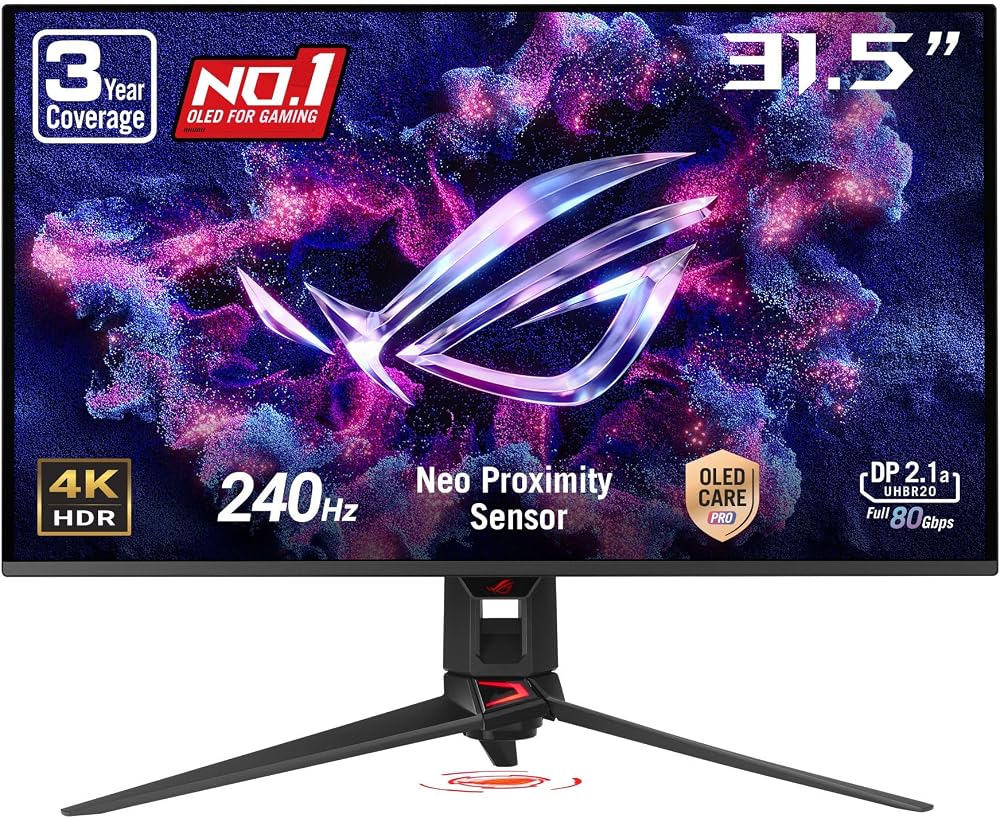
Best Big Screen Monitors for 2026: Everything to Know Before Your First Purchase
Disclosure: We may earn a commission when you buy through links on this page, at no extra cost to you. As an Amazon Associate I earn from qualifying purchases. Learn more

Shopping for the best big screen monitors for the first time? Learn the terms, compare options, and avoid rookie mistakes with this easy guide.
Buying your first large monitor can feel confusing because size is only one part of the choice. The best big screen monitors for you will match your desk depth, your viewing distance, and the work or play you do most often. This guide explains the basic terms in plain English, then walks you through sizing, panels, resolution, speed, stands, setup, and care.
You do not need to learn every spec before you shop. Start with the product table, note the sizes that could fit your room, and then use the sections that follow to narrow your list.

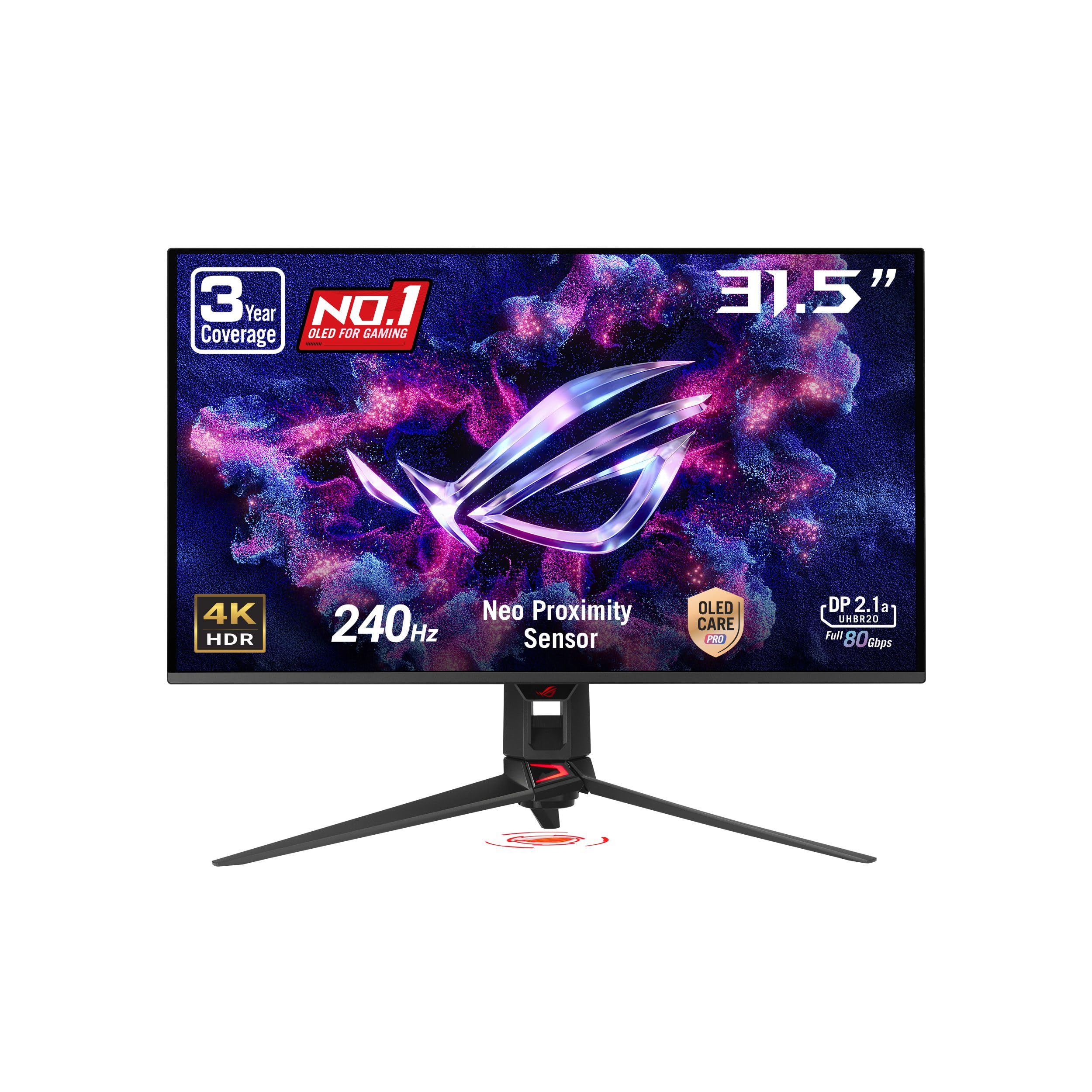

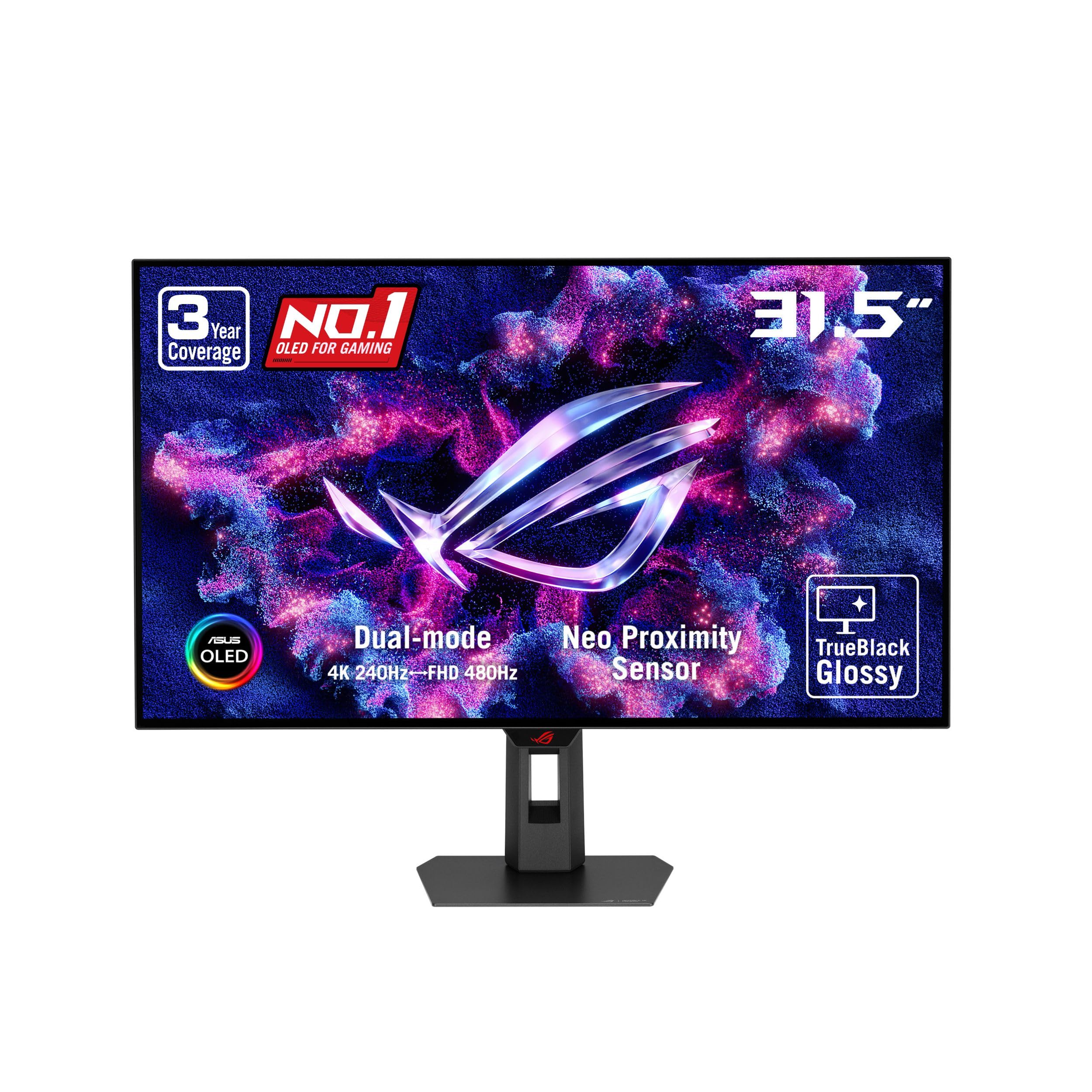
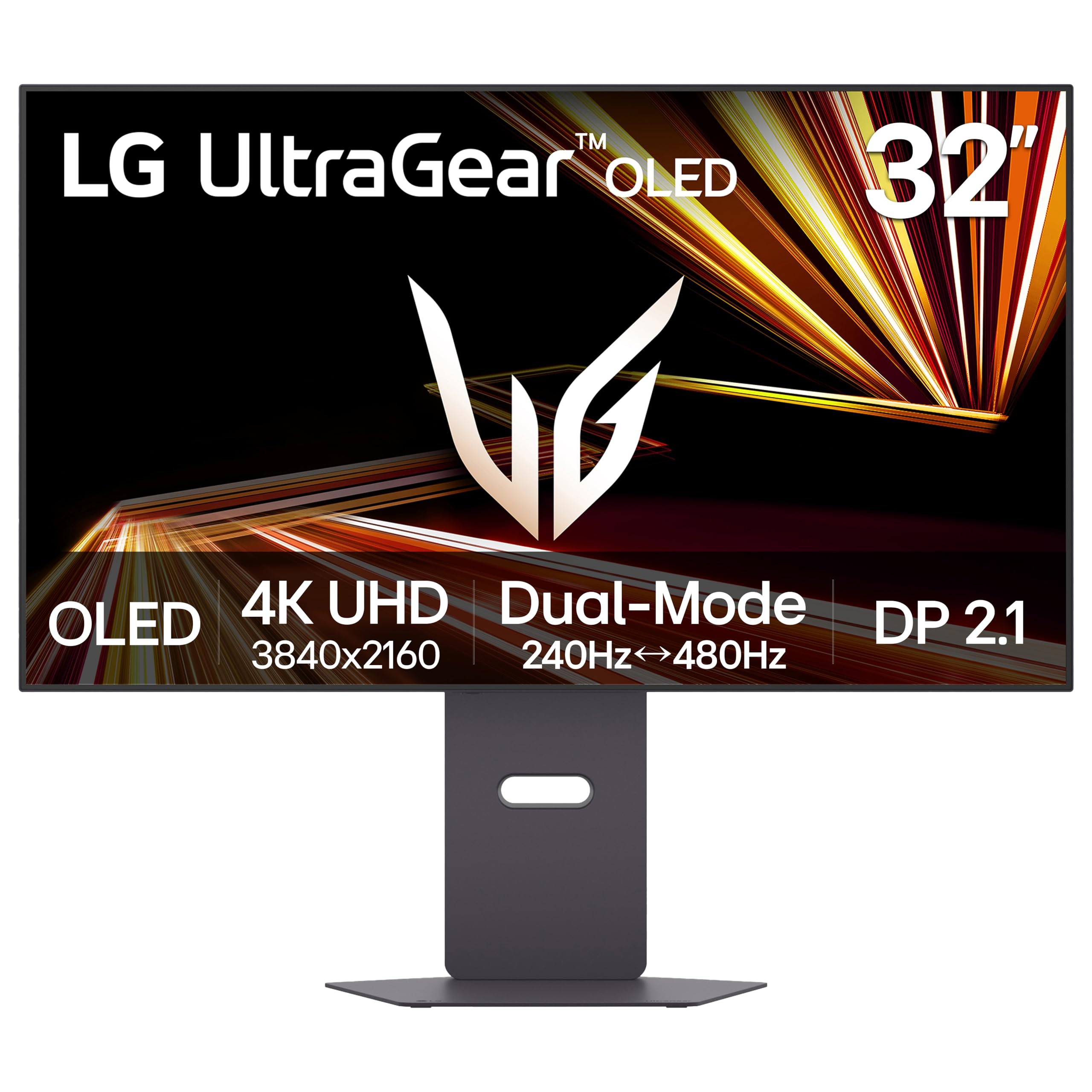


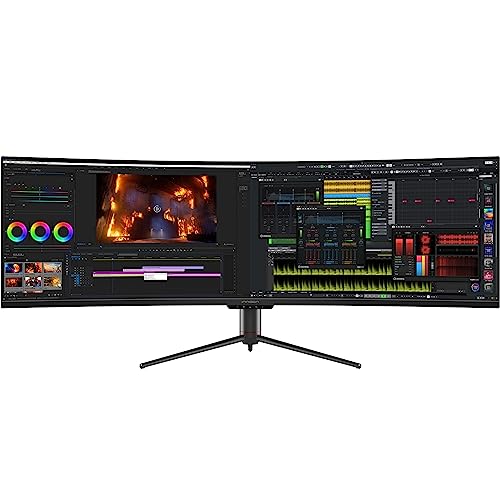

Who Should Buy a Big Screen Monitor?
A large single panel suits you when one wide workspace or one immersive picture solves a daily problem.
Desk Workers Who Juggle Many Windows All Day
You gain the most when spreadsheets, documents, email, and chat stay visible side by side without constant switching. A 34 inch ultrawide or a 32 inch 4K panel can replace a pair of smaller displays and clear cable clutter. If two separate screens fit the way you organize tasks better, see our guide to the best dual screen monitors before you decide.
Movie Viewers and Console Players on a Big Screen Monitor
You should value contrast, HDR brightness, and smooth motion more than raw workspace area, because films and games fill the whole panel. A large monitor also gives you a sharper picture at desk distance than most televisions of a similar size. If your seat sits far across a living room, see our guide to the best big screen tvs for options built around that distance.
Photo and Video Creators Who Need Room to Edit
You benefit from space for a timeline, tool panels, and a large preview on one screen, plus colors you can trust under your room lighting. If you mark up images directly on screen, see our guide to the best touch screen monitors for interactive options.
Big Screen Monitors 101: The Basics for First Time Buyers
A big screen monitor is a display of about 32 inches or more, measured diagonally, that connects to a computer or console and shows text, images, and video. Unlike a television, it usually has no tuner and no built in apps, and it is tuned for sharp text at close range. That focus is why lists of best big screen monitors group models by size together with resolution, instead of by size alone.
The ports on the back decide what you can connect, so check for HDMI 2.1 if a console matters, DisplayPort for a desktop, and USB C if you want one cable to carry video from a laptop. If you are still weighing one large panel against a smaller one, see our guide to the best big monitors for a wider size range.
Large Monitor Specs in Plain Terms: Size, Panels and Ports
Five factors decide most of your day to day experience on a large panel.
Measuring a Big Screen Monitor for Size and Desk Fit
Diagonal size alone can mislead you, so measure the actual width and height of the models on your list and compare them with your desk. Most large panels need a desk about 24 to 36 inches deep so the screen can sit far enough from your eyes. Weight matters too, because a 43 inch model can strain a small desk or a light monitor arm. Confirm the desk or wall can hold its full weight before you order.
Panel Technology on a Big Screen Monitor: IPS, VA, OLED, and Mini LED
The panel type controls color, contrast, and viewing angles. IPS panels keep colors steady when you lean to one side, which suits shared viewing and color work. VA panels give deeper blacks at a lower cost, while OLED panels turn off single pixels for true black and strong HDR impact, with a small risk of burn in from fixed images shown for many hours. Mini LED backlights raise brightness and HDR highlights on LCD panels, which helps in bright rooms.
Resolution and Screen Size on a Big Screen Monitor
Resolution is the count of pixels, and it must grow as the screen grows or the picture will look soft. At 32 inches, 1440p looks decent for mixed use, while 4K looks clearly sharper for text. A 1080p panel stretched across 38 inches or more will show grainy text at a normal desk distance. Sit farther back, about three to four feet, and a lower resolution bothers you less.
Refresh Rate and Response Time on a Big Screen Monitor
Refresh rate, measured in hertz, is how often the picture redraws each second, and response time is how fast pixels change color. A 60 Hz panel is fine for documents, while 120 Hz or 144 Hz makes motion in games look much smoother, and current consoles can output up to 120 Hz on supported titles. Adaptive sync helps the panel match the frame rate of your device, which reduces tearing. For deeper gaming guidance, see our guide to the best gaming monitors.
Stand, Mounting, and Ergonomics for a Big Screen Monitor
A large screen is heavy, so its stand should adjust for height and tilt without wobbling when you bump the desk. Set the top of the screen near eye level and about an arm length away to keep your neck neutral. Most models follow the VESA pattern, often 100 by 100 mm or 200 by 200 mm on larger sizes, so a mount or arm can free desk space. If neck or eye discomfort persists after you adjust height and distance, talk with a clinician or an ergonomics professional about your setup.
Getting Started: Setup and First Use for a Big Screen Monitor
Setup goes smoothly when you work in order and keep the packaging until the picture is right. Ask a second person to help you lift the panel, because large screens are awkward to handle alone.
- Attach the stand or mount first, then connect power and one video cable.
- Open your display settings and set the native resolution and the highest refresh rate the panel supports.
- Turn off the vivid picture mode, lower brightness until white areas feel calm, and set a neutral color preset.
- On an OLED model, run the pixel refresh cycle the menu offers and let it finish without unplugging the screen.
Rookie Mistakes to Avoid When Buying a Big Screen Monitor
- Choosing a huge 1080p panel for desk work, so text looks grainy every day at close range.
- Sitting too close to a 43 inch screen, so you turn your head all day and strain your neck.
- Ignoring the weight limit on a monitor arm, so the screen slowly droops or tips forward.
- Forgetting to check for HDMI 2.1, so a console that supports 120 Hz play is capped at a lower rate.
- Buying the screen before measuring your desk, so the stand feet hang over the edge or block your keyboard.
Care and Maintenance for a Big Screen Monitor
Dust the screen with a dry microfiber cloth and light pressure, and never spray cleaner directly onto the panel, because liquid can run into the lower edge and damage the electronics. For smudges, dampen the cloth with a little clean water, wipe gently, and dry the area at once. Keep the rear vents clear so heat can escape.
On OLED models, let the automatic pixel refresh run when prompted, vary the content you show, and avoid leaving a fixed bright image on screen for many hours. Lower brightness a notch for document work, since very high brightness speeds up panel wear. Store the original box if you can for safer moves.
Big Screen Monitors: Your Questions Answered
What size big screen monitor should I get for my room or desk?
Most first time buyers do well with 32 to 38 inches at a standard desk. Before you order, measure the doorway and any tight hallway turns the delivery box must pass through, because large cartons can be far wider than the screen itself. A 43 inch model needs a deeper desk, so choose it only when your room gives you that space.
Does refresh rate on a big screen monitor matter for people who do not play games?
Yes, a higher refresh rate can still help you even if you never play games. Scrolling through long documents and moving windows feel steadier at 120 Hz, which many people find easier on the eyes during a workday. The gain is a comfort upgrade rather than a need, so spend on resolution or panel quality first if your budget forces a choice.
IPS or OLED: Which panel is better for a big screen monitor?
Neither panel wins for every room, because your lighting changes the answer. OLED looks stunning in a dim room, yet its glossy finish can mirror lamps and windows behind you. IPS screens often use a matte surface that spreads reflections out, so they can be the calmer pick for a bright office even though their blacks look more gray.
How long does a big screen monitor usually last?
A big screen monitor usually lasts about five to eight years of daily use before brightness fades or newer ports leave it behind. Before you buy, read the warranty terms for dead pixel coverage, since policies differ on how many faulty pixels count as a defect. Moderate brightness helps the backlight age more slowly, which keeps the picture even for longer.
Is 4K resolution worth it on a big screen monitor?
Yes, 4K resolution is worth it on screens of 32 inches and up if you read text or edit images up close. Your operating system can scale menus and text larger without losing sharpness, so you get both detail and readable type. For pure video watching from several feet away, the extra cost buys you less, and a good 1440p panel may satisfy you.
Wrapping Up
Start with fit, because no spec can rescue a screen that overwhelms your desk or sits at the wrong distance. Next, match resolution to size so text stays sharp, then pick the panel and speed that suit your main use. When you compare the best big screen monitors with those checks in hand, the right choice usually stands out quickly. Review the product table above, confirm your ports and measurements, and order with confidence.