The Best VR Headset for PC: Buying Guide and Top Picks
Disclosure: We may earn a commission when you buy through links on this page, at no extra cost to you. As an Amazon Associate I earn from qualifying purchases. Learn more

The best vr headset for pc: Meta Quest 3, Quest 3S and Valve Index picks plus connection, tracking and PC tips.
PC virtual reality puts you inside racing cockpits, flight simulators, space stations and rhythm games with a level of detail that standalone headsets alone cannot match. Your graphics card does the heavy lifting, so you get higher resolution, richer effects and access to the huge SteamVR library. But choosing a headset is confusing: some connect with a DisplayPort cable and external base stations, some stream wirelessly from your PC and some work both standalone and tethered. This guide to the best vr headset for pc explains what matters and shares three picks for different budgets and players.
We start with our top picks, then cover a full buying guide, the main types of PC VR headsets, choices for specific uses, setup and care tips and answers to common questions. Every headset and accessory in the table above is sold new on Amazon US. VR can cause motion sickness or eye strain for some people; take breaks, clear a safe play space and follow the maker's age guidance, which is 13 and up for Meta Quest headsets.




Our Top 3 Picks at a Glance
Our picks are the Meta Quest 3 512GB for most PC gamers, the Meta Quest 3S 128GB for value and the Valve Index VR Full Kit as an upgrade pick for SteamVR enthusiasts who want dedicated PC tracking and finger tracking controllers.
We compared display resolution, processor, tracking, comfort, PC connection options, controllers, battery and price, along with the overall pattern in owner feedback. We did not play with these headsets ourselves; the notes reflect maker specifications.
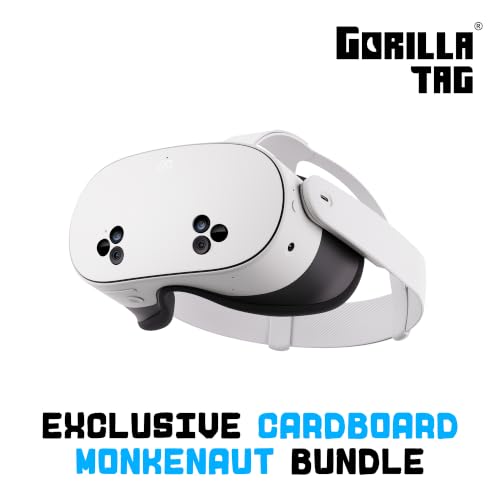
Best Overall: Meta Quest 3 512GB
The Meta Quest 3 suits most PC gamers because it works as both a standalone headset and a PC VR headset, at around $599 for 512GB. Meta lists a 4K+ Infinite Display with nearly 30 percent higher resolution than the previous generation, the Snapdragon XR2 Gen 2 processor with twice the graphics power, 8GB of RAM, mixed reality passthrough and more than two hours of battery life.
Two strengths stand out: you can play wirelessly from your PC with Air Link or Steam Link over a strong Wi-Fi network, or wired with a USB link cable, and you still have a full standalone library when you are away from your PC. There are no external sensors to mount, which makes setup simple in any room.
The limitation is that PC VR over Wi-Fi or USB uses video compression, which purists notice compared with DisplayPort headsets. Battery life also limits long wireless sessions; a battery strap helps. Skip it if you only play sim racing and want the sharpest wired image.

Best Value: Meta Quest 3S 128GB
The Meta Quest 3S is for first time VR buyers who want PC VR access at the lowest price, at around $349 for 128GB. Meta lists the same Snapdragon XR2 Gen 2 processor and 8GB of RAM as the Quest 3, two RGB color cameras for full color passthrough and more than two hours of battery life.
Its strengths are price and versatility: it connects to a PC for SteamVR and PC VR titles the same way as the Quest 3, and works standalone for fitness, social and casual games. For many players, it is the most affordable way to try PC VR.
The trade off is lower display sharpness and different lenses than the Quest 3, which shows in text and fine detail. Skip it if you play flight or racing sims where clarity matters most, or choose the 256GB version if you install many standalone games.

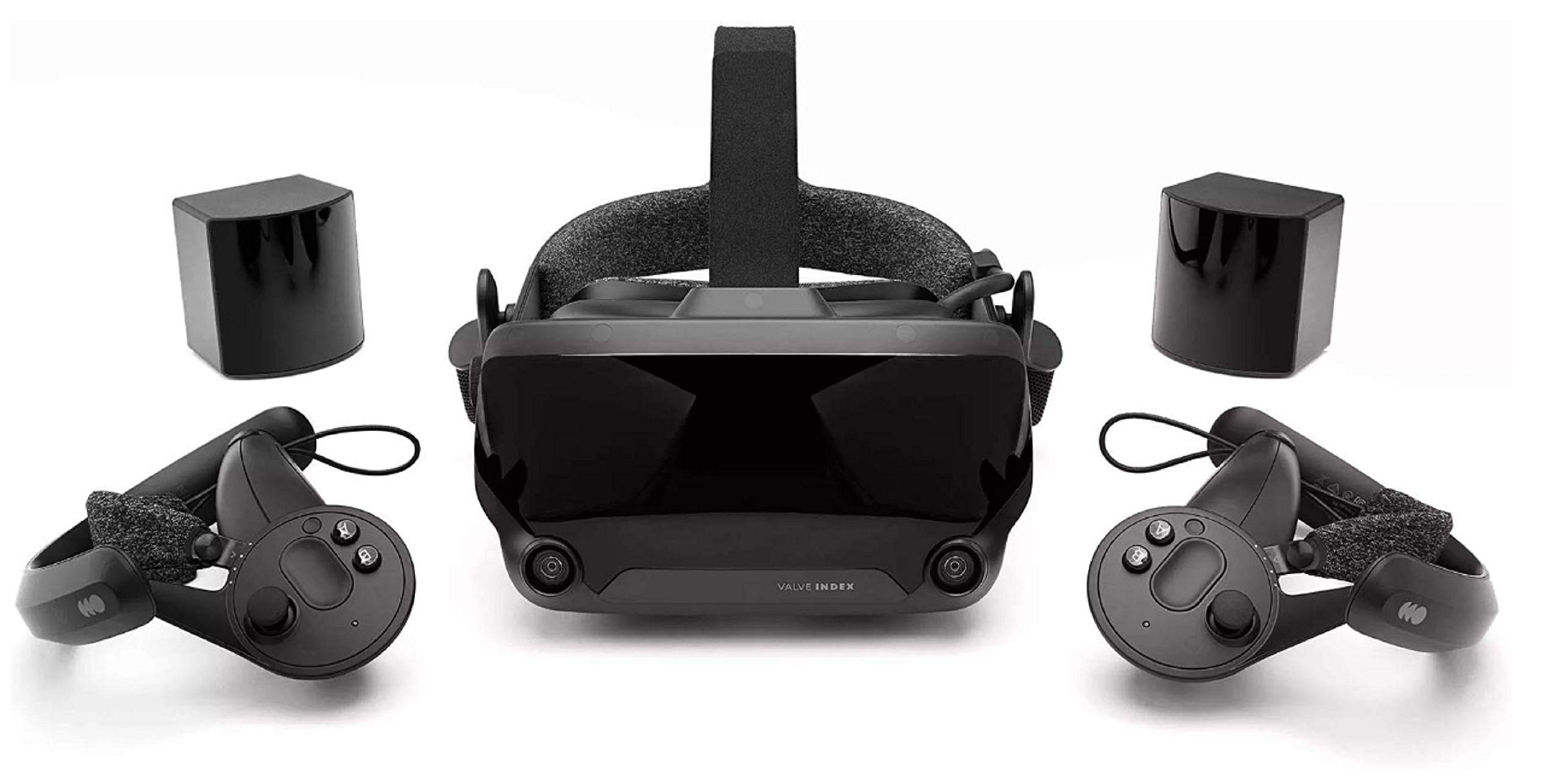
Best Upgrade Pick: Valve Index VR Full Kit
The Valve Index Full Kit suits dedicated SteamVR players who want a headset built only for PC, at around $1,799. The kit includes the headset, Index controllers with individual finger tracking and base stations for external tracking, and connects to your PC by cable for an uncompressed image.
The appeal is precise external tracking for fast games, controllers that let you open and close your hand naturally and off ear speakers that many players find comfortable for long sessions. It connects directly to SteamVR without extra streaming software.
The limitation is price, setup and age: you must mount base stations in your room, it requires a powerful PC and its display resolution trails newer headsets. Skip it if you want wireless play or mixed reality features.

How to Choose the Best VR Headset for PC: Buying Guide
The best vr headset for pc matches your graphics card, your room and the games you play. Here is what to compare before buying.
PC Requirements and Graphics Card
PC VR needs a capable graphics card, processor and USB or Wi-Fi connection. Check the headset maker's minimum and recommended specs, and remember that high resolution headsets demand more GPU power to run smoothly. Flight and racing sims are especially demanding, so plan for a strong graphics card if those are your main games.
Laptops can run PC VR if their graphics card meets requirements and, for wired headsets, if the video port connects directly to the dedicated GPU.
Your CPU and RAM matter too. Simulation titles stress the processor, and 16GB of system memory is a sensible minimum for modern VR games, with 32GB helping in large flight sims and modded titles. Fast SSD storage reduces load times and stutter when games stream assets.
Connection Type: Wireless, USB or DisplayPort
Quest headsets connect wirelessly with Air Link or Steam Link over Wi-Fi 6 or 6E, or wired with a USB 3 link cable like Syntech's 16 foot cable, which lists USB 3.0 speeds up to 5Gbps and an L shaped connector to reduce strain. DisplayPort headsets, like the Valve Index and HTC Vive Pro 2, connect directly for uncompressed video.
Wireless play needs a strong router near your play space, ideally with the PC wired to the router by Ethernet.
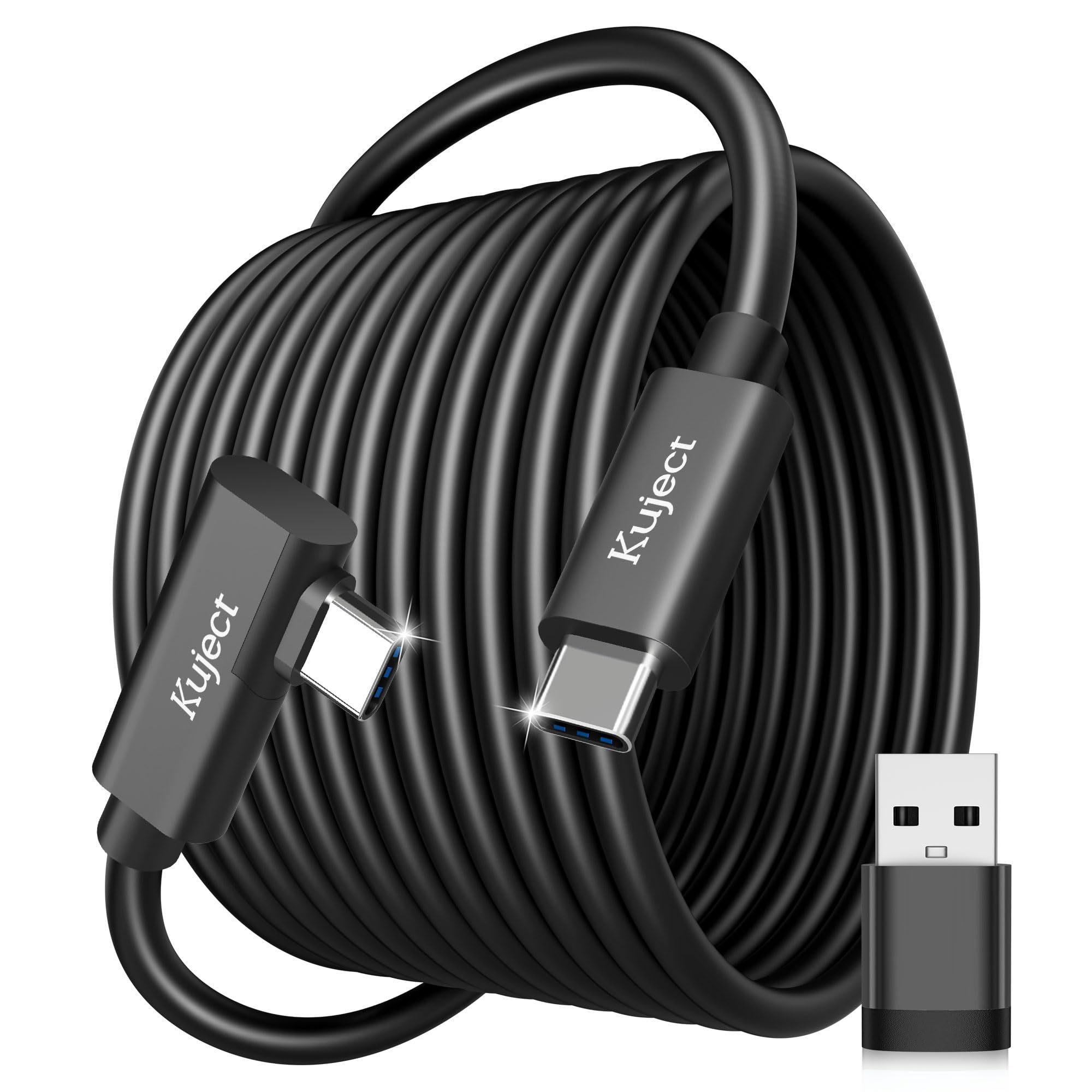
Cable length and management matter for wired play. Kuject sells a 20 foot link cable for room scale movement, and ceiling pulley systems like AMVR's lift cables overhead so you do not trip or twist them while turning.
Display Resolution and Lenses
Higher resolution reduces the screen door effect and makes text and distant objects sharper. Meta lists a 4K+ Infinite Display on the Quest 3, and HTC lists a high resolution display on the Vive Pro 2. Pancake lenses, used on Quest 3, offer edge to edge clarity in a slimmer headset.
Refresh rate affects comfort as well. Higher refresh rates, 90Hz and above, make motion smoother and help reduce motion sickness for many players. Your PC must render enough frames to match, so balance resolution settings against frame rate.
Tracking: Inside Out vs Base Stations
Inside out tracking uses cameras on the headset, so there is nothing to mount and setup takes minutes, like on the Quest 3 and 3S. External base station tracking, used by Valve Index and HTC Vive Pro 2, offers very precise tracking for fast games and full body trackers but requires mounting sensors in your room.
Inside out tracking can lose controllers when they move behind your back or out of camera view, which matters in archery and some shooting games. Base station tracking avoids that but limits you to the room where the stations are mounted.
Comfort and Fit
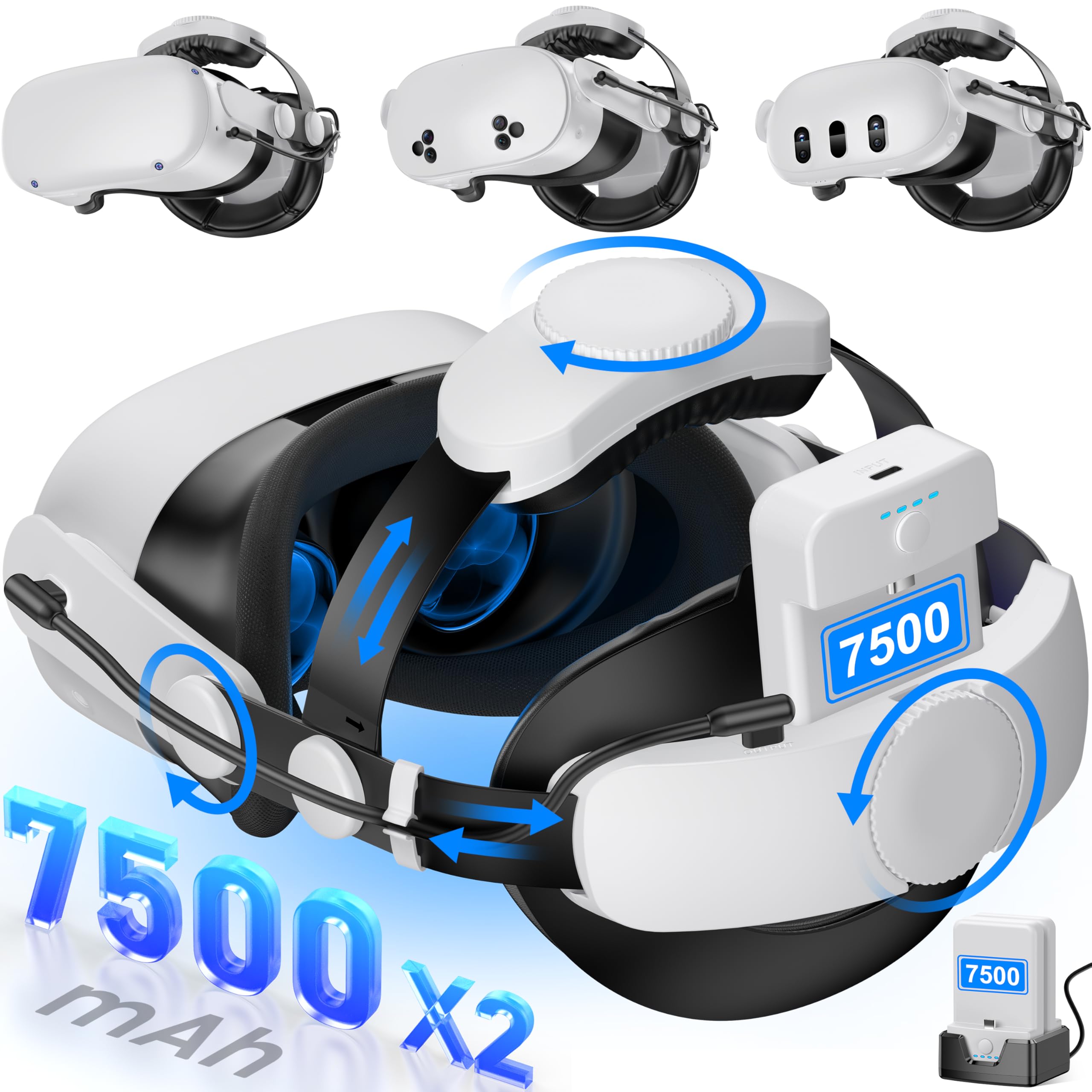
Weight balance, face padding and strap design affect comfort more than raw weight. Many Quest owners add an aftermarket strap with a battery on the back, like Kawaye's strap with two hot swap 7,500mAh batteries for six to eight hours of play, which also balances weight. Glasses wearers should check fit or use prescription lens inserts.
Controllers and Audio
Controllers vary from standard grip and trigger designs to Index controllers with finger tracking. Built in audio ranges from small speakers on the strap to off ear speakers on the Index. Wired or wireless headphones add immersion and privacy.
Controller grip covers and wrist straps help prevent slipping during energetic games, and face covers in washable materials improve hygiene when several people share one headset.
Storage and Battery
Storage matters only for standalone games on Quest headsets; PC games run from your computer. Battery life matters for wireless play: Meta lists more than two hours for both Quest models. Charge while playing with a long cable or use a battery strap for longer sessions.
Types of PC VR Headsets
PC VR headsets fall into three types. Here is who each suits.
Standalone Headsets With PC Streaming
Standalone headsets, like the Meta Quest 3 and 3S, play games on their own and connect to a PC wirelessly or by cable. They suit most players who want flexibility and simple setup.
Dedicated PC VR Headsets
Dedicated PC headsets, like the Valve Index and HTC Vive Pro 2, connect by DisplayPort and use base stations. They suit enthusiasts who want uncompressed video and precise tracking.
HTC's Vive Pro 2 is a long running option in this category, sold as a full kit with base stations and controllers or as a headset upgrade for owners who already have SteamVR tracking hardware.
Hybrid and Enthusiast Headsets
Hybrid headsets, like the HTC Vive Focus Vision with its DisplayPort streaming kit, work standalone and offer a wired DisplayPort mode for PC. They suit buyers who want both modes with a direct PC connection.
Picking the Right PC VR Headset for Different Uses
Your favorite games point to the right headset.
Best for Sim Racing and Flight Sims
Sim racers and pilots benefit from high resolution and sharp lenses for reading gauges and spotting distant objects. A wired connection reduces compression; choose a DisplayPort headset or a Quest 3 on a USB link cable, and make sure your graphics card can drive high resolutions.
Seated sims are also the easiest VR games to play for long sessions, since you stay still in a cockpit and motion matches what you see. Many players say a VR headset changes racing and flight games more than any other upgrade, thanks to natural depth and head tracking.
Best for Active and Room Scale Games
Active games like rhythm and sports titles benefit from wireless freedom and good tracking. A Quest 3 or 3S on Air Link with a strong Wi-Fi 6 router lets you move freely. Ceiling cable pulleys, like AMVR's system, help if you play wired.
Setup and Care Tips
Clear a play area free of furniture, pets and fragile items, and set up the boundary carefully. Keep lenses out of direct sunlight, which can focus light and damage displays permanently.
Clean lenses only with a dry microfiber cloth. Update headset firmware and PC software regularly. For wireless PC play, connect your PC to the router by Ethernet and keep the router in the same room.
Frequently Asked Questions
Do I need a powerful PC for VR?
Yes, PC VR needs a capable graphics card and processor, especially for demanding sims. Check the headset maker's recommended specs and your games' requirements before buying. Standalone headsets like the Quest 3S can also play games without a PC.
Is wireless PC VR as good as wired?
Wireless PC VR is very good with a strong Wi-Fi 6 or 6E router and an Ethernet connected PC, but it uses compression that can show in fast motion. Wired DisplayPort headsets offer the cleanest image, and USB link cables offer a middle ground.
Can I use a Meta Quest with SteamVR?
Yes, Quest headsets connect to SteamVR through Meta's Link software, Air Link or Steam Link. Once connected, you can play SteamVR games from your PC library.
How long do VR headsets last?
VR headsets typically stay useful for several years, though new games may demand newer hardware. Batteries in standalone headsets slowly lose capacity, and face pads and straps wear out but are easy to replace.
Is VR safe for kids?
Meta rates Quest headsets for ages 13 and up. Younger children should not use most headsets. For teens and adults, take regular breaks, stop if you feel sick or dizzy and play in a safe, clear space.
Can I use a PlayStation VR2 on PC?
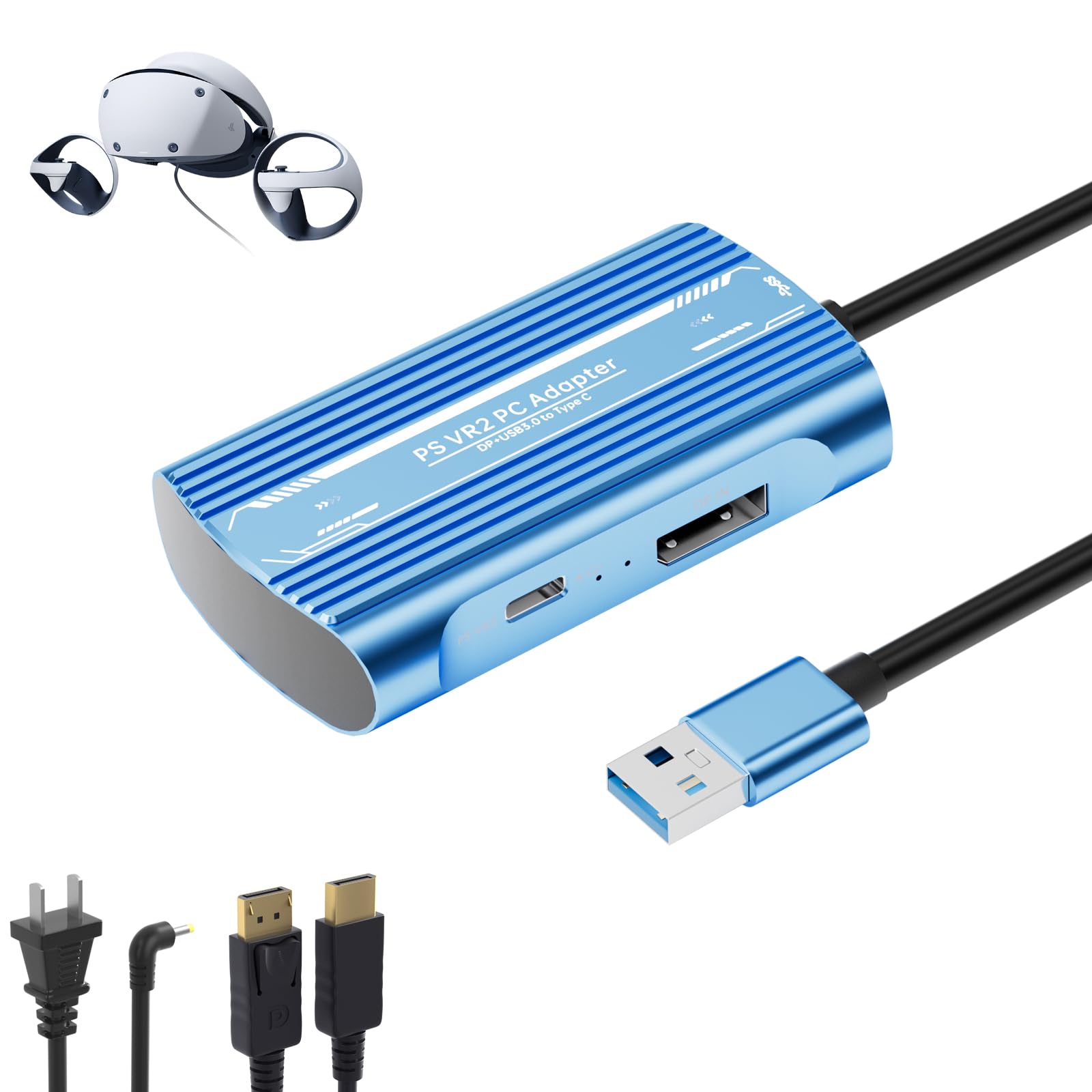
Yes, Sony offers a PC adapter for PlayStation VR2, and third party adapters are also sold. You need a compatible graphics card and a DisplayPort connection, and some features available on PS5 do not work on PC. Check compatibility with the games you want to play.
Our Verdict
The best vr headset for pc matches your PC, room and games. The Meta Quest 3 is our best overall pick for flexible wireless and wired PC VR with a standalone library, the Meta Quest 3S is the most affordable way into PC VR and the Valve Index Full Kit suits SteamVR enthusiasts who want dedicated tracking and finger tracking controllers. Check your graphics card and play space before buying.
For more PC gaming guides, see the best gaming pc prebuilt, the best gaming ssd, the best office chairs for gaming and the best wireless routers for home. Then compare current prices in the product table above.