Best Robot Vacuum Under $300: Complete Buying Guide
Disclosure: We may earn a commission when you buy through links on this page, at no extra cost to you. As an Amazon Associate I earn from qualifying purchases. Learn more

Robot vacuum shoppers hit a wall around $200: bump sensors, random cleaning paths, and battery packs that quit before the job is done. Add another hundred dollars and the picture changes. Real mapping shows up. Apps stop feeling like an afterthought. Runtime stretches far enough to finish a normal apartment in one pass. The best robot vacuum under $300 sits right at that turning point, close enough to mid-range performance to feel like a real upgrade, but not quite far enough along to include the self-emptying dock or sharp object recognition that show up once you cross into the $400 range. Here's what actually changes at this price, and what still doesn't.

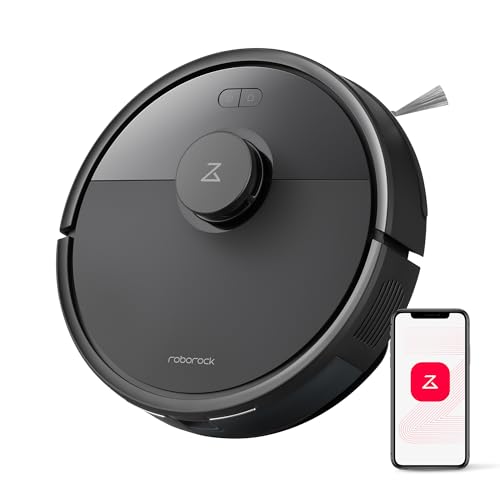
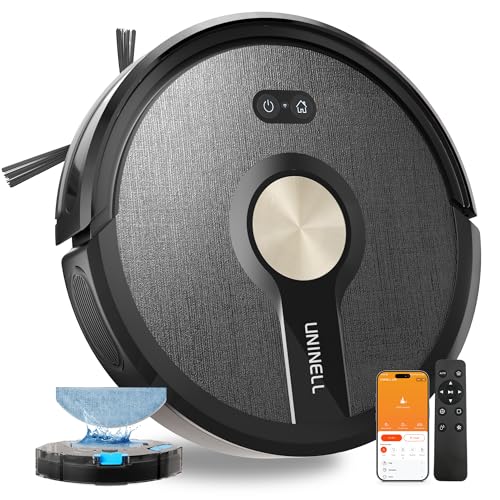

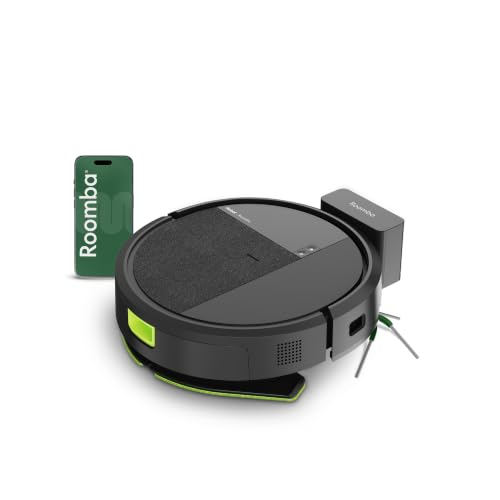
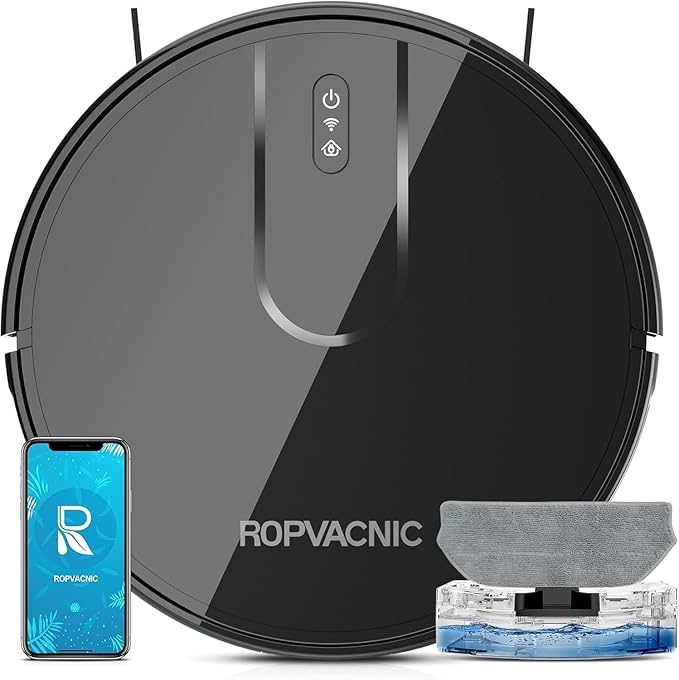


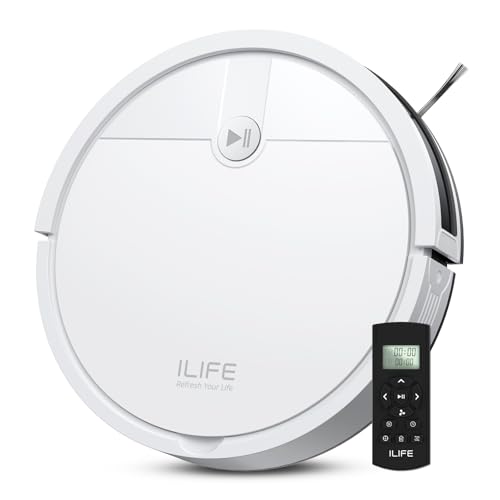

The Jump From Bounce Navigation to Real Mapping
Under $200, most units either guess their position with a gyroscope or just bounce off whatever they hit. At $300, that changes. Laser-based mapping or a forward-facing camera becomes standard, and the vacuum builds an actual floor plan instead of wandering room to room. Cleaning paths turn into straight, overlapping rows rather than a random crisscross.
It isn't flawless. Owners in forums and community threads report the occasional map glitch, especially after moving furniture or cleaning in low light with a camera-based unit. The usual fix is deleting the saved map and letting the vacuum remap the space from scratch, which takes one full cleaning cycle. Laser mapping tends to hold up better in the dark than camera systems, so homes with dim hallways or basements lean toward that option.
What the App Actually Lets You Control
A saved map is only useful if the app built around it works reliably, and this is where $300 models separate from cheaper ones. Expect room-by-room scheduling, multiple cleaning modes, and the option to draw no-go zones directly on the floor plan so the vacuum skips a pet's food bowl or a tangle of cables.
No-go zones are the single most common complaint in owner discussions. Zones sometimes fail to save after the app closes, or a corrupted map causes the vacuum to ignore a boundary it respected the day before. Keeping the app and firmware updated cuts down on this, and a quick wipe of the sensor lens solves more of these glitches than people expect. It's worth testing a zone or two in the first week rather than assuming it will hold up untested.
Battery Life Compared to Cheaper Models
Budget units often carry a battery in the 2,600 to 3,200 mAh range, which is fine for a small apartment but runs short on anything bigger. At $300, capacity typically climbs enough to push runtime past two hours, with many models landing somewhere between 120 and 180 minutes depending on suction mode and floor type.
Auto-resume charging comes standard on nearly everything in this range now. The vacuum docks, tops off its battery, and picks up exactly where it left off instead of restarting the whole floor plan. For homes above roughly 1,500 square feet, that feature matters more than a few extra minutes of raw runtime, since even a strong battery may need a second cycle to finish.
Suction and Carpet Handling
Motors at this price generally step up from the entry-level tier, and automatic suction boost on carpet is common rather than a rare extra. Low and medium-pile carpet is handled well; thick or high-pile rugs still slow most units down and drain the battery faster than hard flooring does.
Brush design matters more than raw suction numbers for anyone with shedding pets. Rubber or tangle-resistant rollers, which used to be a mid-range perk, now show up on most $300 models and cut down significantly on the hair-wrapping that plagues bristled brushes.
The One Thing Still Missing: Self-Emptying
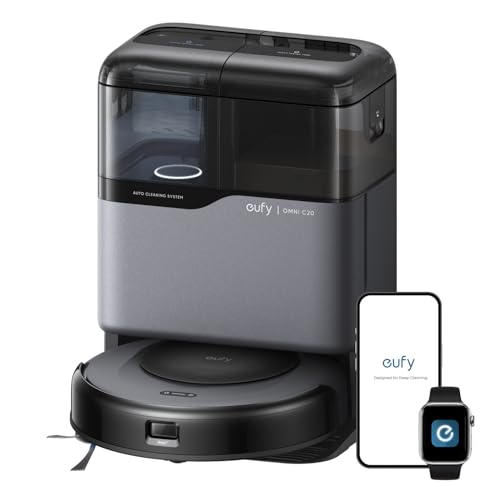
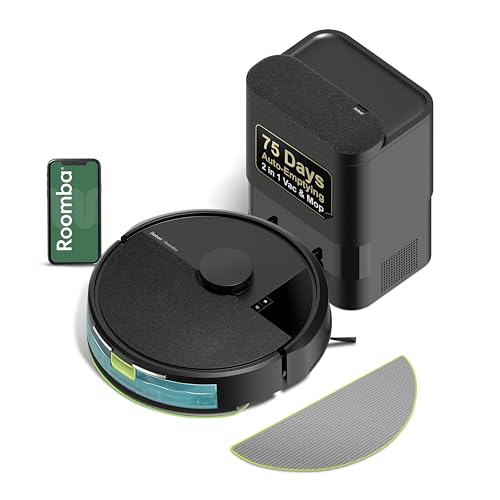
A true self-emptying base, where the dock suctions the bin clean after every run, is still the exception rather than the rule at this price. A handful of models squeeze one in, usually by trimming battery capacity or mapping precision elsewhere to hit the budget. For most shoppers, plan on emptying a 400 to 500 milliliter onboard bin by hand every few runs.
If going weeks without touching the bin matters more than anything else on this list, it's worth comparing dedicated options in the guide to the best self emptying robot vacuum before committing to this price tier.
How Far Obstacle Avoidance Actually Goes Here
Mapping tells the vacuum where walls and furniture are, but it doesn't automatically mean the unit will dodge a phone charger or a shoe left on the floor. That's a separate system, usually a camera paired with basic recognition software, and it's hit or miss at $300. Larger obstacles get identified reasonably well. Small, low-profile items and pet waste are far less reliable, and most units in this range aren't trained to recognize the latter at all.
Once you move toward the $400 range, obstacle recognition gets noticeably sharper, with more models specifically trained to detect and steer around pet accidents. At $300, treat any pet-waste avoidance claims skeptically and keep floors clear of cords and small clutter before each run regardless of what the spec sheet promises.
Where This Tier Sits Between $200 and $400
Compared to a robot vacuum under $200, the jump is significant: real mapping instead of guesswork, stronger and more adjustable suction, and a battery that can actually cover a full home in one run. Compared to a robot vacuum under $400, the gap is narrower but still real, mostly in obstacle recognition, self-emptying convenience, and how consistently the map holds up over weeks of use.
Homes with mostly hard flooring sometimes find a mop-equipped model in this range does double duty well enough to skip a separate mop entirely; the best robot vacuum and mop guide covers that combination in more depth if light mopping is part of the plan.
Questions Worth Asking Before You Buy
- Does the app let you rename rooms and save more than one map, or just one flat floor plan?
- How many minutes does the battery actually hold at the suction level you'll use daily, not just the marketing figure at the lowest setting?
- Is the mapping sensor a laser or a camera, and does that match how well-lit the home is?
- What's the bin size, and does that fit realistically with how often you're willing to empty it?
- Are replacement filters and brush rollers easy to find, and what do they cost over a year of use?
Common Questions
Do robot vacuums under $300 have reliable mapping?
Most do, whether through a laser sensor or a camera. Occasional map corruption happens, but a fresh remap usually resolves it within one cleaning cycle.
Can a $300 robot vacuum avoid cords and small objects?
Larger obstacles get identified reasonably well. Small items and pet waste are far less consistent, so clearing the floor beforehand still helps.
Will a $300 robot vacuum empty itself?
Rarely. Self-emptying bases are more consistent once you move closer to $400, so plan on manual bin emptying every few runs at this price.
How much better is the battery than a budget model?
Runtime typically climbs from under two hours to somewhere between 120 and 180 minutes, and auto-resume charging is now standard for finishing larger homes in one session.
The right pick at $300 comes down to which trade-off bothers you least. Some shoppers want the sharpest mapping the price allows and can live with manual bin emptying. Others would rather stretch toward $400 for better obstacle recognition. Either way, this tier delivers a genuine step up from budget models without asking for a mid-range budget, as long as expectations around self-emptying and object recognition stay realistic.