Best Robot Vacuum Under $200: Complete Buying Guide
Disclosure: We may earn a commission when you buy through links on this page, at no extra cost to you. As an Amazon Associate I earn from qualifying purchases. Learn more
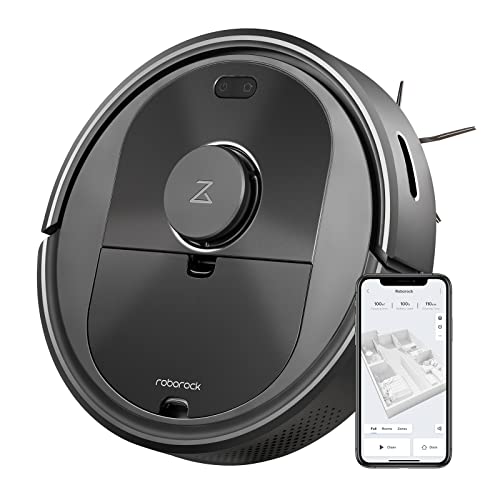
A robot vacuum under $200 won't map your house with laser precision, and it definitely won't empty its own bin. What it will do is pick up the daily buildup of crumbs, dust, and pet hair without you pushing anything around the living room. The real question isn't whether these budget models work. It's which specific corners get cut to hit that price, and whether those cuts actually matter in your home. Knowing the answer ahead of time saves a return trip and a lot of frustration during the first week of ownership.
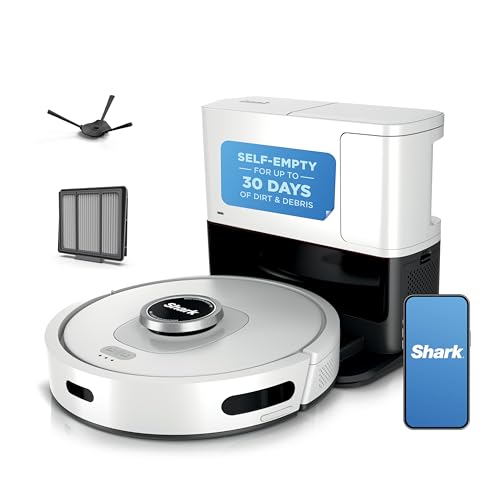


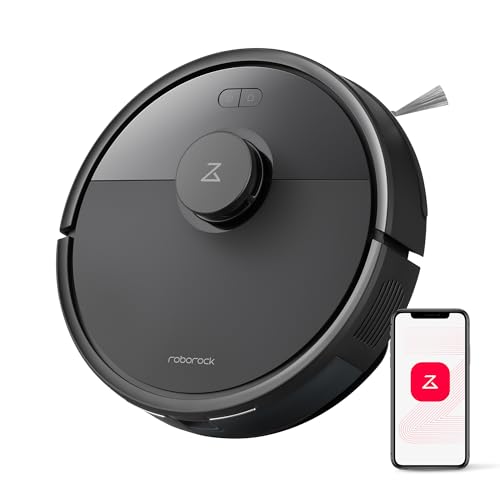
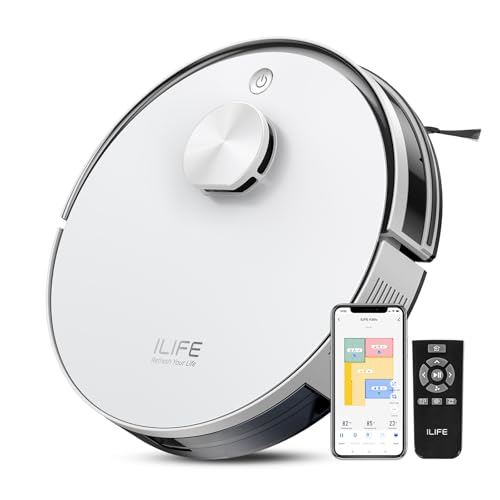
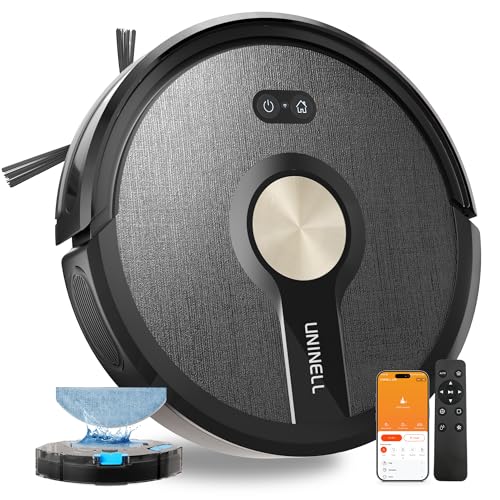

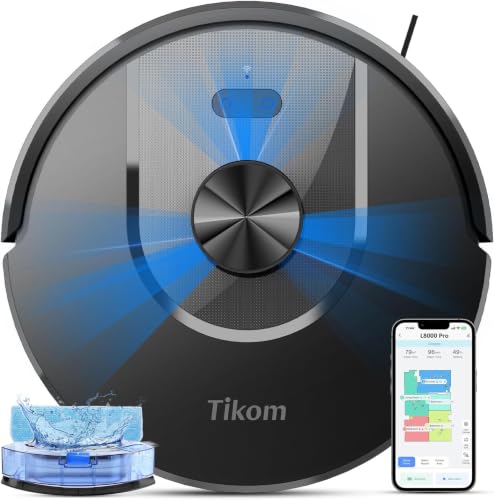
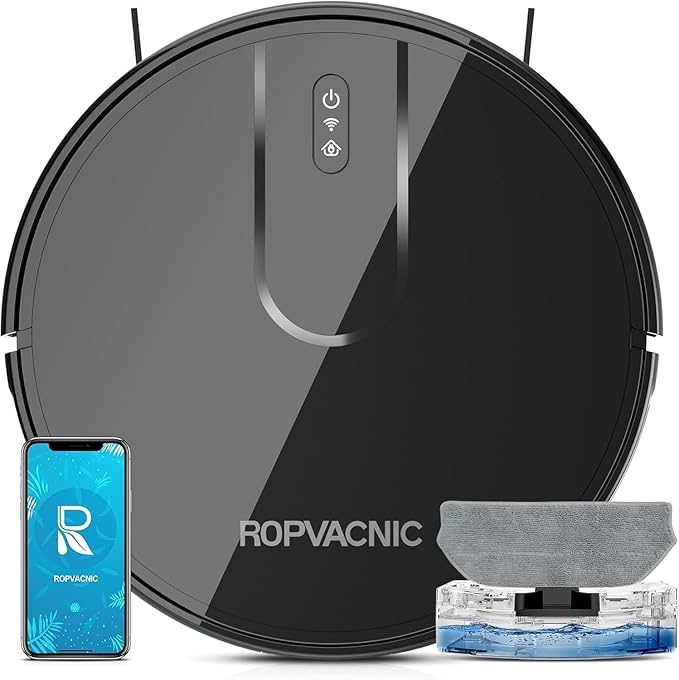

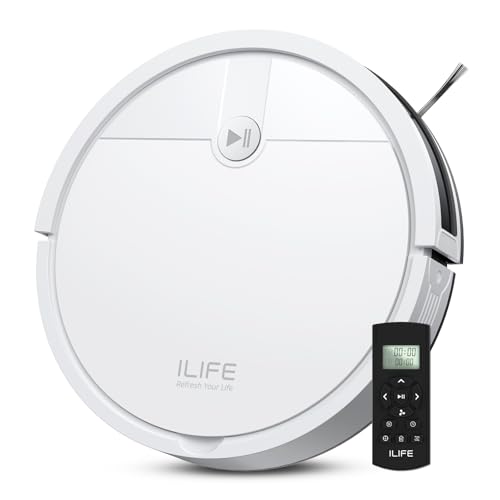

What a Robot Vacuum Under $200 Is Actually Built to Do
Most models in this range use mid-tier motors tuned for everyday maintenance rather than deep cleaning. That's enough for loose dirt, crumbs, and light pet hair on hardwood, tile, or low-pile carpet. Thick or high-pile carpet is where the gap with pricier machines shows up fastest, since weaker suction struggles to pull debris out of deep fibers. Look for at least two cleaning modes, a standard setting for daily runs and a boosted one for carpet, since a single fixed power level rarely suits an entire home. Suction numbers printed on the box also vary by how each brand tests them, so a handful of verified owner reviews tells you more than the spec sheet does.
Size, Noise, and Where It Can Actually Reach
Height matters more than most buyers expect. A taller chassis simply can't get under low sofas, bed frames, or kitchen toe-kicks, which means those areas still need a handheld vacuum every so often no matter how good the robot is elsewhere. Noise levels at this price sit in a reasonable range for daytime use, quiet enough to run while working from home, though not silent enough that most people schedule it for the middle of the night. If a slim profile matters for your furniture layout, check the listed height before anything else on the spec sheet, since suction and mapping numbers won't tell you whether it fits under the couch.
Navigation: Why It Doesn't Clean in Straight Lines
Cheaper robots find their way around a room in one of two ways. The most affordable rely on bump sensors, bouncing off furniture and walls in a semi-random pattern until the floor is theoretically covered. This works fine in small, open rooms but leaves gaps and wastes battery re-cleaning the same patches. A step up, gyroscope-based models estimate their position without a full lidar sensor and clean in straighter, more organized rows. The map isn't saved with much precision, so the layout can drift between runs, but coverage is still noticeably better than bump-and-go. True lidar mapping, the kind that remembers your floor plan room by room, is rare below $200 and usually shows up only at the very top of this range.
The Everyday Obstacles That Trip These Robots Up
Budget models lean on basic bump sensors instead of cameras or lasers, so they're more likely to nudge into furniture before changing direction. Loose cords and charging cables are the biggest problem: a robot can misjudge a thin cable and wrap it around the brush roll or wheels mid-run. Rug edges and high-pile mats cause the same kind of trouble, either bunching up under the robot or confusing its sensors enough to leave it stuck. None of this means the robot is defective. It just means a five-minute floor check before each cleaning cycle, picking up cords and pushing loose rug corners flat, prevents most of the interruptions people run into.
Battery Life and What Happens Mid-Clean
Runtime in this price range typically lands between 90 minutes and two hours per charge. That's enough for a small to mid-size apartment in one pass, but a larger or more cluttered layout can outlast the battery before the job is done. Check whether the model returns to its dock, recharges, and resumes automatically, since ones without that feature just stop wherever they are and leave the rest of the floor untouched. If most of your square footage is open-plan or spread across several rooms, a budget model may need two sessions to finish what a higher-capacity vacuum does in one. For homes on the larger end, it's worth comparing options built specifically for that scale at best robot vacuum for large homes before settling on an entry-level pick.
Bin Emptying and Pet Hair Reality
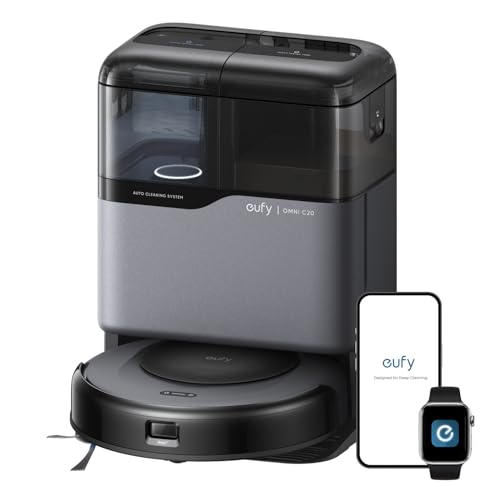
Self-emptying docks are almost never included below $200, since the base itself adds meaningful cost. That means manually emptying the onboard bin, which usually holds somewhere around 300 to 450 milliliters, every one to three runs depending on your home. Pet owners should pay closer attention here: shedding fur fills a small bin fast and tends to wrap around the brush roll unless it's a tangle-resistant or rubber design. A washable HEPA-style filter also helps more with allergens than the basic foam filters bundled with the cheapest models. Anyone dealing with heavy shedding day to day may get more consistent results from a machine built around that specific problem, covered in best vacuum cleaner for pet hair. If the manual bin is the real dealbreaker rather than the price, it's also worth seeing what a best self-emptying robot vacuum costs before ruling it out.
The App Does Less Than You'd Expect
Nearly every model at this price connects to a phone app, but the depth varies a lot. Some apps only start, stop, and schedule cleanings. Others add a simple map of completed runs, which helps confirm coverage even without full room labeling. No-go zones, common on pricier vacuums, are usually missing entirely or limited to a separate magnetic strip you place on the floor yourself. Voice assistant support is common enough that it's worth confirming compatibility with whatever smart speaker system is already in the house, since that saves you from starting every cleaning by hand.
What an Extra $100 or $200 Actually Buys You
Moving up a price tier doesn't just add polish, it removes specific compromises. Self-emptying bases, more precise mapping, saved multi-floor layouts, and app-based no-go zones start showing up as the budget increases. Mop functions become more common too, though usually basic pad attachments rather than anything automated. None of that means a sub-$200 model is a bad choice, since a smaller home with mostly hard flooring rarely needs any of it. But anyone weighing whether the upgrade is worth it should look at what changes at the next step, laid out in best robot vacuum under $300, before deciding where to draw the line.
Getting Better Results From a Budget Robot Vacuum
- Clear cords, cables, and loose small objects from the floor before each run, since that's the single biggest cause of mid-clean stalls.
- Empty the bin on a fixed schedule instead of waiting for it to overflow, especially with pets in the house.
- Use the stronger cleaning mode on carpet and the standard mode on hard flooring to balance runtime against results.
- Wash or replace the filter and brush roll on a regular interval, since neglecting either quietly reduces suction over time.
- Set a consistent schedule rather than running it only when the floor already looks dirty, so it never has to cover too much ground on one charge.
Frequently Asked Questions
Is a robot vacuum under $200 worth buying?
For small to mid-size homes with mostly hard flooring or low-pile carpet, yes. Expect to empty the bin yourself and accept simpler navigation than pricier models offer, but daily maintenance cleaning holds up well.
Can a robot vacuum under $200 handle pet hair?
Many can, particularly models with tangle-resistant brush rolls and washable filters. Heavy shedding usually means emptying the bin and cleaning the brush more often than a pricier machine would require.
Do budget robot vacuums have any kind of mapping?
Some do. Gyroscope-based models build a rough map and clean in organized rows, while the cheapest bump-and-go models rely on sensors alone and don't save a floor plan between runs.
Why does my budget robot vacuum keep getting stuck?
Loose cords, rug edges, and cluttered floors are the most common causes, since basic bump sensors can't always detect thin or low-profile obstacles. Clearing the floor before each run solves most of it.
Will it finish cleaning a large home in one charge?
Not always. Runtime typically falls between 90 minutes and two hours, which covers a small to mid-size home in one pass but may require a second session, or auto-resume after recharging, for anything larger.
Do robot vacuums under $200 ever come with a self-emptying base?
Almost never. That feature is reserved for higher price tiers, so plan on emptying the onboard bin by hand every one to three cleaning cycles.
How much floor space can a budget robot vacuum realistically cover?
Most handle a small to mid-size home comfortably in a single charge, roughly the range a 90-minute to two-hour runtime allows. Beyond that, look for auto-resume charging or plan on a second cleaning session to finish larger layouts.