Best Self-Emptying Robot Vacuum: A Complete Buying Guide
Disclosure: We may earn a commission when you buy through links on this page, at no extra cost to you. As an Amazon Associate I earn from qualifying purchases. Learn more
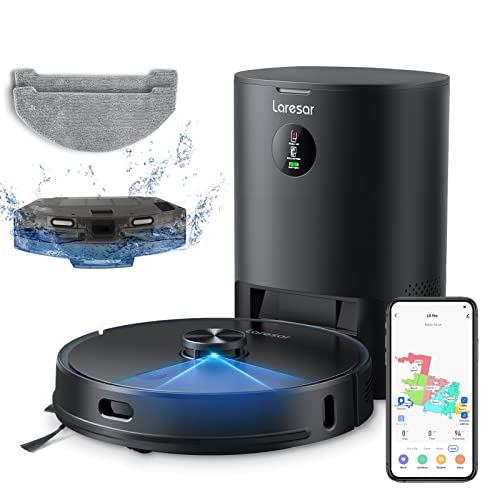
A robot vacuum that empties its own bin changes exactly one part of the daily routine: you stop touching the dustbin. Everything else about picking a good vacuum still applies, but the auto-empty dock adds its own set of questions that most buying guides skip over. How big is the bag inside that base station, really? How loud does it get when it dumps debris while you're on a call? Does the dock need its own patch of floor near an outlet? This guide focuses on the auto-empty feature itself, not the whole machine, so you know what that base station is actually doing before you pay extra for one.
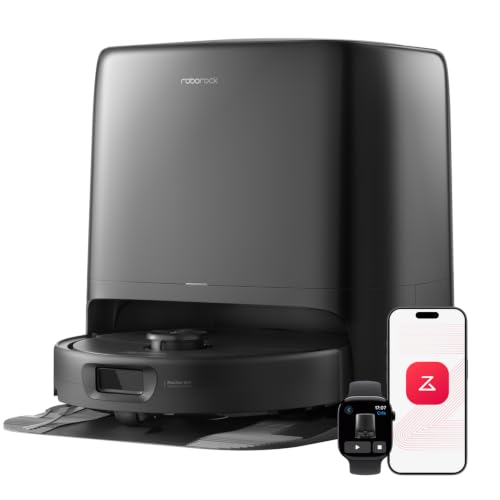

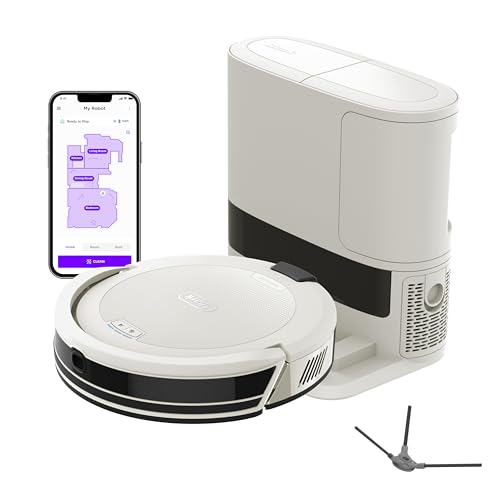
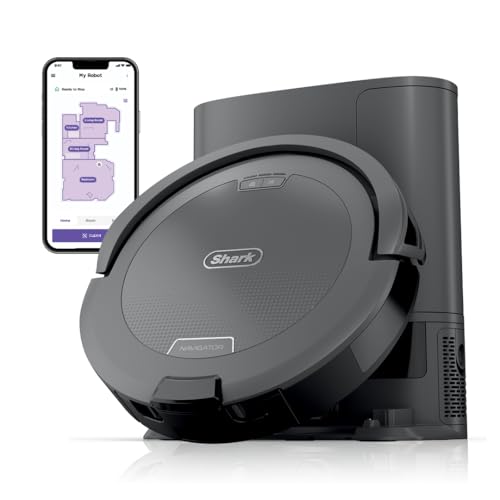
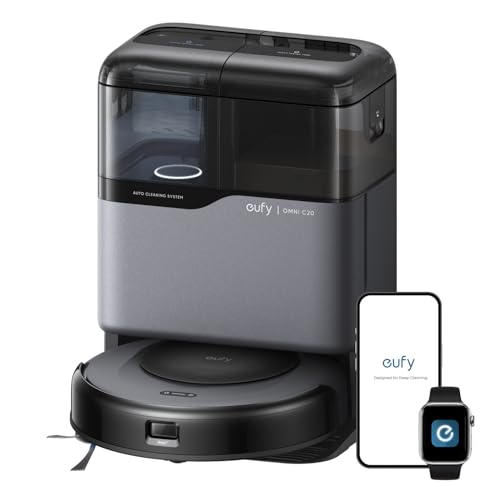
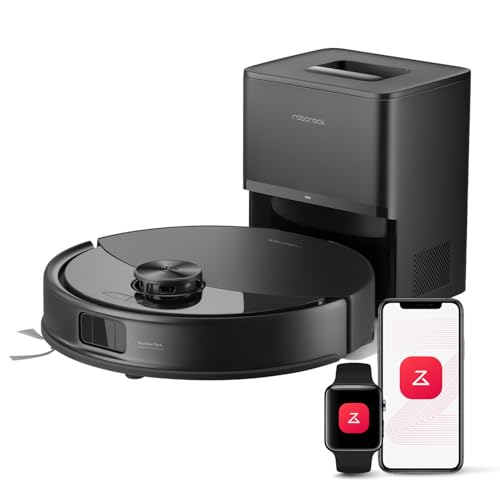
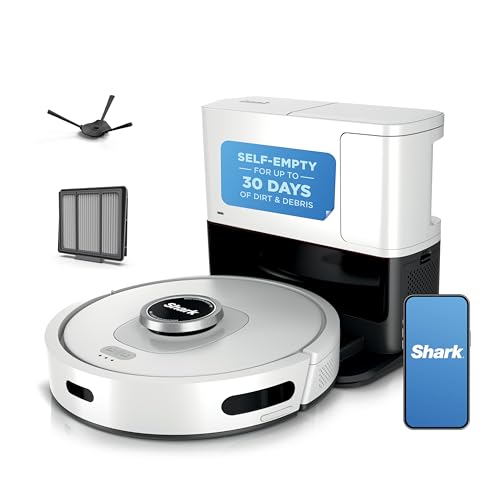
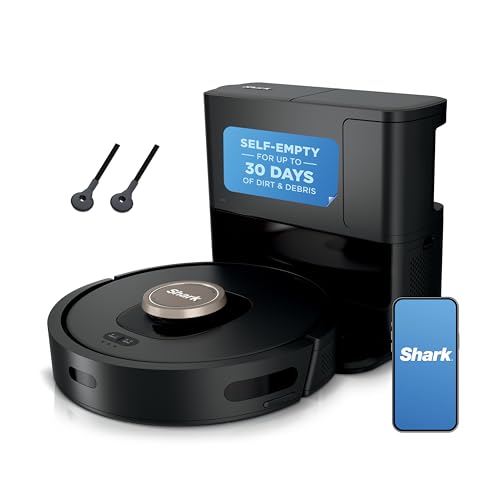
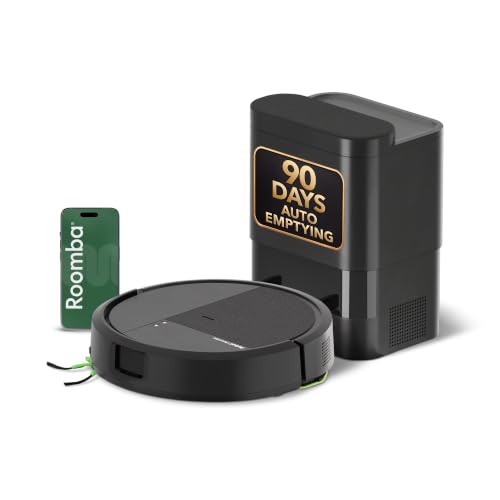
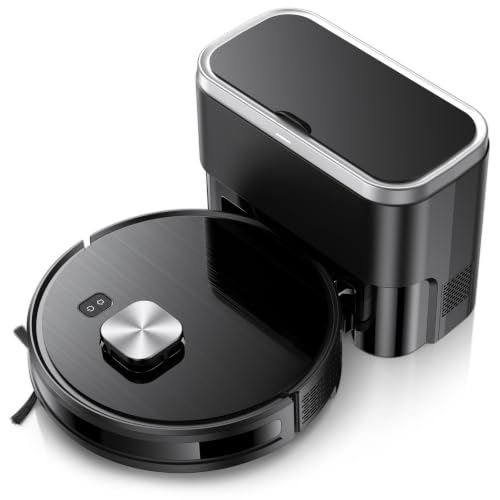
How the Auto-Empty Dock Actually Works
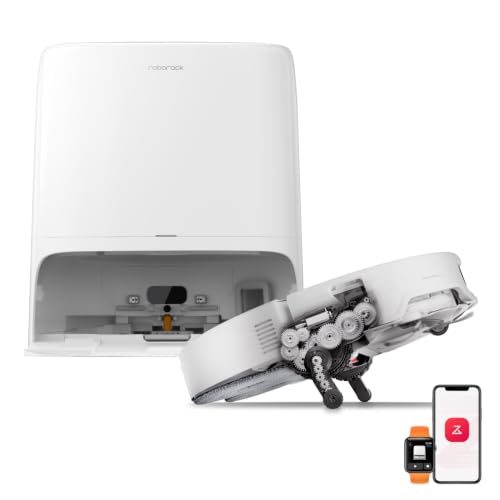
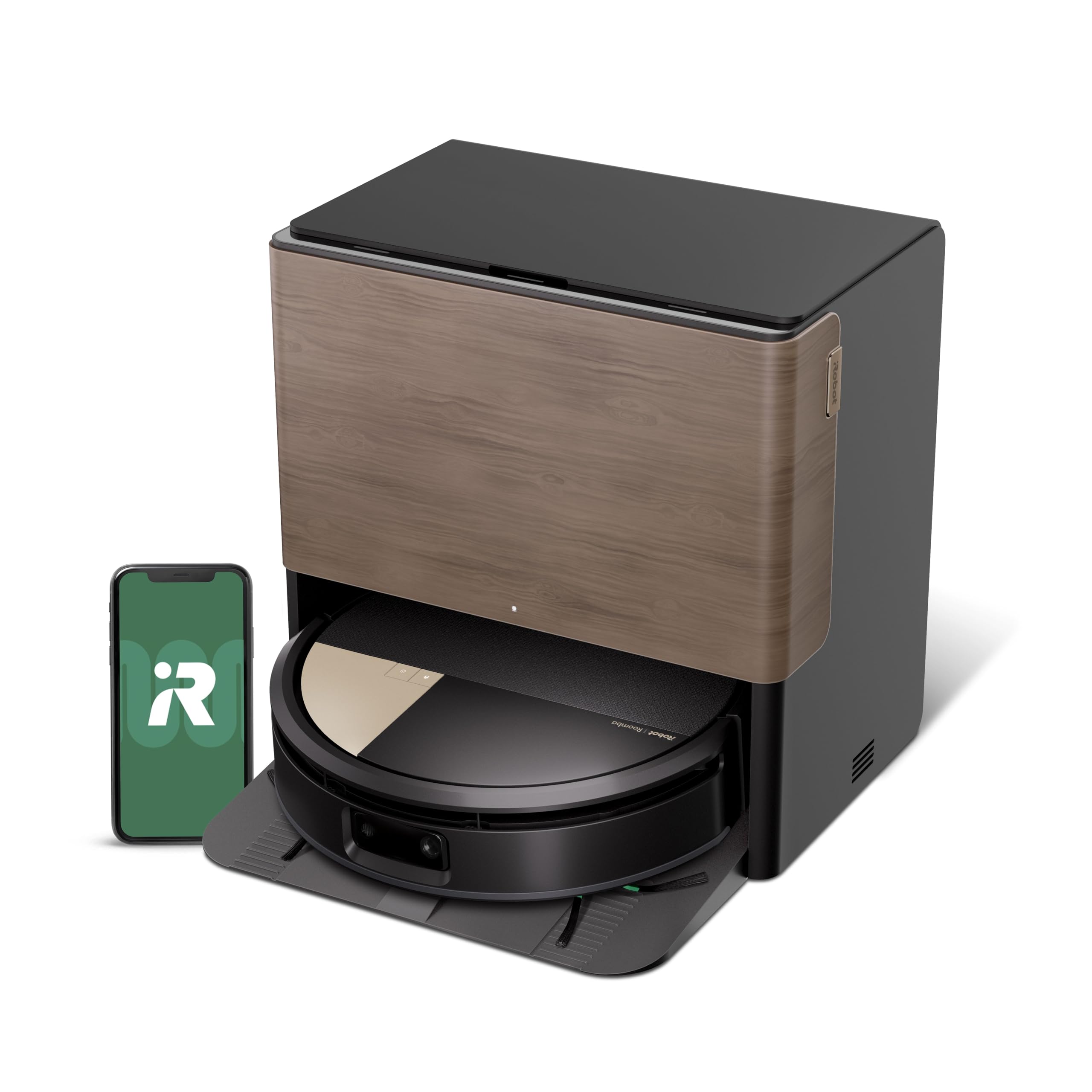
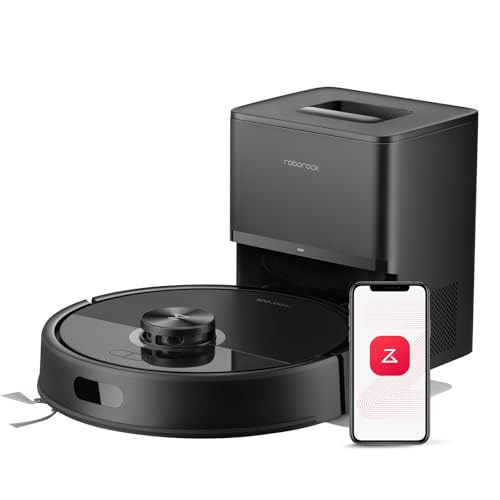
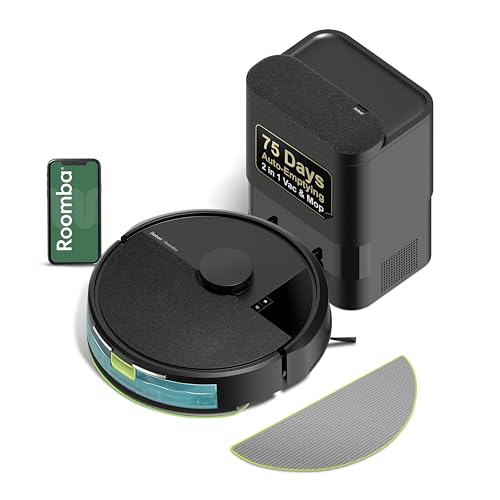
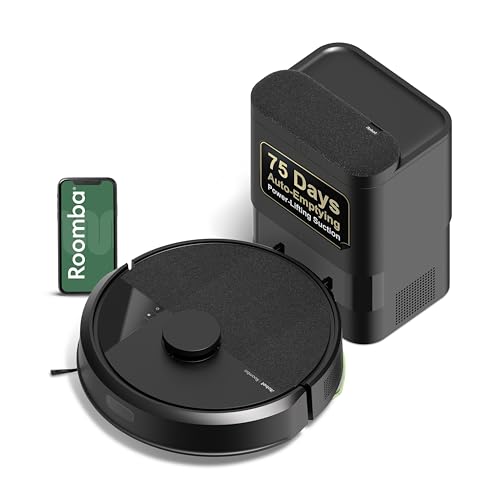
When the robot finishes a cleaning run, it drives back to its base and lines up a port on its underside with a matching opening on the dock. A separate, more powerful motor inside the base kicks in for a few seconds and pulls everything out of the robot's small onboard bin through a hose and into a larger bag or container sitting inside the station. The robot's own bin holds maybe half a liter, enough for one room or two. The base station bag holds far more, which is the entire point of the setup.
This transfer only happens when the robot returns to charge, not continuously while it cleans. That means the emptying noise is a short, sharp burst rather than something that runs the whole time the vacuum is working the floor.
Bag Capacity and How Long a Fill Actually Lasts
Base station bags are usually sized between 1.5 and 2.5 liters, and manufacturers translate that into a rough day count, commonly somewhere between 45 and 90 days for an average household. That range shrinks fast once real-world variables show up. Homes with shedding pets, thick carpet, or several kids tracking things in from outside tend to fill a bag closer to the one-month mark instead of three.
Square footage matters just as much as household size. A larger home means more daily runs and more total debris collected per week, so anyone shopping for a bigger space should treat the advertised day count as a ceiling, not a guarantee. Our guide to robot vacuums for large homes covers how coverage area and bin size interact if square footage is the bigger factor in your decision.
The practical takeaway: check the bag's capacity in liters, not just the marketing day estimate, and assume you'll land somewhere below the advertised number once pets or carpet enter the picture.
What the Emptying Cycle Actually Sounds Like
The robot itself usually runs at a fairly normal vacuum volume while it cleans. The auto-empty cycle is a different story. That short burst of high-powered suction needed to pull debris up through the hose and into the bag is noticeably louder than the vacuum's regular operation, often compared to a shop vac kicking on for five to ten seconds.
It's brief, but it's abrupt, and it tends to catch people off guard the first few times, especially if the dock sits near a home office or a bedroom. Some models let you schedule the empty cycle for a specific time instead of triggering it immediately after every run, or set quiet hours where it holds off until later. If noise timing matters in your household, checking for that scheduling option is worth more than comparing raw decibel numbers between models, since manufacturers rarely publish those consistently anyway.
Dock Footprint: Where It Actually Has to Live
A self-emptying base station is a different piece of furniture than a standard charging dock. It needs to house a motor, a bag or bin, and often extra electronics, which makes it noticeably taller and deeper than a simple charging plate. Measure the spot you have in mind before you buy, not just the width but also the clearance in front of the dock so the robot can approach and dock in a straight line.
Placement near an outlet is non-negotiable, and a hallway corner or entryway that works fine for a slim charging dock might feel cramped once you swap in a base station roughly the size of a small kitchen trash can. Homes on a budget where floor space and price both matter might find a simpler charging-only model, like the options in our robot vacuum under $200 guide, a better fit if a bulky dock isn't worth the trade-off.
Does This Feature Only Come on Premium Machines?
Not anymore, though the pattern used to hold more strictly. A few years back, auto-empty docks were reserved almost entirely for flagship models priced well above $500. That's shifted as the underlying hardware got cheaper to manufacture. Auto-empty capability now shows up on a wider range of price tiers, including some models that land closer to the $300 to $400 range once you factor in the base station.
That said, the feature still adds real cost compared to a vacuum with a plain charging dock. Budget-focused shoppers comparing options around the $400 price point will usually find at least a few auto-empty models mixed in with standard docks at that tier, so it's worth checking spec sheets carefully rather than assuming price alone tells you which type you're getting. Anyone leaning toward the higher end of that range can also check our robot vacuum under $500 guide for a broader look at what that extra budget buys.
Bagged vs. Bagless Base Stations
Two approaches dominate the market, and they trade convenience for ongoing cost in opposite directions.
Disposable Paper Bags
Most base stations use a sealed paper bag that traps debris and odor until it's full, then gets pulled out and thrown away. This keeps hands out of the dust entirely, which matters for anyone dealing with allergies. The downside is a recurring cost, since replacement bags need to be bought every couple of months and aren't universal between brands.
Washable, Reusable Bins
A smaller number of models skip the disposable bag and use a washable container instead. There's no ongoing purchase, but the container needs to be emptied and rinsed out by hand on a regular schedule, and skipping that step for too long tends to cause odor buildup that the sealed-bag approach avoids by default.
Maintenance the Dock Still Requires
An auto-empty base station cuts down on daily upkeep, but it doesn't remove maintenance from the equation entirely.
- Replace or empty the bag on the manufacturer's recommended schedule instead of waiting for a full indicator, since suction during the transfer weakens before the bag actually fills.
- Check the dock's intake port and hose for clogs every few weeks, particularly in homes with long hair or pets, since a partial blockage can quietly reduce how much debris actually makes it into the bag.
- Wipe down the charging contacts on both the robot and the dock so docking failures don't leave the robot stranded mid-floor with a full bin.
- Keep the area around the base clear of cords, shoes, or rugs that could shift and throw off the robot's approach angle.
Frequently Asked Questions
Does the auto-empty feature work the same way across brands?
The core mechanism, a suction transfer triggered on docking, is similar across brands, but bag size, hose diameter, and noise level vary enough that it's worth comparing specs directly rather than assuming all auto-empty docks perform the same.
What happens if the bag fills up and isn't replaced in time?
The robot typically keeps cleaning using its small onboard bin until the base station's bag is swapped, though some models will pause self-emptying and alert you through an app once the bag reaches capacity.
Can a self-emptying robot vacuum run without ever buying replacement bags?
Only if it uses a washable bin instead of a disposable bag. Bagged systems require ongoing purchases for as long as you use the auto-empty function, though you can technically remove the robot's own bin by hand if you want to skip buying bags altogether.
Is the auto-empty dock worth it for a single-person household?
It depends more on tolerance for the noise and footprint than household size. A single person with light debris might go months without needing the feature at all, making a standard charging dock a reasonable way to save money.
Does a bigger bag mean the base station itself is bigger?
Generally yes, though not always in equal proportion. Manufacturers sometimes compress a larger bag into a taller, narrower housing rather than a wider one, so it's worth checking listed dock dimensions directly instead of assuming bag capacity and footprint scale together in a predictable way.
The auto-empty dock solves a specific, narrow problem: touching the dustbin every day or two. Whether that convenience is worth the extra price, floor space, and noise comes down to how much debris your home actually produces and how much you value not thinking about it. Weigh the bag capacity against your household's real habits, check the dock's footprint against your available space, and you'll know whether the feature earns its keep in your home.