
Best Laptops for Battery Life of 2026: Complete Buying Guide
Disclosure: We may earn a commission when you buy through links on this page, at no extra cost to you. As an Amazon Associate I earn from qualifying purchases. Learn more

The best laptops for battery life: MacBook Air M4, ASUS Vivobook Snapdragon and Lenovo Chromebook picks.
Nothing interrupts a productive day like a low battery warning in the middle of a lecture, a flight or a coffee shop work session. Laptops with long battery life let you leave the charger at home, work from anywhere and stop hunting for outlets. Battery life depends on more than battery size: efficient processors, screen type, operating system and how you use the laptop all matter. Apple silicon, Snapdragon X and Intel's newest efficient chips have pushed all day battery life into mainstream laptops, and Chromebooks still stretch modest batteries a long way. This guide to the best laptops for battery life explains what to look for and shares three picks for different users and budgets.
We start with our top picks, then cover a full buying guide, the main types of long lasting laptops, picks for specific needs, tips to stretch battery life and answers to common questions. Every laptop in the table above is sold new on Amazon US. Battery life claims come from makers' own measurements under specific conditions; real world runtime is usually shorter with bright screens, video calls and demanding apps.




Our Top 3 Picks at a Glance
Our picks are the Apple MacBook Air 13 inch with M4 for most people, the ASUS Vivobook 14 with Snapdragon X for value on Windows and the Lenovo Chromebook 14 FHD Touchscreen for beginners and students who mostly work in a browser.
We compared processor efficiency, battery claims, screen type, weight, ports, memory, storage and price, along with the overall pattern in owner feedback. We did not run these laptops ourselves; the notes reflect maker specifications.
Best Overall: Apple MacBook Air 13 Inch (M4)
The MacBook Air 13 inch with M4 suits students, professionals and travelers who want all day battery life in a light, silent laptop, at around $986. Apple lists the M4 chip, 16GB of unified memory, 256GB SSD, a 13.6 inch Liquid Retina display, a 12MP Center Stage camera and Touch ID, and Apple rates MacBook Air M4 battery life at up to 18 hours of video streaming.
Two strengths stand out: Apple silicon's efficiency, which delivers strong performance on battery without slowing down, and a fanless design that stays completely silent. The aluminum body is thin and light enough to carry everywhere.
The limitation is storage: 256GB fills quickly with photos and video, so consider cloud storage or an external drive. Skip it if you need Windows only software.

Best Value: ASUS Vivobook 14 (Snapdragon X)
The ASUS Vivobook 14 with Snapdragon X is for Windows users who want long battery life at a moderate price, at around $649. ASUS lists a 14 inch WUXGA display, a Qualcomm Snapdragon X processor with Adreno graphics, 16GB of RAM and a 512GB SSD running Windows 11.
Its strengths are the efficiency of Snapdragon's ARM based design, which is built for long battery life and instant wake like a phone, plus generous memory and storage for the price. It suits students, writers and office workers.
The trade off is software compatibility: most apps run well on Windows on ARM, but some older programs, games and specialized drivers may not. Check your must have apps before buying.

Who it suits best: buyers who want a full Windows laptop that lasts through a long workday without hunting for an outlet. Pick it over a Chromebook if you rely on Microsoft Office desktop apps, and over the MacBook Air if you prefer Windows and want twice the storage for less money.
Best for Beginners: Lenovo Chromebook 14 FHD Touchscreen
The Lenovo Chromebook 14 suits students, seniors and anyone who mainly browses, streams and uses web apps, at around $246. Lenovo lists a 14 inch Full HD IPS touchscreen, an 8 core MediaTek Kompanio 520 processor designed for class leading battery life, 4GB of RAM, 64GB of eMMC storage, Wi-Fi 6 and a 2.86 pound body with USB-A, USB-C and a microSD reader.
The appeal is simplicity: ChromeOS updates automatically, boots quickly and includes built in virus protection, while the efficient processor stretches battery life. It is an affordable second laptop or student machine.
The limitation is limited storage and memory for heavy multitasking. Skip it if you need Windows or Mac software.

Who it suits best: students doing homework in Google Docs, grandparents video calling family and anyone who wants a second laptop for the couch or kitchen. The touchscreen makes it easy to scroll recipes and photos, and the light body slips into a school bag.
How to Choose the Best Laptops for Battery Life: Buying Guide
The best laptops for battery life combine efficient processors, sensible screens and enough battery capacity for your day. Here is what to compare.
Features That Matter for Battery Life
Processor efficiency matters most, followed by screen size and type, battery capacity and software. Smaller, lower resolution screens use less power than large, high resolution or high refresh displays. Fanless designs, like the MacBook Air, often signal efficient chips.
Check maker battery claims, but compare them under similar conditions, such as video playback, and expect less with heavy use.
Processor and Performance Tier
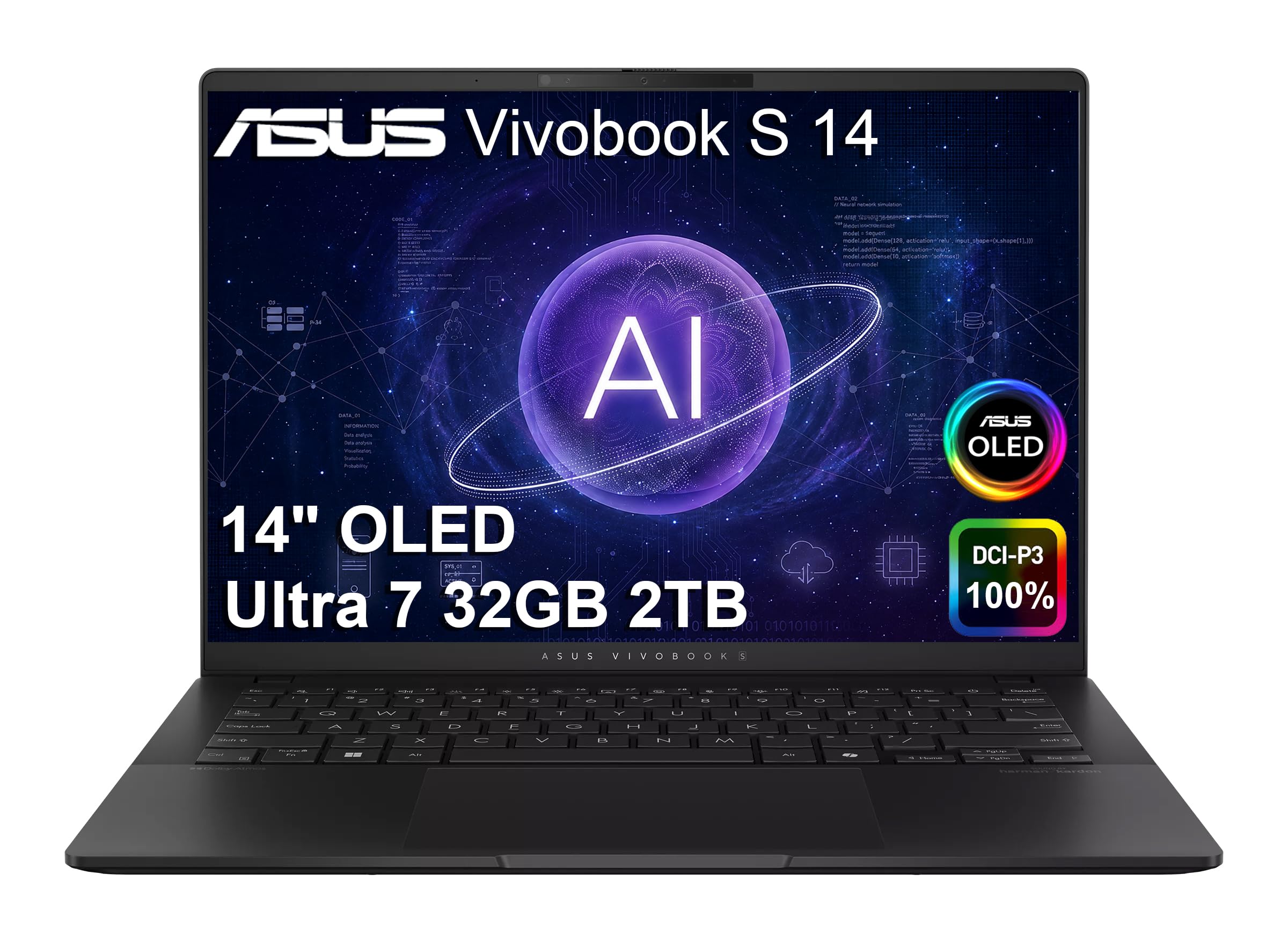
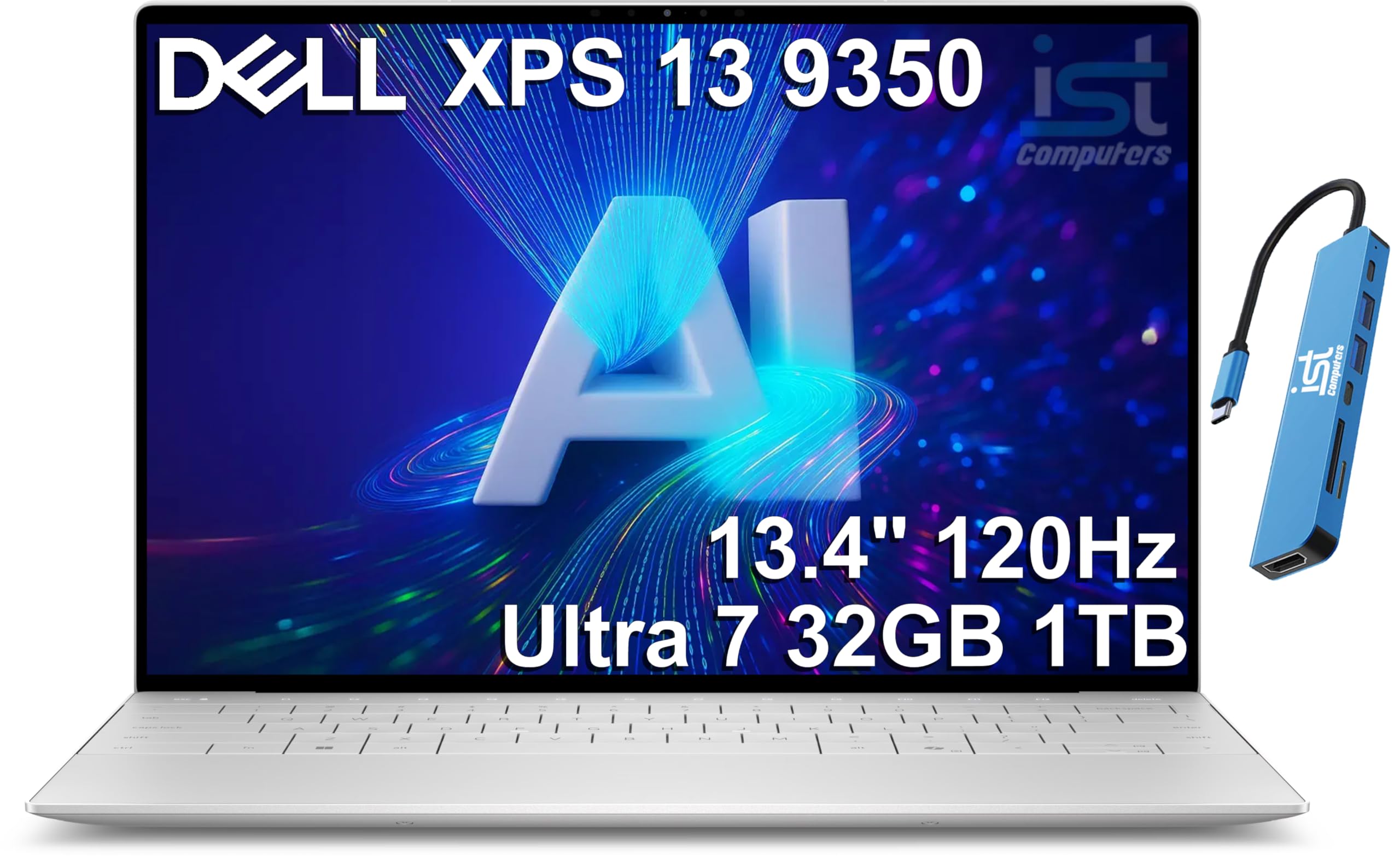
Apple's M series chips, Qualcomm Snapdragon X and Intel Core Ultra 200V processors, like the Ultra 7 258V in the ASUS Vivobook S 14 OLED, Dell XPS 13 and Acer Aspire, are designed for efficiency. High performance chips with HX labels and dedicated graphics draw much more power and suit plugged in gaming more than long battery life.
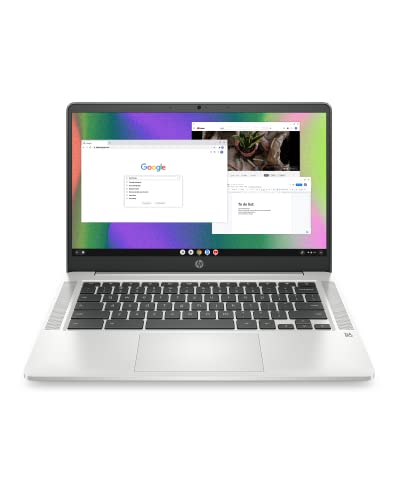
The processor has the biggest effect on battery life after the screen. ARM based chips, like Apple's M4, Qualcomm's Snapdragon X series and MediaTek's Kompanio, are designed for efficiency first. Intel's Core Ultra 200V chips, found in the ASUS Vivobook S 14 OLED, Dell XPS 13 and Acer Aspire listed above, also focus on efficiency compared with older Intel generations. Older budget chips, like the Intel Celeron N4120 in the HP Chromebook 14, use little power but feel slow with many tabs open.
Operating System (Windows, macOS, ChromeOS)
macOS on Apple silicon is tuned for efficiency. ChromeOS runs light and stretches modest batteries. Windows battery life depends heavily on the processor; Snapdragon and Core Ultra 200V laptops run longest. Choose the system your apps require.
Each system manages power differently. macOS on Apple silicon is tuned closely to the hardware, which helps battery life. ChromeOS is light and runs well on modest hardware. Windows 11 offers the widest software choice, and Copilot+ PCs like the Microsoft Surface Laptop with Snapdragon X Plus add AI features that run on a dedicated low power chip.
RAM and Storage
16GB of RAM suits most users and avoids slowdowns; Chromebooks run fine with 4 to 8GB. Choose at least 256GB of SSD storage for Windows and Mac, and more if you store large files. Memory is often soldered, so buy enough up front.
For most people, 16GB of RAM is the sweet spot for multitasking, and 8GB is the minimum for Windows and macOS. Chromebooks run fine with 4GB for web use. Solid state drives use less power than hard drives, and 512GB gives comfortable room for apps, documents and photos.
Ports and Connectivity
USB-C charging lets you top up from compact chargers and power banks. Check for USB-A, HDMI and card readers if you use them; the Lenovo Chromebook includes USB-A, USB-C and microSD. Wi-Fi 6 and newer use power efficiently.
Graphics (Integrated vs Dedicated GPU)
Integrated graphics use far less power and handle everyday tasks, streaming and light creative work. Dedicated GPUs help gaming and 3D work but cut battery life sharply. For battery focused buyers, integrated graphics are the better choice.
Weight and Portability
Ultraportables around 2.5 to 3 pounds, like the MacBook Air and Lenovo Chromebook at 2.86 pounds, are easy to carry all day. Larger 15 and 16 inch laptops offer bigger screens but weigh more and often have shorter battery life.
A laptop that lasts all day matters most when you carry it. Look for models around 3 pounds or less, like the 2.86 pound Lenovo Chromebook 14 and the thin MacBook Air, and pair them with a compact USB-C charger so you can top up anywhere.
Types of Laptops for Long Battery Life
Long lasting laptops fall into four types. Here is who each suits.
Chromebooks
Chromebooks, like the Lenovo Chromebook 14 and HP Chromebook 14, run light and last long on modest batteries. They suit students and web focused users.
Budget Laptops
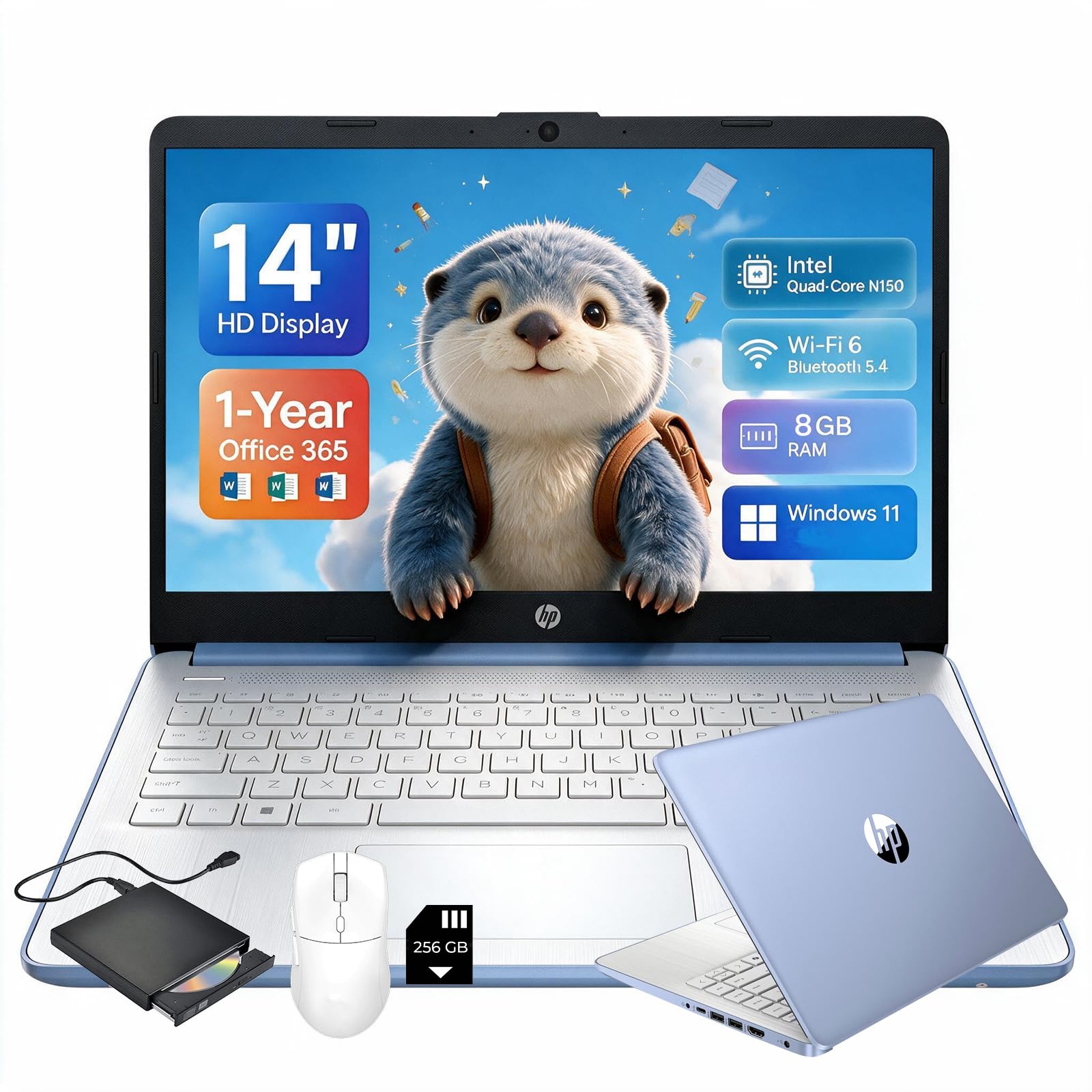
Budget Windows laptops, like the HP 14 inch Ultra Light, offer basic computing and decent battery life at low prices. They suit light schoolwork and browsing.
2 in 1 Convertibles
Convertibles, like the Lenovo Yoga 7i 16 inch, fold into tablet mode for drawing and media. They suit students and creatives who want flexibility.
The Lenovo Yoga 7i 16 inch, at around $1,004, flips into tablet mode with a 2K touchscreen and an efficient Intel Core Ultra 7 155U processor. Convertibles suit note takers and artists, but large touchscreens draw more power than standard displays.
Ultraportables
Ultraportables, like the MacBook Air, Dell XPS 13, Microsoft Surface Laptop with Snapdragon X Plus and ASUS Vivobook S 14 OLED, combine light weight with long battery life. They suit travelers and professionals.
Premium ultraportables like the Dell XPS 13 at around $1,900, the ASUS Vivobook S 14 OLED at around $1,500 and the Microsoft Surface Laptop at around $1,044 combine efficient chips with thin bodies. OLED screens look vivid and save power on dark content but can use more on bright white pages.
Best Laptops for Specific Needs
A few common needs point to specific choices.
Best 15 Inch Laptops with Great Battery Life
For larger screens, look for 15 and 16 inch models with efficient processors and integrated graphics, like the Lenovo Yoga 7i 16 inch. Larger screens use more power, so efficient chips matter even more.
Expect a bigger laptop to be heavier and to need a larger charger. If you mostly work at a desk and travel occasionally, a 16 inch model gives more room for spreadsheets and split screen work. If you travel weekly, a 13 or 14 inch model usually lasts longer per charge and fits airline tray tables.
Best Laptops with Good Battery Life under 700
Under around $700, the ASUS Vivobook 14 with Snapdragon X, the HP 14 inch Ultra Light and Chromebooks offer the best battery value.
The HP 14 inch Ultra Light, at around $660, includes a year of Office 365 and Wi-Fi 6, which suits students and home offices. The HP Chromebook 14 at around $229 and the Lenovo Chromebook 14 at around $246 cost far less and stretch battery life with light software, which makes them easy picks for kids and travelers on a budget.
Tips to Get the Most From Your Laptop Battery
Lower screen brightness, which uses the most power. Turn on battery saver or low power mode. Close unused apps and browser tabs, especially video and video calls.
Turn off keyboard backlighting when not needed. Keep the laptop updated, since updates often improve efficiency. Avoid leaving the laptop in hot cars, and use battery health features that limit charging to 80 percent if you are usually plugged in.
Frequently Asked Questions
What features matter most in laptops for battery life?
An efficient processor, integrated graphics, a sensible screen and adequate battery capacity matter most. Apple M series, Snapdragon X and Intel Core Ultra 200V laptops lead for efficiency.
Should I buy a laptop or a tablet?
Tablets often last longer and weigh less, but laptops handle typing, multitasking and full desktop apps better. Choose a 2 in 1 if you want both.
How much RAM do I need?
16GB suits most Windows and Mac users, while Chromebooks run well with 4 to 8GB. Heavy multitaskers and creators benefit from more.
Pick 16GB if you plan to keep the laptop for five years or more, since apps and browsers keep growing.
How long should a laptop last?
Most laptops last four to six years. Batteries gradually lose capacity, often noticeably after a few hundred charge cycles, but many laptops allow battery replacement through service centers.
Battery capacity fades over time, so expect shorter runtimes after a few years of daily charging. Using battery health settings and avoiding heat slows that decline.
Is a Chromebook enough for school?
Yes, for many students. Chromebooks handle web apps, Google Docs and online classes well. Check whether your school or courses require Windows or Mac software first.
Is a dedicated GPU worth it?
Only if you game or do 3D and video work. Dedicated GPUs drain batteries faster, so battery focused buyers should choose integrated graphics.
The Bottom Line
The best laptops for battery life pair efficient processors with light, practical designs. The MacBook Air M4 is our best overall pick for all day battery and silent performance, the ASUS Vivobook 14 with Snapdragon X offers Windows value and the Lenovo Chromebook 14 is a simple, affordable start. Lower brightness and use battery saver to stretch runtime further.
For more laptop guides, see the best laptops for college, the best laptops for audio production, the best laptop backpack and the best laptop stands. Then compare current prices in the product table above.


