
Best Battery Life 2026: A Practical Buying Guide
Disclosure: We may earn a commission when you buy through links on this page, at no extra cost to you. As an Amazon Associate I earn from qualifying purchases. Learn more
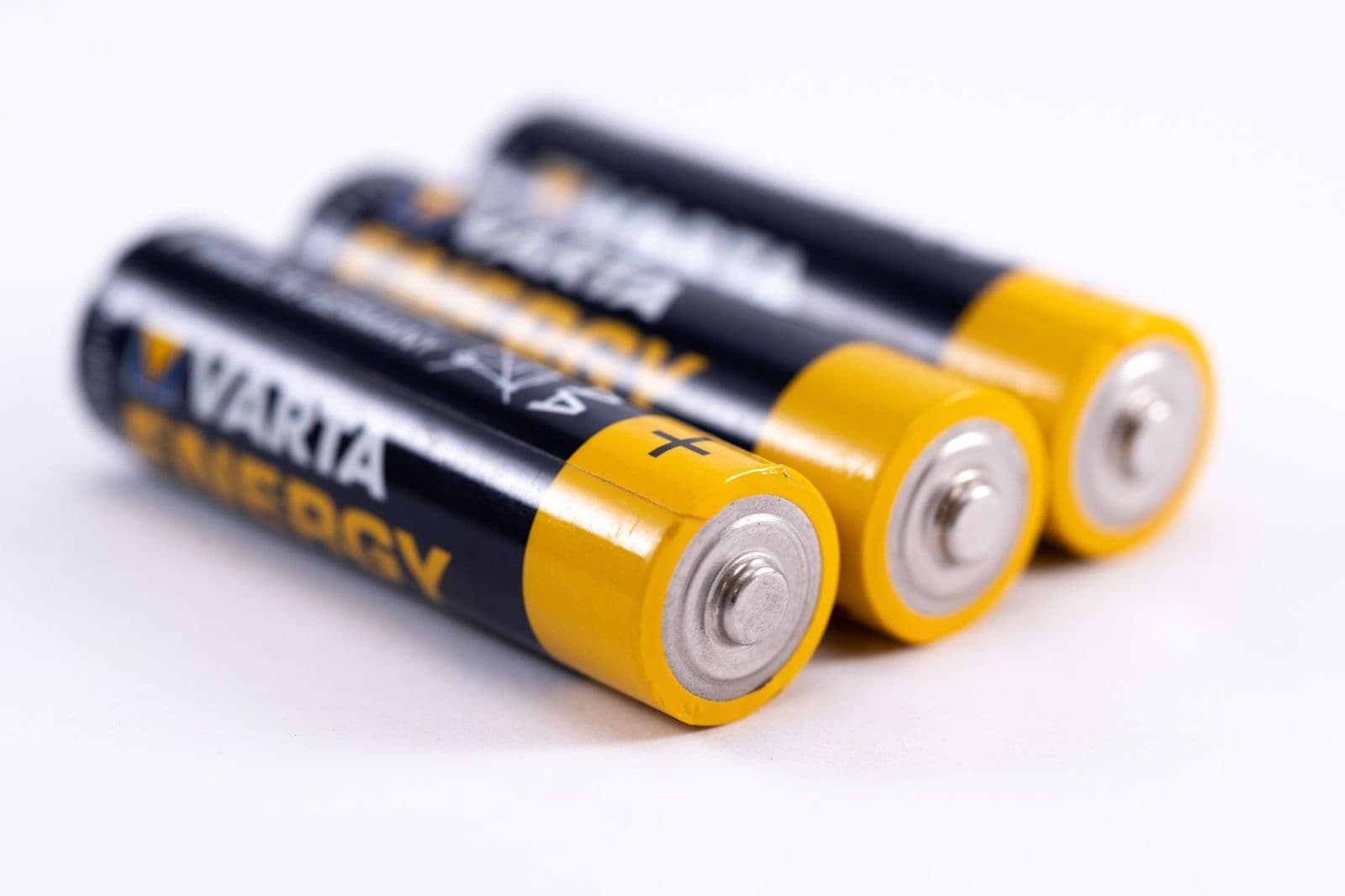
The best battery life comes from efficient hardware and smart habits. See how claims are measured, what drains power and how to stretch every charge.
Best battery life is a goal that applies to almost every device you carry, from a laptop or phone to a smartwatch, tablet or earbuds. The best battery life you can get comes from three things: a device with an efficient chip and screen, a battery sized to match, and settings that stop quiet drains.
This guide explains how to read battery claims, what drains power on each kind of device, and what to look for when you shop for long runtime.
How to Read Battery Life Claims
Battery claims are measured under controlled conditions, often with a dim screen, few apps and a weak signal load. Real days are busier, so runtime is usually lower. Look for these details in a listing:
- The workload used: web browsing, video playback, standby or mixed use.
- Screen brightness during the test.
- Battery capacity in watt-hours (Wh) for laptops, or milliamp-hours (mAh) for phones and watches.
- Whether GPS, always-on display or cellular data were switched on.
Capacity alone does not decide runtime. A phone with a 5,000 mAh battery can last the same time as one with 4,500 mAh if the second one has a more efficient chip and screen.
What Drains the Battery Most
Screen
The display is the largest drain on most devices. Higher brightness, bigger screens, high refresh rates and always-on modes all cost power. Dropping brightness a few steps often adds an hour or more.
Processor and Graphics
Games, video editing and heavy multitasking use far more power than reading or browsing. Efficient chips, such as Arm-based processors in laptops and recent phone chips, do more work per watt.
Wireless Radios and Location
Weak cellular signal makes a phone work harder. GPS, Bluetooth scanning and constant Wi-Fi searching also add up, particularly on watches.
Background Apps and Notifications
Apps that sync, track location or refresh in the background draw power even when the screen is off.
Battery Life by Device Type
Laptops
Thin laptops with efficient processors can run 10 to 15 hours on light tasks. Chromebooks are often the longest-lasting for web work. Gaming and workstation laptops last fewer hours. Our guide to the best laptops for battery life and the guide to best battery life Windows laptops cover these in detail.
Phones
Modern phones with 4,500 to 6,000 mAh batteries usually last a full day of mixed use. Heavy camera, video and navigation use shortens it. For picks, see the best smartphones with good battery life.
Smartwatches and Fitness Trackers
Basic fitness bands and hybrid watches can run weeks, sports watches with a low-power display last one to three weeks, and full-featured touchscreen watches often need charging every day or two. See our guide to the best battery life smartwatches.
Tablets and E-Readers
Tablets typically give 10 to 14 hours of video. E-readers with e-ink screens can last weeks because they only use power to change the page.
Earbuds and Headphones
Earbuds last about 5 to 10 hours per charge, and the case adds several more charges. Over-ear headphones often reach 30 hours or more.
What to Look for When You Shop
- An efficient processor and a screen size that suits your use.
- Fast charging, so a short break can add hours.
- Battery power-saving modes and a charge limit setting to protect long-term health.
- A replaceable battery or an affordable service option for devices you keep for years.
- Independent runtime figures for the tasks you do.
Tips to Get More Battery Life
- Lower screen brightness and shorten the screen timeout.
- Turn on battery saver mode when you are away from a charger.
- Switch off location, Bluetooth and Wi-Fi when you do not need them.
- Close apps you are not using, and limit background refresh.
- Keep devices out of heat. Hot cars and direct sun age batteries faster.
- Update software, since updates often improve power use.
- Avoid draining to zero or sitting at 100 percent for long periods.
Common Mistakes to Avoid
- Trusting the largest battery number and ignoring screen and chip efficiency.
- Judging a device by the manufacturer claim without checking independent results.
- Charging in a hot place or leaving a device in a hot car.
- Using cheap, damaged chargers that charge slowly or heat the device.
- Ignoring battery wear. After two or three years, capacity is noticeably lower.
Battery Life: Questions Answered
Does a bigger battery always last longer?
No. Efficiency and screen size matter as much as capacity. A smaller battery in an efficient device can outlast a bigger one in a power-hungry design.
Is fast charging bad for battery health?
Occasional fast charging is fine for most modern devices. Constant heat is more damaging, so avoid fast charging in hot places.
How many charge cycles does a battery last?
Lithium-ion batteries are often rated for 500 to 1,000 full cycles before capacity drops to about 80 percent, and some newer chemistries last longer.
Should I keep my device plugged in all the time?
If you can, use a charge limit around 80 percent. Constantly sitting at 100 percent with heat shortens battery life on some devices.
When should I replace the battery?
When runtime drops sharply despite good habits, or if the battery swells or overheats. Stop using a swollen battery and contact the maker or a qualified repairer.
How Battery Health Changes Over Time
Every rechargeable battery loses capacity as it ages. Heat, deep discharges and years of charging all shorten life. After two to three years, many phones and laptops show a noticeable drop in runtime, and after five years the loss can be significant. Most devices include a battery health screen in settings, which shows the maximum capacity compared with new. If that number falls below about 80 percent, a replacement battery can restore much of the original runtime on devices that allow it.
To slow the decline, avoid leaving a device in a hot car or in direct sun. Do not routinely run it flat, and unplug it once it reaches full charge if you can. Some devices let you cap charging at 80 percent, which is helpful if the device stays plugged in at a desk.
Power Banks and Charging Accessories
If you cannot find a device with enough runtime, a power bank is the simplest fix. A 10,000 mAh bank gives most phones roughly two full charges, and a larger 20,000 mAh bank can also top up a tablet or a small laptop that supports USB-C power delivery. Choose a bank with the output wattage your device needs, and carry a short, good-quality cable. Check airline rules, which limit the size of spare lithium batteries in carry-on bags.
Final Thoughts
Getting the best battery life starts with matching the device to your day, then using settings and charging habits that protect the battery. Check independent runtime figures, choose efficient hardware, and keep spare charging options handy for travel days. For specific devices, follow the guides linked above.


