
Best Laptops for College: Types Compared and How to Choose
Disclosure: We may earn a commission when you buy through links on this page, at no extra cost to you. As an Amazon Associate I earn from qualifying purchases. Learn more

The best laptops for college compared by type: budget Windows, 2 in 1s, Chromebooks and MacBook Air, matched to majors.
A college laptop has to do a lot: take notes in lectures, run research and writing apps, join video classes, stream shows in the dorm and survive being carried across campus every day for four years. The best laptops for college balance battery life, weight, performance and price, but the right type depends heavily on your major and budget. An engineering student running CAD software needs something very different from an English major who mostly writes papers.
This guide compares the main laptop types side by side: budget Windows laptops, 2 in 1 convertibles, Chromebooks and premium thin and light machines such as the MacBook Air. You will learn what to look for in battery life, ports, keyboards and processors, which type suits different students, and how to make your laptop last through graduation.



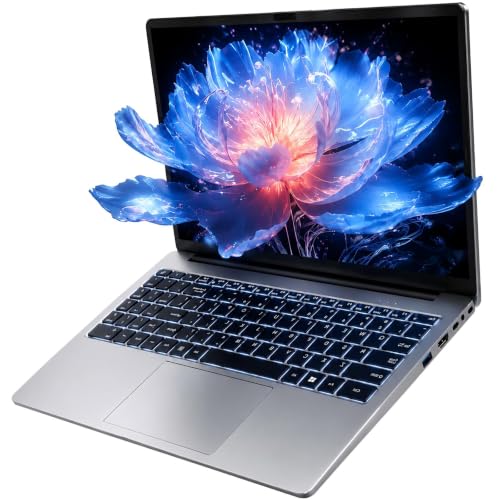



Types of Laptops Compared
College laptops fall into a few broad types. Each one trades price, flexibility and power differently, so start by thinking about the software your courses require, how much you will carry the laptop and how long you want it to last.
Check your school or program's recommendations before buying. Many departments publish minimum specs, especially for engineering, design, film and computer science, and some require Windows or macOS for specific software. Student discounts from Apple, Microsoft and laptop makers can also lower the price.
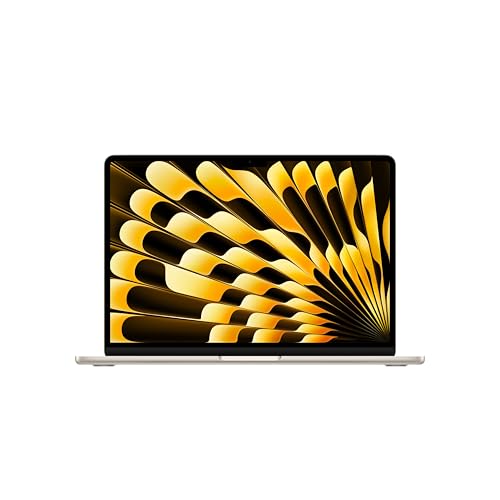
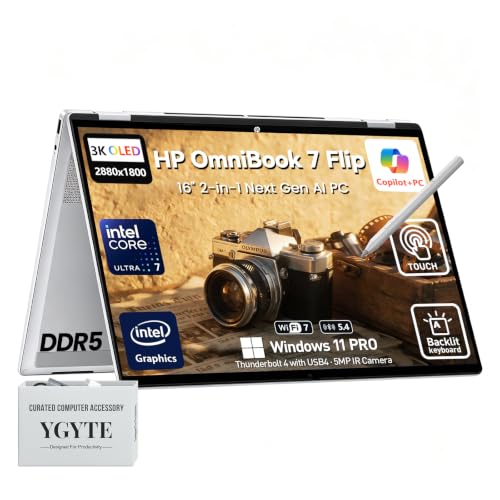
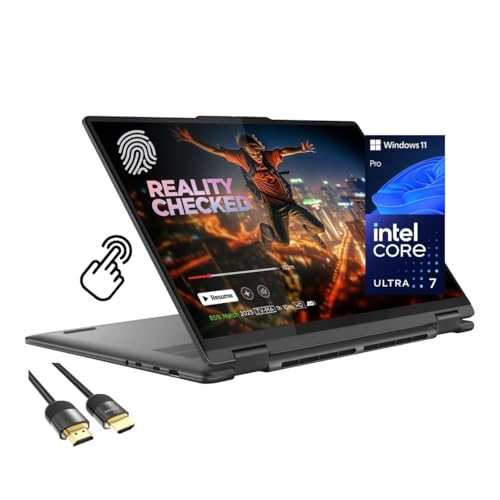
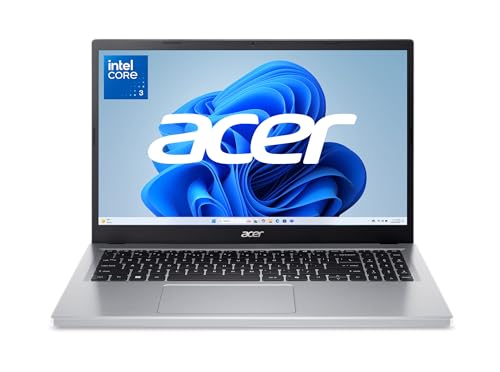
The product table above includes examples of each type, from affordable Acer, HP and ASUS laptops to Lenovo 2 in 1s, Chromebooks and Apple's MacBook Air.
Budget Laptops
Budget Windows laptops cost around $350 to $700 and handle the core tasks of college life: writing, spreadsheets, web research, streaming and video calls. Models like the Acer Aspire Go 15, HP 14 inch laptops and ASUS Vivobook 14 offer full size keyboards, Windows 11 and enough performance for general coursework.
What you give up at the low end is speed, storage and battery life. Entry models with Intel N series processors, 8GB of memory and 128GB of storage feel sluggish with many browser tabs and fill up quickly. Stepping up to a model with 16GB of memory, a 512GB SSD and a mainstream processor such as an AMD Ryzen 7 or Intel Core i5 makes a big difference over four years.
Budget laptops suit liberal arts, business and general education students who mainly use Office apps, browsers and learning platforms. They also make good backup machines for students who already own a desktop.
Watch for listings that bundle Office subscriptions, extra memory or larger drives, since these can add real value. Check whether the memory is soldered or upgradeable; many slim laptops cannot be upgraded later, so buy the memory you need at purchase.
2 in 1 Convertibles
2 in 1 convertible laptops fold back into a tablet or tent shape and support touchscreens and pen input. Models like the Lenovo Yoga 7i and HP OmniBook X Flip suit students who want to handwrite notes, annotate PDFs, sketch diagrams or present work in tablet mode.
They usually cost more than standard laptops of similar performance, around $700 to $1,600, and can be slightly heavier because of the hinge and touchscreen. A stylus may be included or sold separately. For students in math, science and design who prefer writing equations or sketching by hand, a 2 in 1 can replace a separate tablet.
Pen support varies. Some 2 in 1s use active pens with pressure sensitivity for drawing, while others support only basic styluses. If handwriting matters, check which pen works with the model, whether it is included and how it attaches or stores when you are not using it.
Chromebooks
Chromebooks run ChromeOS, which centers on the Chrome browser, Google apps and web based tools. They cost around $230 to $400, start up quickly, get frequent automatic updates and often have long battery life. Models from Lenovo and HP are popular with students who mainly use Google Docs, web portals and streaming.
The limitation is software compatibility. Chromebooks cannot run full Windows or macOS applications, which rules them out for many engineering, design and specialized science programs. Storage is often small, so you rely on cloud services. Check your program's software list before choosing a Chromebook as your only computer.
Premium thin and light laptops, such as the MacBook Air with Apple's M5 chip, sit above these types. They combine strong performance, long battery life and lightweight builds, which suits students who want one machine to last all four years. The trade off is a much higher price.
Chromebooks also make good secondary devices. Many students pair a desktop or powerful home laptop with a light Chromebook for carrying to class, using cloud apps to keep files in sync between both.
Check the automatic update expiration date for any Chromebook you consider. Google publishes how long each model receives updates, and choosing one with years of support remaining keeps it secure through graduation.
Budget Laptops vs 2 in 1 Convertibles: Which Should You Choose?
Choose a budget laptop if you mainly type papers, browse, use Office or Google apps and want to keep costs down. A well configured budget laptop with 16GB of memory and a fast SSD handles general coursework smoothly and leaves money for textbooks and accessories.
Choose a 2 in 1 convertible if you take handwritten notes, annotate readings, sketch diagrams or present often. The touchscreen and pen support add real value for STEM and design students, while the tablet mode works well for reading and studying in bed or on the bus.
If your major requires demanding software like CAD, 3D modeling, video editing or data science tools, look past both and consider a more powerful laptop with a strong processor, 16GB to 32GB of memory and, for some programs, a dedicated graphics chip.
Consider how and where you study. Students who work mostly at a desk may care more about screen size and keyboard comfort, while students who study in libraries, coffee shops and on buses benefit from lighter, more flexible designs with long battery life.
How to Choose the Best Laptops for College
Once you know which type fits, compare these features. They decide how well a laptop survives four years of classes, travel and late night study sessions.
Battery Life in Real World Use
Battery life matters on campus, where outlets in lecture halls and libraries are limited. Look for laptops that realistically last a full day of classes, around 8 to 10 hours of mixed use. Maker estimates are often optimistic, so plan for less with bright screens and video calls.
Efficient processors, such as Apple's M series chips and newer low power Intel and AMD chips, deliver the longest runtimes. USB-C charging lets you use compact chargers and power banks. A lightweight charger is worth carrying, but a laptop that rarely needs it makes life easier.
Battery health declines over years of charging, so the eight hours you get as a freshman may become five or six by senior year. Starting with a laptop that comfortably exceeds a full day gives you a buffer for that natural decline.
Ports and Connectivity
Check that the laptop has the ports you need: USB-C for charging and accessories, USB-A for older flash drives and mice, HDMI for presentations and external monitors and a headphone jack. Thin laptops often have fewer ports, so a small USB-C hub may be necessary.
Wireless connectivity matters too. Wi Fi 6 or newer helps on crowded campus networks, and Bluetooth connects headphones and mice. A good webcam and microphone help with online classes and group meetings.
Think about the classroom too. Many lecture halls and project rooms still use HDMI for presentations, and some labs require Ethernet for secure networks or specialized software. A compact adapter kept in your bag saves last minute scrambles before group presentations.
What Students Should Look For
For most students, the priorities are a reliable processor, at least 16GB of memory, a 512GB SSD, a comfortable keyboard, a sharp display and all day battery life. Weight matters if you carry the laptop daily; aim for around 3 to 4 pounds for 14 inch models.
Durability features help too: sturdy hinges, spill resistant keyboards and good build quality. Consider accidental damage protection plans, since dorm life can be hard on electronics. Software needs come first, so match the operating system to your courses.
Security and privacy features help as well. Fingerprint readers and face login make signing in fast, a webcam privacy shutter protects your privacy in shared rooms, and built in encryption protects your files if the laptop is lost or stolen.
Processor and Performance Tier
Entry processors like Intel N series and MediaTek chips in Chromebooks handle basic tasks but slow down with heavy multitasking. Mainstream processors such as Intel Core i5 or Core Ultra 5, AMD Ryzen 5 or Ryzen 7 and Apple M series chips handle research, writing, streaming and light creative work smoothly.
Students in engineering, architecture, film or computer science may need higher performance processors and 32GB of memory. Check your program's requirements, and choose a bit more performance than you need today to stay comfortable through graduation.
If your program uses specialized software, look it up on the developer's site for official system requirements and supported operating systems. Some engineering and statistics tools run only on Windows, while certain media and development tools favor macOS.
Keyboard, Trackpad, and Build
You will type thousands of words on your laptop, so keyboard comfort matters. Look for keys with good travel and a backlight for late nights. A large, accurate trackpad makes navigation easier without a mouse.
Build quality affects how well a laptop survives backpacks and daily travel. Aluminum and reinforced chassis feel sturdier than thin plastic. A good display with at least Full HD resolution and decent brightness reduces eye strain during long study sessions.
Screen size changes daily life. A 13 or 14 inch laptop is easiest to carry and fits small lecture desks, while a 15 or 16 inch laptop offers more room for side by side documents and a number pad. Many students choose 14 inches as the best balance.
Choosing Laptops for Your Situation
Different students need different machines. Here is how to match the laptop type to your major and lifestyle.
Best Laptops for College and Why: Which Type Works Best
For most students, the best laptops for college are mainstream thin and light Windows laptops or the MacBook Air. They balance portability, battery life and performance, run the software most courses require and last four years with proper care. Choose based on your preferred operating system and budget.
Best Laptops for College IT Students: Which Type Works Best
Information technology and computer science students often run virtual machines, programming tools and databases. They benefit from a powerful processor, 16GB to 32GB of memory and a fast SSD of 512GB or more. Windows laptops offer broad compatibility, while MacBooks suit students who develop for Apple platforms. Check whether your program prefers a specific operating system.
Best Laptops for College Students: Which Type Works Best
General college students do well with a laptop that offers all day battery, a comfortable keyboard and 16GB of memory. A budget Windows laptop suits tight budgets, a 2 in 1 suits note takers and a MacBook Air suits students who want long term performance and battery life.
Students who commute or live off campus should weigh battery life and durability especially heavily, since they may go a full day without reliable access to outlets and carry the laptop on buses and trains.
Best Laptops for College on a Tight Budget
If money is tight, a Chromebook or entry Windows laptop covers the basics for writing and research. Choose at least 8GB of memory, preferably 16GB, and enough storage for your files. Use free cloud storage and school provided software licenses to stretch your budget further.
Refurbished laptops from manufacturer programs and certified sellers can also stretch a tight budget. They usually come with a warranty and can offer much better specs for the money than a new entry level model. Avoid uncertified used laptops without a return policy.
Tips to Get the Most From Your Laptop
Protect your laptop with a padded sleeve or backpack compartment, and avoid placing drinks near the keyboard. Keep software and the operating system updated for security and performance, and back up your files to cloud storage or an external drive so a lost or broken laptop does not cost you a semester of work.
Avoid leaving the laptop plugged in at 100 percent all the time if it offers a battery care mode, which slows battery wear. Clean the keyboard and screen regularly, and keep vents clear of dust. Register your laptop and keep the receipt for warranty claims.
Take advantage of student software benefits. Many schools provide free Microsoft 365, cloud storage and specialized software licenses, and app stores often offer education pricing. Check your student portal before buying software on your own.
Frequently Asked Questions
What makes laptops for students different?
Laptops for students prioritize portability, long battery life, durability and value. They need to handle writing, research, video classes and some creative work while being carried daily. Many brands offer student discounts and bundles. The right student laptop also matches the software requirements of your major.
Should I buy a laptop or a tablet?
Most college students should buy a laptop, since it handles typing, multitasking and full desktop software that many courses require. A tablet works well for reading and handwritten notes but often needs a keyboard to replace a laptop. A 2 in 1 convertible combines both for students who want laptop power and tablet flexibility.
Is a Chromebook enough for school?
A Chromebook is enough for students who mainly use Google apps, web based learning platforms and streaming. It is not enough if your program requires Windows or macOS software such as CAD, statistics packages or professional design tools. Check your course software list before choosing a Chromebook as your only computer.
How much RAM do I need?
For general college use, 16GB of memory is the comfortable target, since it handles many browser tabs, Office apps and video calls smoothly. 8GB works for basic tasks but can feel slow over time. Students in engineering, design or computer science should consider 16GB to 32GB, depending on their software.
How long should a laptop last?
A well chosen laptop should last four years of college with proper care. Choosing a model with a capable processor, 16GB of memory and a quality build extends its useful life. Battery capacity declines over time, so a replacement battery or service may be needed toward the end of a four year span.
Is a MacBook or Windows laptop better for college?
Both work well for most majors. MacBooks offer long battery life, strong build quality and smooth performance, and they suit students who use iPhones or creative apps. Windows laptops offer more choice at every price, broad software compatibility and options like touchscreens and 2 in 1 designs. Check your program's software requirements, then choose the system you find easiest to use.
When is the best time to buy a college laptop?
Back to school season from July through September brings student discounts and bundles, and November sales events often include laptops too. Buying a few weeks before classes start gives you time to set up the laptop, install software and return it if something is wrong.
Final Thoughts
The best laptops for college match your major, budget and daily routine. Budget Windows laptops suit general coursework on a budget, 2 in 1 convertibles suit note takers and STEM students, Chromebooks suit students who live in Google apps, and the MacBook Air suits students who want long term performance and battery life. Prioritize 16GB of memory, all day battery and the operating system your courses require.
For more options, see our guides to the best notebook laptops, the best reasonable laptops, the best economical laptops, the best gaming laptops affordable picks and the best laptop stands. Then compare current prices in the product table above.
