
Best Laptops for Audio Production: Matching the Right Model to Your Routine
Disclosure: We may earn a commission when you buy through links on this page, at no extra cost to you. As an Amazon Associate I earn from qualifying purchases. Learn more

The best laptops for audio production matched to how you work: MacBook, ThinkPad, Yoga, Zenbook Duo and more.
Music production asks more of a laptop than most everyday tasks. A digital audio workstation (DAW) like Logic Pro, Ableton Live, FL Studio, Pro Tools or Reaper runs dozens of tracks, virtual instruments and effects in real time, and any hiccup shows up as clicks, pops and dropouts. The right laptop has a fast processor, enough memory for sample libraries, quick storage, reliable ports for audio interfaces and quiet cooling so fan noise does not leak into recordings. This guide to the best laptops for audio production starts with how you work, then matches the features that matter, so you avoid overpaying and get the right fit the first time.
We cover who should buy which kind of laptop, choices for specific situations, the key features to compare, common mistakes, setup tips and answers to common questions. Every laptop in the table above is sold new on Amazon US.





Who Should Buy Which Laptops for Audio Production?
The best laptops for audio production depend on your projects. Students and beginners should buy an efficient laptop with 16GB of memory, producers working with large sample libraries should buy a laptop with 32GB or more and a fast processor, and mobile producers should prioritize battery life, quiet cooling and light weight. Here is how to match a laptop to your work.
For Students and Beginners
Students and beginners do best with an efficient, quiet laptop that runs a DAW smoothly without costing a fortune. The Apple MacBook Air 13 inch with M4 chip, at around $986, includes 16GB of unified memory and a fanless design, so it is completely silent while recording. It runs GarageBand and Logic Pro natively.
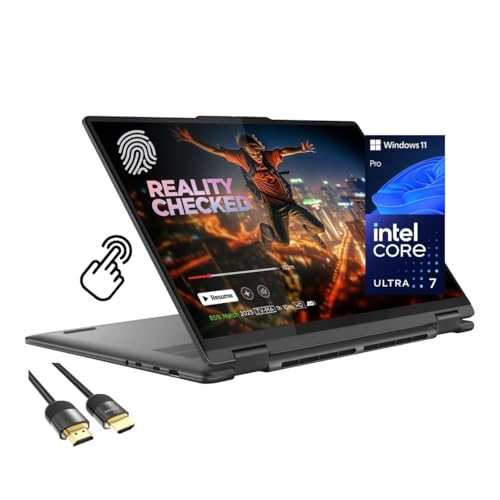
On Windows, the Lenovo Yoga 7i 16 inch 2 in 1, at around $1,004, offers an Intel Core Ultra 7 155U, Wi-Fi 6E and a wide port selection including two USB-A, two USB-C, HDMI, a microSD reader and a headphone and microphone combo jack, according to Lenovo.
The trade off at this level is storage: a 256GB or 512GB drive fills quickly with sample libraries, so plan on an external SSD.
For beginners, a laptop with a good headphone jack and enough USB ports to connect a small MIDI keyboard and an entry level audio interface is all you need to start recording and producing.
For Power Users and Large Sessions
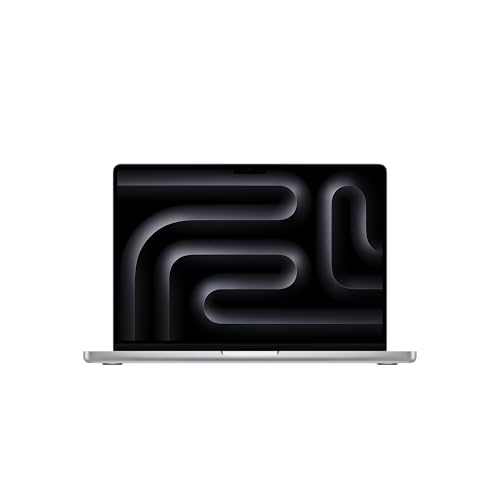
Producers working with orchestral libraries, large mixes and many plugins need more memory and processing power. The Apple MacBook Pro 14 inch with M4 Pro, at around $1,999, has a 12 core CPU, 24GB of unified memory and a Liquid Retina XDR display. The newer MacBook Pro 14 inch with M5 Pro, at around $2,299, pairs a 15 core CPU with 24GB of memory, 1TB of storage and Wi-Fi 7, and Apple lists the same performance on battery or plugged in.
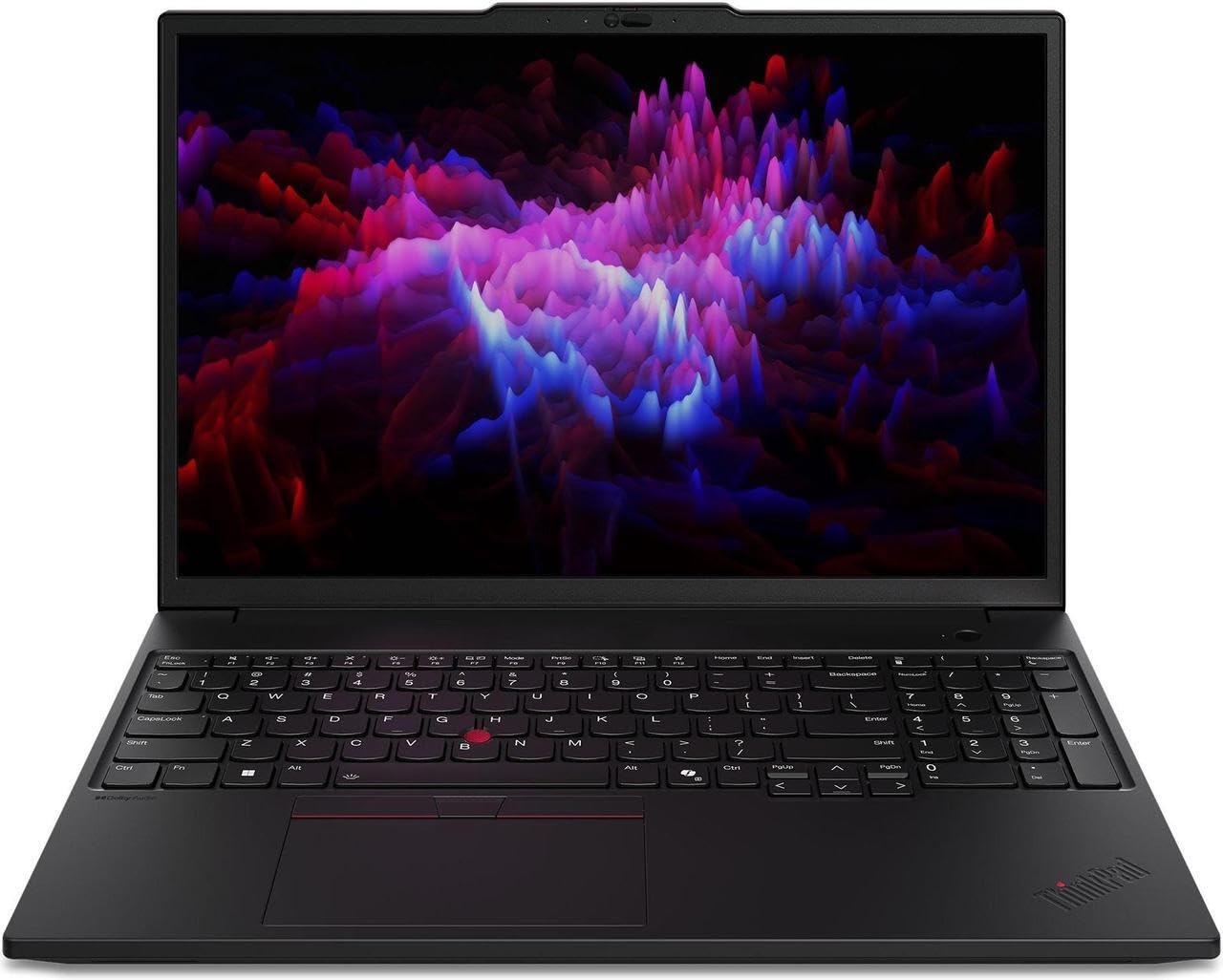
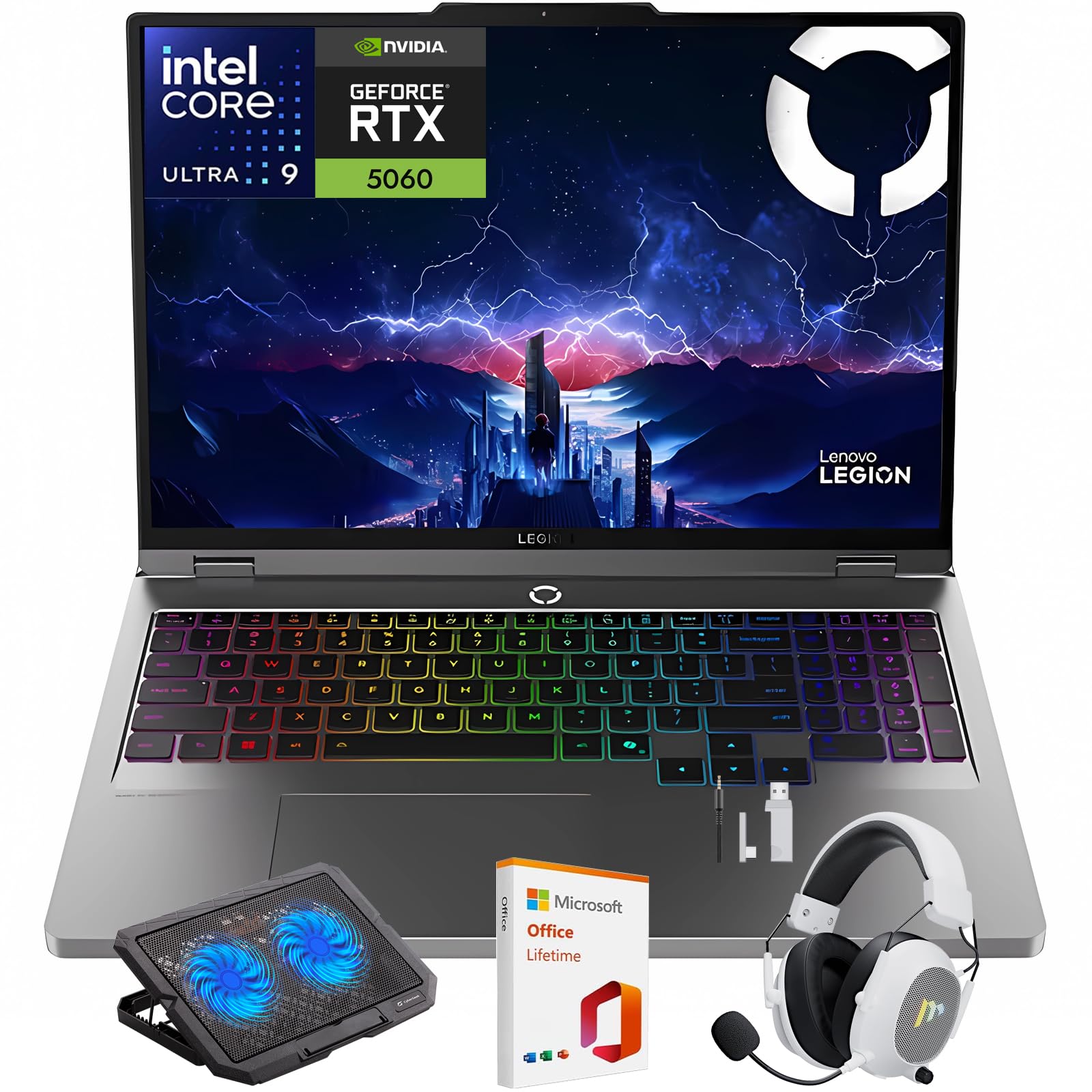
On Windows, the Lenovo ThinkPad P16s Gen 3, at around $2,870, offers an Intel Core Ultra 7, a 16 inch OLED display and 32GB of RAM, and the Lenovo Legion 5i 16 inch, at around $2,659, combines a Core Ultra 9 275HX with 32GB of RAM and a 1TB SSD.
Power laptops cost more, but they keep large projects stable at low buffer sizes, which matters when recording.
Apple lists 1,600 nits peak and 1,000 nits sustained brightness on the M5 Pro MacBook Pro's display, which helps when working in bright studios or outdoors, though screen brightness matters less than processing power for audio work.
For Remote Workers and Hybrid Creators
People who produce music alongside office work, video editing or podcasting need a versatile laptop with good ports and a comfortable keyboard. The Lenovo ThinkPad T14 Gen 6, at around $1,550, offers 32GB of DDR5 memory and a 1TB SSD in a business laptop known for durable keyboards. The Dell 14 Plus, at around $1,449, offers an Intel Core Ultra 7 258V with 32GB of RAM.
The ASUS Zenbook Duo, at around $2,079, adds a second 14 inch OLED screen, which helps producers keep the mixer on one screen and the arrangement on the other.
These laptops balance creative work with everyday tasks, video calls and long battery life.
Business laptops like the ThinkPad also tend to have strong driver support and long warranty options, which helps when a laptop is both your work machine and your studio.
For Travelers and Commuters
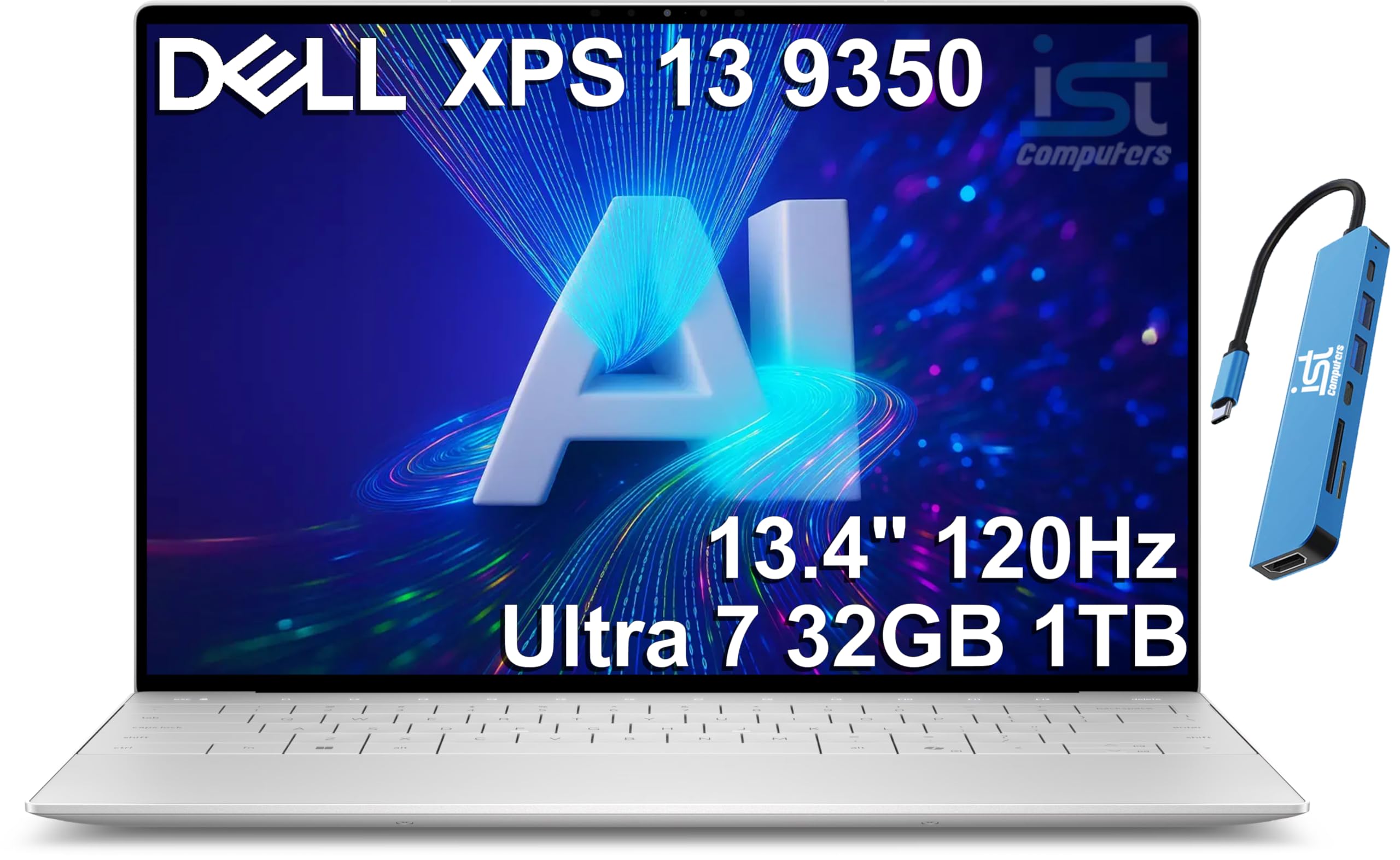
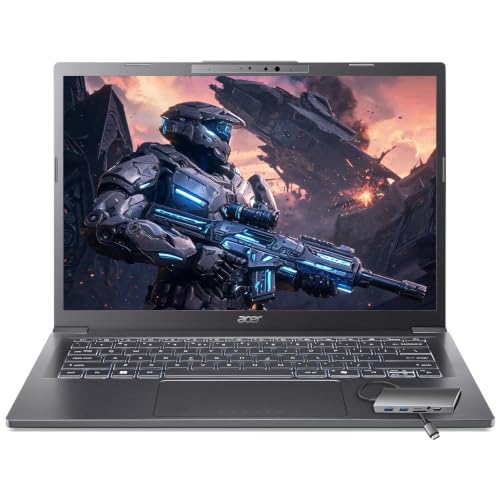
Mobile producers need light weight, long battery life and quiet operation. The MacBook Air M4 is a strong choice, as is the Dell XPS 13 9350, at around $1,900 with an Intel Core Ultra 7 258V, 32GB of memory and 1TB SSD. The Acer Aspire 14 inch, at around $1,100, weighs 3.09 pounds with 32GB of memory and a 1TB SSD and includes a USB hub, according to Acer.
Portable laptops pair well with compact MIDI keyboards and bus powered audio interfaces, so you can make music on trains, in hotels and between gigs.
Keep a compact USB-C hub, a short USB-C cable for your interface and a pair of closed back headphones in your bag so you can produce anywhere without hunting for adapters.
Choosing Laptops for Your Situation
Platform, budget and portability shape the final choice.
Best PC Laptops for Audio Production
The best PC laptops for audio production use Intel or AMD x86 processors, 32GB of RAM and fast NVMe storage. The Lenovo ThinkPad T14 Gen 6, Dell 14 Plus and Lenovo Legion 5i fit well. Be cautious with Windows on ARM laptops, since some audio interface drivers and plugins do not yet run natively; check compatibility first.
Look for laptops with Thunderbolt or USB4 ports for the widest interface compatibility.
Best Used Laptops for Audio Production: What to Prioritize
For the best used laptops for audio production, prioritize at least 16GB of RAM, an SSD, a processor no more than a few generations old and a healthy battery. Check that the operating system still receives updates and that your DAW supports it. Buy from sellers with return policies.
Refurbished laptops from the maker or certified sellers often include warranties and new batteries, which makes them safer than private sales.
Best Lenovo Laptops for Audio Production: What to Prioritize
For the best Lenovo laptops for audio production, the ThinkPad T14 Gen 6 and P16s offer durable builds and 32GB of memory, the Yoga 7i offers value and versatility and the Legion 5i offers maximum power. Prioritize memory and quiet cooling over gaming features.
Best Mobile Laptops for Audio Production: What to Prioritize
For the best mobile laptops for audio production, prioritize battery life, quiet or fanless cooling, light weight and USB-C ports for bus powered interfaces. The MacBook Air M4, Dell XPS 13 and Acer Aspire 14 inch fit this profile.
Fanless designs like the MacBook Air stay silent, which helps when recording quiet acoustic instruments in small rooms.
Key Features to Compare in the Best Laptops for Audio Production
Processor, memory, storage, ports, noise and display size matter most for audio production. Here is what to look for.
Features That Matter for Audio Production
Low latency performance matters most: the laptop must process audio in real time at small buffer sizes without dropouts. Strong single core performance helps, since many DAWs process each track's effects on one core. Quiet cooling matters if you record vocals or acoustic instruments near the laptop.
Driver stability for your audio interface is essential; check the interface maker's compatibility list.
Latency is measured in milliseconds; most producers aim for round trip latency under about 10 milliseconds when recording vocals or instruments, so the performer hears themselves without a distracting delay. A strong CPU and good interface drivers make small buffers possible.
Processor and Performance Tier
Apple M4 and M5 chips, Intel Core Ultra 7 and 9 and AMD Ryzen 7 and 9 processors all handle music production well. Higher core counts help with many tracks and plugins. Pro and Max tier Apple chips and HX tier Intel chips suit the largest sessions.
Thermal design matters too. Thin laptops can slow down under sustained load, while well cooled laptops hold performance through long sessions. Apple says its MacBook Pro performs the same on battery or plugged in.
Memory and Storage
16GB of RAM is the minimum for serious production, and 32GB or more suits orchestral libraries and large mixes. Many modern laptops have memory soldered to the board, so buy enough up front. Choose 1TB of fast SSD storage or more, and keep sample libraries on a fast external SSD if needed.
Sample libraries for orchestral and cinematic music can take hundreds of gigabytes. Plan your storage for both the operating system and apps and for libraries, and keep projects and libraries on fast SSDs for quick loading.
Ports and Connectivity
Audio interfaces, MIDI controllers and external drives need USB-C or Thunderbolt and USB-A ports. The Yoga 7i lists two USB-A and two USB-C ports plus HDMI and a card reader, while thin laptops may need a hub. Avoid unpowered hubs for audio interfaces when possible, since power fluctuations can cause noise.
Thunderbolt and USB4 ports offer the most bandwidth for high channel count interfaces and fast external drives. Check which ports support charging so you can keep the laptop powered while using other devices.
A dedicated headphone jack is still useful for quick checks, though most producers monitor through the audio interface's headphone output for better sound and lower latency.
Display Size, Resolution, and Brightness
Larger screens, like 16 inch models, show more tracks and mixer channels at once. Dual screen designs like the Zenbook Duo add even more room. Smaller 13 to 14 inch screens favor portability, and an external monitor helps in the studio.
Matte or anti glare screens reduce reflections in studios with bright lights, while OLED screens offer deep contrast for long late night sessions.
Weight and Portability
Ultraportables weigh around 3 pounds, like the Acer Aspire's 3.09 pounds, while 16 inch performance laptops weigh more. Choose based on how often you travel with your rig.
Battery life matters for mobile producers. Efficient chips like Apple's M4 and Intel's Core Ultra 200V series run cooler and longer on battery, while high performance HX processors draw more power and usually need the charger for long sessions.
Common Mistakes to Avoid When Buying Laptops for Audio Production
The most common mistake is buying too little memory and storage on a laptop that cannot be upgraded. Another is choosing a gaming laptop with loud fans for recording vocals in the same room. Many people also overlook driver compatibility, especially on Windows on ARM laptops. Finally, some buyers spend heavily on a powerful graphics card that audio software barely uses, when that money would be better spent on memory, storage or an audio interface.
It also pays to check your DAW's system requirements and your favorite plugins' compatibility before buying, especially when switching between Mac and Windows, since some plugins are licensed per platform.
Setup and Care Tips
Install your audio interface's latest drivers and set the DAW's buffer size low for recording and higher for mixing. On Windows, use the maker's ASIO driver, choose a high performance power plan and disable unnecessary background apps. Keep the laptop plugged in during sessions if it throttles on battery. Back up projects to an external drive and cloud storage, and keep vents clear for quiet cooling.
On a Mac, use Audio MIDI Setup to configure devices and create aggregate devices if needed. On both platforms, keep the operating system updated only after confirming your DAW and plugins support the new version, since updates can break compatibility mid project.
FAQs
What features matter most in laptops for audio production?
A fast processor, at least 16GB of RAM (32GB for large sessions), a fast SSD of 1TB or more, reliable USB-C or Thunderbolt ports and quiet cooling matter most. Driver compatibility with your audio interface is essential.
Is a dedicated GPU worth it?
A dedicated GPU is not needed for audio production, since DAWs rely on the CPU. It helps only if you also edit video or game. Spend the money on memory and storage instead.
Should I buy a laptop or a tablet?
A laptop is better for full DAWs, plugins and audio interfaces. Tablets suit sketching ideas with mobile apps, but most professional production software runs on laptops and desktops.
How much RAM do I need?
16GB handles most beginner and intermediate projects, while 32GB or more suits orchestral libraries, large sample based sessions and heavy plugin use. Buy as much as your budget allows if memory is soldered.
Freezing or bouncing tracks to audio frees memory and processing power on smaller laptops, which lets 16GB machines handle larger projects than you might expect.
Mac or Windows for music production?
Both work well. Macs offer Logic Pro, efficient Apple silicon and Core Audio with simple driver support. Windows laptops offer more choice and value and run every major DAW except Logic Pro. Choose the platform your DAW and plugins support.
How long should a laptop for audio production last?
A well chosen laptop typically lasts four to six years for music production. Buying more memory and storage up front extends its useful life as projects grow.
Do I need an audio interface?
Yes, for recording vocals and instruments and for low latency monitoring, an audio interface is strongly recommended. Built in laptop audio adds latency and noise. Even an entry level USB interface greatly improves sound quality and stability.
The Bottom Line
The best laptops for audio production match how you work. The MacBook Air M4 and Lenovo Yoga 7i suit students and beginners, the MacBook Pro with M4 Pro or M5 Pro, ThinkPad P16s and Legion 5i suit large sessions, the ThinkPad T14, Dell 14 Plus and Zenbook Duo suit hybrid creators and the Dell XPS 13 and Acer Aspire suit mobile producers. Prioritize memory, storage, ports and quiet cooling.
For more tech guides, see the best laptop backpack, the best gaming ssd, the best external storage hard drives and the best 4k monitors. Then compare current prices in the product table above.


