
Best HDMI Cable: Reviews and Buying Guide for 2026
Disclosure: We may earn a commission when you buy through links on this page, at no extra cost to you. As an Amazon Associate I earn from qualifying purchases. Learn more

The best hdmi cable: Anker, Highwings and Amazon Basics picks plus speed ratings, length and eARC tips.
An HDMI cable seems like the simplest part of a home theater or desk setup, until the picture flickers, the TV refuses 4K at 120Hz or the soundbar drops audio. Most of those problems come down to the cable's speed rating, length and build. The good news is that the best cables are inexpensive: certified Ultra High Speed HDMI cables cost around $7 to $25, and you rarely need to pay more unless you need a very long run. This guide to the best hdmi cable explains the ratings that matter and shares three picks for different setups.
We start with our top picks, then cover a full buying guide, the main cable types, picks for monitors and projectors, how to make a cable last and answers to common questions. Every cable in the table above is sold new on Amazon US.






Our Top 3 Picks at a Glance
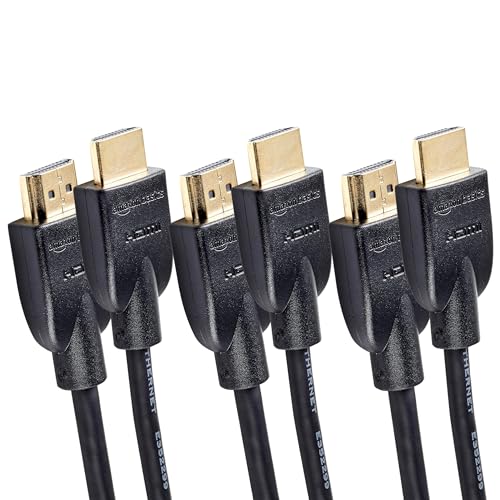
Our picks are the Anker HDMI 2.1 Certified Ultra High Speed Cable for most setups, the Highwings 8K HDMI 2.1 Cable for value and the Amazon Basics High Speed HDMI 3 Pack for beginners who want simple 4K at 60Hz connections for several devices.
We compared certification, bandwidth, supported resolutions and refresh rates, eARC support, length, build quality, warranty and price, along with the overall pattern in owner feedback. We did not run these cables ourselves; the notes reflect maker specifications.
Best Overall: Anker HDMI 2.1 Certified Ultra High Speed Cable
The Anker HDMI 2.1 cable suits gamers and home theater owners who want full HDMI 2.1 performance from a trusted brand, at around $10 to $14 depending on length. Anker lists 48Gbps certified Ultra High Speed bandwidth with support for 8K at 60Hz, 4K at 120Hz and 4K at 240Hz, and says the cable withstands up to 1,000 bends.
Two strengths stand out: certification means it carries the full HDMI 2.1 feature set for a PS5, Xbox Series X, gaming PC or new TV, and Anker includes an 18 month warranty. The limitation is that, like all passive copper cables, it is not meant for very long runs. Skip it if you need more than about 15 feet; choose a fiber optic cable instead.

It makes the most sense as the main cable between a console or gaming PC and a TV or monitor that supports 120Hz. If you are unsure which cable came with your TV years ago, swapping in a certified Ultra High Speed cable is the simplest way to rule out the cable when 4K 120Hz or VRR will not turn on.
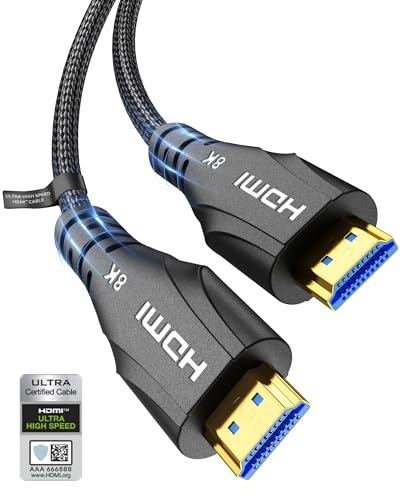
Best Value: Highwings 8K HDMI 2.1 Cable (6.6 ft)
The Highwings 8K cable is for anyone who wants HDMI 2.1 speeds for very little money, at around $6.49 for 6.6 feet. Highwings lists certified 48Gbps Ultra High Speed bandwidth with support for 8K at 60Hz, 4K at 240Hz and 4K at 120Hz, variable refresh rate for gaming and backward compatibility with older HDMI versions.
Its strengths are price, a braided nylon jacket and an anti bend design at the connector, which is where cables usually fail. The trade off is a shorter warranty and support network than larger brands. Skip it if you need a specific in wall rating for permanent installation.

At this price, it is easy to replace every older cable in the house with an Ultra High Speed one. Highwings also sells a two pack of 6.6 foot cables and longer 10 and 15 foot versions, which helps if you need several lengths for a TV, a soundbar and a console.
Best for Beginners: Amazon Basics High Speed HDMI Cable (3 Pack, 6 ft)
The Amazon Basics 3 pack suits first time buyers connecting streaming sticks, Blu-ray players, cable boxes and older consoles, at around $12 for three 6 foot cables. Amazon lists support for 4K video at 60Hz, 18Gbps bandwidth, Ethernet, 3D and Audio Return Channel (ARC).
The appeal is simplicity and value: three cables cover a TV, a soundbar and a streaming box in one purchase. The limitation is that these are HDMI 2.0 cables, and Amazon notes they will not work properly for signals above 4K at 60Hz. Skip them for a PS5, Xbox Series X or gaming PC running at 120Hz.

These cables suit spare rooms, guest bedrooms, office monitors and older TVs where 4K 60Hz is the maximum anyway. Amazon also notes the cables support Ethernet over HDMI, a rarely used feature that lets compatible devices share a network connection.
How to Choose the Best HDMI Cable: Buying Guide
The best HDMI cable matches your devices' highest resolution and refresh rate, reaches the distance you need and carries the audio features you use. Here is what to compare.
Certification and Speed Rating
HDMI cables are rated by speed, not version number. Standard and High Speed cables carry up to 1080p or 4K at lower bandwidth. Premium High Speed cables carry 18Gbps for 4K at 60Hz. Ultra High Speed cables carry 48Gbps for HDMI 2.1 features like 4K at 120Hz, 8K and full VRR.
Look for "Certified Ultra High Speed" on the packaging, which means the cable passed HDMI Licensing Administrator checks. Uncertified "8K" claims are less reliable.
Certified cables carry a label you can scan with the HDMI Cable Certification app to confirm they are genuine. Counterfeit labels exist, so buying from established brands and checking the label adds confidence.
Resolution and Refresh Rate
Match the cable to your highest use. Streaming at 4K 60Hz works with a Premium High Speed cable. Gaming at 4K 120Hz on a PS5, Xbox Series X or PC graphics card needs an Ultra High Speed cable. 8K TVs and high refresh PC monitors also need 48Gbps.
Buying an Ultra High Speed cable now costs little extra and keeps you ready for future devices.
Variable refresh rate (VRR) and Auto Low Latency Mode (ALLM) also pass over HDMI 2.1 connections. FIBBR lists VRR and ALLM support on its 20 foot fiber cable, and Monoprice lists HDR and VRR on its certified braided cable.
Length and Signal Quality
Passive copper HDMI cables work reliably up to about 10 to 15 feet at full HDMI 2.1 speeds. Beyond that, signal quality drops. Cratree's 15 foot certified 8K cable uses four layers of shielding to help over longer distances, according to Cratree.
For runs of 20 feet or more, choose an active fiber optic HDMI cable like FIBBR's 20 foot, RUIPRO's 25 foot or Highwings' 50 foot models.
Measure the actual cable path, not the straight line distance. Routing around furniture, through a TV mount and down a wall often adds several feet. Choose the next length up, but avoid large coils of excess cable behind the TV.
Audio Features (ARC and eARC)
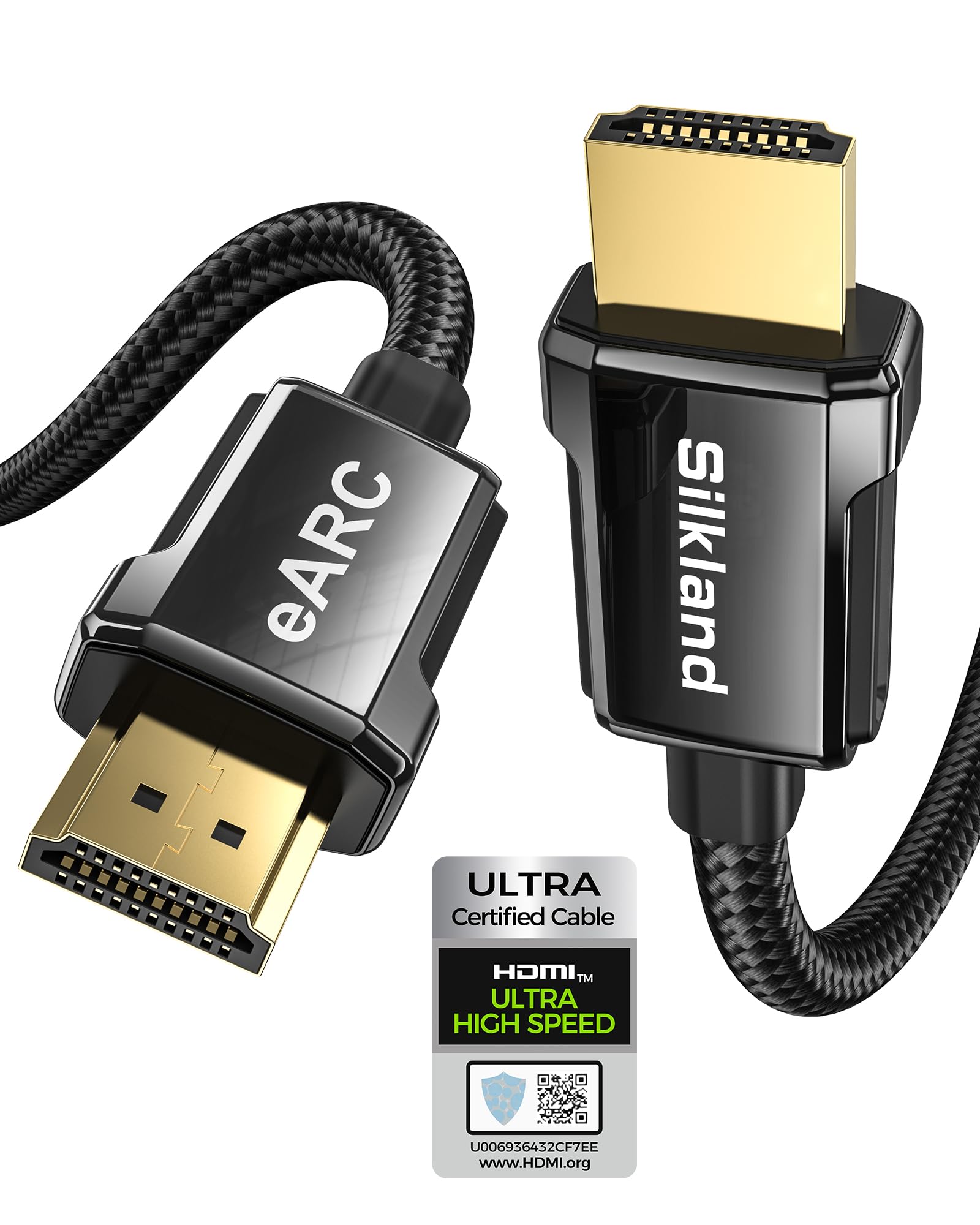
ARC sends audio from your TV back to a soundbar or receiver. eARC carries higher quality formats like Dolby Atmos and DTS:X uncompressed. GEARit says its HDMI 2.1 cables carry Dolby Atmos and DTS:X via eARC, and Silkland sells a 10 foot cable marketed specifically for eARC soundbars.
Connect the cable to the HDMI port labeled ARC or eARC on both the TV and soundbar.
If your soundbar cuts out or Dolby Atmos will not activate, check that eARC is enabled in the TV's sound settings and that you are using a high speed cable. Older cables sometimes cause eARC dropouts that a new certified cable fixes.
Build Quality and Durability
Braided jackets, metal connector housings and strain relief at the plug resist wear. UGREEN lists an aluminum alloy case, nickel plated connectors and a nylon braided jacket, and GEARit lists triple shielded copper and 24K gold plated plugs rated for 20,000 bend cycles. Gold plating resists corrosion but does not improve picture quality.
Thinner, more flexible cables are easier to route behind wall mounted TVs.
In Wall Ratings
If you run a cable inside walls, building codes often require CL2 or CL3 fire ratings. Monoprice lists its certified 8K braided cable as CL3 in wall rated, and some Highwings fiber cables list CL3 ratings too. For permanent installs, also consider conduit so you can replace cables later.
Connectivity and Port Types
Most TVs, consoles and monitors use full size HDMI (Type A). Cameras and some tablets use Mini or Micro HDMI, and many laptops output video over USB-C, which needs a USB-C to HDMI cable or adapter. Check both ends before buying.
Right angle and 90 degree HDMI adapters help when a wall mounted TV sits close to the wall, reducing strain on the port. Choose adapters rated for the same speed as your cable so they do not limit bandwidth.
Types of HDMI Cables
HDMI cables fall into four types by speed and construction. Here is who each suits.
Ultra High Speed (HDMI 2.1) Copper Cables
Ultra High Speed copper cables, like the Anker, Highwings 8K, UGREEN and Monoprice certified models, carry 48Gbps for 4K 120Hz gaming and 8K. They suit consoles, gaming PCs and new TVs at normal lengths.
Premium High Speed (HDMI 2.0) Cables
Premium High Speed cables, like the Amazon Basics 3 pack, carry 18Gbps for 4K 60Hz. They suit streaming devices, Blu-ray players and cable boxes on a budget.
Active Fiber Optic Cables
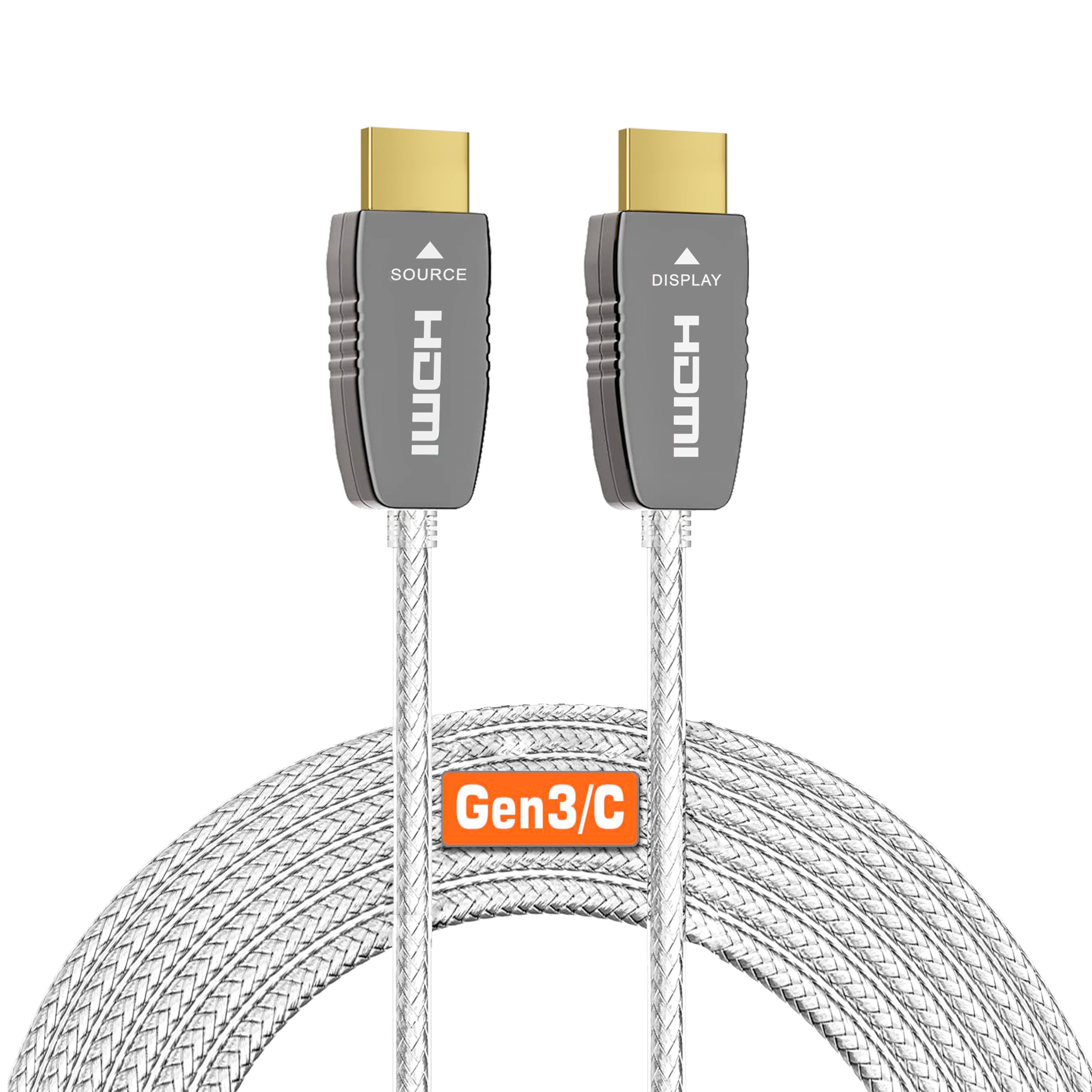
Fiber optic HDMI cables, like FIBBR, RUIPRO and Highwings fiber models, carry full bandwidth over 20 to 100 feet. They are directional, so connect the source end to your device and the display end to the TV or projector.
Fiber cables are thinner and lighter than copper cables of the same length, which makes them easier to route through walls and ceilings. RUIPRO lists HDMI 2.1b Ultra High Speed certification on its 25 foot fiber cable.
Multi Packs
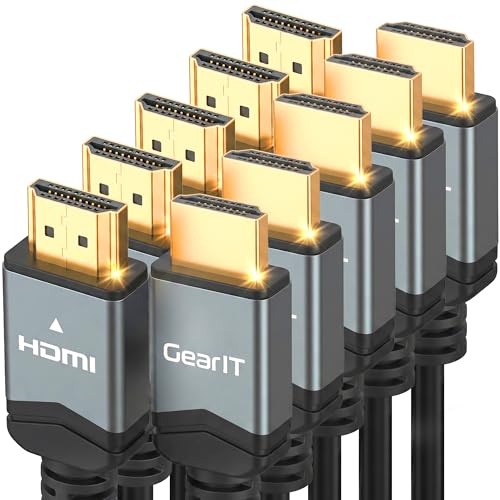
Multi packs, like the GEARit 5 pack of 10 foot HDMI 2.1 cables, save money when setting up several rooms or a home theater with a receiver, console and streaming box.
Choosing HDMI Cables for Your Situation
Your setup determines the right cable length and type.
Best HDMI Cable for Monitors
The best HDMI cable for monitors is a short certified Ultra High Speed cable, since desks rarely need more than 6 feet. A 6.6 foot Highwings or UGREEN cable carries 4K at 144Hz and higher for gaming monitors. For laptops with USB-C video, use a USB-C to HDMI cable instead.
For dual monitor setups, use one certified cable per monitor, and check whether your graphics card or laptop supports two HDMI outputs or needs DisplayPort or USB-C for the second screen.
Best HDMI Cable for Projectors
The best HDMI cable for projectors depends on the distance from your source to a ceiling mounted projector, often 20 to 50 feet. Active fiber optic cables, like the FIBBR 20 foot or Highwings 50 foot fiber cable, carry 4K reliably over these distances.
Best HDMI Cables for Projectors in Large Rooms
The best HDMI cables for projectors in large rooms and home theaters are long fiber models with in wall ratings, like Highwings' 50 foot CL3 fiber cable. Confirm the cable works before closing walls or ceilings, and remember fiber cables are directional.
How to Make Your HDMI Cable Last Longer
Avoid sharp bends, especially near the connectors, and leave slack so the cable does not pull on ports. Use cable ties loosely rather than tightly.
Unplug by gripping the connector, not the cable. Keep cables away from heat sources and pinch points behind furniture. For wall mounted TVs, use right angle adapters or flexible cables to reduce strain on ports.
Label both ends of each cable with a small tag, especially in a home theater with several devices. Labels make it easy to troubleshoot and replace cables later without unplugging everything.
Frequently Asked Questions
How long do HDMI cables last?
HDMI cables can last many years, often a decade or more, if they are not bent sharply or pulled. Most failures happen at the connectors due to strain. Replace a cable if you see flickering, sparkles or dropouts that disappear with a different cable.
Do expensive HDMI cables give better picture quality?
No, HDMI is digital, so a certified cable either delivers the signal or fails. An inexpensive certified Ultra High Speed cable performs the same as an expensive one at the same length. Pay more only for longer runs, fiber or in wall ratings.
Do I need HDMI 2.1 for my TV?
You need an HDMI 2.1 (Ultra High Speed) cable for 4K at 120Hz gaming, 8K or full eARC features. For streaming at 4K 60Hz, a Premium High Speed HDMI 2.0 cable works fine.
What length should I buy?
Measure the path from device to display, add a little slack and choose the shortest cable that reaches. Shorter cables carry signals more reliably. For more than 15 feet at HDMI 2.1 speeds, use fiber optic cables.
Is 4K worth it with a new cable?
Yes, if your TV and source support 4K. A Premium High Speed or Ultra High Speed cable carries 4K, and most streaming services, consoles and Blu-ray players output it.
Why does my screen flicker or go black?
Flickering, sparkles or black screens usually point to a cable that cannot carry the signal's bandwidth, a loose connection or a cable that is too long. Try a shorter certified Ultra High Speed cable, reseat both ends and try another HDMI port on the TV to narrow down the cause.
Our Verdict
The best hdmi cable matches your devices and distance. The Anker HDMI 2.1 Certified cable is our best overall pick, the Highwings 8K cable offers HDMI 2.1 speed at a tiny price and the Amazon Basics 3 pack covers simple 4K 60Hz connections. Choose fiber optic cables for long runs to projectors and use eARC ports for soundbars.
For more display guides, see the best usb c to hdmi cable, the best gaming monitors for ps5, the best 4k monitors and the best 55 inch smart tv. Then compare current prices in the product table above.


