Best Keyless Deadbolt: How to Choose the Right One
Disclosure: We may earn a commission when you buy through links on this page, at no extra cost to you. As an Amazon Associate I earn from qualifying purchases. Learn more
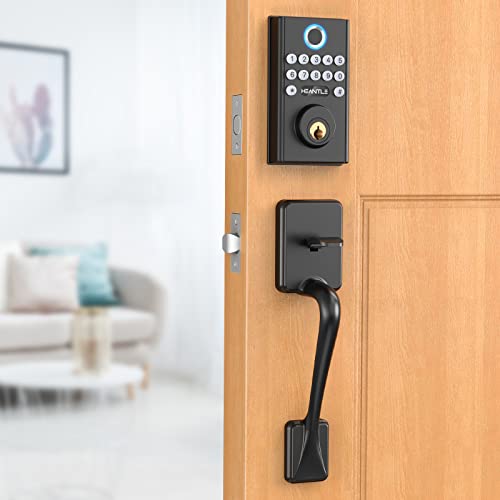
Fumbling for keys in the dark or handing out spare copies to a dog sitter gets old fast, which is why so many homeowners start looking for the best keyless deadbolt for their front door. The tricky part is that "keyless" covers a wider range of products than most people expect, from a basic keypad that only opens with a numeric code to a fully connected lock you control from your phone. Picking the right one comes down to how you want to unlock your door, how much security you actually need, and what happens on the day the batteries finally run out. This guide walks through each of those factors so you can narrow the field with confidence.
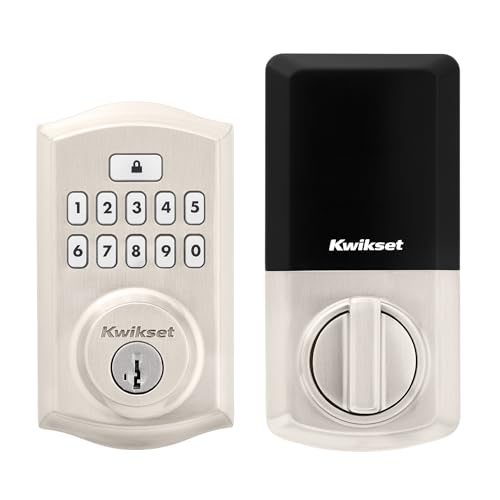
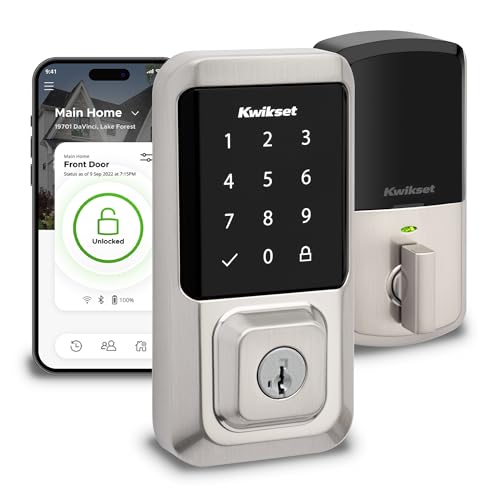
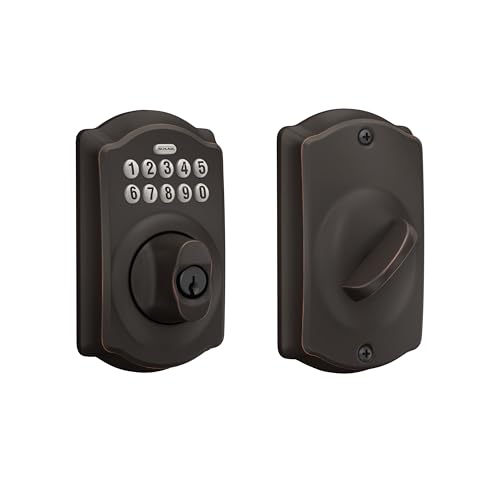
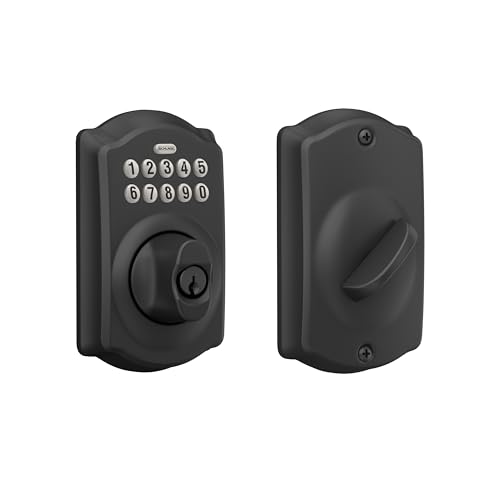
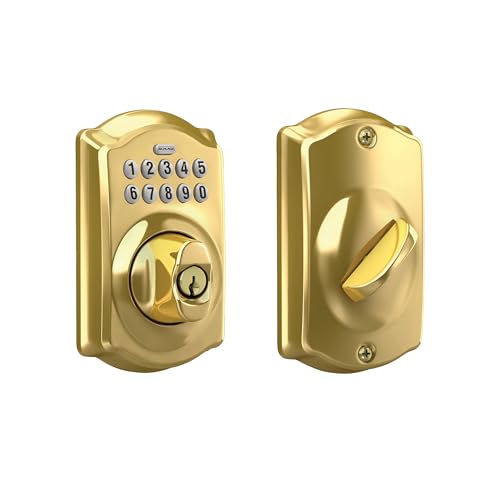
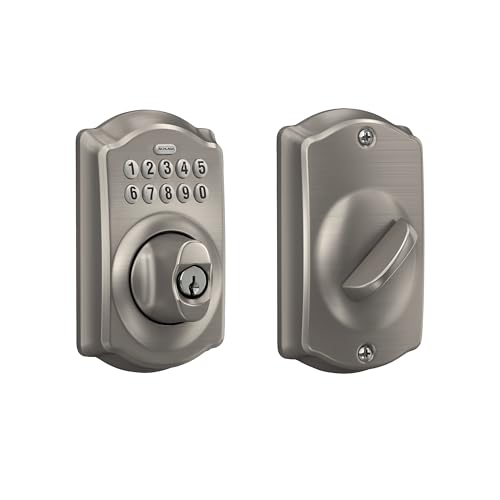
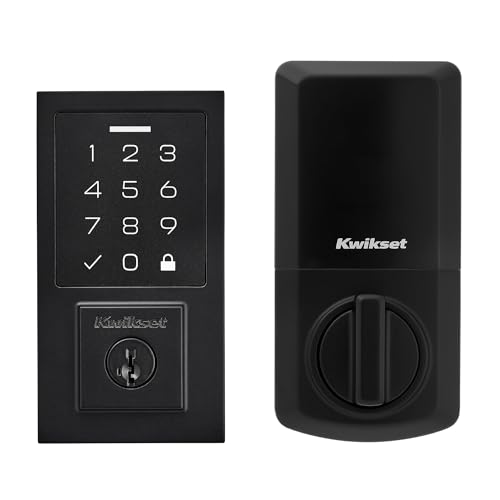
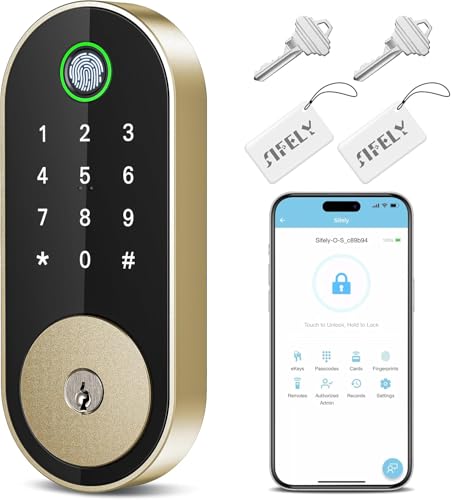
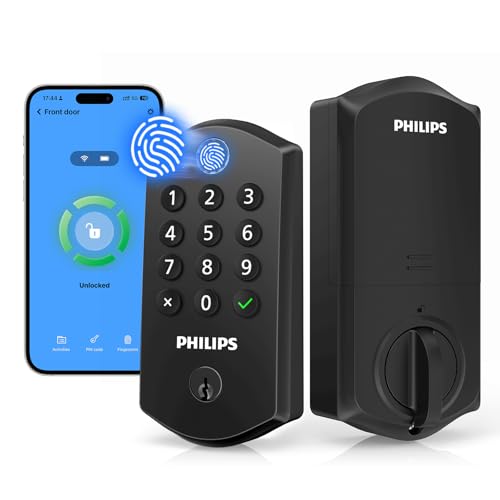
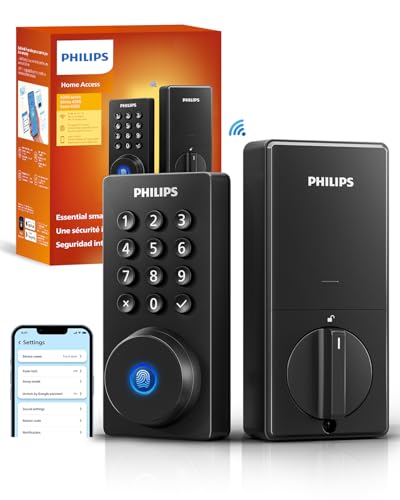
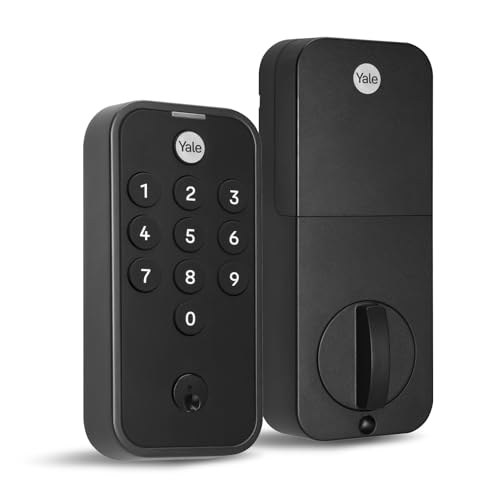
Keypad-Only or Smart-Connected: Picking the Right Type of Keyless Deadbolt
Before comparing anything else, it helps to understand that "keyless deadbolt" and "smart lock" aren't quite the same thing, even though the terms get used interchangeably online. A keyless deadbolt simply means you don't need a physical key to get in day to day. How that lock talks to the rest of your home, if at all, is a separate decision.
Keypad-Only Deadbolts
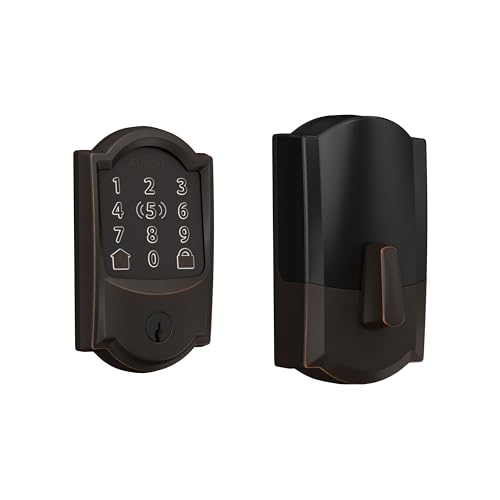
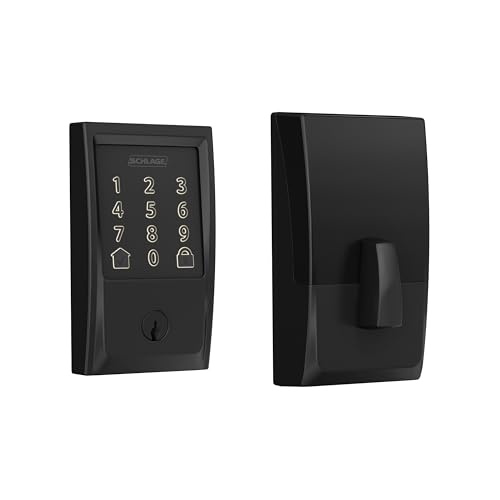
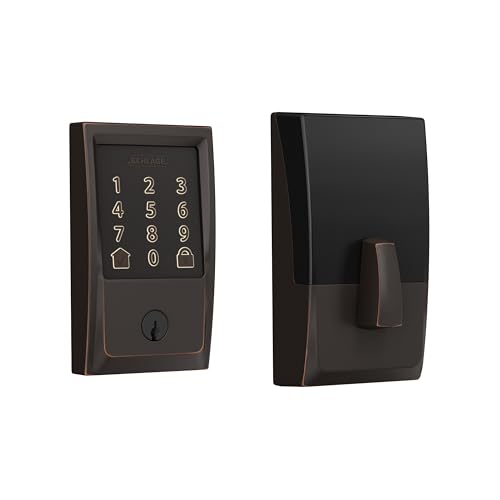
The simplest keyless deadbolts use a ten-button keypad and nothing else. You punch in a code, the motor retracts the bolt, and that's the entire interaction. There's no app, no Bluetooth pairing, and no Wi-Fi connection to set up or troubleshoot. For a lot of buyers this is actually the appeal: fewer things that can glitch, no ongoing subscription, and battery life that tends to run longer since the lock isn't constantly maintaining a wireless connection in the background.
Bluetooth and Wi-Fi Connected Deadbolts
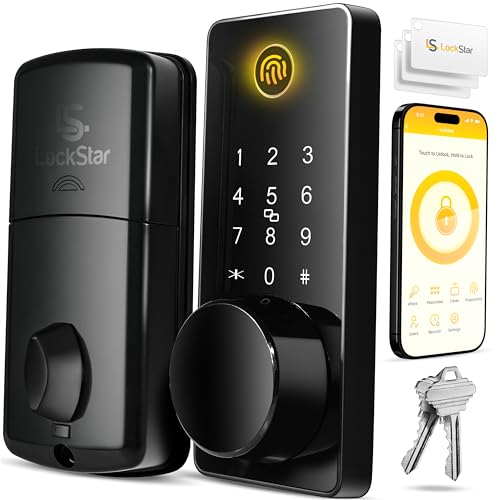
Step up to a connected model and you gain remote locking and unlocking from your phone, activity logs showing who came and went, and integration with voice assistants or a broader smart home security setup. That convenience comes with tradeoffs, though: shorter battery life, occasional connectivity hiccups, and a setup process that takes real time. If you already run a connected household and want your front door in that ecosystem, it's worth comparing options in our smart door lock guide alongside this one, since the two categories overlap more than the marketing copy suggests.
Why the Security Grade Printed on the Box Actually Matters
Every legitimate deadbolt, keyless or not, carries an ANSI/BHMA security grade, and it's one of the few specs on the packaging that translates directly into real-world durability rather than marketing language.
What Grade 1, 2, and 3 Really Mean
Grade 1 is the toughest rating a residential deadbolt can carry, tested to survive hundreds of thousands of open-close cycles along with repeated hammer strikes meant to simulate forced entry. Grade 2 sits a step below and still holds up well for most homes, while Grade 3 is really meant for interior doors rather than a home's main entry point. A keyless mechanism doesn't automatically weaken this rating; the electronic components sit on top of the same mechanical bolt and strike plate that a traditional deadbolt uses, so a Grade 1 rating is genuinely the mark of the best keyless deadbolt you can put on an exterior door, just as strong against physical force as its non-electronic counterpart. If you're pairing new door hardware with other upgrades, a set of door security bars can add another layer of resistance on doors that see more foot traffic or face the street directly.
Single Cylinder or Double Cylinder: Matching the Lock to Your Door
Most keyless deadbolts are single cylinder, meaning the keypad or code entry sits outside while the inside operates with a simple turn knob or, on some models, a second keypad for convenience. This setup is what most homes use and what most fire codes expect, since anyone inside can exit quickly without needing a key or code during an emergency.
Double cylinder versions, which require a code or key on both sides, show up mainly on doors with glass panels or sidelights nearby, where someone could otherwise reach through broken glass and turn a standard thumb latch. They add a real security benefit in that specific situation, but they also mean everyone inside the home needs to know the code to get out, which is worth thinking through carefully before choosing one for a primary exit. For most standard solid front doors without adjacent glass, single cylinder remains the more practical and safer everyday choice.
What Happens When the Battery Dies
This is the question that stops more people from switching to a keyless deadbolt than any other, and it's worth answering clearly. Nearly every keypad and smart deadbolt on the market keeps a mechanical backup key cylinder built into the lock, so a dead battery never actually strands you outside. You simply use the physical backup key, the same way you would with a traditional lock, while you swap in fresh batteries.
Battery life itself tends to run anywhere from six months to two years depending on how connected the lock is and how often it's used, with keypad-only models generally lasting longer than Wi-Fi models. Most locks also give you plenty of warning before they die, either through a blinking light or an audible beep that starts well before the batteries are fully drained. Some models even let you jump-start the lock temporarily with a 9-volt battery touched to external contacts, which buys enough power for one unlock cycle if you're caught without a spare set on hand.
Programming Codes and Living With an Electronic Deadbolt Day to Day
Once installed, most of your interaction with the lock comes down to managing codes and getting used to its automatic behaviors. Entry-level models typically support somewhere between 6 and 30 user codes, while higher-end options push past that for households or rental properties that need to rotate codes often. It's worth thinking through how many people actually need separate codes before assuming you need the highest capacity available.
Auto-lock is a common feature worth understanding before you rely on it. The best keyless deadbolt for daily use is one that lets you tune this behavior: it will re-lock itself automatically after a set delay, which is convenient if you tend to forget, but it can also lock you out mid-task if you're carrying groceries in from the car and the door swings shut behind you. Most locks let you adjust or disable the delay, so it's worth testing that setting in the first week rather than living with the factory default. If your household is also weighing broader entry monitoring, a video doorbell camera pairs naturally with a keyless deadbolt, since you can see who's requesting entry before anyone touches the keypad at all.
Frequently Asked Questions
What's the difference between a keyless deadbolt and a smart lock?
A keyless deadbolt just means no physical key is needed day to day, which can be as simple as a keypad. A smart lock adds remote control through Wi-Fi or Bluetooth and usually connects to an app, so all smart locks are keyless but not all keyless deadbolts are smart.
Do keyless deadbolts need Wi-Fi?
No. Basic keypad-only models work entirely on their own with no internet connection required. Only the Wi-Fi or Bluetooth-connected tier needs a network or a paired phone to unlock remote features.
How long do keyless deadbolt batteries last?
Typically six months to two years, depending on the model and how often the connected features are used. Keypad-only locks without wireless radios generally last longer than Wi-Fi connected models.
Are keyless deadbolts as secure as regular deadbolts?
Yes, as long as the lock carries a solid ANSI/BHMA security grade. The electronic components sit on top of the same mechanical bolt mechanism as a traditional deadbolt, so grade for grade, they resist forced entry just as well.
Can you install a keyless deadbolt yourself?
Most models are built to fit standard door prep and can be installed with a screwdriver in under an hour, similar to swapping a traditional deadbolt. Doors with nonstandard bore holes or backsets may need extra prep work first.
How many codes can you program into a keyless deadbolt?
It varies by model, but most residential locks support somewhere between 6 and 30 user codes. Rental property owners or larger households needing frequent code rotation should check this spec closely before buying.
Making Your Decision
There's no single right answer here, only the right fit for how you actually use your front door. Start with the connectivity level you genuinely need, confirm the security grade holds up, and the rest of the decision tends to fall into place quickly.