
Best Indoor Security Cameras: A Complete Buying Guide
Disclosure: We may earn a commission when you buy through links on this page, at no extra cost to you. As an Amazon Associate I earn from qualifying purchases. Learn more

A complete guide to choosing the best indoor security cameras, covering field of view, motion and sound detection, night vision, privacy shutters, camera types, and where to place them.
Shopping for the best indoor security cameras means balancing two things that pull in different directions: keeping an eye on your home and keeping your own privacy intact, since these cameras live inside the rooms where you actually spend your life. A camera watching your living room or nursery needs sharper judgment calls than one bolted to your porch. You want clear video, smart alerts that do not spam your phone every time a curtain moves, and a storage setup you actually trust. This guide walks through the features that matter most for indoor use, the privacy tradeoffs worth understanding before you buy, and how to match a camera to the room it will actually live in.
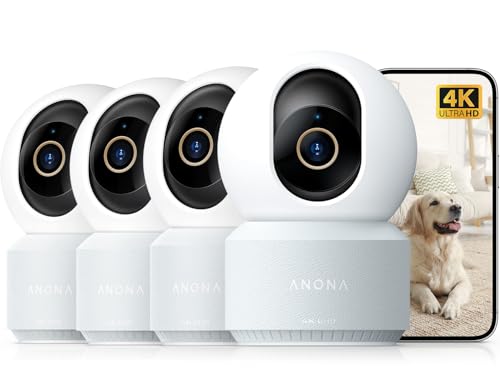


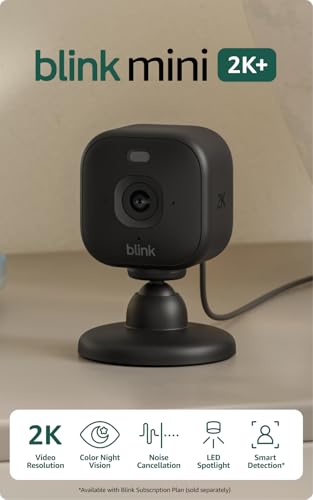
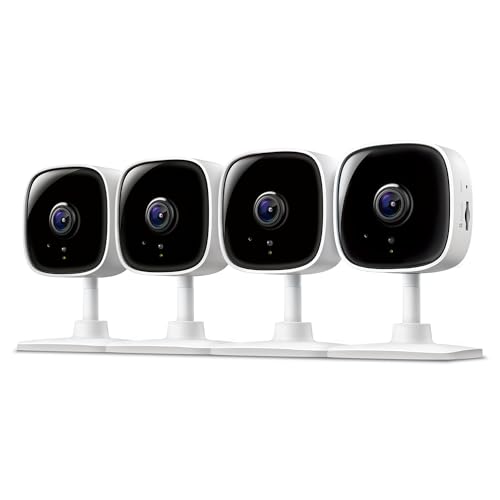
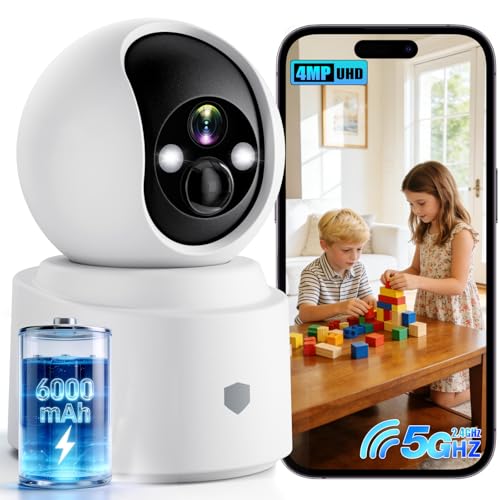




Picking the Right Resolution, Field of View, and Detection Smarts
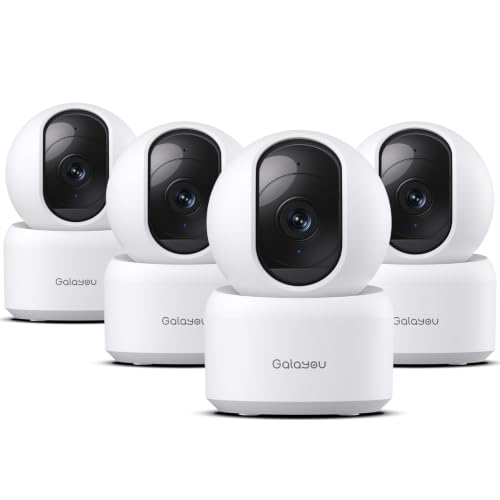
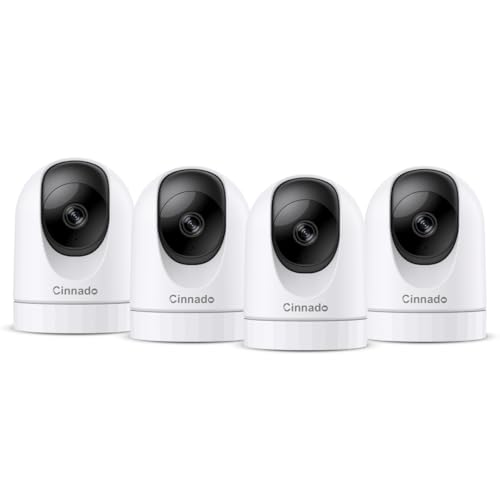
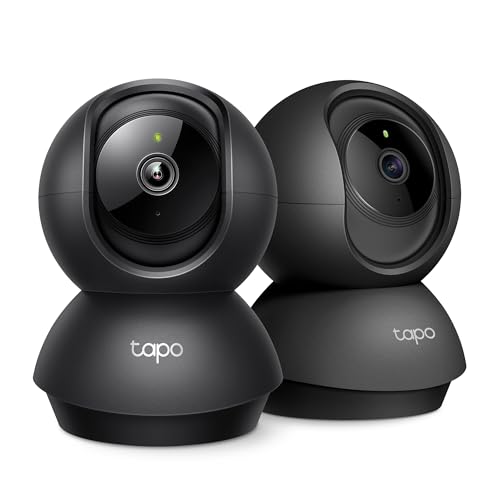
Indoor rooms are smaller than yards, so you do not need the longest zoom range on the market. What matters more is a wide field of view, ideally somewhere around 130 to 160 degrees, so one camera can cover most of a living room or kitchen without a dead corner. Pair that with at least 1080p resolution; anything sharper helps mainly if you need to zoom in on a face or a screen after the fact.
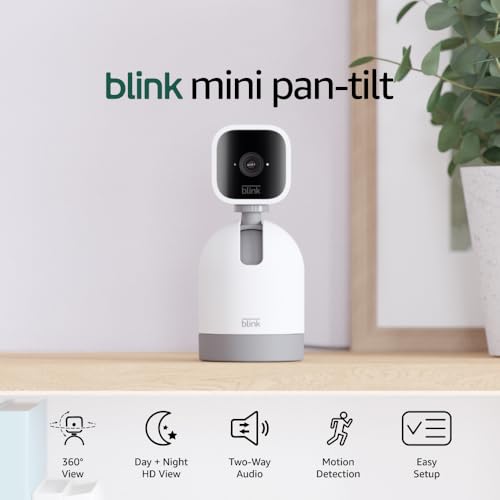
Two-way audio is worth prioritizing indoors more than outdoors, since you will actually use it to talk to a pet, a kid, or a delivery person standing in your hallway. Look closely at how the camera handles motion detection too. Basic motion alerts trigger on anything that moves, including a ceiling fan or sunlight shifting across a wall. Cameras with person detection or customizable detection zones cut down on that noise dramatically, which matters even more indoors where false alerts pile up fast.
Keeping Your Indoor Feed Actually Private
An indoor camera sees things an outdoor camera never will: what you look like getting ready in the morning, private conversations, moments with your kids. That raises the stakes on privacy considerably. A physical privacy shutter or lens cover is one of the few features that gives you an absolute guarantee, since a mechanical cover cannot be overridden by a bug, a hack, or an app glitch the way a software toggle can.
Beyond the shutter, check that the camera encrypts video both in transit and in storage, and confirm the manufacturer has a track record of shipping security patches rather than abandoning older models. Set a unique, strong password on the camera account rather than reusing one from another service, and turn on two-factor authentication if it is offered. If a camera watches a bedroom or bathroom-adjacent space, consider scheduling it to power down automatically during certain hours rather than leaving it recording around the clock.
Matching the Camera to the Room It Actually Watches
A nursery camera has different priorities than a kitchen camera. For a baby's room, look for reliable night vision, a low-glow infrared mode that will not disturb sleep, and optional temperature or sound sensors that flag more than just movement. Silence matters here too; a camera that beeps loudly every time it connects or disconnects from Wi-Fi is a poor fit for a room where a sleeping baby is the whole point.
If the goal is keeping tabs on a pet while you are out, a wider field of view and two-way audio tend to matter more than resolution, since you are usually checking in casually rather than reviewing forensic detail. For anyone specifically shopping for that use case, a dedicated roundup of pet-focused camera options covers features like treat dispensers and bark alerts that general indoor models often skip.
Watching an entryway from inside the house is another common reason people buy an indoor camera, especially in apartments where mounting an outdoor unit is not allowed. In that scenario, an indoor camera aimed at the front door works as a reasonable stand-in, though it will only start recording once someone is already inside your sightline. If entry security is the main concern, pairing a camera with a smart lock at the door itself closes the gap by controlling access before anyone gets that far.
Checking in on an elderly parent or family member is a gentler use case that still benefits from the right features. Two-way audio for a quick conversation, plus activity-based alerts rather than constant recording, tends to feel less invasive than a full-time surveillance setup while still giving peace of mind.
MicroSD Storage vs Cloud Subscriptions: Where Your Footage Actually Lives
Most indoor cameras offer one of two storage paths, and sometimes both. A microSD card keeps footage local to the device itself, with no ongoing fee and no third party holding your video. The tradeoff is that if the camera is stolen or damaged, the footage usually goes with it, and reviewing clips means digging through the camera's app rather than getting a clean searchable timeline.
Cloud plans solve the theft problem and typically add features like longer clip history, person or package recognition, and the ability to pull footage even if the camera itself is destroyed. That convenience comes with a recurring cost, and without an active subscription some cameras drop back to live-view only, with no recording saved at all. Before choosing between the best indoor security cameras on your shortlist, check exactly what each one does once a free trial period ends, since that policy varies a lot between brands.
Where to Mount It and How Wi-Fi Range Affects Performance
Placement indoors is less about weatherproofing and more about sightlines and signal strength. A corner near the ceiling usually gives the widest unobstructed view of a room, while placing a camera too close to a router can actually create interference on crowded Wi-Fi bands. If a camera will sit far from your router, in a basement or a converted garage room, check its stated wireless range and consider whether a mesh extender is worth adding before you commit to that spot.
Battery-powered indoor cameras are less common than wired ones, since indoor placement usually makes running a small power cable easy. That said, a battery or backup power option is worth having for cameras positioned somewhere an outage would otherwise leave you blind, such as near a main entry point. Among the best indoor security cameras, the ones that perform well in a tricky spot like a stairwell or open-plan kitchen are usually the ones with adjustable mounts, not just a strong spec sheet.
Frequently Asked Questions
Do indoor security cameras record all the time, or only on motion?
It depends on the model and settings. Many default to motion-triggered clips to save storage and battery, but most also offer a continuous recording mode if you have local storage or a cloud plan that supports it.
Can someone hack into an indoor camera and watch my home?
It is possible if a camera has a weak password, outdated firmware, or no encryption, though it is uncommon with reputable devices kept updated. Strong unique passwords, two-factor authentication, and prompt firmware updates reduce that risk significantly.
Is a wired or battery-powered indoor camera better?
Wired cameras are generally more reliable for full-time indoor monitoring since they never need charging, and indoor outlets make wiring simple. Battery models offer more flexible placement but need periodic recharging.
Do I need a subscription to use an indoor camera?
Not always. Many cameras work fine for live viewing and basic alerts without one, but recorded clip history, extended storage, and smart detection features are often locked behind a paid plan.
How many indoor cameras does a typical home need?
Most homes do well with two to four indoor cameras covering high-traffic areas like the living room, main entry, and any room with a baby or pet, rather than trying to cover every room in the house.
Will an indoor camera work well in a low-light room?
Most modern indoor cameras include infrared night vision that activates automatically in darkness, though image quality in true low light varies between models, so checking sample night footage before buying is worthwhile.
Is it legal to record inside my own home?
Recording video inside a home you own or rent is generally legal, but recording audio without the knowledge of guests or household members can run into consent laws in some states, so it is worth checking local rules if audio recording is enabled.
Settling on the Setup That Fits Your Home
The right camera comes down to the room it is watching and how much you value convenience against privacy. A nursery calls for gentle night vision and quiet operation, while a shared living space calls for smart detection that filters out noise. Weigh storage preferences early, since that choice shapes both your ongoing costs and how much control you keep over your own footage.