Best 55 Inch Smart TV: Budget, Midrange, and Premium Picks
Disclosure: We may earn a commission when you buy through links on this page, at no extra cost to you. As an Amazon Associate I earn from qualifying purchases. Learn more

The best 55 inch smart tv by budget: Roku, TCL QM6K and LG C5 picks plus panel, HDR and gaming tips.
A 55 inch TV is the sweet spot for many living rooms and bedrooms: big enough for movies and sports, small enough for most walls and stands, and affordable across every price range. Prices run from under $300 for capable 4K QLED models to over $1,100 for OLED TVs with perfect blacks. This guide to the best 55 inch smart tv options sorts them by budget, so you can see what each price tier delivers and which features are worth paying for.
We cover three picks, what each price tier offers, the features that matter, long term costs and common questions. Every TV in the table above is sold new on Amazon US.
Top 3 Picks by Budget
Our picks are the Roku 55 inch Select Series QLED for budget buyers, the TCL QM6K Mini LED for most viewers and the LG OLED evo C5 as a premium pick for movie lovers and gamers.
We compared panel type, HDR support, refresh rate, smart platform, sound features, gaming features and price, along with the overall pattern in owner feedback. We did not view these TVs ourselves; the notes reflect maker specifications.
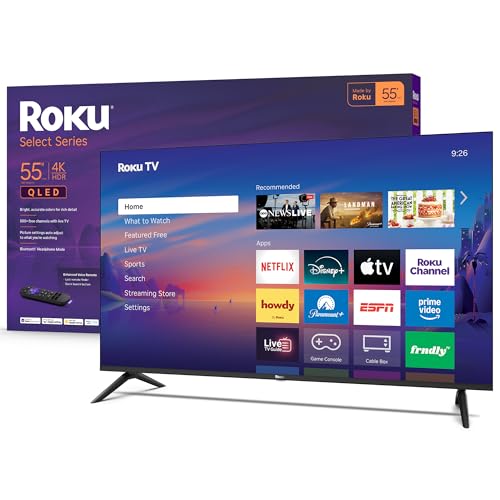
Best Budget Pick: Roku 55 Inch Select Series QLED Smart TV
The Roku Select Series 55 inch suits budget buyers who want a simple, capable 4K smart TV, at around $280. It combines 4K resolution with a QLED screen and HDR10 for bright, accurate colors, and Roku Smart Picture optimizes incoming signals automatically, according to Roku.
Two strengths stand out: the easy Roku interface with personalized picks and a simple remote, and broad smart home support, including Roku Voice, Siri, Alexa, Google Assistant and Apple AirPlay. A large selection of free live TV and movies is built in. The limitation is HDR performance and motion handling compared with Mini LED and OLED models. Skip it if you watch a lot of fast sports or HDR movies in a dark room.

This TV makes the most sense for a bedroom, a guest room, a dorm or a first apartment where ease of use matters more than peak brightness. The Roku home screen puts streaming apps in one simple grid, and the TV gets regular software updates. Pair it with a compact soundbar if you watch many movies, since thin TVs have small speakers.
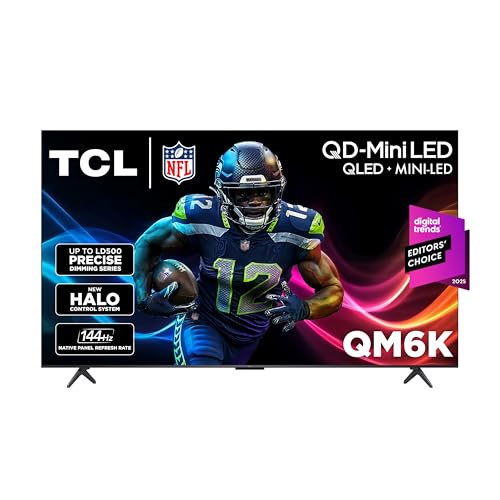
Best Midrange Pick: TCL QM6K 55 Inch QD-Mini LED TV
The TCL QM6K is for viewers who want premium features at a midrange price, at around $498. It combines Mini LED backlighting with quantum dot color, TCL's Halo Control local dimming system, Dolby Vision, HDR10+, HDR10 and HLG and a native 144Hz refresh rate, according to TCL.
Its strengths are brightness and contrast for sports, movies and gaming, plus Google TV with voice control and Dolby Atmos audio with Onkyo sound. The trade off is viewing angles, which on VA style panels narrow compared with OLED. Skip it if many people watch from far off to the side.

The QM6K is a strong choice for a bright living room where the family watches sports in the afternoon and movies at night. Mini LED brightness holds up in sunny rooms, and local dimming keeps dark scenes from looking gray. The 144Hz panel also makes it a good match for a current game console or a gaming PC.
Best Premium Pick: LG 55 Inch OLED evo C5 Series
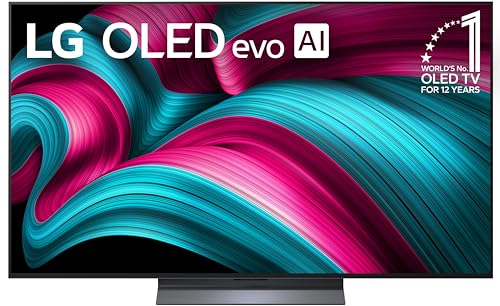
The LG OLED evo C5 suits movie lovers and gamers who want the best picture, at around $1,149. Its 8.3 million self lit pixels deliver perfect blacks and contrast, powered by the Alpha 9 AI Processor Gen8 with AI Super Upscaling, according to LG.
The appeal is cinematic picture quality with Dolby Vision, Dolby Atmos and FILMMAKER MODE, plus gaming features like 0.1ms response time, up to 144Hz refresh, NVIDIA G-Sync and AMD FreeSync Premium. LG notes UL verification for discomfort glare free viewing. The limitation is price and lower peak brightness than the brightest Mini LED TVs in very sunny rooms. Skip it if your budget is tight.

Because each pixel lights itself, the C5 shows true black around bright objects with no blooming, and colors stay accurate from wide angles, which helps when guests sit on the side of a sectional. It suits dedicated movie rooms and serious gamers with a PS5, Xbox Series X or gaming PC. It runs LG webOS for streaming apps.
What Your Money Gets You at Each Price Tier
55 inch smart TVs fall into three broad price bands. Sales around holidays bring big discounts.
Budget Tier: What to Expect
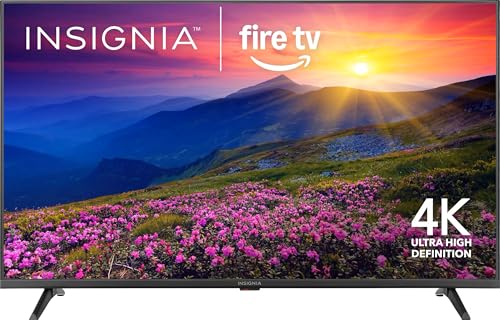
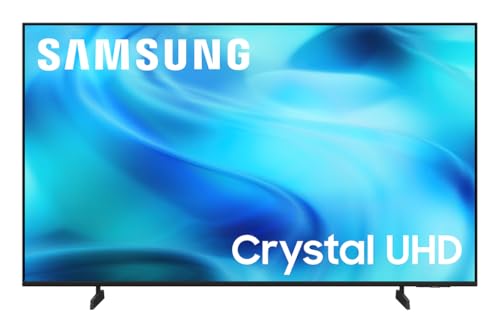
Under around $350, TVs like the Roku Select Series, INSIGNIA F50 Fire TV, INSIGNIA QF QLED and Samsung U8000H Crystal UHD offer 4K resolution, HDR10 and built in streaming platforms. They suit bedrooms, kids' rooms and casual viewing.
The trade offs are limited brightness, basic local dimming and 60Hz panels that show more motion blur in sports.
Within this tier, the INSIGNIA F50 brings the Fire TV platform with Alexa built in, while the Samsung U8000H Crystal UHD runs Samsung's Tizen platform. Choose based on the smart platform you already use on other devices, since all of these deliver similar 4K pictures for casual viewing.
Midrange Tier: The Sweet Spot for Most Buyers
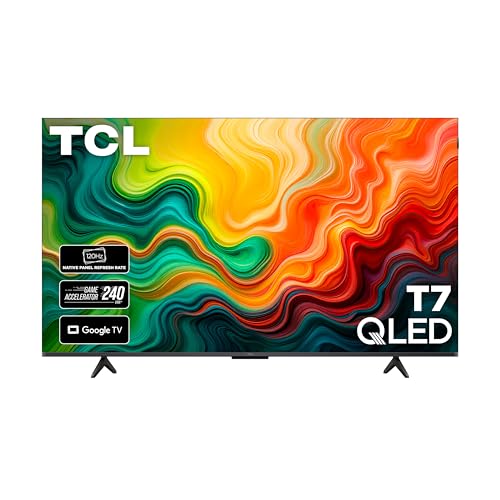
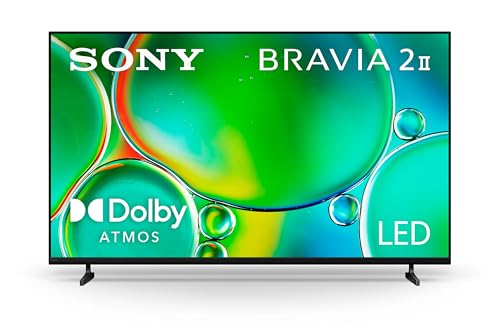
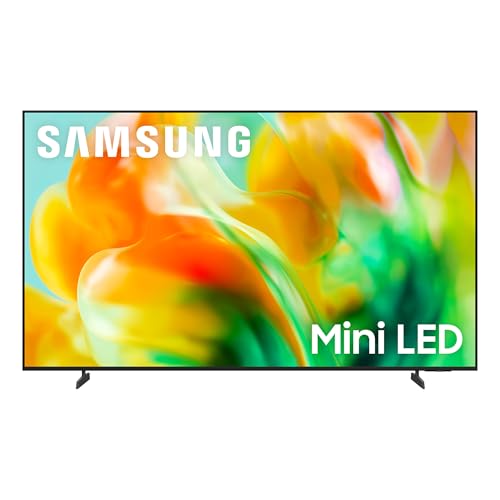
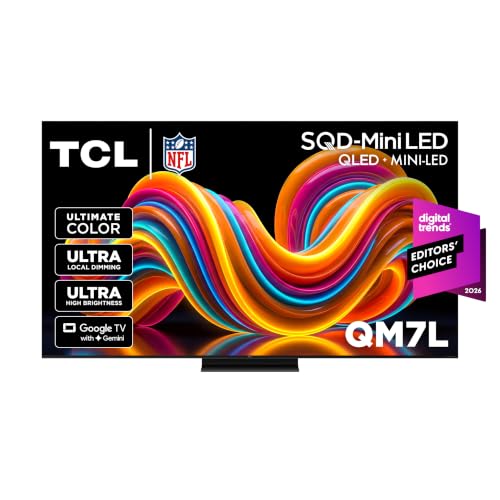
Between around $350 and $700, TVs like the TCL QM6K, TCL T7, Sony BRAVIA 2 II, Samsung M80H Mini LED and TCL QM7L add Mini LED or QLED panels, higher brightness, local dimming, 120Hz or 144Hz refresh rates and better HDR formats.
This tier offers the best value for most living rooms, with big picture improvements over budget models.
Midrange TVs differ most in brightness and the number of local dimming zones. Higher end Mini LED models like the TCL QM7L and Samsung M80H push brightness further for HDR, while the Sony BRAVIA 2 II focuses on natural color processing and Google TV. Compare HDR formats, since TCL supports Dolby Vision and HDR10+, and Samsung supports HDR10+ but not Dolby Vision.
Premium Tier: When Spending More Pays Off
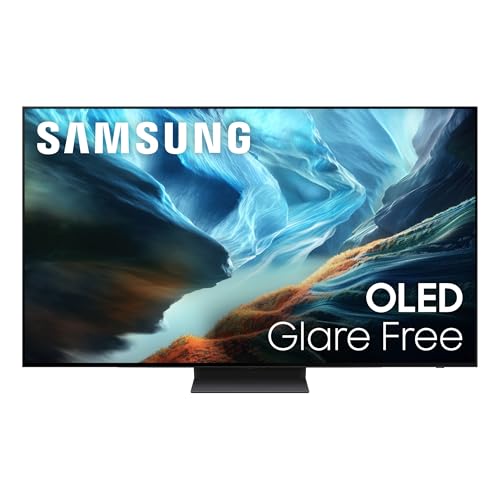
Above around $1,000, OLED TVs like the LG C5 and Samsung S90H deliver perfect blacks, wide viewing angles and top gaming features. They suit dark room movie watching, home theaters and enthusiasts.
Spending more pays off if picture quality is a priority and you watch in dim rooms.
The Samsung S90H OLED is the main rival to the LG C5, with OLED contrast and Samsung's Tizen platform. Premium buyers should compare peak brightness, anti glare coatings and gaming support, then pick the platform they prefer. Holiday sales often bring premium OLED prices down significantly.
Features Worth Paying For in the Best 55 Inch Smart TV (and Ones to Skip)
Panel type, HDR brightness, refresh rate and a good smart platform are worth paying for. Extreme claimed motion numbers and built in speakers beyond basics are less important.
HDR and Brightness
HDR makes highlights brighter and colors richer, but only TVs with enough brightness and local dimming show HDR well. Dolby Vision and HDR10+ adjust scene by scene. Mini LED TVs, like the TCL QM6K, offer high brightness for bright rooms.
Choose a brighter TV for sunny rooms and OLED for dark rooms.
Brightness is measured in nits. Budget TVs often reach a few hundred nits, which is fine in dim rooms, while Mini LED TVs reach far higher levels that make HDR highlights pop in bright rooms. Check professional measurements when comparing, since makers list brightness differently.
Panel Technology (IPS, VA, OLED, Mini LED)
LED/LCD TVs use backlights; QLED adds quantum dots for color, and Mini LED uses thousands of tiny LEDs for better contrast. OLED pixels light themselves for perfect blacks. VA panels offer better contrast, while IPS panels offer wider viewing angles.
Mini LED offers the best value for brightness and contrast; OLED offers the best overall picture.
Smart Platform and Sound
Smart platforms include Roku, Google TV, Fire TV, Samsung Tizen and LG webOS. Choose one you find easy and that has your apps. Built in speakers are thin; Dolby Atmos support helps, but a soundbar improves sound significantly.
Budget for a soundbar if dialogue clarity and immersive sound matter.
If you already own Apple devices, look for AirPlay support, offered on Roku and many other TVs. Google TV integrates well with Android phones and Chromecast casting, while Fire TV pairs naturally with Alexa smart homes. If you dislike your TV's platform, a streaming stick costs little and replaces it.
Adaptive Sync and Gaming Features
Gamers benefit from 120Hz or 144Hz refresh rates, VRR, low input lag, ALLM and HDMI 2.1 ports. LG's C5 adds G-Sync and FreeSync Premium. These features matter for PS5, Xbox Series X and gaming PCs.
Casual viewers can skip high end gaming features.
Check the number of HDMI 2.1 ports if you own more than one current console or a soundbar that uses eARC. Some TVs share one port between eARC and HDMI 2.1, which can mean swapping cables. Game modes reduce input lag by turning off picture processing.
Long Term Costs to Factor In
Factor in a soundbar, wall mount, HDMI cables and streaming subscriptions. Extended warranties are optional; many TVs have one year manufacturer warranties. Energy use is modest, and ENERGY STAR models use less. Most TVs receive software updates for several years.
Wall mounting adds a one time cost; a 55 inch TV needs a mount rated for its weight and VESA pattern, which you can find in the TV's specifications. Mount into studs, or hire an installer for brick or plaster walls. If you keep the TV on a stand, make sure it is wider than the TV's feet, since many 55 inch TVs place feet near the edges.
Streaming services add the largest ongoing cost. Budget TVs often include free ad supported channels, like the Roku Channel, which can reduce what you spend on subscriptions.
55 Inch Smart TVs: Your Questions Answered
IPS vs OLED: which is better?
OLED is better for contrast, black levels and viewing angles, ideal for movies in dim rooms. IPS LCD panels offer wide viewing angles at lower prices but weaker contrast. Mini LED VA panels offer high brightness and strong contrast for bright rooms.
Does refresh rate matter for non gamers?
Refresh rate matters somewhat for sports and fast action, where 120Hz looks smoother than 60Hz. For movies and casual TV, 60Hz is fine. Gamers benefit most from 120Hz or 144Hz.
How long do they last?
Most modern TVs last seven years or more with normal use. Software support may end sooner, but you can add a streaming stick to keep apps current.
Is 4K worth it?
Yes, 4K is standard on 55 inch TVs and worth it, with most streaming services offering 4K content. At 55 inches, 4K looks noticeably sharper than 1080p from typical seating distances.
What size should I get for my room?
A 55 inch TV suits viewing distances of roughly 6 to 9 feet. For closer seating, 50 inches works; for farther seating, consider 65 inches.
Can I mount a 55 inch TV above a fireplace?
You can, but it is often not ideal. Mounting high forces you to look up, which strains the neck, and heat from the fireplace can affect electronics. If you do, use a tilting or pull down mount and check that the wall above the fireplace stays cool when the fire is on.
Do I need a soundbar?
Not strictly, but most viewers notice a clear improvement in dialogue and bass with a soundbar. Thin TVs have small speakers, so even an entry level soundbar connected by HDMI eARC makes movies and shows easier to follow.
Wrapping Up
The best 55 inch smart tv fits your room, budget and viewing habits. The Roku Select Series is a simple budget pick, the TCL QM6K delivers Mini LED performance at a midrange price and the LG OLED evo C5 offers premium picture and gaming features. Add a soundbar for better audio.
For more TV guides, see the best 55 inch tv under 1000, the best 55 inch tvs, the best 50 inch smart tvs and the best streaming camera. Then compare current prices in the product table above.