Best Digital Planner: Our 2026 Checklist and Top 3 Picks
Disclosure: We may earn a commission when you buy through links on this page, at no extra cost to you. As an Amazon Associate I earn from qualifying purchases. Learn more

The best digital planner picks from reMarkable, Rocketbook and LOOFII, with a buyer checklist and red flags.
Paper planners are satisfying, but they cannot remind you of a meeting, sync with your partner's calendar or search last year's notes in seconds. Digital planners fill that gap, and today they come in several forms: e ink paper tablets that feel like writing on paper, reusable smart notebooks that scan to the cloud and touchscreen wall calendars that keep a whole family on schedule. This guide to the best digital planner lays out the checklist we use to judge them and names three picks that pass.
We explain each criterion, share our picks, add a quick buyer checklist, red flags, setup tips and common questions. Protect synced calendars with strong passwords and two factor authentication, mount wall displays securely into studs or rated anchors, keep cords out of children's reach and take regular breaks from screens to rest your eyes.


How We Evaluate the Best Digital Planner
We score each planner on how well it fits your planning style, writing and display quality, syncing, battery and power, build, ongoing costs and value. Here is what good and poor look like.
Intended Use and Who It's For
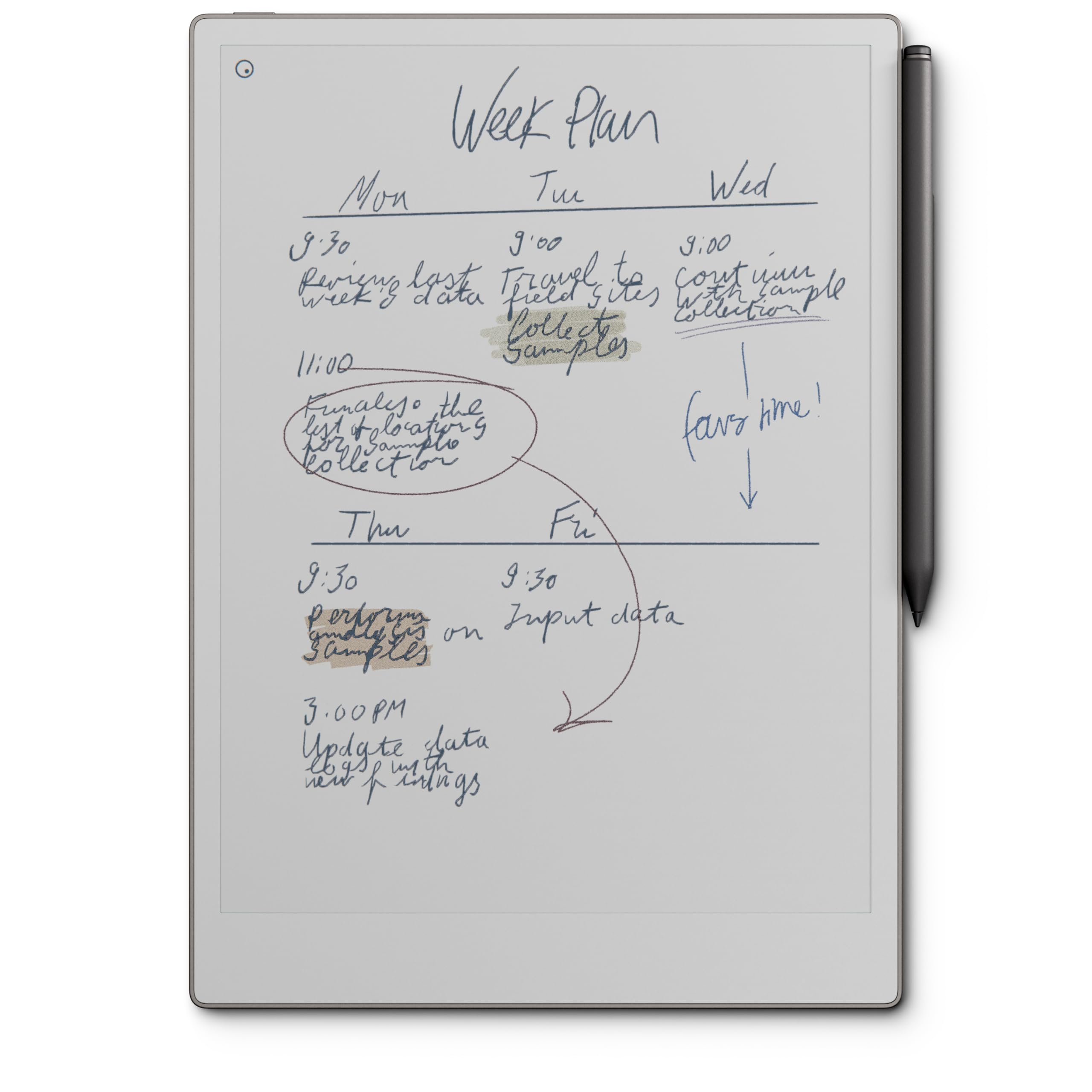
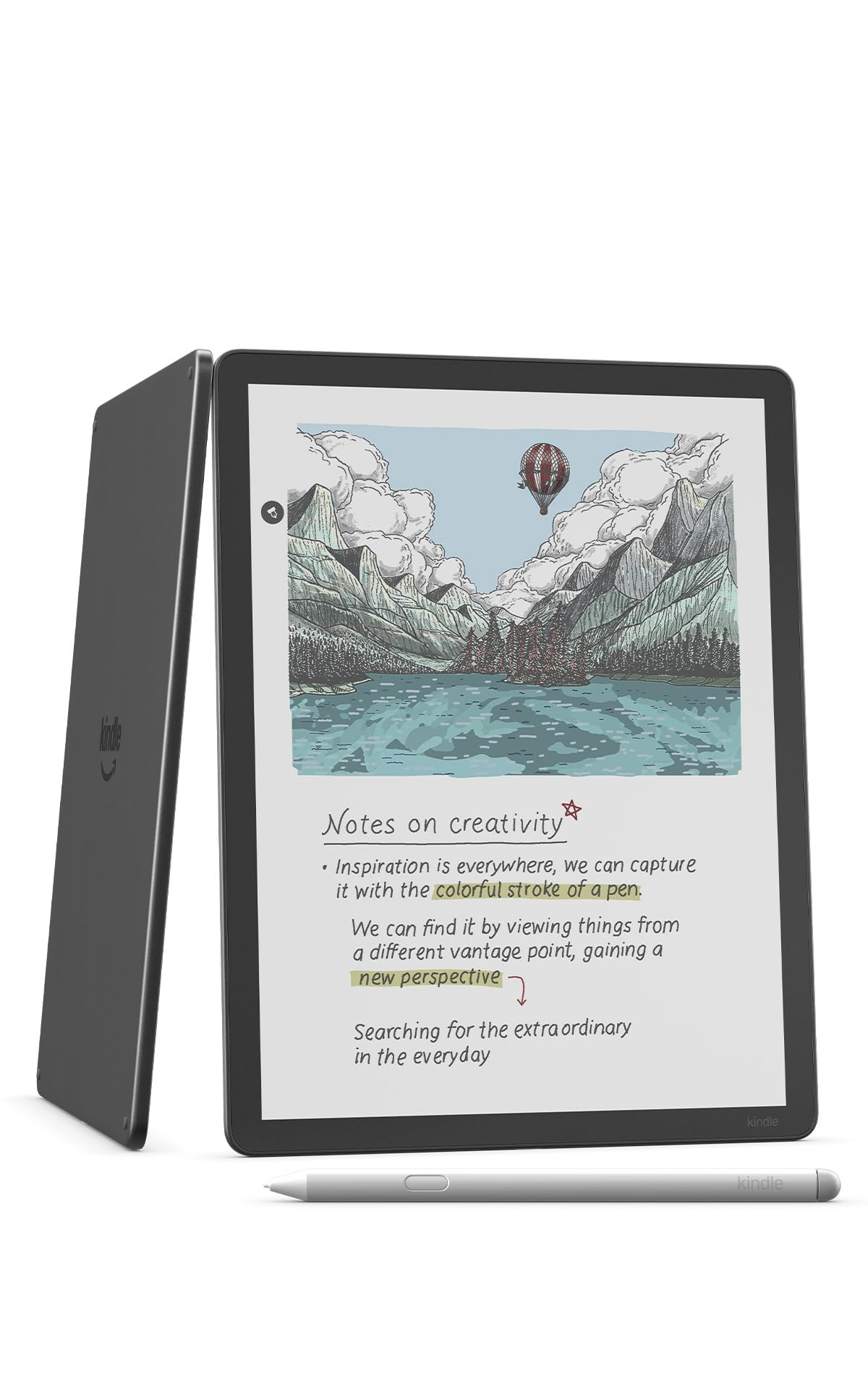
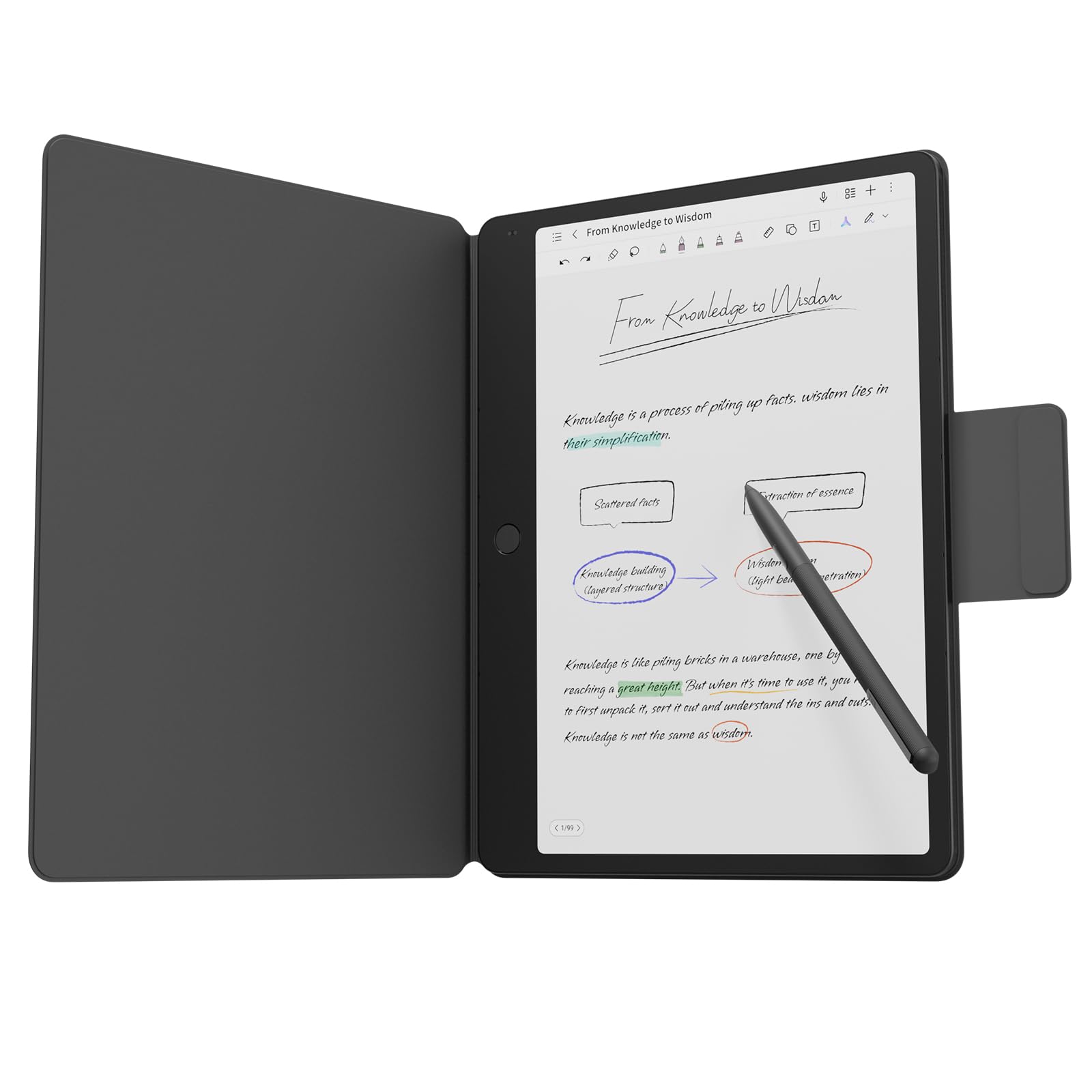
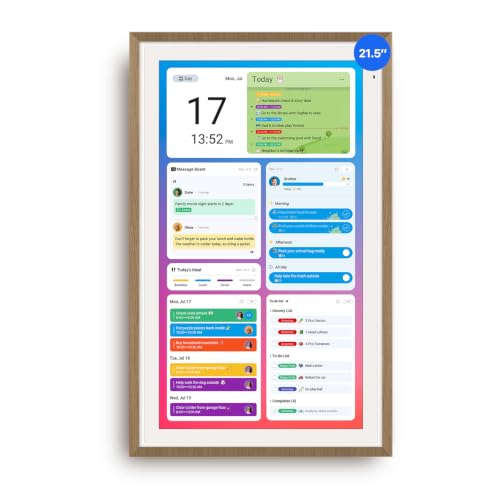
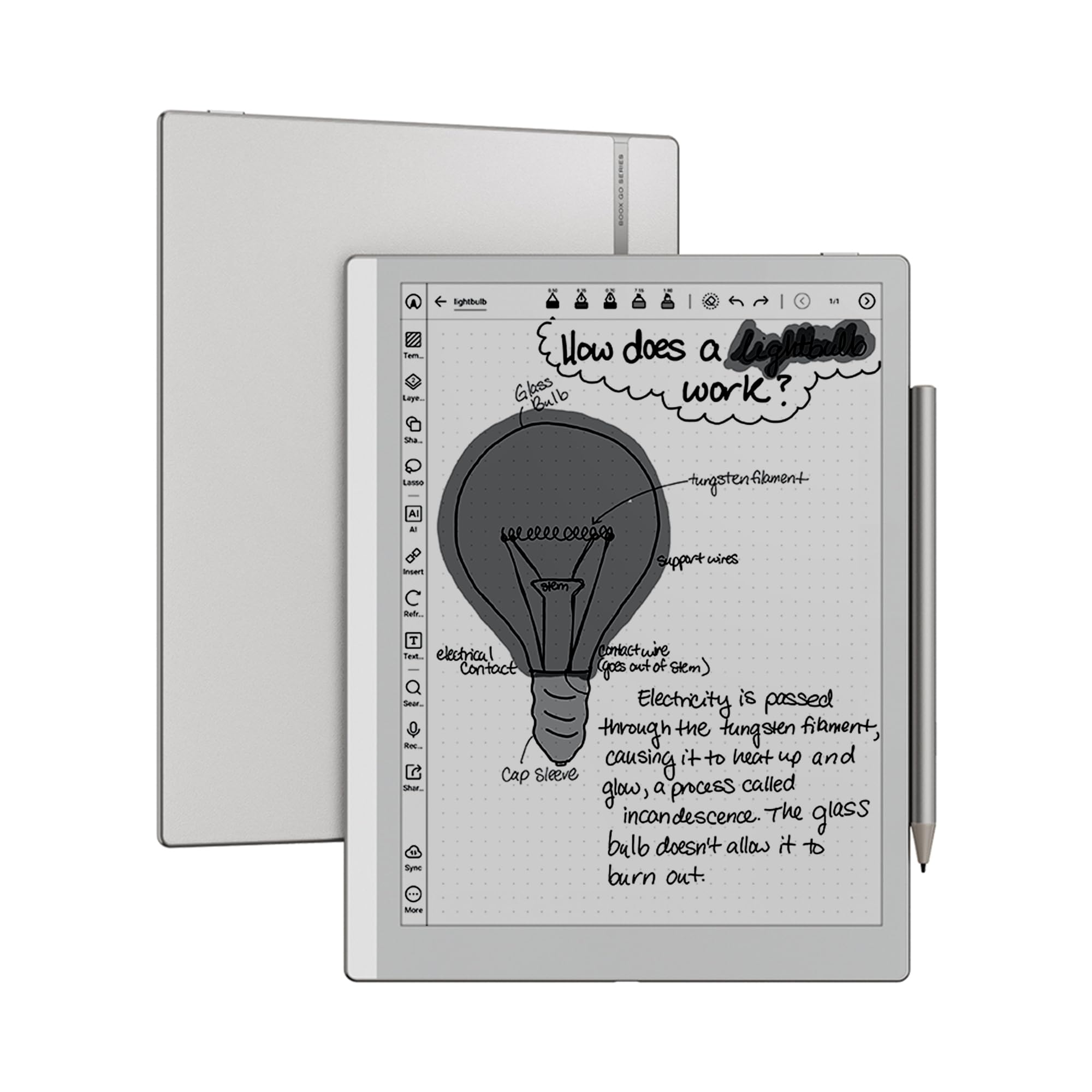
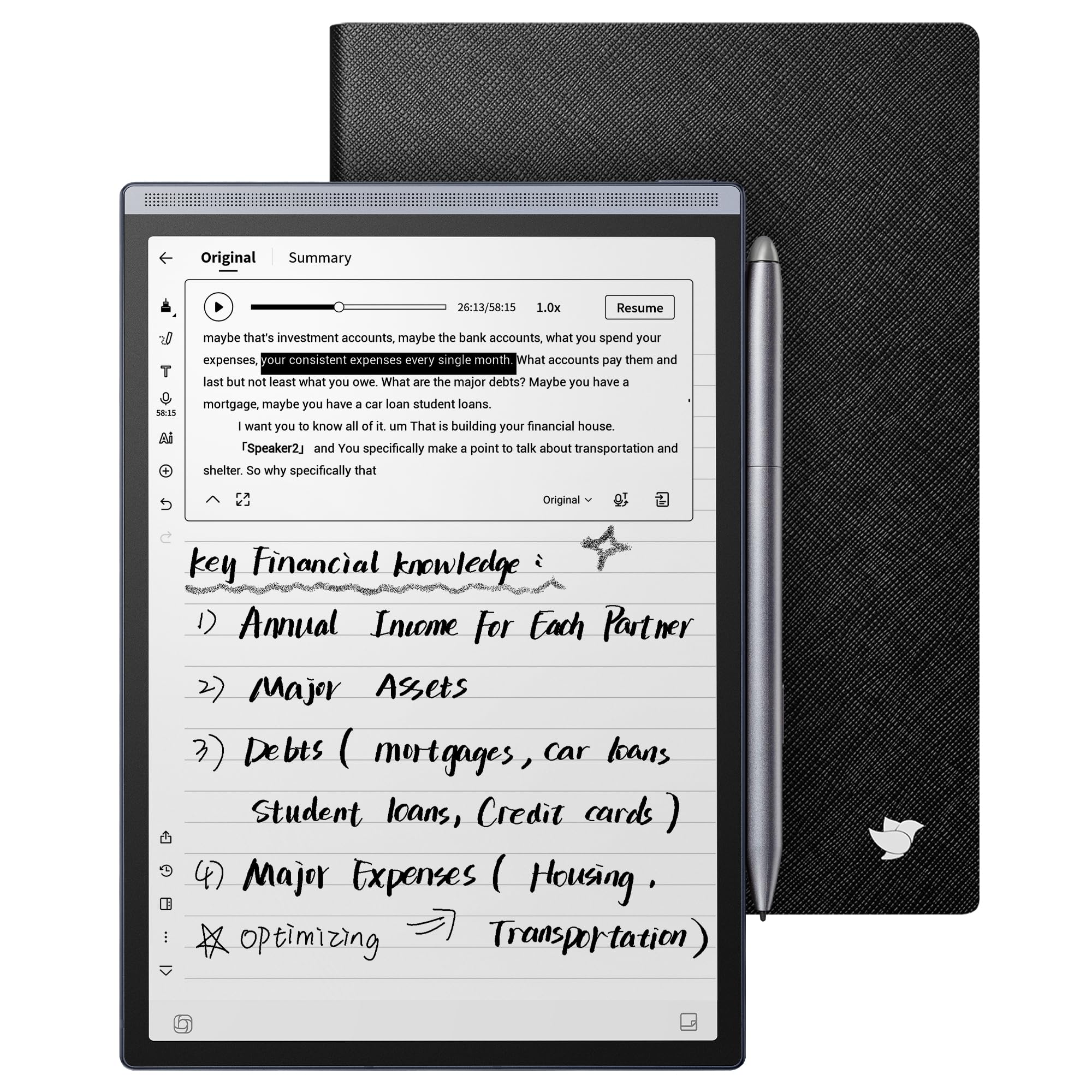
Start with how you plan. Note takers and journalers who love handwriting do best with e ink paper tablets, like reMarkable's Paper Pro, Amazon's Kindle Scribe Colorsoft or BOOX's Go 10.3. Budget minded planners who still want paper can use reusable smart notebooks, like Rocketbook's Everyday Planner. Busy families coordinating school, sports and chores benefit from wall mounted touchscreen calendars, like LOOFII's and Apolosign's 21.5 inch displays.
Good: a planner that matches whether you plan alone or as a household. Poor: a device you avoid using because it fights your habits.
Writing Feel and Display
Writing feel decides whether you stick with a digital planner. E ink tablets mimic paper and are easy on the eyes.
Amazon describes the Kindle Scribe Colorsoft's 11 inch paper like color display that reads in any light, and reMarkable pairs the Paper Pro with its Marker Plus pen. TCL's Note A1 NXTPAPER uses an 11.5 inch 2.2K display at 120Hz for a smoother, more tablet like feel. Wall calendars, like LOOFII's, use 1920 by 1080 full HD touchscreens for tapping rather than handwriting.
Syncing and Integrations
The best planners connect to the calendars you already use. Apolosign syncs with Google Calendar, iCloud, Outlook and more, adds chore charts, routines, grocery and wish lists and shows Google Photos slideshows. Paper tablets sync notes to companion apps and cloud storage. Rocketbook pages scan with a phone app and upload to cloud services.
Ease of Use and Setup
Simple setup keeps a planner from becoming a drawer gadget. Apolosign says you plug it in, connect to Wi Fi and sync calendars in minutes, with a Calendar Mode for simple scheduling and an Android Mode for a customizable dashboard. E ink tablets need an account and app setup, and reusable notebooks need only a pen and the scanning app.
Battery and Power
E ink tablets often last days or weeks between charges because e ink uses power only when the page changes. Color LCD paper tablets, like TCL's, need more frequent charging. Wall calendars plug into an outlet, so plan a spot near power or run a cord neatly. Reusable notebooks need no power at all.
Subscriptions and Long Term Costs
Check for ongoing fees. Apolosign advertises no subscription required. Some paper tablet makers offer optional cloud subscriptions for extra features. Replacement pen tips and specialty pens are the main ongoing costs for tablets and reusable notebooks; Rocketbook pages work with erasable pens.
Price vs Value
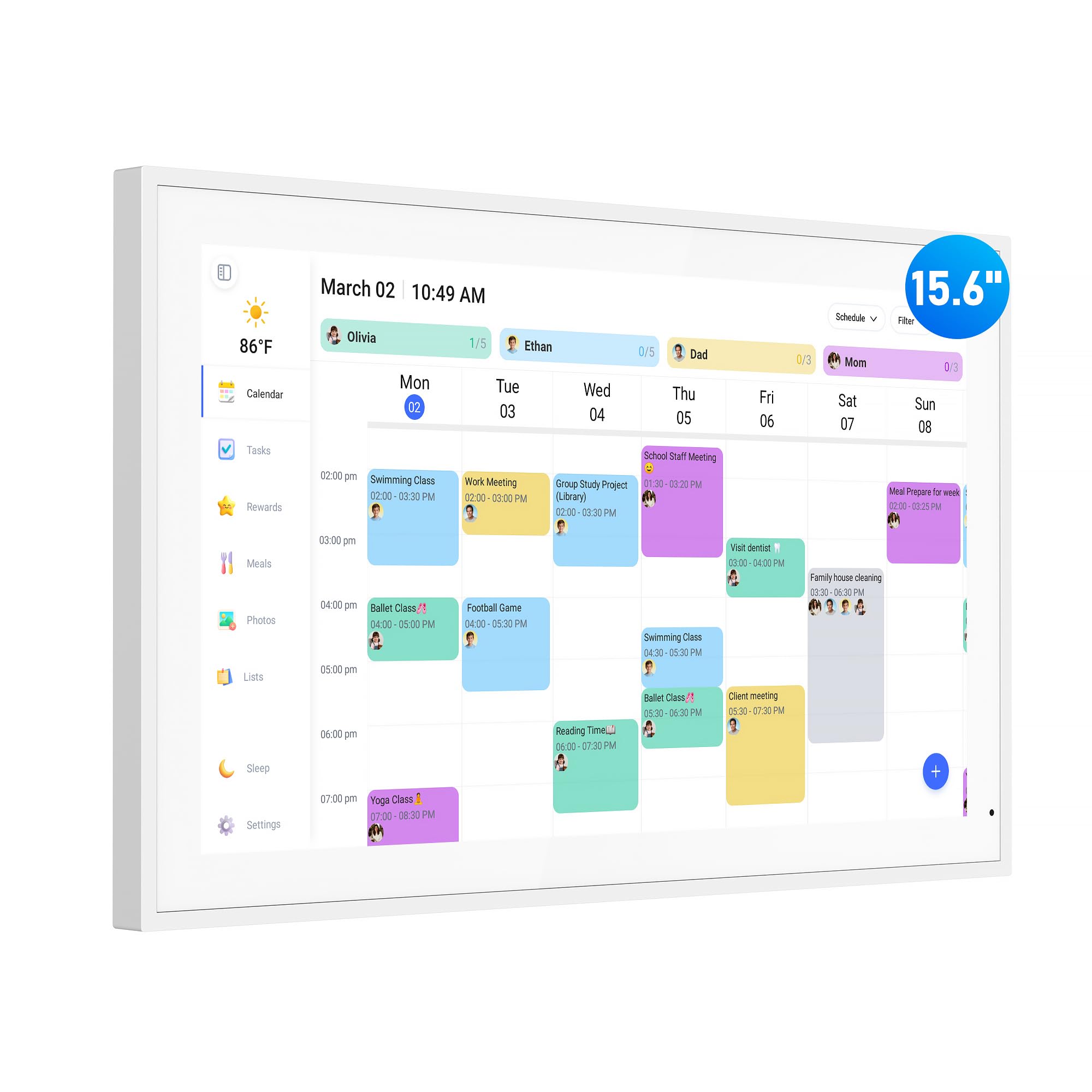
Reusable smart planners cost around $30, like Rocketbook's. Family wall calendars cost around $185 to $360, like the 15.6 inch and 21.5 inch models from LOOFII and Apolosign. E ink and paper style tablets cost around $450 to $800, like BOOX's Go 10.3, TCL's Note A1, reMarkable's Paper Pro Move and Paper Pro and Amazon's Kindle Scribe Colorsoft.
Size and Portability
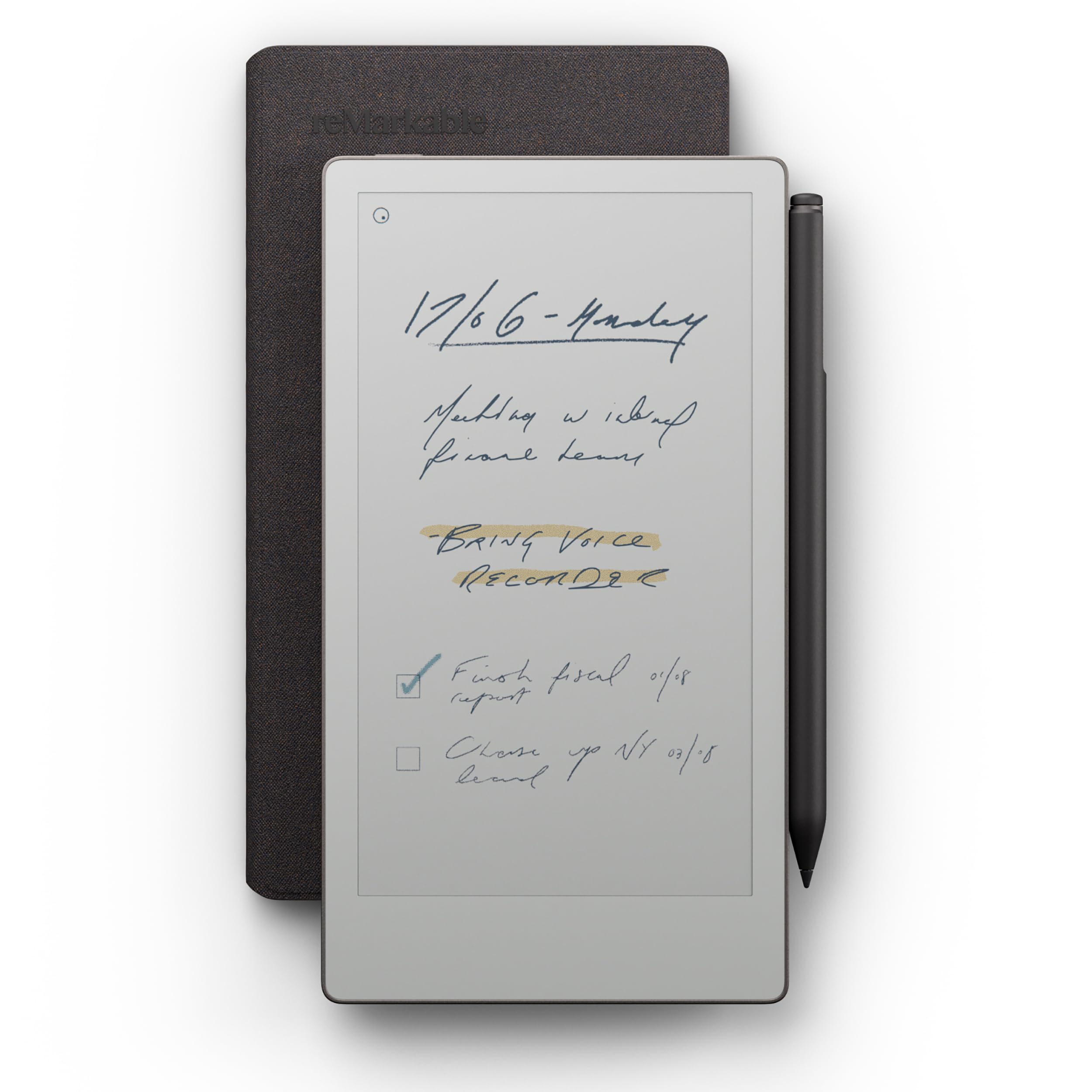
Size changes how you use a planner. Smaller tablets, like reMarkable's Paper Pro Move and iFLYTEK's 8.2 inch AINOTE Air 2, slip into a bag and suit commuters. Larger 10 to 11.5 inch tablets, like the Kindle Scribe Colorsoft and TCL's Note A1, give more room for monthly spreads and marking up documents. Wall calendars come in 15.6 and 21.5 inch sizes; bigger screens are easier to read from across a kitchen.
3 Picks That Pass Our Checklist
Our picks are the reMarkable Paper Pro with Marker Plus as the best overall, the Rocketbook Reusable Smart Everyday Planner as the best value and the LOOFII 21.5 Inch Smart Digital Calendar as the best for heavy family use.
We compared writing feel, display, syncing, ease of use, power needs, ongoing costs and price, along with the overall pattern in owner feedback. We did not use these planners ourselves; the notes reflect maker specifications.
Best Overall: reMarkable Paper Pro with Marker Plus
The reMarkable Paper Pro suits professionals, students and journalers who want a distraction free digital notebook that feels like paper, at around $679 with the Marker Plus pen. reMarkable designs its paper tablets for handwriting, sketching and planning without the notifications of a regular tablet, and the Marker Plus pen pairs with the device for writing. Notes sync to reMarkable's companion apps so you can review plans on a phone or computer.
Two strengths stand out: a focused, paper like writing experience and a large owner review count for a premium writing tablet.
The limitation is a high price, and some cloud features may require an optional subscription.

Best Value: Rocketbook Reusable Smart Everyday Planner
The Rocketbook Everyday Planner suits anyone who wants the feel of a paper planner with digital backups, at around $30. Rocketbook lists a reusable smart planner in an executive 6 by 8.8 inch size. You write with compatible erasable pens, scan pages with the Rocketbook app to send them to cloud services, then wipe pages clean to reuse them.
Its strengths are a very low price and no batteries or charging.
The trade off is manual scanning, and it cannot send reminders or sync automatically like a calendar.

Best for Heavy Family Use: LOOFII 21.5 Inch Smart Digital Calendar
The LOOFII digital calendar suits busy families who want one shared schedule on the kitchen wall, at around $250. LOOFII lists a 21.5 inch 1920 by 1080 full HD touchscreen, a family planner and calendar with a chore chart and meal planner and a wall mountable design. A large screen lets everyone see the week at a glance and update plans with a tap.
The appeal is a central family hub that replaces scattered paper calendars and sticky notes.
The limitation is that it needs a wall spot near an outlet and is not portable.

Quick Buyer Checklist
Do you plan alone or as a family? Tablets suit individuals; wall calendars suit households.
Do you love handwriting? Choose e ink or a reusable notebook.
Does it sync with your calendars? Check Google, iCloud and Outlook support.
Is there a subscription? Read the fine print.
How long does the battery last? E ink lasts longest.
Where will it live? Wall calendars need power and wall space.
Red Flags to Watch For
Renewed or like new listings sold as new. Check condition carefully.
Unclear app support. Weak apps make syncing frustrating.
Mandatory subscriptions for basic features. Costs add up over years.
Laggy pen response. Delay ruins the writing feel.
No privacy details for shared calendars. Look for account security options.
Setup and Care Tips
Update firmware right away. Updates fix bugs and add features.
Create templates. Set up daily, weekly and monthly layouts once.
Use a screen protector or folio. Protect tablets in bags.
Clean screens gently. Use a soft, dry microfiber cloth.
FAQs
How much should I spend on a digital planner?
Most people spend around $30 to $700 depending on type. Around $30 buys a reusable smart planner like Rocketbook's, around $185 to $360 buys a family wall calendar and around $450 to $800 buys an e ink or paper style tablet like reMarkable's or Kindle Scribe Colorsoft.
Is a digital planner better than a paper planner?
A digital planner is better if you want reminders, search, syncing and backups. A paper planner is simpler and cheaper. Hybrid options like Rocketbook give paper feel with digital scans, and e ink tablets feel close to paper while adding digital features.
Can I use an iPad as a digital planner?
Yes, many people use an iPad or Android tablet with a stylus and planner apps. Tablets offer color and apps but have more distractions and shorter battery life than e ink planners. TCL's NXTPAPER tablet offers a paper like display on an Android tablet.
How long does a digital planner last?
Paper tablets and wall calendars typically last several years with care, while reusable notebooks last until pages wear. Battery capacity slowly fades on tablets. Keep firmware updated and protect screens to extend life.
What features matter most when buying a digital planner?
Writing feel, syncing, battery life and ongoing costs matter most. Choose e ink for focused handwriting, a wall calendar for shared family schedules and a reusable notebook for low cost paper style planning. Confirm calendar integrations before buying.
Are family wall calendars worth it?
Family wall calendars are worth it for households juggling school, work, sports and chores. A shared screen, like LOOFII's or Apolosign's 21.5 inch displays, shows everyone's schedule at a glance and syncs with phone calendars. Apolosign adds chore charts with rewards, grocery lists and a photo slideshow when idle.
Wrapping Up
The best digital planner matches how you like to plan. reMarkable's Paper Pro is the best overall for paper like digital planning, Rocketbook's Everyday Planner is the best value hybrid and LOOFII's 21.5 inch smart calendar is the best for families who share one schedule.
For more home office guides, see the best e-readers, the best desks for home office, the best laptop stands and the best wireless keyboard and mouse. Then compare current prices in the product table above.