
Best Desks for Home Office Setups That Actually Work
Disclosure: We may earn a commission when you buy through links on this page, at no extra cost to you. As an Amazon Associate I earn from qualifying purchases. Learn more
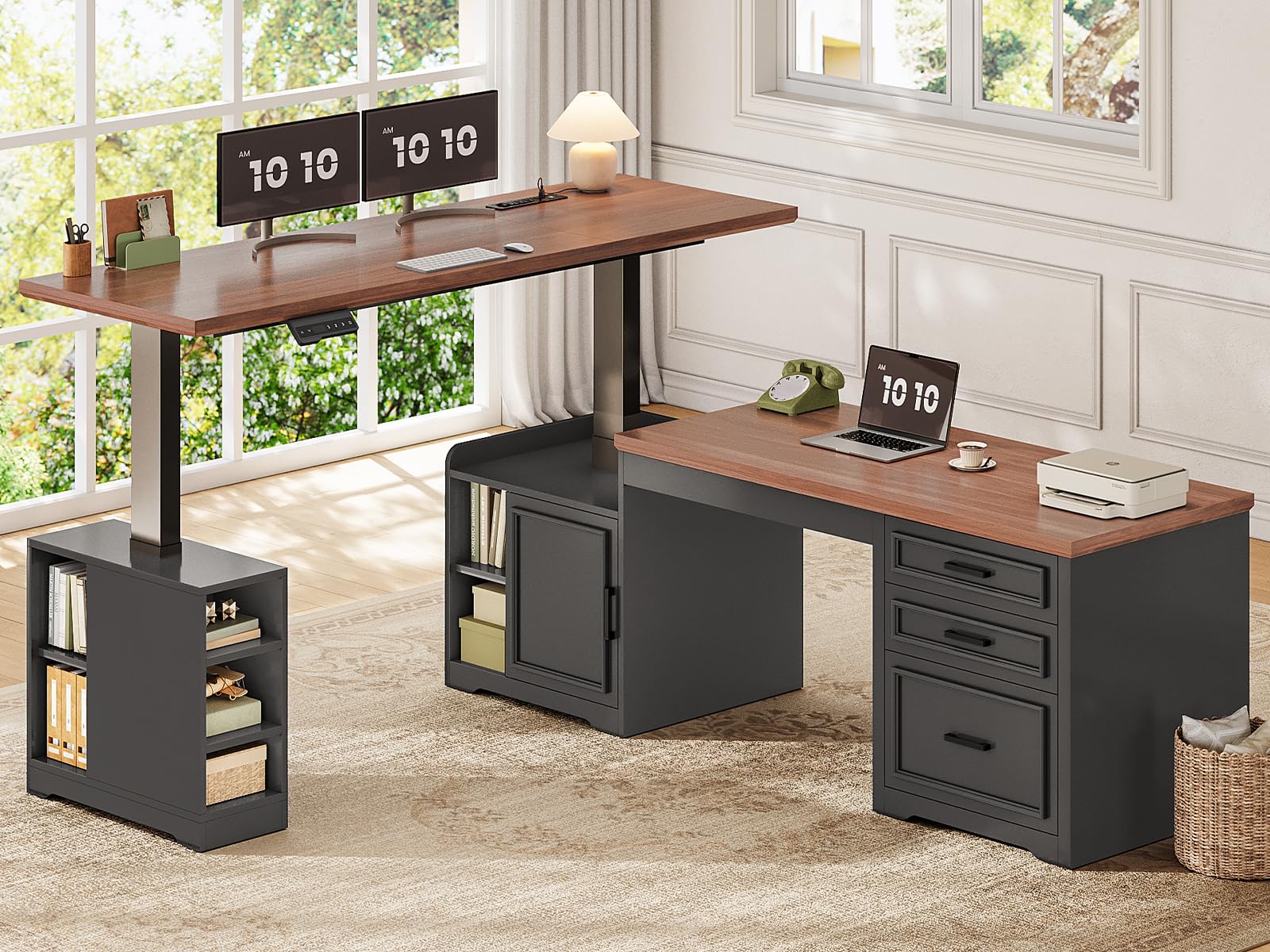
A buying guide to desks for home office use covering sizing, ergonomic height, cable management, surface durability, and storage.
A home office desk carries a different set of demands than a corporate cubicle setup, since it needs to blend into a living space while still supporting a full day of focused work. The best desks for home office use strike a balance between functional work surface, cable management, and a footprint that fits the room it lives in. This guide walks through the practical factors that separate a desk you will use comfortably for years from one that ends up cluttered and awkward within a few months.

Sizing the Desk to Your Room and Your Work
Measuring available wall or floor space before shopping prevents the common mistake of falling for a desk that looks great online but overwhelms a smaller home office room once it arrives. Leaving enough clearance for a chair to slide in and out comfortably, along with room to walk around the desk, matters as much as the desk's own dimensions.
Surface depth affects comfort more than most people expect, since a desk that is too shallow forces a monitor closer to your eyes than is comfortable for extended screen time. A depth that allows a proper monitor distance, along with room for a keyboard and mouse in front of it, supports better posture throughout a full workday.
Height Adjustability and Ergonomics
Fixed Height Versus Sit-Stand Desks
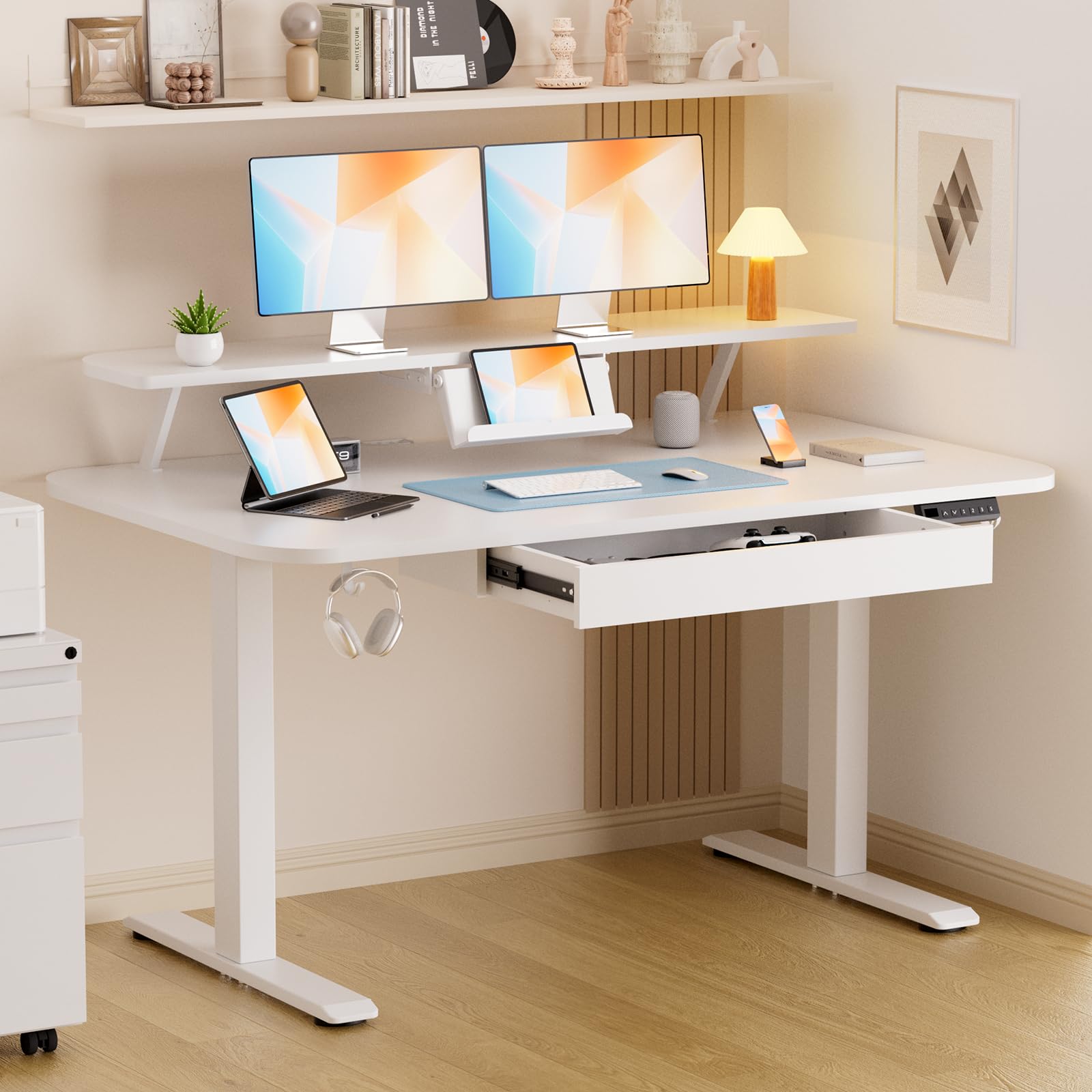
A fixed height desk works fine as long as it matches your body proportions and chair height correctly, but a sit-stand desk offers the flexibility to change position throughout the day, which can reduce the stiffness that comes from sitting still for hours. The added cost of a height-adjustable frame is worth weighing against how much you actually expect to use the standing feature versus simply wanting the option.
Matching Desk Height to Chair and Monitor Setup
Proper desk height keeps your elbows at roughly a right angle while typing and your monitor at eye level without craning your neck up or down. Getting this wrong is one of the most common causes of shoulder and neck discomfort during long home office days, so checking the actual measured height against your chair and typical sitting posture matters more than the number alone.
Cable Management for a Clutter-Free Setup
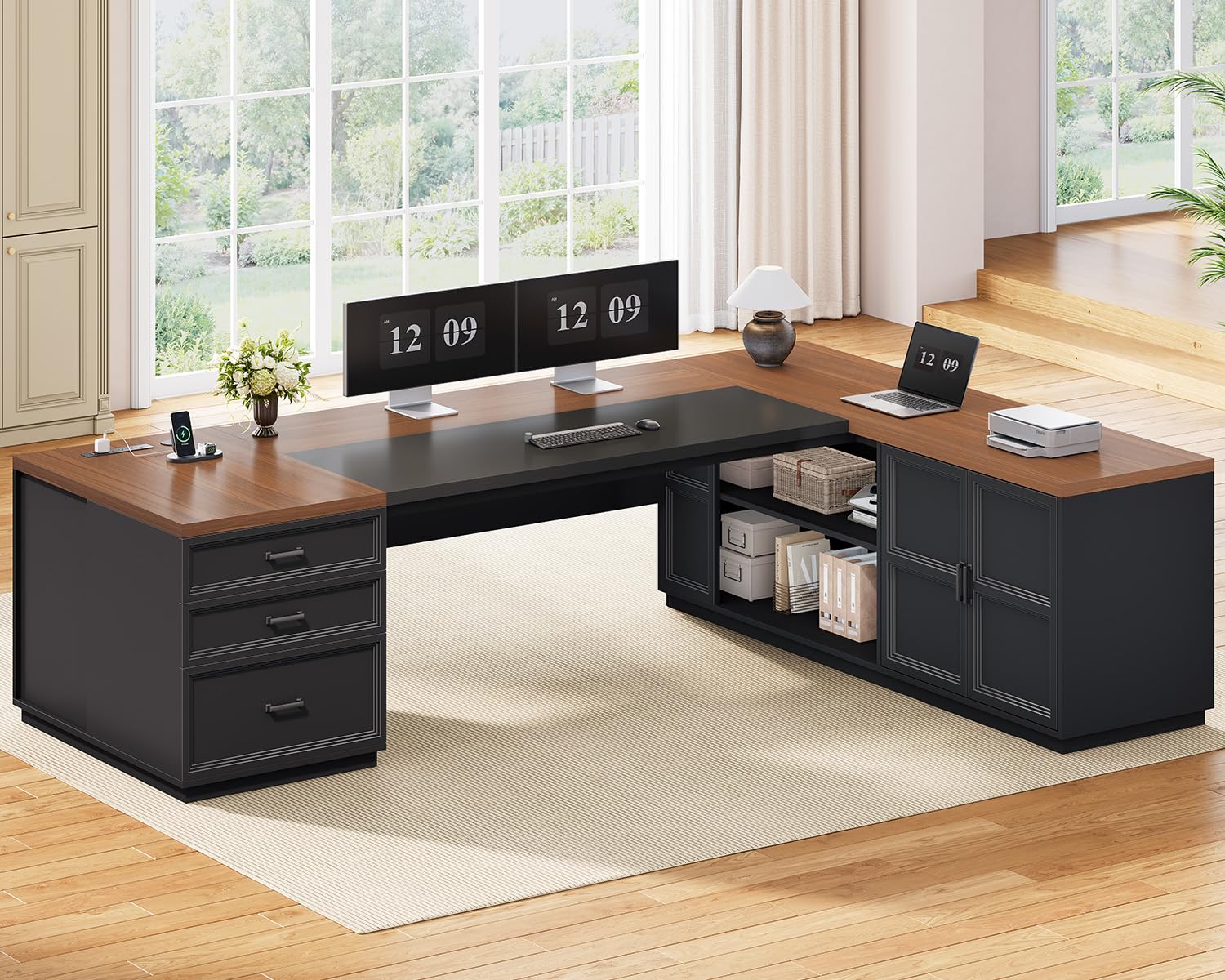
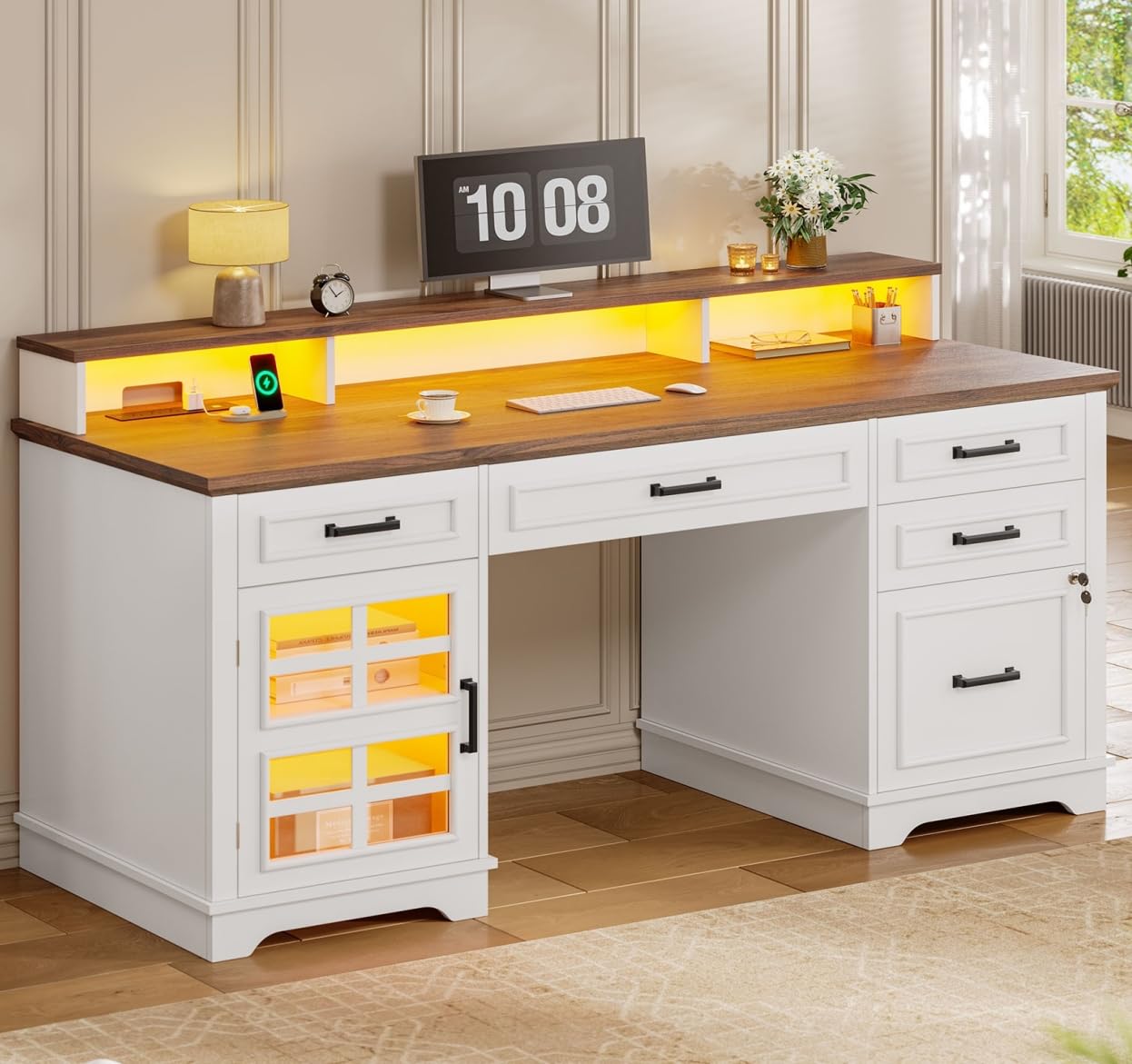
A tangle of cables running across a desk surface or dangling underneath is both a visual distraction and a real hazard, catching on chair wheels or feet throughout the day. Built-in cable trays, grommet holes for routing cords through the desktop, and a rear cable channel all help keep power strips and charging cables organized and out of the way.
Planning cable routing before finalizing desk placement, particularly relative to the nearest outlet, saves the hassle of running a tangle of extension cords across an otherwise clean setup after the fact.
Surface Material and Long-Term Durability
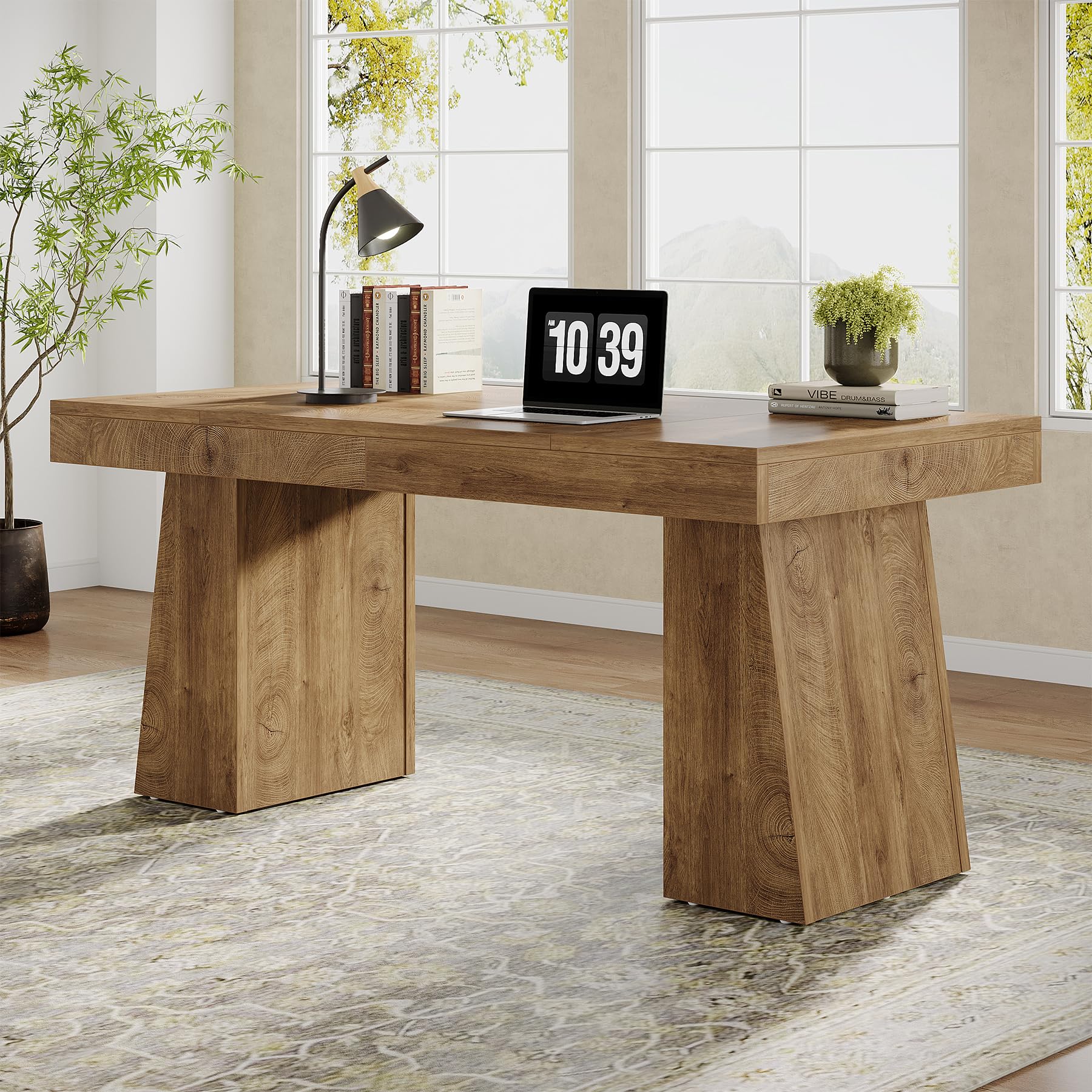
Desk surfaces range widely in durability, and a laminate or engineered wood top generally resists scratches and daily wear better than a softer, unfinished wood surface exposed to regular use. Heat resistance also matters for anyone who sets down a hot mug regularly, since a surface without adequate heat resistance can develop visible rings or damage over time.
Edge banding quality affects how well a desk holds up to years of bumps and scrapes, and a well-sealed edge resists peeling or chipping far longer than a poorly finished one. Checking reviews for how a desk's surface holds up after months of daily use gives a more realistic picture than the initial unboxing photos.
Storage Needs for a Home Workspace
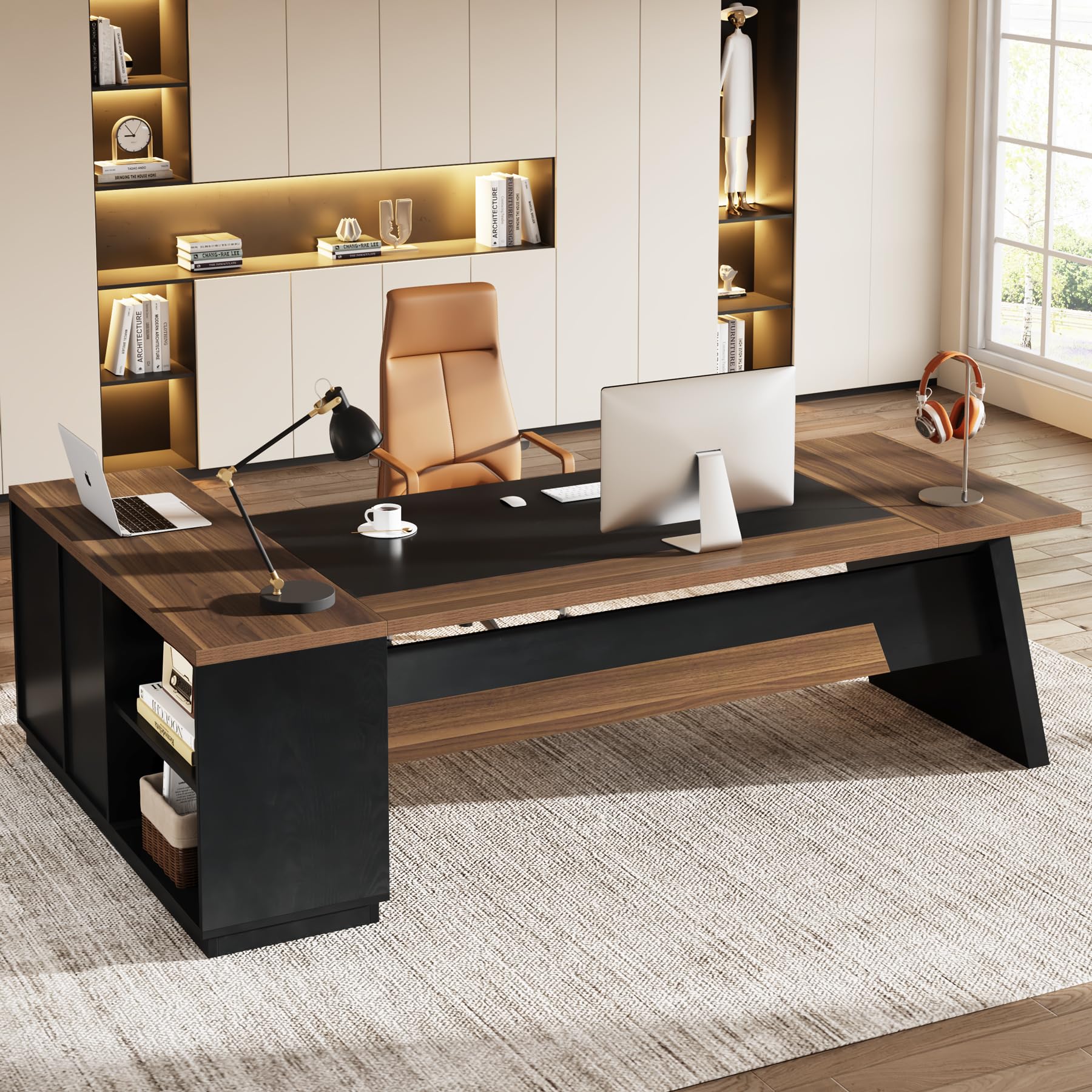
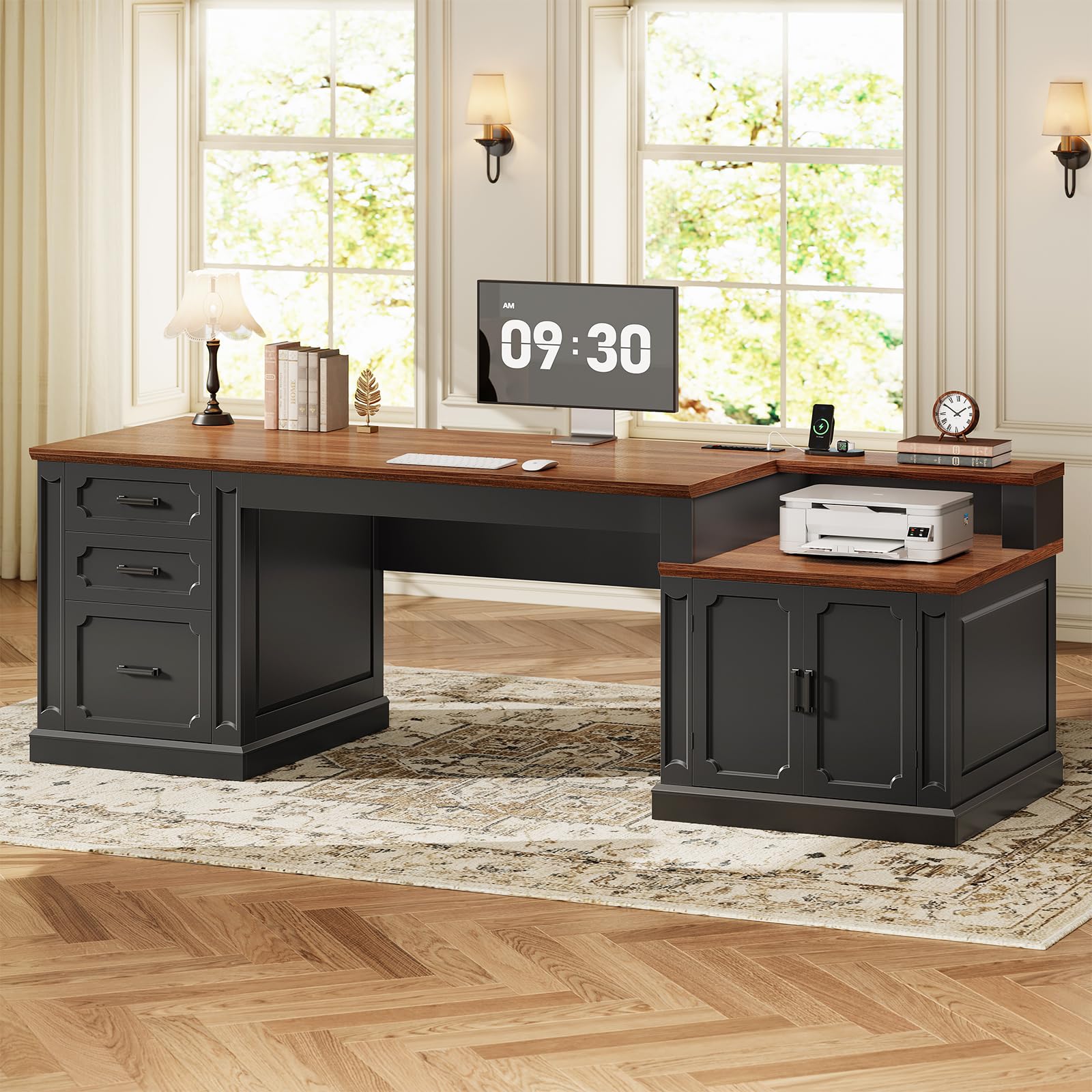
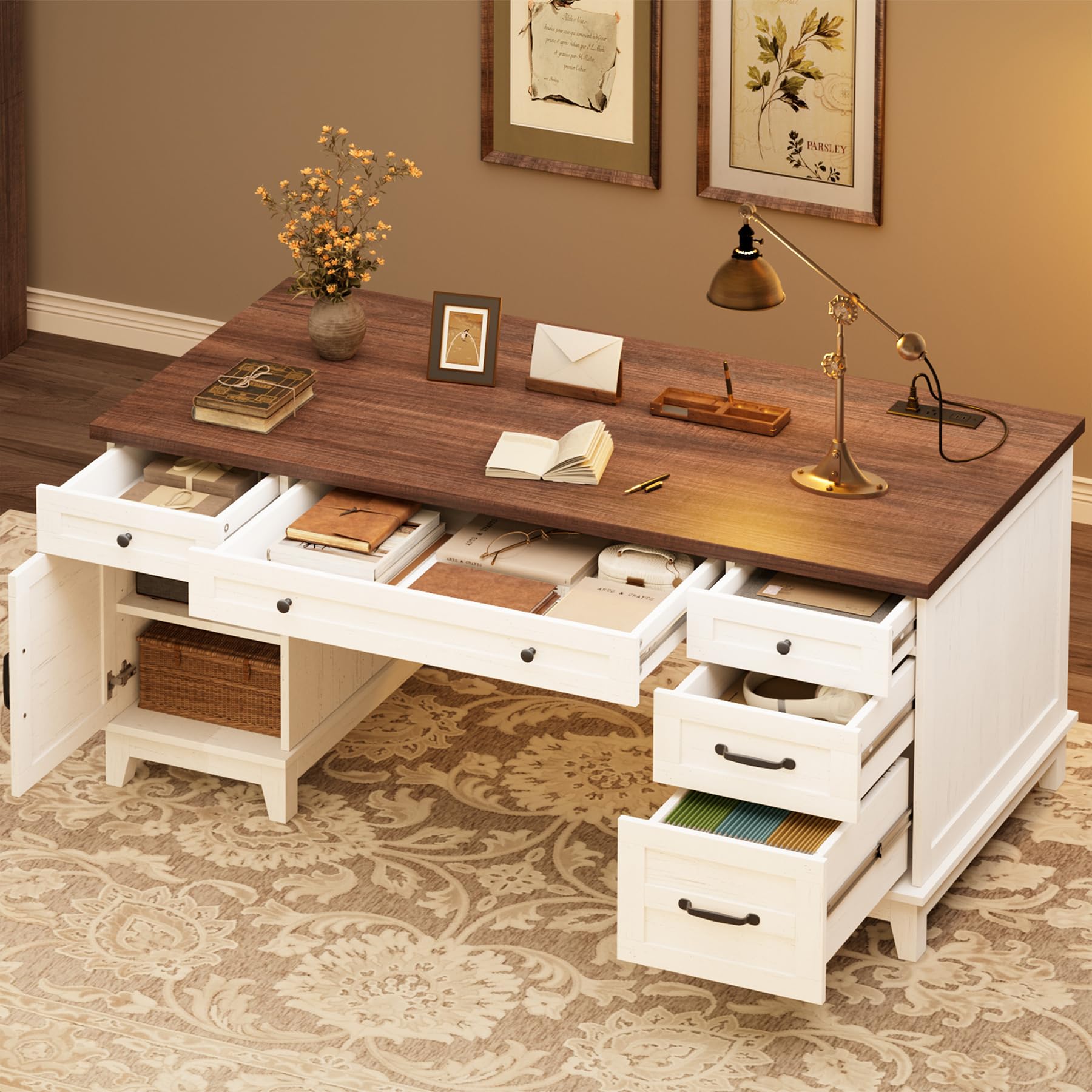
Built-in drawers or shelving reduce clutter on the work surface itself, keeping frequently used items within reach without crowding the space where you actually type and write. For anyone who prefers a completely open surface, a separate rolling cart or nearby shelving unit can provide the same storage benefit without adding bulk to the desk itself.
Drawer depth and slide quality matter more than the number of drawers a desk includes, since a shallow drawer with a flimsy slide quickly becomes frustrating to use daily. Testing how smoothly a drawer opens and closes under load, where possible, gives a better sense of long-term usability than the listed dimensions alone.
Desk Shape and Layout Options
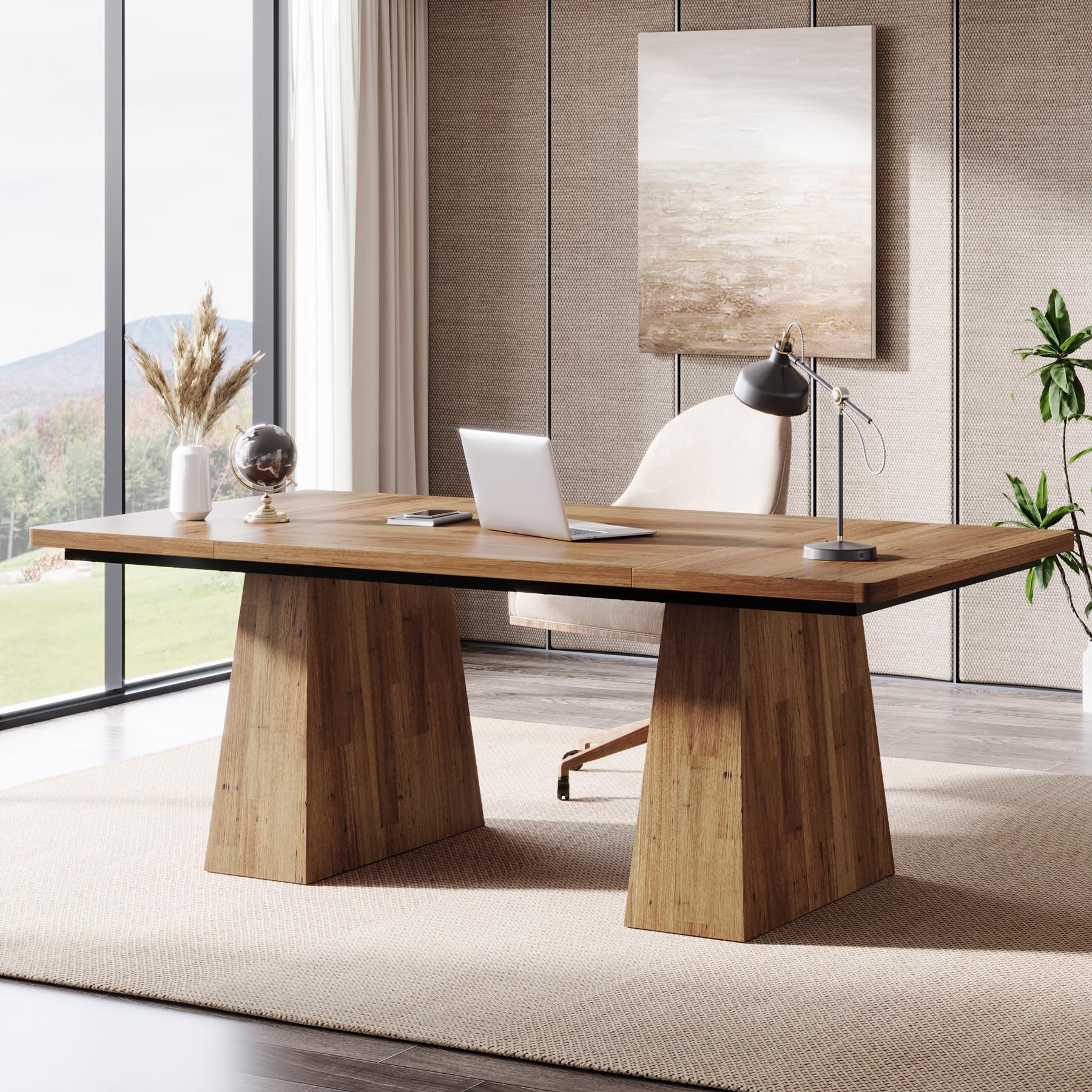
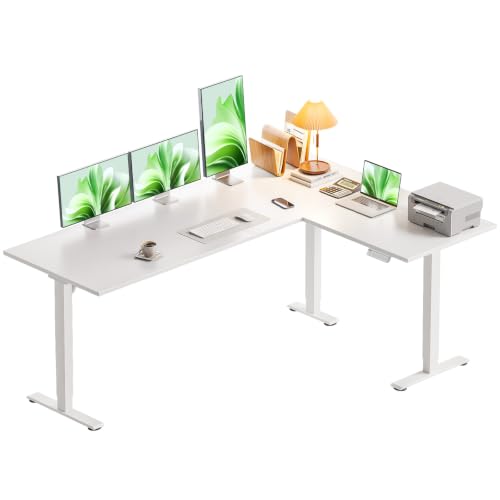
An L-shaped desk offers considerably more surface area within a corner footprint, which suits anyone running multiple monitors or splitting a workspace between a computer setup and paperwork or crafts. A straight desk against a single wall works better in narrower rooms and tends to feel less imposing in a shared living space that doubles as a home office.
A corner desk placement can also make better use of an oddly shaped room, tucking the workspace out of the main traffic flow while still leaving the rest of the room open. Considering how the desk will look and function when work is done for the day, not just during active use, matters for a room that serves multiple purposes.
Frequently Asked Questions
What desk height is best for a home office?
Desk height should keep your elbows at roughly a right angle while typing, with your forearms parallel to the floor. The ideal height depends on your own body proportions and chair, so measuring your actual sitting posture matters more than following a single standard number.
Is a standing desk worth it for a home office?
A height-adjustable desk offers real benefits for reducing stiffness from long periods of sitting, but the value depends on how consistently you would actually use the standing position. Someone who rarely changes position may not see enough benefit to justify the added cost.
How deep should a home office desk be?
A deeper surface generally supports better monitor distance and posture, since it allows the screen to sit at a comfortable viewing distance from your eyes. A desk that is too shallow can force you to sit closer to the monitor than is comfortable for extended use.
What is the best material for a durable home office desk?
Laminate and engineered wood surfaces tend to resist scratches, moisture, and daily wear better than softer, unfinished materials. Checking edge banding quality and heat resistance also helps predict how well a desk will hold up over years of regular use.
How much desk surface space do I actually need?
Space needs depend on your equipment, but leaving enough room for a monitor at proper viewing distance, plus space in front for a keyboard and mouse, is the baseline most people need. Additional space for paperwork or a laptop stand should be factored in separately if those items are part of your daily setup.
Do I need cable management features on a home office desk?
Cable management is not strictly necessary, but it significantly reduces visual clutter and the tripping or snagging hazards created by loose cords. Built-in trays and grommet holes make ongoing cable organization far easier than trying to manage cords after the fact.
Setting Up a Workspace That Lasts
Choosing among the best desks for home office setups means weighing proper sizing, ergonomic height, durable materials, and practical cable management against how your specific room and work habits actually function. Measure your space carefully, prioritize a height that supports good posture, and plan for cable routing before the desk arrives. A well-chosen desk becomes the reliable foundation of a home workspace rather than a source of daily discomfort or clutter.
Related reading: best computer desks and best computer table for home office.
