
Best Computer Speakers Classical Music: A First Time Buyer's Guide for 2026
Disclosure: We may earn a commission when you buy through links on this page, at no extra cost to you. As an Amazon Associate I earn from qualifying purchases. Learn more

Shopping for the best computer speakers classical music for the first time? Learn the terms, compare options, and avoid rookie mistakes with this easy guide.
Buying speakers for orchestral and chamber recordings is simpler than spec sheets make it look. If you are shopping for best computer speakers classical music options for the first time, this guide starts with the plain basics, explains each term in everyday language, and shows you which details actually change what you hear at your desk.
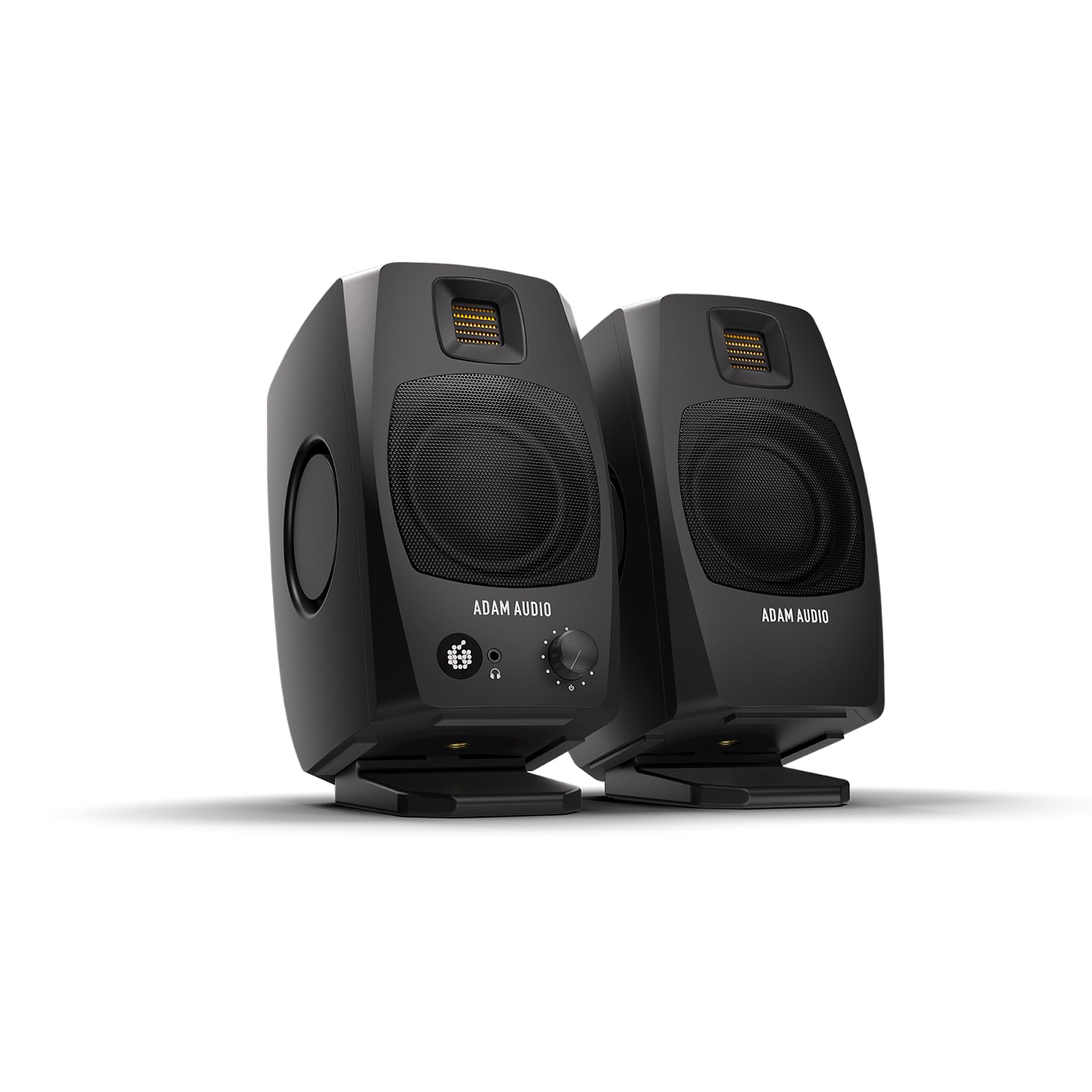
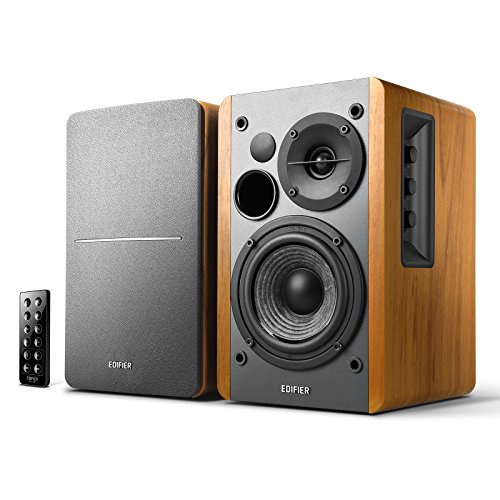
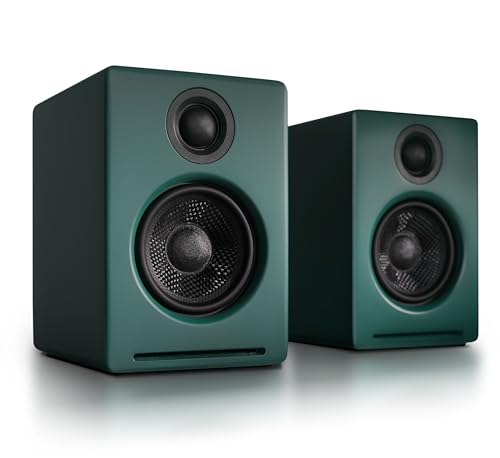
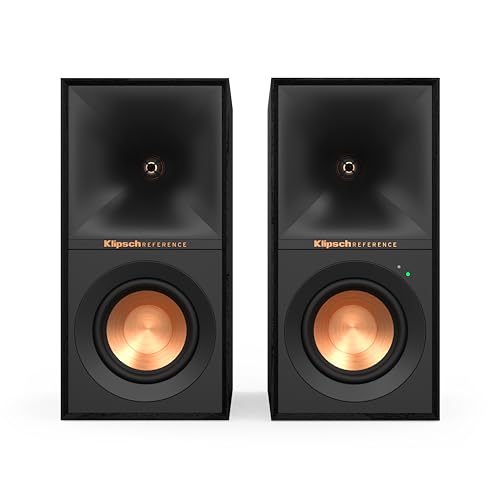
Classical recordings ask more of small speakers than most pop or gaming audio does. Quiet string passages sit close to silence, then a full orchestra can arrive seconds later. Use the comparison table below to shortlist a few pairs, then read on to learn how tuning, placement, and connections help those pairs handle that wide range with clarity.




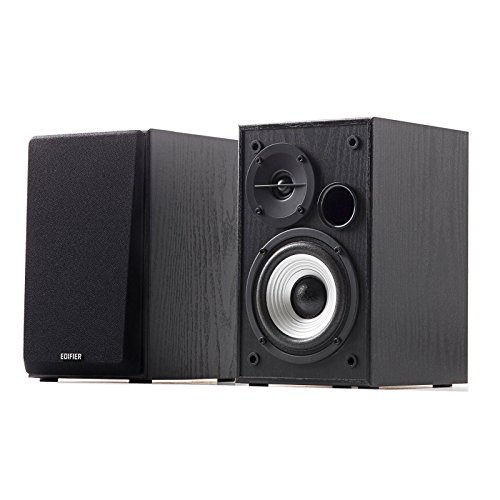
Computer Speakers for Classical Music 101: The Basics
Computer speakers are compact powered speakers that sit on or near your desk and play sound from a laptop or desktop. Most pairs sold for music have the amplifier built into the cabinets, so you connect them to the computer, plug them into the wall, and listen. A separate left and right cabinet create a stereo image, the sense that violins sit to one side and cellos to the other, much as they would on a concert stage.
Many first time buyers type best computer speakers classical music into a search box without knowing which specs matter for orchestral recordings. Three things matter most. The tuning should stay neutral so no instrument group drowns out another. The speakers need enough clean power for loud climaxes. And they must fit your desk and room, because placement changes the sound as much as the hardware does.
If you listen to many genres besides classical, you may also want to see our guide to the best computer speakers for music, which covers general desk listening more broadly. And if your listening later moves from the desk to a full room system, see our guide to the best speakers for classical music for larger home and bookshelf models.
Key Specs Explained in Plain English
Sound Quality and Tuning
Inside each cabinet, drivers do the work of turning signals into sound. A small tweeter handles high notes such as flute, piccolo, and the shimmer of cymbals, while a larger woofer covers voices, strings, and most of the orchestra. Frequency response describes the range from low to high that a speaker can reproduce, and a smooth, even response matters more for classical music than sheer bass weight.
Look for neutral tuning rather than a bass heavy sound. Extra bass may flatter movie effects, yet it smears double basses into cellos and clouds quiet detail. Readers who also record or mix at the same desk can see our guide to the best computer speakers for music production, where an even flatter response is the top priority.
Size, Weight, and Desk Space
Cabinet size shapes both sound and fit. Larger cabinets usually move more air, which helps with low strings and piano depth, but they also take up real desk space beside your monitor. Measure the footprint you can spare on each side of your screen before you order, and leave a little room behind the speakers as well.
Weight is a quick clue to build quality, since a solid cabinet vibrates less and adds less color of its own. Weight also decides where the pair can live. A heavy pair belongs on a sturdy desk or proper stands, not on a thin floating shelf. If a speaker has a port on the back panel, it needs a few inches of clearance from the wall to breathe.
Placement and Room Size
Placement is free sound quality. Set the speakers so the tweeters sit close to ear level when you are seated, and angle each cabinet slightly inward toward your chair. Aim for a rough triangle, with the distance between the speakers close to the distance from each speaker to your ears. That geometry locks in a stable stereo image.
Room size guides how much speaker you need. A small study or bedroom rewards compact pairs, because oversized cabinets can overload the room and turn bass boomy. A large open room may need bigger cabinets or a subwoofer later. For more placement ideas for daily listening, see our guide to the best computer speakers for listening to music.
Connectivity: Bluetooth, Codecs, and Wired Options
Wired models remain the simple, dependable choice for a fixed desk. A USB connection lets the speaker use its own digital conversion, an optical input suits many desktops and TVs, and a standard analog cable works with almost anything. Wired links also keep music in perfect step with video, which matters when you watch filmed concerts.
Wireless pairs add freedom for a laptop that moves around the house. Bluetooth 5.3 gives a stable link and better range than older versions, and multipoint lets a pair stay connected to your laptop and phone at once. If a cable free desk appeals to you, see our guide to the best wireless speakers for classical music for options built around that idea.
Power, Volume, and Controls
Power ratings are quoted in watts, but the number alone tells you little. For classical music, what counts is clean headroom, the ability to play a sudden orchestral peak loudly for a moment without distortion. A modest rating delivered cleanly will sound better at your desk than a big number that turns harsh when the music swells.
Controls deserve a quick check before you buy. A front mounted volume knob is far easier to reach than buttons on the back panel, and a remote helps if the speakers sit on shelves. Gentle tone controls can tame a bright room, but start with them set flat. Many good pairs cost around $150, with capable smaller pairs under $100 and larger cabinets at about $250.
Features Classical Listeners Can Safely Skip
Some popular audio features add cost without helping desk listening. ANC, or active noise cancellation, belongs to headphones that seal around your ears, and speakers across the room cannot cancel the sounds of your home. If your room is noisy, closing a door and modest volume will do more than any speaker feature.
The same goes for outdoor ratings. IP67 tells you a portable speaker survives dust and a dunk in water, which a mains powered desk pair will never face. Battery life is likewise beside the point, since computer speakers draw power from the wall. Built in microphones matter only for calls, and flashing light shows add nothing to a string quartet.
Rookie Mistakes to Avoid
Most first time regrets come from a handful of avoidable errors. Watch for these before you spend anything.
- Choosing the biggest bass you can find, which buries quiet inner voices and makes orchestral tuttis sound muddy.
- Pushing both speakers against the wall or into corners, which swells the low notes and blurs the stereo image.
- Placing one speaker on the desk and its partner on a low shelf, which tilts the sound and shifts instruments off center.
- Judging a pair only with loud demo tracks, which hides how it handles the quiet passages where classical detail lives.
- Ignoring input types and buying a pair your computer cannot connect to without extra adapters and clutter.
- Turning tone controls up on day one, which masks the natural balance you paid for and tires your ears sooner.
Getting Started: Setup and First Use
Setup takes about fifteen minutes, and doing it in order saves fiddling later. Work through these steps once, then fine tune by ear.
- Unpack both cabinets and check for dents, loose parts, or torn driver surrounds before you connect anything.
- Place the pair at ear level on the desk or on stands, spaced apart and angled slightly toward your chair.
- Connect the two cabinets with the supplied speaker cable, then link the main cabinet to your computer by USB, optical, or analog cable.
- Plug in the power cord, set the speaker volume to about halfway, and control daily volume from the front knob.
- Set your music app and computer output to the highest quality setting available, and turn off any loudness or bass boost effects.
- Play three familiar recordings in turn, a quiet string quartet, a solo piano piece, and a full orchestra work, and listen for balance.
- Nudge the speakers a few inches at a time until voices center between the cabinets and low notes stay clear, not boomy.
After the first session, small habits keep the pair sounding its best. Keep firmware updated if your model offers updates through an app, since makers occasionally fix connection bugs that way. Leave the protective grilles on when you are not listening closely, because they guard the drivers against dust, curious fingers, and desk clutter.
Dust the cabinets with a dry soft cloth and keep drinks a safe distance away. If a channel ever drops out, recheck both cable ends before assuming the speaker has failed, since a partly seated plug is the most common cause. The product table above can help you compare connection types again if you decide to add a second source later.
Best Computer Speakers Classical Music: Your Questions Answered
Do computer speakers for classical music sound better wired or wireless?
Wired connections hold a small edge for pure sound quality, because the signal travels without compression or dropouts. Wireless pairs using recent Bluetooth sound very close in a quiet room, and the gap is hard to hear on most recordings. One point worth knowing is that a wired pair also frees you from pairing steps each morning, so a fixed desk setup often feels simpler day to day.
Do computer speakers for classical music need a special Bluetooth codec?
No special codec is required for enjoyable classical listening through computer speakers. Standard Bluetooth already passes the full detail of most streamed recordings, and higher grade codecs mainly help when every part of your chain, phone, app, and speaker, supports them. A more useful check is that the speaker remembers your device and reconnects on its own, which saves a small daily annoyance.
Do computer speakers for classical music need a subwoofer?
Most desk listeners do not need a subwoofer for classical music. A good pair of cabinets covers cellos, basses, and piano with satisfying weight at close range. Consider adding one only if you love organ works with true pedal depth or your room is large. If you do add one later, choose a model with an adjustable crossover so it blends under the main speakers instead of thumping on its own.
How much power do computer speakers need for orchestral music in a small room?
Around 10 to 20 watts per channel is plenty for orchestral music at a desk in a small room. You sit close to the speakers, so modest power reaches satisfying volume with headroom to spare for loud peaks. Spend your budget on even tuning before chasing wattage, because a quiet listening distance rewards accuracy far more than raw output.
Can computer speakers for classical music also handle movies and everyday use?
Yes, computer speakers chosen for classical music handle movies and daily use very well. The same neutral tuning that flatters violins keeps dialogue clear and natural, which many bass heavy gaming pairs fail to do. One pleasant bonus is that video calls sound fuller through proper speakers, so voices are easier to follow during long meetings at the same desk.
The Bottom Line
For a first purchase, keep your shortlist simple. Neutral tuning comes first, because it lets every section of the orchestra keep its place. Sensible size and careful placement come next, since a modest pair set up well will outperform a larger pair squeezed into corners. Finally, pick the connections that match how you actually listen, wired for a fixed desk or wireless for a laptop that roams.
Compare your finalists in the product table above, set them up with care, and give your ears a few favorite recordings to adjust. Chosen that way, the best computer speakers classical music setup for your desk will make quiet passages glow and great climaxes feel effortless.
