Best Computer Speakers for Video Editing in 2026: Which Type Is Right for You?
Disclosure: We may earn a commission when you buy through links on this page, at no extra cost to you. As an Amazon Associate I earn from qualifying purchases. Learn more

Learn how to choose the best computer speakers for video editing by comparing speaker types, accuracy, connections and desk fit for cleaner mixes.
Video editing exposes weak speakers faster than almost any other task. A voice that sounds fine during casual listening can hide hum, harsh consonants or bloated bass once you start cutting dialogue and music together. Finding best computer speakers for video editing gear means choosing accuracy over excitement, because your speakers shape every mix decision you export.
Instead of chasing a single winner, this guide compares speaker types side by side so you can match a style to your room, desk and budget. Start with the comparison table below, then use the type and selection sections to narrow your shortlist.

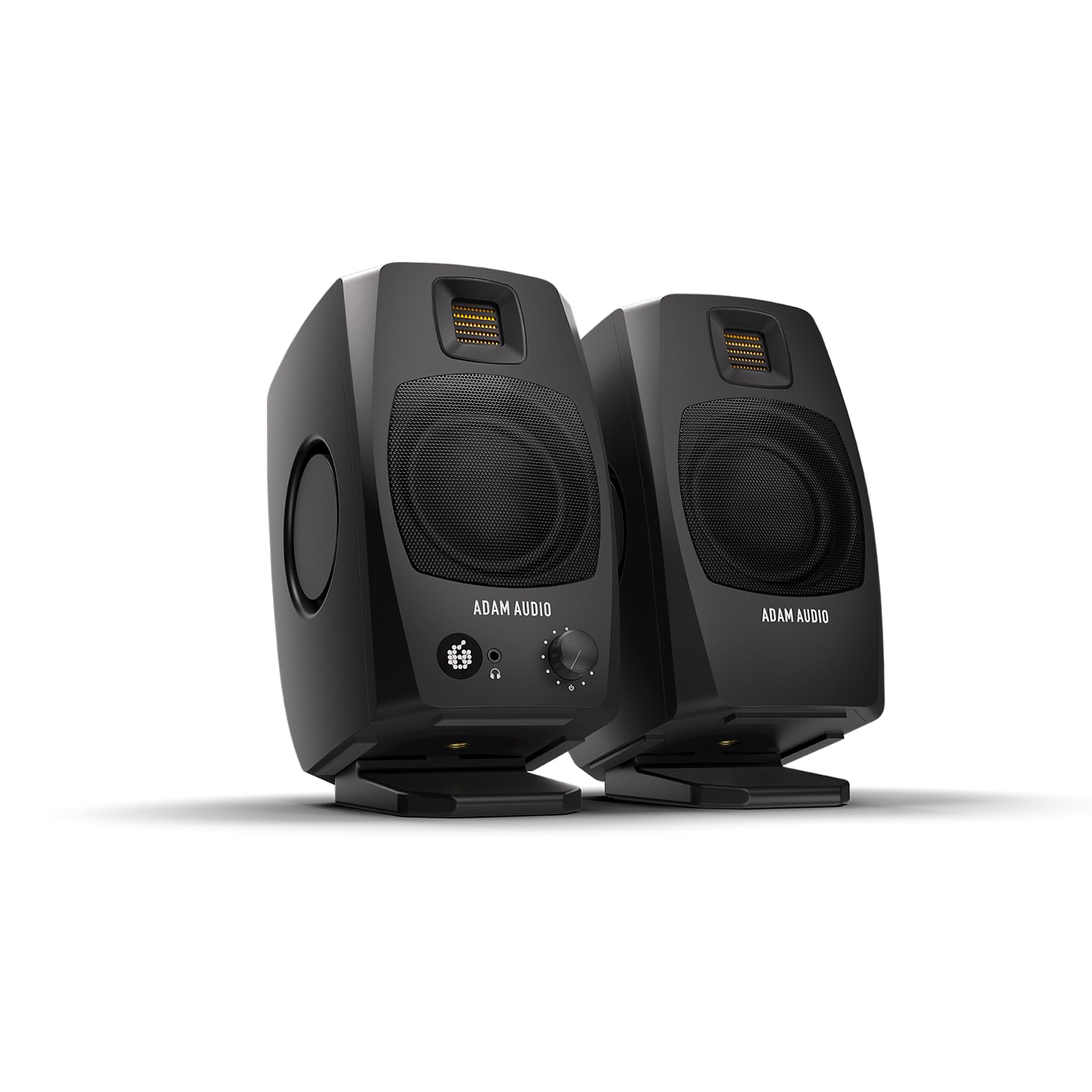
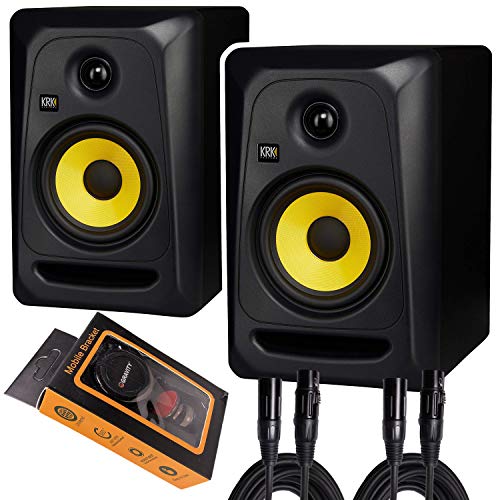

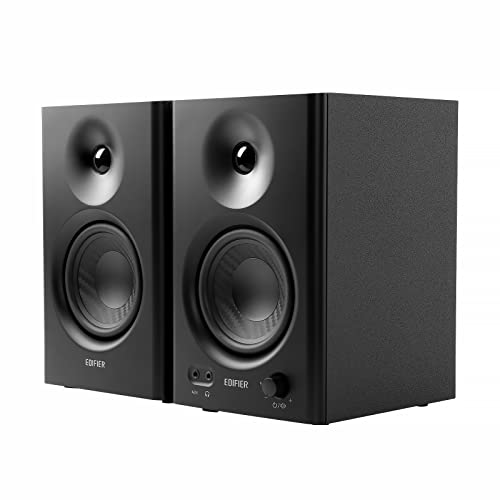
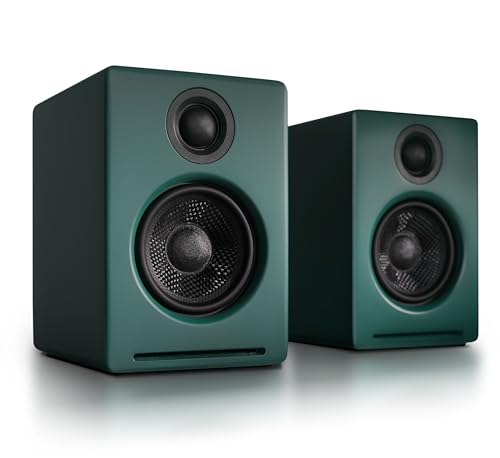
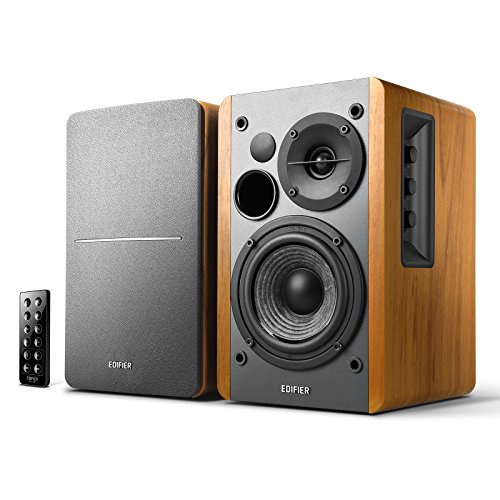

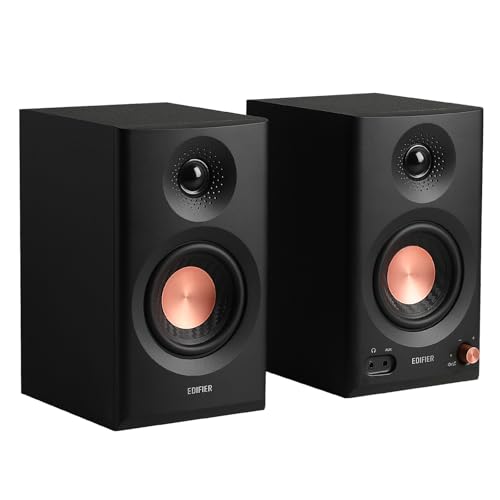
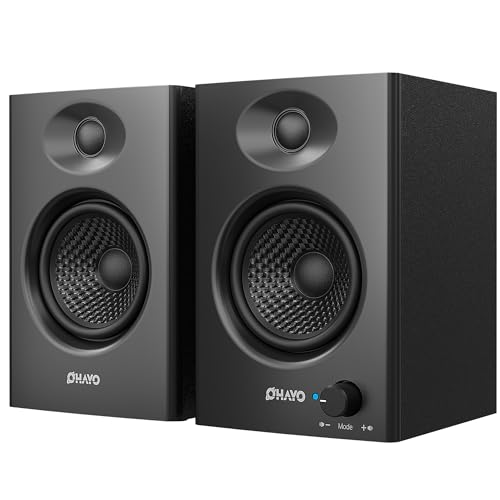
Types of Computer Speakers Compared
Three broad families cover most edit desks. Think of them by placement and purpose rather than by price alone. A large set in a tiny untreated room can perform worse than a modest set placed well, so read the fit notes for each type before you fall for sheer size.
Home and Bookshelf Models
Bookshelf style speakers are the natural starting point for editing. They sit on the desk or on stands, aim at your ears and deliver a stable stereo image that helps you judge panning and voice placement. Their larger cabinets support fuller low end than tiny desktop sets, which helps when you check music and effects. The trade is space. You need room on both sides of your monitor and some distance from the wall behind them.
Noise Cancelling Models
This label needs care, because speakers themselves rarely cancel room noise the way sealed headphones do. In speaker listings it usually points to sets bundled with noise reduction processing or to companion headphone systems used beside speakers. For editing, treat any noise feature as a bonus, never as the core reason to buy. Your main tools against room noise remain door seals, soft surfaces and sensible monitor volume during dialogue work.
Wireless and Bluetooth Models
Wireless speakers free the desk from cables and make it easy to check a mix from across the room or from a phone. That freedom helps client review and quick reference listening. For the main edit position, though, wireless links can add delay and compression that shift lip sync and soften detail. Many editors keep a wired pair as the primary reference and use wireless only as a second view of how viewers on simple gear will hear the work. If your desk also handles play, our guide to the best computer for gaming and video editing covers the workstation side of that shared setup.
Home and Bookshelf Models vs Noise Cancelling Models: Which Should You Choose?
Choose bookshelf models if your priority is mix accuracy at a fixed desk. They give the most honest stereo image, the easiest wired connections and the fewest sync surprises. Choose a noise focused setup only if your room suffers from traffic, shared walls or household noise that you cannot control with timing and placement. Even then, judge the speakers first on flat, clear sound and treat the noise feature as secondary. For most editors, the bookshelf route wins because editing rewards truth over comfort features. To hear how your timeline will translate to screens, pair this choice with our guide to the best computer monitors for video editing so picture and sound decisions stay in step.
How to Choose the Right Computer Speaker
Battery Life and Charging
Battery life matters only for wireless and portable models, yet editors should read it differently from casual buyers. Long battery life helps during location review or a day away from the desk, but editing at home should run on mains power for stable output. If you do choose a battery model, check whether it can play while charging and how long a full charge takes. A set that dies mid session and changes tone as the battery fades will undermine careful mix work.
Comfort, Fit, and Weight
For speakers, comfort means comfort across a long edit day rather than anything you wear. Heavy, solid cabinets resist vibration and stay put, but they demand a sturdy desk and make small placement tweaks harder. Compact sets move easily when you adjust monitor height or swap desks. Think also about control reach. A volume knob you can touch without leaning, plus a clear power indicator, reduces friction during dozens of small checks each day.
Microphone Quality
Most editing speakers have no microphone, and that is fine, because your recording chain should stay separate. Microphone quality matters only if you plan to use the same desk setup for calls, voice notes or quick scratch narration. In that case check whether the set offers a microphone input or a clean headphone and mic pass through. For serious voice work, judge your actual microphone on its own merits and let the speakers do playback only. Broader context on speaker choice for edit suites appears in our guide to the best speakers for video editing.
Features That Matter for Video Editing
Editing demands a flat, honest response so that what you hear is what viewers get. Look for a stated frequency response that reaches low enough to reveal rumble, roughly 50 Hz to 60 Hz on larger sets, without a boosted bass shelf. Balanced inputs or USB audio reduce hum with pro interfaces. A front headphone jack lets you cross check edits at night. If you compare across categories, our guide to the best speakers for editing shows how audio only editors weigh these same traits.
Sound Quality and Tuning
Driver size shapes what a set can reveal. Woofers around 4 inches to 5 inches suit near field editing at a desk, while smaller drivers often miss low dialogue weight and larger ones can overwhelm small rooms. Prefer neutral tuning over bass heavy tuning, because added bass in the speaker becomes missing bass in your exported mix once you compensate. Simple treble and bass trim controls help you adapt to a wall or a corner without masking that neutral starting point. For a quality focused shortlist, see our guide to the best sounding computer speakers.
Tips to Get the Most From Your Computer Speaker
Raise each speaker so the tweeter sits near ear height and form a triangle between the two speakers and your head. Keep firmware updated on USB and wireless models so input and power behavior stay stable. Store portable sets in a padded case to protect drivers during travel, and dust cabinets and ports with a dry soft cloth. Recheck your levels after any editing software update, because output settings can reset and quietly change the volume you trust for mix decisions.
Build two habits into every export. First, keep a small set of reference clips with voices, music and effects you know well, and play them at your standard volume before you judge a new timeline. Second, check each finished piece once on a simple second device such as a phone or a television, because flaws that hide on good speakers often show up on modest ones. These checks cost minutes and catch level jumps, harsh edges and buried dialogue before your audience does.
Best Computer Speakers for Video Editing: Your Questions Answered
What features matter most in computer speakers for video editing?
A flat response, low hum wired or USB input, and a headphone jack for cross checks matter most. Together they keep dialogue honest and let you compare speakers with close listening in seconds. Placement flexibility matters next, because even accurate speakers mislead when one sits in a corner and the other sits in open space. Skip decorative lighting and dramatic sound modes.
What IP rating do I need for outdoor use?
For true outdoor use you would want at least IPX4 against splashes, and IP67 if a set will face dust and brief immersion. Most editing speakers carry no IP rating at all, because they are built for indoor desks. That is the key point for editors. Do not pay for rugged sealing you do not need, and never move your indoor reference pair outside for location work where weather can damage it.
Do I need a special codec?
No special codec is required for editing, and wired work needs no codec at all. Codecs only enter the picture on Bluetooth links, where AAC and aptX can preserve more detail than the basic option. Even the best wireless codec still serves review better than primary editing, because delay and compression vary by device. Keep your main timeline monitoring on a cable or USB, and treat codec choice as a convenience detail.
Wired or wireless: which sounds better?
Wired sounds better for editing in almost every practical sense. A cable or USB link delivers the full signal with stable timing, so dialogue sync and fine level changes stay trustworthy. Wireless adds freedom for client playback and second reference checks from a couch or a phone. The smart setup used by many editors is wired for decisions and wireless for translation checks, rather than forcing one link to do both jobs.
How long does the battery last?
On portable wireless models, expect roughly 8 to 20 hours depending on volume and driver size, with louder playback draining the cell much faster. That range is a guide for review sessions, not a promise for your exact set. Editing speakers that plug into mains power have no battery limit at all, which is one more reason fixed desks favor wired sets. Always confirm whether a battery model keeps the same tone while plugged in.
Final Thoughts
Put accuracy first, keep the main link wired and place the pair with care before you spend more. Bookshelf models suit most edit desks, while wireless sets earn their place as a second reference. The best computer speakers for video editing choice for you is the set that reveals flaws early, so viewers never hear them. Review the product table above with your room size and desk space in mind, then choose the type that fits.