Best Compact Computer Desks in 2026: Beginner Guide
Disclosure: We may earn a commission when you buy through links on this page, at no extra cost to you. As an Amazon Associate I earn from qualifying purchases. Learn more

Measure the wall, the chair zone and your monitor first: a calm guide to the best compact computer desks.
Buying your first small desk sounds easy until you stand in a spare corner with a tape measure, wondering whether your monitor, keyboard, and coffee can share 40 inches of width. Compact desks punish guesswork: a few inches too deep and the chair has nowhere to go, a weak frame and the whole surface wobbles as you type. This guide teaches the basics first, then translates the specs, so choosing among the best compact computer desks becomes a calm, measurable decision instead of a gamble. The product table collects the main styles in one view.
We will cover what compact really means in desk terms, the five specs that matter, and the mistakes that send first time buyers back to the returns desk. Measure your room before you fall for any photo.




Compact Computer Desks 101: The Basics
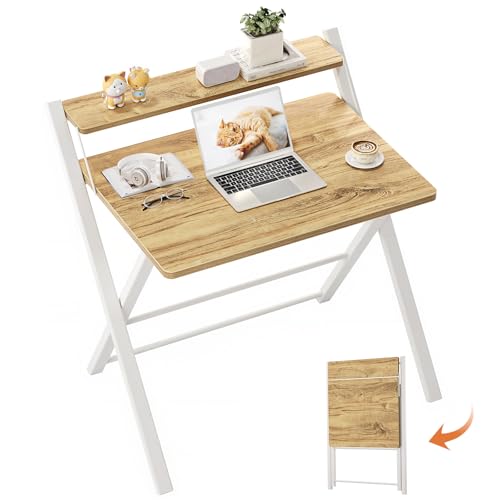
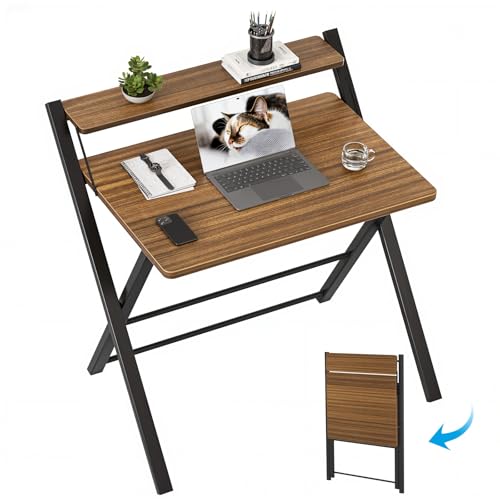
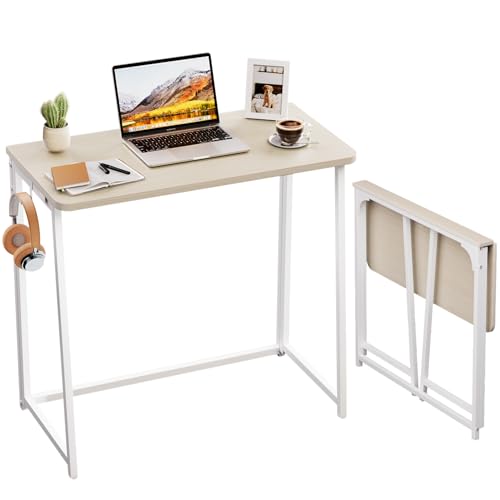
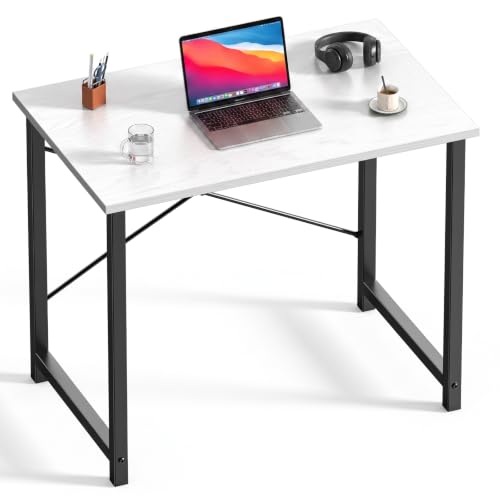
A compact computer desk is a work surface designed for a small footprint, typically 36 to 48 inches wide and 19 to 24 inches deep, while still holding a monitor or laptop, a keyboard, and your daily essentials. Designs win back space with shelves above or below the surface, corner layouts that use dead space, folding tops, and slim legs instead of bulky side panels. The category overlaps with writing desks and small office desks, but a true computer desk adds cable routing, a keyboard position that suits typing, and enough depth for a screen at a healthy viewing distance.
Vocabulary helps. The desktop is the main surface, measured width by depth. Knee space is the open area beneath it where your legs and chair go, and it matters as much as the top.
Weight capacity tells you how much the surface can hold safely, which decides whether a heavy desktop computer or dual monitors are realistic. Modesty panels, cable trays, and monitor shelves are optional extras that can add order to a small setup. If style leads your search, our guide to the best looking computer desks shows the design end of the market, while full room setups are covered in the best office computer desks guide.
Key Specs Explained in Plain English
Five checks separate a desk you love from a desk you tolerate. Work through them with your room measurements and your gear list in hand.
Measuring for Size and Portability
Start with the floor, not the desk. Measure the wall length available, then subtract room for the chair to roll back, about 30 to 36 inches behind the desk front. A depth of 20 to 24 inches keeps a monitor at a comfortable distance with a keyboard in front; shallower desks around 18 inches suit laptops only.
Check doorways and stair turns if you ever plan to move the desk assembled, and note the weight: compact desks run about 25 to 60 lb, and anything above that is a two person carry. Leave two inches of clearance on each side so the desk is not wedged against walls.
Ergonomics and Adjustability
Desk height decides your posture. A fixed surface around 29 to 30 inches high suits most adults with an adjustable chair, letting elbows rest near a right angle while typing. If you are notably taller or shorter than average, a height adjustable compact desk, manual or electric, protects your shoulders and wrists across long sessions.
Pair the desk with a chair that has lumbar support and adjustable armrests, since the chair does the adapting a fixed desk cannot. Our guide to the best computer desk chairs covers the matching half of the setup in detail.
Comfort and Cushioning Details
Comfort at a desk is about edges and space, not padding. A rounded or beveled front edge spares your forearms during long typing sessions, while a sharp square edge digs in within the hour. Under the surface, you want clear knee space at least 24 inches wide and 24 inches high, with no low crossbar where your shins land.
A smooth, matte finish cuts glare from windows and lights. If you use a wrist rest, confirm the keyboard zone depth fits it plus the keyboard with room to spare.
Build Quality and Frame
The frame decides whether the desk feels solid in year three. Steel tube legs with a crossbar resist wobble far better than four thin legs screwed into particleboard corners. For the top, medium density fiberboard with a sealed laminate finish is the compact standard: it resists stains and swelling better than bare particleboard at similar prices.
Check the stated weight capacity and treat anything under about 100 lb as laptop territory. Wobble test in person if you can: lean on a corner and type hard, and walk away from any desk that sways or creaks under that pressure.
Assembly and Delivery
Most compact desks arrive flat packed and assemble in 30 to 90 minutes with a hex key included in the box. Good instructions use numbered parts and clear diagrams; vague ones cost you an afternoon. Count the steps and check whether the design can be built by one person, since holding a desktop level while starting four bolts is the usual solo builder struggle. Keep the packaging until you are sure the desk fits and nothing arrived damaged, and confirm the return window when you order, because desk returns are far easier within the first month.
Rookie Mistakes to Avoid
- Measuring the desk but not the chair space. A desk that fits the wall can still trap you if the chair cannot roll back or turn.
- Buying for a monitor you plan to replace. If a larger screen or a second screen is coming, size the surface for that future setup now.
- Ignoring cable weight and clutter. Power strips and chargers need a home; a desk with no cable tray invites a tangle that eats knee space.
- Trusting styled photos for scale. Listing photos shrink rooms visually, so trust the stated dimensions over any picture.
- Skipping the wobble question. Reviews that mention shaking at typing speed are telling you the frame is too light for real work.
Getting Started: Setup and First Use
Assemble the desk in the room where it will live, on a blanket or the flattened box to protect the floor and the finish. Build the frame first, start every bolt loosely, and tighten in a cross pattern once the desktop sits level, which prevents a twisted frame. Set your monitor so the top of the screen sits at or slightly below eye level, roughly an arm length away, and place the keyboard so your elbows stay near your sides. Then adjust your chair height so your feet rest flat on the floor, which is the position every other measurement assumes.
Finish with cables: route them along the back edge, keep the power strip off the floor if the desk has a tray, and leave slack for any adjustable parts. Recheck bolt tightness after the first week and then every few months, because new furniture settles and small loosening is the main source of developing wobble. If budget drives your shortlist, compare your finalists against the best affordable computer desks, and if you add desktop audio later, the best compact computer speakers guide matches the same small footprint thinking.
FAQs
Is an expensive compact computer desk worth it?
It can be, if the money buys a steel frame, a thicker top, and height adjustment rather than decoration. A desk around $200 to $350 usually feels noticeably steadier than a $90 desk and survives moves that crack cheaper joints. Beyond that range you mostly pay for materials and looks. Judge by how many years you will use it daily: a desk used eight hours a day repays quality quickly, while a homework corner may not.
How do I choose the right size compact computer desk?
Let your gear set the width and your room set the depth. A laptop setup works on 36 inches of width; a monitor plus keyboard wants 40 to 48 inches; two monitors need 55 inches or more, which exits compact territory. For depth, 24 inches is the comfortable standard, 20 inches works for a single monitor, and under 19 inches suits laptops only. Always confirm your chair zone behind the desk before ordering.
How long should a good compact computer desk last?
A well built compact desk should last seven to ten years of daily use. Steel frames and sealed laminate tops age slowly, and the usual end comes from stripped screw holes after repeated moves or water damage at an unsealed edge. Desks assembled once and left in place last longest. If you move often, choose a design with metal threaded inserts rather than screws driven straight into the board, since those survive reassembly.
What features matter most for long hours at a compact computer desk?
Height fit matters most, followed by a stable frame and a monitor position that keeps your neck neutral. Add a cable tray to protect knee space, a rounded front edge for your forearms, and enough surface depth to keep the screen an arm length away. Long hours also reward a small upgrade path: a monitor arm frees surface space and fine tunes height in a way a fixed shelf cannot, and it fits almost any compact desk with a clamp mount.
Final Thoughts
Measure the room and the chair zone, size the surface for your real gear, and insist on a frame that does not wobble. Those three checks decide satisfaction far more than extra shelves or finishes. Pick the size honestly and the best compact computer desks narrow to a handful of sensible options for any budget. Compare your finalists in the product table, and choose the one your tape measure approves.