
Best Compact Desk in 2026: Styles, Sizing and Buying Guide
Disclosure: We may earn a commission when you buy through links on this page, at no extra cost to you. As an Amazon Associate I earn from qualifying purchases. Learn more
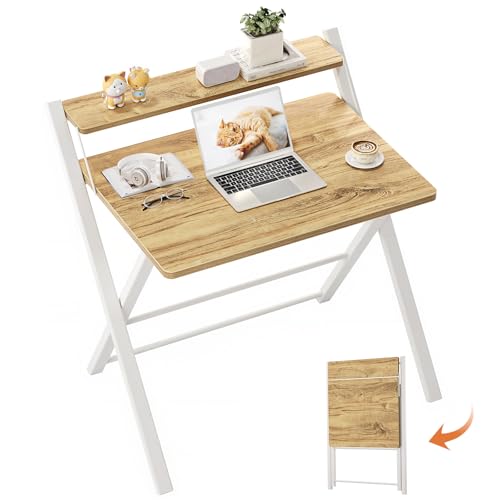
Match width, depth and layout to your gear and your room when choosing the best compact desk.
A compact desk has to earn its floor space. You need enough surface for a laptop or monitor, enough legroom to sit comfortably for hours, and a frame that stays steady, all inside a footprint that leaves the room usable. Choosing the best compact desk comes down to matching width, depth, and layout to your gear and your body, and the product table lines up the main styles and trade offs.
This guide walks through the three styles worth considering, the features that actually matter at this size, and the measurements to take before you order. If your setup is a full work from home station, our guide to the best desk for home office covers larger layouts you can compare against.
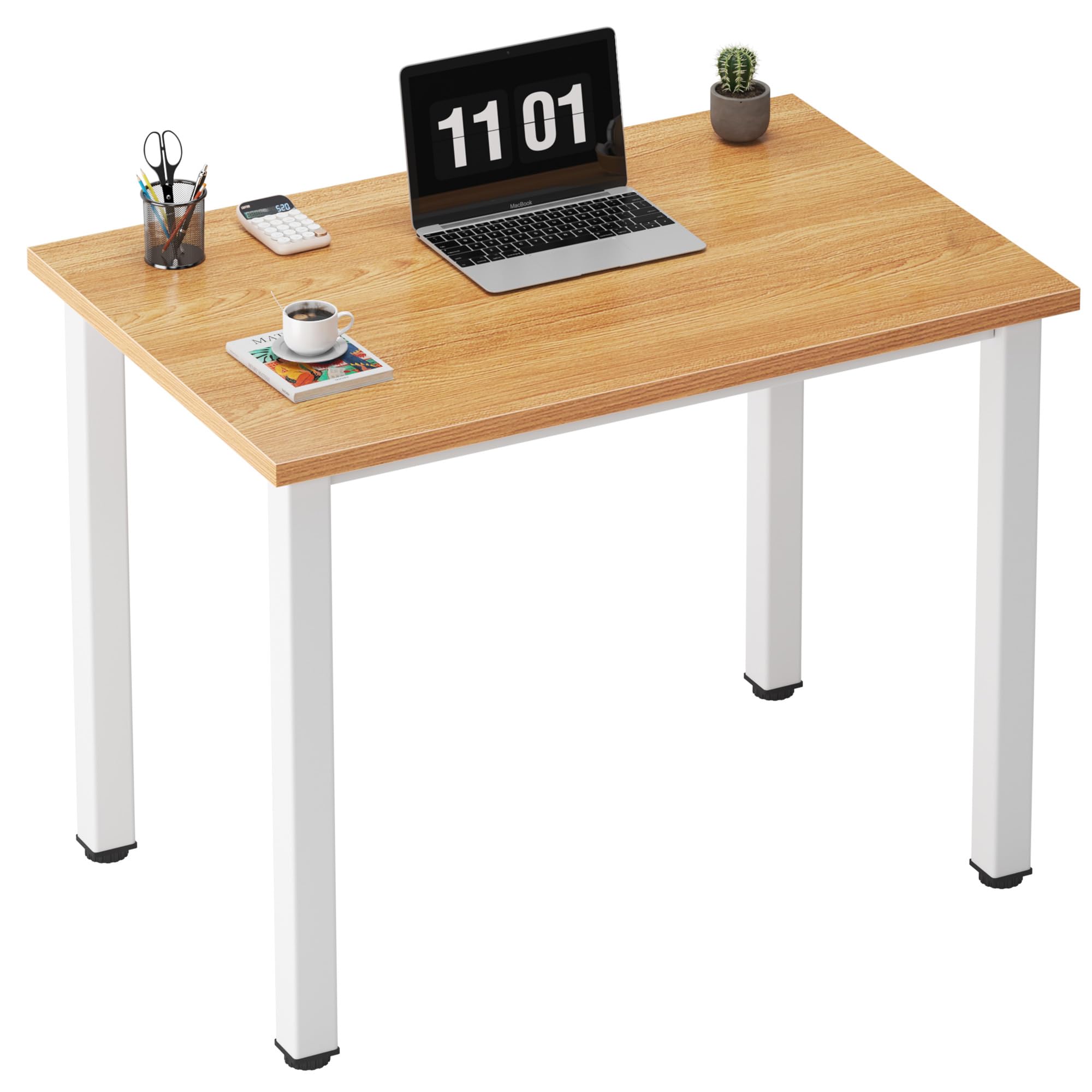

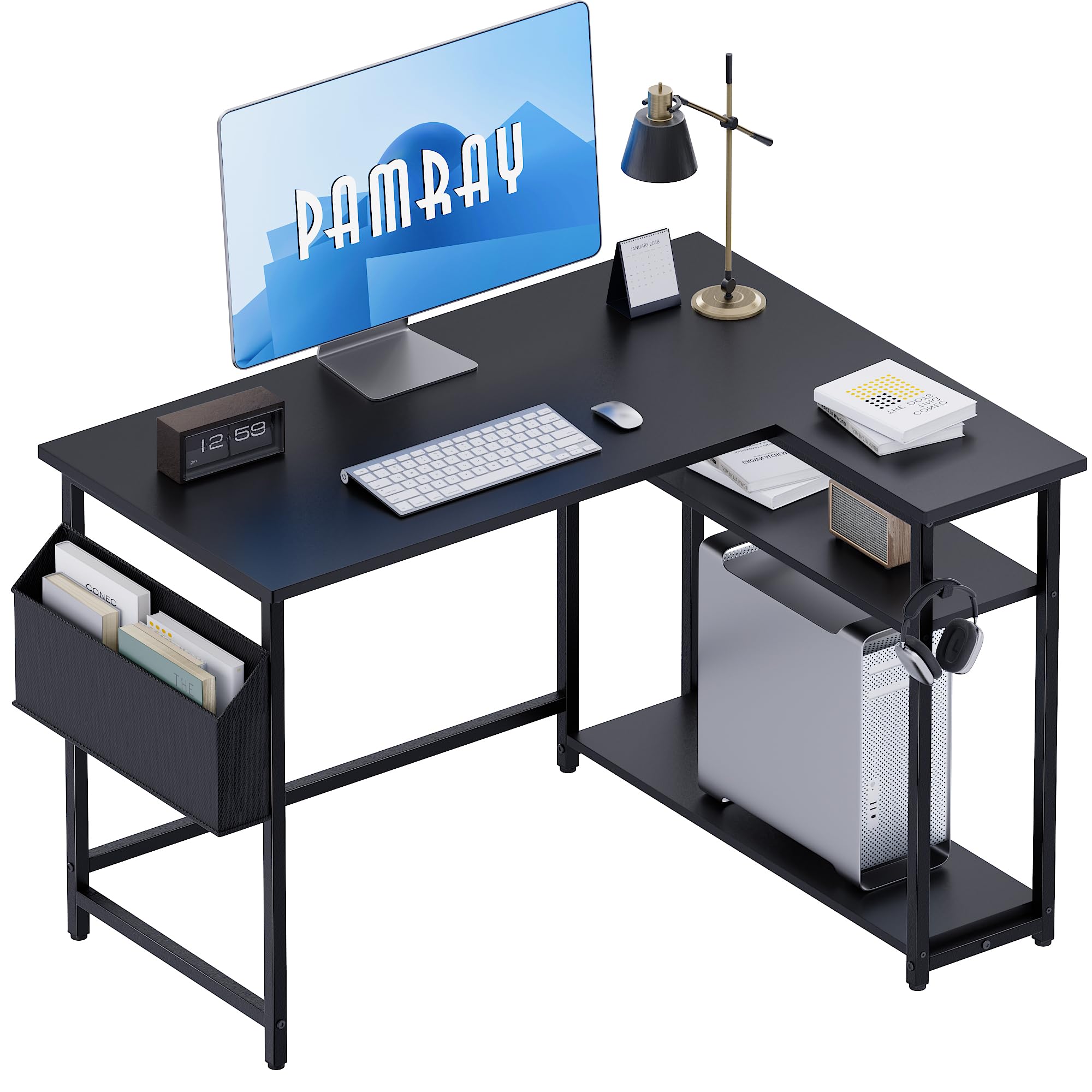


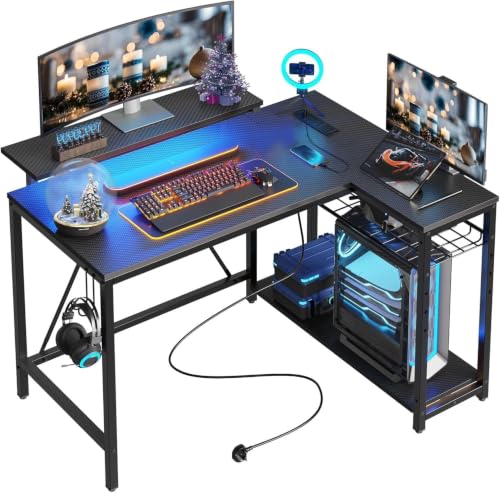
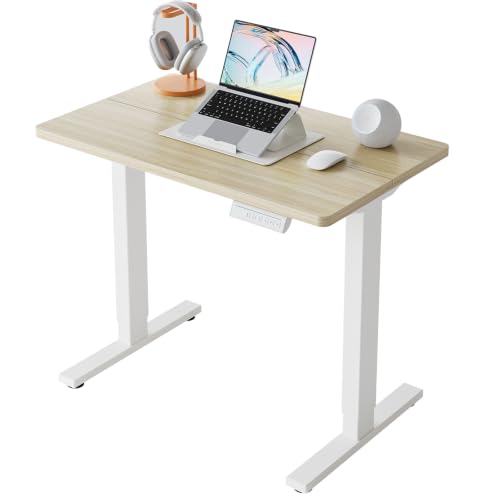

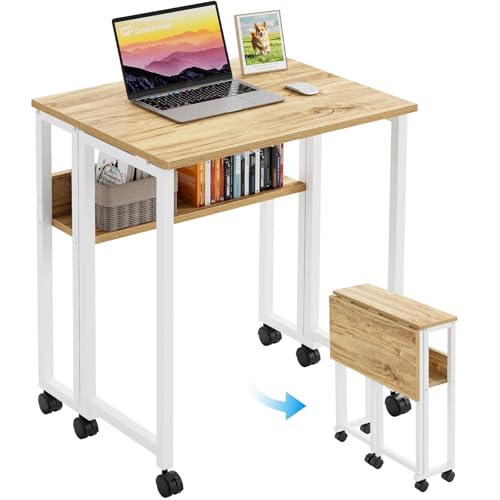
Compact Desk Types at a Glance
Compact desks fall into three broad styles. A straight writing desk is a simple rectangle top on legs or panels, and it suits a laptop, a notebook, and one monitor. A folding or wall mounted desk gives you a surface that folds away, which helps in rooms that serve two purposes. A small corner desk wraps the surface around a corner and gives you two work zones in a footprint that would otherwise go unused.
None of these styles is better in general. The right one depends on how much gear you run and how the room is used the rest of the day. Readers squeezing a workstation into a spare corner should also see our guide to the best desk for small spaces, since some models there trade surface depth for storage.
Three Compact Desk Styles Compared
Straight Writing Desks
A straight writing desk is the most common compact format, usually about 40 to 48 inches wide and 20 to 24 inches deep. That surface fits a laptop plus a notebook, or a single monitor with a keyboard in front. Choose this style if your gear list is short, you want the lowest price, and you prefer a desk that can move to another wall without a new layout plan.
Folding and Wall Mounted Desks
Folding and wall mounted desks solve a different problem, a room that cannot give up floor space full time. A wall mounted drop leaf folds flat when closed, and a folding frame desk can slide into a closet or behind a door. The trade off is capacity and steadiness, since hinges and folding legs carry less weight than a fixed frame. Pick this style for occasional laptop work or a guest room that hosts visitors more often than spreadsheets.
Small Corner Desks
A small corner desk places the main surface in the corner and extends short returns along one or both walls. You gain a second zone for a printer or a second screen without widening the room footprint much. Measure both wall lengths before ordering, because a return that blocks a door swing will annoy you daily. If the corner layout appeals to you, compare full size options in our guide to the best l shaped desk before settling on a compact version.
How to Compare Compact Desks
Five criteria separate a compact desk that serves you for years from one you replace within a year. Judge every model on ergonomics and adjustability, build quality and materials, size and weight capacity, assembly, and warranty. Spec sheets carry most of this, and verified buyer reviews help spot wobble and chipped edges that spec sheets never mention.
Weight the criteria by your situation. A desk holding one laptop can be light and simple, while a desk holding two monitors and a tower needs a stronger frame and a higher rated capacity. Ergonomics matter most if you sit there daily.
How to Choose the Right Desk
Size and Form Factor
Start with the space, not the catalog. Measure the wall or corner the desk will occupy, then subtract a few inches so it does not jam against baseboards or block a vent. A width of about 40 inches suits a laptop alone, about 47 inches adds room for a monitor and papers, and about 55 inches feels generous while still counting as compact. Depth matters just as much, because a top under 20 inches deep pushes your screen too close to your eyes.
Type and Layout
Match the layout to how you work. Writers and laptop users do well with a plain writing surface and open legroom. Anyone running a monitor, keyboard, and desk lamp needs the gear in a line, which favors a straight top.
Reference heavy work, such as studying from open books, benefits from the second zone of a corner layout. Floating and folding types belong in rooms where the desk must disappear, not in setups with permanent monitors.
Features Worth Paying For
At compact sizes, storage competes with legroom, so choose features with care. One or two shallow drawers hold chargers and notebooks without crowding your knees. A raised shelf or hutch lifts a monitor toward eye level and frees surface below it, though it adds visual bulk.
A keyboard tray helps only if it fits a mouse beside the keyboard, and built in power outlets are handy when the nearest wall outlet sits far away. Skip features you will not use, since each adds cost and assembly steps.
Weight Capacity and Stability
Add up the weight of everything that will live on the desk, including monitors, books, and the pressure of your forearms as you type. Then choose a rated capacity comfortably above that total. Stability is the other half of the equation.
A crossbar between the legs, thick top panels, and adjustable floor glides all reduce wobble on uneven floors. If a listing gives no capacity figure at all, treat that as a warning sign and keep looking.
Adjustability and Ergonomics
Most compact desks are fixed at about 29 to 30 inches high, which suits many adults but not all. If you are notably tall or short, look for adjustable legs or a standing model with a hand crank or electric lift, since a small height error becomes neck and shoulder strain over a full workday. Check knee clearance too, meaning the open height under the top after drawers take their share. Your chair arms should slide under the top, not collide with a drawer box.
Materials and Durability
Most compact desk tops are engineered wood with a laminate or melamine finish, which resists stains and costs less than solid wood. Solid wood tops feel sturdier and can be refinished, but they weigh and cost more. Metal frames, usually steel with a powder coated finish, give slim legs with good strength. Whatever the material, look for sealed edges on the top, because exposed particle board edges swell if drinks spill and soak in.
Assembly and Warranty
Compact desks usually arrive flat packed and take one person about 30 to 90 minutes to build with a screwdriver and the included hex key. Clear instructions and labeled parts are worth real money in frustration saved. Before you start, skim our walkthrough on how to assemble a desk for the order of steps that keeps panels aligned. On warranty, one year is common at low prices, and frame coverage matters more than coverage for surface scratches.
How Much Should You Spend?
Under $100 buys a basic writing desk with a thin top and modest capacity, fine for a laptop and light use. Spending about $100 to $200 gets thicker tops, metal frames, and a drawer or shelf. At about $200 to $300 you will see better finishes, higher capacity ratings, and some standing models with manual lifts.
Above about $300, expect electric height adjustment or solid wood tops. Spend for the gear you own today, not a setup you only imagine building later.
Is a Compact Desk the Right Size for You?
A compact desk is the right size if your daily gear fits on about 40 to 55 inches of width without stacking, and if you can sit at it with your screen roughly an arm length from your eyes. It is the wrong size if you spread out large drawings, run three monitors, or share the surface with another person. In those cases a standard desk serves you better, even if it takes more of the room.
Run this quick check before ordering. Tape the desk outline on the floor with painter tape, set your chair inside it, and place your actual laptop, monitor, and books inside the taped rectangle. If your elbows, knees, and gear all fit without negotiation, the size works. If anything overflows the tape, move up one width before you spend money on the wrong footprint.
Common Mistakes to Avoid
- Measuring only wall width and forgetting depth, so the chair cannot roll back.
- Buying drawers or a hutch before checking knee clearance, then sitting sideways because your legs no longer fit under the top.
- Ignoring the capacity rating and loading the top until it sags or wobbles.
- Placing the desk before planning cable routes, leaving cords stretched across a walkway.
- Choosing a glossy top for a room with strong window light, then fighting screen glare all afternoon.
Care and Maintenance
Compact desks need little upkeep, but small habits extend their life. Tighten leg bolts and frame screws every few months, since daily typing slowly works them loose. Use coasters and a desk pad so heat and moisture never sit directly on the finish.
Keep the desk out of constant direct sunlight, because strong sun fades laminate unevenly. Our full guide on how to clean a desk covers stain removal for common finishes.
FAQ
What size compact desk does a home worker need?
Most home workers do well with about 47 inches of width and 24 inches of depth, which holds a monitor, a keyboard, and papers without crowding. If you use a laptop alone, about 40 inches wide is enough. Measure your monitor stand footprint before deciding, since wide stands eat more depth than the screen size suggests, and leave at least two inches behind the stand for cables.
How long does a compact desk last?
A compact desk with a metal frame and a thick laminate top commonly lasts five to ten years of daily use. The usual failure points are swollen edges from water damage, stripped screw holes after several moves, and worn finish where your wrists rest. A desk pad and careful disassembly during moves prevent most of that damage. Folding models wear sooner, because hinges flex every time the desk opens and closes.
Can a compact desk hold two monitors?
Yes, if the width is at least about 47 inches and the capacity rating covers both screens plus your other gear. A monitor arm clamped to the back edge helps a lot, because it removes both stands from the surface and lets you angle each screen. Check that the top is thick enough for the clamp to grip without flexing. If the desk wobbles with one monitor, a second one will make the shaking worse.
Is a compact desk worth it for daily work?
For one person with a laptop or a single monitor setup, yes, a compact desk gives you a dedicated work spot without taking over the room, and that helps you start and stop work cleanly. It is not worth it if you must add side carts and shelves to hold basic gear, because a standard desk then costs about the same and works better. Count the add ons honestly before deciding.
How do you clean a compact desk without damaging the finish?
Wipe laminate and melamine tops with a soft cloth dampened with water and a drop of mild dish soap, then dry the surface right away so moisture never sits on the edges. Skip abrasive pads and strong solvents, which dull the finish and can lift edge banding. For solid wood, use a cleaner made for wood. Clean spills the day they happen, since dried coffee rings take far more scrubbing than fresh ones.
Final Thoughts
Start with your measurements, pick the style that fits your gear, and spend on frame strength and top thickness before storage extras. Use the product table to compare widths, depths, and capacity ratings side by side, and if your needs outgrow this class, our overview of the best desk options covers every size up from here. Choose the best compact desk for the room and work you actually have, and it will feel bigger than its footprint suggests.


