Best Compact Computer Speakers in 2026: Desk Guide
Disclosure: We may earn a commission when you buy through links on this page, at no extra cost to you. As an Amazon Associate I earn from qualifying purchases. Learn more
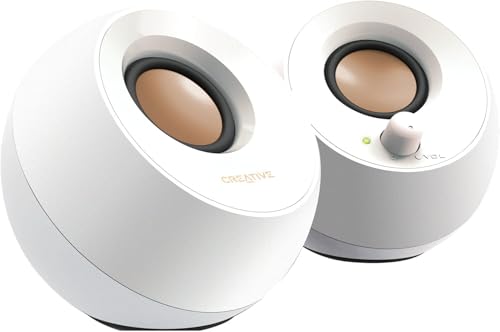
Stereo pairs, bar style units and pairs with a subwoofer compared for the best compact computer speakers on a small desk.
A small desk has little room for big speakers, but that does not have to mean thin, tiring sound. The best compact computer speakers give voices, music, and film dialogue a clear, balanced sound from a pair of boxes or a single bar, as long as the size, placement, and connections suit the way you work. This guide explains how the main designs differ so you can pick one that fits your desk and your ears.
The product table lists current options. The sections below cover design types, the features that change daily use, and the placement habits that improve almost any pair.





Which Type of Compact Computer Speaker Fits Your Desk?
Three designs cover most of the market. Each one trades width, stereo spread, and bass in a different way, and the right choice depends on how much room you can spare on each side of the monitor.
Two Piece Stereo Pairs
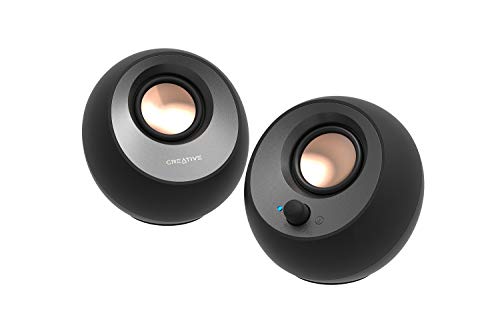
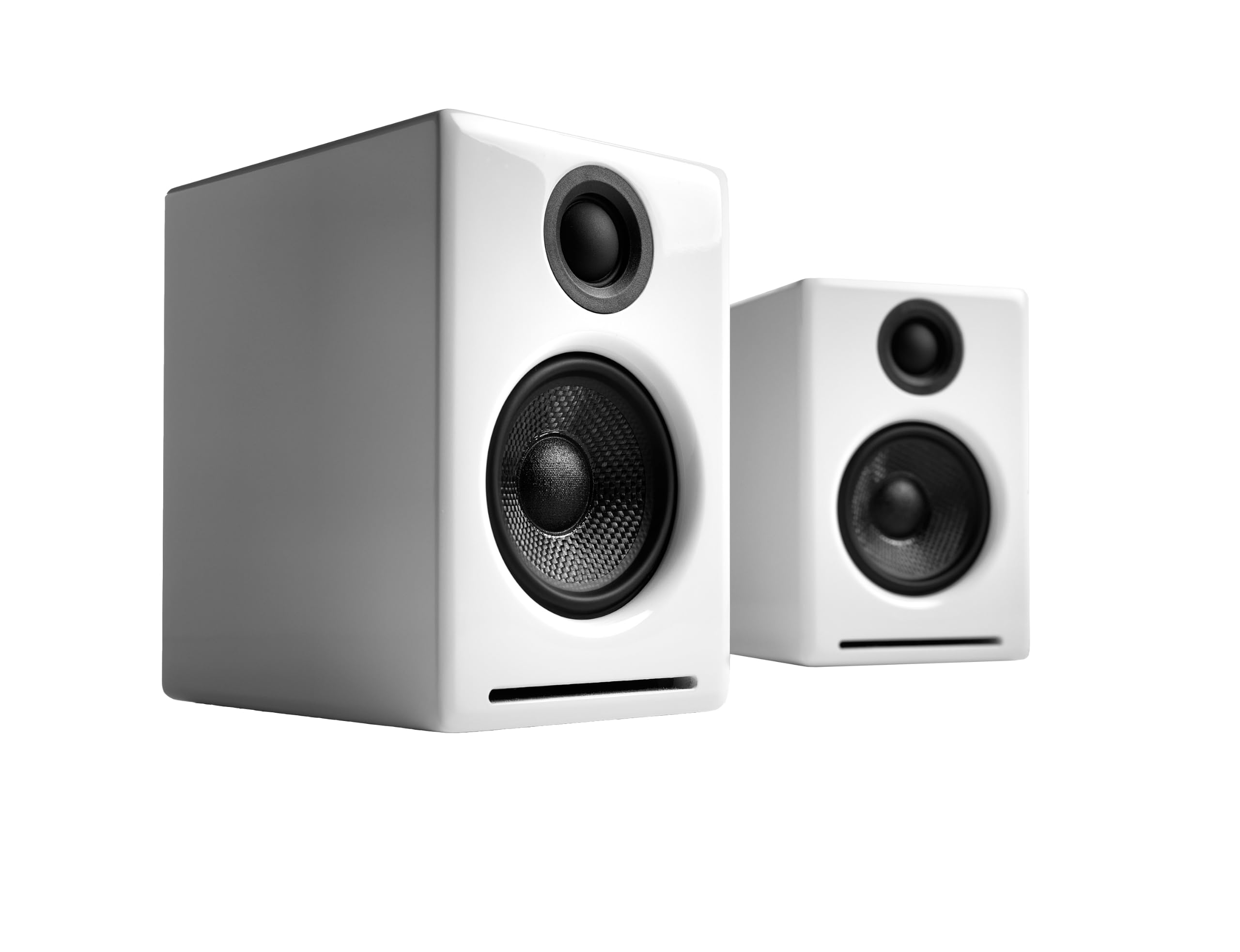
A pair gives the clearest left and right separation, because each speaker sits on its own side of the screen. This is the best layout for music and for games where direction matters. It needs space either side of the monitor and a cable between the two cabinets, but it rewards you with a wider, more natural sound than anything that sits in one box.
Single Bar Style Units
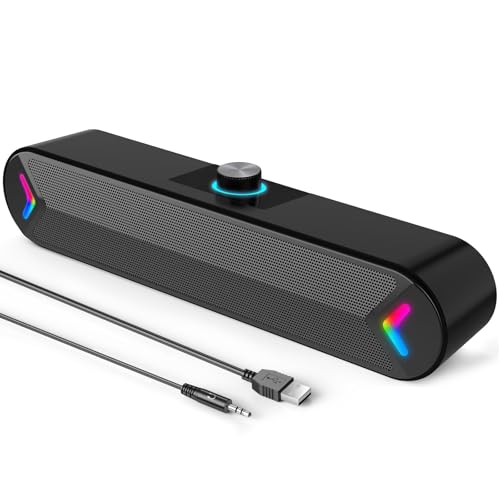
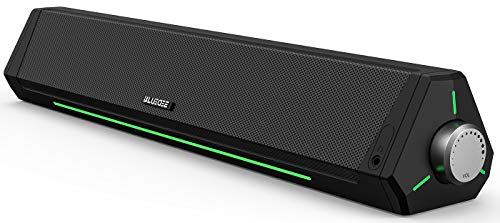
A bar tucks under the monitor or in front of a laptop and leaves the desk clear. The stereo image is narrower than a separated pair, which is the honest cost of the small footprint. For video calls, podcasts, and everyday background music, a bar is often all you need, and it takes one cable and one power point.
Pairs With a Small Subwoofer
Adding a subwoofer deepens bass for films and games. The extra box needs a sensible spot, usually on the floor or at the end of the desk, and it should not sit hard against a wall or bass will boom. Many compact pairs sound full enough without one, so treat a subwoofer as a choice for movie nights, not a requirement.
Connections That Save Frustration
Look for the connection you will use every day. A wired input, whether a headphone style plug or USB, gives steady sound with no pairing step and no delay, which matters for video and games. Bluetooth is handy for a phone or tablet but adds a little lag and a battery or pairing routine on the source side. A headphone output on the front or side is a small feature with a big payoff late at night.
Check how the speakers draw power. USB powered models keep the desk tidy and need no wall plug, but they are limited in volume. Models with their own power adapter play louder and usually sound fuller. If you want a wireless option as a second input, our guide to the best compact bluetooth speakers covers that style on its own.
Driver Size, Clarity, and Volume
Larger drivers usually move more air and sound fuller, but cabinet design and tuning matter just as much as driver size. In a small room, clean sound at low and middle volume is worth more than a high maximum level. Listen for clear speech first, since the voices on calls and videos are what you hear most. Front or top mounted volume and tone controls are easier to reach than rear dials, and a simple bass or treble control helps when a room sounds bright or dull.
If you listen to music a lot, our guide to the best sounding computer speakers looks at sound quality before size, and if tight budgets matter more, the best inexpensive computer speakers show what a low price still delivers.
Placement Tips That Improve Any Pair
- Set the speakers at ear height, pointing slightly toward where you sit, with the tweeters at about the level of your ears.
- Keep them a few inches from the wall behind and well away from corners, which can make bass sound muddy.
- Use foam pads or small stands if the desk surface rattles or the cabinets sit too low.
- Route cables along the back edge so they do not tangle with the keyboard and mouse.
- Keep vents clear and avoid direct sun or a heater, since heat shortens the life of small electronics.
Who Should Buy Which Style
Students and everyday users usually want clear speech for calls, steady volume for study playlists, and a footprint that leaves room for books. A bar or a small USB powered pair fits that well. Home office workers benefit from speakers that keep voices natural during long meetings and stay comfortable at low volume.
Casual gamers and movie fans do best with a pair that has a little more bass, or a pair plus a small subwoofer, and our guide to the best computer speakers for gaming goes further on that use. For a broader look at small speakers around the home, see the best compact speakers.
Common Mistakes to Avoid
- Buying only on watt figures, which say little about clarity at normal listening volume.
- Placing speakers hard against a wall, which makes bass boom and voices less clear.
- Ignoring cable length and port position, which can force an awkward desk layout after delivery.
- Choosing a bar when you wanted stereo separation, or a big pair for a very narrow desk.
- Forgetting to check the plug type on the computer, which decides whether a wired input will fit.
FAQ
Do compact speakers work well in a small room?
Yes. A small room needs less power to sound full, so a compact pair set at a sensible volume with some space around it can sound very good. Placing them away from corners helps more than any setting.
Is a subwoofer necessary for everyday listening?
No. A well tuned compact pair handles speech, music, and video clearly without extra bass hardware. A subwoofer is a bonus for films and games, not a basic need.
Which connection should I choose first?
Choose a wired connection first for steady sound from a computer, and treat Bluetooth as a handy second input for phones and tablets. Wired also avoids the small delay that can make video look out of sync.
How much desk space do I need?
Allow room for each speaker beside the monitor plus a little breathing space behind it, and measure the desk depth before ordering. A bar needs only the width of your monitor stand, which is why it suits narrow desks.
Can I use compact speakers for video calls?
Yes. Compact speakers suit video calls well, especially when voices sound natural and the volume stays comfortable for long meetings. A model with a headphone jack lets you switch privately when others are nearby.
Final Thoughts
Start with the room on your desk, then choose a design that fits it: a pair for stereo, a bar for narrow spaces, or a pair with a subwoofer for films. Prefer a wired input you will use daily, and place the speakers at ear height away from walls. Compare current options in the product table, and the best compact computer speakers for you will be the ones that sound clear at the volume you actually use.