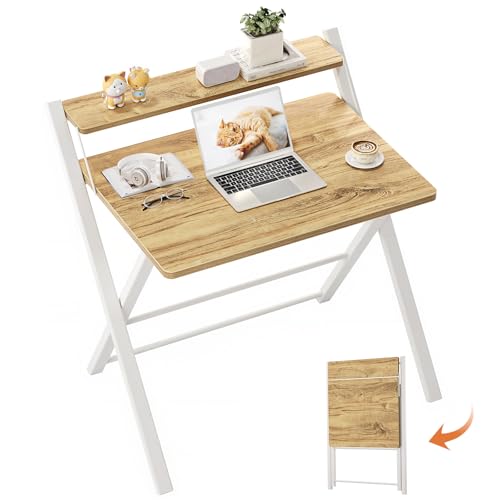
Best Compact Standing Desks (2026): Size, Type and Buying Checklist
Disclosure: We may earn a commission when you buy through links on this page, at no extra cost to you. As an Amazon Associate I earn from qualifying purchases. Learn more

Best compact standing desk guide: compare electric, manual, and converter types by size, weight capacity, and budget for small rooms.
A corner of a bedroom, a stretch of living room wall, or a spare nook by a window often has to double as your office. That is exactly where the best compact standing desk earns its place, since it gives you room to sit and stand without taking over the whole room. This guide helps you choose by floor space, by who will share the desk, and by budget, so use the comparison table below as a starting point while you read.
Our broader guide to the best standing desk covers full size options too, while the focus here stays on models for homes where every inch of floor counts.
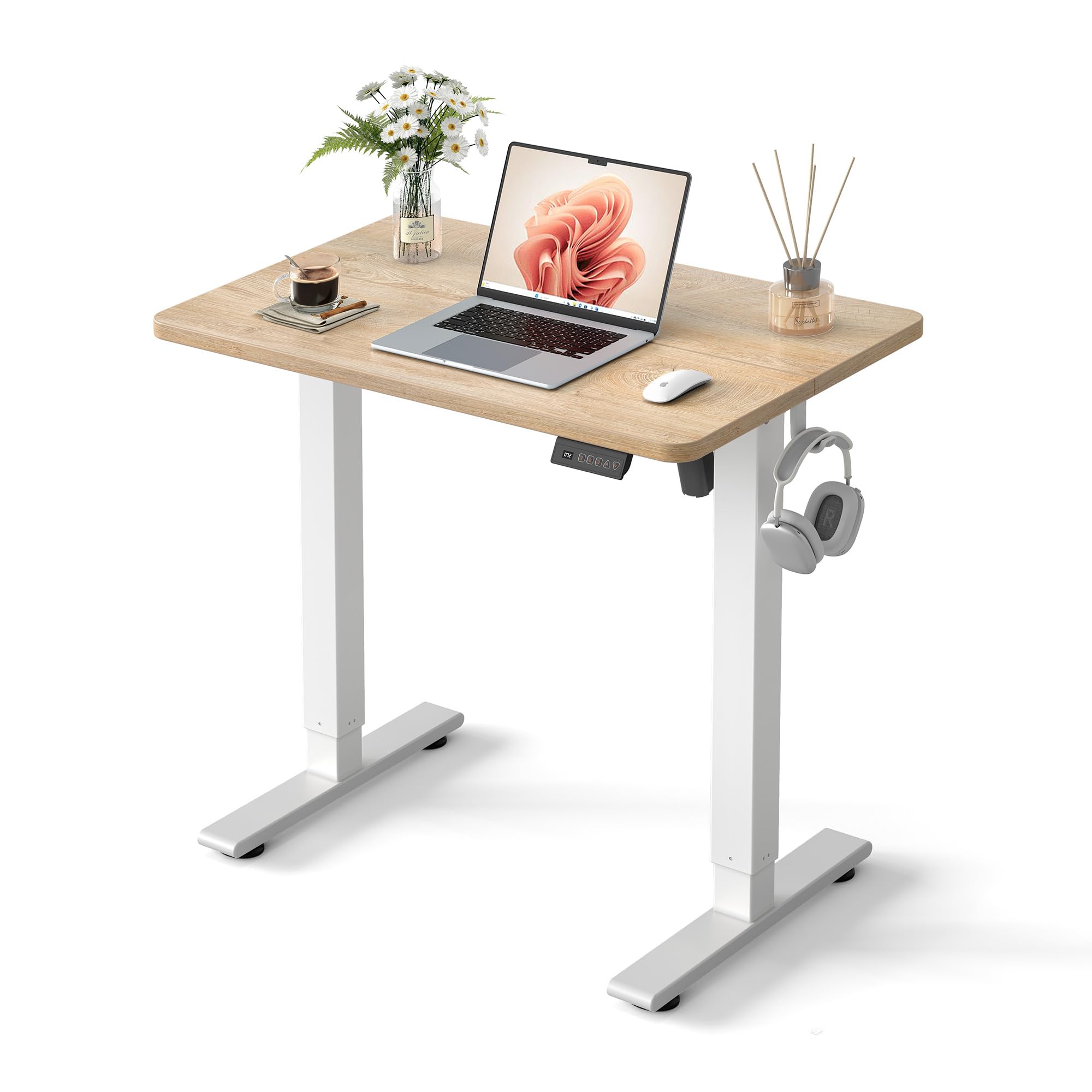
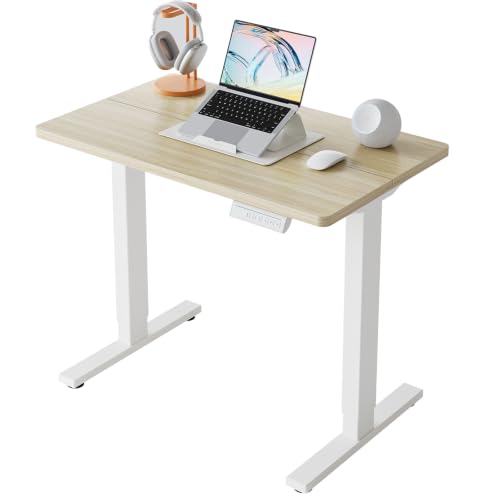


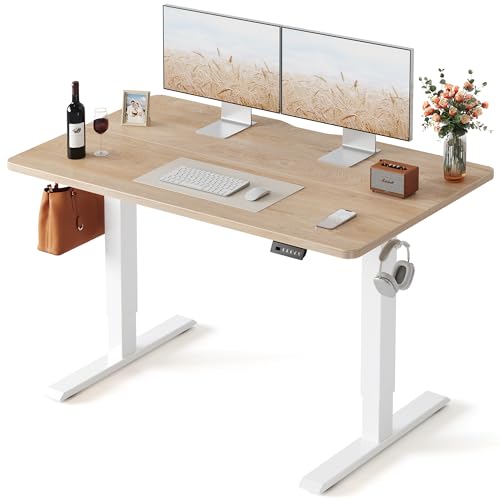


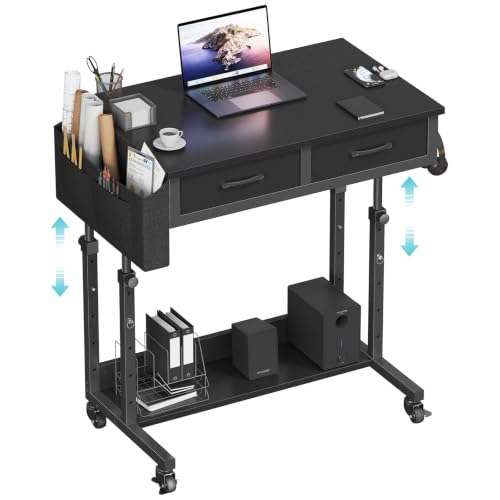

Quick Answer: Three Types That Fit Real Homes
Most compact shoppers choose between three types. An electric model suits shared use, since each person can recall a saved height in seconds. A manual or crank model suits a single user on a tight budget who changes height only a few times a day. A desktop converter suits renters who must keep a desk they already own.
Before You Buy: A Quick Checklist for Choosing a Standing Desk
Size: Match It to Your Space
Measure the wall length, the floor depth, and the space you need to roll a chair back and stand clear of the frame. Most compact tops run about 40 to 48 inches wide and 24 to 30 inches deep, which holds a laptop and one monitor with modest room to write. Leave a few inches behind the desk for cables and for the top to move without rubbing the wall.
Which Type Fits Your Routine
Electric frames raise and lower at the push of a button, and dual motor versions tend to move faster and feel steadier under a heavier load. Single motor frames cost less and still work well for a light setup. Manual and crank frames need no outlet, which helps in rooms where sockets are scarce, but the effort means many owners stop adjusting them.
Features Worth Paying For and Ones to Skip
Memory presets are worth paying for when two or more people share one desk, since nobody has to hunt for a comfortable height each time. A cable tray and a simple anti collision sensor also earn their cost in a family room, where bags and toys often sit under the desk. Drawers and built in power outlets are nice, yet they add weight and price, and a shallow drawer can steal knee room. Skip a keyboard tray if the top already sits low enough for your arms, and skip wheels unless you truly plan to move the desk often.
Body Size and Weight Capacity
Add up the weight of your monitors, laptop, speakers, and books before you shop, then leave a clear margin above that total. Many compact frames support about 100 to 250 pounds, but the lower end of that range leaves little room once a monitor arm clamps on. Stability matters as much as the rating, since a desk that wobbles at standing height will sway every time you type.
Adjustability That Suits Every User
Check the lowest and highest settings, not just the travel range in the middle. Short users need a top that drops low enough for feet to rest flat with elbows near a right angle, while tall users need enough height to stand without hunching. A range of about 24 to 50 inches covers most adults sitting and standing. To dial in your own numbers before you order, try the standing desk height calculator with your height and shoe habits.
Materials and Durability
Laminate tops resist stains and cost the least, which suits a kitchen corner or a kids homework spot that also serves as your office. Bamboo offers a warm look and good stiffness at a moderate price, though it can show dents if you drop heavy gear. Solid wood can be refinished, but it adds weight that a small frame must lift. Whatever the surface, look for a sealed edge band so spills do not swell the core over time.
Assembly and Warranty
Compact desks still arrive in heavy boxes, so check the box weight and plan for a second person to help you flip the assembled frame upright. Clear instructions, labeled parts, and holes drilled in advance can cut setup to under an hour. Look at what the warranty covers separately, since frame, motor, and electronics often carry different terms. A longer frame warranty matters most for shared family use, where the desk may be raised and lowered many times each day.
Realistic Budget Ranges
At about $150 to $300 you will mostly find manual frames, small electric frames, and converters, which can be a sensible start if you read our guide to the best budget standing desk for value trade offs. Between about $300 and $500, electric compact desks add memory presets, quieter motors, and better stability. Above about $500 you are paying for stronger lifting capacity, finer finishes, and longer coverage rather than a different working experience. Set your ceiling after you price a monitor arm and cable supplies, since those extras come out of the same budget.
Compact Desk Types Compared
The three types below cover nearly every compact setup. None is best for everyone, and the right choice depends on how often you change height, how many people share the desk, and whether you can replace your current desk at all.
Electric Models for Shared Family Use
Electric compact desks fit homes where a desk serves homework, bill paying, and a full workday in rotation. Presets remove the friction that makes people leave a desk at the wrong height, and a quiet motor will not disturb someone sleeping in the next room. The trade off is dependence on an outlet and a higher price. Place the desk near a socket so the cord never stretches across a walkway where feet can catch it.
Manual and Crank Models for Simple Rooms
A crank or pneumatic frame makes sense when you sit and stand on a predictable schedule, perhaps standing for calls and sitting for focused writing. With no motor to fail and no cord to route, these desks suit cabins, dorm rooms, and corners far from power. The limit is simple effort, since raising a loaded top by hand several times a day gets old. If you know you adjust often, save toward electric instead of buying twice.
Desktop Converters for a Desk You Already Own
A converter is the least disruptive route when your current desk fits the room and matches your decor. It lifts your screen and keyboard as one unit, so check that its raised platform still leaves the rest of the top usable for notes. Converters add height even when lowered, which can make sitting posture worse for shorter users, so measure your seated elbow height before you commit.
How to Compare Compact Standing Desks
Judge any listing on the same five points: ergonomics and adjustability, build quality and materials, size and weight capacity, assembly demands, and warranty terms. Maker specifications and patterns in verified buyer reports about stability, noise, and setup give you the evidence, so compare those details side by side rather than trusting a headline feature.
Is a Compact Standing Desk the Right Size for You?
For a laptop based worker in an apartment, a guest room, or a living room corner, a compact desk is usually the right call, and readers planning a dedicated work corner may also want our guide to the best standing desk for home office for layout ideas. If you run two large monitors, keep a printer beside you, or spread out design prints, you will outgrow a small top fast. In that case a corner layout can add surface without much floor space, as covered in our guide to the best l shaped standing desk.
Think about the room as a whole, not just the footprint. A desk that blocks a closet door or crowds a bed will annoy you daily, and renters should favor a lighter frame that separates from the top for easier moving.
Common Buying Mistakes to Avoid
- Measuring only the wall width and forgetting chair space, so the desk fits but you cannot sit at it comfortably.
- Buying the smallest top to save money, then cluttering it with gear that has nowhere else to go.
- Ignoring the lowest height setting, so shorter users end up with shoulders raised all day.
- Paying for drawers, outlets, and shelves you never use, while spending nothing on cable control.
- Placing the desk far from an outlet, so cords cross the floor and become a trip risk.
Cost of Ownership and Care
Running costs stay low, since an electric frame draws meaningful power only while it moves and very little while idle. Budget instead for the add ons that make a small desk work well, such as a cable tray, a power strip with a flat plug, and felt pads if the feet sit on wood floors. Wipe laminate and bamboo tops with a damp cloth and dry them promptly, and keep drinks on a coaster to protect the edge band. Once or twice a year, check the frame bolts for looseness and run the desk through its full range to confirm smooth, even lifting.
Your Questions, Answered
Are standing desks worth it in a small home?
For many home workers, yes, and our explainer on are standing desks worth it walks through the broader case. In a small home the value is less about standing all day and more about changing posture without leaving your one work spot. Even two or three short standing periods can break up a long sitting stretch. Choose a compact model only if the lowered sitting height fits you well, since you will still sit for most of the day.
How long should you stand at a compact standing desk each day?
Start with about 15 to 30 minutes of standing for every hour or two of work, then adjust based on how your feet, knees, and lower back feel. There is no single target that suits everyone, and standing still for hours can tire you as much as sitting does. Shift your weight, take short walks, and sit again before fatigue changes your posture. If pain persists or you have a joint or circulation condition, talk with a clinician about a routine that fits your health.
Can a compact standing desk hold two monitors?
It can, provided the combined weight stays well within the frame rating and both screens sit on a single dual monitor arm near the center of the top. Two separate stands eat the depth you need for a keyboard, so an arm is close to essential on a small top. Angle the outer edges of the screens slightly inward to reduce neck turning. If your monitors are large and heavy, a wider desk will feel calmer and steadier at full standing height.
How do you assemble a compact standing desk in a tight room?
Build the frame in the open area nearest its final spot, since a finished desk can be awkward to rotate through a narrow doorway. Attach the top last, keep the parts for one step grouped together, and tighten bolts in stages so the frame stays square. Measure the doorway and any hallway turn before the box arrives, not after. If the assembled desk will not fit through, plan to join the top to the frame inside the room itself.
How do you keep a compact standing desk from feeling cluttered?
Give every daily item a fixed home off the top, such as a small wall shelf or a rolling cart beside the desk. Route all cords into one tray so nothing dangles when the desk rises. Keep only your screen, keyboard, and current notebook out, and do a five minute reset at the end of the day.
Final Thoughts
Start with your measured space, pick the type that matches how often you will change height, and spend on presets and stability before extras. Chosen that way, the best compact standing desk will fit your room, your routine, and the people who share it. Use the product table above to compare your shortlist against the size, capacity, and budget checks in this guide, and order only when every one of those basics lines up.