
Best Cheap Standing Desk: What Fits Real Homes in 2026
Disclosure: We may earn a commission when you buy through links on this page, at no extra cost to you. As an Amazon Associate I earn from qualifying purchases. Learn more

Choose the best cheap standing desk with a checklist covering size, desk type, weight capacity, materials, assembly and realistic budget ranges.
A spare corner, a shared bedroom, or a living room that doubles as an office can make a full size desk feel impossible. A best cheap standing desk solves a narrower problem. It gives you a surface that rises for part of the day, fits the room you already have, and stays within a budget you can defend. The right choice depends on your space, how many people will use it, and how often you change height.
This guide covers size, type, capacity, materials, assembly, and budget ranges before comparing desk types. Use the comparison table below to match those points to your room.
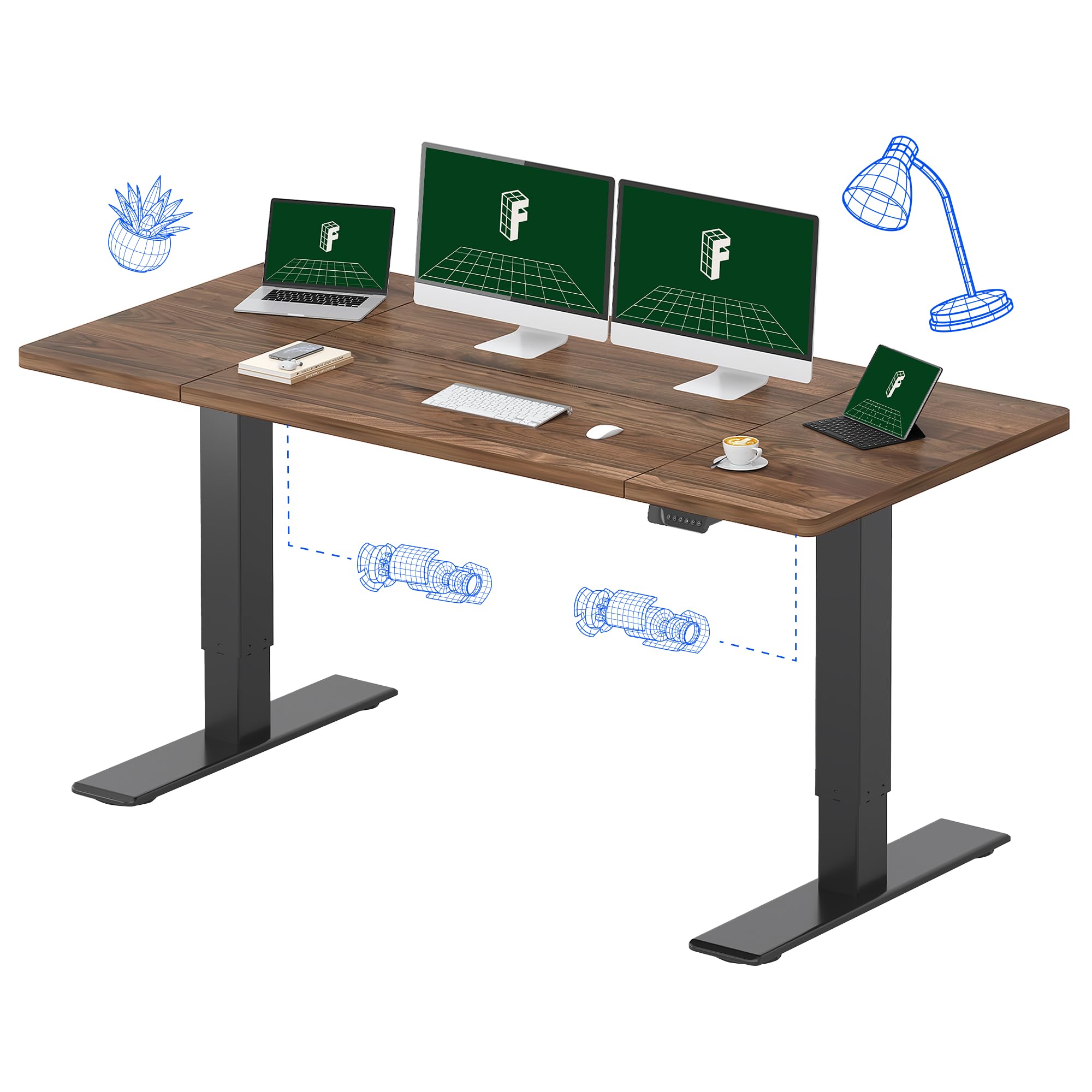

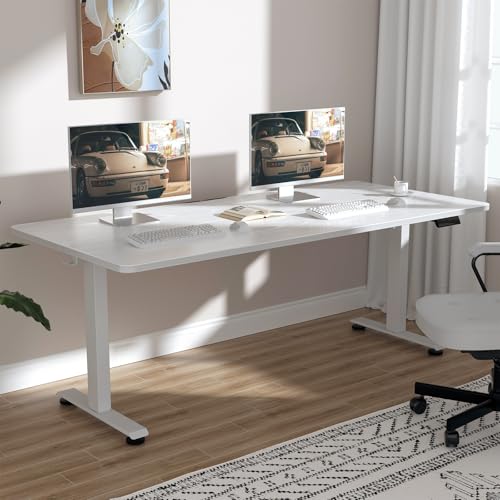

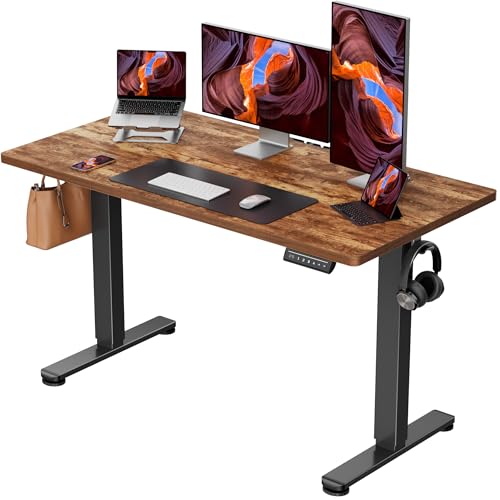
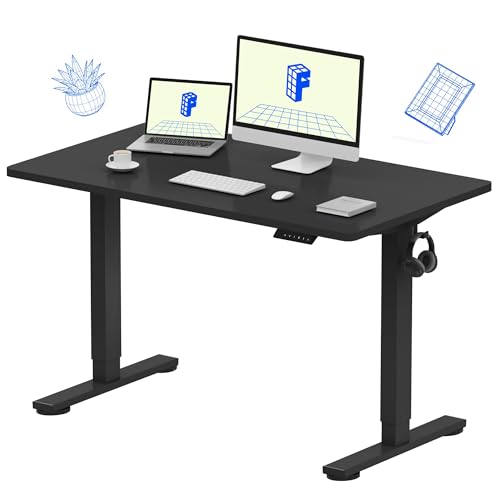
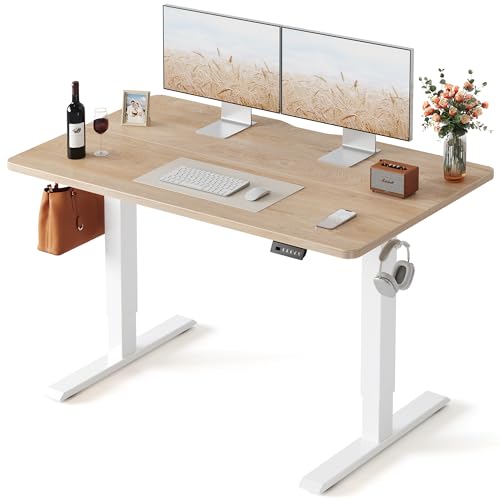
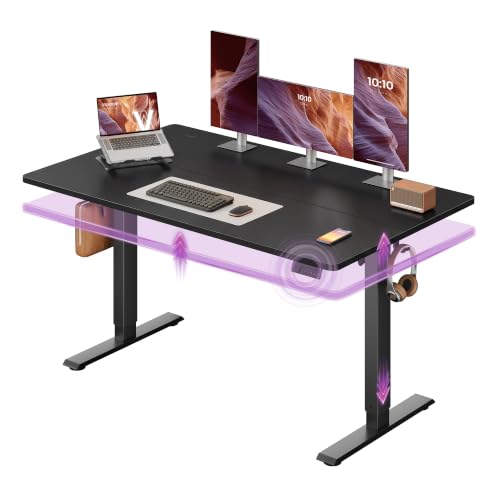
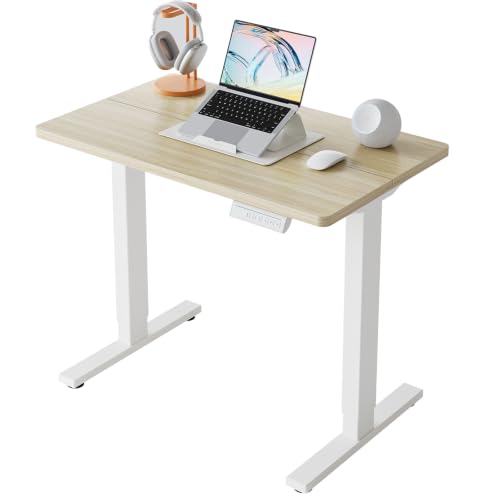

Quick Answer: The Short Version
The best cheap standing desk depends on how you work. If you change height several times a day or share the desk, an electric model with memory presets usually earns its higher price. If you mostly sit and want to stand for short stretches on the lowest budget, a manual desk or a converter can be enough. If your setup is settled for years, a larger electric desk with two motors offers more room and steadier movement. Measure first, since size decides more than any feature list.
Before You Buy: A Quick Checklist for Choosing a Standing Desk
Cheap only counts as value when the desk fits your body, your equipment, and your floor plan. Work through the points below in order.
Size: Match It to Your Space
Desktops commonly come in widths of about 48 inches, 55 inches, 60 inches, 72 inches, and 80 inches. A 48 inch top suits one laptop and a lamp in a bedroom corner. A 55 inch or 60 inch top adds room for a monitor, a keyboard, and writing space. Larger tops suit two monitors or a shared family desk, but they need a clear wall and room for a chair. Measure the wall and the doorway, and leave a few inches behind the desk for cables. Corner shapes use awkward space well, yet leave less straight edge for a monitor arm clamp.
Which Type Fits Your Routine
Electric desks raise and lower at the touch of a button, so you are more likely to change position during the day. Models with two motors, one in each leg, tend to move larger tops more smoothly than a single motor design. Manual and crank desks cost less and need no outlet, but each change takes effort, which matters if you switch often. A converter sits on an existing table and lifts only your screen and keyboard. It is a sensible trial option, though it gives little open surface.
Features Worth It, and Ones to Skip
Memory presets are worth paying for when two people share a desk or when you switch positions often, since one press returns to a saved height. Anti collision sensors can stop the top when it meets a chair arm or a shelf, a useful guard in tight rooms. Built in drawers help small homes stay tidy, but they add cost and can reduce knee room. Wheels help only if you move rooms often, and extra desktop outlets are a convenience, not a reason to choose the wrong size.
Body Size and Weight Capacity
Check the rated capacity against everything that will sit on the top, not just your computer. Add monitors, a monitor arm, speakers, and books, then leave a margin, since a desk run near its limit can move slowly and feel less steady. Taller and shorter users should also check the lowest and highest settings. A desk that will not go low enough forces your shoulders up while you sit, and one that tops out too soon leaves tall users stooping.
Adjustability That Fits Your Body
Your screen should sit near eye level and your elbows near a right angle while you type, whether you sit or stand. A standing desk height calculator can give you a starting range for both positions based on your height. From there, adjust until your wrists stay flat and your shoulders relax. If your feet ache when you stand, move more often rather than pushing the desk higher.
Materials and Durability
Most low cost desktops use a manufactured wood core with a surface finish, and that is fine for everyday work if the edges are sealed and spills are wiped up promptly. Solid wood and bamboo tops feel sturdier, but they raise the price and the weight. The frame matters as much as the top. Steel legs with a wide foot spread feel calmer at full height than narrow feet, and cross supports can reduce sway on longer tops. Pick a finish you can clean with a damp cloth.
Assembly and Warranty
Most frames arrive in parts with the top separate, and assembly usually takes one person about an hour when the instructions are clear. Check whether the desktop comes predrilled and whether two people are advised for flipping the finished desk upright. In a small home, build it in the room where it will live. Warranty length varies a lot at this price level, and the frame and motor are often covered for a different period than the desktop, so keep the receipt.
Realistic Budget Ranges
Price bands set honest expectations for desks from about $100 upward.
- Under $150: mostly manual desks, small electric models with one motor, and converters, with modest capacity.
- About $150 to $300: the core cheap range, with electric lift, more sizes, and memory controls on many models.
- About $300 to $500: stronger frames, two motors, larger tops, and longer warranties become common.
- About $500 to $1000: premium materials and very large shapes. At this level the desk is no longer a budget buy, so compare it with our guide to the best standing desk first.
Desk Types Compared: Three Routes Worth Your Money
Use the three types below as your shortlist. Each suits a different home.
Electric Desks for Most Homes
An electric desk in the middle budget band is the easiest fit for a home office that gets daily use. You gain push button height changes, memory presets for shared use, and enough size choice to match most rooms. Our guide to the best standing desk for home office covers room planning in more depth. The trade off is cost, plus a motor that can fail in a way a crank cannot.
Manual Desks and Converters for the Lowest Budget
When cost comes first, a crank desk or a converter keeps the spend down and avoids electronics entirely. These suit students, spare rooms, and anyone checking whether standing suits them before committing floor space. The limits are effort and space, since a crank you dread using will leave the desk at one height all day. Our guide to the best budget standing desk shows where the savings usually come from.
Larger Dual Motor Desks as a Longer Term Upgrade
A bigger electric desk with two motors suits a settled setup with two monitors or two people sharing one workspace across the day. The wider top and stronger frame justify the extra cost when the desk will stay in one room for years. Corner layouts belong in this group too, and our guide to the best l shaped standing desk explains when that shape earns its footprint. The trade off is commitment, since these desks are heavy and harder to move.
How to Judge Standing Desks
Judge desks against the factors that decide daily satisfaction in a real home. Those are height range, frame stability at standing height, stated weight capacity, desktop size and material, assembly clarity, and warranty cover. Rely on manufacturer specifications and patterns in buyer feedback, and treat capacity and height figures as maker claims to confirm before you order.
What We Like and What We Do Not About Cheap Standing Desks
The strongest case for a cheap model is that it removes the biggest barrier, cost, without removing the core benefit of changing position. Many households do not need a huge top or a premium finish. They need a desk that fits a corner, lifts reliably, and leaves money for a decent chair. Cheap desks also tend to be lighter, which helps renters who move or rearrange rooms.
The compromises show up in stability, finish, and support. Thin tops can flex under a clamped monitor arm, narrow feet can sway at full height, and short warranties leave you buying parts sooner. Noise matters in a shared home too, since a loud motor can annoy a sleeping partner. Spend on frame and size first, and let extras come last.
Common Buying Mistakes to Avoid
- Measuring only the wall: a desk that blocks a door swing or a drawer will frustrate you daily.
- Ignoring total load: forgetting the monitor arm and books leads to slow, strained lifting.
- Buying features before fit: drawers cannot fix a top that is too small or a frame that will not reach your height.
- Planning to stand all day: buying a desk as a cure for sitting leads to sore feet, since the value lies in changing position.
- Skipping the return terms: a desk is bulky to send back, so check who pays return shipping first.
Cost of Ownership and Care
Running costs are low. An electric desk uses a small amount of power when lifting and a tiny standby draw, so unplug it or use a switched strip if you want that draw at zero. Likely extra costs are cable clips, a mat for hard floors, and possibly a replacement handset after the warranty ends. For care, wipe spills quickly, dust the legs with a dry cloth, and check the frame bolts a couple of times a year. Keep cords loose enough to travel the full height range.
Your Questions, Answered
Are standing desks worth it for a home worker?
They can be, if you will actually change position during the day and the desk fits your room and budget. The value is variety, not standing for hours, and our article asking are standing desks worth it weighs the evidence in full. If you rarely move once you sit down, a good chair and regular breaks may serve you better.
How do you assemble a standing desk without help?
Build the frame on a blanket in the room where the desk will live, keep every bolt loose until all parts connect, then tighten them in stages. Attach the control parts before you flip the desk, and ask a second person for that flip if the top is large, since solo lifting can twist the frame. Finish by running the desk through its full range to confirm the cables do not catch.
How long should you stand at a standing desk each day?
Start with short periods, such as 20 to 30 minutes at a time, and sit again before your feet or lower back start to ache. Build up gradually across a few weeks and shift your weight or walk for water as natural breaks. Standing still for long stretches can strain your legs and back just as sitting still can, so movement matters more than any target number.
How do you use a standing desk correctly when you share it?
Save one memory preset each for sitting and standing for every regular user, and leave the desk at the shared sitting height when you finish. Keep only daily items on the surface, store personal gear elsewhere, and agree on cable spots so nobody unplugs another person's charger during a height change. A short note of each user's settings helps guests adjust without guessing.
Are cheap standing desks worth buying, or should you save up?
A cheap desk is worth buying when its frame, capacity, and height range meet your needs, because those three points decide daily use. Save up instead when the cheap options in your size show weak capacity or short frame warranties, or when two motors matter for a large top. Waiting also makes sense if your room is about to change, since a desk bought for one corner rarely suits the next home.
Final Thoughts
Start with your room measurements, then choose the desk type that matches how often you will change height, and only then compare finishes and extras. That order keeps a tight budget focused on the parts you feel every day. Check your shortlist against the product table above, and pick the best cheap standing desk that fits your space, your load, and your routine.


