
Best Brother Color Laser Printers in 2026: Which Type Is Right for You?
Disclosure: We may earn a commission when you buy through links on this page, at no extra cost to you. As an Amazon Associate I earn from qualifying purchases. Learn more
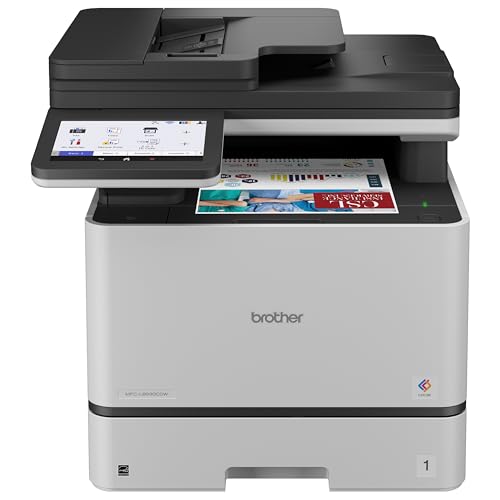
Brother color laser printers compared by type and format, with tips on toner cost, size and connectivity for home offices and students.
Brother sells several kinds of color laser machines, and the model names alone will not tell you which kind fits your desk. Print only or all in one, compact or workgroup, cheap to buy or cheap to feed: those choices matter more than any single spec. This guide to the best brother color laser printers compares the types plainly so you can pick a format first and a model second.
The comparison table below shows current options across the types. Read the sections that follow, decide which type matches your weekly printing, then use the table to check prices within that type.




How Brother Color Laser Printers Compare to Other Options
Brother Color Laser Printers vs Photo Printers
These machines solve different problems. A Brother color laser prints sharp text, clean charts, and durable pages that resist smudging and water, and it does so fast with no drying time. A dedicated photo printer, usually inkjet, produces smoother color gradients and better skin tones on glossy photo paper. If your color work is documents, flyers, and school projects, the laser wins on speed and cost per page. If your color work is framed photos, choose the photo printer and accept slower output and pricier ink. Many households that print mostly documents are happier with a laser plus an online photo service for the occasional print.
Brother Color Laser Printers vs Inkjet Printers
Inkjet printers cost less upfront and handle photos better, but ink dries out when a printer sits idle, and clogged nozzles waste ink on cleaning cycles. Laser toner is a dry powder that waits patiently for months, so a laser suits irregular printing far better. Cost per page also favors laser for text heavy work, especially with high yield toner. Inkjet still makes sense if you print photos weekly or need very wide paper sizes. For a home office that prints contracts, labels, and homework, the laser is usually the calmer long term owner experience.
Brother Color Laser Printers vs Print Only and All in One Formats
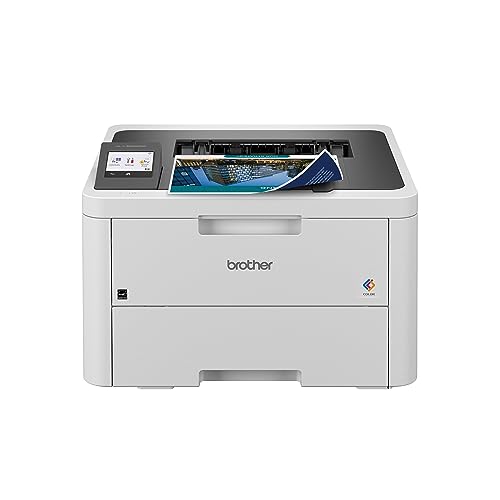
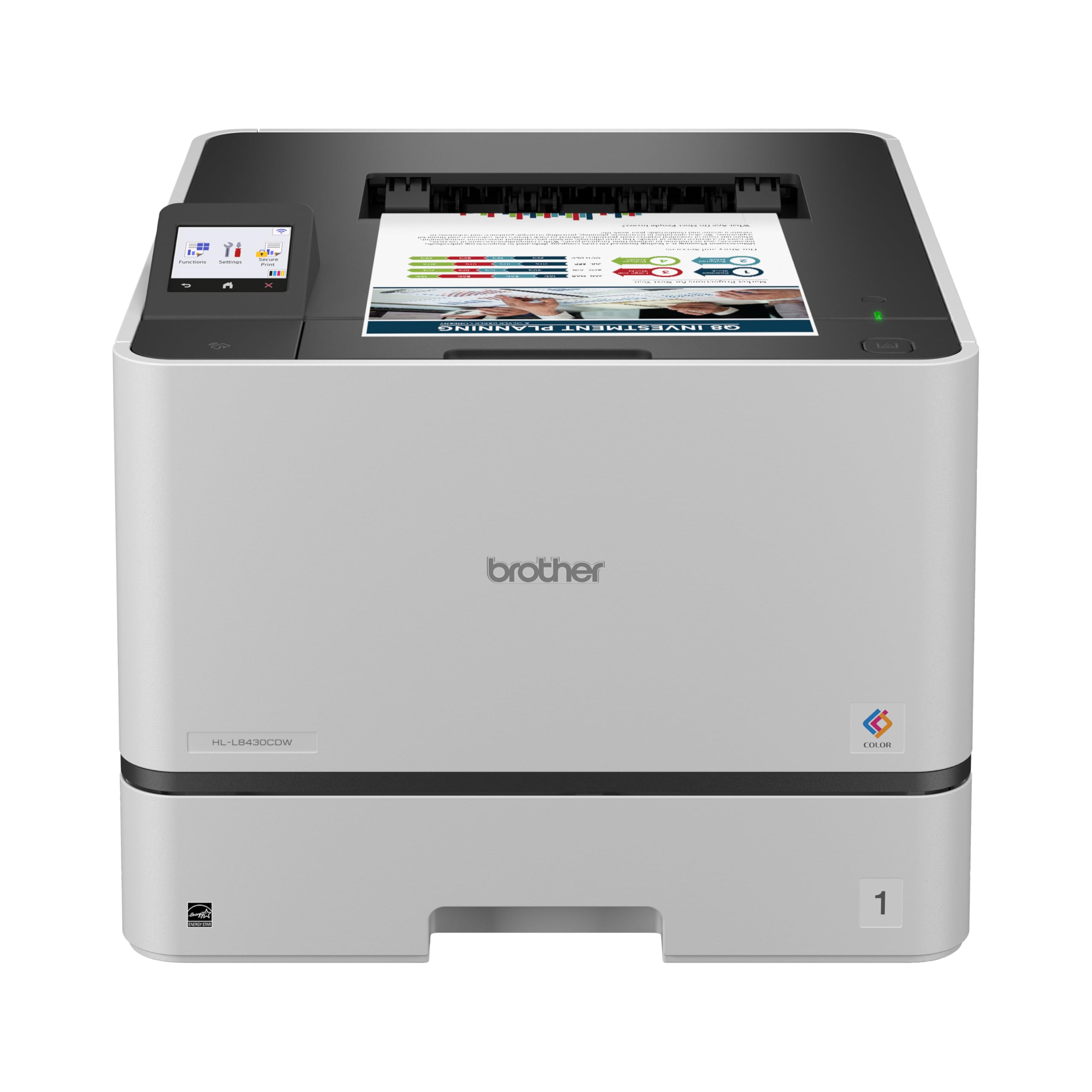
Within the Brother laser range itself, the biggest fork is format. A print only machine does one job, costs less, takes less desk depth, and has fewer parts to fail. An all in one adds scanning, copying, and often fax, plus a document feeder that turns a stack of pages into a digital file in minutes. If you sign paper forms, scan receipts, or copy IDs and worksheets, the all in one earns its premium quickly. Our guide to the best multifunction color laser printers explains feeder capacity and scan features in detail. If you already own a good scanner, the print only format saves real money.
Who Should Choose Brother Color Laser Printers?
Home office workers and small teams who print color documents every week are the core audience. You get fast first pages, automatic two sided printing on most models, and toner that never dries out between projects. Students who print essays and slides in bursts also fit well, because the machine wakes up ready after weeks of silence.
Two groups should look elsewhere. Photo enthusiasts will be disappointed by laser color on plain paper and should choose an inkjet photo model. Very high volume offices printing thousands of pages weekly should step up to workgroup machines with larger trays and service contracts. If your needs sit between categories, browsing the wider best color laser printers field shows how Brother formats compare with rival approaches.
How to Choose the Right Brother Color Laser Printer
Footprint and Noise
Color laser printers are bigger than they look in photos, because the paper path and four toner cartridges need depth. Measure your shelf or desk, then add clearance behind the machine for cables and above it for opening the top cover during toner changes. Compact home models run roughly 16 inches wide and deep, while all in one versions with feeders stand taller. Noise matters in a shared room: lasers are quiet while idle but produce a noticeable fan and roller sound while printing. If the printer shares your bedroom or a nursery wall, place it on a solid surface away from the wall to reduce vibration hum.
Printer Format and Duty Cycle
Format decides your daily workflow. Print only models suit a single user who prints from one computer. All in one models suit anyone who scans, and a document feeder rated for 35 to 50 sheets saves real time on contracts and tax paperwork. Check the recommended monthly volume, not just the maximum duty cycle. A home model may list a maximum of 30,000 pages yet recommend only about 1,500, and running near the maximum month after month wears rollers and drums early. Match the recommended volume to your actual habit with room to spare. Shoppers comparing terminology will also see these machines described in guides to the best color laser jet printers, which is the same laser technology under an older name.
Connectivity and Mobile Printing
WiFi is standard across most of the range, and dual band support helps in crowded apartment networks. AirPrint lets iPhones and iPads print with no driver install, and the Brother mobile app handles scanning to your phone. Wired Ethernet still earns its place in a small office because it removes WiFi dropouts from shared printing entirely. USB covers a simple one computer desk. Think about who prints: if family members print from phones and Chromebooks, prioritize WiFi and AirPrint. If one workstation does everything, save money and skip features you will never open.
Print Quality and Resolution
Laser resolution is commonly listed around 2400 by 600 DPI, which produces crisp text down to small font sizes and clean lines in diagrams. Color quality on a laser is about consistency more than photo realism: solid fills should look even, and charts should hold distinct colors without banding. Check that the driver offers a toner save mode for drafts, which stretches cartridge life on internal documents. Graphics heavy users should print a sample chart if a store demo is available, because saturated reds and greens vary more between models than text quality does.
Toner Cost and Cost Per Page
The purchase price is the smaller half of ownership. Standard cartridges may yield around 1,000 to 1,500 pages, while high yield versions often reach 2,500 to 3,000 or more, at a much lower cost per page. Estimate your monthly pages honestly, then price a full set of four high yield cartridges before you buy the printer. Some models also separate the drum unit from the toner, which lowers cartridge prices but adds a drum replacement every so often. A slightly pricier machine with cheap high yield toner usually beats a bargain machine within the first year of regular use.
Reliability and Support
Brother has a strong reputation for straightforward drivers and long model support, which matters when an operating system update arrives. Before buying, check that drivers exist for your exact computer system and that firmware updates are still published for the model. Simple control panels and front access toner bays reduce frustration over years of ownership. Warranty length is typically one year for home models, so the real reliability signal is how long the brand keeps selling toner and drums for the platform. Pairing this research with our broader best brother laser printers guide helps if you are also weighing monochrome models.
How to Make Your Brother Color Laser Printer Last Longer
- Keep paper dry and fan it before loading. Damp paper is the top cause of jams and faded patches, and a quick fan separates sheets that static has stuck together.
- Use genuine or reputable toner. Poorly made cartridges leak powder, coat rollers, and can damage the drum, turning a small saving into a repair.
- Clean the inside on a schedule. A dry lint free cloth removes toner dust from the paper path every few months; never use a household vacuum, which spreads fine powder and risks static damage.
- Leave the printer on standby rather than switching it off at the wall. Lasers sip power while idle and stay ready, and you avoid repeated warm up cycles.
- Update firmware when Brother publishes it. Updates fix network dropouts and paper handling quirks that owners often blame on hardware.
Brother Color Laser Printers: Your Questions Answered
Which Brother color laser printer type is easiest for beginners?
The compact all in one type is easiest for most beginners, because it scans and copies without extra devices and the setup wizard handles WiFi in minutes. Print only models are simpler still if you never scan. Either way, the best brother color printers for new owners are the ones with front loading toner and a clear screen, since those two details remove most first month frustration.
What does cost per page mean?
Cost per page is the cartridge price divided by its rated page yield, worked out separately for black and color. A black cartridge at around $80 with a 3,000 page yield costs under three cents per page. Add paper and eventual drum replacement for the full picture. Comparing this number between models predicts your yearly running cost far better than comparing sticker prices in the store.
Inkjet or laser: which is cheaper long term?
Laser is cheaper long term for document printing, especially when weeks pass between jobs, because toner never dries out or gets wasted in cleaning cycles. Inkjet can be cheaper for photo printing on special paper, where laser output is not a real substitute. Count your last three months of printing honestly: if documents dominate, laser wins; if photos dominate, the comparison flips.
Are high yield toner cartridges worth it?
Yes for anyone printing more than about 100 pages a month. High yield cartridges cost more per box but far less per page, and they cut the number of mid job cartridge changes. The exception is the very light user: if a standard cartridge lasts you two years, a high yield set may outlast the printer itself, and toner powder does age slowly once opened and installed.
Final Thoughts
Choose the format first, print only for simple document work or all in one if you scan and copy, then check high yield toner prices, and only then compare models within that type. The product table above pulls current options together so you can confirm size, speed, and price at a glance. Pick the best brother color laser printers match for your monthly volume and your desk, and you will get years of calm, predictable printing.


