
Best Color Laser MFC Printers: Types Compared and How to Choose for 2026
Disclosure: We may earn a commission when you buy through links on this page, at no extra cost to you. As an Amazon Associate I earn from qualifying purchases. Learn more
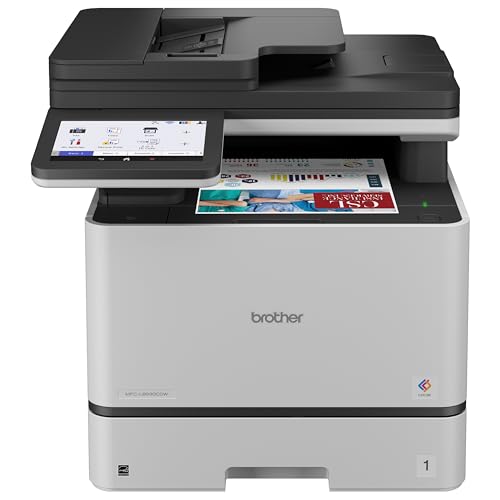
See how the best color laser mfc printers differ from inkjet, tank and photo models, who each type suits, and what to check before buying.
MFC stands for multifunction center, which means one machine that prints, scans, copies, and often faxes. Add color laser printing to that mix and the options multiply fast, which leaves many buyers unsure where to start with best color laser mfc printers. The good news is that the types differ in clear ways once you compare them side by side.
This guide compares color laser MFC models with the main alternatives, then explains who each type suits and which specifications decide daily satisfaction. Use the comparison table below as your starting map.


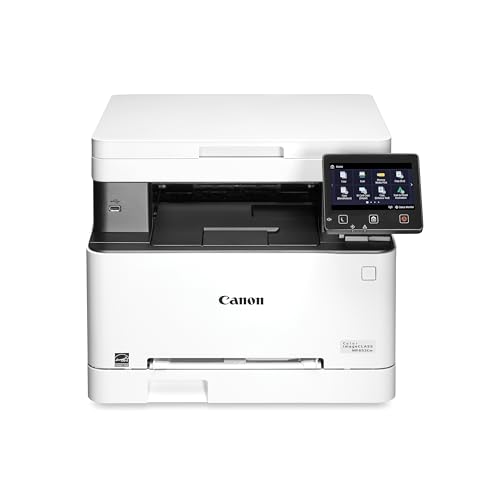

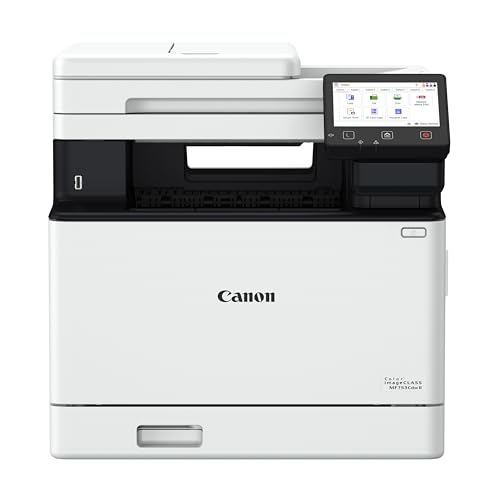
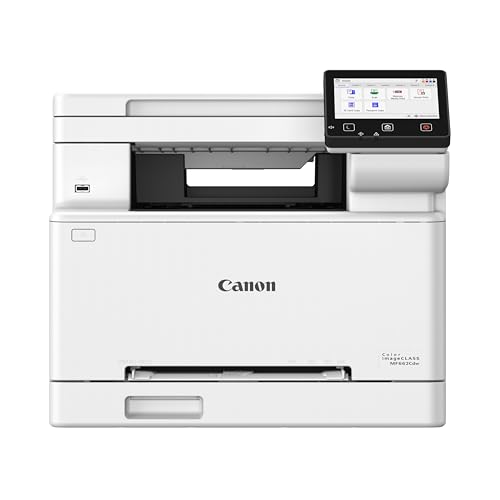
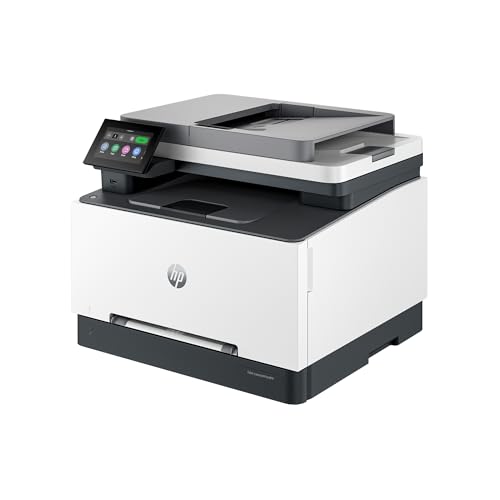

How Color Laser MFC Printers Compare to Other Options
Color laser MFC printers, typically around $300 to $700, are built for offices and busy homes that print documents daily and need scanning and copying in the same machine. Their strengths are fast text printing, sharp output, and toner that never dries out. Their limits are size, weight, and weaker photo printing. The three comparisons below show when another type serves you better.
Color Laser MFC Printers vs Inkjet Printers
Inkjet printers cost less upfront and print better photos, but a color laser MFC wins on speed, text sharpness, and readiness after idle weeks, because toner is a dry powder that cannot clog. A busy office printing reports, invoices, and handouts will finish long jobs faster on laser, and pages come out dry and resistant to smudging from a highlighter. Inkjet makes more sense for a home that prints photos often and documents rarely. If your work mixes both, think about which task you would hate to compromise, because that task should decide the technology you buy.
Color Laser MFC Printers vs Ink Tank Printers
Ink tank printers hold the running cost crown, since their bottled ink produces color pages for very little per page. A color laser MFC counters with speed and document finish: toner pages look crisp, feed reliably in long runs, and do not warp thin paper with moisture the way heavy ink coverage can. Tank models also need regular use to keep print heads clear, while a laser MFC can sit idle over a holiday and print perfectly on your return. Choose the tank for high volume color on a tight ink budget, and choose the laser MFC for fast, dependable document work with scanning built in.
Color Laser MFC Printers vs Photo Printers
Photo printers use extra ink colors and special media handling to produce rich, gallery quality photographs, but they are slow at documents and usually lack a document feeder, scanner versatility, or large paper trays. A color laser MFC prints a perfectly good color chart, flyer, or school project, yet its toner based color cannot match the smooth tones of a dedicated photo machine on glossy paper. If photographs are your product or your passion, buy the photo printer. If photographs are occasional and documents are daily, the laser MFC is the practical tool, and a print shop can handle rare large photo jobs.
Who Should Choose Color Laser MFC Printers?
Small offices, home businesses, teachers, and administrators are the natural audience, because they print and scan documents every day and value speed and reliability over photo quality. Households with several students also benefit when homework, forms, and projects queue up in the evening. You should choose another type if you print photos weekly, if your desk space is very limited, or if your monthly volume is tiny, since a large MFC earns its cost only through regular use. Readers still weighing the wider laser category can start with our guide to the best color laser printers for the broader picture.
How to Choose the Right Color Laser MFC Printer
Print Quality and Resolution
Laser resolution is stated in DPI, and most office models offer enough for razor sharp text and clean graphics. What matters more in practice is how the machine renders color blocks, fine lines in charts, and small fonts in footnotes. Check that the printer supports the page description languages your software uses, since that affects how faithfully a document prints from different programs. A practical step is to print a sample page with your own typical document at a store or after purchase during the return window, because your files reveal more than any demo page designed to flatter the machine.
Reliability and Support
An MFC has more moving parts than a simple printer, with a scanner, feeder rollers, and four toner cartridges, so support quality matters. Look for current drivers for your operating system, a warranty of at least one year, and clear access to replacement parts such as drums and fusers, which wear over time. Makers publish a monthly duty cycle and a lower recommended volume; plan around the recommended figure, not the maximum. Staying inside it keeps print quality steady and reduces breakdowns. Our comparison of the best mfc laser printers looks at these ownership details across the category.
Footprint and Noise
Color laser MFC models are among the largest home office machines, often weighing as much as a full suitcase. Measure width, depth, and height with the scanner lid and trays open, and confirm the surface can carry the weight safely. Leave space behind and above for ventilation, since laser printers release warm air while printing. Noise is modest during printing and near silent at idle, but the cooling fan can run after long jobs. If the machine shares a room with calls or a sleeping child, place it as far from the desk microphone as the room allows.
Printer Type
Within the MFC category, types differ by paper capacity, speed, and fax or network features. A basic color laser MFC suits one or two users with a single tray and wireless connection. A workgroup style model adds larger trays, faster output, and stronger security for several users. A compact MFC trims size by reducing tray capacity. All of them share the same core strengths, so choose by volume and user count rather than by small specification gaps. If you are comparing naming across brands, our guide to the best multifunction color laser printers explains why MFC, MFP, and all in one often describe the same kind of machine.
Choosing Color Laser MFC Printers for Your Situation
Comparing Brands Without Brand Loyalty
Brother, Canon, HP, Lexmark, and Xerox all sell color laser MFC models, and the criteria that matter are the same across them: toner yield options, feeder reliability, and menu design. Look for models that offer high yield toner, because it lowers cost per page and reduces how often you open the machine. Check that the scanner software matches how you file documents, since scan workflow differs between brands more than print quality does. Judge any specific model in the product table above against those three criteria rather than by brand loyalty alone.
Setup and Care Tips
Place the printer on a level, sturdy surface in a ventilated spot, and keep it away from direct heat sources. During setup, remove all packing material from inside, including around the toner cartridges, because a missed strip is a common cause of first day errors. Connect it to your network by Ethernet if the desk allows, since a wired link is the most stable option for a shared office machine. For care, keep the paper path clean, replace toner when quality fades rather than on the first low warning, and give the machine a gentle vacuum around vents with power off. Use reputable toner so print quality and the warranty stay protected.
Put simply, the best color laser mfc printers earn their desk space only when you scan and copy every week, so count those tasks before paying for the extra hardware.
FAQs
Inkjet or laser: which is cheaper long term?
Laser is often cheaper long term for document heavy offices, while ink tank inkjet is cheaper for high color volume at moderate speed. A detail worth knowing is that laser running costs include drums and other imaging parts, not just toner, so add those replacements into your yearly estimate. When you count every consumable honestly, the two technologies often land closer than advertising suggests, and your page mix decides the winner.
Are ink tank printers worth it?
Ink tank printers are worth it for steady color printing on a budget, but they do not replace what a laser MFC does best. They cannot match laser speed on long text documents, and they need regular use to stay clog free. Consider an ink tank model a strong alternative for a creative studio or a classroom, and consider the laser MFC the stronger tool when scanning, copying, and fast documents drive your day. Some busy offices even run both, assigning each job to the machine that handles it best.
What does cost per page mean?
Cost per page is the consumable cost of one printed page, found by dividing a toner cartridge price by its rated page yield. With laser machines, remember to spread the cost of drums and transfer parts across their lifespans as well, since ignoring them understates the true figure. Color pages cost several times more than black only pages on any color machine, so estimate your cost using your real color share rather than the black only figure makers advertise most loudly.
Final Thoughts
Compare types honestly, size the machine for your recommended monthly volume, and count every consumable in the cost per page. Do that, and the best color laser mfc printers narrow to a few machines that fit your office rhythm. Check your finalists in the product table above, and if you want to compare naming and feature sets across brands, our guide to the best mfp color laser printers is a helpful next read.


