The Best Cherry Mx Brown Keyboards: Buying Guide and Top Picks for 2026
Disclosure: We may earn a commission when you buy through links on this page, at no extra cost to you. As an Amazon Associate I earn from qualifying purchases. Learn more

Use this guide to the best cherry mx brown keyboards to compare tactile feel, layout, connection, keycaps, and price tiers for work and gaming.
Brown switches sit between linear and clicky: a gentle bump tells you the key registered, with no click to bother anyone nearby. This guide is a checklist for judging the best cherry mx brown keyboards on bump feel, case quality, and daily comfort rather than on listing claims, with notes on which specs matter and which can be ignored.
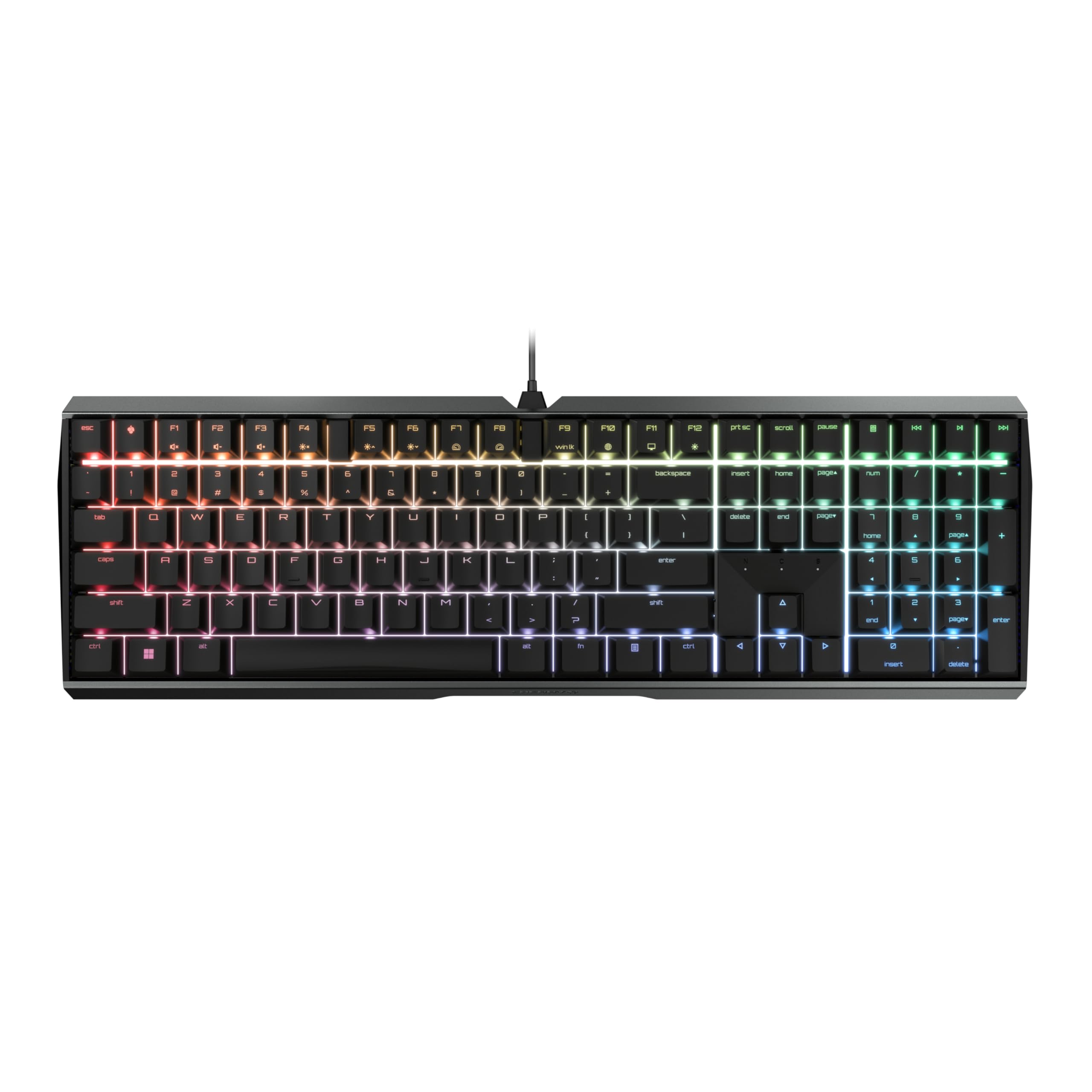
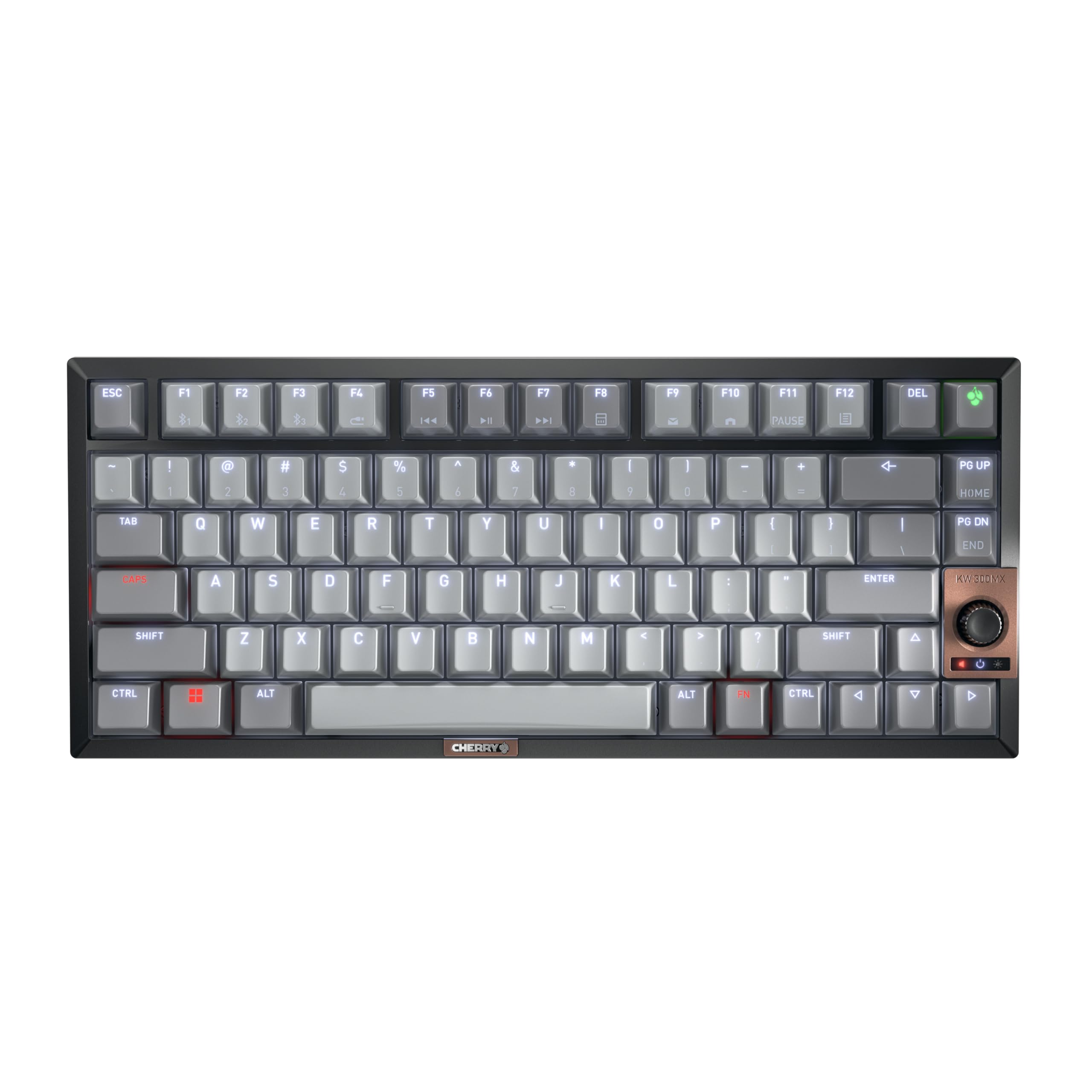
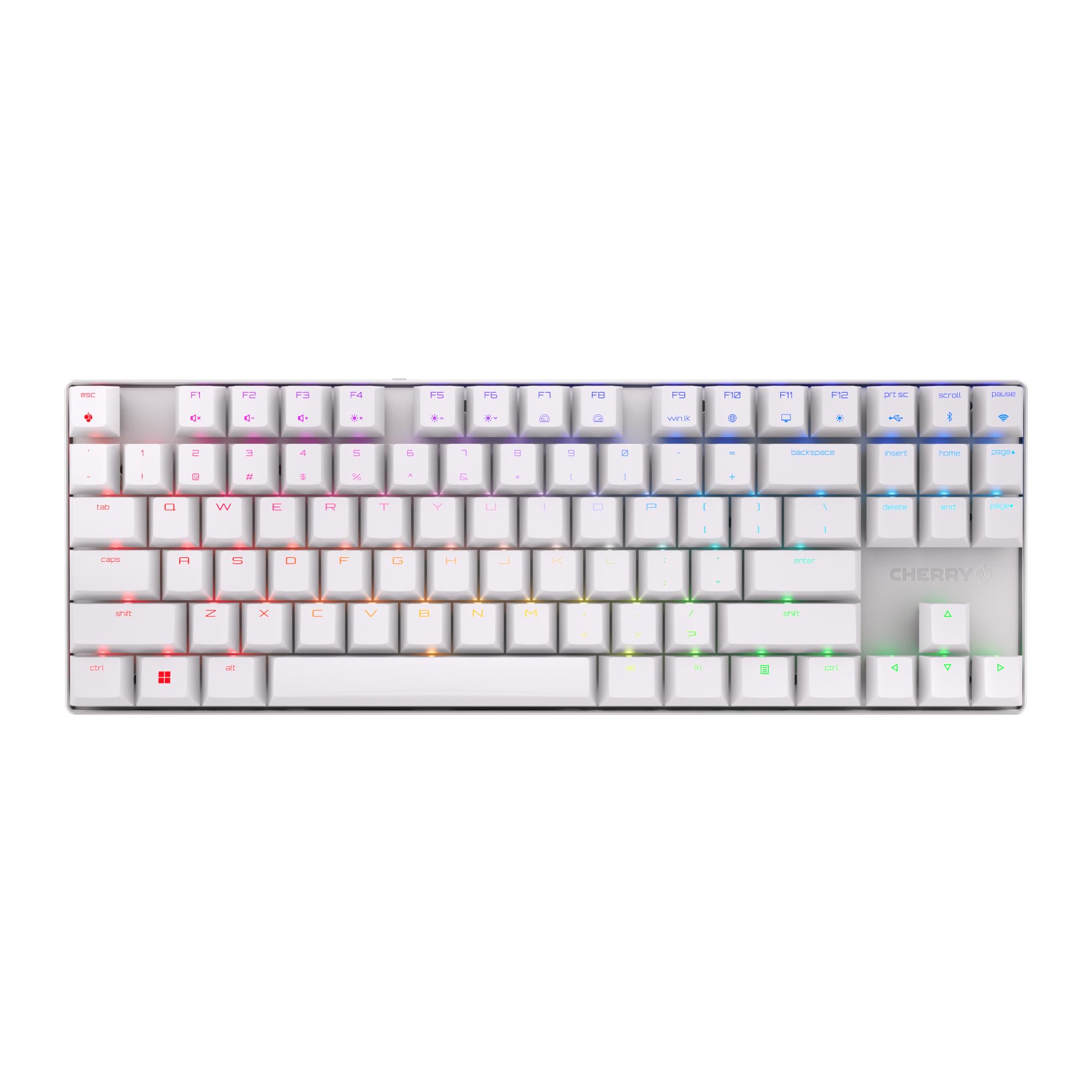
Because the bump is subtle, the case sound and keycaps shape the feel as much as the switch does. Use the comparison table below to scan layouts and prices, then work through the criteria here before you spend anything.




How to Choose the Best Cherry Mx Brown Keyboards: Buying Guide
Brown switches ask you to judge feel without the distraction of a click, so start with the tactile bump and work outward from there. A board can look premium and still miss if the bump feels mushy or the case sounds hollow. The sections below follow a sensible order: switch character, connection, layout and build, then software and warranty.
Wired vs Wireless (2.4GHz, Bluetooth)
A cable remains the zero fuss option: no charging, no pairing, and the lowest latency at the lowest cost. A 2.4 GHz link gives the same snappy response for games while keeping the desk clear, and Bluetooth is handy when you rotate between a laptop and a tablet. Insist on a stated polling rate, because a wireless claim without that number is guesswork. Brown boards often live in shared spaces, so connection flexibility is worth real money here.
Customization and Software
Software earns its place when it remaps keys, saves macros, and stores profiles on the board so your setup survives a computer change. Account free tools are a plus, since sign in walls waste time and add privacy questions. Plain backlighting is cheaper and gentler on battery than full per key color. Confirm that media controls sit on keys you can reach without a function layer hunt.
Compatibility (PC, Mac, Console)
Windows users can plug in almost any brown board and start typing at once. Mac users should check for a Mac layout mode or spare modifier caps so Command and Option feel natural. Console play is patchy, since each system and title sets its own keyboard rules, and menus may be the limit. If your desk hosts both a work and a personal machine, multi device pairing quickly becomes the feature you use most.
Sensor and Switch Type and Performance
Keyboards have no mouse sensor, so a DPI claim on a keyboard page is borrowed mouse copy. The brown switch gives a small tactile bump without a click and a light spring that suits mixed use. Polling rate matters for gaming, and consistency from key to key matters more than any headline number.
Ergonomics, Size, and Layout
Pick size by task rather than looks: full size for number heavy work, tenkeyless for a balanced setup, and compact 65 or 75 percent boards for small desks. Height and angle matter because brown boards often serve long writing sessions, and a flatter board with modest feet is easier on wrists. Sore wrists are a signal to add a rest, take breaks, and check with a clinician if pain persists. Treat layout as a comfort choice first.
Weight and Build Quality
Brown switches sound only as good as the case around them, so a firm plate and solid shell keep the quiet thock clean instead of hollow. PBT caps keep their grain and legends for years, while thin ABS caps polish smooth and start to shine. A heavier board stays put at a home desk but adds up in a daily carry bag. Listen to the space bar too: even and muted is right, rattly is not.
Because the Brown bump is subtle, try before you commit if you can: a switch tester or a store board tells you more than any description. At home, measure your desk depth against the board width in the listing, since photos hide true scale. For the broader switch family view, read our guide to the best cherry brown keyboards next.
Price Tiers at a Glance
Instead of chasing named models, shop by tier and demand the features each tier should include. The product table above makes tier placement easy, since price and layout sit side by side. A board priced above its feature set is poor value no matter how nice the photos look.
Complete Package Tier
Boards around $100 to $180 should give you PBT keycaps, a rigid case, flexible connection options, and well tuned stabilizers. This is the sweet spot for buyers who type and play on the same board every day. Software should save profiles to the board itself, and the cable should detach for easy replacement. Anything missing at this price deserves a hard question before you buy.
Value Tier
Boards around $50 to $100 keep the genuine switch and a decent case while trimming lighting, metal parts, and extras. For most homes this tier delivers the full character of the switch at a fair cost. Look for double shot keycaps and a standard bottom row, because those two traits make future upgrades simple. Avoid boards here with fixed cables and mystery switch branding.
Premium or Beginner Tier
Premium boards above $180 add aluminum cases, gasket mounting, and refined sound tuning, while beginner friendly boards under $60 strip everything back to basics. Beginners should borrow the basics checklist: standard layout, clear legends, and easy returns. Premium buyers should demand excellent stabilizers and quiet case acoustics for the money. Both groups benefit from buying once the switch feel is certain, so test a single switch or a switch tester first if you can.
Types of Cherry MX Brown Keyboards
Wired Models
Wired models cost the least, never need charging, and suit fixed desks and competitive play. Their only real drawback is cable management, which a coiled or routed cable mostly solves. They make a smart first board because setup takes seconds.
Compact and Travel Models
Compact models free desk space and travel well, at the cost of a number pad and sometimes arrow keys. They suit laptop users and small desks. Check that the function layer is printed on the caps, or daily shortcuts become guesswork.
Ergonomic Models
Ergonomic models reshape the board with splits, tents, or curved rows to ease wrist strain. They cost more and require patience while you adapt. If standard boards leave your wrists sore, this type deserves serious thought and a generous return window.
Gaming and Wireless Models
Gaming models add rapid polling, profiles, and bold lighting, while wireless models add freedom from cables. Many boards now combine both, charging by USB C and connecting three ways. Pay for these extras only when your routine uses them, because the switch feel stays the same.
While comparing types, it also helps to contrast neighboring switch feels, so see our guide to the best cherry mx red keyboards when you want a different sound and bump profile.
Setup and Care Tips
Start by testing every key in an online tester while the return window is open. Every few months, lift the caps with a puller and brush the plate clean, since dust and grit make the tactile bump feel vague over time. A slightly damp cloth handles cap grime; dry the caps fully before they go back on. Firmware should come only from the maker site, and a spare cable in the drawer keeps a fault from ruining your day.
One more habit pays off: rotate a spare switch or two into your order if the board is hot swappable, so a single failure never sidelines the whole keyboard. Gamers comparing fast linear alternatives can also read our guide to the best cherry mx blue keyboards for contrast.
For the wider family view, see our guide to the best cherry mx keyboards before you order. If you want the same tactile idea under a shorter name, our guide to the best mx brown keyboards covers the same ground from a different angle.
Frequently Asked Questions
Wired or wireless: which is better for gaming?
Brown boards handle gaming well on a cable or a 2.4 GHz dongle, where response is fast enough that the link is never the weak point. Bluetooth trails slightly and is better saved for casual play and office work. A receiver storage slot is worth checking if the board travels, because dongles stored inside the case seldom go missing.
What DPI do I need on a keyboard?
Keyboards do not have a DPI figure at all. DPI measures how a mouse sensor translates movement into cursor travel, so the term cannot describe a switch or a board. A listing that quotes DPI for a keyboard has pasted mouse text into the wrong place, and that carelessness should color how you read its other promises. Judge by bump feel, polling rate, and construction instead.
Does it work with Mac and console?
Most brown boards serve Mac users well when they include a Mac mode or swappable caps that put Command and Option in the right places. Console gaming is hit and miss, since each platform and title grants keyboard access on its own terms, sometimes for menus only. Confirm your game on the console maker list before you buy with console play in mind.
Are mechanical keyboards worth it?
Yes, for people who type or play for hours: consistent switches, durable keycaps, and repairable parts last years longer than membrane boards. Brown suits shared desks, because it gives feedback without a click. For occasional use, the extra price buys little.
Final Thoughts
Settle on the bump first, then layout, then connection. Compare your finalists in the product table above and pick the best cherry mx brown keyboards option for your desk and your room. The usual regret with this family is expecting a strong bump: the Brown bump is subtle and can feel almost linear to heavy typists.