Best Chinese 3D Printers Made Simple: A Clear Buying Guide for 2026
Disclosure: We may earn a commission when you buy through links on this page, at no extra cost to you. As an Amazon Associate I earn from qualifying purchases. Learn more

Shopping for the best chinese 3d printers for the first time? Learn the terms, compare options, and avoid rookie mistakes with this easy guide.
Your first 3D printer should teach you the hobby, not fight you at every step. Chinese manufacturers now dominate the affordable end of the market, which means excellent value sits right next to confusing listings and inflated claims. This guide to the best chinese 3d printers explains the basic terms, the specs that matter, and the setup habits that lead to good first prints.
We will move from how these machines work to the running costs nobody mentions at checkout. By the end, you will know whether a filament or resin machine fits your projects, your space, and your patience. Keep your shortlist beside the comparison table below as you read.




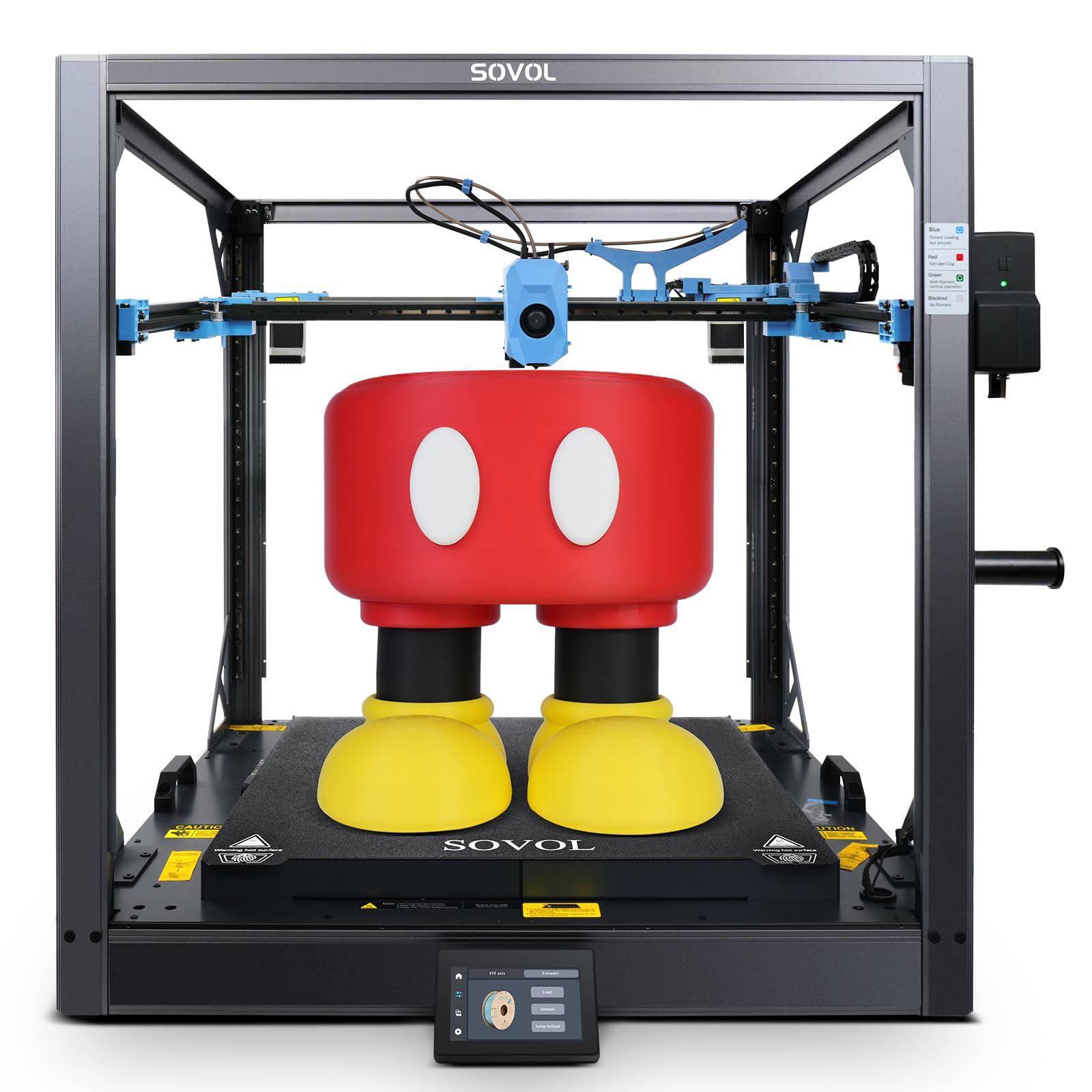
Chinese 3D Printers 101: The Basics
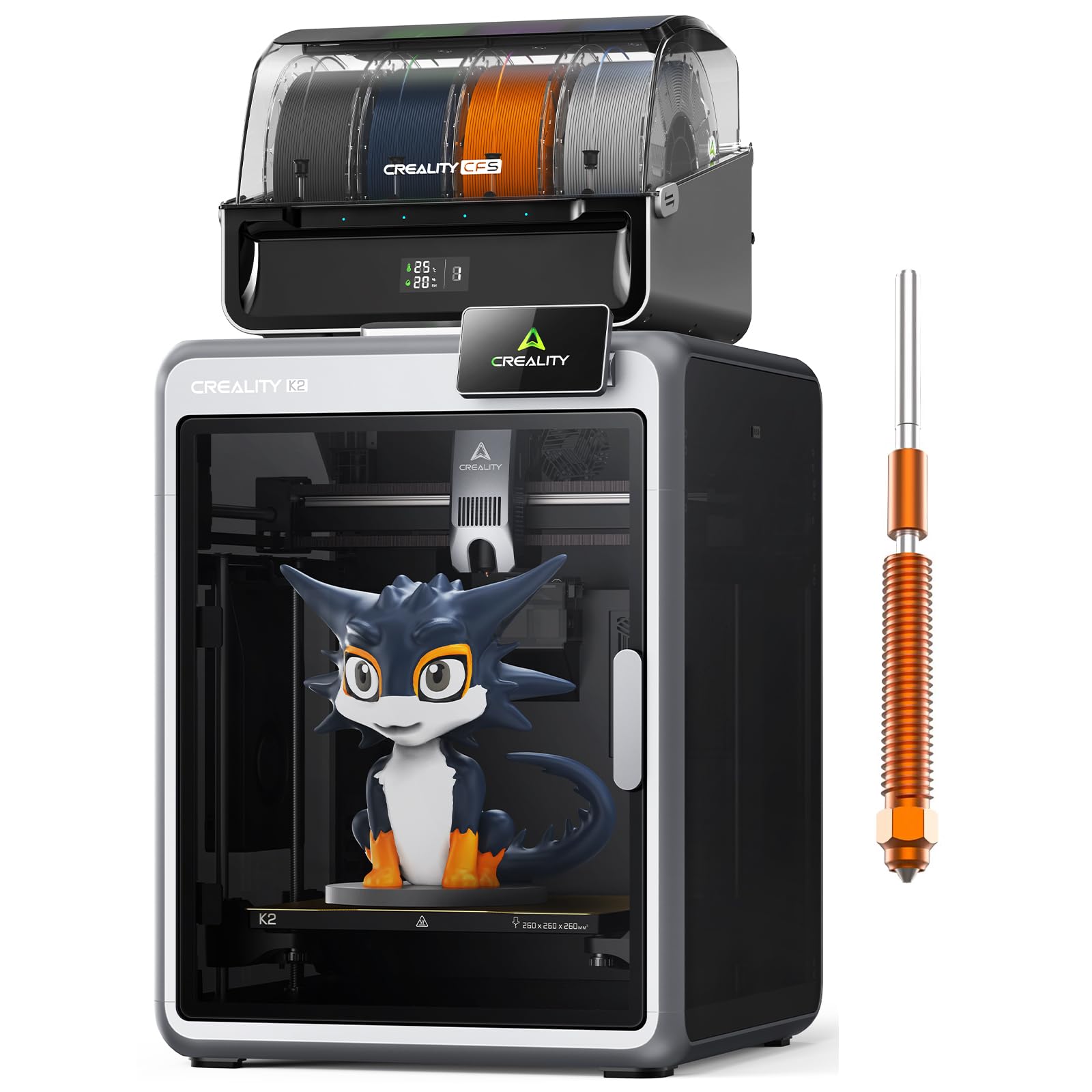
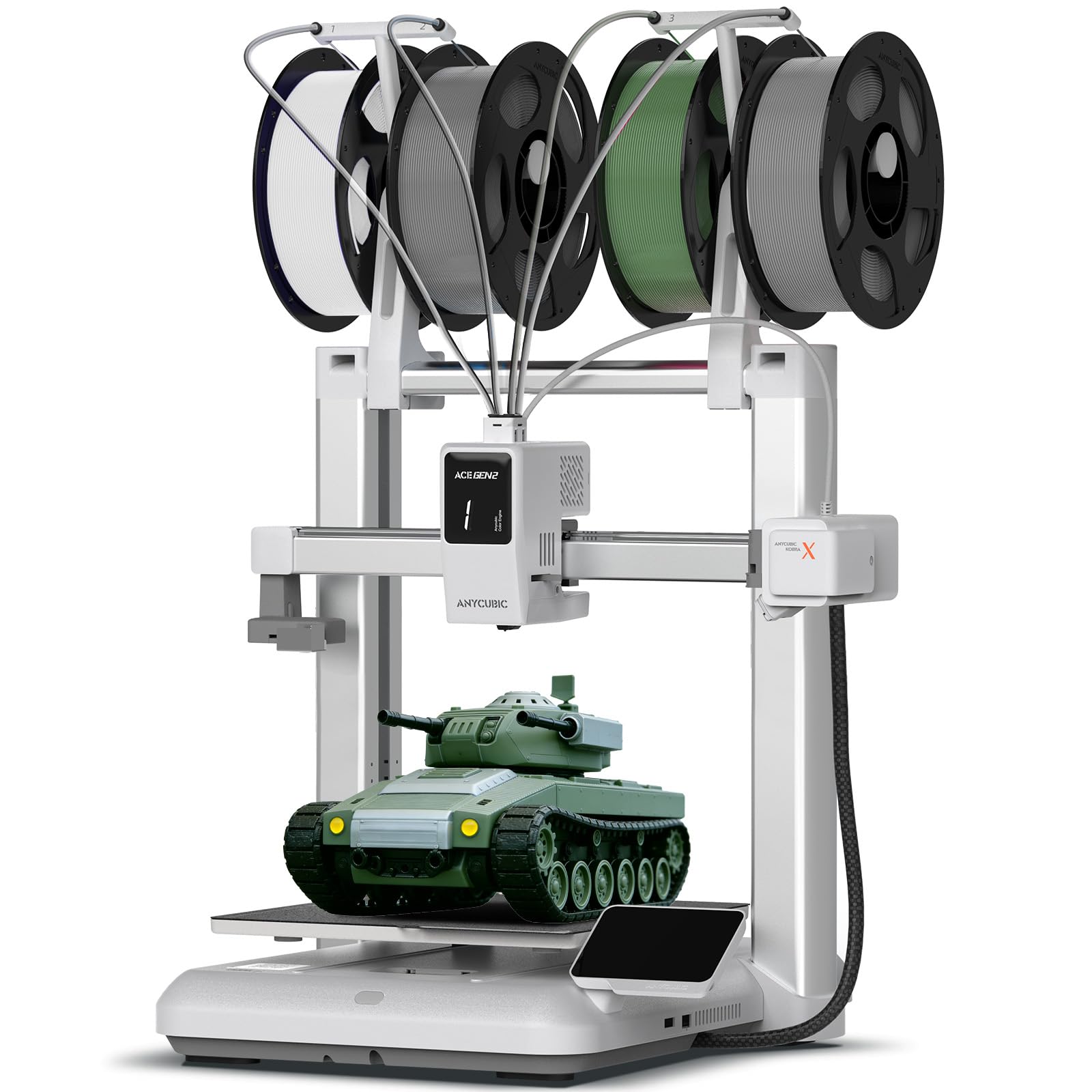
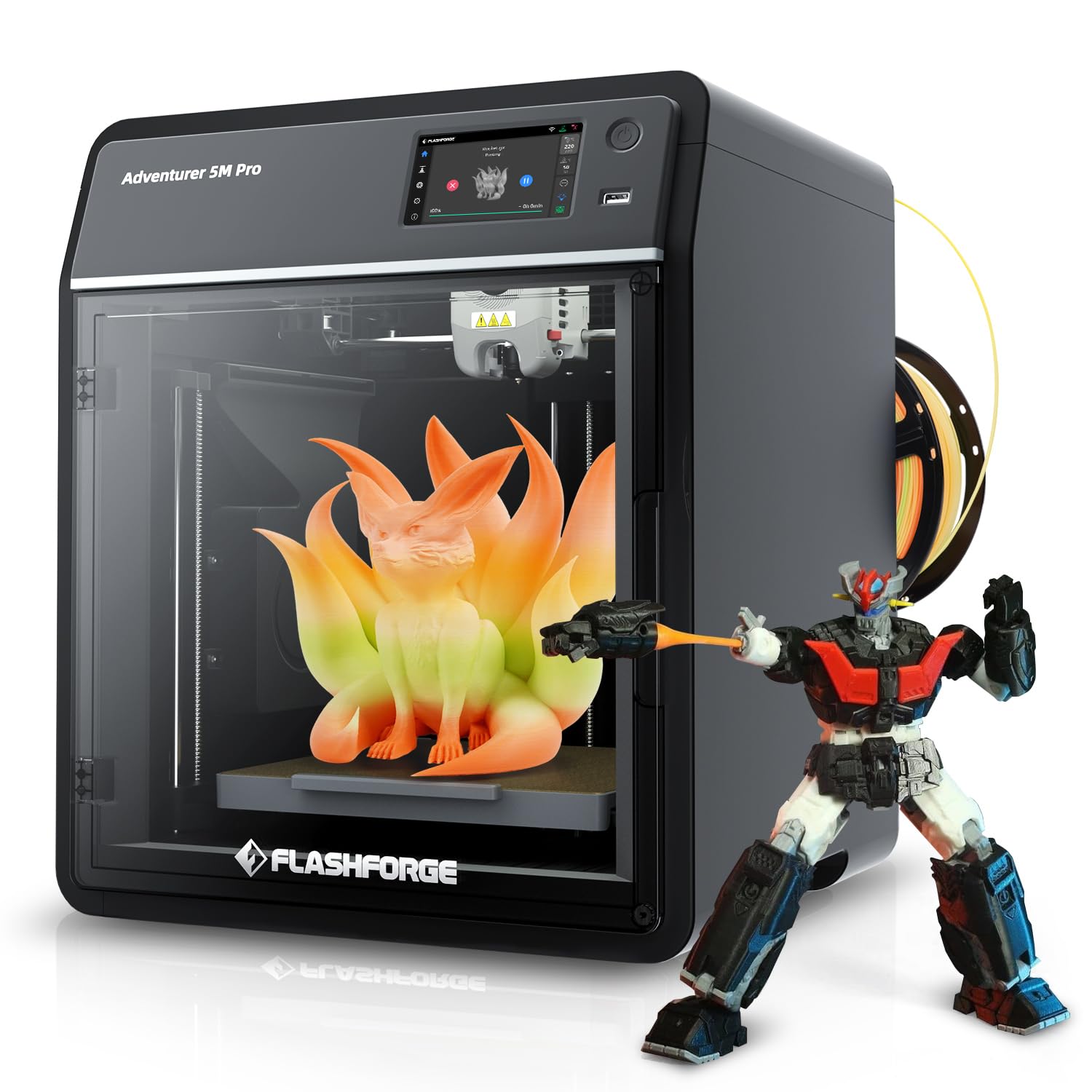
Most home machines build objects layer by layer from a digital model. Filament printers, called FDM machines, melt a plastic strand and draw each layer through a hot nozzle, a bit like a precise glue gun guided by motors. Resin printers instead cure liquid resin with light, one thin layer at a time, which captures finer detail at the cost of messier handling.
A few terms unlock every listing. Build volume is the largest object the printer can make, stated as width, depth, and height. The bed is the surface the object sticks to, the extruder pushes filament, and slicing software converts your model into printer instructions. Auto bed leveling, now common even on budget models, probes the bed and compensates for small tilts, removing the fiddliest old setup chore. Layer height, often 0.1 to 0.3 mm, trades detail against speed.
Key Specs Explained in Plain English
Printer Type (FDM Filament vs Resin)
Choose filament printing for functional parts, brackets, toys, and larger objects, because the materials are cheap, tough, and safe to handle with basic care. Choose resin for miniatures, jewelry patterns, and display models where fine detail matters most. Resin demands gloves, ventilation, and careful cleanup, since uncured resin irritates skin. Beginners usually learn faster on filament machines, then add resin later if detail work calls to them. Our general guide to the best 3d printers compares both families side by side.
Reliability and Support
A printer is a kit of moving parts, so support quality shapes your whole first year. Favor brands that publish firmware updates, stock spare nozzles, belts, and boards, and host active user communities where fixes are easy to find. Check whether assembly is mostly done at the factory, since a partly assembled machine gets you printing the same day. Warranty length matters less here than parts availability, because most repairs are small parts you can swap yourself with community guidance.
Build Volume
A build volume around 220 mm in each direction handles the great majority of home projects, from phone stands to storage boxes. Larger volumes near 300 mm or more suit cosplay pieces and big prototypes, but the machine footprint and print times grow with them. Resin printers offer far smaller volumes, which is fine for miniatures and frustrating for anything bigger. Measure your largest planned project honestly, then buy one size up rather than the maximum available.
Footprint and Noise
Place the printer where it will actually live before you order. A typical filament machine needs a stable table, clearance for the bed to move, and room for a filament spool beside or above it. Noise varies widely: silent stepper drivers keep a printer near conversation level, while older drivers whine and fans add a steady hum. Enclosed models run quieter and steadier for temperature sensitive materials. Small apartment users should weigh noise as heavily as speed, and our guide to the best hobby 3d printers flags quiet running designs.
Filament and Resin Costs
Running cost is the quiet budget item. A standard spool of PLA filament costs about $15 to $25 and prints dozens of small objects, so cost per finished part is often under a dollar for modest pieces. Resin costs more per liter and adds gloves, filters, and washing supplies to the bill. Specialty filaments such as flexible or abrasive blends may also need a hardened nozzle. Estimate your monthly material use before choosing, since a cheap printer with pricey supplies loses its bargain status quickly.
Print Speed
Advertised speeds describe how fast the print head can move, not how fast good prints finish. Real speed depends on layer height, wall thickness, and how much fine detail your settings demand. A small model may take one to three hours, and a large one can run overnight, which is normal for this hobby. Faster machines with strong cooling and rigid frames hold quality at speed, while budget models reward patience. Judge listings by sample print times for real objects, not headline numbers.
One last beginner habit is worth building early: store filament in a sealed box or bag with the small desiccant packs it ships with. Many plastics slowly absorb moisture from room air, and damp filament pops, strings, and leaves rough surfaces that new owners often blame on the machine. A simple dry box keeps every spool printing like the day it arrived, and it costs less than one wasted weekend of failed prints.
Rookie Mistakes to Avoid
- Buying the biggest machine first. Large printers cost more, take more space, and fail bigger. A midsize model teaches the same skills with less frustration.
- Skipping ventilation for resin. Uncured resin fumes and skin contact are real hazards. Plan a vented spot, gloves, and eye protection before the printer arrives.
- Judging by top speed claims. Headline speed says little about finished print quality. Look at real sample prints and owner feedback instead.
- Forgetting the extras budget. Spare nozzles, extra filament, basic tools, and a dry storage box for filament add up. Keep about $50 to $100 aside.
- Printing on an unstable table. Wobble prints as visible ripples on walls. A solid, level surface is the cheapest quality upgrade there is.
Budget shoppers can see how these tradeoffs look at the lowest prices in our guide to the best inexpensive 3d printers.
Getting Started: Setup and First Use
Unbox the printer on a clear table, check every cable and bag of screws against the manual, and assemble in the order given without forcing any connector. Level the bed using the built in routine, load filament or resin, and print the small sample model included by the maker before you try your own files. That sample proves the machine works and gives you a reference for later troubleshooting.
Safety comes first in the early sessions. Keep hands away from the hot nozzle and moving bed, supervise long prints rather than leaving a new machine fully unattended, and keep children and pets out of the printing area. Resin users should wear gloves for every handling step, wash cured parts away from food areas, and dispose of resin waste according to local rules rather than pouring it down a drain. Start with PLA filament, default slicer settings, and small projects while you learn how your machine behaves.
FAQs
Which 3D printer is easiest for beginners?
A partly assembled filament printer with auto bed leveling is the easiest start. It removes the two chores that frustrate newcomers most, long assembly and manual leveling, and PLA filament forgives small mistakes. Look for a clear manual, a large user community, and spare parts you can order easily. Our guide to the best starter 3d printers focuses on exactly this learning friendly category.
What does cost per print mean?
Cost per print is the material and electricity a single finished object uses. A small PLA part often costs well under a dollar in filament, while a large solid piece can use several dollars of a spool. Failed prints count too, which is why reliable machines save money over time. Track your spool weight before and after big jobs for one month and your personal cost per print will become obvious.
FDM or resin: which is cheaper long term?
Filament printing is cheaper long term for most households. PLA costs less per finished part, needs no washing station or disposable gloves, and the machines tolerate casual use. Resin adds consumables at every stage and its smaller build volume limits useful projects for many owners. Choose resin when fine detail is the goal itself, and explore our guide to the best resin 3d printers if that is your direction.
Are enclosed printers worth the extra cost?
An enclosure is worth it if you print temperature sensitive materials, work in a drafty room, or need lower noise near living space. It keeps print temperatures steady, which reduces warping and failed corners on larger parts. For PLA only printing in a warm room, an open frame machine does the same job for less money. Decide by material plans rather than by appearance, since the box serves physics, not looks.
Final Thoughts
Pick the printer type that matches your projects, confirm the build volume fits your largest idea, and favor brands with real parts support and active communities. Add a modest extras budget, set the machine on a solid table, and learn on simple PLA prints first. Compare your finalists in the product table above, and the best chinese 3d printers for your desk will be the ones that promise steady, repairable printing rather than the flashiest numbers.