
Best Chill Pads for Laptops 2026 Buying Guide
Disclosure: We may earn a commission when you buy through links on this page, at no extra cost to you. As an Amazon Associate I earn from qualifying purchases. Learn more
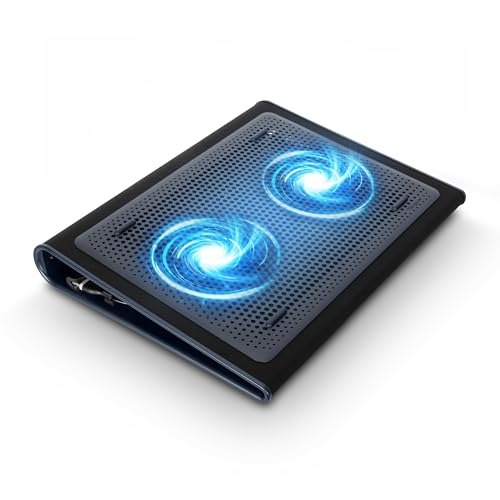
Compare chill pads for laptops by cooling power, fan noise, size, and ergonomics. Find a cooling pad that keeps your laptop comfortable during work and play.
Choosing best chill pads for laptops starts with understanding what a cooling pad can and cannot do. A good pad improves airflow under the laptop, which helps sustain performance and keeps the keyboard area cooler. It cannot fix a blocked vent or a failing fan inside the laptop. This guide explains how to pick a pad that genuinely helps. The comparison table below compares pad styles.
Heat affects laptops in two ways: it can slow performance under heavy load, and it can make the keyboard and palm rest uncomfortable. A cooling pad addresses the second problem well and the first partly, by giving hot air somewhere to go. The sections below show how to judge that help.




How Cooling Pads Work
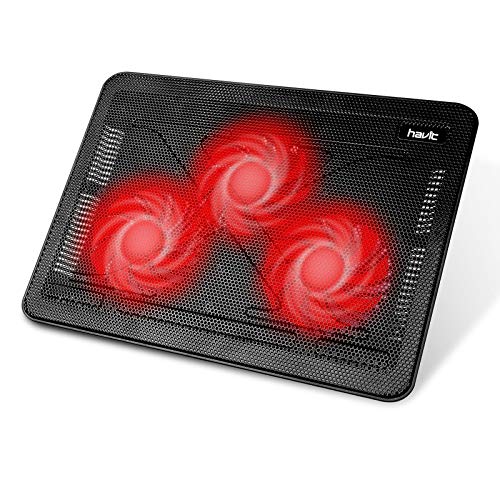
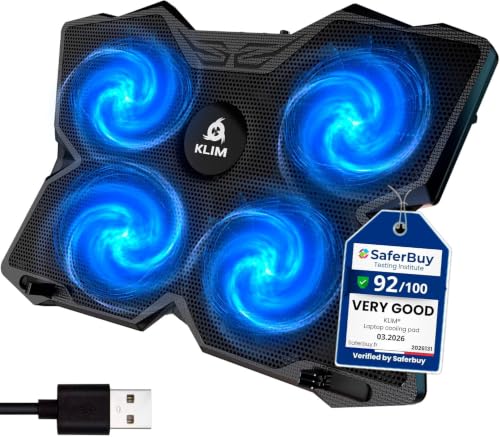
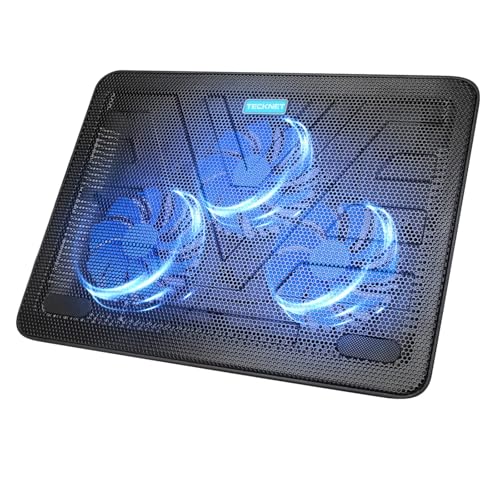
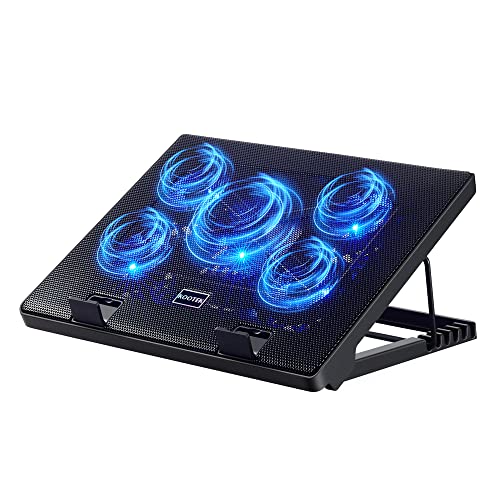
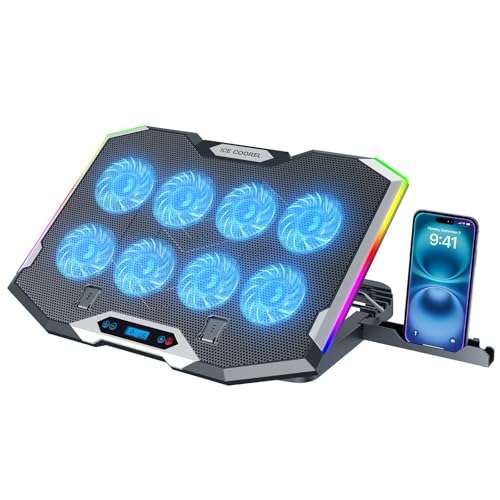
Most cooling pads use fans to push air toward the laptop base or pull hot air away. Others use a raised mesh stand that relies on natural airflow without fans. Fan pads cool more actively, while passive stands run silent and never need power.
Fan placement matters more than fan count. Fans should align with your laptop vents and hot spots, which vary by model. A pad with adjustable fan positions suits more laptops than a fixed layout. Check your laptop vent locations before buying.
Size, Fit, and Stability
The pad should support your laptop fully without overhang that tips the setup. A pad that is too small leaves corners unsupported, while one that is far too large wastes desk space. Check the stated laptop size range and compare it with your laptop footprint.
A lip or stopper at the front prevents sliding, especially on tilted pads. Rubber feet keep the pad itself steady on smooth desks. Test stability with typing, since a wobbly pad annoys more than heat does.
Fan Noise and Power
Fan noise varies from near silent to clearly audible, and quoted noise figures assume ideal conditions. Adjustable fan speed helps, since you can run low speed for office work and higher speed for gaming. A pad with a physical speed dial is easier to adjust than one buried in software.
Most pads draw power from a USB port on the laptop, which is convenient but uses a port. Some pads add a USB hub to replace the port they use. Check cable length, since a short cable limits placement on larger desks.
Ergonomics and Daily Comfort
Tilted pads raise the screen and can improve neck posture, but they also raise the keyboard angle. A gentle tilt suits most users, while a steep tilt may strain wrists during long typing. Some pads offer multiple height settings so you can find a comfortable angle.
Weight matters if you carry the pad between home and office. Light mesh stands travel well, while heavier fan pads suit fixed desks. Consider whether you need the pad daily or only for heavy tasks, since that shapes the best design.
Limits and Laptop Care
Clean your laptop vents regularly, since dust blocks airflow more than any pad can compensate for. Use the laptop on a hard flat surface, not on bedding that blocks vents. Update software and drivers, since poor power management can cause unnecessary heat.
If your laptop overheats sharply, shuts down, or smells of burning, stop use and seek professional repair rather than relying on a pad. A pad supports healthy cooling, but it does not repair hardware faults. The product table above recaps the pad styles in this guide.
Related Buying Guides
For related buying advice, see our guides to best cooler pads for laptops and best thermal pad for laptops.
Cooling Pads for Gaming Sessions
Gaming pushes laptops hardest, with sustained processor and graphics load that generates steady heat. A cooling pad helps most during long sessions, when heat builds gradually and performance can throttle. Pair the pad with a hard desk surface and clear vents for the best result.
Monitor temperatures with built in tools during gaming to see whether the pad actually helps your model. Gains vary by laptop design, and some laptops benefit more from an elevated stand than from fans. If temperatures stay high despite a pad, check vents and consider professional cleaning.
Cooling Pads for Office and Study
Office work rarely overheats a healthy laptop, so a passive stand often suffices and keeps the desk quiet. A stand also improves screen height and typing posture, which matters more than cooling for most office users. Choose a stand that folds flat if you move between desks.
For study sessions with video calls and multitasking, a quiet fan pad at low speed adds gentle airflow without distracting noise. Keep the pad clean, since dust on fan blades reduces airflow and increases noise over time. Wipe the mesh regularly to maintain cooling.
Before You Buy Checklist for a Laptop Cooling Pad
A cooling pad helps only when it matches your laptop vents and desk habits. Check these points before buying.
- Fan positions align with your laptop vents and hot spots
- Pad size supports the laptop fully without overhang
- Front lip or stopper prevents sliding on tilted pads
- Fan speed adjustable for quiet office work and heavy gaming
- Noise level acceptable at the speed you will use most
- Power draw understood, including whether a USB hub replaces the used port
- Tilt angle comfortable for typing over long sessions
- Vents cleaned and laptop used on a hard surface alongside the pad
A pad that ticks these points will cool effectively without becoming a desk annoyance.
Diagnosing Laptop Heat Problems
Not all laptop heat needs a cooling pad, since some heat comes from software rather than hardware. Check task manager or activity monitor for background processes consuming processor power, and close unnecessary apps during heavy work. Malware and runaway browser tabs are common hidden heat sources.
Dust is another frequent cause, since blocked vents trap hot air inside the laptop regardless of external cooling. Listen for fans running constantly at high speed, which often signals blocked airflow. Professional cleaning can restore cooling far more effectively than any pad when vents are clogged.
Aging thermal paste between processor and heatsink can also raise temperatures over years, especially on heavily used laptops. Repasting requires disassembly and skill, so seek professional service rather than attempting it without experience. A cooling pad can help meanwhile, but it does not fix dried paste.
Finally, consider your work environment, since soft surfaces, direct sunlight, and enclosed spaces all raise laptop temperatures. Use a hard flat surface, keep the laptop out of sunlight, and leave room around vents for air to escape. Good habits plus a suitable pad keep most laptops comfortable.
Frequently Asked Questions
Do cooling pads actually lower laptop temperature?
Yes, usually by a few degrees, with larger gains on laptops with bottom vents and poor desk airflow. The benefit is greatest during sustained heavy use such as gaming or video work. For light browsing, the difference is smaller and often unnoticeable.
Fan pad or passive stand: which is better?
Fan pads cool more actively and suit gaming and heavy workloads. Passive stands run silent, weigh less, and suit office work where heat is modest. If your laptop rarely feels hot, a passive stand may be all you need.
Can a cooling pad damage a laptop?
A well made pad should not damage a laptop, since it only improves airflow around the base. Avoid pads that block vents or force air against the natural exhaust direction. Keep cables tidy so they do not strain USB ports.
What size cooling pad fits a 15 inch laptop?
Choose a pad rated for 15 to 17 inch laptops, and check the actual platform dimensions against your laptop footprint. The laptop should sit fully supported without overhang. Adjustable fan positions help align airflow with your vents.
Are cooling pads noisy?
Noise varies widely, from near silent at low speed to clearly audible at full speed. Adjustable speed controls let you balance cooling and quiet. For office or library use, favor a pad with a low noise rating and a low speed setting.
Final Thoughts
Match fan placement to your vents, size the pad to your laptop, and keep expectations honest. That practical approach to best chill pads for laptops keeps your laptop cooler and your workspace more comfortable.


