Best Chairs for Posture and Back Pain of 2026: Complete Buying Guide
Disclosure: We may earn a commission when you buy through links on this page, at no extra cost to you. As an Amazon Associate I earn from qualifying purchases. Learn more

Compare chairs for posture and back pain by lumbar support, seat depth, cushion firmness, armrests and frame fit, with a setup checklist for desk days.
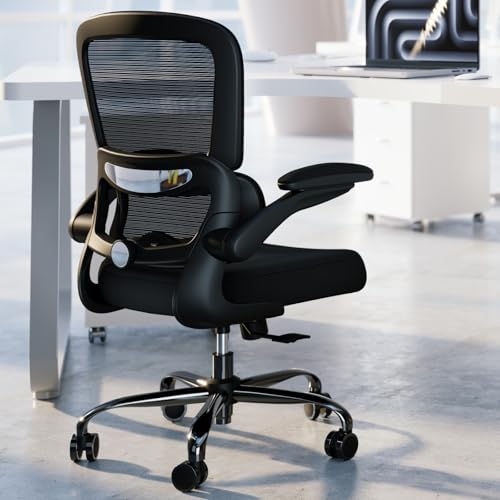
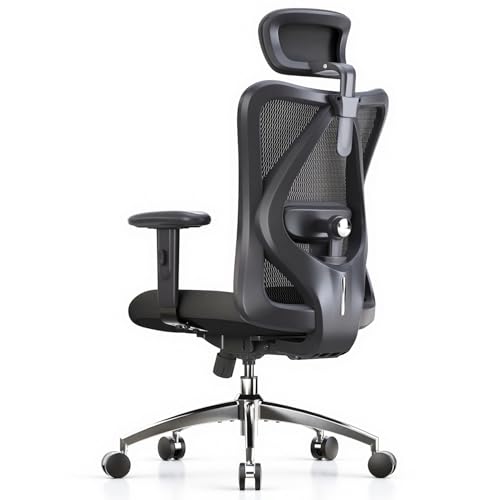
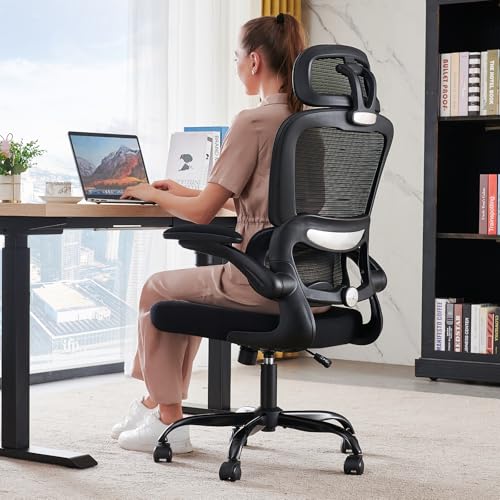
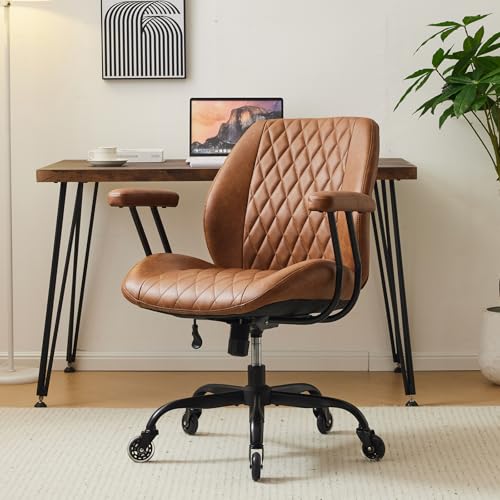
A chair that fights your body makes a long day feel longer. Your lower back rounds, your shoulders creep forward, and standing up brings stiffness that takes minutes to fade. The best chairs for posture and back pain support the natural curve of your spine, let your feet rest flat, and adjust as you shift. Use the comparison table below to check each model against the fit points in this guide.
Note where you ache, how many hours you stay seated, and whether your desk limits chair size. Those answers point you to the right support, cushion and frame.




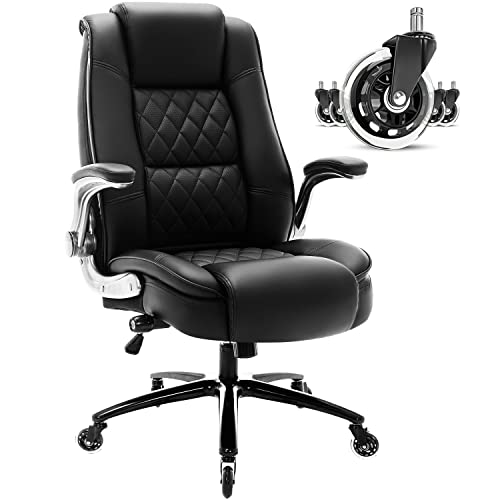
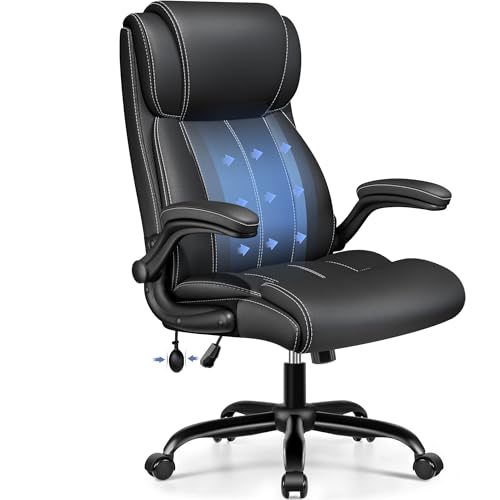
Who Should Buy Which Chair for Posture and Back Pain?
Different pain patterns call for different chairs. Match your group below first, then confirm details in the feature sections.
Desk Workers With a Dull Lower Back Ache
You sit most of the workday and feel a tired ache across your lower back by mid afternoon. Look for firm lumbar support that moves up, down and in depth, plus a seat you can raise until your feet rest flat. If your work is fully desk based, see our guide to the best office chairs for posture and back pain for models shaped around long desk hours.
People Who Slouch and Round Their Shoulders
You start the day sitting tall and slowly slide into a curl, your head drifting toward the screen. A backrest that follows the full curve of your spine, a gentle recline and armrests that hold your elbows close help you stay upright without effort. A seat front that does not press behind your knees also matters.
Taller or Heavier Sitters Who Bottom Out Cushions
You need a deeper seat, a taller backrest and a frame with a weight capacity well above your body weight. Thin foam compresses fast under a heavier load, so look for high density foam and a wide seat that lets you shift position.
Key Features to Compare
When you compare the best chairs for posture and back pain, judge each feature by what it does for your spine across a full day.
Lumbar Support and Your Back Curve
Lumbar support fills the inward curve above your belt line so your lower spine does not flatten as you sit. The best designs let you change both height and depth, because a pad fixed in one spot suits only one torso length. A support set too far forward feels like a fist in your back, while one set too low does nothing at all.
Seat Height and Seat Depth
Seat height decides whether your feet rest flat with your knees near a right angle. Most chairs adjust over about 17 to 21 inches from the floor. For depth, sit fully back and check for about two to three fingers of space between the seat edge and the back of your knees. A deeper seat cuts circulation and pulls you into a slouch, so a sliding seat pan helps mixed height households.
Backrest Shape, Recline and Tilt Lock
A supportive backrest rises high enough to carry your shoulder blades and curves gently inward at the waist. Recline opens the angle between torso and thighs, easing pressure on your lower discs during long tasks. A tilt lock holds the angle you choose instead of tipping you back whenever you shift. Look for tension control too, because a recline that fights your weight pushes you forward all day.
Cushion Firmness and High Density Foam
A cushion for back pain should feel firm at first and stay that way. High density foam holds its shape under your sitting bones, spreading pressure instead of letting you sink to the hard seat pan. Soft foam feels kind at a showroom touch but bottoms out within an hour, and your pelvis then rolls backward into poor posture.
Adjustable Armrests and Back Material
Adjustable armrests should lift your forearms so your shoulders drop and relax, without shrugging you upward or sitting so low that you lean sideways to reach them. For the back, a mesh back breathes and flexes with your spine, suiting warm rooms. Padded backs feel softer but hold heat, so choose by climate and by how much flex you like.
One caution belongs here. A new chair can ease strain from poor fit, but it is not a treatment. See a doctor promptly if pain shoots down a leg, if you notice numbness or weakness in a leg or foot, pain after a fall, fever with back pain, or any loss of bladder or bowel control. Talk with your clinician about your personal needs.
Types of Chairs for Posture and Back Pain Compared
Most models fall into three families, and the family tells you what you gain and give up before you study single features.
Ergonomic Models Built Around Adjustment
Ergonomic models offer the widest range of moving parts, including lumbar depth, seat slide and armrest position. They suit shared chairs and anyone whose ache changes with the task, and prices run about $200 to $600. If your pain centers low, see our guide to the best chairs for lower back pain for lumbar focused designs.
Premium and Executive Models
Premium and executive models use tall backs, thick padding and a formal look. Some trade fine lumbar adjustment for fixed padding, so check that the built in curve lands at your belt line. Expect about $400 to $900. For standard desk proportions, see our guide to the best desk chairs for back pain.
Budget Models for Lighter Use
Budget models, usually about $80 to $200, cover the basics with a fixed lumbar curve, basic height adjustment and simpler foam. They serve a few hours a day well. Thin cushions and few adjustments make them a weaker answer for an all day ache. Long session players can see our guide to the best gaming chair for back pain for bolstered designs.
How to Set Up a Chair for Posture and Back Pain
A good chair set up badly still hurts, so work through this order once. Set seat height so your feet rest flat and your knees sit level with or just below your hips. Slide the seat so your back touches the backrest with a small gap behind your knees. Raise the lumbar support into the curve above your belt line and add depth until contact feels even, not forced.
Then set the armrests so your elbows rest with shoulders relaxed, and raise your screen to eye level. Sit for twenty minutes, note any numbness or new ache, then change one setting at a time.
Common Mistakes to Avoid
- Buying by looks alone leaves you with a lumbar curve in the wrong place for your back.
- Choosing a seat that is too deep makes you perch on the edge and lose back support.
- Setting armrests too high shrugs your shoulders and trades back ache for neck tension.
- Sitting locked in one position all day loads the same tissues for hours and stiffens your back.
- Ignoring the stated weight capacity wears the gas lift and foam out early and feels unstable.
- Skipping the return window can strand you with a chair whose poor fit shows only after a week.
Upkeep That Protects Your Posture Support
Support fades slowly, so simple upkeep protects the fit you paid for. Work through these habits every few months.
- Tighten bolts under the seat and arms, because small wobbles change how the backrest meets your spine.
- Vacuum mesh and fabric with a soft brush, and wipe smooth upholstery with a damp cloth.
- Keep padded chairs out of strong direct sun, since heat and light dry out surface materials.
- Clear hair and grit from the casters, because dragging wheels strain the base and scratch floors.
- Replace a gas lift that sinks during the day, because a dropping seat changes every angle you set.
FAQ
What features matter most in chairs for posture and back pain?
Lumbar support you can adjust in height and depth matters most, followed by seat depth that leaves a small gap behind your knees. One point buyers miss is backrest height. If the back ends below your shoulder blades, your upper back rounds forward no matter how good the lumbar pad is. Prioritize those fits over extras like a headrest if budget forces a choice.
Is an expensive chair for posture and back pain worth the cost?
An expensive chair is worth the cost only when the extra money buys adjustment ranges that fit your body and parts rated for daily use. Higher prices often add smoother tilt control and denser foam. A chair used eight hours a day for six years justifies a higher price more easily than one used twice a week.
How do I choose the right chair size for posture and back pain?
Choose chair size from three measurements, your lower leg length, your thigh length and your hip width. Your lower leg sets seat height, your thigh sets seat depth, and your hips need about an inch of spare room on each side. Measure in your usual work shoes, because bare feet can lead you to set the seat about an inch too low.
What helps most during long hours in a chair for posture and back pain?
Movement helps most, even in a well fitted chair. Stand and walk for a few minutes every half hour, and change your recline angle slightly between tasks so pressure moves across tissues. Keep water within reach, because people delay breaks when a drink requires a trip. Your habits across the day decide how your back feels by evening.
How long should a good chair for posture and back pain last?
A good chair should last about seven to ten years of regular use, with foam and casters wearing first. Avoid favoring one seat edge, because one sided compression tilts the seat over time. When the cushion stays dented overnight or the backrest leans even after tightening, the chair is near the end of its supportive life.
Our Verdict
Buy for fit first. Adjustable lumbar support, a seat that matches your leg and thigh length, and foam that stays firm matter most. Use the product table above to compare models against your measurements and budget.
Chosen that way, the best chairs for posture and back pain become a steady daily support rather than another piece of furniture you work around.