
Best Cellular Trail Camera for Multiple Cameras: Buying Guide for 2026
Disclosure: We may earn a commission when you buy through links on this page, at no extra cost to you. As an Amazon Associate I earn from qualifying purchases. Learn more

Learn how to choose the best cellular trail camera for multiple cameras, with clear guidance on plans, coverage, battery life, and night photos.
Running one trail camera is simple. Running five or ten across a farm, a lease, or a stretch of woods is a different job, because every camera needs signal, power, a plan, and your attention. Choosing the best cellular trail camera for multiple cameras means judging the whole system, not just photo quality on a single unit. This guide walks through coverage, shared plans, app tools, and power so your cameras keep reporting instead of quietly going dark.
Start with the comparison table below, which puts the key specs side by side. Then read on for how those specs play out when cameras are spread across several locations.

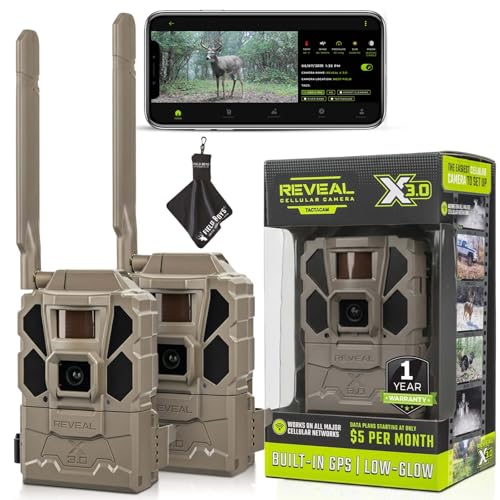
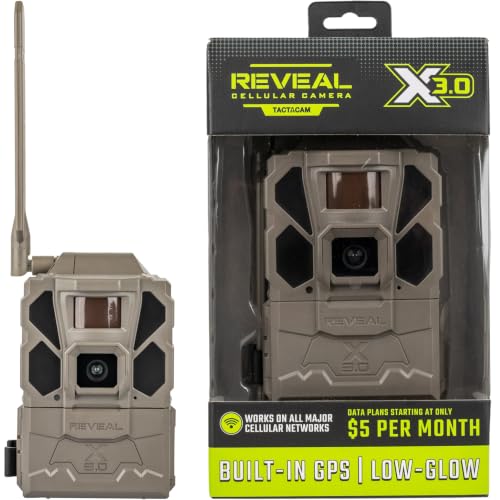


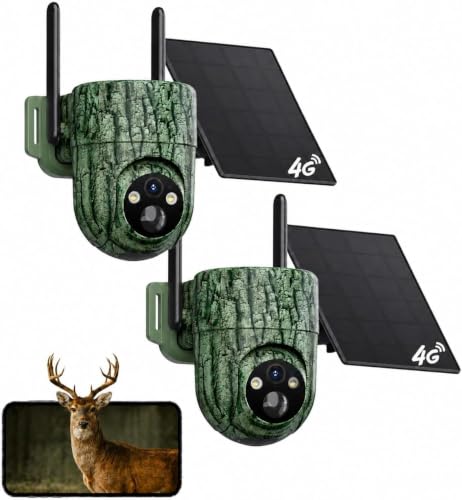

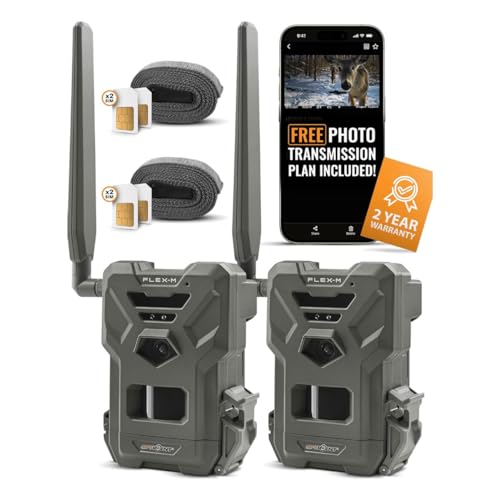
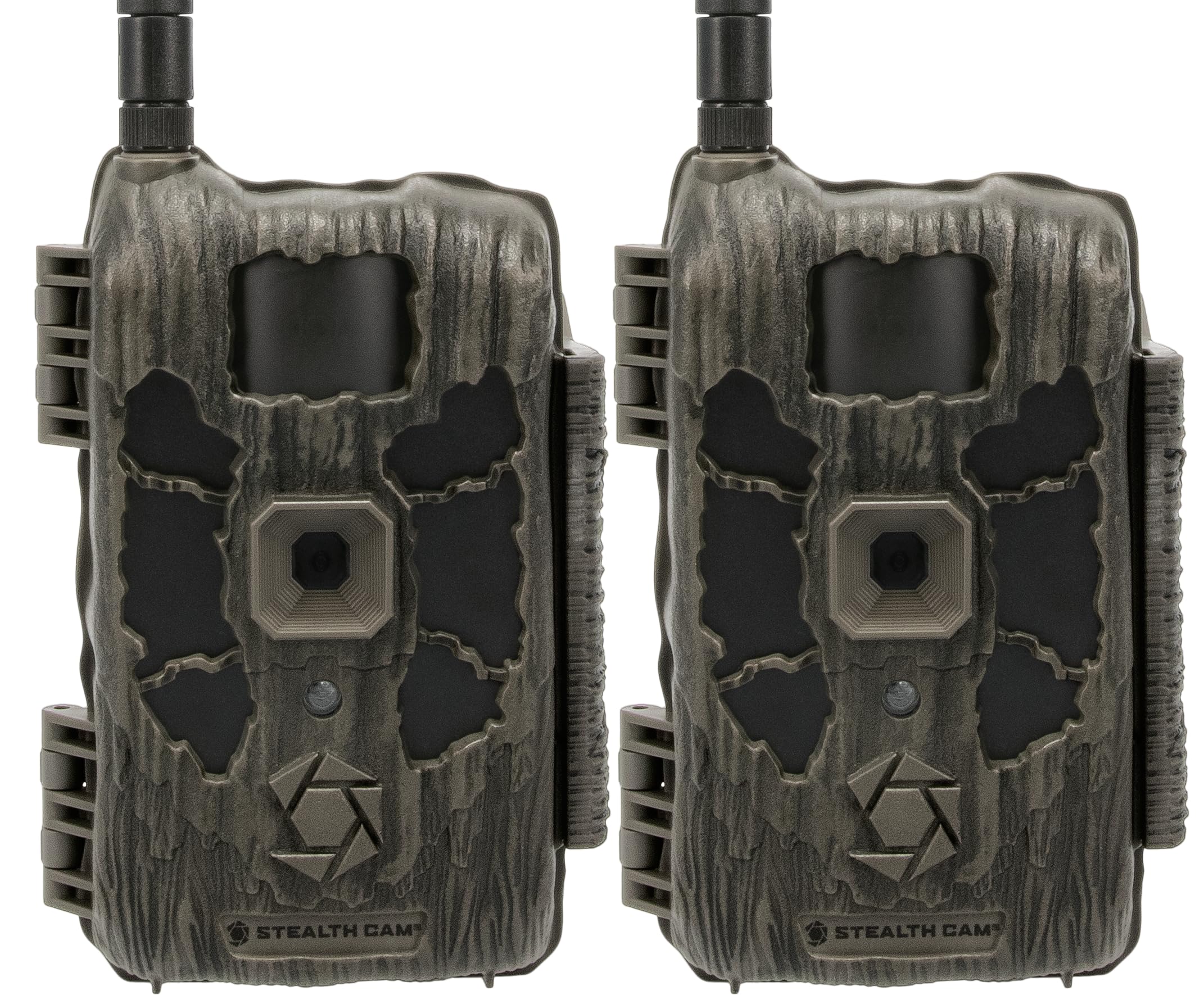

Who Should Buy a Cellular Camera Setup for Several Locations?
Buyers of several cameras share one need. They cannot walk to every site each week, so remote delivery and remote management matter as much as the camera itself.
Landowners Watching Several Spots at Once
You may want eyes on a gate, a barn, a feed site, and a far fence line at the same time. Cellular delivery lets you check activity each morning without driving the whole property, and a photo of a strange vehicle reaches you while you can still act on it. Grouping cameras by location in the app keeps those places from blurring into one long feed.
Hunters Covering a Lease or Several Properties
Scouting several properties means cameras sit hours apart, and trips to pull cards cost fuel and disturb the area. Instant photos let you follow deer movement across stands and decide where to hunt without visiting each site. If that is your main use, see our guide to the best cellular trail cameras for hunting for advice shaped around seasons and stand placement.
Wildlife Watchers and Land Managers
You might track nesting areas, water sources, or several habitat projects at once, often for months. For you, steady reporting matters more than dramatic photos. Look for cameras that sort images by site, flag empty shots, and hold up through long wet stretches, because a missed month of records can leave a real gap in what you know.
Key Features to Compare When You Run Several Cameras
The best cellular trail camera for multiple cameras earns that label in daily management, not in a spec sheet for one unit. The factors below decide how much time and money a whole fleet costs you.
Coverage and Carrier Choice
Every camera needs a usable signal where it is mounted, and signal can differ sharply between a ridge and a creek bottom on the same land. Some cameras work with one carrier, while others can use one of two networks or switch SIM cards. Before you buy several units, test signal with a phone from the same carrier at each planned spot. A camera with great specs and no signal is just a standard camera with a plan you are paying for.
Shared Plans and How Costs Scale
Plan cost is the factor that grows with every camera you add. Some brands pool photos across cameras, while others charge a set fee per camera each month, and the gap between those models widens fast past four or five units. Count the full year cost, including winter months when you may pause service. To compare structures in detail, see our guide to best cellular trail camera plans for multiple cameras before you commit a whole fleet to one brand.
The App and Camera Management Tools
With several cameras, the app becomes your control room. You should be able to name each camera, group cameras by property, sort photos by camera, and adjust settings remotely. Alerts matter too. A system that pings you for every squirrel will train you to ignore it, so look for alert controls per camera and options that flag people, vehicles, or animals separately.
Detection, Trigger Speed, and Photo Quality
A camera detects motion through its passive infrared sensor, and its detection range and angle decide how much ground one unit can cover. Faster trigger speed means the animal is still in frame when the photo fires, which matters at trail crossings where animals pass quickly. Sent photos are often smaller than the full files stored on the card, so check both numbers. High sent resolution looks better on your phone but uses more data and drains batteries faster.
Night Vision and Flash Type
Most activity at many sites happens after dark, so night performance shapes the value of the whole setup. No glow flash emits infrared light that is nearly invisible, which suits camera shy animals and spots near roads where a visible flash draws attention. Low glow flash shows a faint red light but often reaches farther. Match the flash to the site rather than buying one type for every location, and expect night range to shrink in brush or fog.
Battery Life and Power Options
Cellular sending uses far more power than storing photos, so a busy camera on a weak signal may last weeks instead of months. Look at what each model accepts, such as AA lithium cells, a rechargeable pack, or an external solar panel, and favor one power system across the fleet so spares stay simple. For a deeper look at cell choices and runtimes, see our guide to the best batteries for cellular trail cameras.
Planning Placement and Setup for a Camera Network
Test Signal at Each Spot Before You Mount
Walk your planned locations with a phone on the same carrier and note where signal drops, then mount a test camera at the weakest spot first. Many cameras show signal strength in the app or on a small screen, and moving a camera a short distance or raising it on the tree can turn a failed sender into a reliable one. Settle signal before you buy the rest of the fleet, because carrier fit is hard to change later.
Name and Group Cameras From Day One
Give each camera a name that tells you its place, such as North Gate or Creek Crossing, and add it to the matching group in the app during setup. Consistent naming pays off the first time a photo needs a fast response, and it keeps records clear when you compare activity across seasons.
Mount for Detection and for Security
Mount cameras about waist to chest height, angled slightly down, with the detection zone crossing the path animals or vehicles travel rather than pointing straight at it. Clear brush that will sway in front of the sensor and trigger empty photos all day. At sites near public access, use a steel lock box or a cable lock, because a visible camera on remote land can attract the wrong kind of attention.
Ways to Build a Multiple Camera Setup
There is more than one workable layout. If you are still comparing broad options, our overview of the best trail cameras shows how cellular models sit alongside standard ones.
All Cellular for Instant Alerts
An all cellular fleet suits time sensitive watching, such as gates, calving areas, or active hunting ground, where a photo an hour old is worth far less than one that arrives in a minute. The tradeoff is plan cost for every unit and more battery changes, so reserve this layout for sites where fast news changes what you do.
A Mixed Fleet of Cellular and Standard Cameras
Many owners put cellular cameras at the few sites they check daily and standard cameras at quiet sites they visit monthly anyway. This cuts plan costs while keeping eyes everywhere. If that balance appeals to you, see our guide to the best non cellular trail cameras for the card based side of the mix.
One Carrier or Cameras That Can Switch Networks
Committing every camera to one carrier is simple and often cheaper per plan, and it suits land where that carrier is strong everywhere. Cameras that can switch networks or accept different SIM cards cost more up front but let you match each site to the carrier that reaches it. On spread out land with mixed terrain, that freedom can be worth more than a small saving.
Common Mistakes to Avoid
- Buying the whole fleet before testing signal at your weakest site, because cameras that cannot connect still draw plan fees while sending nothing.
- Judging plans by the price of one camera, because per camera fees multiply and can pass the cost of the cameras within a couple of seasons.
- Turning on instant alerts for every camera at full sensitivity, because hundreds of empty photos will bury the few images you actually need to see.
- Mixing battery types and card sizes across the fleet, because service trips get slower and mistakes get more likely when every camera needs different supplies.
- Mounting every camera at the same height and angle, because sites differ and a poor angle can leave the detection zone missing the path entirely.
- Skipping a lock box at sites near roads or trails, because an unsecured camera is easy to steal and its card holds your only record of the site.
How to Make Your Cellular Trail Cameras Last Longer
These habits apply to the cellular cameras themselves and keep a whole fleet reporting longer between service trips.
- Clean the lens and sensor window gently. Use a soft lens cloth rather than a shirt, because grit on fabric can scratch the cover and soften every photo that follows.
- Check the door seal each visit. A weatherproof housing only works when the gasket is clean and seated, so wipe away grit and close the latch fully before you leave.
- Remove batteries during long storage. Storing cameras with cells inside invites leaks that corrode contacts, so store units dry, indoors, and with the batteries out.
- Update firmware when the maker releases it. Updates can improve sending reliability and battery use, and doing them at home beats troubleshooting a silent camera in the field.
- Inspect straps, mounts, and cables. Sun and weather weaken straps over time, and a fallen camera may spend weeks photographing the ground before you notice.
- Format cards in the camera. Formatting the card in the unit that will use it prevents file errors that can cost you a full set of photos.
Cellular Trail Cameras for Multiple Cameras: Your Questions Answered
How many cellular trail cameras can one app account manage?
Most brand apps can manage dozens of cameras under one account, so the practical limit is rarely the app itself. Your real limits are plan cost, battery service, and your own attention, because twenty cameras can send more photos in a day than anyone can review well. Start with the sites that matter most and add cameras only when a new site earns its place.
Do multiple cellular trail cameras each need a separate data plan?
Each cellular camera needs its own active line, but that does not always mean a separate full price plan for every unit. Some brands pool a shared photo allowance across cameras, some discount added cameras, and some let you pause lines in slow months. The detail that catches buyers out is the pause rule, since a plan that cannot pause may charge you all winter for cameras watching empty woods.
What happens to cellular trail camera photos when there is no signal?
The camera keeps working and stores photos on its memory card even when it cannot send them. Many models try sending again when signal returns, though a long gap can mean a burst of old photos arriving at once, depending on the brand. Keep cards large enough to hold what the camera captures between visits.
How far apart should multiple cellular trail cameras be placed?
Place cellular trail cameras far enough apart that each one covers ground the others cannot see, guided by the detection range rather than a fixed distance. Two cameras on the same trail bend mostly duplicate each other, while one at a crossing and one at a feed or water site tell you different things. A useful new check is reviewing the first week of photos together, then moving any camera whose view overlaps heavily with a neighbor.
Can cellular trail cameras for multiple properties share one plan structure?
Yes, cameras on different properties can usually sit under one account and one plan structure as long as each camera has signal on a supported carrier. The catch is that signal strength and carrier fit can differ by property, so a brand that works well at your home farm may struggle at a lease in hill country. Grouping cameras by property in the app keeps billing, alerts, and photo review tidy even when the land is far apart.
Final Thoughts
A fleet succeeds or fails on three things. Signal must reach every site, the plan must stay affordable as cameras are added, and the app must keep photos from many places easy to review. Judge the models in the product table above against those three tests first, and let photo quality settle the close calls. Chosen that way, the best cellular trail camera for multiple cameras is the system you can run all season without surprise bills, dead units, or a feed too messy to use.


