Best Cellular Cameras for 2026: Which One Fits the Way You Use It?
Disclosure: We may earn a commission when you buy through links on this page, at no extra cost to you. As an Amazon Associate I earn from qualifying purchases. Learn more

Compare the best cellular cameras by use, data plan cost and signal needs, and see what hunters, landowners and site crews should check before they buy.
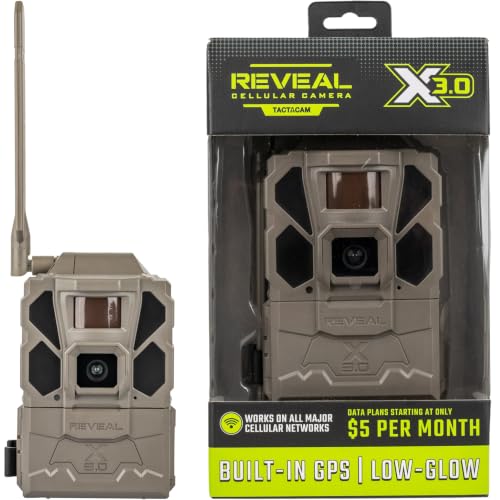
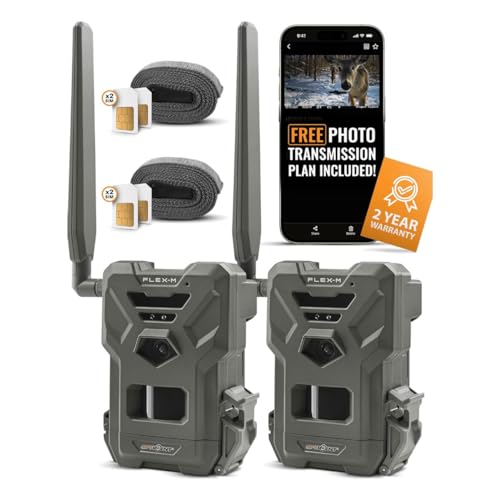
A cellular camera takes a picture and sends it to your phone over a mobile network, so the woods, the back gate or the far corner of a job site reports to you instead of waiting for your next visit. The honest starting point is simple: a cellular camera needs no WiFi at all, and WiFi does not help it, because the phone network is the only road its pictures travel. Shoppers comparing the best cellular cameras are really comparing sending plans, signal strength and power options. The comparison table below lays the main types side by side.
One camera class can serve very different jobs. The same sending hardware watches deer trails in the fall, keeps an eye on a rural driveway all winter, and checks a storage yard between crew visits. This guide covers cameras that send on their own, in places with no building and no router nearby. It does not cover handheld cameras you carry and shoot yourself, the kind compared in guides to best digital cameras and best cameras for photography, since those never transmit a thing.


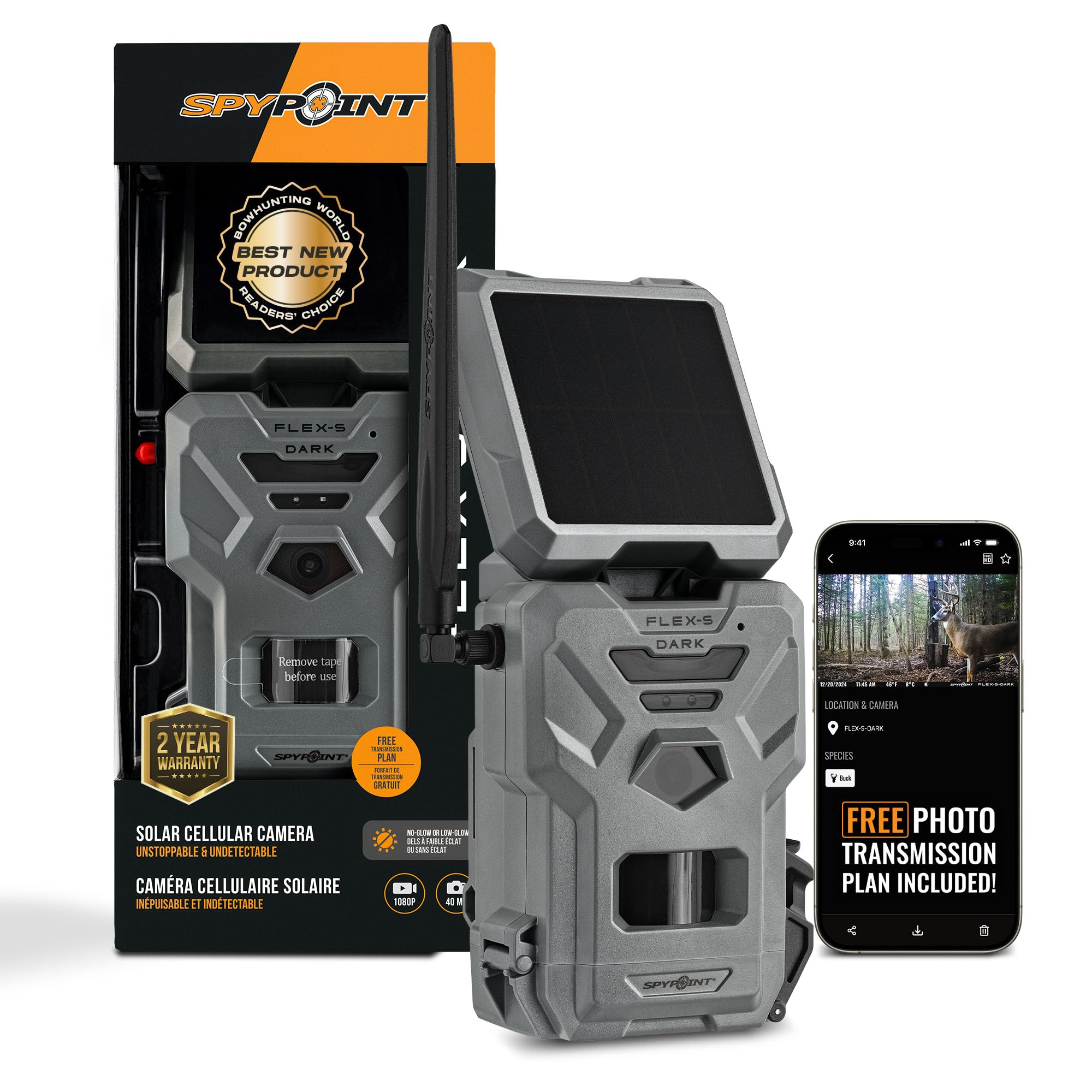


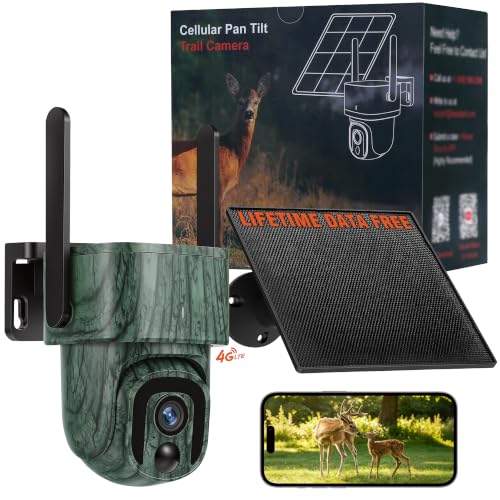

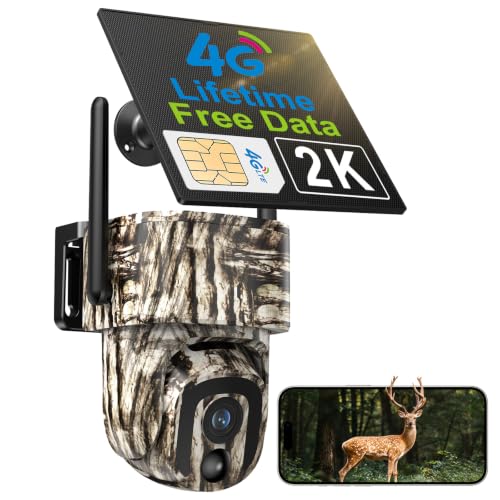

Who Should Buy Which Cellular Cameras?
Start with the place the camera will live, because the place decides the plan size, the power setup and the flash class you need. There is no single winner among the best cellular cameras, only a right fit for a given patch of ground.
For Deer Woods and Game Trails
Scouting is the classic job. A camera on a trail or near a feeding area sends each visit to your phone, so you can pattern movement without walking the ground and leaving scent behind. Hunters who want a camera tuned for game movement should look at best cellular game cameras, and readers focused on one species can narrow further with best cellular deer cameras. Prioritize a fast trigger, a detection zone that covers the trail crossing, and a flash class that will not push wary animals off the route.
For Gates, Driveways and Rural Property
A camera at a gate or a barn answers a different question: who came and went while nobody was there. This is a security use, and it carries security rules, so mount the camera on your own land and aim it at your own approach. Think about what it records of neighbors and the road, because consent and placement rules apply to a camera watching a house or a gate just as they do to wired systems. Readers building that setup should compare best cellular security cameras and prioritize a wide detection zone, clear night pictures and a plan that handles daily traffic without surprise charges.
For Job Sites, Farms and Remote Equipment
A site camera is a reporting tool. It confirms a delivery arrived, shows whether a gate was left open, and keeps a time stamped record for the day something goes missing. Dust, vibration and long empty weekends shape the pick more than picture sharpness does.
Prioritize a sealed housing, a mount that locks or hides well, and a power setup that survives weeks of short winter days. A modest plan usually covers a site that only needs a few check in pictures a day.
Key Features to Compare
Spec sheets push megapixels, but a cellular camera lives or dies on its plan, its signal and its batteries. Read the features in that order and the buying decision gets much easier.
Data Plans: The Cost That Keeps Billing
Every cellular camera runs on a data plan, and the plan is the true running cost of the product. Plans are sold in picture counts per month, so the class of use decides the bill: a quiet trail camera may send a few hundred pictures, while a busy gate can send thousands. Sending full size photos and video clips costs far more data than sending small preview pictures. Price the camera and a full year of its plan together before you decide it is the cheap option.
Signal Strength at the Mounting Point
The camera can only send what the local signal lets it send. Signal at the exact mounting point decides reliability, and a spot that shows one bar on your phone will frustrate any camera hung there. Check coverage standing where the camera will hang, not at the road and not at the house.
A weak signal also drains batteries, because the camera retries each send until the picture gets through. Some cameras report their own signal reading in the app, which helps you choose between two nearby trees.
Power: Batteries, Solar Panels and Cold Weather
A sending camera works harder than a plain trail camera, so battery life runs shorter than the same housing would manage without a radio inside. Most run on AA cells, often eight or twelve at a time, and cold weather shortens their life further. A small solar panel is the common fix for a camera hung in decent light, turning battery swaps into a rare chore. Match the power plan to your visit rhythm: a camera you can reach weekly forgives small batteries, while a camera three hours away needs the biggest power setup you can mount.
Trigger Speed and Detection Range
The sensor wakes the camera when something warm moves across its zone. A fast trigger catches the animal or the vehicle near the center of the frame, while a slow one photographs tails and rear bumpers. Detection range is usually listed around 60 to 80 feet in open ground, and brush, summer heat and a poor mounting angle all shrink it in practice. Aim the camera along the path of travel rather than straight across it, and you give even a modest trigger time to work.
Picture Quality and Night Flash Classes
Daylight pictures from most current cameras are sharp enough to identify an animal, a person or a vehicle at trail distance. Night is where the classes split. White flash gives color pictures at night and announces the camera to everything nearby, while low glow infrared gives black and white pictures with a faint red glow at the lens.
No glow flash, often called blackout, stays invisible and is the usual pick where theft or wary game is a concern. Bigger sensors help most at night, not at noon.
Housing, Mounting and Theft Resistance
The housing lives outdoors all year, so weather sealing is a working spec and not a luxury. Look for a tight latch, a seal that closes evenly, and a strap or cable mount that holds the aim through wind and ice. A lock box or a cable lock slows a thief and also keeps the camera from swinging in a storm gust. Camouflage patterns help the camera blend, but mounting it higher and angled down does more to keep it unseen and its pictures useful.
Common Mistakes to Avoid When Buying Cellular Cameras
- Skipping the signal check: buying before you test coverage at the exact tree means the pictures pile up on the card instead of reaching your phone.
- Pricing only the camera: ignoring the monthly plan turns an apparent bargain into the most expensive camera you own within a year.
- Facing the lens at the sunrise: a camera aimed at low sun or at waving brush fills the plan with empty pictures of light and leaves.
- Oversizing the plan: paying for thousands of sends a quiet trail never uses wastes money every single month.
- Mounting low on a shared edge: a camera hung at eye level near shared ground invites theft, tampering and complaints from neighbors.
How to Make Your Cellular Camera Last Longer
Clean the lens and the sensor window with a soft cloth at each visit, since a film of dust and pollen softens every picture the camera sends. Check the door seal for grit and pine needles before you close it, and swap in fresh desiccant packs so the inside of the housing stays dry. Keep the app login and the plan in good standing, because a lapsed plan makes a healthy camera go silent without any hardware fault at all.
Before the busy season, fit fresh batteries, format the card inside the camera, and confirm that one test picture actually reaches your phone. Carry a spare set of batteries in the camera bag so a low power warning never ends a trip early. Between seasons, store the camera dry with the batteries removed. A camera that is checked on this rhythm usually serves for many seasons of sends.
Frequently Asked Questions
Do cellular cameras work in areas with no phone signal?
No, a cellular camera needs mobile coverage at its mounting point, because the phone network is the only path its pictures travel. In a dead zone it still works as a plain trail camera and stores pictures on its memory card, but nothing reaches your phone until you collect that card by hand. Check the bars standing at the exact tree or post before you buy. If your phone struggles there, pick a camera that runs on the strongest local network instead.
How much data does a cellular camera use in a month?
Less than most buyers fear, as long as the camera sends preview pictures. A small transmitted photo uses a tiny slice of data, so a few hundred pictures a month fits the smallest plan tier on most systems. Full resolution sends and video clips multiply that figure fast, and burst mode multiplies it too, because three frames of one deer count as three sends. Size your plan by your busiest week, since one storm of false triggers can eat a small plan in days.
Can a cellular camera send video clips to a phone?
Many can, and the setting is usually separate from photo sending. A short clip shows gait, direction and company in a way one still frame cannot, which helps when you are judging how an animal moves through a crossing. The trade is real, because clips cost more data, drain batteries faster and take longer to arrive.
Most owners send photos all season and switch clips on only for a short watch window. If video matters, budget the plan and the power for it from day one.
Does a cellular camera need its own SIM card and plan?
Yes, in practice it runs on its own line. Most cellular cameras ship with a SIM already fitted and activate through the maker app, on a plan sold by the camera brand rather than by your phone carrier. That makes the camera a second small subscription sitting next to your phone bill.
A few systems let you choose between networks during setup. Before the camera goes up, read the plan terms for the picture count, the price of extra sends, and how pausing works in the off season.
How long do batteries last in a cellular camera?
It depends mostly on how much the camera sends. A quiet woods camera on a strong signal can run for months on one set of AA cells, while a busy gate camera sending all day may need fresh cells within weeks. Weak signal is the silent drain, since every retried send costs power the picture never shows.
Cold nights shorten life further. If a camera eats batteries, check the signal reading first, then trim burst counts and clip length before blaming the cells.
Can one cellular camera serve for both hunting and home security?
Yes, the hardware is the same sending class, and many owners move one camera between jobs across the year. The settings change with the job: hunting wants a fast trigger and an invisible flash, while a driveway wants a wider view and a plan sized for daily comings and goings. The rules change too, because a camera watching your gate records people who may expect a notice in some places. Check the local rules on recording before any camera watches a shared space.
Wrapping Up
Choosing among the best cellular cameras comes down to three checks in order: the plan you can live with, the signal at the exact mounting point, and a power setup that matches how often you can visit. Pick the use first, deer woods, gate or job site, and let that job set the trigger, flash and plan size. The product table above pulls the main types into one view, so compare sending costs there before you compare picture specs anywhere else. Get those three checks right and the camera quietly does its job, season after season.