
Best Cellular Security Cameras: What Actually Matters Before You Buy 2026
Disclosure: We may earn a commission when you buy through links on this page, at no extra cost to you. As an Amazon Associate I earn from qualifying purchases. Learn more

Compare the best cellular security cameras by signal strength, data plan cost, power options, night vision, storage, and account security before buying.
A cellular camera earns its place where WiFi cannot reach, but the spec sheet rarely tells you whether it will stay connected at your gate, dock, or back field. This checklist works through the checks that decide success, starting with signal, so you can judge the best cellular security cameras for your site instead of guessing from headline numbers. One fact shapes everything else: a camera is a monitoring aid that records and alerts, and it never prevents anything on its own.
Work through the sections in order, because a brilliant sensor on a dead signal is worth nothing. The comparison table below is easiest to use once you know your signal strength, your power options, and what the monthly plan will really cost.


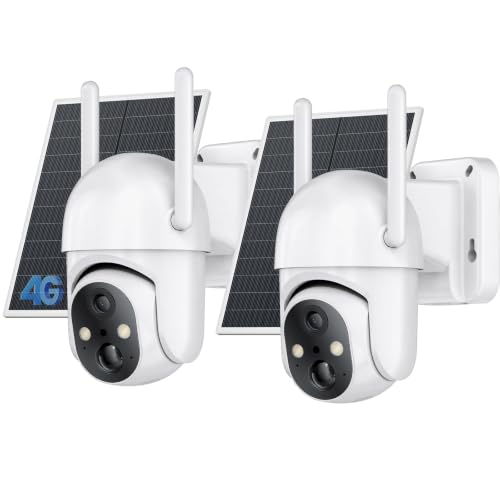
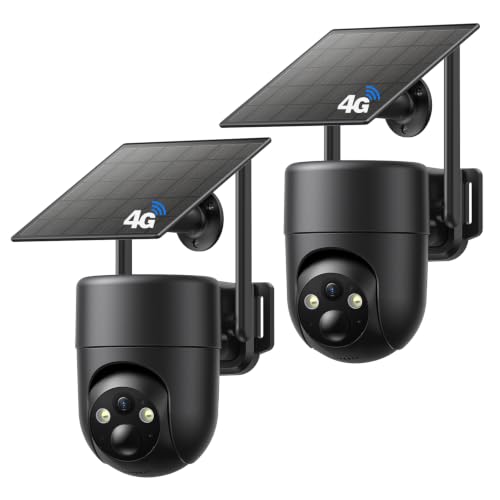


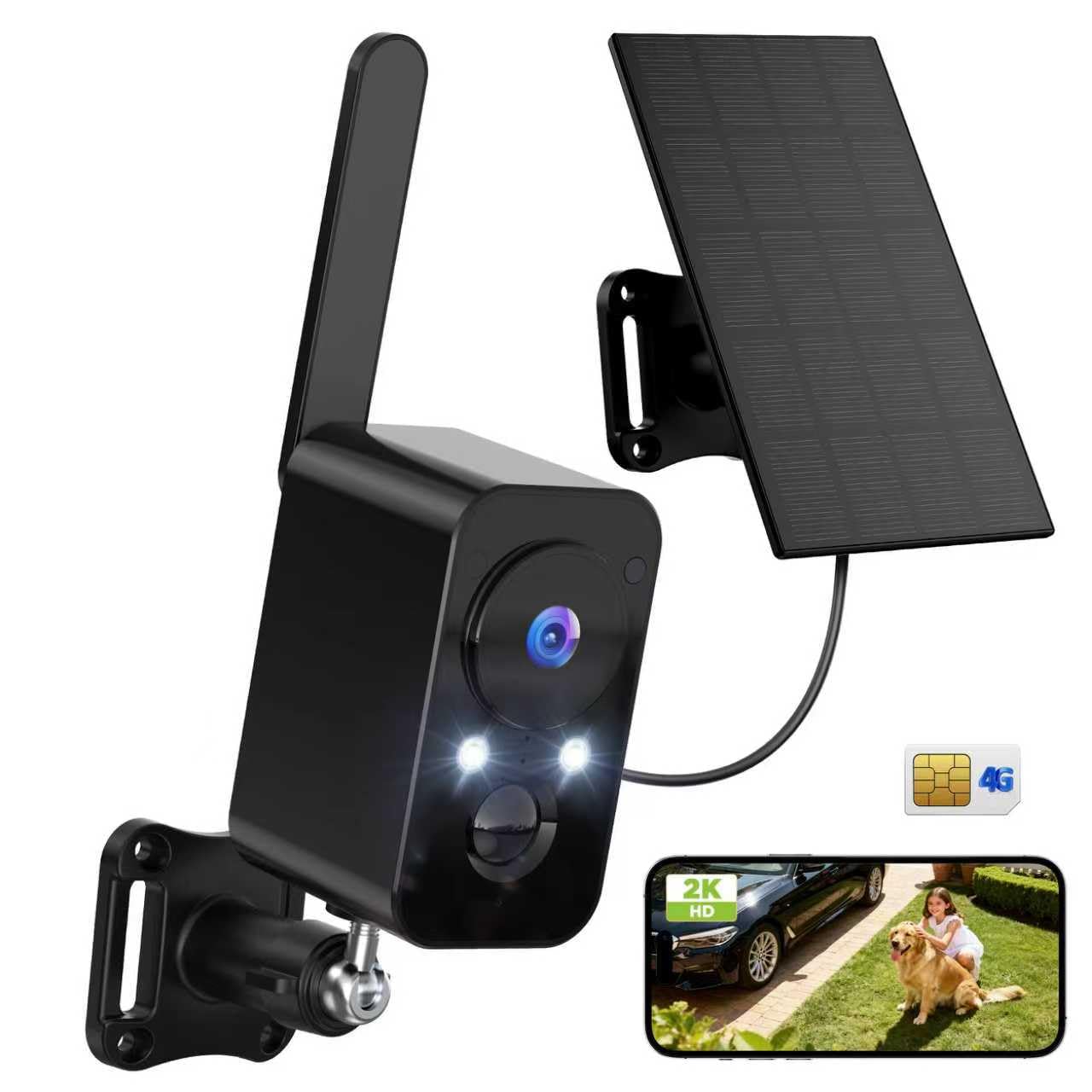

Start With the Signal: The Check Most Buyers Skip
A cellular camera works only where the phone signal works, so the honest first test is standing at the mounting spot with your own phone and watching the bars. One weak bar that drops in bad weather means missed alerts and failed uploads, no matter how good the camera is. Sites with no WiFi are exactly where this class shines: remote land, farm gates, boats on a mooring, barns, and work sites all fit, provided the carrier signal holds. If two carriers serve your area, the one with the stronger signal at the spot matters more than any camera feature.
Check the spot more than once before you commit, because signal strength moves with weather, foliage, and network load. A reading taken on a clear morning can sag on a stormy evening, and a gate that works in winter can weaken when the trees leaf out. Stand where the camera will mount, not where you park, since a few feet of height or a metal building between you and the tower can change the result. If the signal is marginal, a model with an external antenna port or a spot a few feet higher often fixes what a pricier sensor never could.
The Data Plan Is Part of the Price
Every cellular camera needs a data plan, and that monthly fee is a running cost that belongs in the true price from day one. Plans are usually priced by data volume, and motion heavy sites burn data faster because every alert uploads a clip. A camera on a quiet gate may sip data, while one facing a busy road can eat a plan in a week. Add a year of plan fees to the sticker price before comparing models, because the cheaper camera with the pricier plan often loses.
The Checks That Matter Most
Once the signal passes, judge the product table above on the six checks below. Together they cover the picture, the power, and the privacy of the best cellular security cameras in this class.
Video Resolution and Field of View
Resolution decides how much detail survives at distance, and 2K is a sensible floor for reading a face or a plate at gate distance. Field of view decides how much ground one camera covers, with wider angles around 130 degrees and up trading edge detail for coverage. For a single gate or door, a moderate angle with more detail per foot usually beats a very wide and thin picture. Judge the pair together, because resolution spread over a huge angle can leave every subject small.
Power Options: Battery, Solar, and Wired
Power is the daily reality of this class, since most cellular sites have no outlet nearby. Battery models are fastest to mount but need recharging every few weeks or months, and busy sites drain them far sooner than the box suggests. A solar panel trades a larger mounting job for far fewer charging trips, though shade and winter sun can still leave a gap. Where power does exist, a wired model removes the charging question entirely, so take it whenever the site allows.
Smart Detection and Alerts
Person and vehicle detection matters more on cellular than on WiFi, because every false alert costs data and battery, not just attention. Good detection filters out moving branches, rain, and passing headlights, so the clips that upload are the ones worth seeing. Check whether the smarter filters sit behind a subscription tier, since that changes the running cost. Alert speed also depends on signal, so a strong connection is part of detection quality in practice.
Two Way Audio and the Siren Question
Two way audio lets you speak to a delivery driver or a visitor at a remote gate, and a siren can startle a trespasser, but both features carry the sharpest legal edge in this guide. Audio recording is the most legally restricted part of camera use in many places, and local rules govern what you may record and where. Keep cameras out of bedrooms, bathrooms, and anywhere with an expectation of privacy, without exception. When in doubt, record video only and ask locally before enabling the microphone.
Privacy and Account Security
A connected camera is only as safe as the account behind it, so strong and unique passwords are the starting point, not an extra. Turn on two factor sign in, keep the app and firmware updated, and prefer models that encrypt video in transit and at rest. Updates close real holes, so a brand that publishes regular firmware is a meaningful buying signal. Treat a camera with no update history as a red flag, however sharp its picture looks.
Night Vision: Infrared and Color
Infrared night vision gives clear black and white pictures in total darkness and sips power, which suits battery models. Color night vision needs a spotlight or strong sensor sensitivity, and the spotlight drains the battery faster while announcing the camera position. For identification, a face lit by a porch light beats either mode, so think about the light at your site as part of the camera system. Range claims assume open ground, and fences, fog, and rain all shorten the real distance.
Storage: Card, Cloud, and the Signal Gap
Storage decides what survives a bad week, and cellular cameras split it two ways. A memory card in the camera records events even when the signal drops, then uploads when the connection returns, so local storage is the safety net of this class. Cloud storage moves footage off site, which protects it if the camera is stolen, but it usually sits behind the subscription and depends on upload success. The honest setup for a remote site is both: the card as the record that always exists, and the cloud as the copy you can reach from anywhere.
What Your Money Buys at Each Level
Entry models at about $80 to $150 usually pair a basic sensor with battery power and a modest plan allowance, and they suit a single quiet gate. The middle band at about $150 to $300 adds sharper resolution, smarter detection, and solar bundle options, and it is where most remote sites land. Above about $300 you mostly buy wider coverage, longer battery reserves, and stronger build quality for exposed sites. Judge every band with a year of plan fees added, because the plan can outweigh the hardware gap between two bands.
A quick first year calculation keeps the bands honest. Take an entry camera at about $120 with a plan at about $10 a month, and its true first year cost is about $240 before a memory card. A middle band camera at about $220 on the same plan lands near $340, so the real gap between the two is far smaller than the sticker gap suggests. Run that math for every model on your short list, because in this class the subscription column decides the winner more often than the hardware column does.
Quick Buyer Checklist
- Does my phone hold a steady signal at the exact mounting spot?
- Do I know the monthly plan cost, and what a year of it adds to the price?
- Can the site take a solar panel, or will I recharge batteries by hand?
- Does the camera filter people and vehicles from wind and animal motion?
- Is two factor sign in available, and does the maker update firmware?
- Will the camera view stay out of private spaces and off neighboring property?
- Does storage cover the days I might be away without signal to upload?
Red Flags to Watch For
- No plan pricing anywhere: if the data cost is hidden until activation, expect it to be the expensive part.
- Huge battery claims with no conditions: battery life figures assume few motions a day, and a busy site can cut them to a fraction.
- No two factor sign in: an account that a stolen password opens fully is a risk you carry every day.
- Vague resolution wording: terms like HD ready without a pixel count usually mean a small sensor behind big words.
- No firmware updates listed: silent support pages suggest the product will age without fixes.
Choosing for Your Situation
Best Outdoor Cellular Security Cameras: What to Check
Outdoor use adds weather and exposure to every earlier check, so sealing, mount strength, and temperature range lead here. A camera on a fence line faces wind driven rain that a porch camera never meets, and the mount must hold aim through storms. Solar placement matters more outdoors too, since the panel and the camera often want different spots. For a wider view of the outdoor class beyond cellular models, the guide to best cellular outdoor security cameras covers the outdoor naming sibling, and best security cameras outside compares outside placements across connection types.
Best HD Cellular Security Cameras: What to Check
The HD question is really a detail question: how many pixels land on the subject at the distance you care about. A 2K sensor aimed at a gate ten feet away gives usable detail, while the same sensor across a field spreads those pixels too thin. Data cost rises with resolution as well, since bigger clips upload on every alert. Match the resolution to the subject distance first, and let the plan budget have the final say.
Where Cellular Fits Among Other Camera Types
Cellular is one connection class among several, and naming helps keep the shelves straight. The broad family in best cellular cameras includes units sold for trailers, cabins, and wildlife as well as security, while best security surveillance cameras covers surveillance systems of every connection type. If your building already has WiFi at the walls, best security cameras for house is the cheaper running cost route, because a house camera on WiFi skips the data plan entirely. Choose cellular when the signal is the only network the site honestly has.
Care and Maintenance Tips
Mount cameras high enough to deter tampering yet low enough to capture faces, which in practice means about 8 to 10 feet for most gates and doors. Clean the lens every few months, because spider webs and dust glow under infrared light and wash out night pictures. Check the battery or solar charging after storms, and review signal strength seasonally, since new foliage can weaken a marginal connection. Once a season, confirm two factor sign in is still on and install any waiting firmware updates.
Frequently Asked Questions
Can a cellular security camera work without WiFi?
Yes, and that is the entire point of the class, because the camera connects through a mobile carrier instead of a router. It still needs a data plan and a usable signal at the mounting spot, so it is independent of WiFi but never independent of networks altogether. Upload speeds on mobile data are slower than home broadband, which is why clips are short. Test the spot with your phone before ordering anything.
Are cellular security cameras easy to hack?
They are no easier to hack than WiFi cameras when the basics are done, and most break ins target accounts, not cameras. A unique password plus two factor sign in blocks the common attacks, and current firmware closes the known holes. Risk rises sharply when owners reuse passwords or skip updates for a year. Treat the account setup as part of the installation, not an errand for later.
How much storage does a cellular security camera need?
Most owners need less than they fear, because motion based recording stores events instead of empty hours. A card that holds a few weeks of events is a sensible target, and it also covers trips where uploads fail for days. Cloud storage adds off site safety, since footage survives even if the camera is stolen. For outdoor sites, choose a card rated for wide temperature swings and constant rewriting, because a bargain card is the part most likely to fail in a freeze or a heat wave.
Does a cellular security camera need a subscription?
The data plan is effectively required, since the camera cannot send alerts without mobile service. Beyond that, subscriptions are optional on many models and usually unlock smarter detection, longer cloud history, or richer alerts. Read what the free tier keeps, because some brands shorten cloud storage to a few days without payment. Add every recurring fee to the first year cost so the comparison with WiFi models stays honest.
Is a wired camera more reliable than a cellular camera?
A wired camera on home broadband is usually steadier and cheaper to run, since it never waits on signal or battery. Cellular wins on placement freedom, reaching gates, fields, and boats that no cable or router can serve. Reliability also depends on the site, because a strong signal on a solar setup can run for years with little attention. Pick by site conditions first, and by connection loyalty never.
Final Thoughts
Signal first, plan cost second, and picture third is the order that keeps buyers in this class happy. Use the product table above to compare models only after your site passes the signal test and the plan math works. Chosen that way, the best cellular security cameras are the ones that stay connected, stay powered, and keep your footage private at a site your router could never reach.


