Best Car Cameras Front and Back: Kits, Features and Installation for 2026
Disclosure: We may earn a commission when you buy through links on this page, at no extra cost to you. As an Amazon Associate I earn from qualifying purchases. Learn more
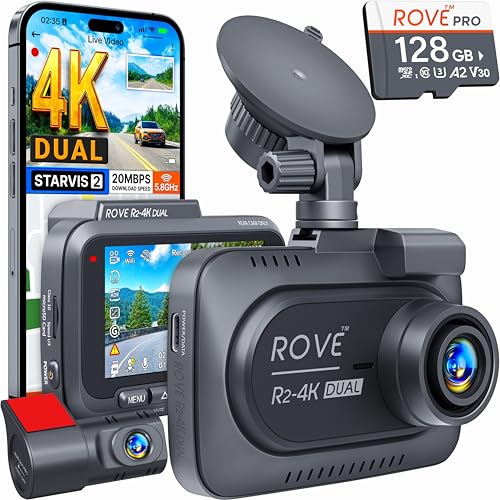
Compare the best car cameras front and back by kit type, resolution, night video and parking mode, with a simple guide to fitting the rear camera.
A dash camera that records only the road ahead leaves out what happens behind you, which is where many parking bumps and rear-end collisions occur. The best car cameras front and back pair a main camera on the windshield with a smaller one on the rear window, and save both streams to the same card. This guide explains how those kits work, what to compare, and how to install the rear camera so the cable stays out of sight.
Use the product table above to compare current kits once you know whether you want a simple two-camera setup or a three-camera version that also films the cabin.

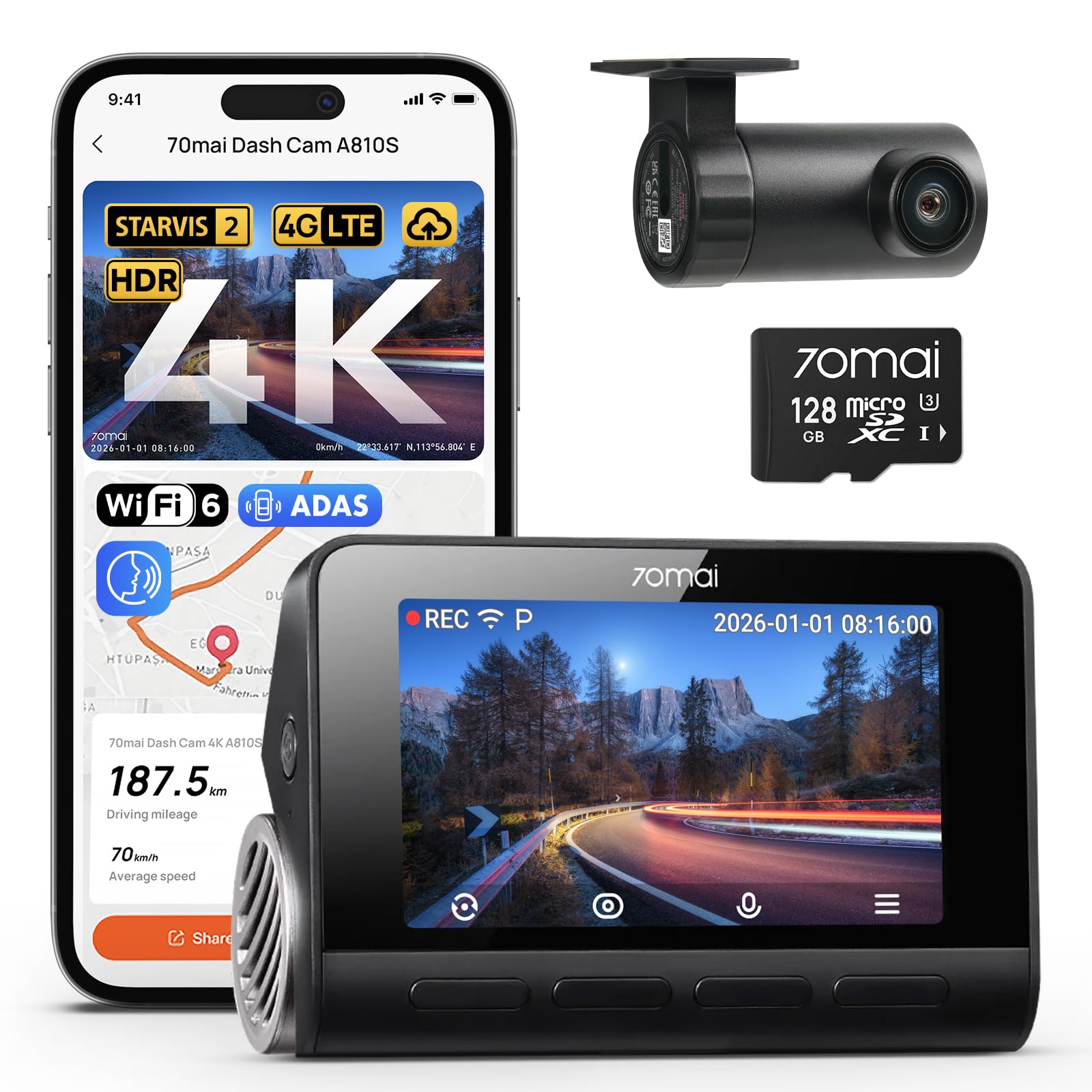
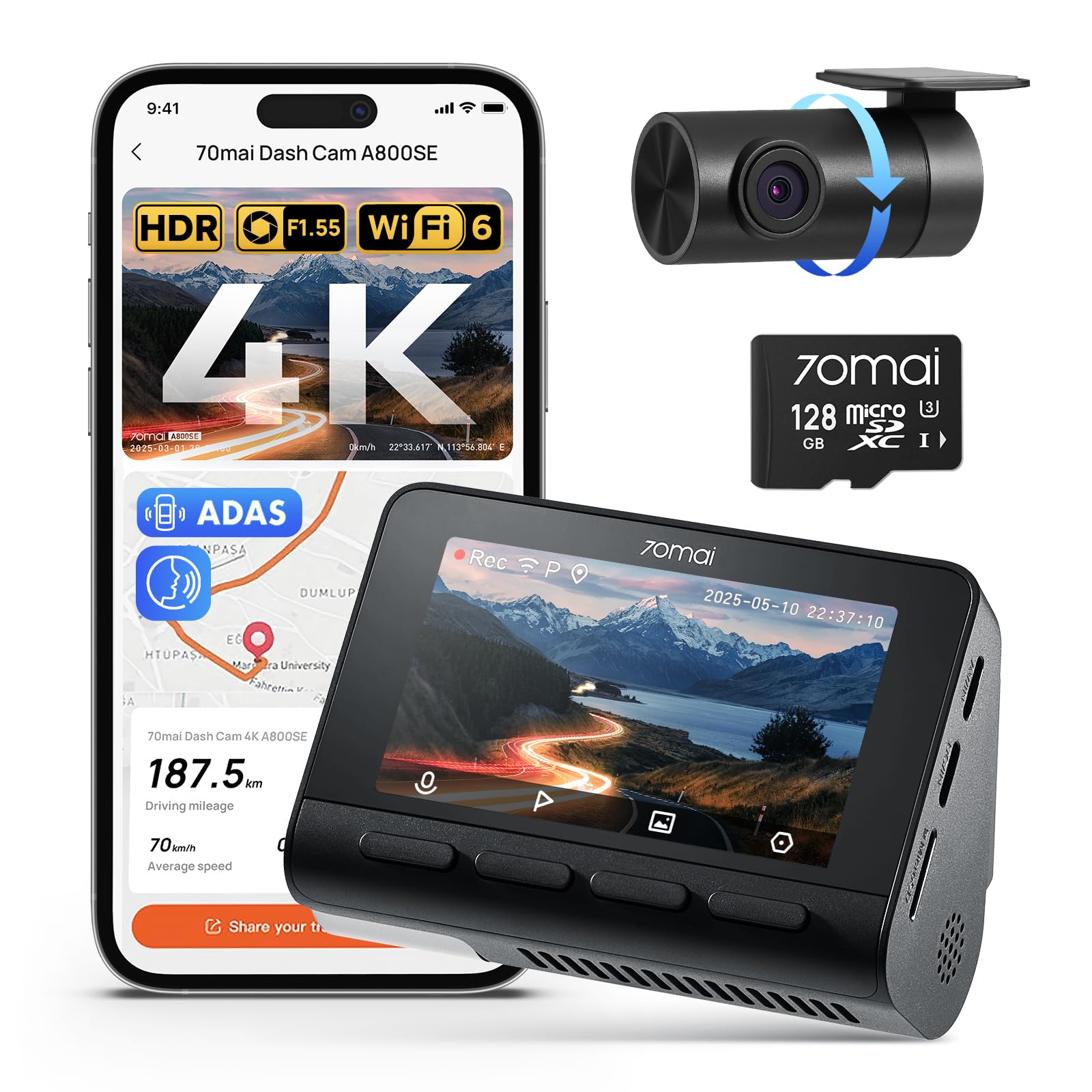
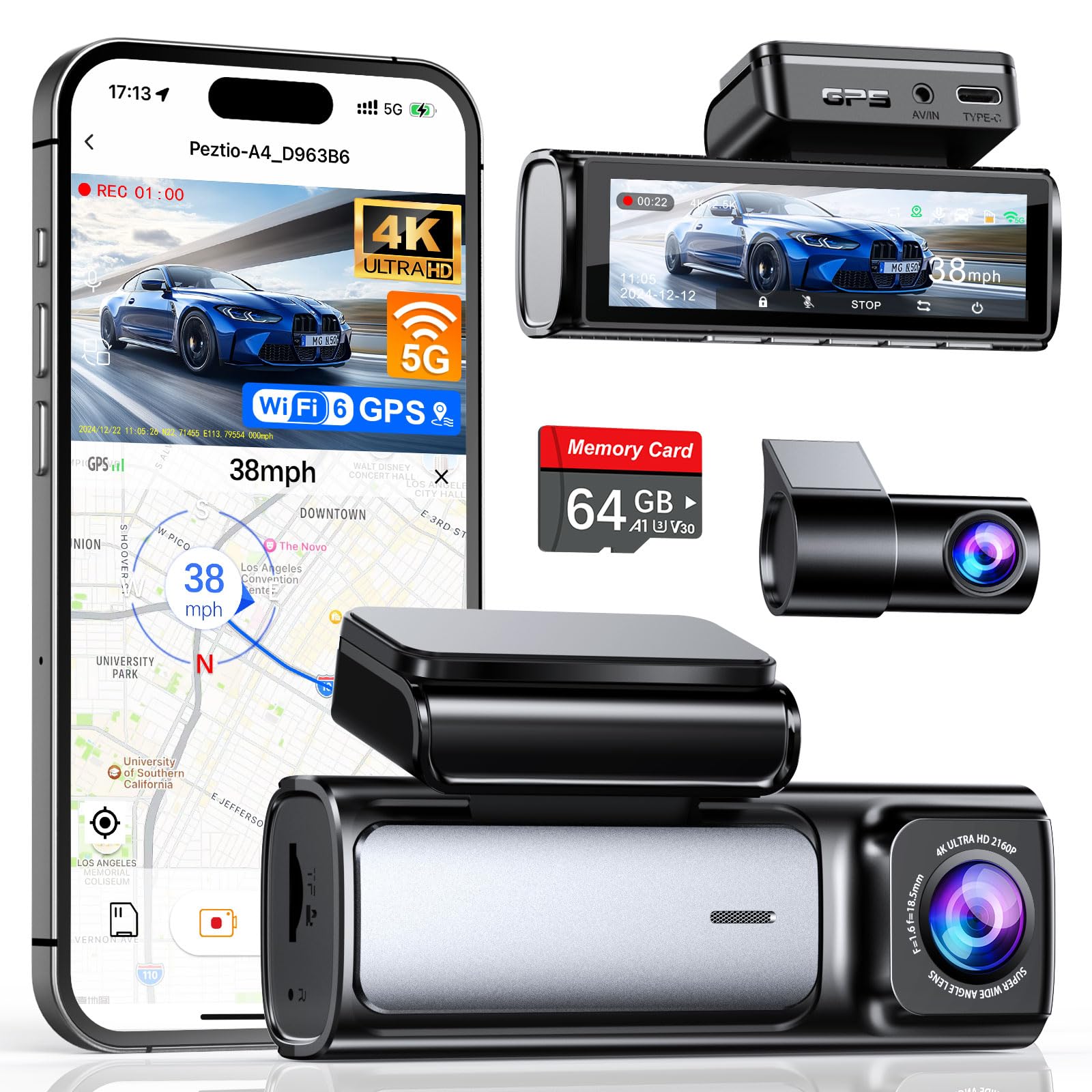
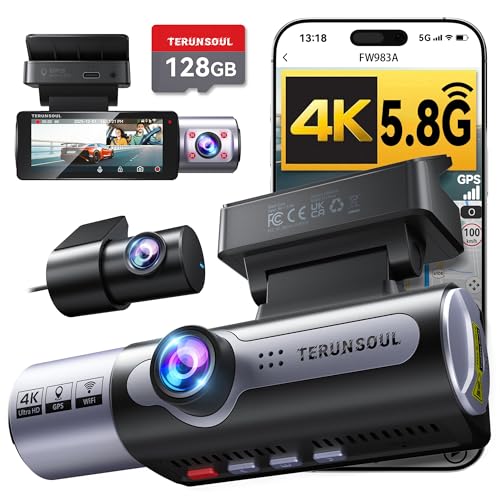
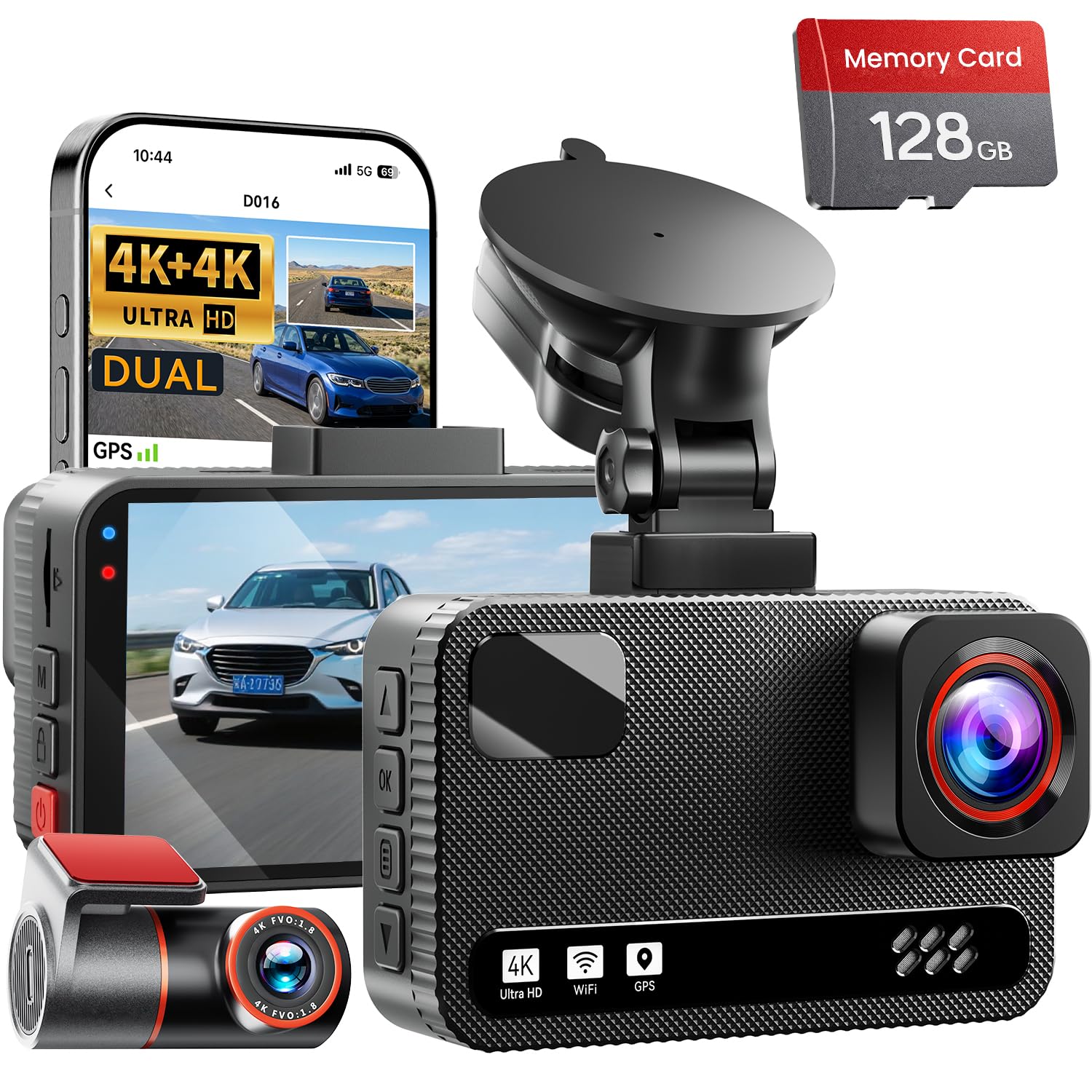
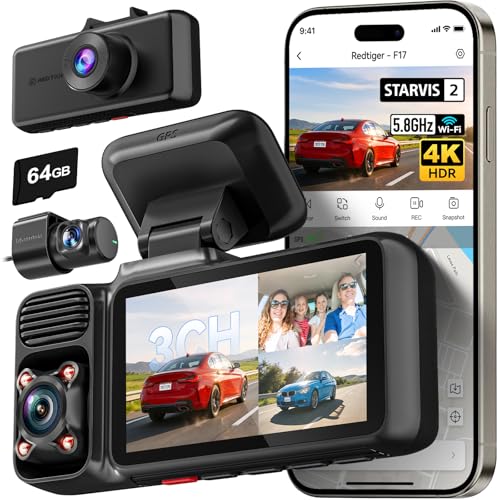
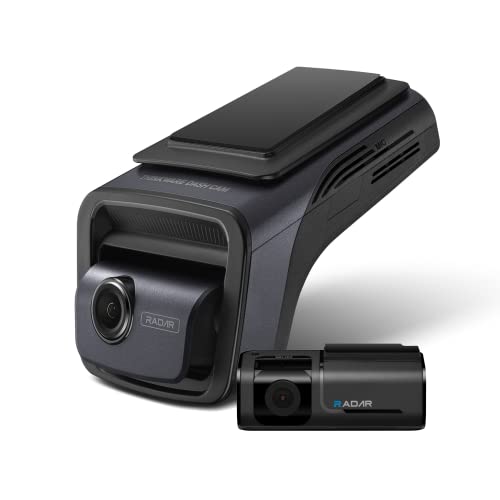
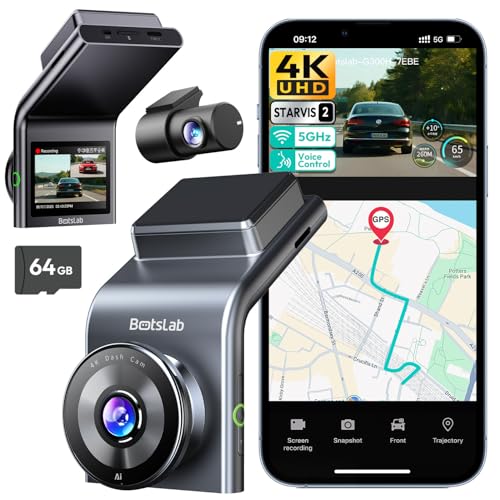
How a Front and Back Camera Kit Works
The front unit holds the memory card, screen, and processor. A thin cable runs from it to the rear camera, usually along the headliner, down a door pillar, and across the rear window. Both cameras record at the same time and share the clock, so you can play back what happened at the front and the rear at the exact moment of an incident. Most kits plug into the 12-volt socket, while a hardwire kit lets the camera record when the car is parked.
Which Setup Fits You
Two-Camera Kits
The common choice. A front camera with a compact rear camera covers road and rear traffic, and costs less than a three-camera system. Commuters and most private owners are well served here.
Front Camera With a Rear Add-On
Some front cameras start alone and accept a rear camera later. This spreads the cost, but check that the add-on is sold for your model and that the cable is long enough for your vehicle length, since an SUV or wagon needs more cable than a hatchback.
Mirror Cameras
A mirror camera replaces your rear-view mirror with a screen that shows the rear camera image. It improves the rear view when the back window is blocked by passengers or cargo, but the screen takes some getting used to and not every driver likes it.
Three-Camera Kits
Add a cabin lens, which suits rideshare drivers and taxi owners who want a record of passengers. Check local rules on recording people inside a vehicle before you use one.
Features Worth Comparing
Video Resolution
Aim for at least 1080p at both ends. Many newer kits record the front in 2K or 4K, which makes number plates easier to read at a distance, but higher resolution fills the card faster. Check the rear resolution separately, since rear cameras are often lower than the front.
Night Performance
Look for a camera with a larger sensor and good HDR or wide dynamic range, so headlights and dark streets both stay readable. Sample night clips are more useful than a megapixel number.
Loop Recording and Storage
Loop recording overwrites the oldest footage once the card is full. Use a card rated for high endurance, since ordinary cards often fail under constant writing. Two cameras write more data than one, so a larger card, such as 128 GB, keeps more history.
Parking Mode and Power
Parking mode records motion or impact while the car is off. It needs a hardwire kit with a low-voltage cutoff, or a battery pack, so the camera does not drain the car battery. If you park in a garage and rarely worry about dents, plain loop recording may be enough.
Installing the Rear Camera
- Choose a spot on the rear window near the top center, where the wiper area stays clear if your car has one.
- Clean the glass with a dry cloth, then press the adhesive mount firmly in place.
- Route the cable along the headliner and down the pillar with a trim tool, tucking it beneath the weatherstrip at the rear door.
- Leave a loose loop where the cable crosses a hinge so it is not stretched when a door or tailgate opens.
- Check that the picture is level and covers the bumper before you hide the last of the cable.
Cable Length and Camera Placement
Rear cable length is the detail buyers overlook most. A compact hatchback may need about four meters of cable, while a long SUV, minivan, or pickup with a cab and bed may need six meters or more. Check the stated length in the listing, and measure the route you plan to take: along the roof lining, down a pillar, and across the rear window. A kit that is slightly short forces you to stretch the cable across the cabin, which looks untidy and can pull the plug out of the camera.
Placement also changes what you record. Mount the front camera behind the rear-view mirror so it sits within the area cleared by the wipers, and keep it high enough that it does not block your view. The rear camera should look slightly downward to include the bumper and the road behind, not just the sky. If the rear window is tinted, check that the camera can still see clearly through the glass, since some tints reduce night quality.
Picture Settings Worth Checking
Most kits let you adjust exposure, date stamp, and sensitivity of the impact sensor. Turn on the date and time stamp, set the correct time zone, and lower the sensor sensitivity if every pothole triggers a locked clip. Enable audio only if the law in your area allows it, since recording conversations inside a car is restricted in some places.
What Dash Cam Kits Cost
Basic two-camera kits start around $60 to $100, mid-range 2K or 4K kits cost about $100 to $250, and premium kits with cloud features and better sensors go higher. Add a high-endurance card and a hardwire kit to your budget if you want parking mode.
Related Guides
Compare close alternatives in our guides to the best car cameras front and rear, the best front cameras, and the best car dashboard cameras. The best car cameras and best car dash cameras guides cover the wider category.
Front and Back Camera FAQ
Do I need a rear camera as well as a front camera?
A rear camera adds evidence for rear-end collisions and parking damage, which a front camera cannot capture. For regular drivers it is usually worth the extra cost.
Can I install a front and back camera kit myself?
Many people do, using a plug-in power cable and a trim tool. Hardwiring for parking mode is more involved, so use a professional if you are unsure about your car fuse box.
How much storage do two cameras need?
Two streams fill a card quickly. A 128 GB high-endurance card holds many hours of loop recording, and important clips can be locked so they are not overwritten.
Will a dash camera drain my battery?
Not while driving. In parking mode it draws a small current, so use a hardwire kit with a voltage cutoff or a dedicated battery pack.
Final Thoughts
Choose clear video at both ends, a card rated for constant writing, and a cable route that suits your car. The best car cameras front and back are the ones you will leave switched on every drive, so compare your shortlist in the product table above and choose the kit that fits your vehicle and budget.