
Best Car Cameras Front and Rear: Two-Camera Coverage Guide for 2026
Disclosure: We may earn a commission when you buy through links on this page, at no extra cost to you. As an Amazon Associate I earn from qualifying purchases. Learn more

What the best car cameras front and rear add over a single dash cam, with the specs that make footage useful: resolution, night video, storage and parking mode.
A front camera alone misses what happens behind you, and rear-end collisions, tailgaters, and parking bumps all happen out of its view. The best car cameras front and rear record both directions together, giving you a fuller account if you need to settle a claim. This guide explains what two-camera coverage adds, which specs make footage useful, and what to check before you buy.
Compare current models in the product table above, then use the sections below to narrow the choice by resolution, night performance, storage, and power.

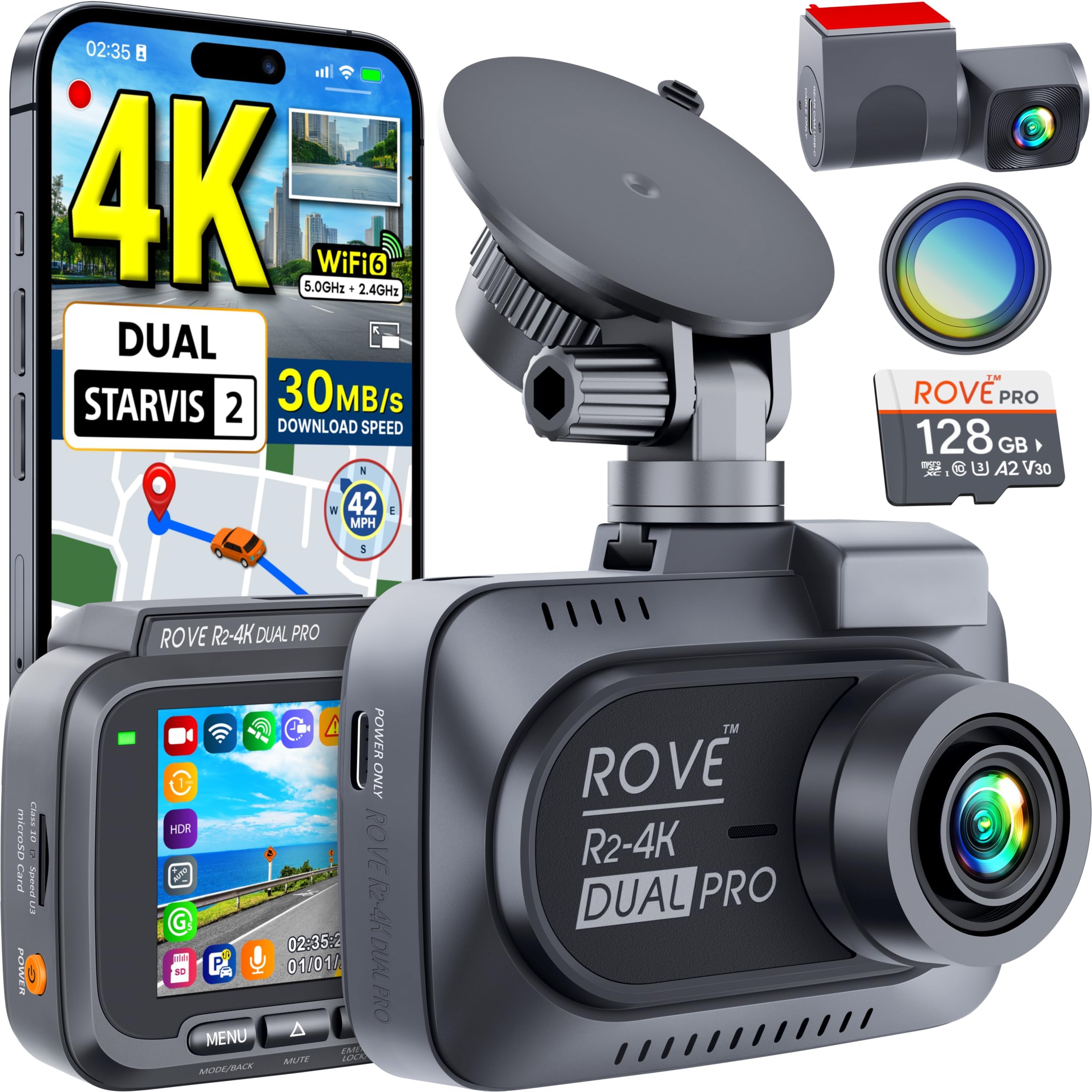
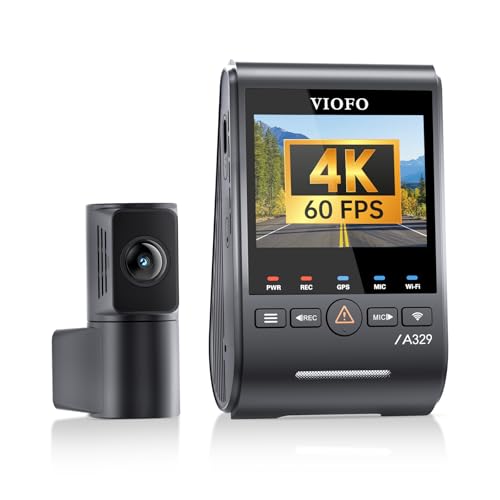
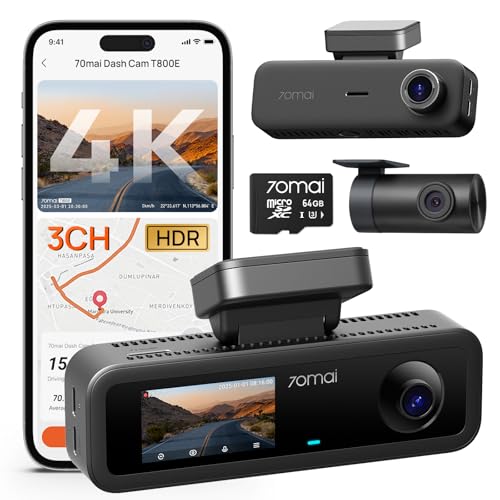
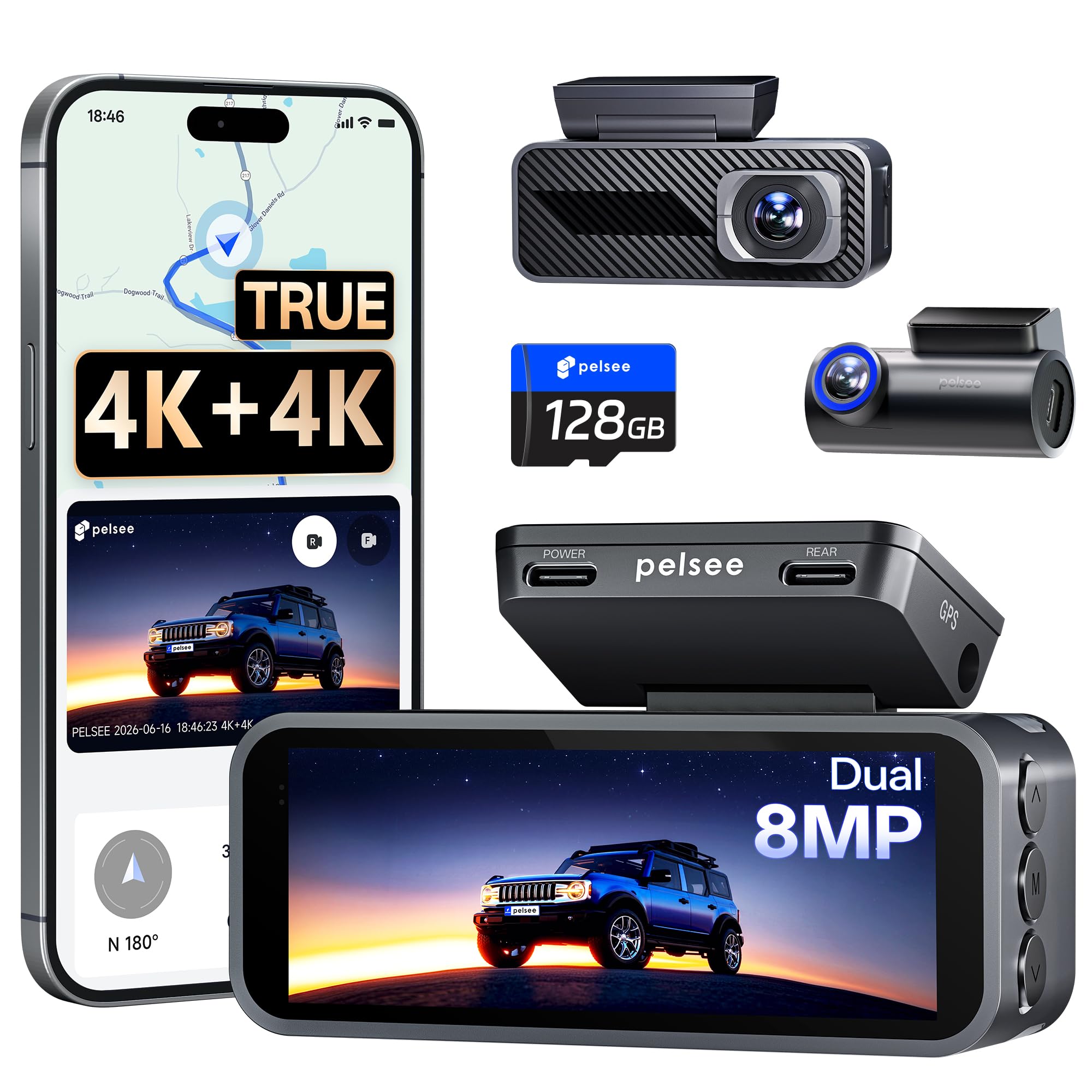
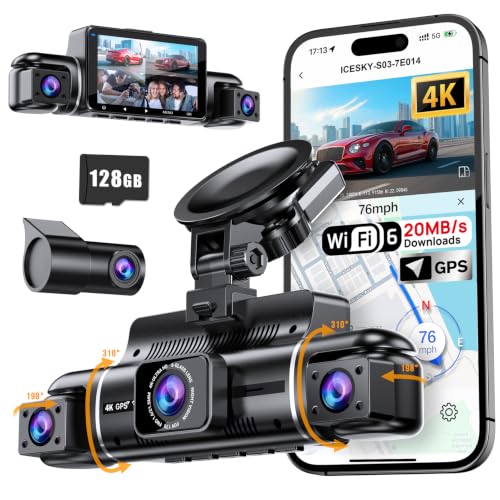
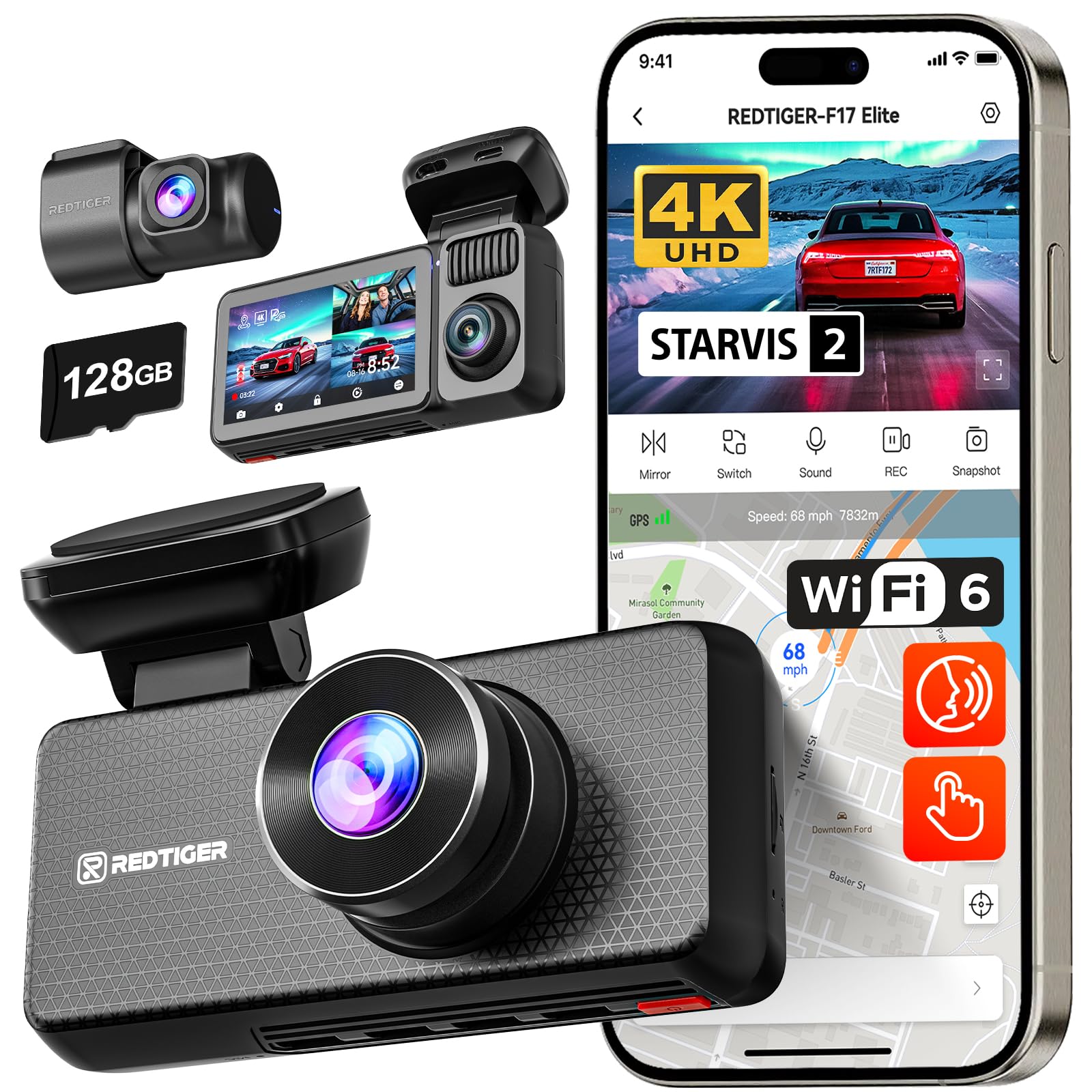
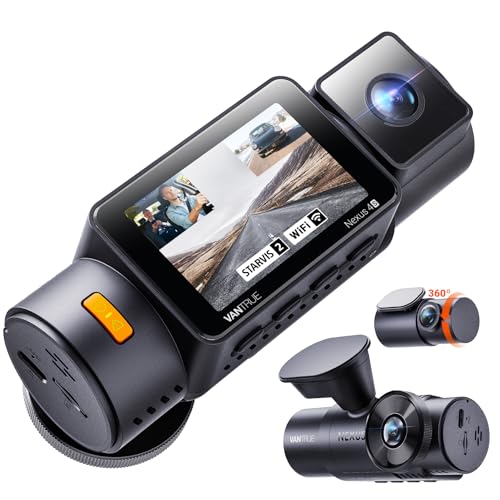
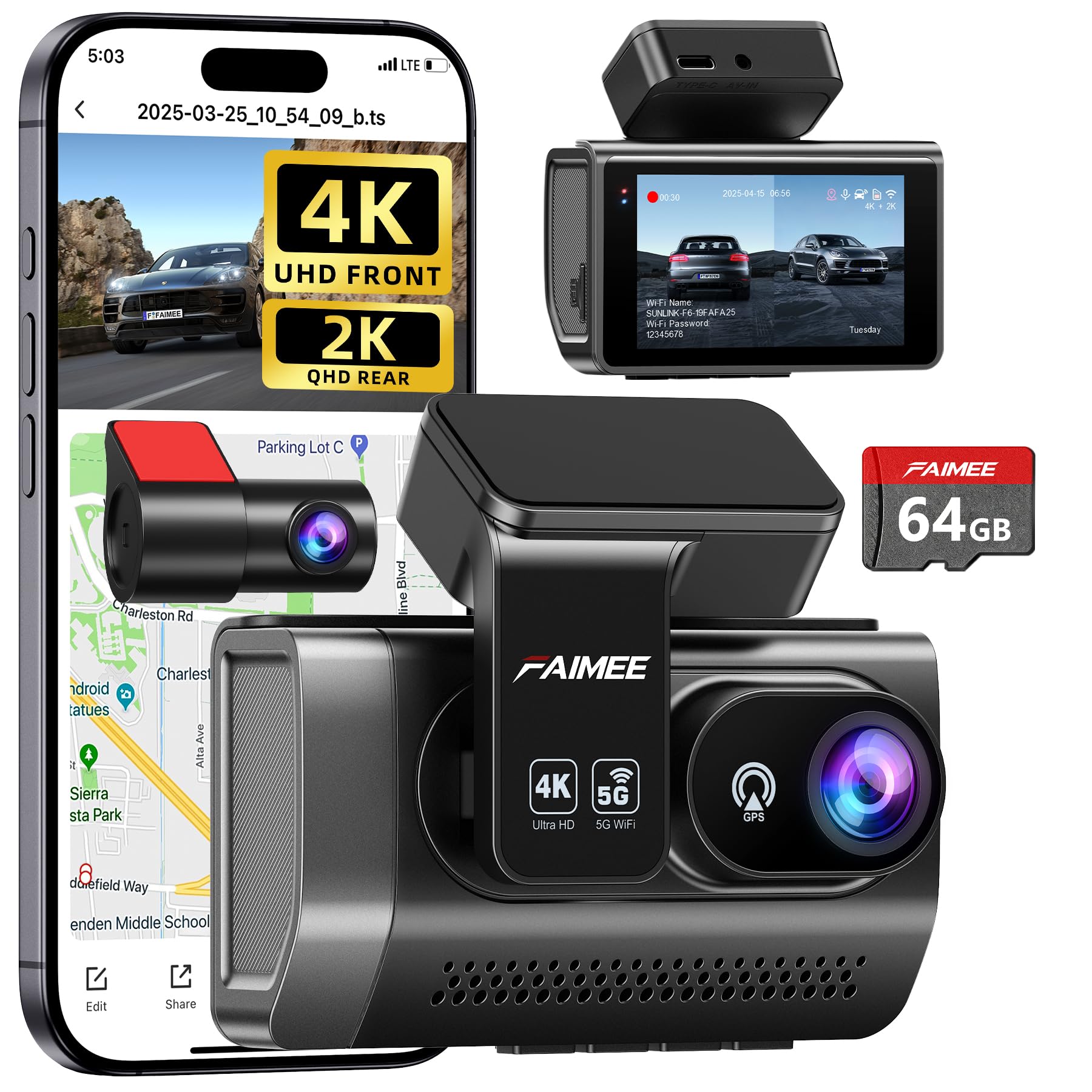
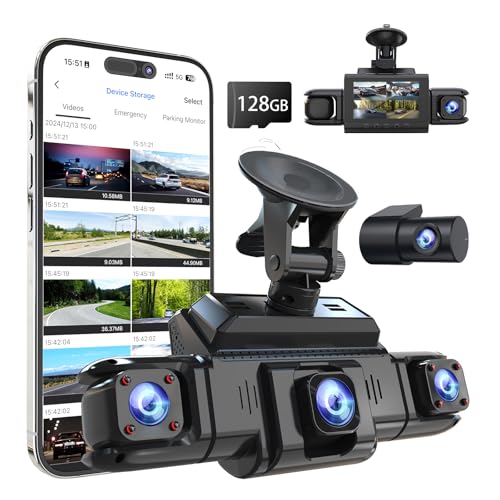
What Two-Camera Coverage Adds
A single front camera shows who was at fault in most head-on and intersection incidents, but it cannot show a driver who hits you from behind and drives off, or a car that reverses into yours in a parking lot. A rear camera fills that gap, and many kits also let you play both views side by side, with timestamps and speed from a GPS module if one is fitted. The result is evidence that answers questions an insurer is likely to ask.
Two cameras also help in ordinary driving. A rear view lets you watch a following truck, check what happened when a driver slammed on brakes, and record roadside interactions. They are especially useful for rideshare drivers, delivery drivers, and anyone who parks on a busy street.
Who Should Buy One
Commuters, parents with teen drivers, and drivers in busy city traffic get the most from a two-camera system. So do owners who park on the street, where hit-and-run damage is common. If you drive rarely and keep the car in a garage, a front camera on its own may be enough, but two-camera coverage costs only modestly more and covers more risks.
Specs That Make Footage Useful
Resolution and Frame Rate
Resolution decides whether you can read a number plate. Full HD is a sensible minimum, and 2K or 4K on the front camera helps at a distance. Frame rate matters too: 30 frames per second is standard, and 60 gives smoother playback of fast events. Check that the rear camera resolution is stated, since it is often lower than the front.
Night Vision and Sensor Quality
Many incidents happen after dark, so a camera that struggles with headlights or streetlights offers limited protection. Look for large, low-light sensors and wide dynamic range, and check sample footage taken at night instead of relying on a brand name or a megapixel count.
Field of View
A wide angle, often 140 to 170 degrees, covers more lanes but can curve the edges of the picture. Too wide a lens makes number plates smaller, so the middle ground suits most drivers.
Storage and Loop Recording
Loop recording overwrites the oldest clips when the card is full. Use a high-endurance microSD card made for constant writing, and format it every month or two. An impact sensor should lock important clips so they are not erased, and wireless transfer to your phone makes saving footage easy.
Parking Mode and Power
Parking mode records motion or impacts while the car is parked, which needs a hardwire kit with a voltage cutoff or a dedicated battery. Plug-in power is simpler and suits drivers who do not need parking recording.
What to Do After an Incident
If something happens, stop in a safe place and let the camera finish recording the clip. Press the lock or emergency button if your camera has one, so the file is not overwritten by later loop recording. As soon as it is safe, save the front and rear files to your phone or computer, and keep the original card until your claim is settled. Share footage with your insurer when asked, and give copies to the police if they request them.
Check the clip date and time, since an incorrect clock can raise questions later. A good habit is to confirm the time stamp every few months, and again after daylight saving changes. Remember that footage shows what happened but does not replace the details you collect at the scene, such as photographs, names, and registration numbers.
Privacy and Local Rules
Rules about dash cameras differ by state and country. Some places restrict windshield mounting, while others limit audio recording or the use of footage online. Mount the camera where it does not block your view, avoid recording conversations unless everyone is aware, and think twice before sharing footage that shows other people or their plates in public. If you drive for work, tell passengers a camera is fitted, and follow any policy set by the company or the platform you drive for.
Setups at a Glance
| Setup | Best for | Trade-off |
|---|---|---|
| Front and rear kit | Most drivers | Cable must be routed to the back |
| Front, rear and cabin | Rideshare and taxi | Privacy rules apply |
| Mirror camera | Blocked rear view | Screen takes getting used to |
| Separate cameras | Redundancy | Two cards to manage |
Common Mistakes
- Buying the cheapest kit and finding the footage too blurry to read plates.
- Using an ordinary memory card that fails under constant writing.
- Routing the cable loosely so it hangs or comes undone over time.
- Leaving parking mode on without a safe power source.
- Mounting the rear camera so high or low that it misses the bumper.
Care and Daily Use
Format the card regularly, clean the lenses and glass, and check once a month that both cameras still record. Update the firmware when the maker releases fixes, and keep a spare card in the glovebox. If you use parking mode, confirm that the voltage cutoff is set correctly so the car always starts.
Related reading: best car cameras front and back, best dash cameras front and rear, best front cameras, and best dash cam with front and rear cameras. For the wider category, see the best car cameras guide.
Front and Rear Camera FAQ
What resolution should I choose?
Full HD is a minimum. Choose 2K or 4K on the front camera if you want clearer plates, and balance the extra quality against card space.
How does parking mode work?
The camera wakes on motion or impact and records a short clip. It needs a hardwire kit or a battery pack so the car battery is not drained.
Can I install a two-camera system myself?
Many drivers do with a plug-in kit and a trim tool. Hardwiring is more involved, so ask a professional if you are unsure about your car electrics.
How long is footage kept?
That depends on card size and video quality. Loop recording overwrites old clips, but you can lock important ones and save them to your phone.
Final Thoughts
Choose clear video, a high-endurance card, and an installation you are comfortable with. The best car cameras front and rear become a quiet safeguard on every journey, so compare your shortlist in the product table above and test both views after you fit them.


