
Best Car Dashboard Cameras: A First Time Buyer's Guide for 2026
Disclosure: We may earn a commission when you buy through links on this page, at no extra cost to you. As an Amazon Associate I earn from qualifying purchases. Learn more

A first time buyer guide to dashboard cameras: the kit you actually need, hidden costs like cards and hardwire kits, plain English specs, and setup steps.
Buying your first dashboard camera is easier than the listings make it look. The product itself is simple: a small camera that records your drives and keeps the clips that matter. What confuses new buyers is the vocabulary and the extras sold beside it, so this guide to the best car dashboard cameras starts with the basics, translates the specs into plain English, and shows you the full kit a first purchase really needs.
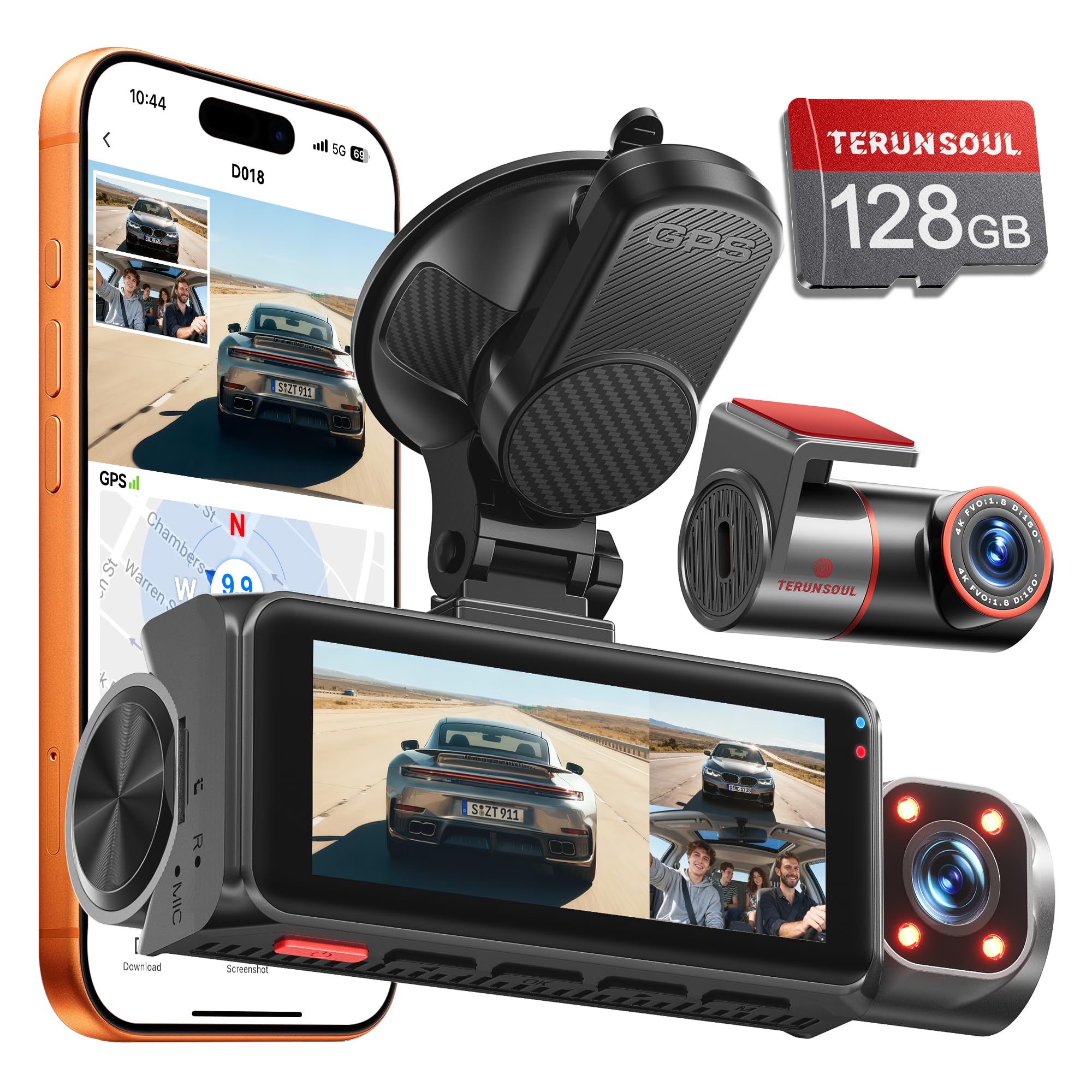
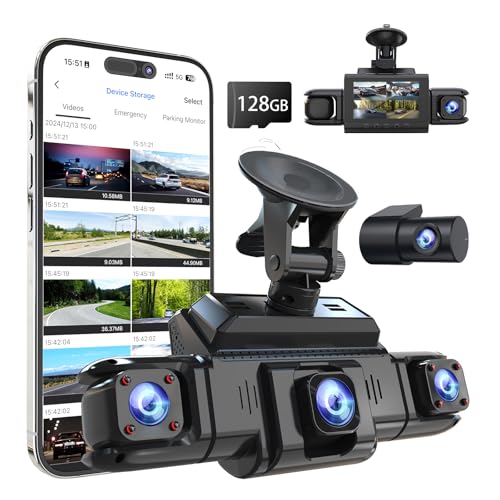
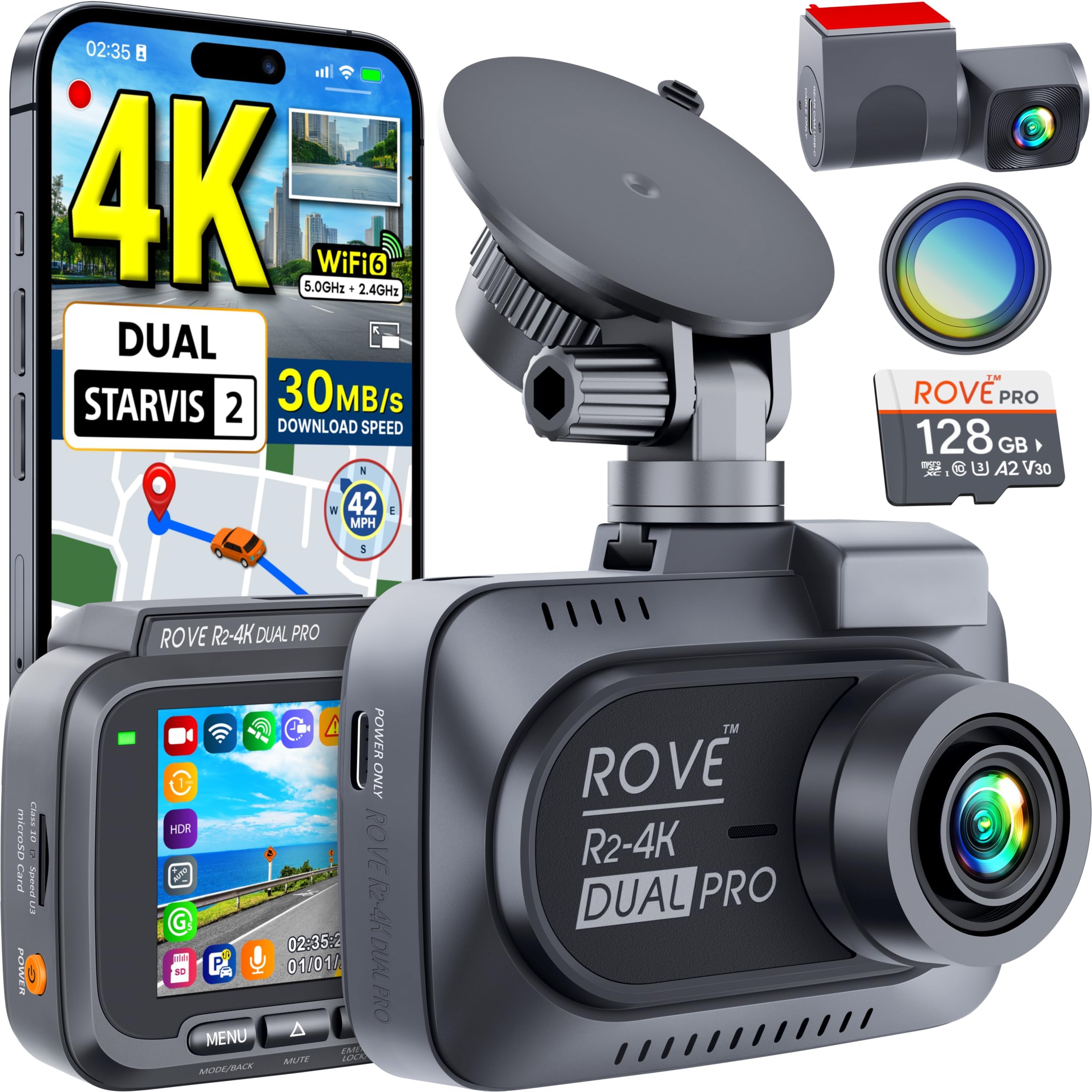
By the end you will know what comes in the box, what the box leaves out, and how to set the camera up on day one. The comparison table below gives a quick overview of common starting points, and the sections after it take each decision in order.
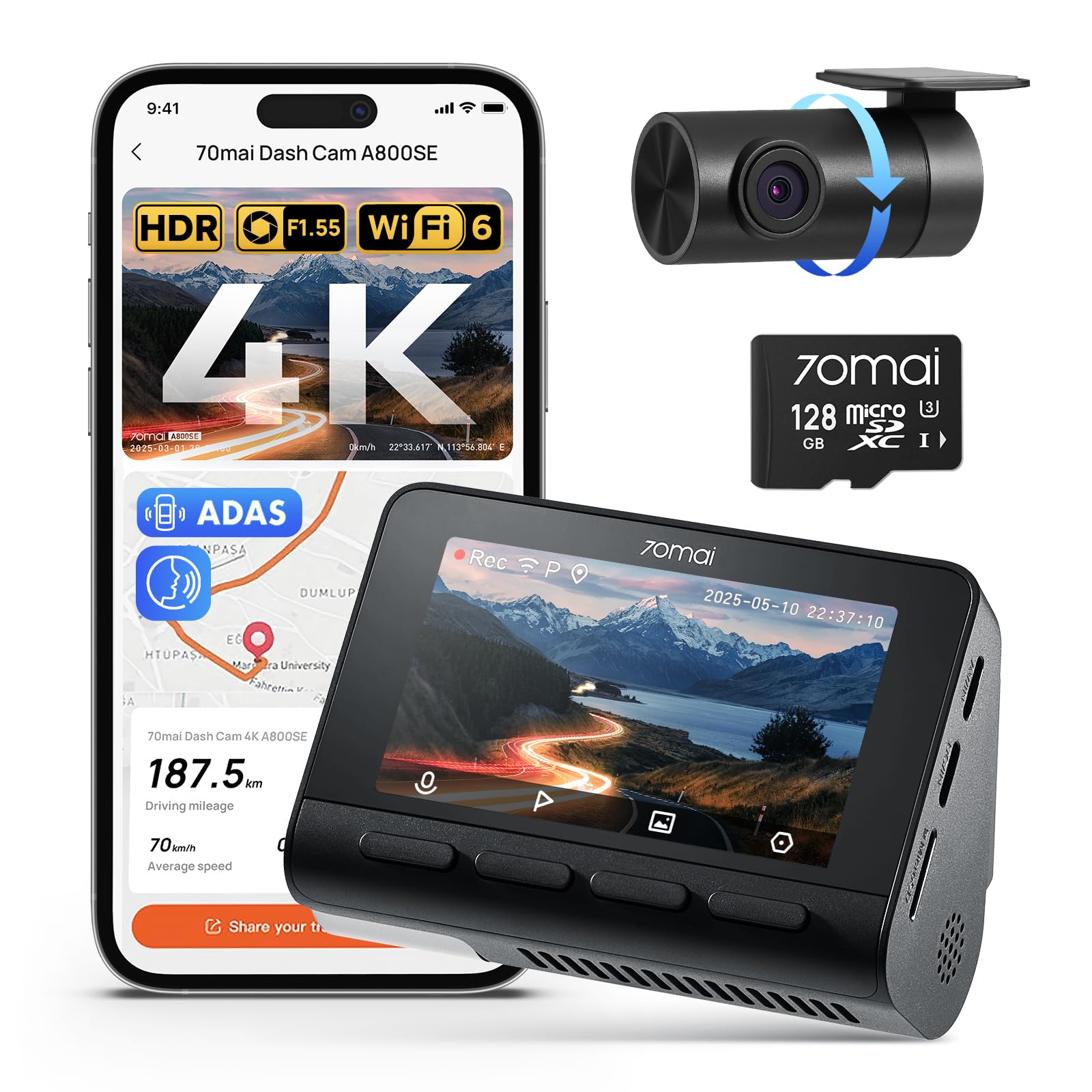
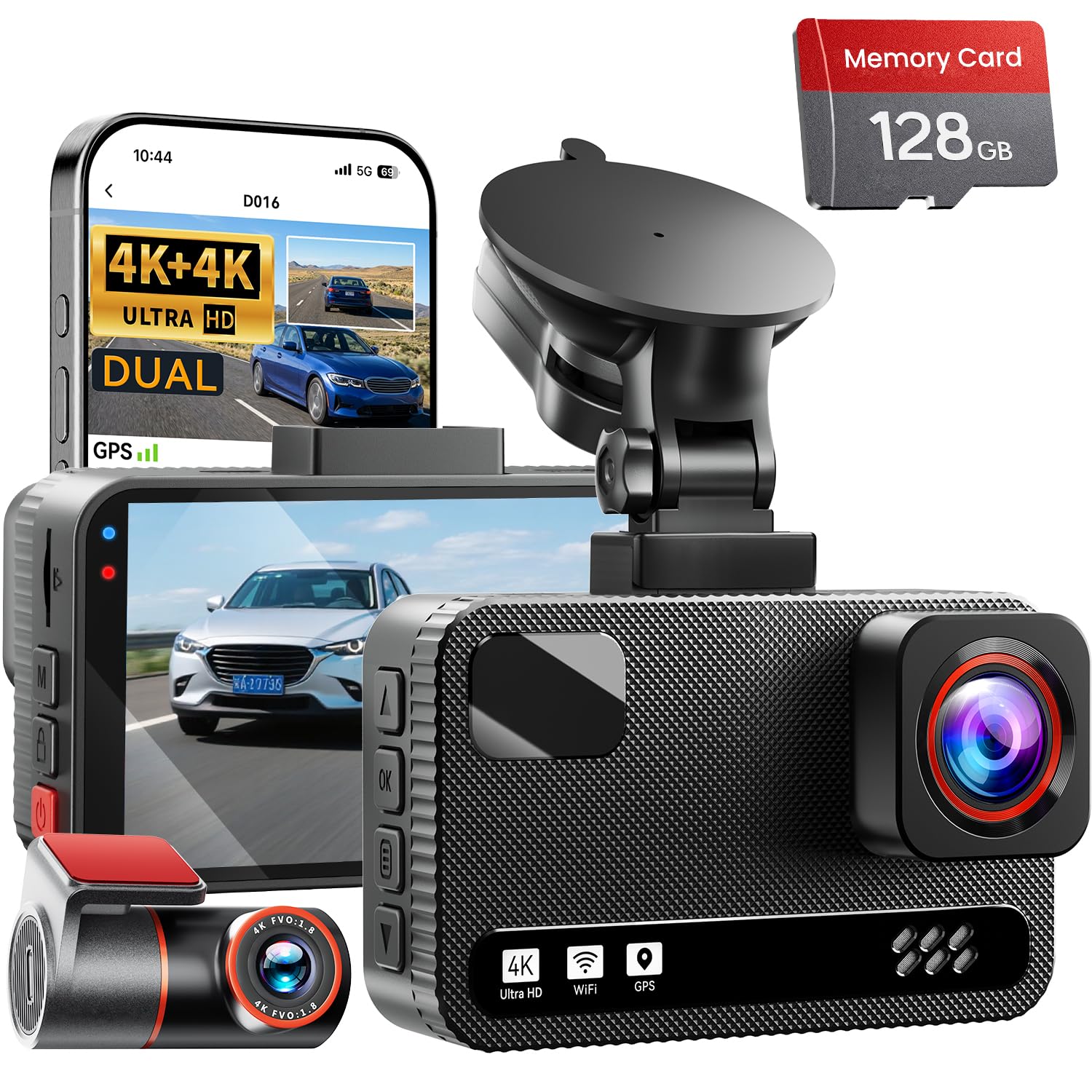
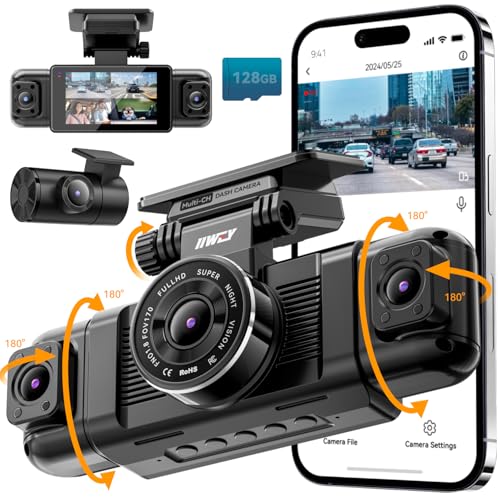
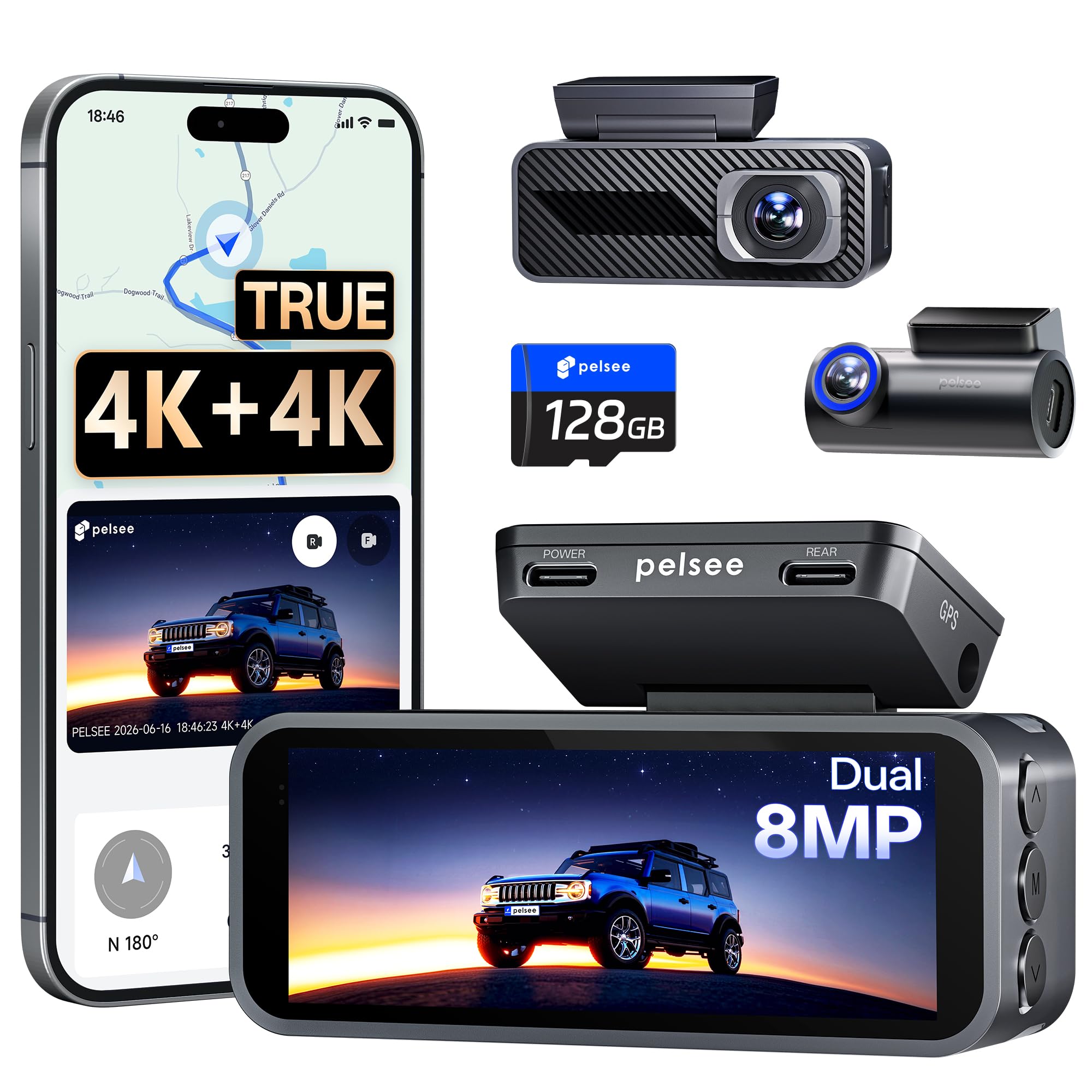


Car Dashboard Cameras 101: The Basics
A dashboard camera, usually shortened to dash cam, mounts at the top of the windshield and records the road ahead whenever the car is running. It starts and stops with the ignition, so there is nothing to remember before a trip. That automatic behavior is the whole point of the product: the camera is rolling on the one drive you would never think to record manually.
Recording works in a loop. The camera writes video to a memory card in short clips, and when the card fills it overwrites the oldest clips to make room. An impact sensor, often called a G sensor, locks the current clip when it feels a sudden jolt, and most cameras also have a button that locks a clip when you press it. Locked clips stay on the card until you copy them off or delete them yourself.
Some cameras watch one direction and others watch two or three, adding a rear window lens or a cabin lens to the front view. The wider world of best car cameras also includes the best reverse cameras for cars and surround systems, but a recording dashboard camera is its own product, and it is the one this guide covers. A reversing camera only shows a live view while you back up, while a rear dash camera records continuously, and confusing the two is a common first purchase mix up. First time buyers should start with a front camera, or front and rear if the budget allows, and ignore the rest until the basics feel familiar.
Key Specs Explained in Plain English
Listings throw numbers at you in a set order. Here is what each one actually changes, and the level a first time buyer should aim for.
Resolution and Image Quality in Plain English
Resolution describes how many pixels make up each frame, and you will see labels like 1080p, 1440p, and 4K. More pixels can mean a sharper image, but the sensor behind the lens matters just as much, because a good sensor in poor light beats a high pixel count on a weak one. Marketing loves megapixel style numbers because they are easy to print, yet they say nothing about how the camera handles headlights, shadows, or a dark road.
Set your expectations honestly. In daylight, a decent camera records plates on nearby cars and reads road signs clearly. At night, expect a clear scene with readable signals and vehicle details, and treat a sharp plate on a distant car as luck rather than a promise, whatever the box claims about night vision.
Power, Batteries, and Parking Mode
Most dashboard cameras are not really battery powered. Some carry a tiny internal battery that only finishes saving a clip if power cuts out, and many use a supercapacitor instead, which tolerates windshield heat far better. Running power comes from the car, through a long cable to the power outlet or a hardwire connection at the fuse box.
Parking mode is the feature that keeps watch with the engine off, waking the camera when it senses motion or a bump. It needs constant power, so it needs that hardwire kit or a separate battery pack. Any hardwire setup must have a voltage cutoff that stops the drain in time, because a camera that guards your car all weekend and leaves it unable to start has traded one problem for another.
Field of View: How Much Road the Lens Sees
Field of view is the width of the scene, stated in degrees. A wider view catches cars entering from side streets and more of a wide intersection. Taken too far, though, width bends the picture at the edges and pushes the cars ahead of you smaller into the distance, which works against the detail you bought the camera for.
First time buyers can safely land in the middle of the range and stop worrying about this spec. Mounting position matters more: center the camera behind the mirror, keep the horizon near the middle of the frame, and the lens will show a balanced, usable scene. Some cameras add image stabilization, which smooths vibration on rough roads and is worth having if your commute includes broken pavement.
Screens, Apps, and Getting Your Footage
You will review footage in one of three ways: on a small screen built into the camera, through a phone app over WiFi, or by putting the memory card into a computer. A built in screen is the most foolproof for a first camera, because setup menus and aiming are obvious at a glance. App based cameras look cleaner on the windshield but make every adjustment a phone task.
Whichever style you pick, practice pulling a clip off the camera before you ever need one. The day of an incident is the wrong day to learn the app menu. Guides to best dashboard cameras often note that the owners who benefit most are simply the ones who know where their footage lives.
Size and Mounting Style
Cameras mount with a suction cup, an adhesive pad, or a bracket that replaces or straps over the rear view mirror. Suction mounts move between cars easily but can drop off in heat. Adhesive mounts stay put through summer but commit the camera to one spot. Before choosing, sit in the driver seat and check that the camera body will hide behind the mirror, out of your line of sight.
Size follows the screen decision. Screen free cameras are barely bigger than a matchbox and disappear behind the mirror, while screened models are easier to aim and review. Neither is wrong; the right answer is the one you will leave installed and running every day.
What a Complete First Kit Includes
A working setup needs four things: the camera, a memory card, a mount, and a power cable long enough to route out of sight. The mount and cable come in the box. The memory card often does not, which surprises many first time buyers at the checkout. Check the box contents before ordering so the camera does not sit useless while a card ships.
The card must be a high endurance type rated for constant rewriting, not the cheapest card on the shelf. Standard cards wear out quickly under loop recording and fail without warning, usually discovered right after the incident you needed. A rear camera, if you add one later, also needs its long connecting cable, which comes with two channel kits but not with a front only camera.
The Costs Beyond the Camera Price
The camera price is only the first line of the real budget. The memory card adds about $15 to $40 depending on size. A hardwire kit for parking mode adds about $15 to $30, and paying an installer to fit it can add about $75 to $150 in labor if you would rather not touch the fuse box yourself. None of these are hidden traps; they are simply part of the product that listings push below the fold.
Two more costs catch people later. Moving the camera to a second car means a second mount, a second cable, and usually a second card, so equipping two cars costs more than one camera plus pocket change. And cards are consumables: plan on a replacement every year or two of regular driving, a small cost that belongs in the same mental budget as wiper blades. Add it all up and a sensible first setup lands around $120 to $250 in total for most drivers.
Rookie Mistakes to Avoid
- Buying on resolution alone, then discovering the night footage is too dark to use, because the sensor mattered more than the pixel count.
- Using a cheap standard memory card that fails silently after a few months of loop recording, leaving no footage when it counts.
- Leaving a power cable dangling across the cabin or crossing an airbag panel, which is both ugly and a genuine safety problem.
- Mounting the camera low in the middle of the windshield, where it blocks your view and may break local mounting rules.
- Turning on every alert and chime, then unplugging the camera within a month because it nags on every drive.
- Assuming the camera settles fault by itself, when insurers treat footage as one piece of evidence among several.
Getting Started: Setup and First Use
Do the whole setup parked, with the engine off, and give yourself about half an hour. First, insert the card and power the camera from the outlet so you can set the date, time, and time zone, since a correct timestamp is part of the evidence value. Set the loop length and turn the impact sensor to a middle sensitivity so normal bumps do not lock clips constantly.
Next, hold the camera against the windshield behind the mirror and check the view before committing the mount. Route the power cable up into the headliner edge and down the pillar trim, keeping it clear of the airbag area marked on the pillar, then across to the power outlet. Finish with a short test drive around the block and one look at the footage at home, so aiming errors show up today instead of after an incident. Never adjust menus, review clips, or open the camera app while driving; anything that needs changing waits for the next stop.
Rules and Limits Worth Knowing Before You Rely on One
A dashboard camera is an evidence tool, nothing more. It cannot prevent a crash, and it does not decide fault: insurers and, if it comes to it, courts read the footage together with statements, vehicle damage, and the rules of the road. Clear video of your own error counts against you exactly as much as clear video of someone else's error counts for you. Nothing here is legal advice, just the shape of how footage gets used.
The rules around the camera itself vary by place. Some states restrict where devices may be mounted on the windshield, and recording laws differ by country. Audio is the sensitive part: recording passengers' voices follows consent rules that change from state to state, so many owners turn the microphone off when they carry passengers and turn it on when driving alone. If your car crosses borders or you drive for a rideshare platform, check the local rules and the platform policy before recording.
One stamp deserves a clear eyed decision. If the camera records GPS position and speed, that data can confirm you were driving carefully, and it can also document the moment you were not. Choose the setting as if the footage will be watched by someone who does not know you, because that is exactly who will watch it.
Frequently Asked Questions
How much should a first time buyer spend on a dashboard camera?
Spend about $80 to $180 on the camera itself, then add the card and any fitting costs on top. In that band you get a trustworthy sensor, honest night recording, and mounts that stay attached through summer heat. Cheaper cameras cut the sensor and card reliability first, which are the two things the product exists for. If the total budget is tight, a front only camera in this band beats a front and rear set bought by squeezing every part, and buying during major sale events often moves a mid range camera into this band anyway.
Does a dashboard camera record when the car is parked and off?
Only if it has parking mode and a power source that works with the engine off, which a standard outlet cable does not provide. Outlet power dies with the ignition in most cars, so the camera sleeps too. A hardwire kit with a voltage cutoff, or a dedicated battery pack, keeps parking mode alive safely. Also know that parking clips are usually short event recordings triggered by motion or impact, not a full continuous video of the whole night.
Can I install a dashboard camera myself or should I pay a professional?
Most first time buyers can install a front camera themselves in about half an hour with the outlet cable and trim tucked by hand. The job only gets complicated with a hardwire kit at the fuse box or a rear camera cable that must cross airbag panels in the pillars. If either of those makes you uneasy, paying an installer is money well spent, because a cable crossing an airbag deployment path is a safety issue, not a cosmetic one. Start simple; you can hardwire later without replacing the camera.
Will a dashboard camera lower my insurance premium?
Usually not directly, and you should not buy one expecting a discount. A few insurers in some countries offer small reductions for camera users, but in the United States a premium cut is the exception rather than the rule. The financial value shows up after an incident instead: clear footage can end a fault dispute quickly and protect your record and deductible when the other driver was to blame. Think of the camera as documentation you hope stays boring, not as a bargaining chip at renewal time.
How long does a dashboard camera keep recordings before overwriting them?
It depends on card size, resolution, and how many channels record, but a typical front only setup holds roughly a few days to two weeks of driving before the loop overwrites the oldest clips. Two channel sets at high resolution can cycle in a single long day of driving. Locked clips from impacts or the save button are protected from the loop until you delete them. If a clip matters, copy it to your phone or computer the same day rather than trusting the card to keep it.
Final Thoughts
A first dashboard camera purchase comes down to three things: a sensor that records a clear scene day and night, a high endurance card that will not fail quietly, and a mount and cable setup you can install neatly and forget. Buy those three things well and the rest is preference. If you would rather compare the camera types side by side before choosing, our type by type breakdown of the best car dash cameras covers what each style changes about wiring and cost, and the product table above shows how the best car dashboard cameras for new buyers line up once the full kit cost is counted.


