Best Canon Cameras for Video and Photo: 2026 Guide for First Time Buyers
Disclosure: We may earn a commission when you buy through links on this page, at no extra cost to you. As an Amazon Associate I earn from qualifying purchases. Learn more

Shopping for a Canon camera that handles both video and photos? Learn the key terms, compare sensor, lens and video options, and skip common first buy errors.
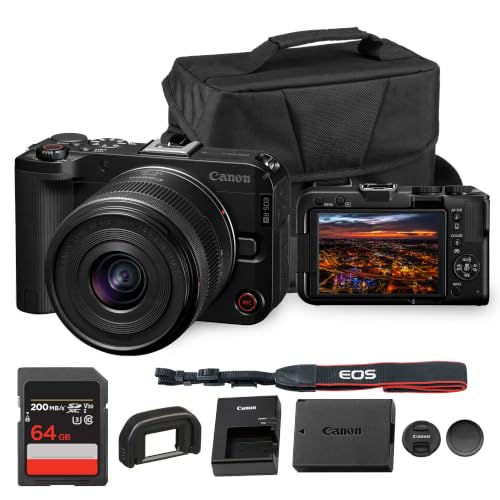
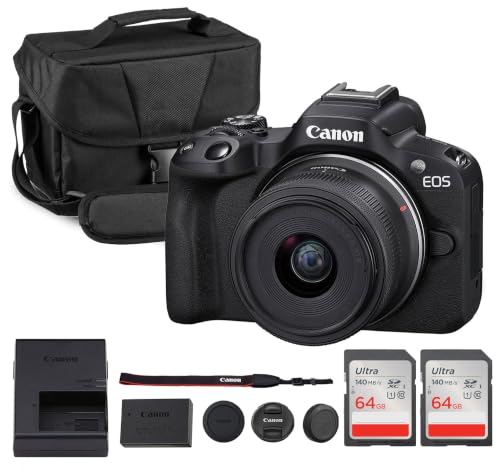
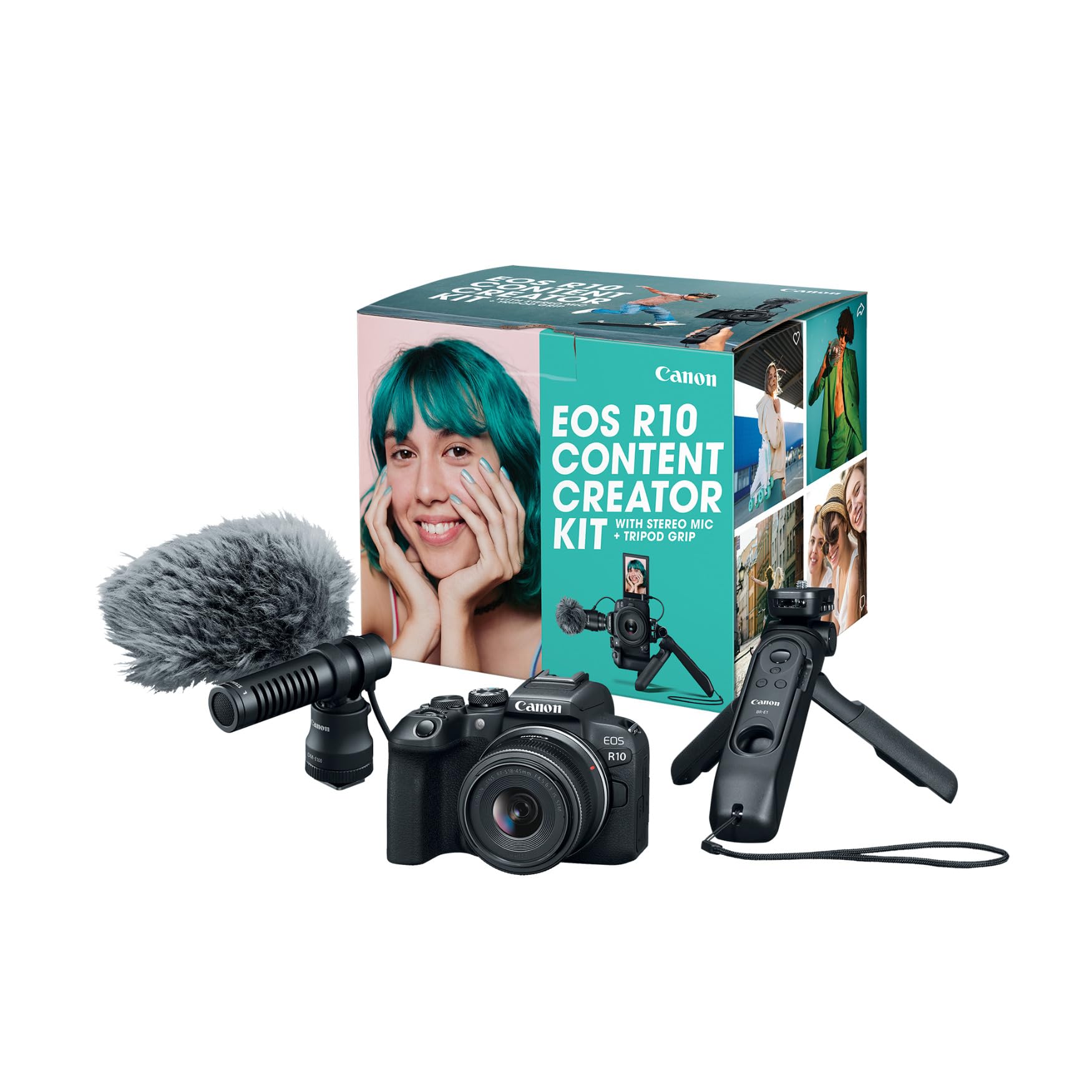
One camera can shoot both video and stills well once you know which specs serve both jobs. The best canon cameras for video and photo balance clean still images, steady handheld video, reliable autofocus and usable sound. This guide starts with the basic terms, then walks through each choice. Use the product table below to check each camera against the points that follow.
Think first about your typical week. A parent may film a school event and take family portraits on the same day, while a traveler records street scenes and still wants sharp prints later. Your mix decides how much weight and battery life you truly need.


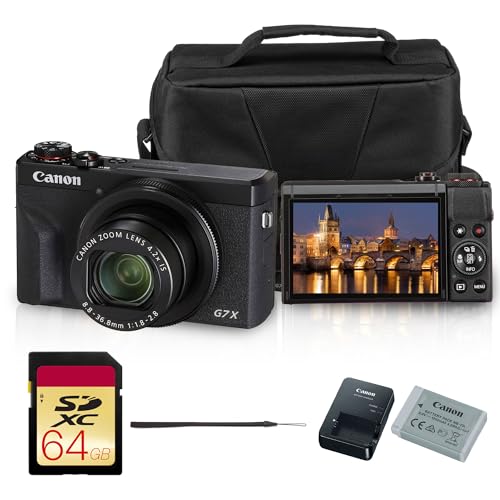

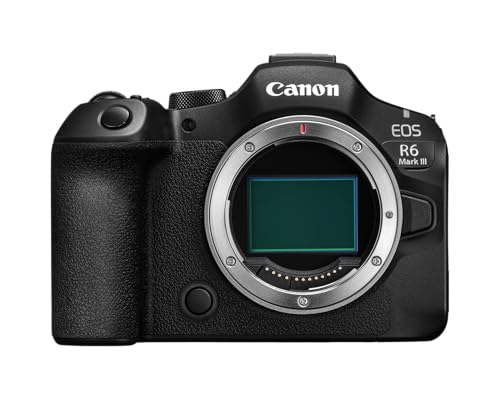

Canon Cameras 101: The Basics for a First Hybrid Camera
A Canon hybrid camera records video and captures still photos with the same body and lens. Most current choices are mirrorless cameras, which preview exposure and focus on a screen or in an electronic viewfinder. A compact Canon with a fixed lens suits simple carry, while an interchangeable lens body lets you change lenses.
Three ideas explain most listings. The sensor shapes image quality, the lens controls your field of view and the light reaching the sensor, and the processor handles autofocus, color and recording.
Who Should Buy Which Type of Canon Camera?
Match the camera type to how you will use it most weeks.
Families Recording Events and Everyday Photos
You need a camera that starts fast, focuses on moving children and switches from photos to video without a menu hunt. Choose a mid size mirrorless body with subject detection for people, a tilting screen and a moderate zoom lens.
Creators Filming Themselves and Sharing Online
You shoot alone, so the camera must work while it faces you. Choose a body with a fully articulating screen, a microphone input and autofocus that tracks eyes while you move. Check recording limits too, since a camera that stops mid take costs you the whole clip.
Travelers and Hobbyists Who Want Room to Grow
You carry your camera for hours and shoot varied subjects, from dim interiors to bright landscapes. Choose an interchangeable lens body with in body stabilization if your budget allows. Start with one versatile zoom, then add a brighter prime lens later.
Key Features to Compare
Compare the factors below in order, since the best canon cameras for video and photo for you pass each of your real needs, not the longest spec list. For a wider brand view, see our guide to the best cameras for both photo and video.
Sensor Size and Image Quality for Stills and Video
Canon uses three sensor sizes in this class. A 1 inch sensor in compact models keeps the camera small and still beats most phones in dim light. An APS C sensor is the middle ground for most first buyers, giving strong detail and affordable lenses. A full frame sensor gathers the most light and gives the shallowest background blur, but bodies and lenses cost and weigh more.
Autofocus and Stabilization for Moving Subjects
Hybrid shooting asks autofocus to do two jobs. For photos it must lock onto a face quickly, and for video it must follow that face smoothly without pulsing in and out. Look for eye detection for people and animals, plus touch control to move focus between subjects. Stabilization matters just as much for video, since small hand movements look large on screen. In body stabilization helps with many lenses, while lens based stabilization suits longer zooms.
Video Resolution, Frame Rates and Recording Limits
Most first buyers should choose 4K video, which gives sharp results and room to crop slightly in editing. A rate of 30 frames per second suits most family and travel clips, while 60 frames per second gives smoother motion and lets you slow action down. Check the fine print, because some cameras crop the image in certain 4K settings or limit clip length. Log profiles record flatter color for later editing.
Lens Mount, Zoom Range and Aperture
The lens decides what your camera can frame. A wider view, around 15 to 24 mm on an APS C body, suits rooms, landscapes and filming yourself at arm length. A standard zoom reaching about 50 to 100 mm covers portraits and details. Aperture is written as an f number, and a lower number lets in more light and blurs backgrounds more. Kit zooms are a sensible start.
Audio Inputs, Screens and Controls for Video
Built in microphones sit close to your hands and the lens, so they pick up handling noise and wind. A microphone input lets you add a small external microphone, which improves speech clarity more than most video upgrades. A headphone jack, found on some bodies, lets you check sound while you record. A tilting screen suits low and high photo angles, while a fully articulating screen turns to face you for video.
Battery Life, Cards and Charging for Hybrid Days
Ratings list still photos per charge, but video drains a battery far faster, often in about one to two hours of recording. Plan on one spare battery for a full day out. USB C charging is handy for travel, since you can top up from a power bank between stops. Cards matter too, because 4K video needs a fast card with a suitable speed rating, and a slow card can stop a recording.
First Setup for Stills and Video
A careful first hour prevents most early frustration. Work through these steps before your first outing.
- Charge the battery fully, insert it and a formatted card, then set the date and time.
- Attach the lens until it clicks, remove the front cap and use the automatic mode for your first test shots and clips.
- Turn on eye detection autofocus and stabilization, and test the photo and video switch.
- Film a short clip indoors while speaking, then play it back and confirm the sound is clear.
- Shoot the same scene at a few zoom positions and view the results at full size.
Clean the front glass with a soft lens cloth, never your shirt, since grit on fabric can scratch coatings. Keep the lens cap on whenever the camera hangs unused. If you later lean toward video only work, see our guide to the best canon cameras for video.
Common Mistakes to Avoid
- Buying the largest sensor you can afford and then leaving the heavy camera at home defeats the point of owning it.
- Judging a camera by megapixels alone makes you overlook autofocus and stabilization, which shape everyday results more.
- Filming an event on the built in microphone leaves speech buried under room echo.
- Spending your whole budget on the body leaves nothing for a spare battery, fast cards or a second lens.
- Ignoring crop in high frame rate modes means your lens may frame tighter than planned.
- Skipping a practice session before a trip means learning the menus under pressure and missing moments.
Care and Maintenance for Canon Cameras
Keep the camera dry and clean, and store it in a padded bag with the cap on. Wipe the body with a soft, slightly damp cloth, and use a blower to clear dust from the mount area before changing lenses. Change lenses with the mount facing down in a sheltered spot, since that habit reduces dust landing on the sensor. Never touch the sensor yourself.
Copy files to two places before formatting a card, and retire cards that report errors. Warm a cold battery in a pocket before a winter outing, since cold cells deliver less power. For a broader look at hybrid choices, see our guide to the best photo and video cameras.
Canon Cameras for Video and Photo: Your Questions Answered
What features matter most in a first Canon camera for both video and photo?
Reliable autofocus, stabilization and a usable screen matter most in a first Canon hybrid camera. Missed focus and shaky video cannot be fixed later, while small gaps in resolution rarely show. One detail many first buyers miss is the tally lamp, a small front light that confirms recording has started.
Which Canon camera sensor size is better for low light video and photos?
A full frame Canon sensor is better for low light, with APS C close behind when paired with a bright lens. The lens often decides the real gap, since a fast prime on an APS C body can outperform a slow kit zoom on a larger sensor indoors. When you compare clips, watch shadow areas at normal screen size.
Is a smartphone enough instead of a Canon camera for video and photo?
A smartphone is enough for casual clips, but a Canon camera gives you more control and consistency. You gain interchangeable lenses, larger sensors, real dials and better audio options, which help in dim rooms and at longer distances. If your photos stay on a phone screen, your phone may cover you, but if you print, crop or film longer events, the camera earns its place.
How much should a first time buyer spend on a Canon hybrid camera?
Most first time buyers do well in a total range of about $600 to $1,500 for a body, kit lens and basic extras. Spend toward the lower end for family use, and toward the upper end for stronger video features. Set aside roughly a fifth of the budget for cards, a battery, a bag and a microphone.
Do Canon cameras for video and photo need an external microphone?
No, a Canon hybrid camera does not need an external microphone, but speech heavy video sounds much better with one. Dialogue recorded close to the speaker stays clear even in echoing rooms. Before you buy audio gear, record the same sentence at arm length and across the room with the built in microphones.
Wrapping Up
Start with sensor size for your light and budget, confirm autofocus and stabilization for your subjects, and check audio and recording limits for your video plans. The product table above helps you compare the remaining Canon options side by side. Choose the camera you will carry often, since regular use builds skill faster than any single feature.
Judged by those points, the best canon cameras for video and photo choice for you usually stands out. Buy the kit that covers your next year of shooting, and add gear only when a real project asks for it.