Best Cameras for Both Photo and Video in 2026: Matching the Right Camera to Your Routine
Disclosure: We may earn a commission when you buy through links on this page, at no extra cost to you. As an Amazon Associate I earn from qualifying purchases. Learn more

Match the best cameras for both photo and video to your routine, with hybrid features, lens, audio, and battery checks that decide one body for two jobs.
No single camera leads at everything, and a hybrid body always trades something: stills depth against video endurance, size against light gathering. The right choice therefore starts with your week, not with a spec sheet. Shoppers comparing best cameras for both photo and video do better when they match the camera to the routine it must survive.
This guide sorts buyers by routine first, then walks through the hybrid features that decide whether one body can honestly do both jobs. The comparison table below gives the short version of the field before the details begin.

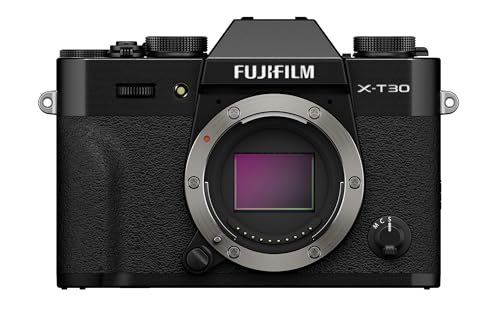


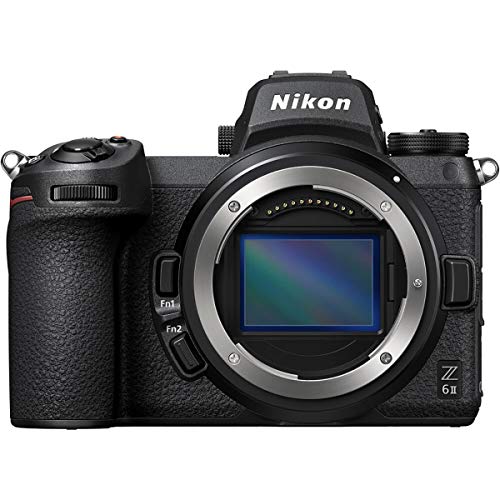
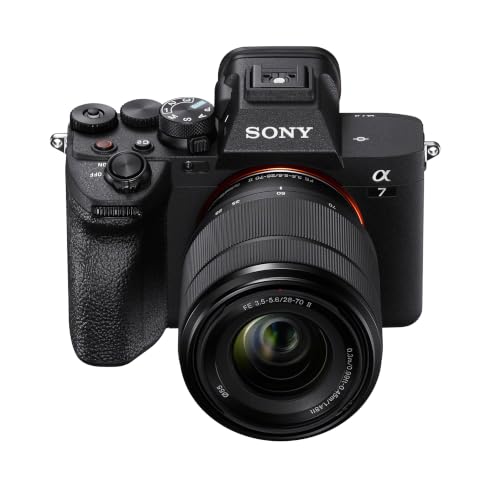

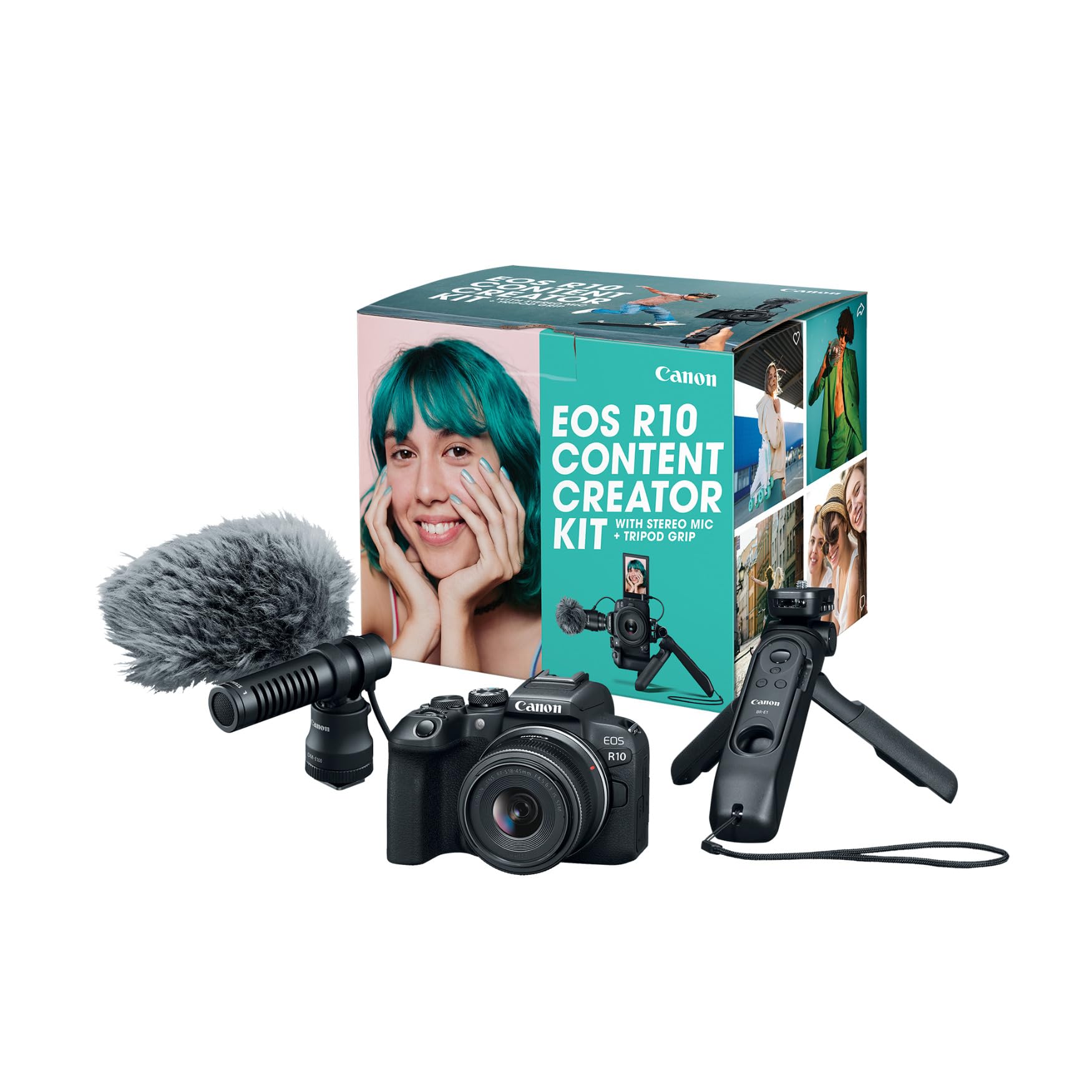

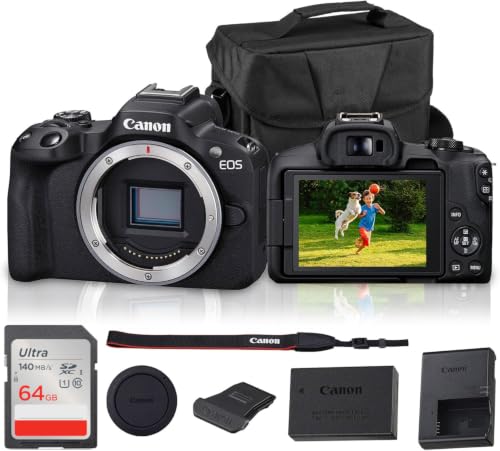
Who Should Buy Which Cameras?
Find the group that sounds like your normal week, and let its priorities lead the rest of the guide.
For Parents and Family Routines
Your stills are school plays and birthdays, and your video is the game on Saturday. You need focus that finds a moving child without a menu dive, a zoom that covers a room and a touchline, and controls a tired parent can run one handed. A 1 inch sensor compact or an entry mirrorless body fits this routine, because both stay ready instead of demanding setup.
For Remote Workers and Creators
Your camera earns its keep on calls, lessons, and published clips. A flip screen, a microphone input, and clean video output for streaming matter more than raw resolution. Battery manners count too, since a body that fades mid call fails the job. Creators who post as they travel should also read the guide to best cameras for video blogging, which covers that publishing routine in depth.
For Travelers and Commuters
Weight decides this routine before any spec does. One lens that runs from wide scenes to short portraits keeps the bag light, and charging over USB C means one cable serves the whole kit. Weather sealing earns its place when the forecast turns. Choose the smallest body that still offers a microphone input, so travel films keep usable sound without a second bag of gear.
For Students and Weekend Shooters
Your budget is firm and your subjects change weekly, from coursework stills to a friend's short film. A system with affordable lenses matters more than a flagship body, because the second lens teaches you more than the first upgrade would. If stills clearly dominate your week, narrow the field with guides to best photo cameras and borrow video strength only where it is cheap.
Key Features to Compare
The wider market of best photo and video cameras is judged on both crafts at once, and the checks below separate a true hybrid from a stills camera that merely has a record button.
Features That Matter for Both Photo and Video
Judge a hybrid camera by both its stills class and its video class, because strength in one cannot rescue weakness in the other. The honest video facts are heat and record limits: many bodies cap a single clip at about 30 minutes, and some slow down or stop when the body grows hot during long sessions. Check the stated limit against your longest real event before you buy, and treat heat behavior as a core spec rather than a footnote, since a camera that quits mid ceremony has failed the only standard that matters.
Lens Choice for Stills and Video
One lens class must serve both crafts, and that shapes the purchase. For stills, a lens is judged on sharpness and aperture; for video, focus behavior joins the list. Focus breathing, where the frame subtly widens or narrows as focus shifts, spoils careful video even when stills look perfect. Zoom lenses that hold their aperture across the range keep exposure steady while you reframe a clip, and near silent focus motors keep the soundtrack clean.
Audio Inputs and Monitoring
Sound decides whether video feels finished, and the audio classes are part of the video class. Built in microphones catch handling noise and room echo, so a microphone jack is the single cheapest quality jump a hybrid buyer can make. A headphone jack for monitoring matters almost as much, because it lets you hear a buzzing cable or a quiet speaker during the recording instead of discovering the problem on the computer afterward. If video work grows, compare dedicated bodies in guides to best cameras for video.
Sensor Size and Image Quality
Sensor size sets the light budget for both crafts. A 1 inch sensor keeps a hybrid compact, APS C balances cost and quality, and full frame gathers the most light for dim rooms. Megapixels settle stills detail, but video crops and readout speed shape the moving image just as much, so read the video specification of each sensor class rather than assuming the stills numbers carry over.
Low Light Performance
Evening events test a hybrid hardest, since stills can lean on a fast shutter while video must hold a steady frame rate. Useful sensitivity range, in body stabilization, and a lens that opens wide decide what survives after dark. Stabilization helps video and slow stills alike, but it cannot freeze a moving subject, so budget for the bright lens before the bigger body when light is your known enemy.
Battery Life and Charging
Video drains a battery far faster than stills, so a body rated for hundreds of photographs may manage only an hour or so of recording. Plan on a spare battery for any event day, and favor bodies that charge over USB C so a power bank can extend a session. Check whether the camera can record while charging, because that single detail rescues long meetings and ceremonies.
Common Mistakes to Avoid When Buying Cameras
- Buying on megapixels alone, and ending up with detailed stills but video that overheats ten minutes into an event.
- Ignoring the record limit, then losing the end of a ceremony the camera was bought to capture.
- Skipping the microphone input to save money, and paying for it in echo on every clip.
- Choosing a lens system with no affordable second lens, so the kit stops growing after the first purchase.
- Judging weight by a short shop visit, then leaving the camera home on the trips it was bought for.
Setup and Care Tips
Use a lens cloth rather than your shirt to clean the front element, and keep a spare battery and card in the bag at all times. Format cards in the camera, store the body in a dry padded bag, and set up two saved modes before an event, one tuned for stills and one for video, so switching takes a dial turn instead of a menu search.
Cameras: Your Questions Answered
What features matter most in cameras used for both photo and video?
Balanced strength matters most: reliable focus in both modes, a lens that behaves on video, and record limits that fit your longest event. One feature rarely listed helps daily: separate saved settings for stills and video, so the camera recalls your frame rate and picture style the moment you turn the dial, instead of making you rebuild them at every switch.
Is a smartphone enough for both photos and video?
A smartphone is enough for casual photos and short clips, and it wins on sharing speed every time. It gives ground on zoom reach, microphone options, and long recording sessions, where heat and storage close in. Many hybrid owners keep the phone as a second angle for crowd and behind the scenes clips, which plays to its strengths without asking it to carry the main event.
How much should you spend on a first hybrid camera?
A first hybrid budget of about $500 to $800 buys a capable body with a kit lens, while about $900 to $1,500 steps up to stronger video and better low light work. Hold back roughly a fifth of the total for the parts that make the camera usable: a faster card, a spare battery, and a simple microphone. Spending every dollar on the body leaves the kit unfinished.
Which sensor size is better for low light video?
Full frame sensors handle low light video best, with APS C a strong and cheaper second, because larger sensors gather more light at the frame rates video demands. The lens can overturn the ranking, though: an APS C body with a bright lens often beats a full frame body wearing a slow kit zoom, and it usually costs less as a complete working kit.
What specs matter most for beginners shooting photo and video?
Beginners should rank stabilization, simple menus, and dependable automatic focus above headline resolution. Those three decide whether early footage is watchable while skills grow. One more quiet spec matters: a tilting or flipping screen, which makes framing at odd angles and filming yourself far easier, and which you will use on nearly every shoot long after the resolution debate is forgotten.
The Bottom Line
Start from your routine, then demand honest strength in both crafts: focus that serves stills and clips, a lens that behaves on video, and record limits that fit your longest day. The product table above pulls the leading options together for one last side by side check. Matched that way, the best cameras for both photo and video for your week will feel less like a compromise and more like one tool doing two jobs well. Use these points each time you weigh best cameras for both photo and video for your own situation.