Best Cameras for Church Services in 2026: Matching the Right Model to Your Routine
Disclosure: We may earn a commission when you buy through links on this page, at no extra cost to you. As an Amazon Associate I earn from qualifying purchases. Learn more

Not all cameras fit every routine. See which best cameras for church services match how you actually use them, what features to prioritize, and what to skip.
There is no single camera that suits every congregation, because a small chapel and a large sanctuary ask for very different reach, light handling, and help from volunteers. The best cameras for church services are the ones that fit your room, your service length, and the person running the camera each week. Start with how you actually record a Sunday, not with a spec sheet.
Think first about distance to the stage, how dim the room gets during worship, and whether you need a recording, a live feed, or both. Then use the comparison table below to match camera types and features to that routine. A modest camera placed well and run with confidence will serve you better than a costly one nobody wants to touch.
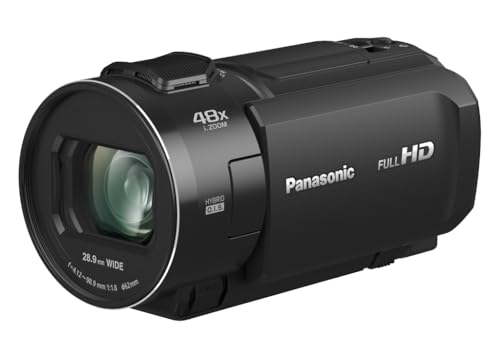


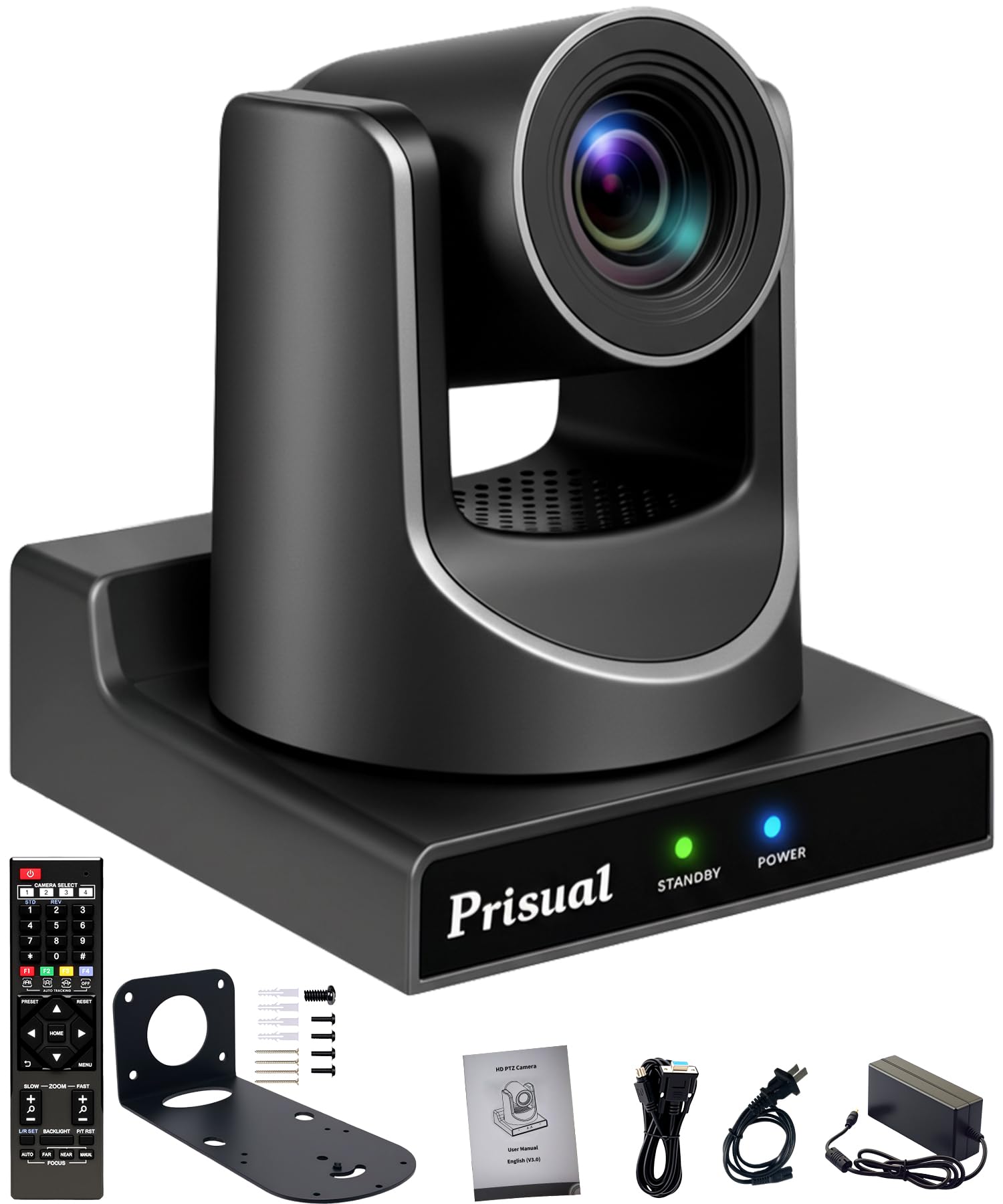

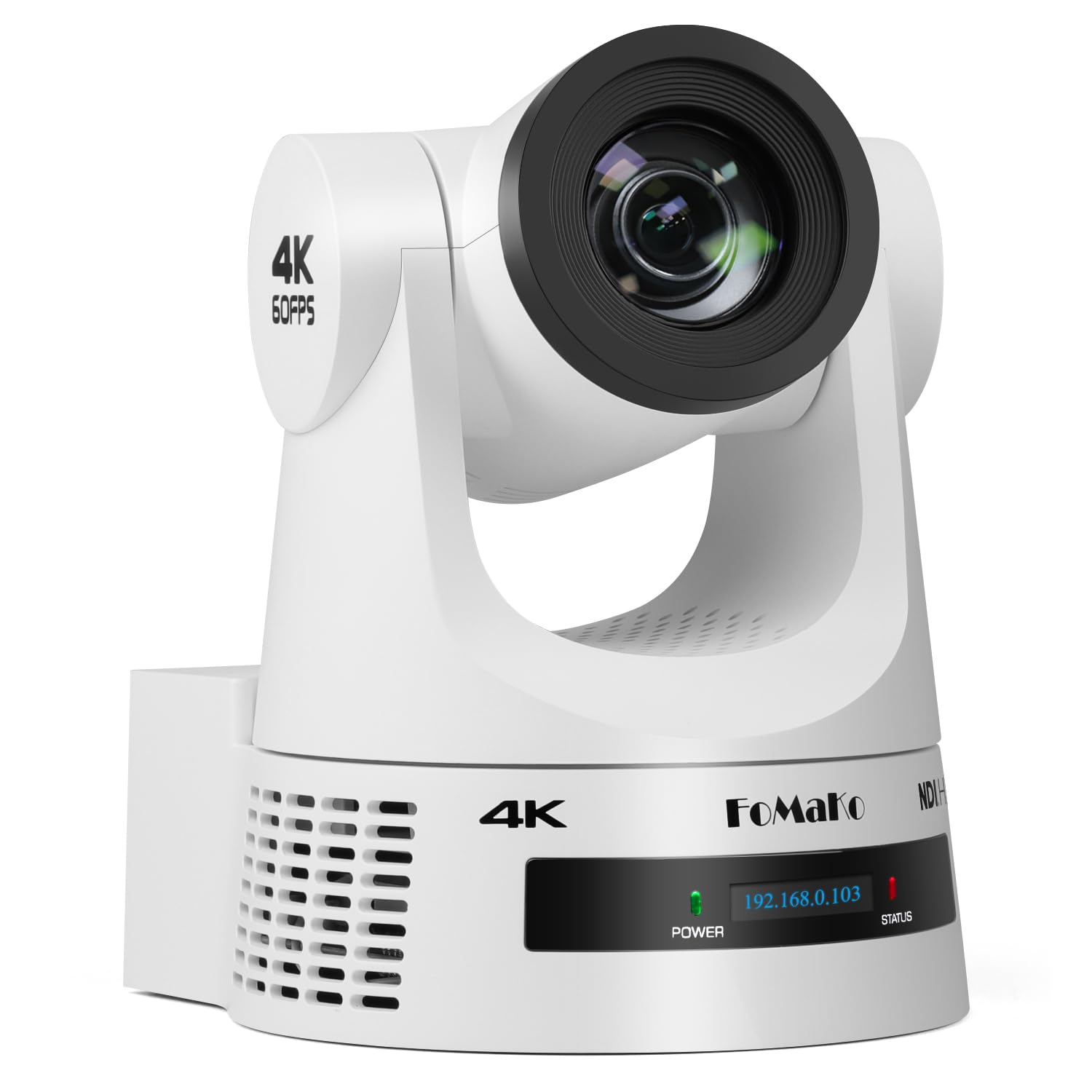
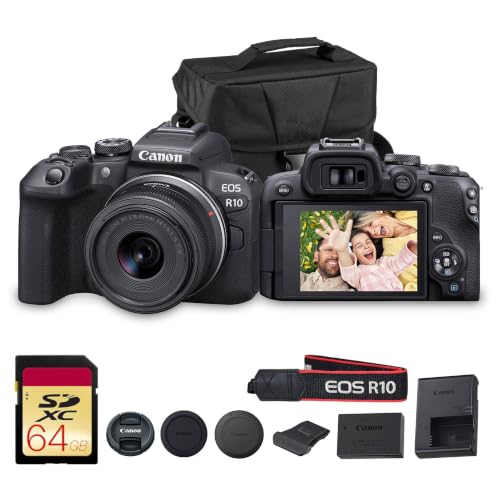
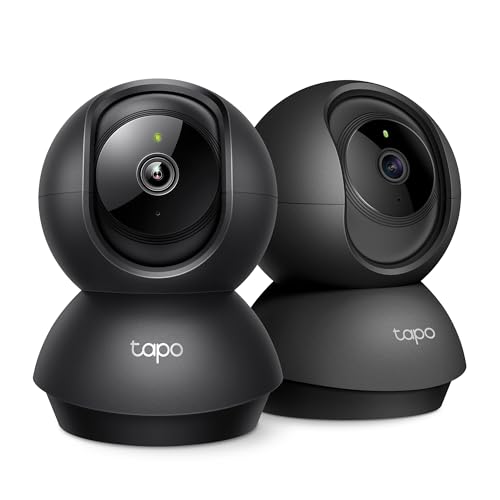
Matching a Camera to Your Church and Team
For Small Churches With One Volunteer Operator
If one volunteer handles everything, choose a camcorder or a PTZ camera with simple presets and dependable autofocus. You need a camera that starts fast, records a full service without fuss, and forgives small mistakes in framing. Look for clear on screen controls, a headphone socket for a quick sound check, and power from a wall outlet so a long morning never drains a battery at the final song.
For Churches That Record Every Service for Later Viewing
If your main goal is a clear recording for members who missed Sunday, prioritize clean image quality in dim light and storage you can archive each week. See our guide to the best cameras for recording church services if recording is your main use. A fixed tripod position, a direct feed from the sound desk, and a simple start and stop routine matter more here than fast movement or fancy depth effects.
For Large Sanctuaries With a Camera at the Back of the Room
A long room changes the priority list, because faces on stage may sit 60 to 100 feet from the camera position. You need strong optical zoom, a sturdy tripod, and a lens that stays sharp at full reach in low light. A PTZ camera or a mirrorless camera with a long telephoto lens fits this job, provided a trained operator can follow speakers as they move.
Key Features to Compare
When you compare the best cameras for church services side by side, five checks predict how the footage will look and sound on an ordinary Sunday.
Sensor Size for Dim Sanctuaries
Sanctuaries often mix bright windows with dim seating, and stage lighting may drop during prayer or evening services. A larger sensor, such as 1 inch, APS C, or full frame, usually gathers light more cleanly than a small phone size sensor, so faces stay clear at higher ISO settings. Megapixels matter less than this light handling. A bright, even room can settle for a smaller sensor, but a dim room rewards the larger one.
Optical Zoom and Lens Reach to the Stage
Measure the distance from your camera position to the pulpit before you shop, because that distance decides the lens you need. Optical zoom uses the lens itself to get closer and keeps detail, while digital zoom only enlarges the image and softens it. Many back of room setups need the reach that makers describe as about 10x to 20x on a camcorder, or a telephoto lens on an interchangeable lens camera. Choose reach with a little spare, so you can frame both a speaker and a small choir.
Autofocus and Image Stabilization During a Service
Speakers walk, singers sway, and children move during a baptism, so autofocus has to track a face without hunting back and forth. Face and eye detection help a volunteer keep a speaker sharp while attention stays on framing. Image stabilization smooths small shakes when you hold the camera or use a long lens, though a solid tripod still gives the steadiest result. If you plan handheld shots in the aisle, stabilization moves from a nice extra to a real need.
Audio Inputs and Clean Video Output
Good sound carries a sermon further than sharp video with echo, so check how the camera takes audio from your sound desk. A microphone input lets you record the desk feed instead of room echo, and a headphone output lets the operator catch hum or silence early. Clean HDMI output, meaning video without menu icons, matters if you send the picture to screens or a streaming encoder. For that setup, see our guide to the best cameras for streaming church services.
Power, Recording Limits, and Quiet Operation
A morning of services can run far longer than a single battery or a short clip limit allows, so check both before you buy. Some cameras stop a clip at about 30 minutes, while camcorders and PTZ models usually record until storage fills. Mains power removes the battery worry for a fixed position. Also check fan noise and beep settings, since a camera near the front should run silently and never distract the room during prayer.
Camera Types Compared for Sanctuary Use
PTZ Cameras for a Mounted Position and Remote Control
A PTZ camera mounts on a wall or ceiling and pans, tilts, and zooms under remote control, so one operator can run it from the sound desk. Preset positions help you move from pulpit to choir to baptism font in seconds. This type suits a fixed installation and a repeatable weekly routine. It cannot be carried into the aisle for a handheld moment.
Camcorders for a Simple All in One Setup
A camcorder puts a long zoom lens, stabilization, and audio inputs in one body that a new volunteer can learn in a single rehearsal. It usually handles long recording and mains power well, which suits weekly services. Image depth looks plainer than a large sensor camera gives, but clarity and ease often matter more.
Large Sensor Cameras for a Softer, Richer Picture
A mirrorless camera with a larger sensor gives a softer background and strong low light results, which suits evening services and candlelit seasons. It asks more of the operator, though, because lenses, focus, and recording limits need attention. For a broader look at cameras used in church settings, see our guide to the best cameras for church.
Common Mistakes to Avoid When Buying a Camera for Church Services
- Judging a camera by megapixels alone, so you end up with sharp numbers on paper and noisy faces in your dim sanctuary.
- Relying on digital zoom from the back row, so speakers turn soft and grainy exactly when the framing gets close.
- Recording sound through the built in microphone only, so the sermon fills with room echo and coughs from nearby seats.
- Ignoring clip limits and battery life, so the camera stops during a long service or a wedding held in the same room.
- Buying before a rehearsal test in your own lighting, so color and focus problems only appear during a real service.
How to Make Your Church Camera Last Longer
Wipe the lens with a clean lens cloth, never a shirt, and keep the camera in a dry, padded bag or a closed cabinet in the media booth between Sundays. Dust and damp are the slow enemies in rooms that sit empty all week, so store spare batteries charged, check cables for wear each month, and keep a spare memory card in the bag. Label chargers and remotes with the church name, because shared gear walks away easily when several teams use the same room.
Frequently Asked Questions
What features matter most in a camera for a full church service?
Reach, low light quality, and a direct audio feed matter most for a full church service. One point buyers often miss is monitor brightness: the operator screen should stay readable when sunlight falls across the back rows, because a screen you cannot see leads to bad framing all morning.
Is a smartphone enough instead of a dedicated camera for church services?
A smartphone can cover a small, bright room for a short service, but it struggles as the room and the morning grow. Its fixed wide view makes distant speakers small, and calls or storage warnings can interrupt a recording. A practical middle step is using the phone for a wide congregation shot while a dedicated camera handles the stage, provided someone checks both batteries before the service starts.
How much should a church spend on its first camera for services?
Most churches can start sensibly at about $300 to $800 for a capable camcorder or an entry level large sensor body with one lens. Spending more mainly buys low light quality, longer reach, and easier control, not a better sermon recording by itself. Keep part of the budget for a tripod, a memory card, and an audio cable, because a first setup fails more often on those basics than on the camera body.
Which camera type is better for low light during evening church services?
A large sensor mirrorless camera is usually better for low light during evening church services. Its advantage grows when the stage uses candles or dim house lights for part of the service. Keep one setting in mind that buyers rarely consider: a slower shutter, such as 1/30 or 1/50 of a second for video, lets in more light, though fast movement will blur more at the slower end.
What should a beginner volunteer check before a church service starts?
A beginner volunteer should check framing, focus, sound, power, and free storage before the first hymn. Arrive early enough to record a one minute test and play it back with headphones, listening for hum from the sound desk feed. That playback habit is the real safety net, because it catches a silent channel or a nearly full card while there is still time to fix both quietly.
Wrapping Up
Start with your room and your routine: the distance to the stage, the light you actually have, and the volunteer who will run the camera each week. Match reach, sensor size, and audio to those facts, then choose the simplest type your team will use with confidence. When the best cameras for church services fit the way your church already gathers, the technology fades into the background. Compare your shortlist in the product table above and pick the setup your team can run calmly next Sunday.