
Best Cameras for Octoprint for 2026: What Your Money Gets You at Every Price
Disclosure: We may earn a commission when you buy through links on this page, at no extra cost to you. As an Amazon Associate I earn from qualifying purchases. Learn more
Compare cameras for OctoPrint by price, focus, field of view and low light detail, plus setup and care tips for clear streams and timelapse clips.
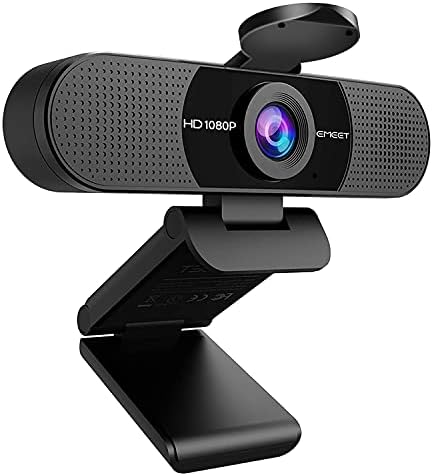
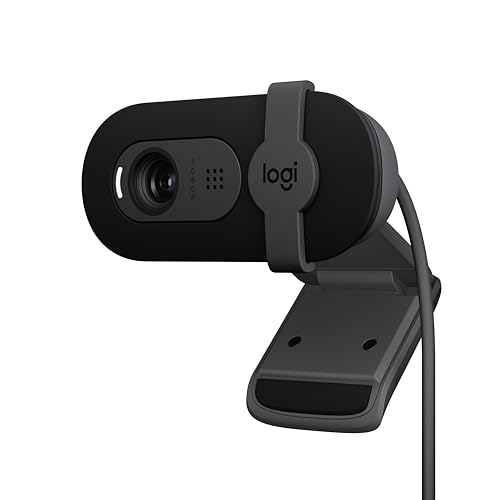
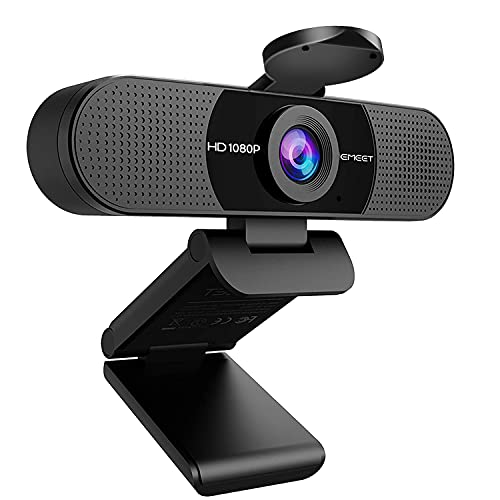
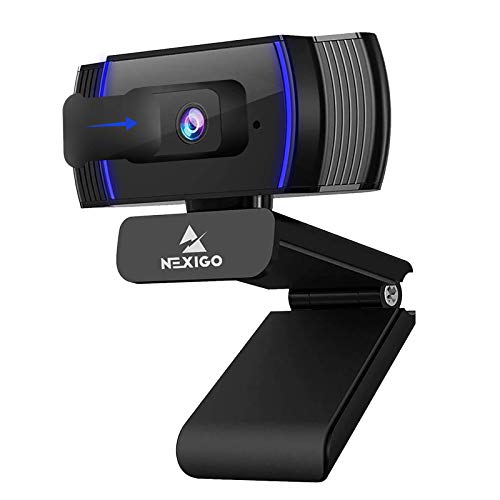
Camera prices for a 3D printer setup range from under a pizza to the cost of a spool collection, and the price gap is not always obvious on screen. The best cameras for octoprint share one job: a clear, steady view of the nozzle and the part so you can spot a failed first layer early. Use the comparison table below to match price to the view you actually need.
Paying more should buy sharper detail, focus that holds at close range, and a picture that stays readable inside a dim enclosure. Paying less still works if the stream is stable and the framing covers the whole build plate.



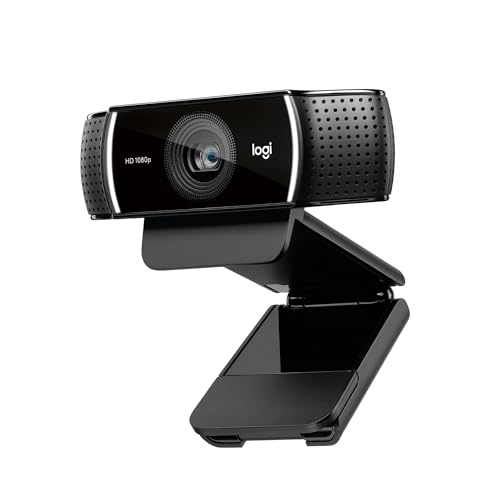
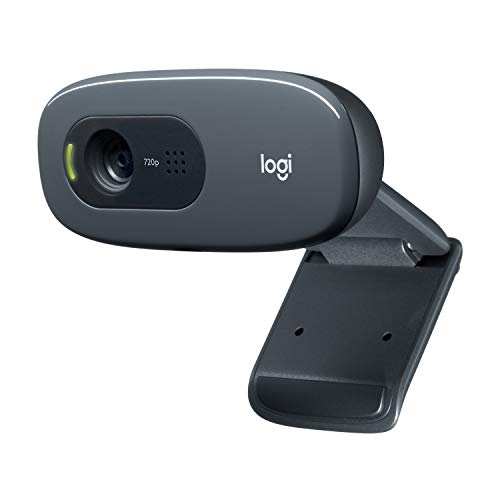

Who Should Buy a Camera for OctoPrint?
Your printing habits decide how much camera you need. A printer beside your desk needs far less than one running in a garage while you work.
Owners Who Print From Another Room or Away From Home
You start long prints and check them from your phone while cooking, working, or running errands. Choose a camera with a stable stream and enough detail to show loose filament and a part lifting off the plate. A wide view matters more than fine detail for you, because the goal is a fast answer on whether to stop the print.
Makers Who Record a Timelapse of Every Print
You save or share a short video of each build, so image quality matters beyond simple monitoring. Choose higher resolution, steady exposure, and a mount that never shifts between prints. If you are new to printer gear, see our guide to the best starter cameras for basic camera terms before spending on extras.
Workshop Users Running Several Printers at Once
You watch two or more machines and need each stream to stay light on your network. Choose cameras that let you lower frame rate and resolution per machine, and keep cable runs tidy so one printer can be serviced without unplugging another camera.
What Each Budget Buys for Watching Your Printer
Budget Tier: Simple Watching for About $20 to $50
Budget USB webcams and small board cameras cover basic monitoring well. Expect 720p or basic 1080p video, fixed focus set for a short distance, and a simple clip or screw mount. The trade off is low light detail, because small sensors make a dim enclosure look grainy. Choose this tier for a printer in a lit room where you mainly check that the print is still attached.
Middle Tier: Sharper Detail and Focus Control for About $50 to $100
This range adds cleaner 1080p video, better exposure control, and either reliable autofocus or a manual focus ring you can lock. Thin walls and support structures become easier to read. If image quality is your main reason to upgrade, see our guide to the best quality cameras for how sensor and lens quality shape a picture. Choose this tier for timelapse recording and enclosures.
Premium Tier: Low Light Clarity and Flexible Placement for About $100 to $200
Premium options bring larger sensors, stronger low light results, and housings built for flexible mounting away from the printer. Some use your network instead of a USB cable, which helps when the printer sits far from the controller. Choose this tier only if you record often or print in near darkness, because basic monitoring gains little here.
Key Features to Compare
When you compare the best cameras for octoprint, judge each model by how it performs a foot or two from a moving print head, not by studio photography standards.
Compatibility With OctoPrint and OctoPi
Compatibility comes first, because a camera OctoPrint cannot detect is useless at any price. Most USB webcams work as soon as you plug them in, while board cameras connect by a ribbon cable to the small computer running OctoPi. Network cameras need a stream address you can enter in the settings. Before buying, confirm the camera offers a standard video stream your setup can read.
Resolution and Frame Rate for a Clear Stream
Resolution sets how much detail you can see, and 1080p is enough to spot a curling corner or loose filament on most build plates. About 15 to 30 frames per second keeps motion smooth without loading your network. A 4K stream can strain a small controller and still look soft if the lens is poor, so choose steady 1080p over unstable higher settings.
Focus Style and Field of View at Close Range
Your camera sits close to the print, often about 8 to 20 inches away, so focus at that distance matters more than focus across a room. Fixed focus models are simple and never hunt, but the set distance must match your mount position. Autofocus can adjust as the part grows, yet it may pulse while the head moves. A field of view around 70 to 90 degrees usually covers the plate without bending edges much.
Low Light Performance Inside an Enclosure
Enclosures block room light, and many prints run overnight, so low light results decide whether the stream stays useful after dark. A larger sensor and a lens that gathers more light give a cleaner picture with less grain. Add a small steady light inside the enclosure if your prints often finish at night, since even a good sensor needs some light to work with.
Mounting Options, Cable Reach and Stream Load
A camera is only useful where it can stay pointed at the nozzle, so check the mount before the specs. Look for a tripod screw, a clip, or bracket options that fit your frame or enclosure. Measure the cable path too, because long USB runs can drop the stream. An efficient stream format also keeps several previews smooth on one network.
Setting Up Your OctoPrint Camera for a Useful View
Mount the camera so the nozzle, the current layer, and most of the build plate stay in frame at once. A position slightly above the plate and angled down works well, because you can see first layer lines and judge whether the part is lifting. Keep the mount clear of the moving gantry and belts, and test full travel on each axis before a real print.
Next, open the stream and fix the framing before tuning settings. Run the print head to each corner and confirm nothing important leaves the picture. Then set resolution and frame rate, and focus on a test object at plate height. If you also keep a general camera for photos, see our guide to the best digital cameras for that separate job, since a stills camera rarely suits a constant printer stream.
Save a short test timelapse before trusting the setup on a long print. Watch for focus drift, exposure swings, and shake when the printer moves fast. Adjust one thing at a time, and note the settings that worked.
Common Mistakes to Avoid
- Buying a camera for its megapixel count alone leaves you with a high resolution stream that is still blurry at close range.
- Mounting the camera too far away makes the part tiny in frame, so early layer failures stay invisible until the print is ruined.
- Letting autofocus hunt during a timelapse makes the video pulse in and out of focus and hard to watch.
- Running a long, thin USB cable to reach the printer causes dropped streams and frozen preview images.
- Pointing the camera at a bright window behind the printer leaves the part dark and hides surface detail.
Care and Maintenance for Your OctoPrint Camera
Dust and fine plastic particles settle on the lens in any workshop, so wipe it gently with a dry microfiber cloth every few weeks or when the picture looks hazy. Never press hard on the lens coating. Check the mount at the same time, because printer vibration slowly loosens clips and screws and shifts your framing.
Give cables a loose loop with no sharp bends, clear of heated parts and moving belts. If the stream starts freezing, reseat the connector and try a shorter cable before blaming the camera. Store a spare camera dry and out of direct sun.
FAQ
What resolution does an OctoPrint camera need to show filament problems?
An OctoPrint camera at 1080p shows most filament problems clearly, including loose strands and lifting corners. Lens and focus matter as much as pixel count, so a sharp 1080p stream beats a soft higher resolution one. Zoom the preview on a test print to confirm you can see single layer lines.
Can a smartphone work as an OctoPrint camera instead of a webcam?
A spare smartphone can work as an OctoPrint camera through a streaming app, but it is rarely the best long term choice. Phones heat up under a constant stream, batteries wear fast when plugged in for days, and an update can interrupt the feed. A basic webcam stays simpler and cheaper to replace.
How much should a first OctoPrint camera cost?
A first OctoPrint camera should cost about $20 to $50 for most home printers. That budget covers clear monitoring and teaches you your preferred viewing angle. Spend extra only after you know whether timelapse quality or low light detail is the weakness you actually see.
Which focus type works best for an OctoPrint camera near the nozzle?
Fixed focus or lockable manual focus works best for an OctoPrint camera near the nozzle. Once set for the distance to the build plate, it stays steady while the head moves and the part grows. Autofocus suits cameras placed farther away, where subject distance changes more.
Does an OctoPrint camera need a wide field of view?
An OctoPrint camera needs a field of view wide enough to cover the whole build plate, and about 70 to 90 degrees does that on most home printers. Going much wider bends the frame edges and makes the part look smaller. On a large printer, moving the camera back a little often beats an extreme wide lens.
The Bottom Line
Spend first on compatibility, focus at close range, and a mount that holds the framing you set. Resolution and low light quality come next, and premium extras only earn their cost if you record often. Check the product table above against your printer size, enclosure lighting, and budget tier.
Chosen that way, the best cameras for octoprint give you a clear view of every layer and the confidence to let long prints run unattended.

