
Best Cameras for Making Videos: A First Time Buyer's Guide for 2026
Disclosure: We may earn a commission when you buy through links on this page, at no extra cost to you. As an Amazon Associate I earn from qualifying purchases. Learn more

Shopping for the best cameras for making videos for the first time? Learn the terms, compare options, and avoid rookie mistakes with this easy guide.
Shopping for the best cameras for making videos is easier once you decide what kind of videos you plan to make. A tutorial recorded at a desk, a family trip filmed on the move, and a polished channel with planned lighting all need different tools, and the longest spec list rarely helps you choose.
This guide starts with the shooting styles that cover most beginners, then explains the specs that change your footage in visible ways. Use the comparison table below to see how the main camera types line up, and read the sections that match the videos you want to make.
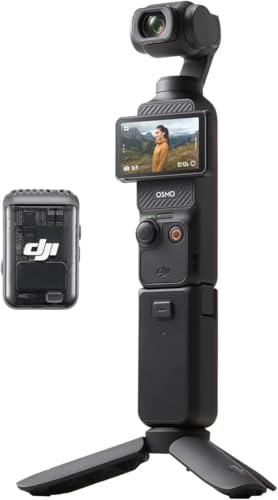


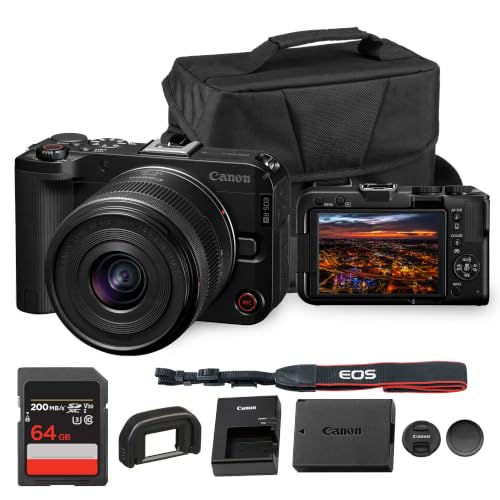
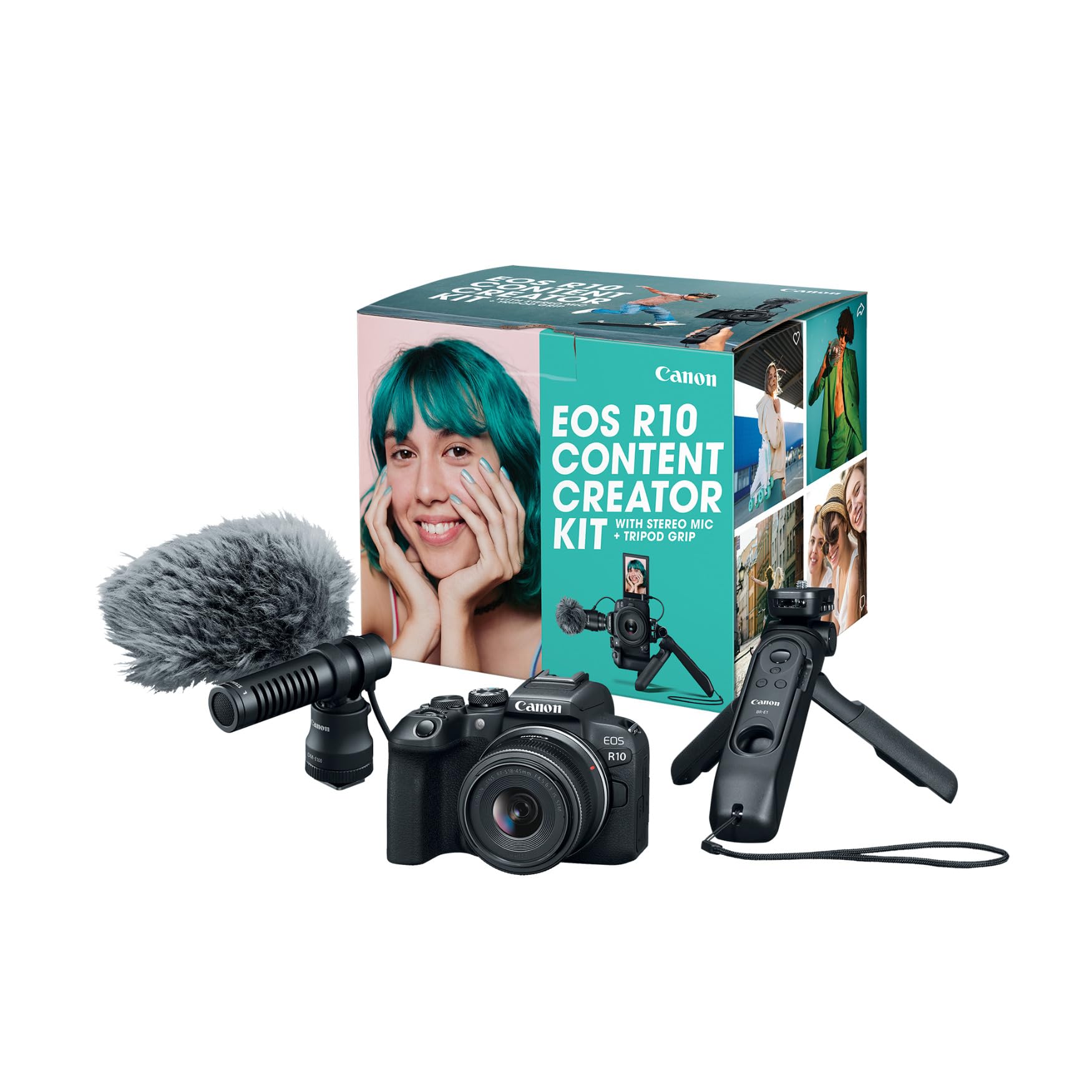
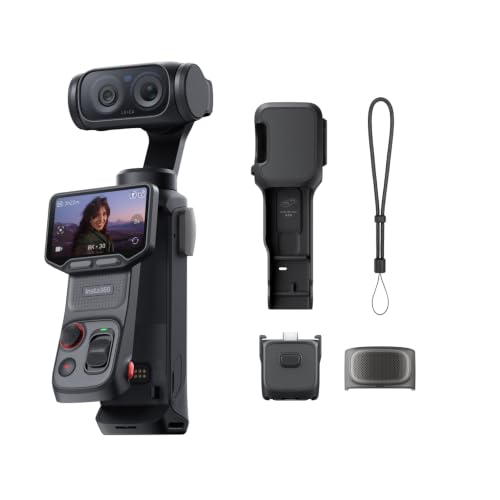


Which Type Fits the Videos You Want to Make?
Camera types differ mostly in size, lens choice, and how much effort setup takes. Pick the type that matches your routine, because a camera you enjoy carrying gets used far more often.
Pocket Vlogging Cameras for Talking to the Camera
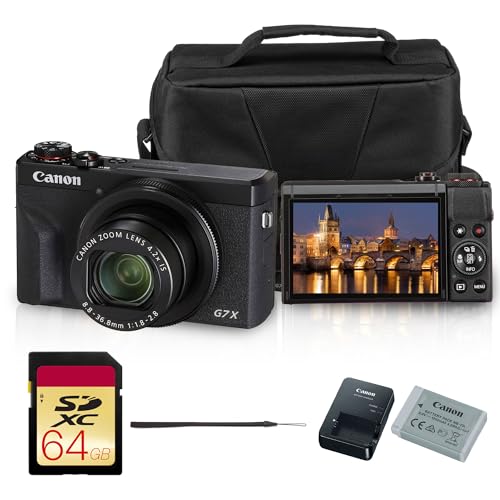
Compact vlogging cameras pair a wide lens with a flip screen, built in stabilization, and face tracking. They suit solo creators who film themselves at arm length and want a small kit with little to learn. Expect smaller sensors than interchangeable lens bodies, which shows in dim rooms. If you plan to film a channel from home, see our guide to the best cameras for video blogging.
Mirrorless Cameras for Polished, Flexible Footage
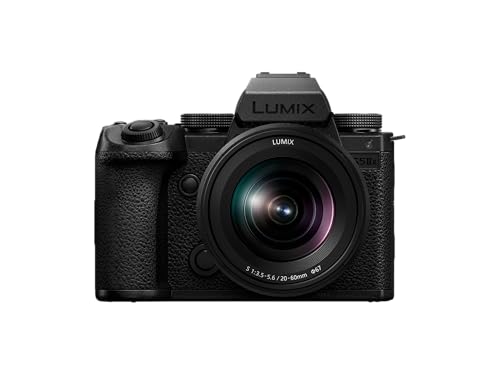
Mirrorless bodies use larger sensors and swappable lenses, so they give the cleanest picture and the softest background blur. They also let you add a microphone, a light, or a faster lens as your skills grow. The tradeoffs are size, price, and a longer learning curve. This type fits creators who want one camera to cover interviews, product clips, and travel.
Action Cameras for Movement and Rough Conditions
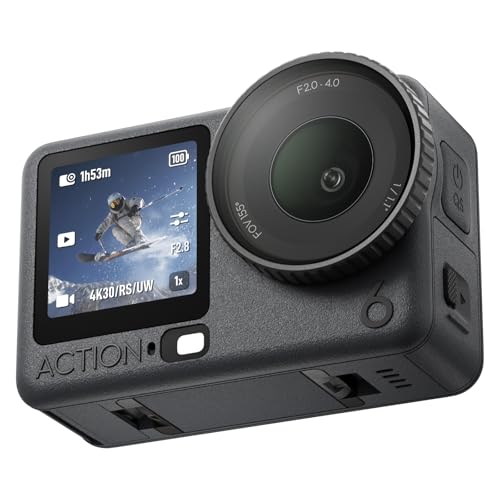
Action cameras are small, waterproof, and made to be mounted on a helmet, bike, or chest. Their wide, steady video suits sports, hikes, and water, and they survive drops that would end a larger camera. Small sensors limit low light quality and zoom. For more on this style, see our guide to the best action video cameras.
Camcorders for Long Events
Camcorders record for long stretches without overheating, include strong optical zoom, and put audio controls within easy reach. They suit school plays, weddings, and sports from a seat. Photo quality is usually secondary, so they make sense when video is the main job.
Key Specs for the Best Cameras for Making Videos
Only a handful of numbers decide whether your videos look and sound good. Work through the points below in order, and ignore specs that serve uses you will never try.
Resolution and Frame Rate
Most viewers watch on phones and laptops, so 4K video at 24 or 30 frames per second is plenty and leaves room to crop. A 60 frames per second mode gives smoother action and lets you slow a moment down while editing. Check whether the fastest modes keep the full picture, because some cameras crop the view at their highest settings.
Autofocus That Stays on Your Subject
Video autofocus has to follow a face smoothly without pulsing in and out. Face and eye tracking matters most for people who film themselves, since you cannot check focus while you talk. Touch to focus on the rear screen helps when you hand the camera to someone else or switch between subjects.
Stabilization for Handheld Clips
Stabilization separates watchable walking footage from seasick footage. Built in body stabilization smooths small shakes with any lens, and electronic modes add extra smoothness at the cost of a slight crop. A small gimbal or grip helps further if you move a lot. For travel and event work, this feature deserves more of your budget than extra megapixels.
Sensor Size and Low Light
A larger sensor gathers more light, which keeps indoor and evening footage clean instead of grainy. One inch sensors in compact cameras are a good middle step, APS C sensors suit most creators, and full frame sensors lead in dark rooms but cost and weigh more. A bright lens helps just as much as a big sensor, because it lets in more light before the camera raises its sensitivity.
Audio Inputs and Monitoring
Viewers forgive soft video far sooner than bad sound. A microphone input lets you attach a shotgun or wireless microphone instead of trusting the thin built in one, and a headphone jack lets you hear problems while you can still fix them. If a camera has neither, plan to record audio on a separate recorder or a phone.
Screen, Battery, and Recording Limits
A screen that flips toward you makes self framing easy. Video drains batteries faster than photos, so expect about an hour of recording per charge on many mirrorless bodies and carry a spare. Some cameras stop recording after a set time or when they get warm, which matters for long interviews and events. Charging over USB C lets you top up from a power bank between takes.
Common Mistakes When Buying a Video Camera
- Choosing by megapixels, which matter for photos but do little for video quality.
- Ignoring audio, then discovering the built in microphone picks up every room echo and gust of wind.
- Buying a large body you dislike carrying, so most videos end up filmed on a phone anyway.
- Skipping the recording limit, which can end a long take in the middle of an interview.
- Spending the whole budget on the body, leaving nothing for a microphone, a light, memory cards, and a spare battery.
First Week Setup and Care
Charge the battery, format the memory card in the camera, and record a short clip in the room where you will usually film. Play it back on a computer, not only on the camera screen, so you can judge focus, exposure, and sound honestly. Small changes such as moving a lamp or switching off a noisy fan often improve footage more than a new camera would.
Clean the lens with a soft lens cloth, not your shirt, because fabric can hold grit that scratches the coating. Store the camera in a dry padded bag, remove the battery during long storage, and back up footage to two places before you erase a card.
Cameras for Making Videos: Your Questions Answered
What features matter most in cameras for making videos?
Reliable autofocus, effective stabilization, and a microphone input matter most. Those three decide whether your footage is sharp, steady, and clearly heard. Sensor size and resolution come next, followed by the screen and battery. A useful extra is a quick mode switch between photo and video, so you can change between them without digging through menus.
How much storage do I need for video?
A minute of 4K video can use roughly 300 to 600 megabytes, depending on the camera settings, so a 128 gigabyte card holds a few hours of footage. Buy a fast card rated for video, keep a second card as a backup, and copy files to a computer or drive after each shoot so you never lose a project to a failed card.
What specs matter most for beginners?
Beginners do best with simple autofocus, a flip screen, built in stabilization, and 4K recording at 30 frames per second. Those cover most first projects while you learn lighting and framing, which shape your results more than advanced recording formats do. A microphone input is worth having if you plan to talk on camera.
How much should I spend on my first video camera?
Many beginners spend about $400 to $900 on a camera and basic lens, which buys good autofocus, stabilization, and clean 4K video. Set aside another $100 to $200 for a microphone, a small light, memory cards, and a spare battery. Spending far more rarely fixes beginner footage, because lighting and sound improve videos faster than a pricier body does.
Which camera is better for low light?
A camera with a larger sensor and a bright lens is better for low light. Mirrorless bodies with APS C or full frame sensors keep indoor footage cleaner than action cameras or small compacts. Adding a simple lamp near your subject often does more than switching cameras.
Can I use the same camera for music videos or movies?
Yes, many mirrorless cameras handle both, though each style leans on different strengths. Music videos reward strong low light and frame rate options, as covered in our guide to the best cameras for making music videos, while film style projects reward color options and lens choice, as in our guide to the best video cameras for movie making. For a wider overview, see the best cameras for video.
Final Thoughts
Decide what you will film most, then match the camera type, autofocus, stabilization, and audio inputs to that work. Compare your shortlist in the product table above and keep room in the budget for a microphone and spare battery.
The right best cameras for making videos choice is the one you will pick up every week, so favor a setup that feels easy to start and reliable once you press record.

