
Best Cameras for Fitness Videos in 2026: A Buyer Checklist
Disclosure: We may earn a commission when you buy through links on this page, at no extra cost to you. As an Amazon Associate I earn from qualifying purchases. Learn more

Compare cameras for fitness videos by sensor size, autofocus, stabilization, lens reach and battery life, with a buyer checklist for home and gym filming.
Filming exercise is harder on a camera than filming a person sitting still. You move toward and away from the lens, drop to the floor, rise again, and expect your whole body to stay sharp and inside the frame. The best cameras for fitness videos handle that motion and distance, and this checklist shows you how to judge them using the comparison table below.
Work through the criteria in order before prices. Sensor size, tracking autofocus, and lens reach decide most of your picture quality, while the screen, sound, and battery decide how calmly a session runs.
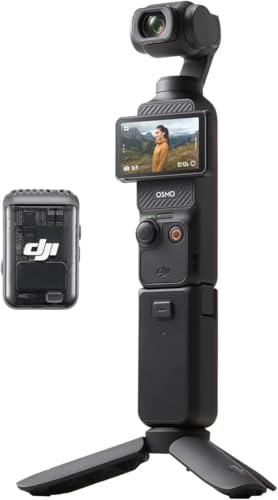




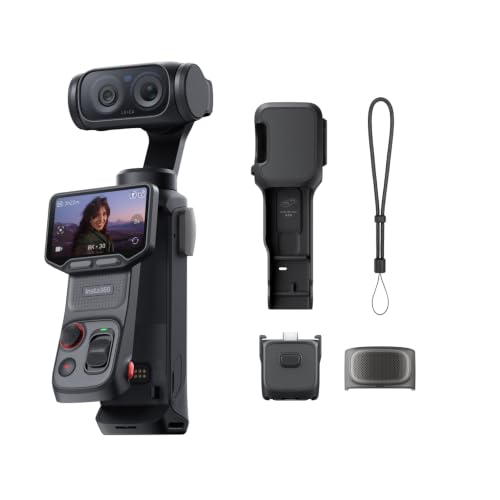


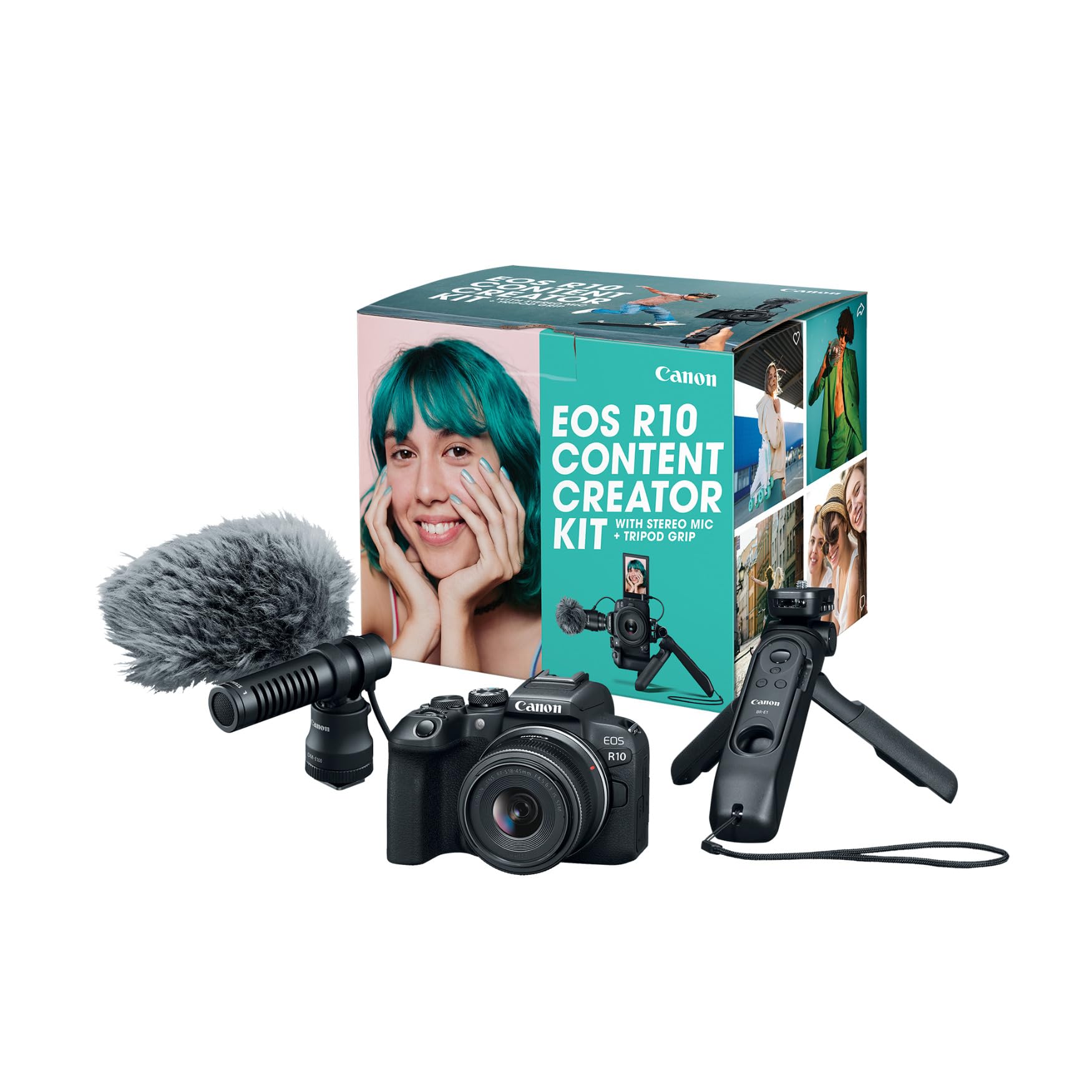
Who Should Buy Which Camera for Fitness Videos?
Start with the way you record most often. If your search centers on training alone, our guide to the best cameras for fitness takes a narrower training only view.
Solo Creators Filming Workouts at Home
You set up alone and cannot check focus once the session starts. Choose a flip screen you can see from the mat, tracking autofocus you can trust, and a remote or phone app to start recording. If you talk through routines facing the lens, see our guide to the best cameras for video blogging for presentation focused options.
Instructors Recording Classes in Gyms and Studios
You record longer sessions with several people spread across the floor. Choose a wider lens, strong battery options, and a microphone input so your voice stays clear over music and echo. You also need a camera that keeps recording through a full class without stopping from heat.
Coaches Filming Client Form Indoors and Outdoors
You move between a gym floor, a park, and a client garage, and you often film from the side to check squat depth or running form. Choose a portable camera with weather sealing, fast autofocus, and stabilization you can use while walking beside your client. Quick phone transfer matters, because clients expect feedback soon after the session.
Key Features to Compare
Score each camera against these six factors in order. A model that fails an early factor rarely makes up for it later.
Sensors for Dim Workout Rooms
The sensor gathers the light that becomes your picture, and fitness rooms are rarely bright. A 1 inch sensor in a compact handles a living room well and keeps the body small. APS C and full frame sensors in mirrorless cameras gather more light, so skin tones and dark leggings stay cleaner in dim gyms. Megapixel counts matter less, because 4K video uses only part of the sensor resolution.
Autofocus and Stabilization for Constant Motion
Autofocus must follow a body that lunges, turns, and drops to the floor, not just a face sitting still. Look for subject tracking and eye autofocus that hold focus as you cross the frame, plus a focus area you can lock when equipment confuses the system. Image stabilization then smooths small shakes from handheld clips and floor vibration. Strong electronic stabilization can crop the frame slightly, so leave extra headroom.
Lens, Optical Zoom and Field of View
The lens decides how much of you fits in the room you have. A wide angle zoom, roughly 16 mm to 35 mm in full frame terms, suits small spaces where you cannot step back. Optical zoom changes framing through the objective lens itself, so detail stays sharp, while digital zoom only enlarges the picture and softens it.
Flip Screen, Remote Control and Ease of Use
A screen that flips forward lets you check that your head and feet are both in frame before you start. Touch focus, clear auto modes, and recording started by remote or phone app suit solo filming. App transfer helps you post a short clip quickly. Judge ease of use by a full trial setup, because menus that feel fine for photos can slow video work.
Sound Pickup and Battery Life for Full Workouts
Viewers forgive soft picture sooner than muffled instruction, so sound deserves real weight. A microphone input lets you wear a wireless microphone and keep your voice even as you turn away from the camera. Built in microphones work only at short range in quiet rooms. Check rated recording time too, plan a spare battery or mains power for long classes, and confirm it can record while charging.
Durability and Weather Sealing for Gym and Outdoor Use
Gyms bring chalk dust, kicked equipment, and splashes, while outdoor sessions add rain and grit. Weather sealing around doors and dials helps a camera shrug off light rain and damp air, and a weatherproof build matters most for action style bodies. Fogging can occur when a cold camera enters a warm studio, so let it adjust inside its bag first.
Camera Types Compared for Fitness Recording
Compare types, not individual models. The best cameras for fitness videos are judged as a system of body, lens, and sound, so filter a general shortlist like our guide to the best cameras for video through the movement and room tests above.
Mirrorless Cameras for Studio Quality
Mirrorless cameras pair larger sensors with changeable lenses, so they give the cleanest low light picture and the most control over framing. They suit a fixed studio corner where quality comes first. The trade off is cost, a longer setup, and lenses bought separately.
Point and Shoot Compacts for Simple Setups
Point and shoot compacts keep the lens and body in one small unit, often with a 1 inch sensor and strong auto modes. They suit home creators who want to open a tripod, frame the shot, and record without swapping parts. Their limits are a fixed lens and sound that improves greatly with a microphone input model.
Action Cameras for Tough Gym and Outdoor Sessions
Action cameras are tiny, rugged, and very wide, so they capture a full body in tight spaces and survive drops, rain, and pool decks. Their strong stabilization suits walking demos and outdoor drills, and our guide to the best action video cameras covers that rugged category in depth. The wide view can distort limbs near the frame edges.
Questions to Answer for Your Filming Space
Answer each question for the room you film in most. A no answer marks the feature to fix first.
- Can the camera fit your whole body in frame at your room distance?
- Does its autofocus track a moving person without hunting during fast sets?
- Can you see the flip screen clearly from your exercise mat?
- Does it accept an external microphone for clear spoken instruction?
- Will one battery, or mains power, cover your longest session?
- Is the lens wide enough indoors and long enough outdoors?
- Does the body have sealing suited to sweat, dust, or light rain?
- Can you transfer finished videos without extra adapters?
Common Mistakes to Avoid
These errors waste money quietly, because the camera still records, just not what you needed.
- Buying on megapixel count alone leaves low light footage noisy, because sensor size drives video clarity far more.
- Trusting a headline digital zoom figure leaves close views soft, because only optical zoom keeps full detail.
- Mounting the camera too close or too high cuts off your feet or head once you move.
- Relying on the built in microphone across a large room makes your voice echo under music.
- Ignoring recording time and heat limits lets the camera stop in the middle of a class.
- Skipping weather sealing for outdoor sessions lets rain and grit reach dials and lens mounts.
Care Habits Against Sweat and Chalk Dust
Clean the lens with a soft lens cloth, not your shirt, because grit held in fabric can scratch the coating. Wipe sweat and chalk dust off the body after each session, keep the lens cap on while moving equipment, and check the tripod mount monthly.
Carry a spare battery and rotate it with the main one so both age evenly. Store the camera in a dry, padded bag away from steamy showers and direct heat. If it gets damp outdoors, dry the outside fully before opening any door.
FAQ
What features matter most in a camera for fitness videos filmed at home?
A wide lens, tracking autofocus, and a flip screen matter most at home, because they keep your whole body framed and sharp where you cannot step back. One point buyers miss is mounting height, so set the camera near hip level for floor work, because a high shelf angle hides knee position during squats.
Which camera sensor is better for low light fitness videos?
A larger sensor is better for low light fitness videos. APS C and full frame sensors keep movement cleaner in dim rooms than small compact sensors. You can help any sensor by filming facing a window rather than with the window behind you, because backlight forces the camera to darken your body to protect the bright background.
How much should I spend on my first camera for fitness videos?
Expect to spend about $300 to $600 for a capable compact and about $600 to $1,200 for a mirrorless body with a kit lens. Keep part of the budget for a tripod, microphone, and spare battery, because those items improve finished videos more than a small step up in body alone.
Which frame rate suits fitness videos with fast movement?
Recording at 60 frames per second suits fast fitness movement best. It keeps jumping, swinging, and quick footwork looking smooth, and it lets you slow a rep down to check form without motion falling apart. The cost is larger files and more heat, so save the higher rate for action segments.
Is a smartphone enough instead of a dedicated camera for fitness videos?
A smartphone is enough for short fitness clips in bright rooms, and its wide front camera suits quick form checks. A dedicated camera earns its place once you record long classes, need a microphone input, or find the phone stopping from heat or full storage during longer sessions.
Final Thoughts
Judge candidates by motion, room, and sound first. A camera that tracks you cleanly, fits your body in your space, and captures your voice clearly will serve you longer than one bought for a headline spec. Use the product table above to compare sensor size, lens reach, and recording time.
Chosen that way, the best cameras for fitness videos for your routine stand out. Start with the type that fits your space, confirm each checklist answer, and record a full trial session first.

